MyIPTV Player for Windows 10: How to Set Up and Use It
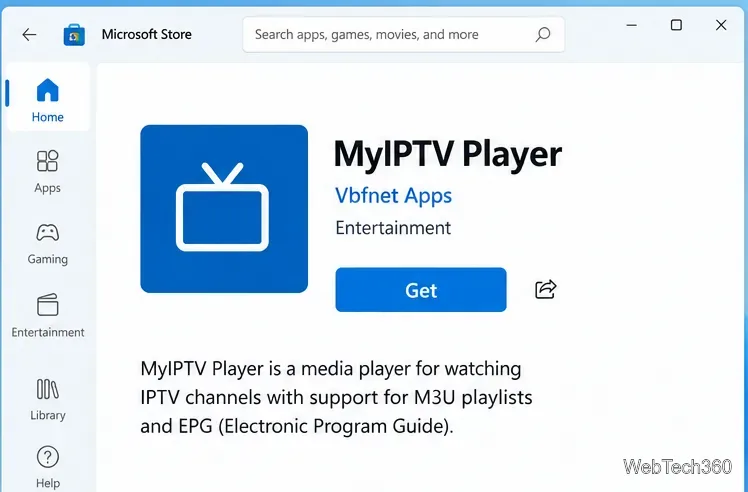
Learn how to install MyIPTV Player on Windows 10, add an M3U playlist and EPG, refresh channels, and fix common setup or playback problems.
You click Send in Thunderbird, but the message stays in the Outbox and a “Sending of the message failed” alert appears. The wording can point to several different problems: Thunderbird may not reach the outgoing mail server, the server may reject your sign-in or message, or a network security tool may block the connection. The fastest way to fix it is to identify which stage failed, then change only the setting that matches the evidence.
This guide follows the current Thunderbird Account Settings workflow. Menu labels can vary slightly by release and operating system. Your email provider’s published SMTP requirements are authoritative for its server name, port, connection security, and authentication method.
SMTP, the Simple Mail Transfer Protocol, is the method Thunderbird uses to submit outgoing mail to a provider’s server. The general error may appear with more detail, such as a timeout, authentication failure, or a server response that rejects the recipient or message. Those details lead to different fixes. A timeout usually points toward connectivity or a blocked port; an explicit sign-in failure points toward authentication; a rejection after the server receives the message can involve permissions, address policy, or size limits.
Before changing settings, check whether the email provider’s webmail can send a short message. If webmail also fails, the problem is likely on the provider account or service side. If webmail works, compare Thunderbird with the provider’s documented client settings. Mozilla’s Thunderbird sending troubleshooting guide recommends verifying the SMTP configuration and the server assigned to the account.
Do not delete the message from the Outbox while diagnosing; keep a copy of its text and attachments in Drafts if needed. If Thunderbird reports that the message failed before it was accepted by the server, sending it again after a fix is normally expected. If the alert is unclear or you are unsure whether the server accepted it, check Sent and webmail first so you do not send duplicate copies.
Write down the exact server name and error detail shown in the alert. Words such as timed out, authentication, relay, recipient, or message too large are useful clues. Avoid posting a screenshot publicly until you hide email addresses, usernames, server names that identify your organization, and any personal message content.
Accounts from different providers may each need a separate SMTP entry. A Gmail address, for example, should not usually be sent through an unrelated provider’s server. If you have several accounts, check the assignment for the account selected in the compose window; correcting the server list alone will not help if that account still points to the wrong entry.
On the Edit SMTP Server screen, compare these fields with the provider’s current setup guide:
Do not set Connection Security to None just to see if mail sends, and do not accept a certificate warning as a workaround. A mismatch between the port and encryption method can prevent a secure connection. Mozilla explains these controls in its Thunderbird account configuration reference.
If the server details are correct but Thunderbird reports an authentication problem, first check the provider’s current sign-in requirements. Some services use OAuth2, which opens a provider login page and asks you to authorize Thunderbird. Others use a provider-specific password or require an administrator to enable SMTP submission. Enter credentials only in Thunderbird’s expected sign-in prompt or the provider’s trusted page.
For a work or school mailbox, ask the mail administrator whether authenticated SMTP submission is enabled for your account. On Microsoft-hosted accounts, authentication rules are changing and may differ between personal and organizational services. Mozilla’s current Microsoft OAuth guidance for Thunderbird describes these differences and notes that organization-level policy can block SMTP even when incoming mail works.
Only remove a saved SMTP password after confirming that Thunderbird is using the right server and authentication method, and only if the provider’s instructions call for a fresh sign-in. Removing the saved credential does not fix a wrong port, wrong server, or disabled SMTP permission.
If the error says the SMTP server timed out or cannot be reached, test a different network if practical, such as a trusted mobile hotspot. A VPN, proxy, endpoint security program, firewall, or internet service provider can block outgoing mail. Mozilla notes that some internet providers block port 25 and advises checking whether an alternate provider-supported submission port is available.
If the problem began immediately after a Thunderbird update, check the firewall or security application’s trusted-app list for the current Thunderbird version. Prefer adding Thunderbird to the allowed-app list instead of leaving protective software disabled. Also check that your computer’s date and time are correct; TLS certificate validation can fail when the system clock is substantially wrong. Never lower TLS security or add an exception to bypass a certificate error as a permanent fix.
Compose a plain-text message with a short subject and no attachments, and send it to an address you control. If that works but the original does not, try removing attachments one at a time or reducing their size. Email providers set different message-size limits, and the total encoded message can be larger than the original files. Mozilla’s large-attachment guide explains that limits vary by mail server and suggests reducing files or sharing a download link instead.
If a small test fails with a response about a recipient, relay, quota, or sending policy, the connection may already be working. Verify the recipient address and check the provider’s account status or sending restrictions. For business email, an administrator may need to review server logs or organization policies; changing Thunderbird’s port will not override a server-side restriction.
Do not keep cycling through ports, authentication methods, or encryption settings without checking the provider’s requirements. Random combinations can weaken security, trigger account lockouts, or obscure the original cause. Likewise, do not assume that reinstalling Thunderbird will correct an SMTP server rejection; account configuration and provider policy usually remain the same after reinstalling.
If the checks above do not resolve the error, collect the Thunderbird version, operating system, provider name, exact error text, SMTP hostname, port, security mode, and authentication method. Hide the username and any tokens or credentials before sharing settings with support. Include whether webmail can send and whether the failure occurs with a small message without attachments. Mozilla recommends providing this kind of environment and server detail when asking for additional help.
After making one evidence-based change, send a short test message to an address you can check. Confirm it leaves the Outbox, appears in the expected Sent folder, and arrives in the recipient’s mailbox or webmail. Then try the original message again, checking recipient addresses and attachment size. If the test succeeds but the original is rejected, use the server’s specific rejection text to address the message or account limit instead of changing SMTP settings again.
Learn how to install MyIPTV Player on Windows 10, add an M3U playlist and EPG, refresh channels, and fix common setup or playback problems.
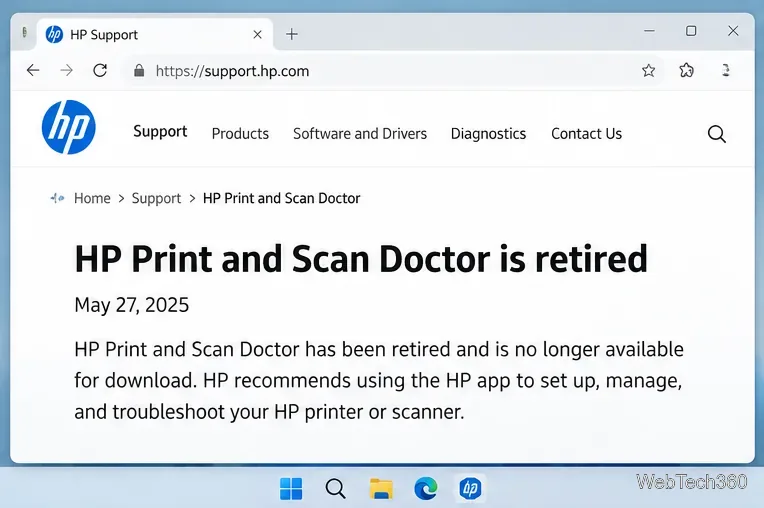
HP Print and Scan Doctor was retired by HP on May 27, 2025. Learn what replaced it, how to run Diagnose & Fix, and how to remove old copies safely.
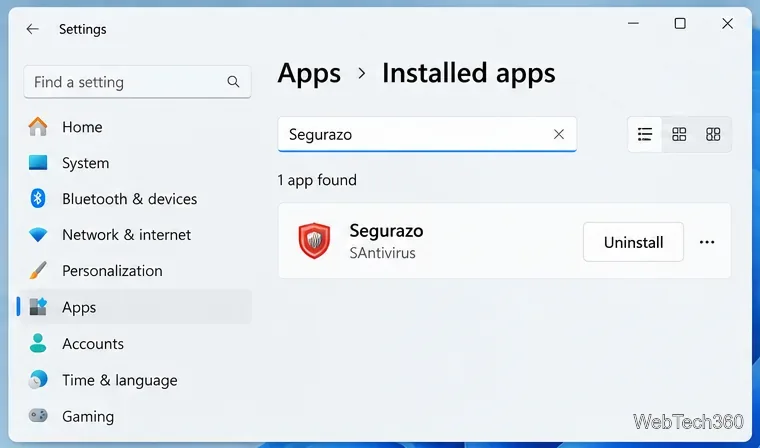
Is Segurazo a virus? Learn how to remove Segurazo or SAntivirus safely, scan for leftovers, and avoid risky registry-cleanup advice.
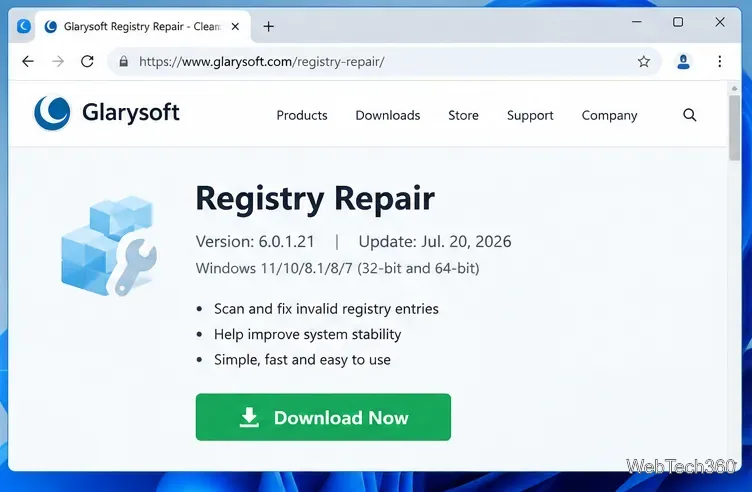
Learn what Glarysoft Registry Repair does, how to use its scan and backup tools, and why Microsoft recommends caution with registry cleaners.
Download Wise Registry Cleaner safely from the official site, learn the safest scan settings, backup options, and whether this free Windows tool is worth using.
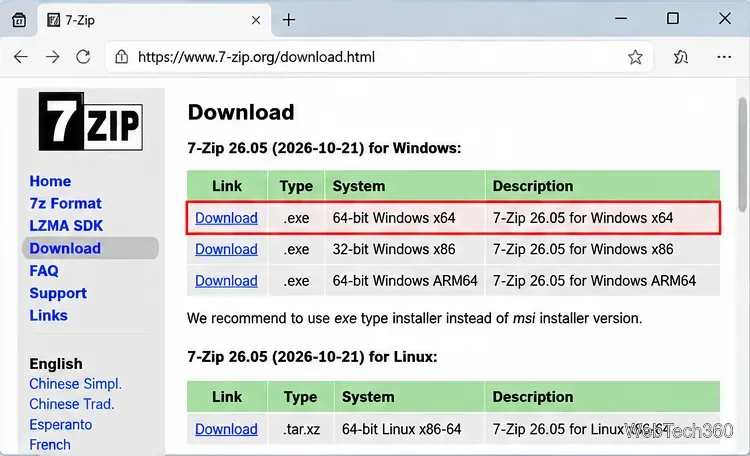
Download and install 7-Zip for Windows 10, then learn how to compress, extract, test, and password-protect archives safely.
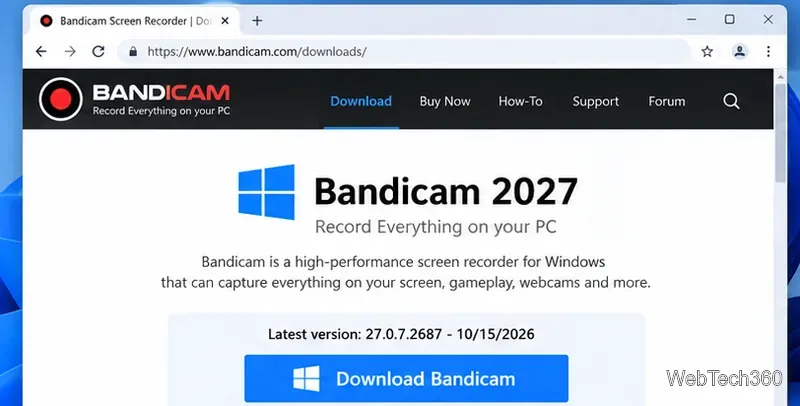
Learn how to download and install Bandicam 2027, record your screen, find saved videos, adjust key settings, and understand the free version limits.
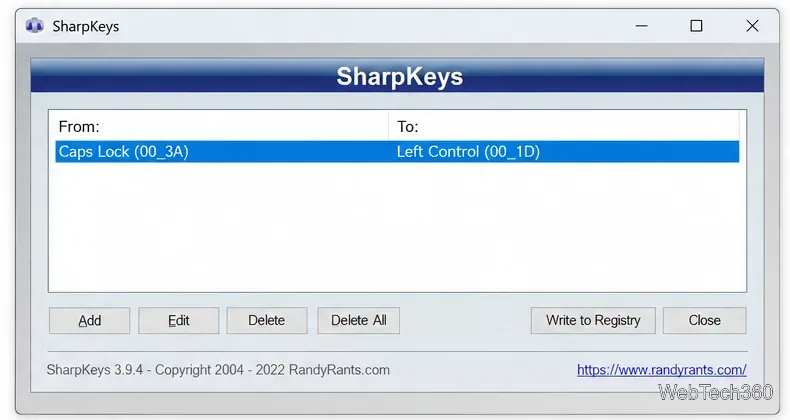
Download and install SharpKeys on Windows 10, then remap, disable, swap, or restore keyboard keys safely using the Windows Scancode Map.
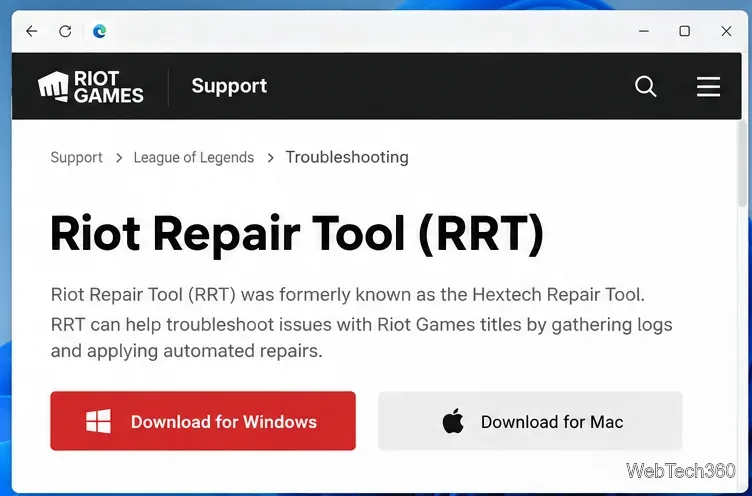
Hextech Repair Tool is now Riot Repair Tool. Learn where to download it safely, collect League of Legends logs, run repairs, and contact Riot Support.
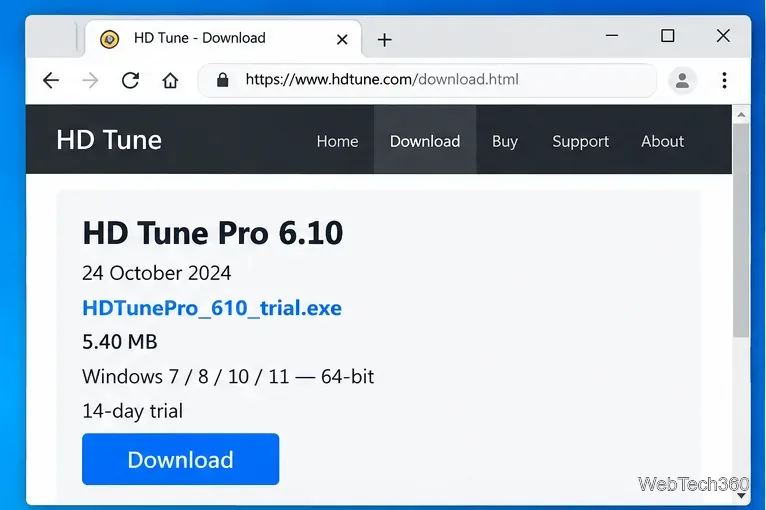
Download and install HD Tune Pro on Windows 10, choose the supported version, run benchmarks, check S.M.A.R.T. health, and scan drives for errors.