How to Open a Linux Shell in a Folder on Windows 10
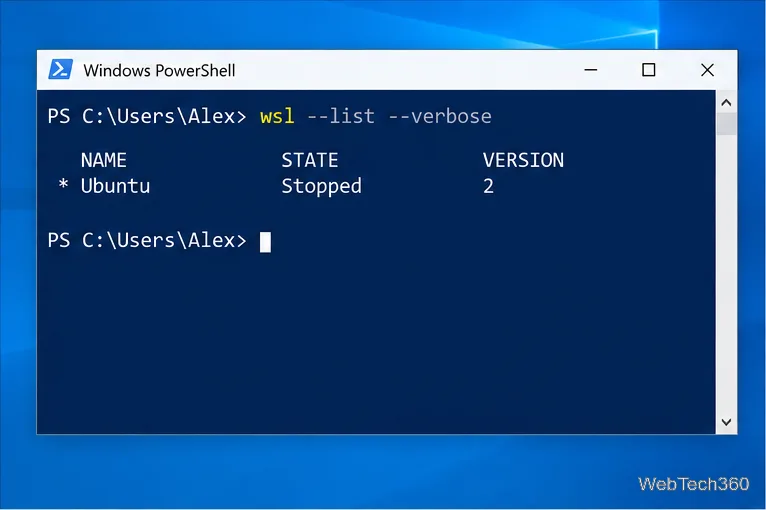
Open a Linux shell in any Windows 10 folder with File Explorer, PowerShell, and WSL. Check the Linux path and fix common setup issues.
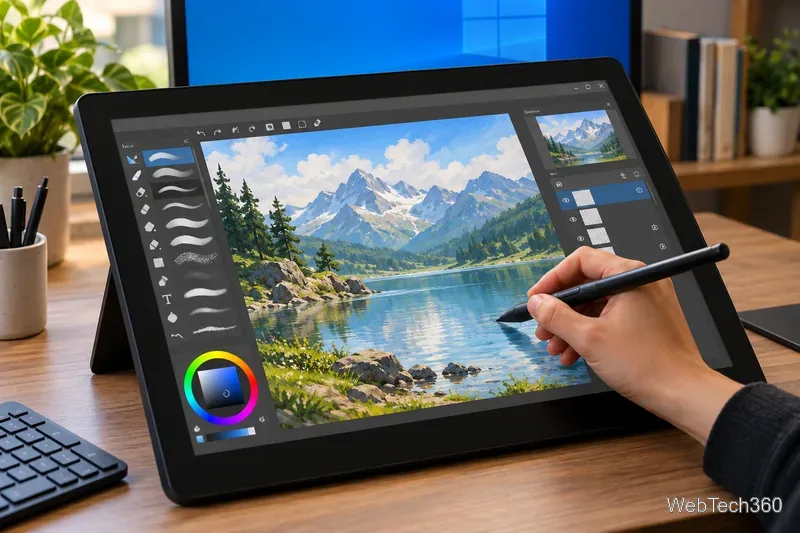
If you want to draw or paint on a Windows 10 PC, the strongest options are Sketchbook Pro, Krita, Clip Studio Paint, Concepts, and Inkscape. They cover very different workflows: natural-media painting, illustration, comics, infinite-canvas sketching, and vector art. All can be useful with a mouse, but a pressure-sensitive stylus or drawing tablet makes painting feel much more natural.
One important caveat: Microsoft ended standard support for Windows 10 on October 14, 2025. The apps below still provide Windows 10-compatible options, but the operating system itself may no longer receive normal security updates unless your device is covered by an applicable Extended Security Updates program. For an internet-connected art PC, review Microsoft's Windows 10 end-of-support guidance and plan an upgrade when practical.
| App | Best for | Cost |
|---|---|---|
| Sketchbook Pro | Simple sketching and natural-feeling brushes | Paid desktop app |
| Krita | Free digital painting and illustration | Free and open source; paid Store builds also exist |
| Clip Studio Paint | Illustration, comics, manga, and animation | Subscription or perpetual Windows/macOS license |
| Concepts | Infinite-canvas vector sketching and design | Free basics; paid upgrades |
| Inkscape | Vector illustration, line art, icons, and shapes | Free and open source |
Sketchbook Pro is a strong choice if you want to start drawing without spending much time configuring the interface. Its brush library includes pencils, markers, textured brushes, erasers, and pressure-sensitive tools, while the layer editor provides opacity, blending, clipping masks, grouping, and other core controls.
The current Sketchbook Pro Windows requirements list Windows 10 and Windows 11, 8 GB of memory, and support for both touch and pen input. Windows Ink must be enabled for stylus pressure sensitivity. This makes Sketchbook especially appealing on Surface-style devices and pen displays where you want a traditional sketchbook feel.
Krita remains one of the best values in digital art software. It is free and open source, with customizable brush engines, layers, stabilizers, assistants, color-management tools, and 2D animation features.
As of October 2026, Krita's official download page lists version 5.3.4.1 and supports Windows 8.1 or later, so Windows 10 remains within its stated requirements. The standalone Windows build is free; the paid Microsoft Store version helps support development and adds Store-managed updates.
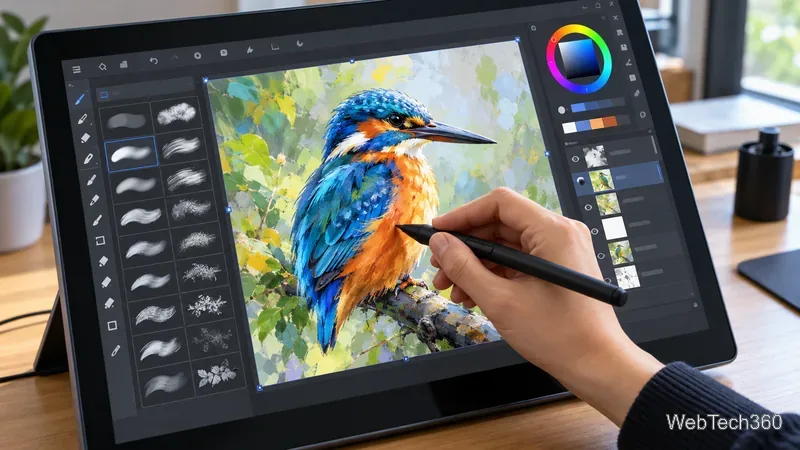
Clip Studio Paint is built for artists who want more than basic painting. It combines extensive brush customization with vector layers, comic and manga tools, 3D reference materials, panel workflows, and animation features. Version 5.0 arrived in March 2026 and remains compatible with 64-bit Windows 10 and Windows 11 according to the official system requirements.
For Windows and macOS, Clip Studio Paint PRO Ver. 5 is listed at US$63 for a perpetual license and EX at US$277, with monthly and annual plans also available. Prices and taxes can vary by region. PRO is the sensible choice for most illustrators; EX is aimed more at multi-page comics and longer animation projects.
Concepts is different from a traditional raster painting app because its strokes are vector-based and remain editable. It is particularly good for product sketches, architecture, diagrams, and ideation.
The current Windows requirements specify Windows 10 build 19041 or later, 4 GB of memory, and DirectX 11 graphics. The free Basics tier includes the infinite canvas, five layers, grids, snap, scale, and measurement tools. Paid plans add features such as unlimited layers, advanced transforms, shape guides, more export options, and additional brushes. Concepts also notes that some features still differ between iOS and Windows, so check the official feature list before buying for a specific workflow.
Inkscape is not the closest match to oil paint or watercolor, but it deserves a place on this list for artists who create scalable line art, icons, lettering, diagrams, and shape-heavy illustrations. Its node editing, Bézier tools, fills, strokes, gradients, layers, and path operations make it a much better fit for vector construction than a conventional painting program.
Inkscape is free and open source. The official site lists Inkscape 1.4.2 as the current stable release, with Windows installers available. If your artwork needs to scale cleanly from a small graphic to a large print, Inkscape is the strongest option here.
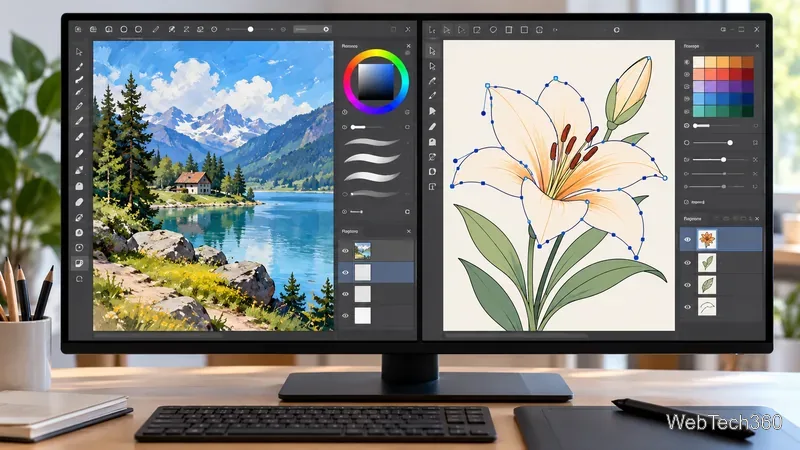
Choose Krita if you want the best free all-around painting package, or Sketchbook Pro if you prefer a simpler interface for sketching. Clip Studio Paint is the strongest pick for comics and production illustration, while Concepts excels at flexible design sketching. Pick Inkscape when your work is primarily vector-based rather than painterly.
Whichever app you choose, check that your stylus driver is current and confirm pressure sensitivity before committing to a long project. The feel of the pen, brush engine, shortcuts, and layer workflow matters more than the length of a feature list.
Open a Linux shell in any Windows 10 folder with File Explorer, PowerShell, and WSL. Check the Linux path and fix common setup issues.
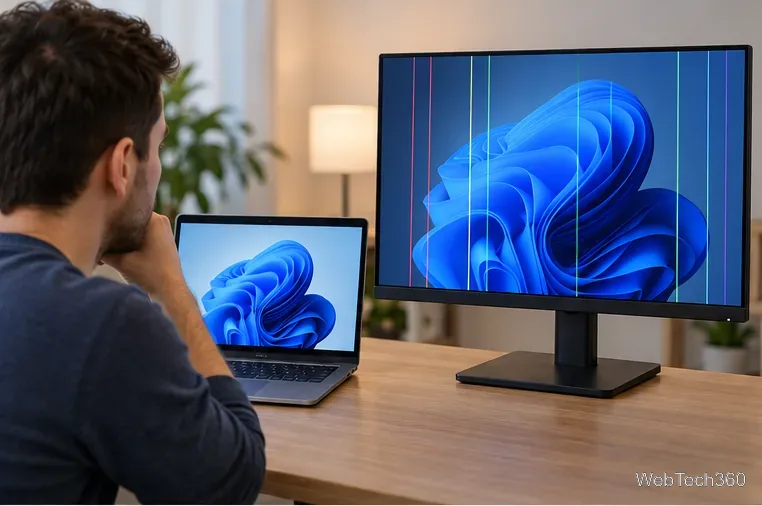
Use a screenshot test, cable and port checks, monitor diagnostics, display settings, and driver rollback to pinpoint lines on a Windows 10 monitor.
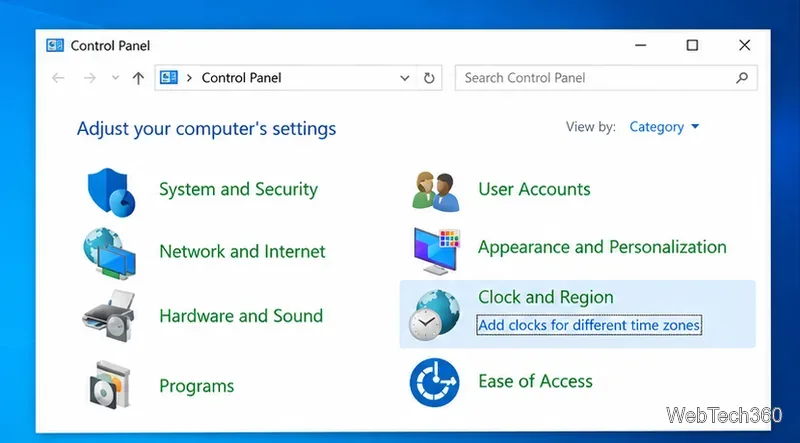
Show two other time zones beside your Windows 10 clock. Set up each additional clock, give it a clear label, and find it in the taskbar calendar.
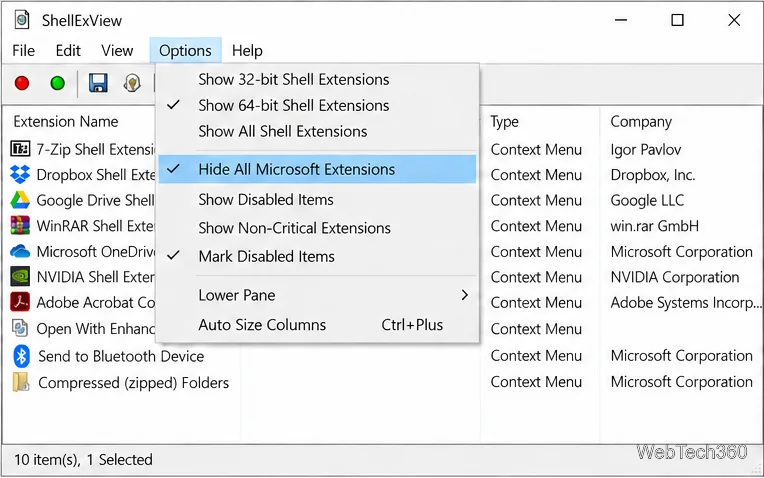
Find the File Explorer extension that delays right-click menus in Windows 10, test it safely with ShellExView, and restore any menu features you still need.
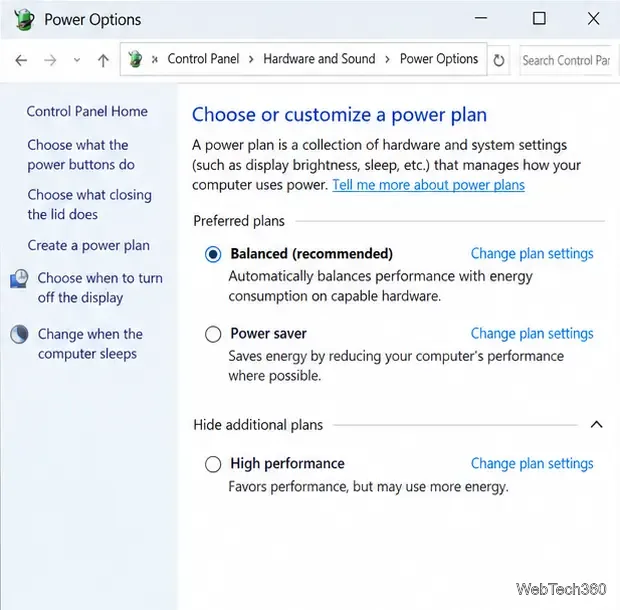
Stop Windows 10 from powering down a specific network adapter or USB device with plan-level settings and Device Manager controls, plus tips to avoid excess battery drain.
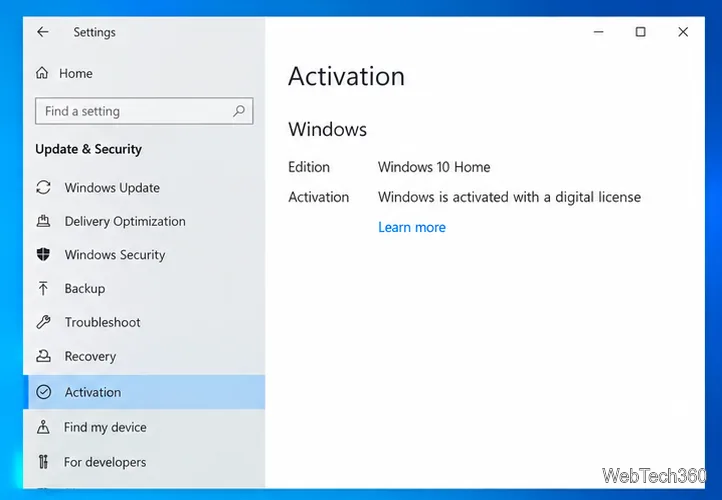
Check whether Windows 10 uses a digital license or product key, find a firmware-stored OEM key, and save license details securely for a reinstall.
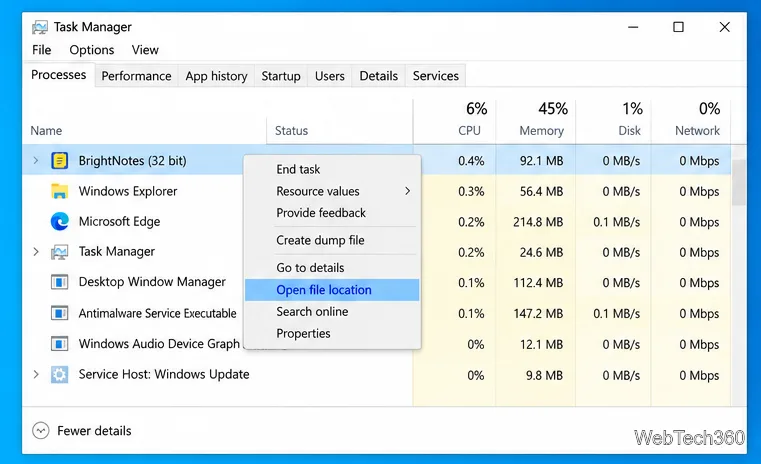
Identify a Windows 10 Task Manager process by checking its executable path, file properties, publisher, linked services, and a Microsoft Defender scan.
Create a searchable Windows 10 folder inventory with PowerShell. Save every file and subfolder path as plain text or export details to a sortable CSV.
Add a custom reminder, quote, or label to your Windows 10 desktop with a Rainmeter text skin. Create the INI file, load it, then adjust its font and position.
Use Bluetooth Swift Pair on Windows 10 to pair a compatible accessory from a notification, with setup steps and fixes when the prompt does not appear.