How to Open a Linux Shell in a Folder on Windows 10
Open a Linux shell in any Windows 10 folder with File Explorer, PowerShell, and WSL. Check the Linux path and fix common setup issues.
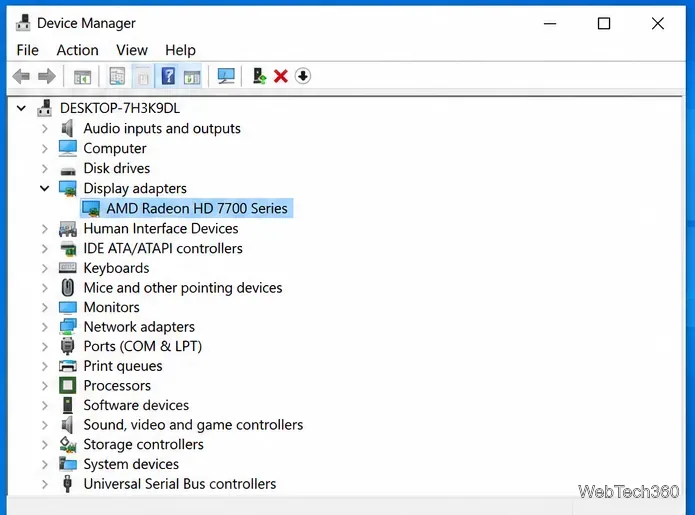
AMD Catalyst Control Center won’t open in Windows 10 most often because its legacy driver package is damaged, a Catalyst background process is stuck, or the installed software does not match the Radeon GPU. Start by identifying the exact graphics model, then close any hung Catalyst processes. If that does not work, reinstall the correct AMD package and repair Windows system files.
One important update to older advice: Catalyst Control Center is legacy software. Current Radeon products normally use AMD Software: Adrenalin Edition instead. Do not install an old Catalyst package just to make the Control Center appear on a PC that is designed for newer AMD Software.
AMD has moved many older Radeon families to a legacy support model, with no further driver releases planned for those products. Its legacy Radeon support list explains which families are affected. AMD Catalyst 15.7.1 is still an official Windows 10 package for certain older GPUs, but it is not the correct driver for every legacy Radeon card. Use the driver listed for your exact model rather than downloading Catalyst from a third-party site.
On laptops and all-in-one PCs, also check the computer manufacturer’s support page. AMD recommends OEM-provided graphics drivers when system-specific customizations are required.
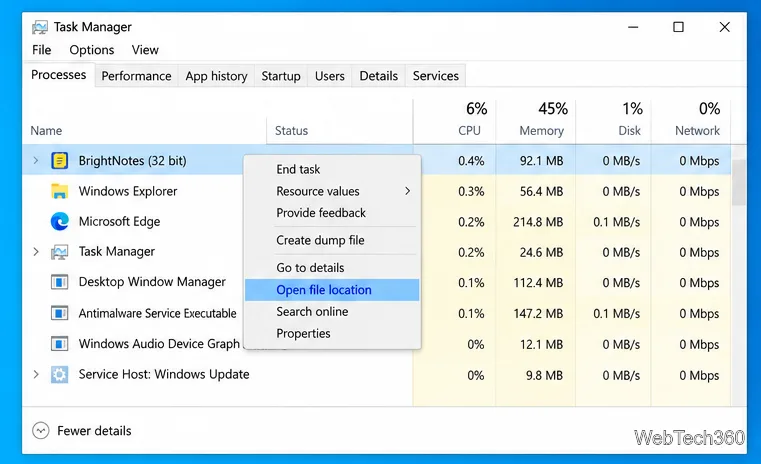
A leftover CCC.exe or MOM.exe process can prevent a new Control Center window from starting.
If no Catalyst processes are running, restart Windows once and retry. You normally do not need to run Catalyst as administrator.
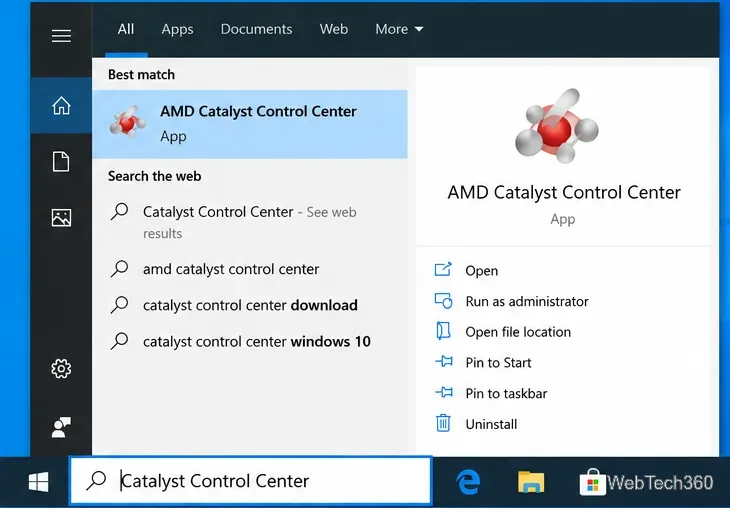
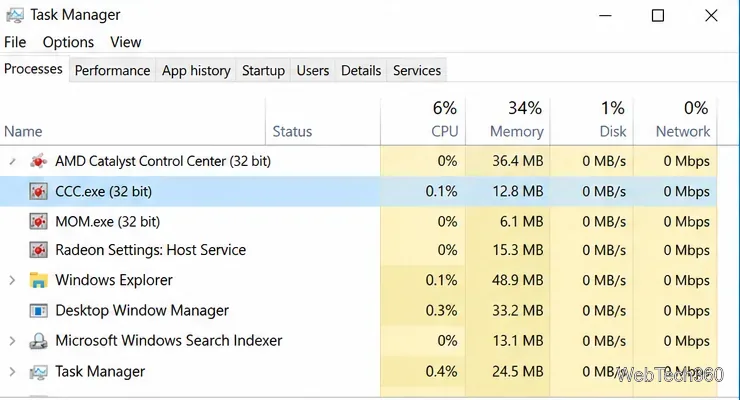
If Catalyst still does not open, a clean driver reinstall is usually more reliable than trying random executable files inside AMD folders. First download the correct driver for your Radeon model so it is ready to install.
If the correct AMD package installs successfully but Catalyst is no longer included, that can be expected on hardware that uses Radeon Settings or AMD Software: Adrenalin Edition instead.
Corrupted Windows components can also stop older control-panel applications from loading. Microsoft recommends running DISM before System File Checker.
DISM.exe /Online /Cleanup-image /Restorehealth and wait for it to finish.sfc /scannow and wait until verification reaches 100%.These commands follow Microsoft’s official DISM and SFC repair procedure.
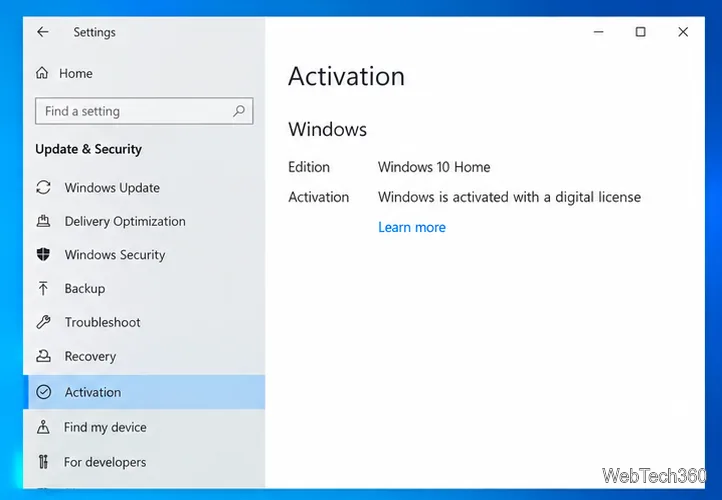
It is also worth opening Settings > Update & Security > Windows Update and installing updates that are available for your installation.
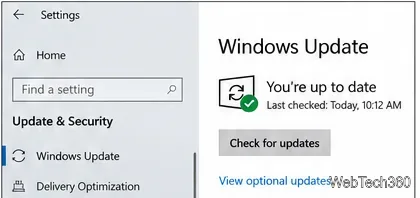
Windows 10 Home and Pro, along with most standard Windows 10 editions, reached end of support on October 14, 2025. Microsoft no longer provides normal security updates or technical support for those editions unless a device is covered by an applicable Extended Security Updates program. If your PC can run a supported version of Windows, upgrading is the safer long-term fix; Microsoft documents the status on its Windows 10 end-of-support page.
Do not keep reinstalling different driver versions at random. Recheck the exact Radeon model and confirm which final driver AMD or your PC manufacturer provides for it. If the proper driver works but Catalyst is missing, your hardware may use a newer Radeon control application instead. If the correct legacy package is installed and Catalyst still fails after a clean reinstall plus DISM/SFC, the remaining issue is more likely to be a damaged Windows installation or an unsupported driver/OS combination than the Control Center shortcut itself.
Open a Linux shell in any Windows 10 folder with File Explorer, PowerShell, and WSL. Check the Linux path and fix common setup issues.
Use a screenshot test, cable and port checks, monitor diagnostics, display settings, and driver rollback to pinpoint lines on a Windows 10 monitor.
Show two other time zones beside your Windows 10 clock. Set up each additional clock, give it a clear label, and find it in the taskbar calendar.
Find the File Explorer extension that delays right-click menus in Windows 10, test it safely with ShellExView, and restore any menu features you still need.
Stop Windows 10 from powering down a specific network adapter or USB device with plan-level settings and Device Manager controls, plus tips to avoid excess battery drain.
Check whether Windows 10 uses a digital license or product key, find a firmware-stored OEM key, and save license details securely for a reinstall.
Identify a Windows 10 Task Manager process by checking its executable path, file properties, publisher, linked services, and a Microsoft Defender scan.
Create a searchable Windows 10 folder inventory with PowerShell. Save every file and subfolder path as plain text or export details to a sortable CSV.
Add a custom reminder, quote, or label to your Windows 10 desktop with a Rainmeter text skin. Create the INI file, load it, then adjust its font and position.
Use Bluetooth Swift Pair on Windows 10 to pair a compatible accessory from a notification, with setup steps and fixes when the prompt does not appear.