How to Access a Network Location in Command Prompt on Windows 10
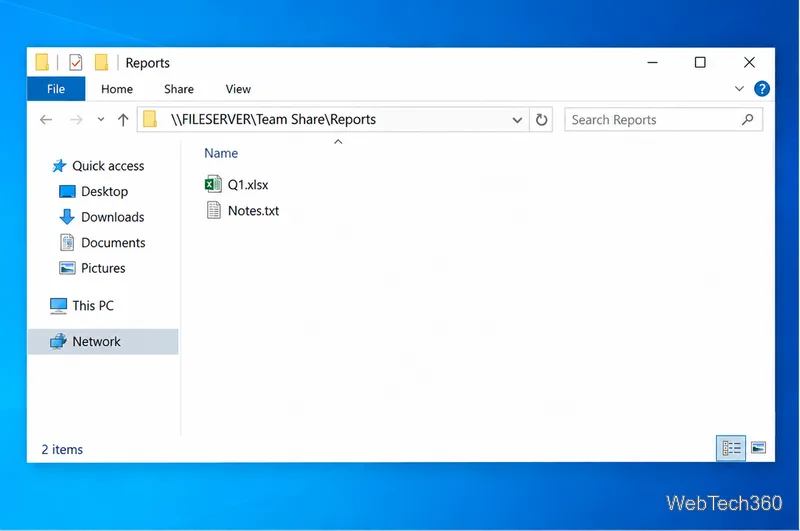
Use pushd to open a UNC network path in Windows 10 Command Prompt, run commands in the shared folder, and return with popd.
If your Bluetooth headset is paired with Windows 10 but does not appear under Playback devices or the Sound output list, Windows may have lost the headset's audio endpoint even though the Bluetooth connection still exists. Start by confirming the headset is connected for audio, then re-pair it if needed. If it is still missing, check hidden playback devices, restart Bluetooth services, and refresh the Bluetooth driver.
Before troubleshooting: fully charge the headset, move it close to the PC, and disconnect it from phones or other computers that may automatically take over the connection. Microsoft also notes that high-quality Bluetooth audio depends on the headset supporting A2DP.
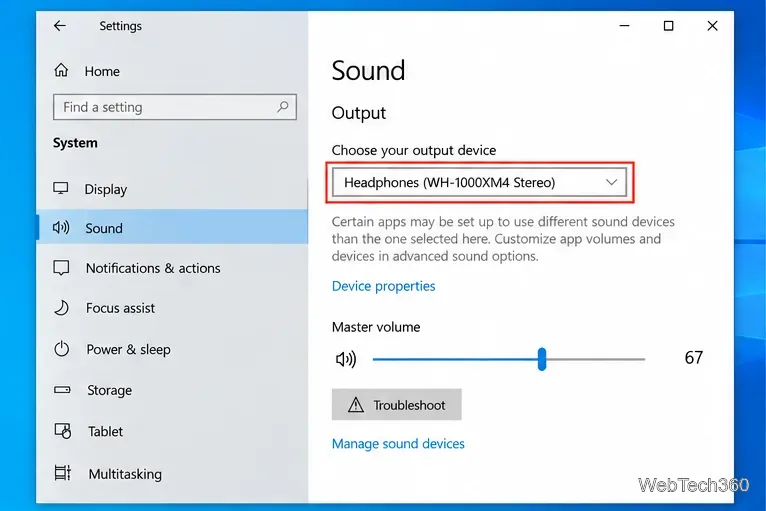
A headset can be paired without becoming the active playback device. Open Start > Settings > System > Sound. Under Choose your output device, look for the Bluetooth headphones and select them. You can also click the speaker icon on the taskbar and choose the headset from the output list.
If the headset is available here, the Bluetooth connection is working and the problem is usually just the selected output. Microsoft documents this as one of the first checks for Bluetooth devices that connect but do not play sound in its Bluetooth audio troubleshooting guide.
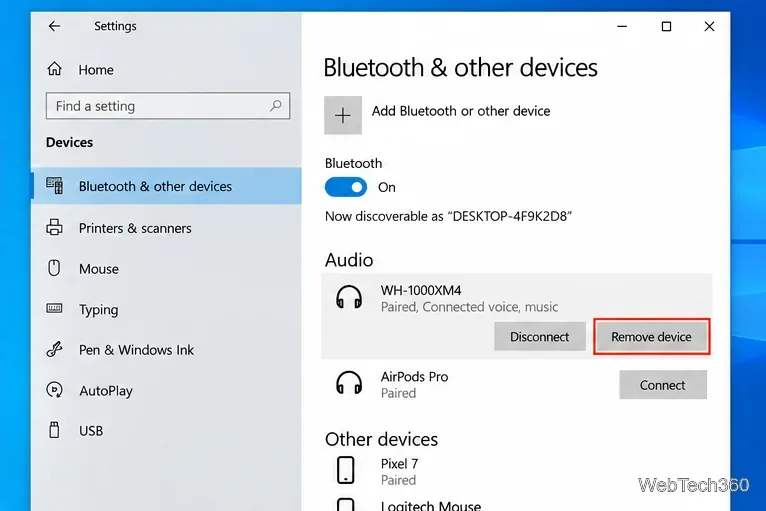
If the headphones appear under Bluetooth devices but not under Sound, remove the stale pairing and create a fresh one:
These paths match Microsoft's current instructions for pairing a Bluetooth device in Windows 10. After pairing, return to Sound settings and check the output list again.
The classic Sound panel can expose an endpoint that is hidden from the normal output selector. Press Win+R, enter mmsys.cpl, and press Enter. On the Playback tab, right-click an empty area and enable Show Disabled Devices and Show Disconnected Devices.
If the Bluetooth headset appears grayed out, right-click it and choose Enable. Then select it and use Set Default if you want Windows to prefer it for playback. Microsoft also documents the Sound Control Panel's Playback tab as the place to set a default audio device.
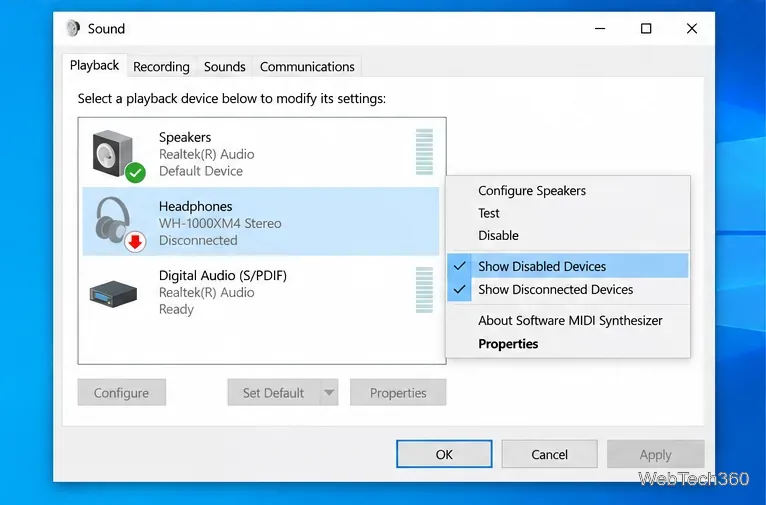
If the headset still does not appear, reset the Bluetooth stack before changing drivers.
Microsoft's current support pages recommend the Get Help Bluetooth troubleshooter for Windows 10 and restarting Bluetooth Support Service when Bluetooth connections keep failing. The older advice to run msdt.exe -id DeviceDiagnostic is no longer the preferred route, so it has been removed from this guide.
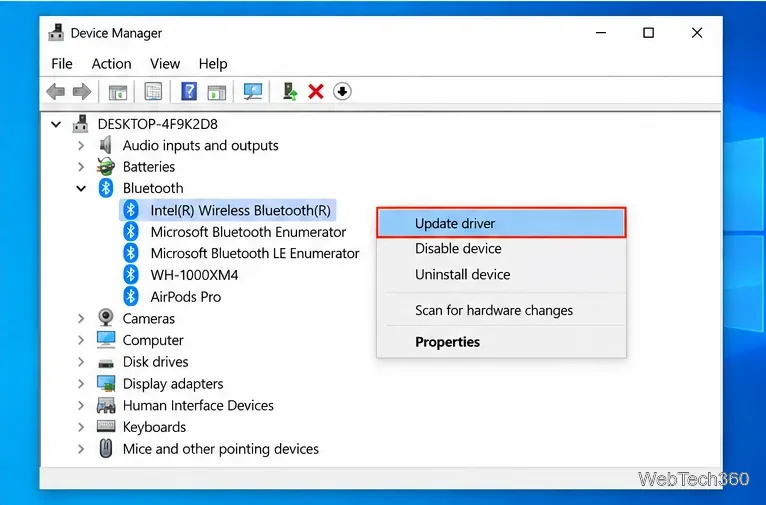
A damaged or incompatible adapter driver can leave the headset paired while preventing Windows from creating the proper audio endpoint.
These steps follow Microsoft's Bluetooth driver guidance.
Windows 10 support note: Microsoft ended free Windows 10 software updates, security fixes, and technical assistance on October 14, 2025. The PC can still run, but moving to a supported Windows release is the safer long-term option. See Microsoft's Windows 10 end-of-support guidance.
Use pushd to open a UNC network path in Windows 10 Command Prompt, run commands in the shared folder, and return with popd.
Learn how to install a Rainmeter skin from an INI file by placing it in the right Skins folder, preserving its resources, refreshing Rainmeter, and loading it in Manage.
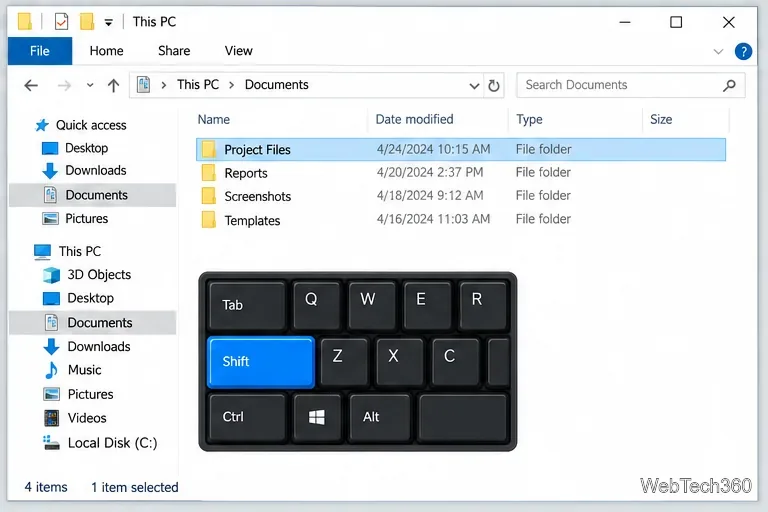
Open one folder in its own File Explorer window with Shift or the context menu, or change Folder Options to make every folder open separately.
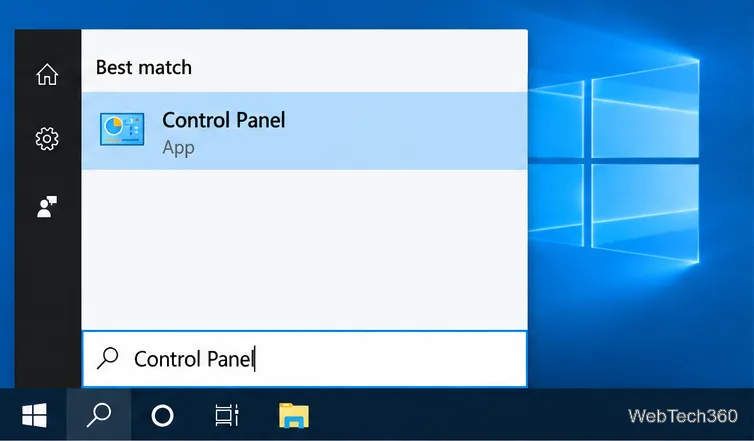
Pin a frequently used Control Panel applet, such as Power Options or Sound, to the Windows 10 Start menu for one-click access.
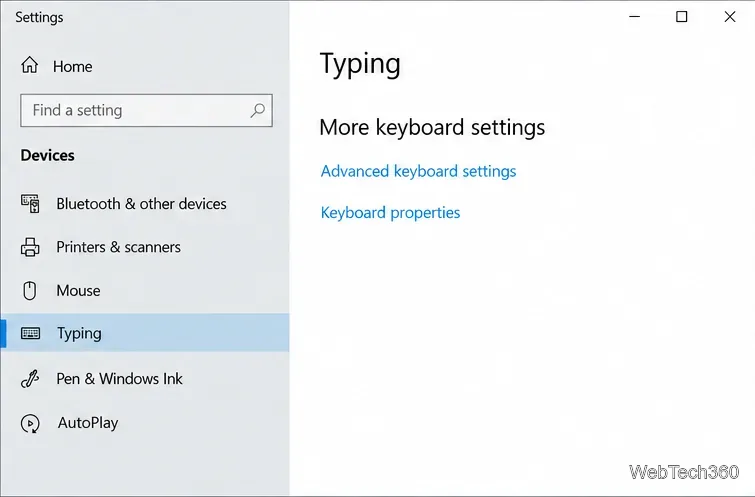
Choose a supported Windows 10 hotkey for switching input languages, assign shortcuts to individual layouts, or disable an accidental shortcut.
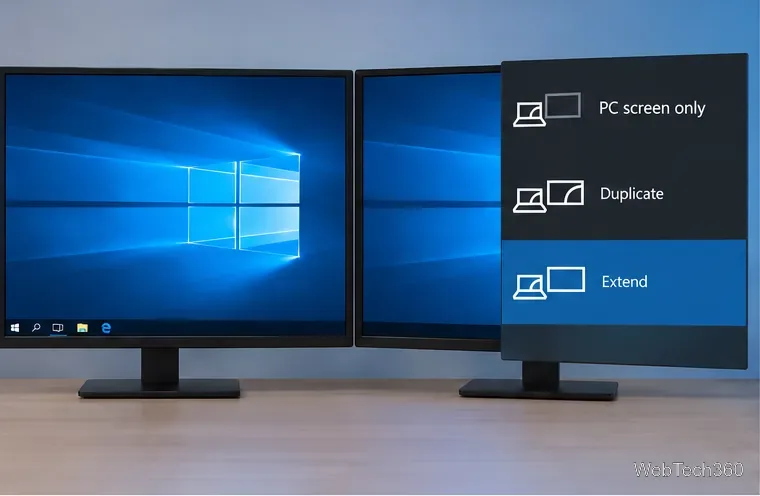
Move a Windows 10 app to the display you want, use its game monitor setting, and handle full-screen apps with a practical primary-monitor workaround.
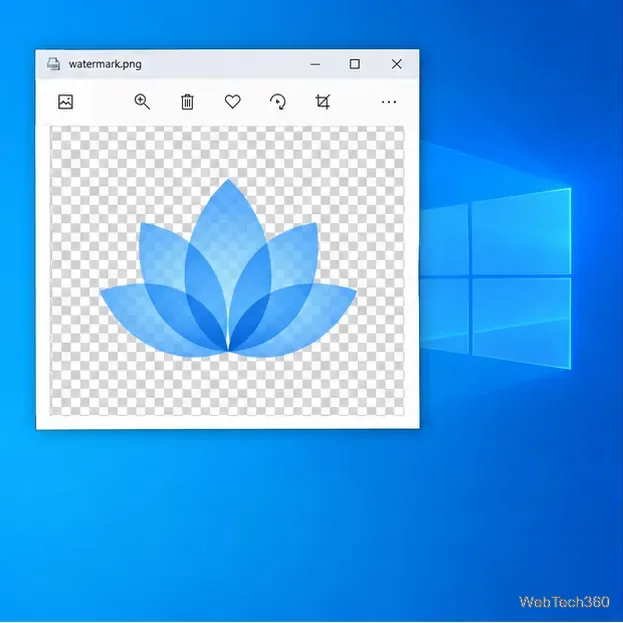
Use a transparent PNG and a Rainmeter skin to keep an image watermark above windows, adjust its transparency, and make it click-through on Windows 10.
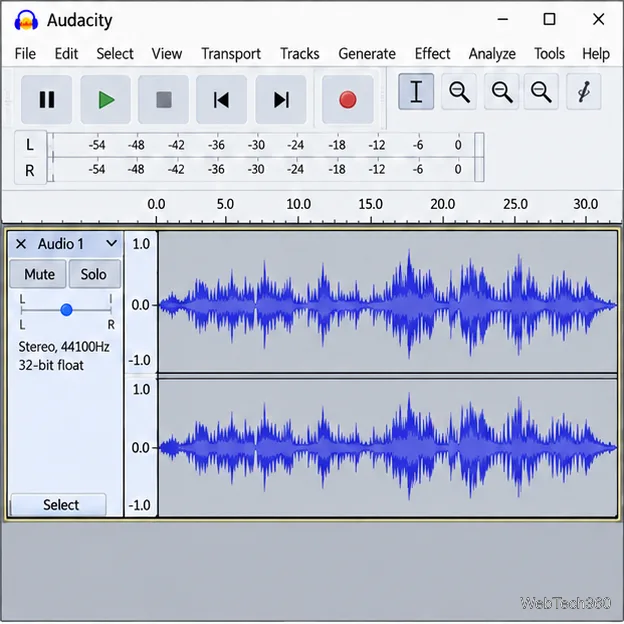
Convert stereo audio to mono on Windows 10 with Audacity. Mix both channels into one mono track, export a new file, and verify the channel count.
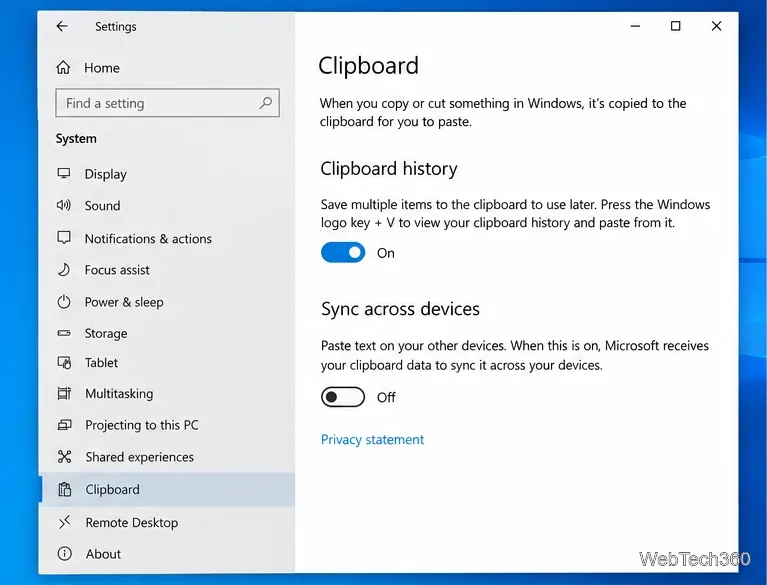
Use Windows 10 Clipboard history to save recent text and images, paste an earlier clip with Windows key + V, and manage sync, pinned items, and privacy.
Learn how to zoom in on a video in Windows 10 with VLC’s Interactive Zoom, or use Windows Magnifier when the clip is playing in another app.