How to Create a Torrent Magnet Link with uTorrent (and Magnetizer)
Create a magnet link from a torrent in uTorrent, learn how to check it, and see why Magnetizer is now a legacy option.
BMPreVIEW is a free, legacy Windows utility designed to preview large BMP images in a small window. It automatically scales an image to fit the viewer, lets you browse BMP files in a folder, select a region to zoom, and adjust preview contrast. Its main limitation matters: BMPreVIEW supports only uncompressed 1-bit, 8-bit, and 24-bit Windows bitmap files, and saving or copying from the app captures the resized preview rather than the full original image.
The developer’s BMPreVIEW user manual identifies version 1.1.0.0 and has a version history dated April 2008. The guidance below reflects that manual; it should not be read as confirmation that an old installer still works on current Windows.
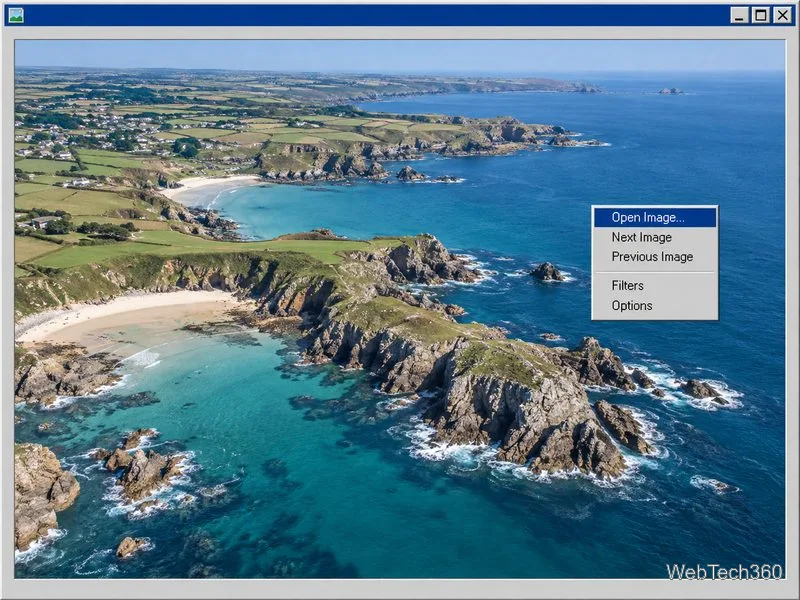
BMPreVIEW was built for quickly checking large bitmap files without opening a full graphics editor. The manual describes a memory-saving, thumbnail-like preview that fits the image to the application window. You can resize the window to change the preview area, browse other BMP files from the selected folder, and inspect file details such as dimensions, color depth, disk size, loading time, and memory use.
The documented format support is narrower than the BMP extension alone suggests:
If a file fails to open, check whether it uses a supported bit depth and compression type. A .bmp filename does not guarantee that the file uses a variant BMPreVIEW can read.
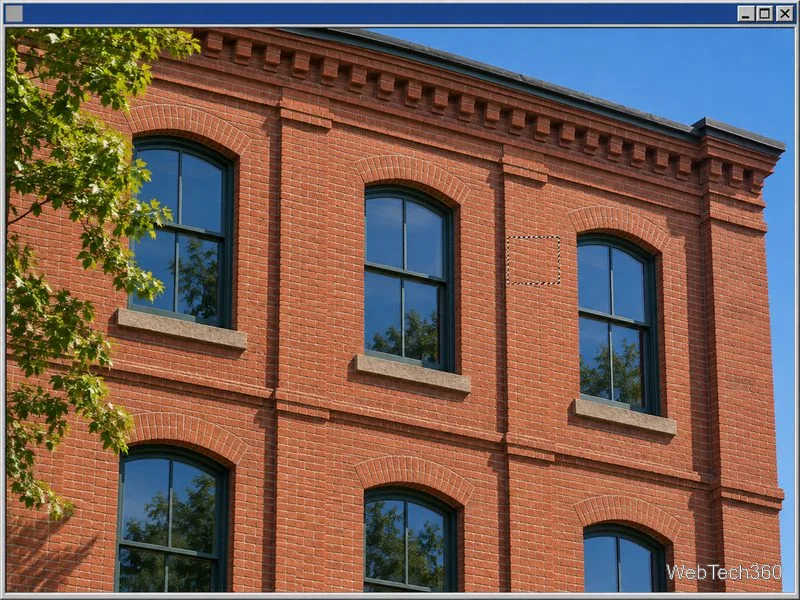
Right-click the image and open Filters to increase or decrease contrast. The manual also documents histogram equalization, available from the menu or with E. Options includes automatic contrast and antialiasing; antialiasing can improve the appearance of color previews but may make display slower. Treat these as viewing adjustments, and reload the image if you want to reset the preview.
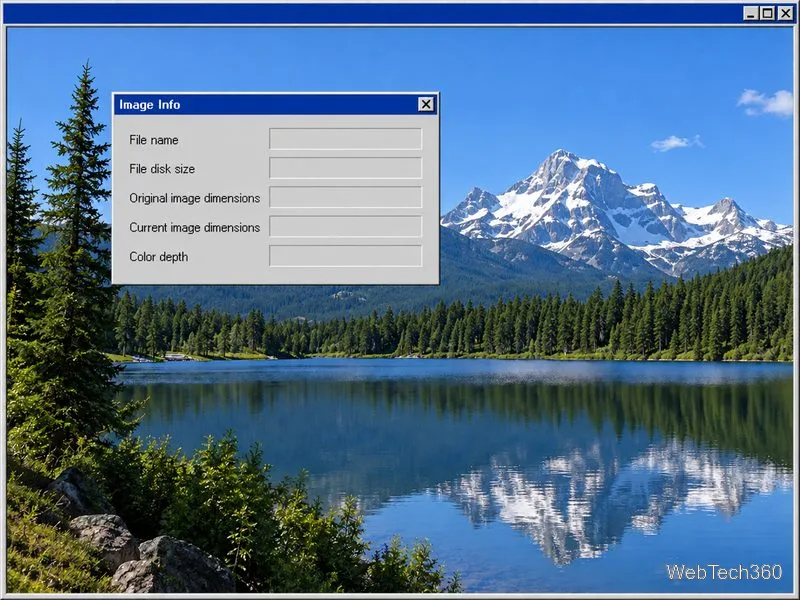
To inspect the file, choose Image Info from the context menu or press F3. The dialog reports the filename, file size, original and current image dimensions, color depth, current image memory, load time, and the program’s total RAM use.
BMPreVIEW’s Save As command (S) and Copy to Clipboard (Ctrl+C) operate on the image displayed in the window. The manual explicitly says these actions save or copy the resized preview, not the entire original bitmap. Keep the source file unchanged if you need its full resolution. Do not use this app’s Save As command as a substitute for exporting or editing the original.
Also note that Escape closes the program immediately when pressed from the main window; the manual says BMPreVIEW does not ask whether you want to exit. Save anything you need before closing.
The documentation is useful for understanding the program, but it is old: its listed Windows support runs from Windows 95 OSR2 through Windows Vista. I could verify the manual, but not a currently maintained release or a signed installer for Windows 10 or 11. Avoid relying on an unverified download mirror, and do not assume the program is compatible with a modern PC just because an old listing says “all versions of Windows.” If you already have a trusted copy, test it first with a non-sensitive BMP file.
For basic viewing on a current Windows device, Microsoft’s Photos app support page lists BMP among the supported photo formats. For technical background on Windows bitmap files, see Microsoft’s BMP format overview.
BMPreVIEW’s appeal is its focused workflow: fast, window-fitted BMP previews, folder navigation, regional zoom, and file information. Its age, limited format support, and preview-only saving make it best suited to inspecting legacy bitmap collections when you have a verified copy—not as a modern all-purpose image editor.
Create a magnet link from a torrent in uTorrent, learn how to check it, and see why Magnetizer is now a legacy option.
Learn how to repair a corrupt Word or Excel file with Office’s built-in tools, recover Word text, extract Excel data, and safely check earlier versions.
Learn how to safely remove hidden (ghosted) devices in Windows, identify disconnected hardware, and avoid deleting a driver package other devices may need.
Learn what the legacy IP Address Range Pinger did, scan an authorized /24 on Windows with PowerShell 7, and interpret ICMP results correctly.
Open a Project 2010 MPP file in a browser with a free read-only viewer, check Project 2007 compatibility, and choose a safer sharing fallback.
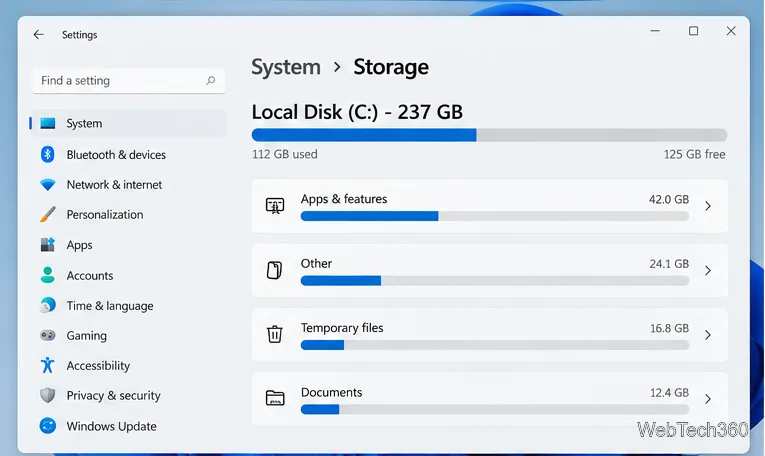
Learn what Windows.old contains, what to copy before deleting it, and the supported Windows 11 and Windows 10 steps for safely reclaiming storage.
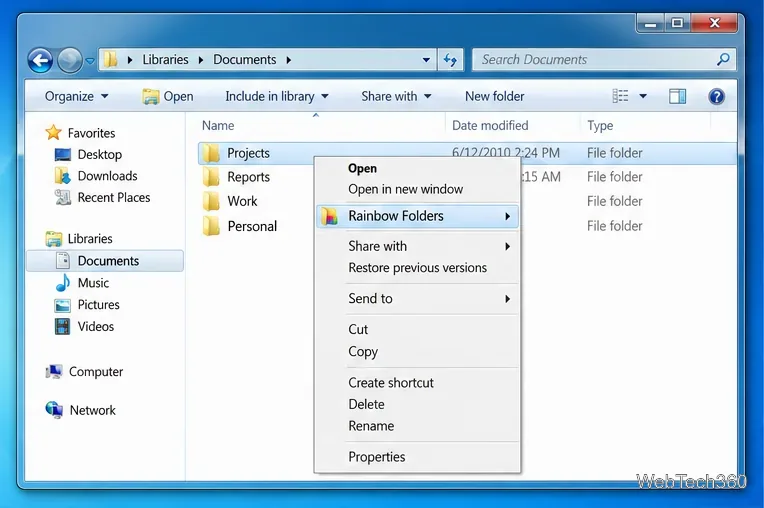
Learn how Rainbow Folders changes Windows 7 folder icons, choose a style and hue, undo the change, and use a built-in icon option safely.
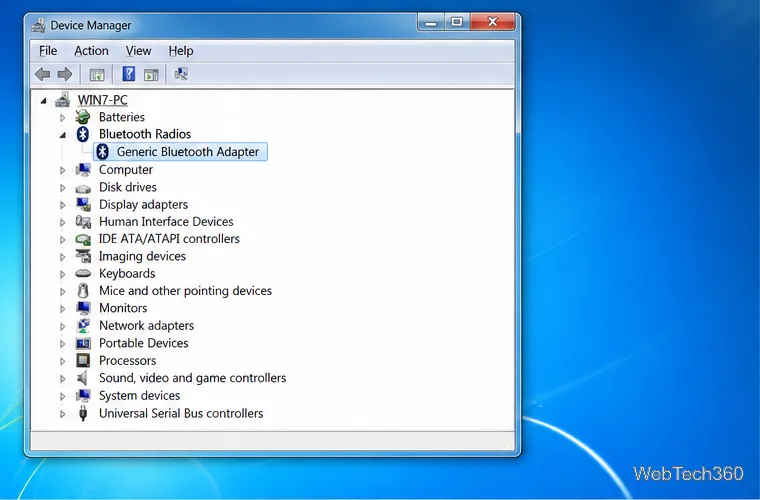
Install the right Bluetooth driver in Windows 7 using the PC maker’s package or Device Manager, then verify the adapter and test pairing safely.
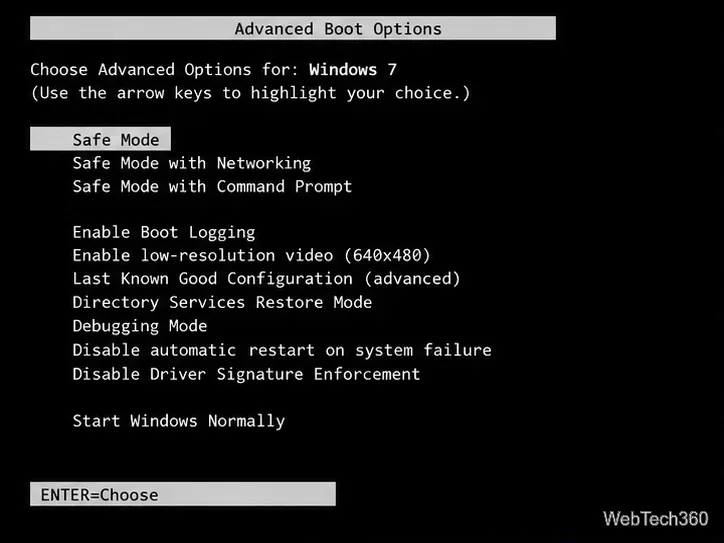
Diagnose a Windows 7 black screen by checking the display, starting Safe Mode, running Startup Repair, and using System Restore after a recent system change.
Learn the safest way to install an unsigned driver in Windows 7, use the one-session F8 option, and understand test signing for driver development.