How to Create a Torrent Magnet Link with uTorrent (and Magnetizer)
Create a magnet link from a torrent in uTorrent, learn how to check it, and see why Magnetizer is now a legacy option.
If you need to inspect a Microsoft Project schedule without installing Project, use the Project Plan 365 browser viewer. The vendor offers a free read-only mode and lists files created with Microsoft Project 2010, 2013, 2016, 2019, 2021, and 2024 as supported. Its help page says free viewing is limited to Gantt Chart, Resource Sheet, and Task Sheet. Project 2007 is not on that compatibility list, so support for a 2007 file is unconfirmed.
This is a third-party service, not an online Microsoft product. Microsoft says it does not provide a standalone program for opening MPP files without Project. Older references to Projec.to do not lead to a current viewer workflow, so do not rely on that legacy link.
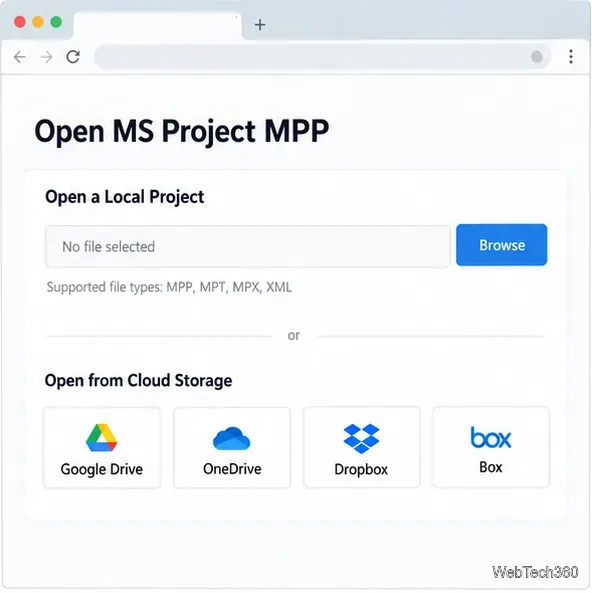
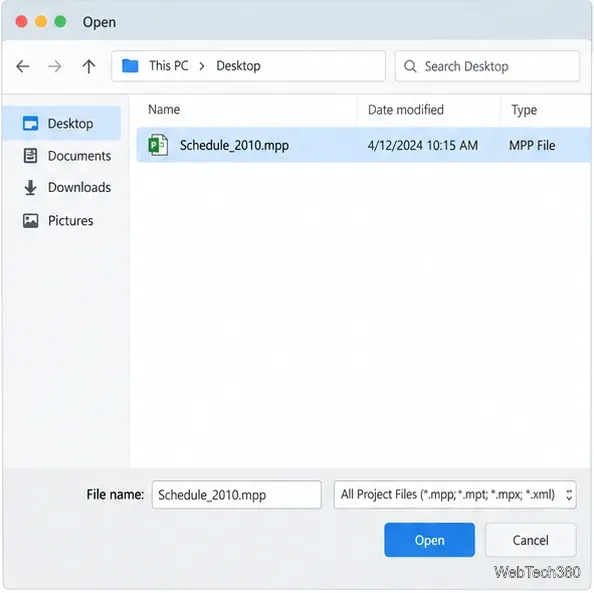
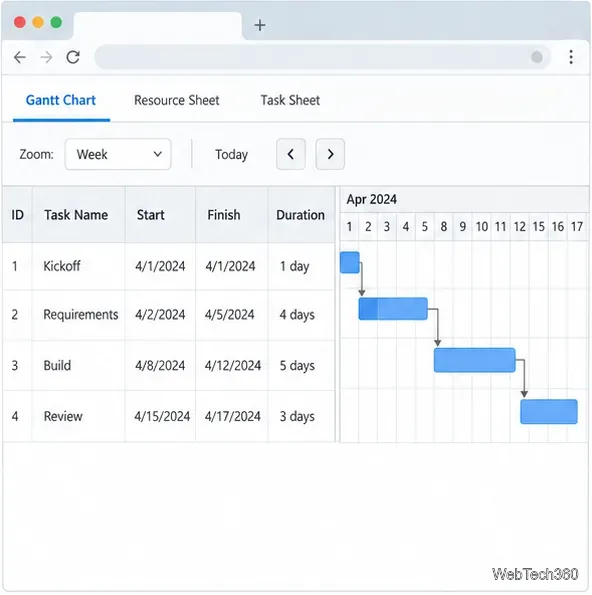
The viewer is useful for reading a plan, not for editing it as if you had Project desktop. Keep the original file unchanged. Check key dates, durations, task links, and resource assignments against the sender’s source if they matter for a decision. A third-party viewer can display an imported plan differently from the author’s original layout.
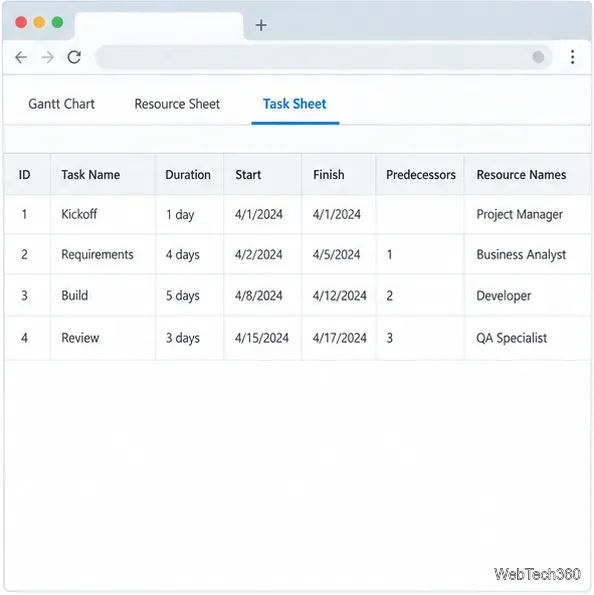
Project Plan 365’s current browser help lists Project 2010 and later, but not 2007. You can try a non-sensitive copy, but treat a successful import as something to verify: compare task dates, durations, dependencies, and notes with the source. If the file will not open or the schedule looks incomplete, ask the project owner to provide a PDF or a picture of the relevant view. Microsoft’s guidance also lists copying project information into Office apps as a way to share it without giving the recipient an MPP viewer.
If you have access to a newer desktop version of Project, the owner can open the older file there and export a shareable view. Avoid converting or resaving the only copy just to make a viewer accept it; keep an untouched backup first.
No. Microsoft’s standard Planner does not directly open an .mpp file. Microsoft documents a separate import route through the Project for the web Power Apps experience, for Project 2016 and later. That process creates a new online project and can report changes for desktop features that are not supported. It is a migration option for eligible accounts, not a simple read-only viewer, and it does not list Project 2007 or 2010 as supported source versions.
An MPP plan can contain staff or contractor names, assignments, dates, notes, dependencies, and cost information. Before uploading a file to any third-party website, check your employer’s data rules and the service’s privacy terms. If the plan is confidential, ask its owner for an approved PDF or image export, or use a viewer your organization has approved. A browser-based tool is convenient, but convenience does not make a file public or approved for external processing.
Create a magnet link from a torrent in uTorrent, learn how to check it, and see why Magnetizer is now a legacy option.
Learn how to repair a corrupt Word or Excel file with Office’s built-in tools, recover Word text, extract Excel data, and safely check earlier versions.
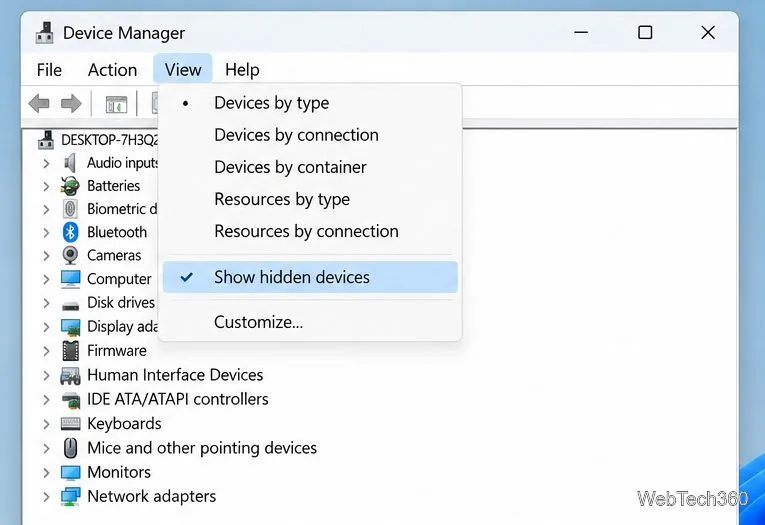
Learn how to safely remove hidden (ghosted) devices in Windows, identify disconnected hardware, and avoid deleting a driver package other devices may need.
Learn what the legacy IP Address Range Pinger did, scan an authorized /24 on Windows with PowerShell 7, and interpret ICMP results correctly.
Open a Project 2010 MPP file in a browser with a free read-only viewer, check Project 2007 compatibility, and choose a safer sharing fallback.
Learn what Windows.old contains, what to copy before deleting it, and the supported Windows 11 and Windows 10 steps for safely reclaiming storage.
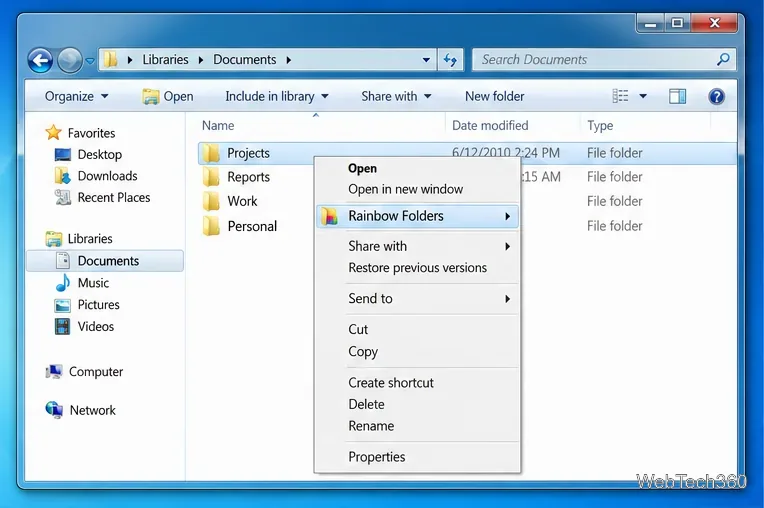
Learn how Rainbow Folders changes Windows 7 folder icons, choose a style and hue, undo the change, and use a built-in icon option safely.
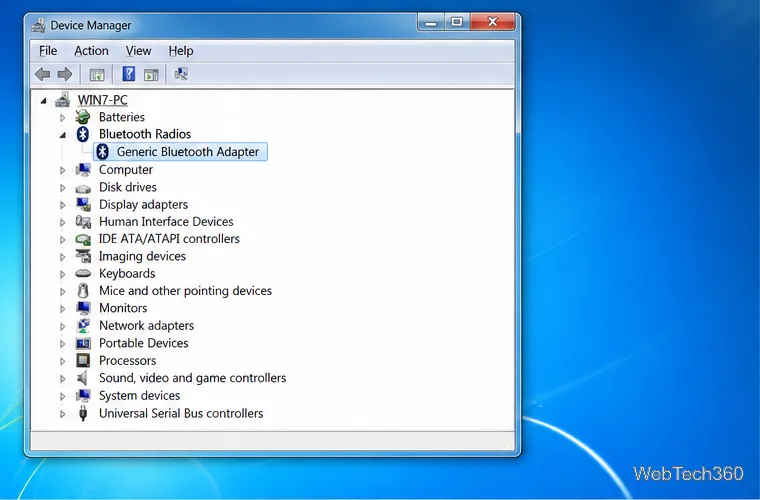
Install the right Bluetooth driver in Windows 7 using the PC maker’s package or Device Manager, then verify the adapter and test pairing safely.
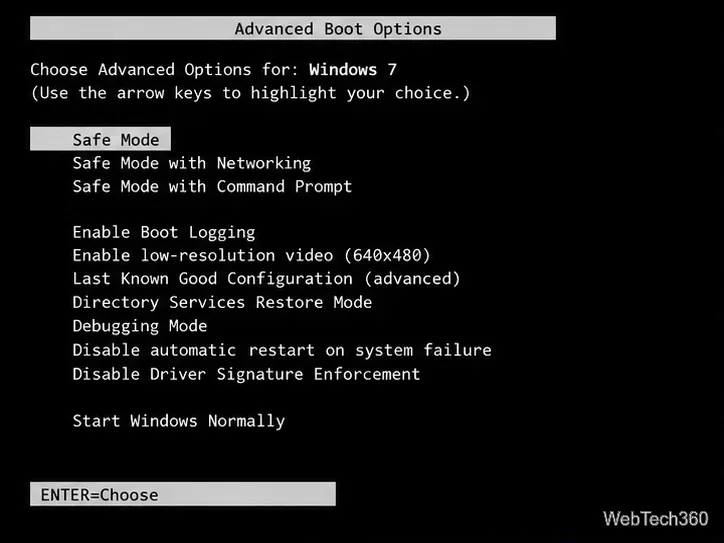
Diagnose a Windows 7 black screen by checking the display, starting Safe Mode, running Startup Repair, and using System Restore after a recent system change.
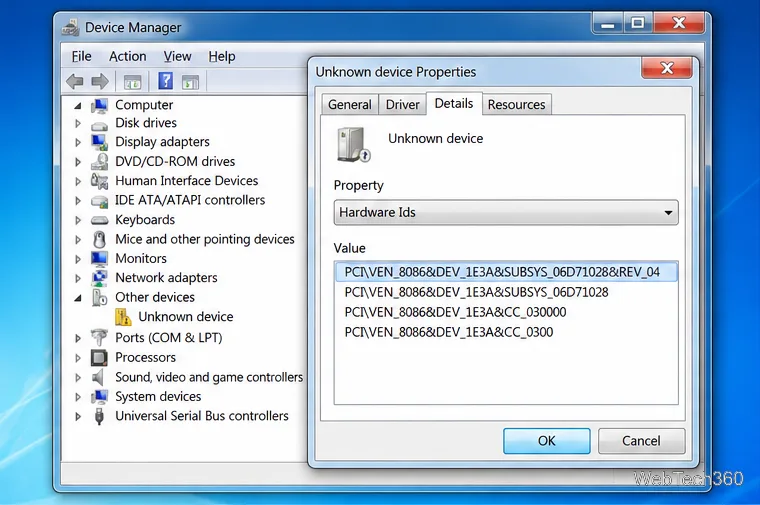
Learn the safest way to install an unsigned driver in Windows 7, use the one-session F8 option, and understand test signing for driver development.