How to Create a List of All Items in a Folder on Windows 10

Create a searchable Windows 10 folder inventory with PowerShell. Save every file and subfolder path as plain text or export details to a sortable CSV.
Short answer: Messenger does not document a setting that notifies you when one friend comes online. Active Status can show a green dot or recent-activity indicator, but it is a presence signal you check yourself, not a push alert. The older Pidgin workaround depends on an unofficial Facebook protocol plugin and is not dependable today.
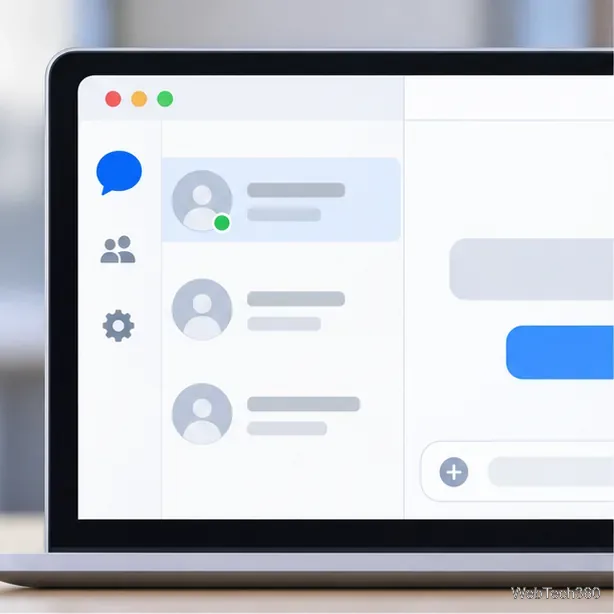
Messenger may show a green dot for someone who is active or a timestamp for recent activity. Meta describes Active Status as a way to see who is active on Messenger or Facebook. The indicator does not tell you whether the person is reading your conversation or ready to reply, and it can change while you are looking at the screen.
What appears depends on the visibility settings on both accounts and where the person is using Facebook or Messenger. If someone has turned off Active Status, you may not see a dot next to their profile picture. A missing dot is not proof that the person blocked you or is deliberately ignoring you.
For the current explanation of the indicator, see Meta’s guide to how Active Status works and its instructions for seeing or hiding active contacts.
This setting controls whether your own activity is shown; it does not add an alert for a friend. Menu labels can change, so use Messenger’s current settings or Meta’s help page if the option has moved.
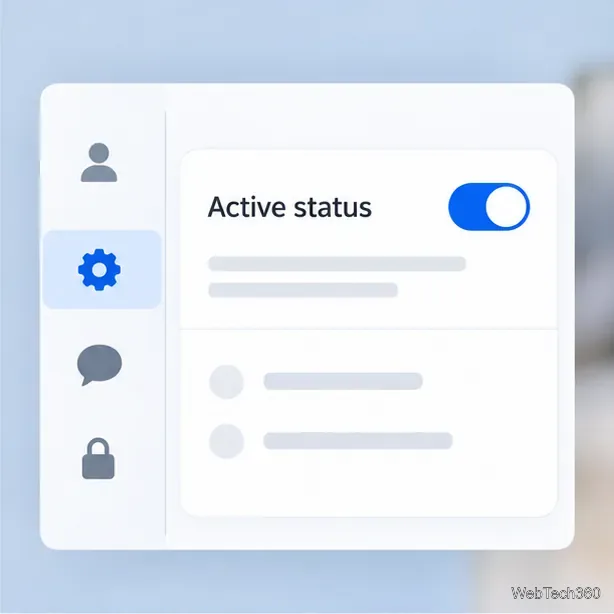
Treat Active Status as a rough availability cue, not proof that someone is looking at Messenger.
Pidgin’s built-in Buddy Pounce can show an alert when an account’s protocol reports that a buddy signed on. It does not make every service compatible.
The old Messenger recipe relied on purple-facebook, an independent plugin for Facebook’s messaging protocol. Facebook ended its original XMPP chat support years ago; Pidgin’s protocol guide points to an alternative plugin, not a current Meta-supported integration. An old “Signs on” pounce setup therefore does not guarantee that Messenger will provide Pidgin with reliable online/offline events.
For background, consult Pidgin’s notes on other protocols, Pidgin’s Buddy Pounce documentation, and the purple-facebook project page. Avoid downloading an unknown plugin build or entering your Facebook password into software you cannot verify just to get an online alert.

You can enable Messenger notifications for messages and calls, but they do not announce that a friend has come online:
If a friend is ready to talk, ask them to message you. Messenger can alert you to that message if notifications are enabled.
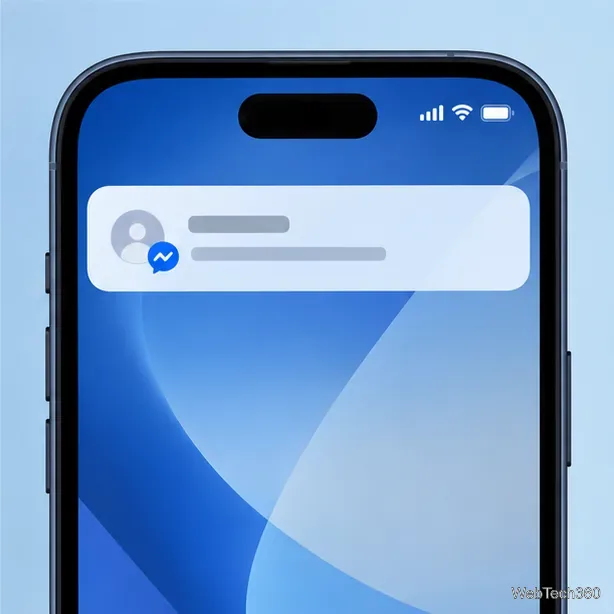
There is no documented Messenger setting for a per-friend online alert. You can check Active Status manually and enable notifications for messages from that person.
No. It indicates that the account appears active or recently active. It does not show which conversation the person is viewing or whether they have noticed your message.
No. It changes the visibility of your own status. It does not create a notification subscription for your contacts.
Create a searchable Windows 10 folder inventory with PowerShell. Save every file and subfolder path as plain text or export details to a sortable CSV.
Add a custom reminder, quote, or label to your Windows 10 desktop with a Rainmeter text skin. Create the INI file, load it, then adjust its font and position.
Use Bluetooth Swift Pair on Windows 10 to pair a compatible accessory from a notification, with setup steps and fixes when the prompt does not appear.
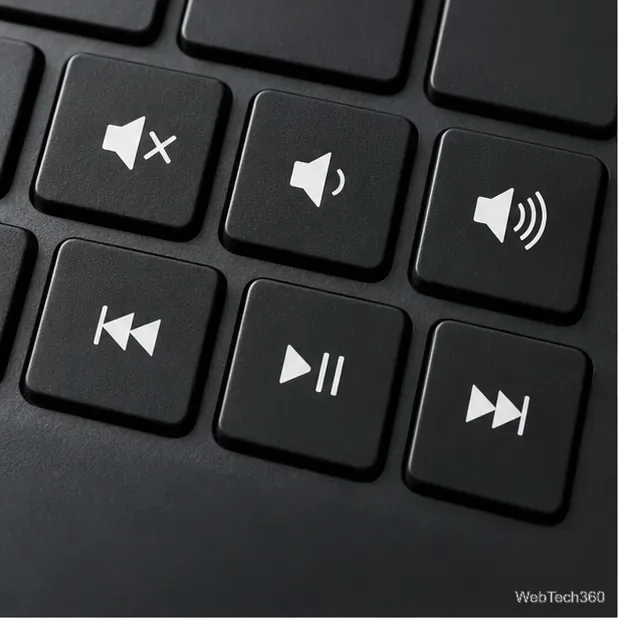
Learn what common laptop function key symbols mean, how Fn and Fn Lock affect them, and how to confirm the right shortcut for your Windows 10 laptop model.
Turn off your Windows 10 display instantly with ScreenSleep, set a keyboard shortcut, and see when to use the built-in screen timeout instead.
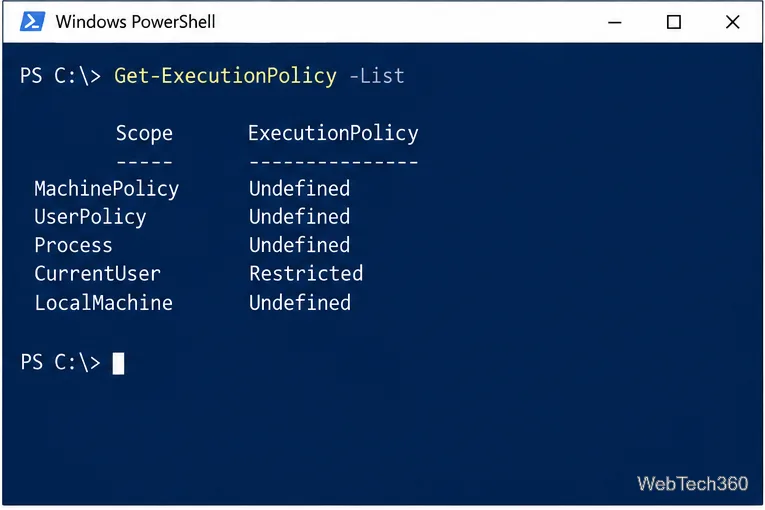
Fix the “running scripts is disabled on this system” PowerShell error on Windows 10 with a current-user policy, a temporary session option, and safe steps for downloaded scripts.
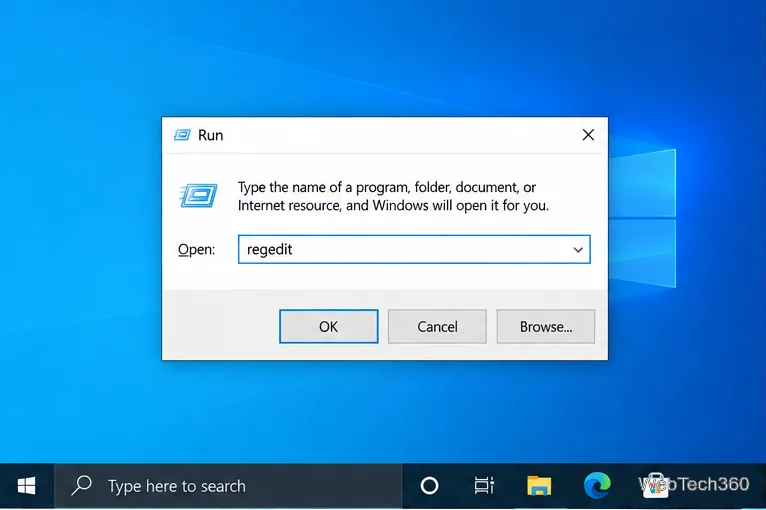
Change the Windows 10 drag-selection color with a backup-first registry walkthrough, RGB examples, troubleshooting tips, and steps to restore your original values.
Check your router’s connected-device list or scan a local network with Fing Desktop on a supported PC. Learn what each method can show and how to verify unfamiliar entries.
Messenger does not offer a documented per-friend online alert. Learn how Active Status works, where to check the green dot, and which notifications you can enable instead.
Use 7-Zip to find an exact filename or wildcard match inside a ZIP or other supported archive on Windows 10 without unpacking its files.