How to Create a List of All Items in a Folder on Windows 10

Create a searchable Windows 10 folder inventory with PowerShell. Save every file and subfolder path as plain text or export details to a sortable CSV.
Windows 11 can add a period after a double-tap of the Spacebar, but the built-in switch applies to the touch keyboard, not a normal physical keyboard. If you type on the on-screen touch keyboard, turn on the Windows setting. If you want the same behavior from a laptop or desktop keyboard, an AutoHotkey v2 hotstring is a simple way to add it system-wide in ordinary text fields.
Microsoft still lists Add a period after I double-tap the Spacebar as a Windows 11 Touch Keyboard setting. To enable it:
This setting is specifically for the touch keyboard. Microsoft describes the touch keyboard as the on-screen keyboard designed for touchscreen input. See the Windows settings catalog and Microsoft's touch keyboard guide for the current Windows 11 behavior.
Windows does not expose the same double-space period switch for a physical keyboard. For that use case, install AutoHotkey v2 from the official download page. AutoHotkey's current stable branch supports hotstrings, which can replace a typed character sequence with another string.
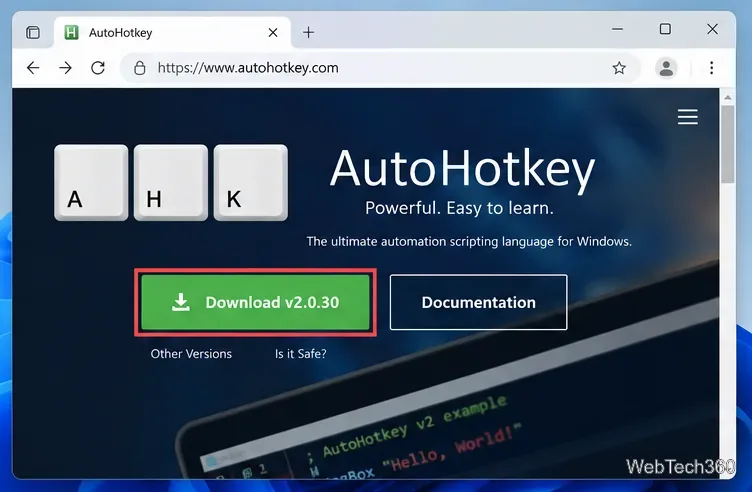
Download and install the stable AutoHotkey v2 release. New scripts should use v2 syntax rather than old v1 examples you may still find online.
Create a new text file in a folder you plan to keep, then save it with an .ahk extension, such as double-space-period.ahk. Make sure Windows does not leave a hidden .txt extension on the end.
Put this single line in the file:
:*: ::. There are two literal spaces between the second and third colons. The * option tells AutoHotkey to trigger the hotstring without waiting for another ending character. When AutoHotkey sees those two spaces, it replaces them with a period followed by one space. The official AutoHotkey download page links to the current v2 documentation.
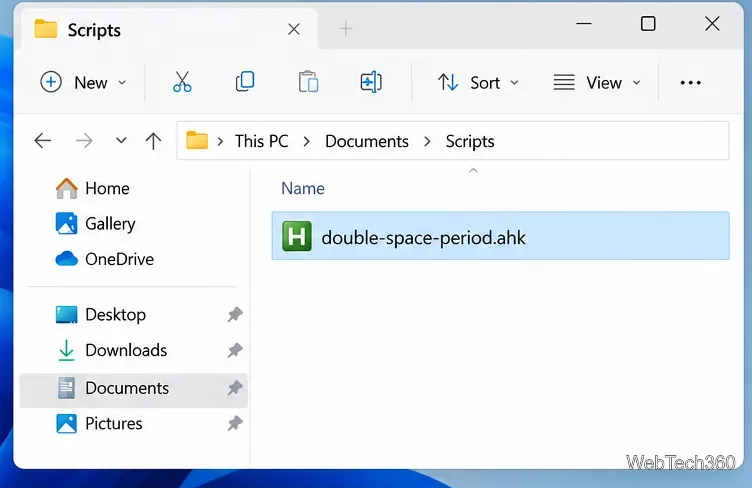
Double-click the .ahk file. With AutoHotkey running, open Notepad or another standard text editor, type a sentence without a final period, then press Space twice. The two spaces should become . .
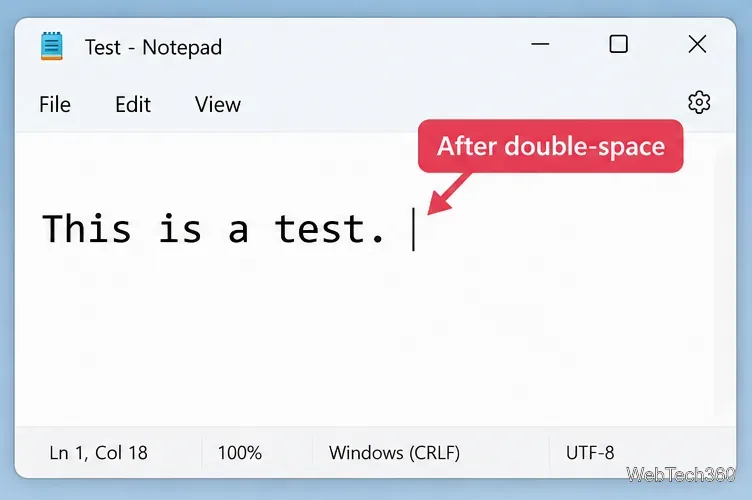
Important: this one-line hotstring does not measure how fast you press Space. It reacts to two consecutive spaces, even if you pause between them. That differs from some phone keyboards, which use a short double-tap timing window. If you intentionally type two spaces, this script will convert them too.
If you want the behavior available after every sign-in, press Windows + R, type shell:startup, and press Enter. Put the script, or a shortcut to it, in the Startup folder. Microsoft documents shell:startup as the Startup folder for the current user in its Startup applications guide.
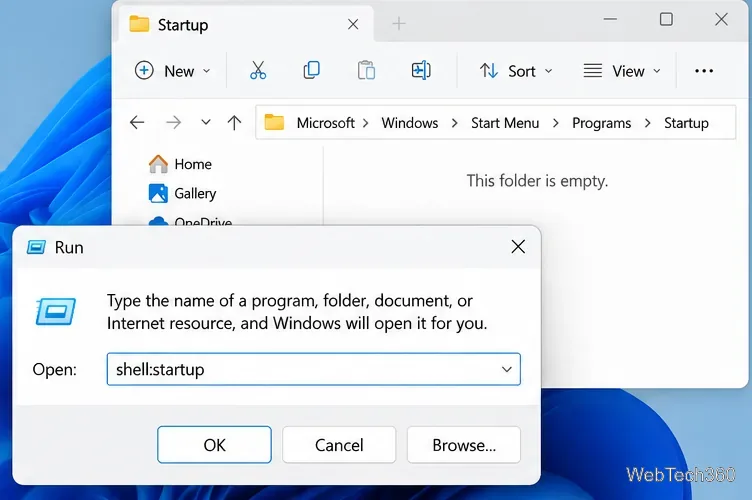
Keeping the main script in a stable folder and placing a shortcut in Startup makes future edits easier because you only have one script to maintain.
For a Windows 11 touchscreen, use the built-in Touch keyboard setting because it requires no extra software. For a physical keyboard, the AutoHotkey v2 hotstring is the practical option. It keeps the original phone-like idea while making one limitation clear: the simple script detects two consecutive spaces, not a timed double-tap.
Create a searchable Windows 10 folder inventory with PowerShell. Save every file and subfolder path as plain text or export details to a sortable CSV.
Add a custom reminder, quote, or label to your Windows 10 desktop with a Rainmeter text skin. Create the INI file, load it, then adjust its font and position.
Use Bluetooth Swift Pair on Windows 10 to pair a compatible accessory from a notification, with setup steps and fixes when the prompt does not appear.
Learn what common laptop function key symbols mean, how Fn and Fn Lock affect them, and how to confirm the right shortcut for your Windows 10 laptop model.
Turn off your Windows 10 display instantly with ScreenSleep, set a keyboard shortcut, and see when to use the built-in screen timeout instead.
Fix the “running scripts is disabled on this system” PowerShell error on Windows 10 with a current-user policy, a temporary session option, and safe steps for downloaded scripts.
Change the Windows 10 drag-selection color with a backup-first registry walkthrough, RGB examples, troubleshooting tips, and steps to restore your original values.
Check your router’s connected-device list or scan a local network with Fing Desktop on a supported PC. Learn what each method can show and how to verify unfamiliar entries.
Messenger does not offer a documented per-friend online alert. Learn how Active Status works, where to check the green dot, and which notifications you can enable instead.
Use 7-Zip to find an exact filename or wildcard match inside a ZIP or other supported archive on Windows 10 without unpacking its files.