How to Create a List of All Items in a Folder on Windows 10

Create a searchable Windows 10 folder inventory with PowerShell. Save every file and subfolder path as plain text or export details to a sortable CSV.
The fastest way to change the keyboard layout in Windows 10 is to hold the Windows logo key and press Spacebar. Keep holding the Windows key and tap Spacebar again to cycle through the keyboard layouts and input languages installed on the PC. To move backward through the list, use Windows + Shift + Spacebar.
Microsoft documents these shortcuts for Windows, and its keyboard-layout support page notes that if Windows + Spacebar does nothing, only one keyboard layout may be installed. Changing the keyboard layout affects how keys are interpreted; it does not change the Windows display language. See Microsoft's keyboard and input-layout guidance and Windows keyboard-shortcut reference.
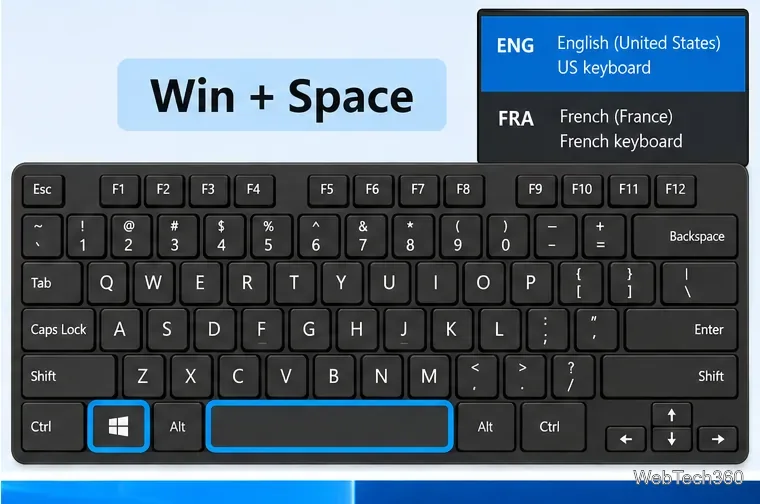
You can also click the input-language indicator in the taskbar, such as ENG or another language code, and choose a layout with the mouse. The keyboard shortcut is usually quicker when you switch frequently between languages or layouts such as US QWERTY and French AZERTY.
Windows + Spacebar needs at least two available layouts. On Windows 10, open Settings > Time & Language > Language. Under Preferred languages, select the language you want and choose Options. Under Keyboards, choose Add a keyboard, then select the required layout. Menu wording can vary slightly between Windows 10 builds, so searching Start for Language settings is a useful fallback.
You do not always need to change the Windows display language just to add a different keyboard layout. Microsoft specifically treats display language and keyboard layout as separate settings.
Windows 10 also includes a legacy dialog for older shortcuts such as Left Alt + Shift or Ctrl + Shift. These are separate from Windows + Spacebar and may be enabled, disabled, or unavailable depending on the PC's current configuration.
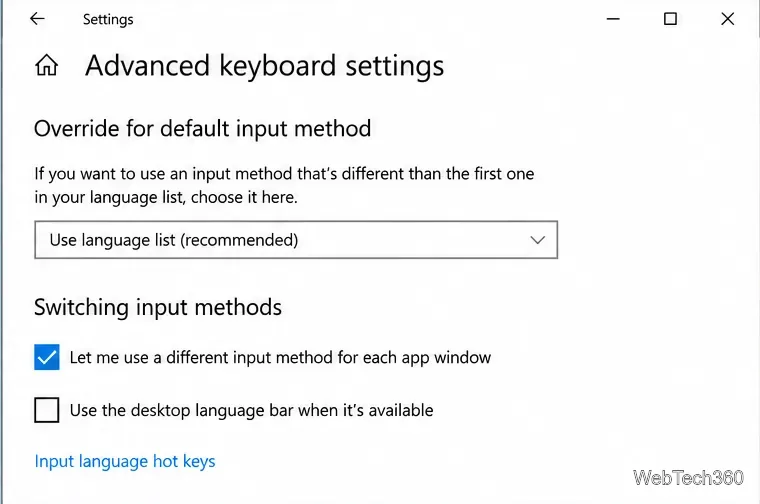
Open Start and search for Advanced keyboard settings. On many Windows 10 22H2 systems, you can also reach it through the Typing settings page.
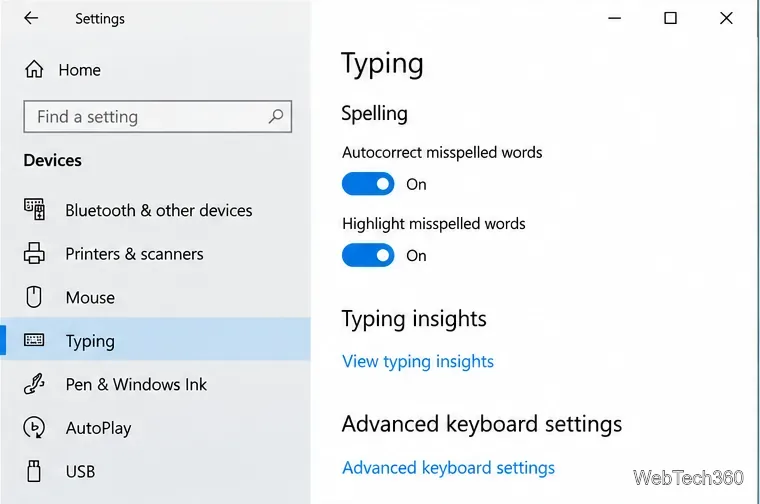
In Advanced keyboard settings, select Input language hot keys. This opens the classic Text Services and Input Languages dialog.
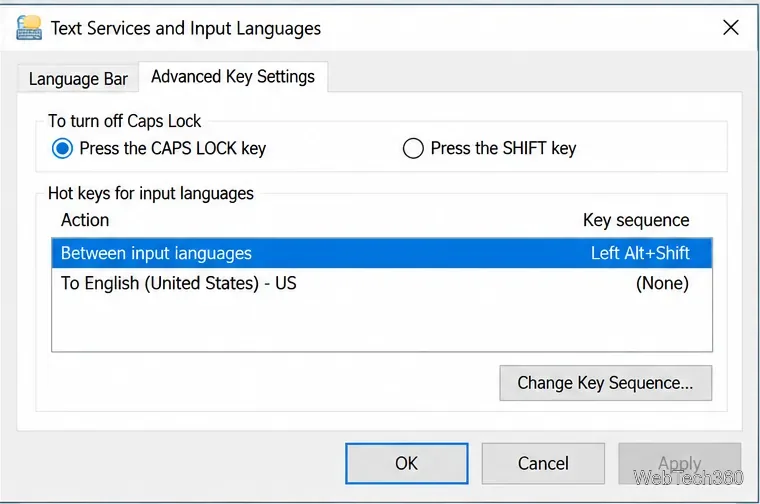
Open the Advanced Key Settings tab. Select Between input languages to change the shortcut used for general input-language switching. Some configurations may also show individual language actions beneath it.
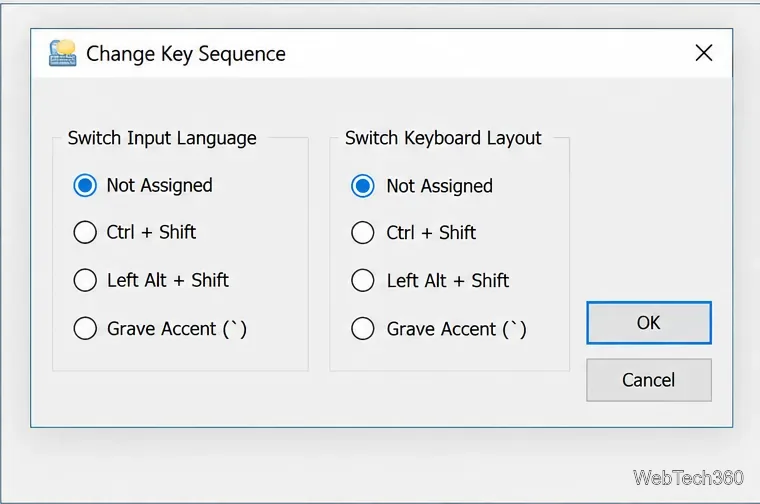
Select Change Key Sequence. Choose one of the combinations Windows offers, or select Not Assigned if Ctrl + Shift or Left Alt + Shift is being triggered accidentally. The choices in this legacy dialog are limited; Windows + Spacebar remains the simplest built-in shortcut for cycling through layouts.
Windows 10 reached end of support on October 14, 2025. Existing Windows 10 PCs can continue to run, but Microsoft no longer provides normal free security updates or technical support for the operating system. Microsoft recommends moving to Windows 11 on compatible hardware or using an applicable Extended Security Updates option when more time is needed. See Microsoft's Windows 10 end-of-support guidance.
For everyday layout switching on a Windows 10 PC, the key point is simple: Windows + Spacebar cycles forward through installed keyboard layouts, while Windows + Shift + Spacebar cycles backward.
Create a searchable Windows 10 folder inventory with PowerShell. Save every file and subfolder path as plain text or export details to a sortable CSV.
Add a custom reminder, quote, or label to your Windows 10 desktop with a Rainmeter text skin. Create the INI file, load it, then adjust its font and position.
Use Bluetooth Swift Pair on Windows 10 to pair a compatible accessory from a notification, with setup steps and fixes when the prompt does not appear.
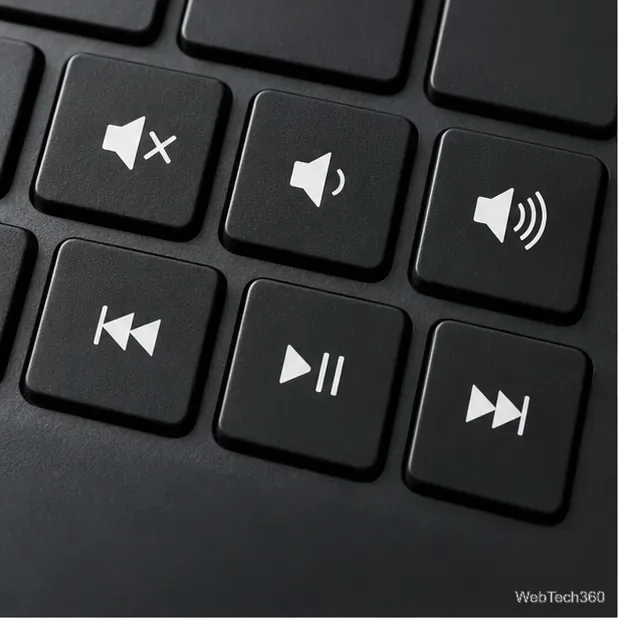
Learn what common laptop function key symbols mean, how Fn and Fn Lock affect them, and how to confirm the right shortcut for your Windows 10 laptop model.
Turn off your Windows 10 display instantly with ScreenSleep, set a keyboard shortcut, and see when to use the built-in screen timeout instead.
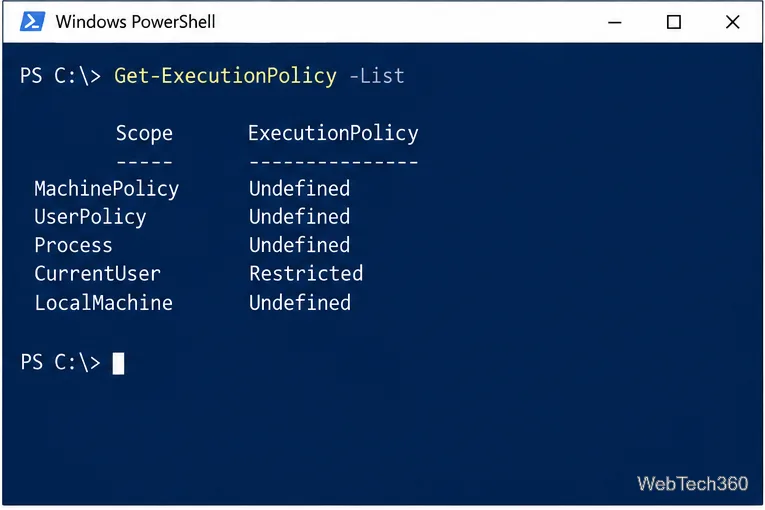
Fix the “running scripts is disabled on this system” PowerShell error on Windows 10 with a current-user policy, a temporary session option, and safe steps for downloaded scripts.
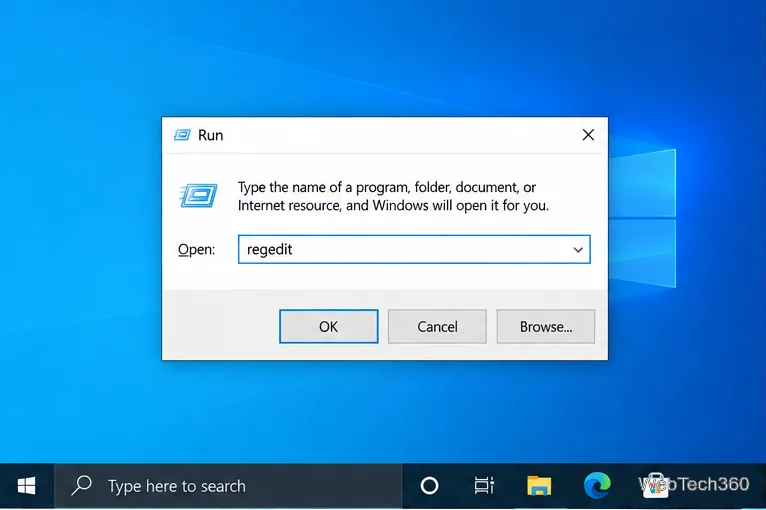
Change the Windows 10 drag-selection color with a backup-first registry walkthrough, RGB examples, troubleshooting tips, and steps to restore your original values.
Check your router’s connected-device list or scan a local network with Fing Desktop on a supported PC. Learn what each method can show and how to verify unfamiliar entries.
Messenger does not offer a documented per-friend online alert. Learn how Active Status works, where to check the green dot, and which notifications you can enable instead.
Use 7-Zip to find an exact filename or wildcard match inside a ZIP or other supported archive on Windows 10 without unpacking its files.