How to Fix Lines on a Monitor Screen in Windows 10
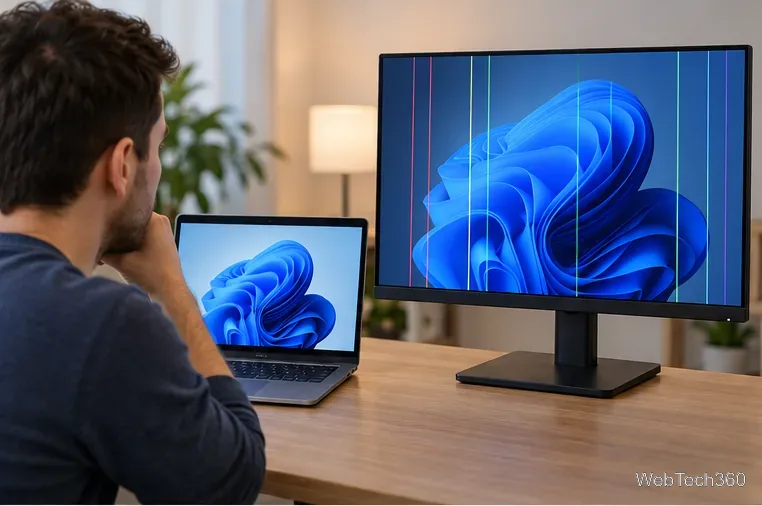
Use a screenshot test, cable and port checks, monitor diagnostics, display settings, and driver rollback to pinpoint lines on a Windows 10 monitor.
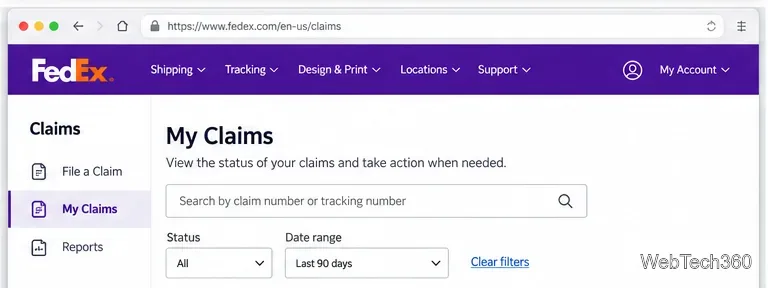
If you have already filed a FedEx claim, the quickest way to check its progress is to sign in to FedEx Claims Online and open the Reports tab. FedEx says the claim status shown there is tied to the FedEx account number used for the shipment. If you manage more than one account, FedEx Reporting can help you see claims across those accounts.
The instructions below follow the current U.S. FedEx parcel and air-freight claims experience. FedEx has retired its legacy online claims application, so older guides that tell you to use an outdated claims dashboard may no longer match what you see.
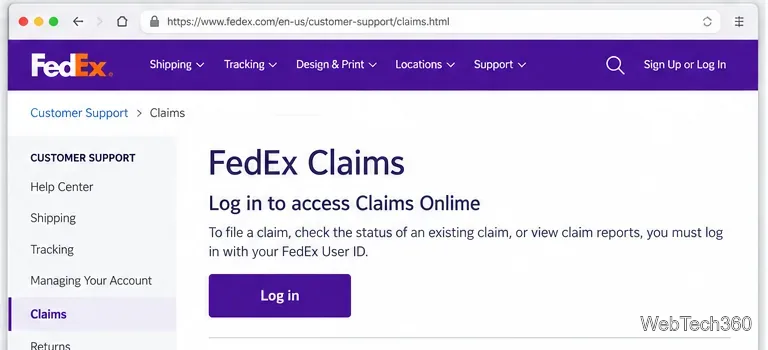
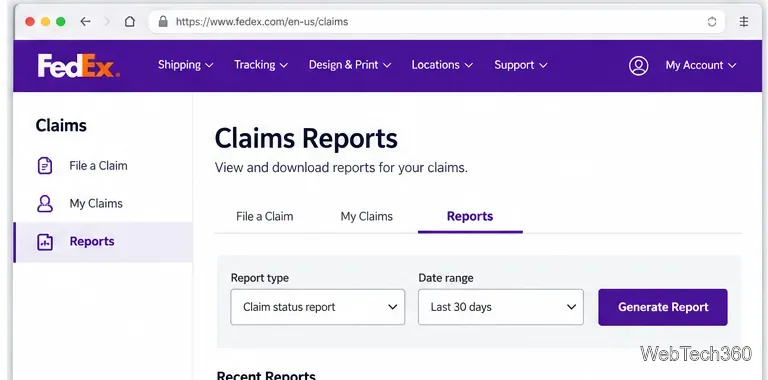
You do not need to re-file a claim just to see its status. However, keeping the shipment details nearby makes it easier to confirm that you are looking at the right record or to respond if FedEx asks for more information.
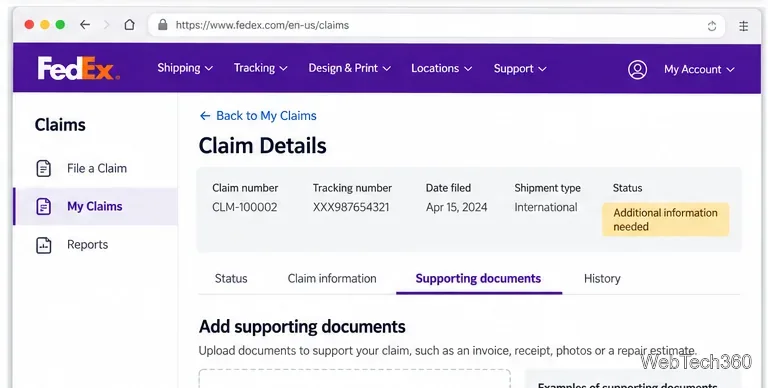
A claim can remain under review while FedEx waits for documentation. FedEx allows supporting documents to be added to an existing claim. Examples listed by FedEx include purchase invoices, repair estimates or invoices, appraisals, expense statements, photos, serial numbers, proof-of-value records, and inspection information when applicable.
For a claim involving a damaged package or missing contents, keep the original packaging and contents until the claim is resolved. FedEx may request an inspection or images of the shipment and packaging.
First, confirm that you are signed in to the FedEx account number connected to the shipment. FedEx states that the status displayed in Claims Online is associated with that account number. If you manage several accounts, check them through FedEx Reporting rather than assuming the claim was lost.
Also make sure you are using the current claims experience. FedEx has retired the legacy online claims application and now directs customers to the newer Claims Online tool. For less-than-truckload freight, FedEx now directs customers to the separate FedEx Freight claims process rather than the parcel and air-freight page.
If you reported a delayed or missing package through tracking, you may have opened a support ticket or case rather than a formal claim. FedEx says eligible delayed-package tickets can be checked from the package tracking page by choosing Manage Ticket; you can also use the case number or tracking number through customer support. See FedEx's official delayed-package support instructions.
If the shipment is damaged, lost, or missing contents and you are seeking reimbursement, use the claims process instead. Keeping the claim and support-ticket workflows separate helps avoid searching for a case in the wrong place.
FedEx's U.S. claims page does not publish one guaranteed resolution time for every claim. Processing can depend on the type of loss or damage, the investigation, and whether all supporting documentation has been provided. If the claim is approved, FedEx says payment is sent by check or electronic funds transfer (EFT), based on the payment method selected when the claim was filed.
For the U.S. claims process, FedEx says claims for damaged shipments or missing contents must be filed no later than 60 calendar days from the shipment date for U.S. packages and 21 calendar days from the shipment date for international packages. Claims for undelivered or lost shipments must be filed within nine months of the shipment date. These deadlines matter if you are still trying to file rather than simply checking an existing claim.
Use a screenshot test, cable and port checks, monitor diagnostics, display settings, and driver rollback to pinpoint lines on a Windows 10 monitor.
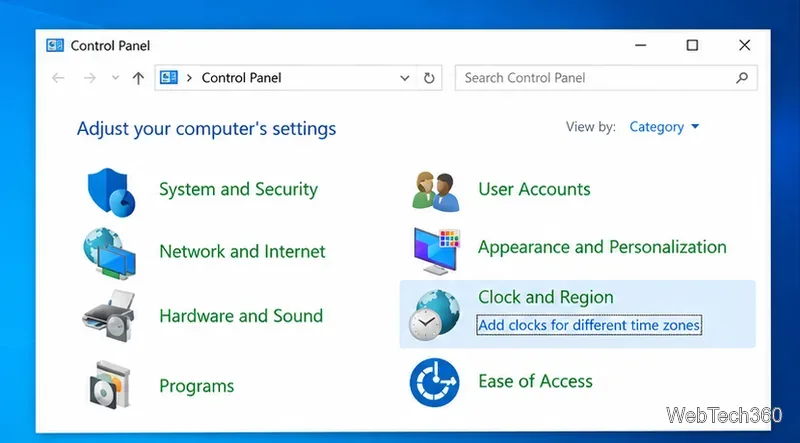
Show two other time zones beside your Windows 10 clock. Set up each additional clock, give it a clear label, and find it in the taskbar calendar.
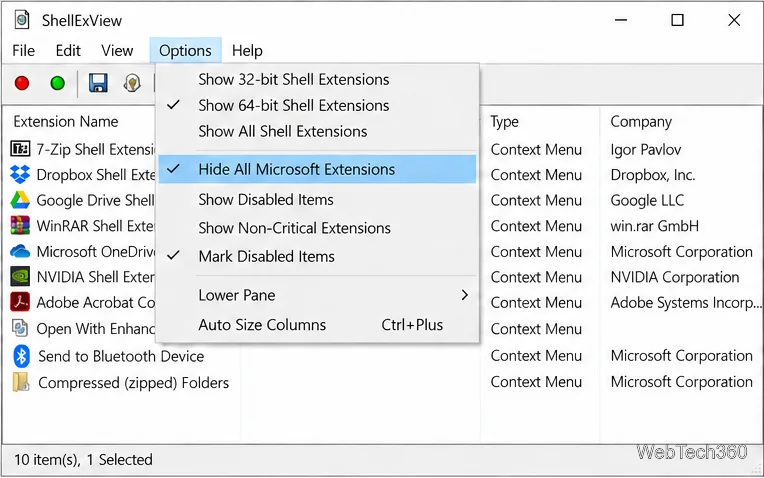
Find the File Explorer extension that delays right-click menus in Windows 10, test it safely with ShellExView, and restore any menu features you still need.
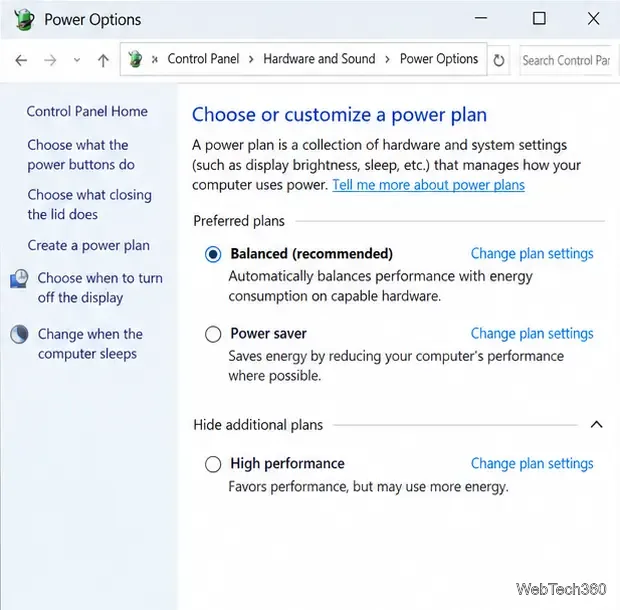
Stop Windows 10 from powering down a specific network adapter or USB device with plan-level settings and Device Manager controls, plus tips to avoid excess battery drain.
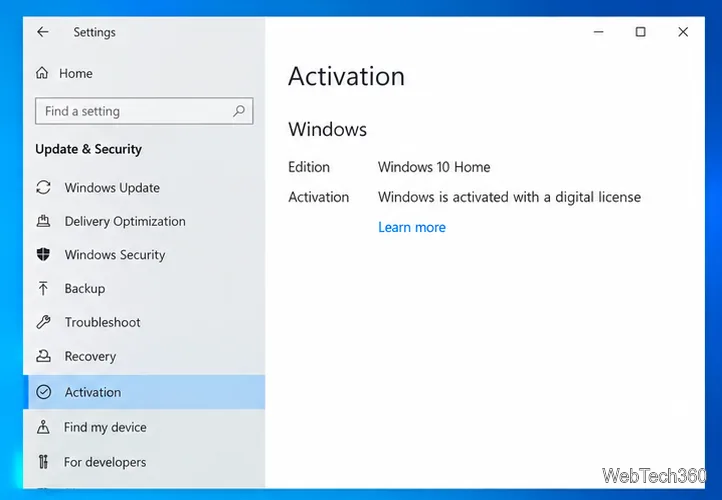
Check whether Windows 10 uses a digital license or product key, find a firmware-stored OEM key, and save license details securely for a reinstall.
Identify a Windows 10 Task Manager process by checking its executable path, file properties, publisher, linked services, and a Microsoft Defender scan.
Create a searchable Windows 10 folder inventory with PowerShell. Save every file and subfolder path as plain text or export details to a sortable CSV.
Add a custom reminder, quote, or label to your Windows 10 desktop with a Rainmeter text skin. Create the INI file, load it, then adjust its font and position.
Use Bluetooth Swift Pair on Windows 10 to pair a compatible accessory from a notification, with setup steps and fixes when the prompt does not appear.
Learn what common laptop function key symbols mean, how Fn and Fn Lock affect them, and how to confirm the right shortcut for your Windows 10 laptop model.