How to Set Different Scaling Levels for Multiple Monitors in Windows 10
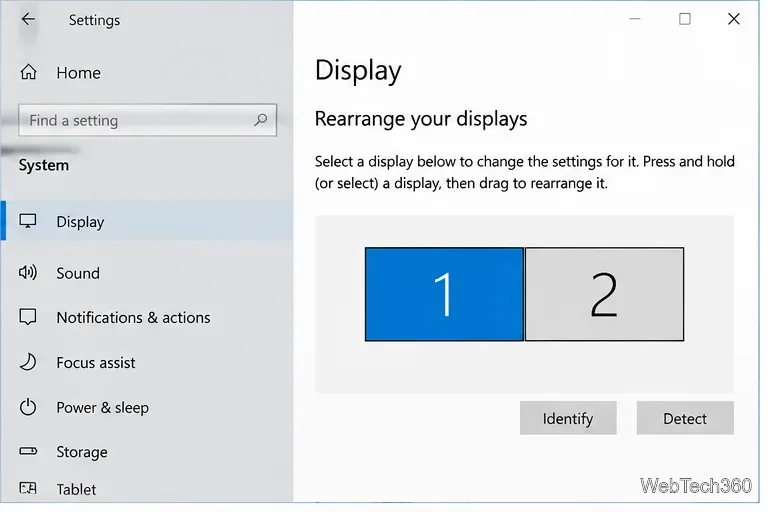
Adjust each Windows 10 monitor independently with per-display scaling, keep text readable, and troubleshoot custom scaling or blurry apps.
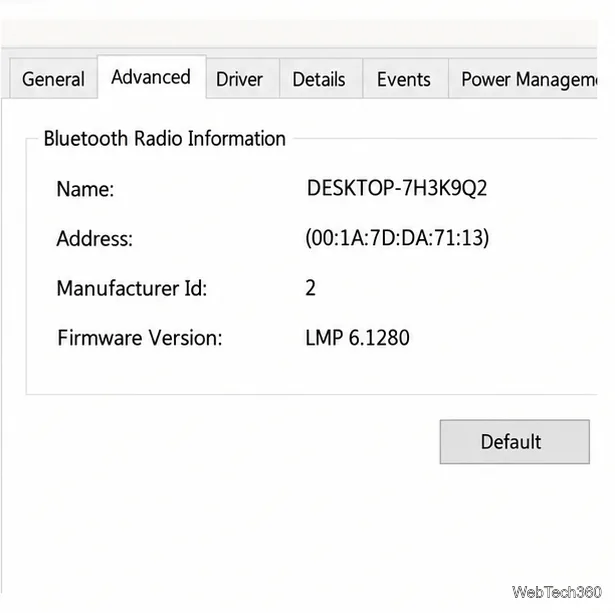
Use Device Manager to read the Bluetooth radio’s Link Manager Protocol (LMP) value. If its LMP version is 6, the adapter supports Bluetooth Core 4.0; a higher LMP number maps to a newer Core specification. This checks the adapter Windows is using, not the Bluetooth version of a mouse, headset, or other accessory.
Bluetooth Core 4.0 introduced Bluetooth Low Energy (LE), which is used by many sensors and other low-power devices. The version check is useful when a peripheral requires Bluetooth 4.0 or newer, but an LMP value alone does not guarantee that a particular app or device service will work. Check the peripheral maker’s requirements if you need a specific feature.
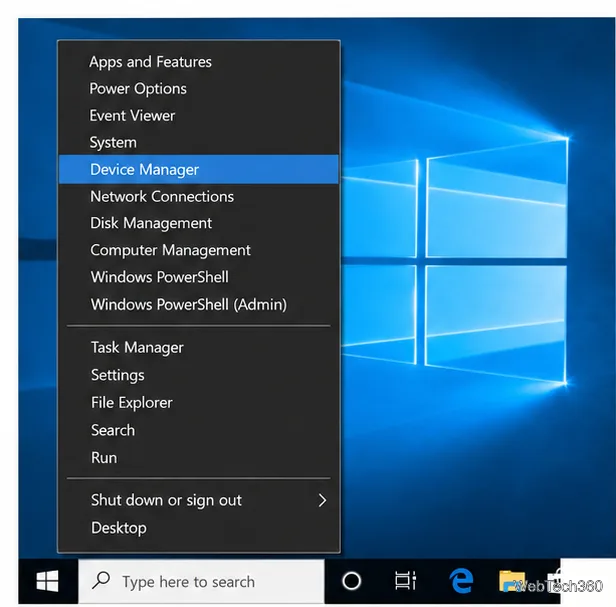
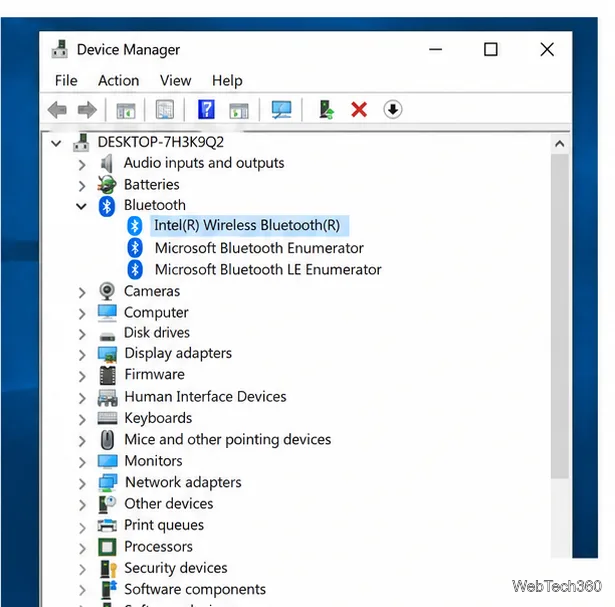
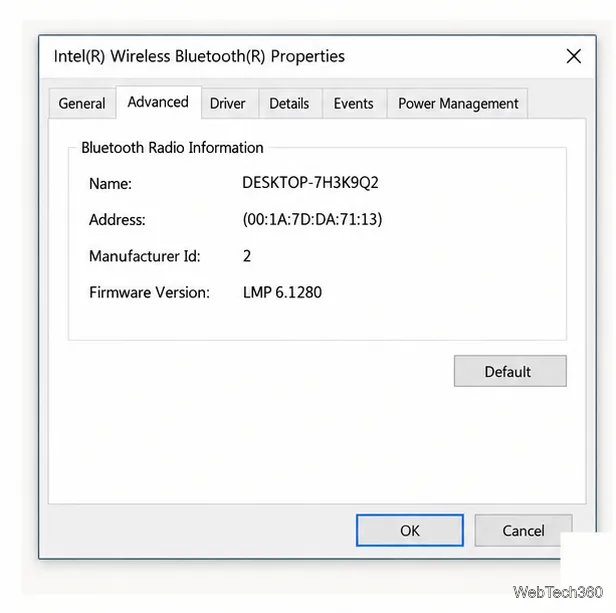
Microsoft’s version chart maps the LMP number to the Bluetooth Core specification. For this check, the key threshold is LMP 6:
| LMP value | Bluetooth Core specification | Result for a Bluetooth 4.0 requirement |
|---|---|---|
| 5 | 3.0 + HS | Below 4.0 |
| 6 | 4.0 | Meets the minimum |
| 7 | 4.1 | Newer than 4.0 |
| 8 | 4.2 | Newer than 4.0 |
| 9 | 5.0 | Newer than 4.0 |
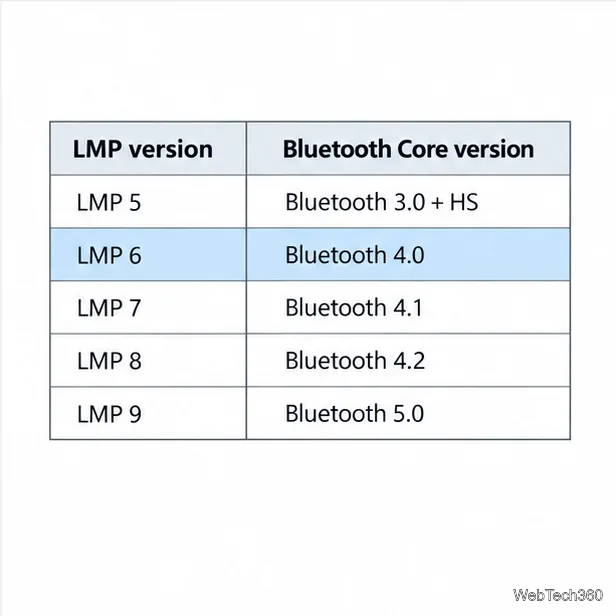
Microsoft describes the LMP value as the highest Bluetooth Core specification the Windows device fully supports. An accessory with a higher specification may still connect, but some features can be limited. Bluetooth 4.0 is not the same as Bluetooth 4.0 LE in every software context: the adapter, its driver, and the app must expose the capability the accessory needs. The Bluetooth SIG’s Core specification history lists Low Energy among the features introduced in Core 4.0.
A missing Microsoft Bluetooth LE Enumerator entry is not a reliable way to decide whether the radio supports Bluetooth 4.0. Use the LMP field on the manufacturer’s radio instead. If Device Manager has no Bluetooth category, that alone also does not prove the PC has no Bluetooth hardware: the radio may be disabled, not detected, or missing a driver. Check the PC specifications and look under Other devices for an unknown adapter. On laptops, check any physical wireless switch or function-key control.
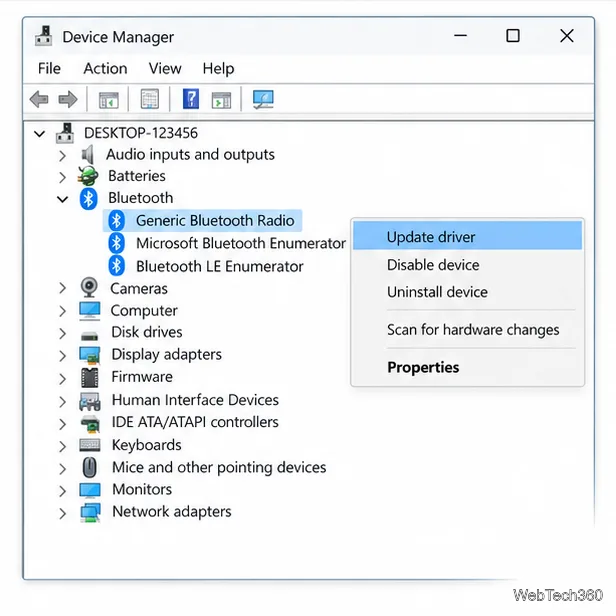
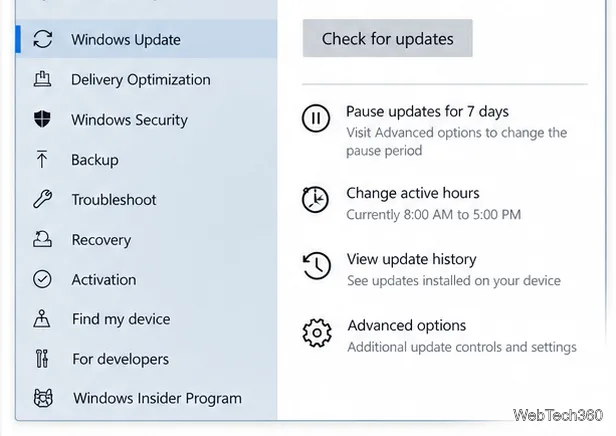
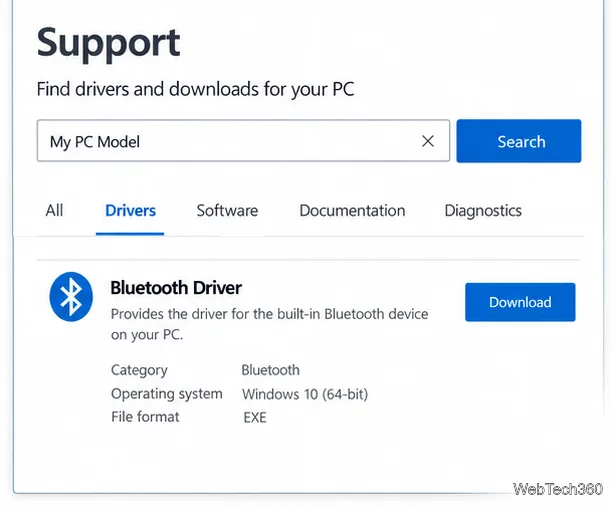
Microsoft ended standard support for Windows 10 on October 14, 2025. The PC can still run, but Windows 10 no longer receives Microsoft’s free software updates, technical assistance, or security fixes through the normal support cycle. The LMP check still tells you what the installed radio reports; if the driver is missing, the computer or adapter manufacturer is the best place to check for a compatible package. A driver update cannot add Bluetooth Low Energy to radio hardware that does not support it.
For the official steps and full LMP chart, see Microsoft’s guide to checking the Bluetooth version on a Windows device and its instructions for updating Bluetooth drivers. Microsoft also explains Bluetooth Low Energy in Windows.
Adjust each Windows 10 monitor independently with per-display scaling, keep text readable, and troubleshoot custom scaling or blurry apps.
Use AirType’s browser pairing setup to type on an iPhone from a Windows 10 PC, with current setup steps, troubleshooting, and privacy limits.
Hide the mouse pointer in Windows 10 videos, games, and other apps with built-in typing controls or PowerToys CursorHide’s adjustable inactivity timer.
Find Control Panel Power Options on a Windows 10 desktop, open the page with a Run command, and adjust power plans, display timeouts, sleep, and button behavior.
Learn what Windows 10 deletion leaves behind, how to use SDelete on an HDD, and why SSDs and cloud backups need separate treatment.
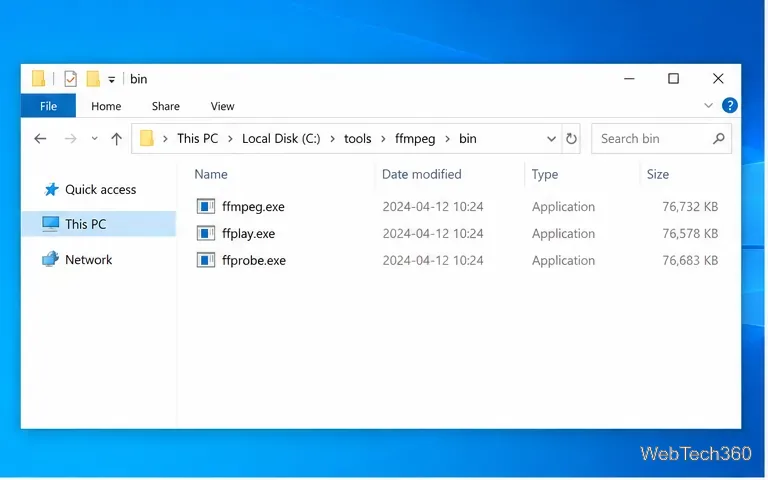
Use FFmpeg’s DirectShow tools to open an integrated webcam’s driver properties in Windows 10, find the correct device, and troubleshoot missing controls.
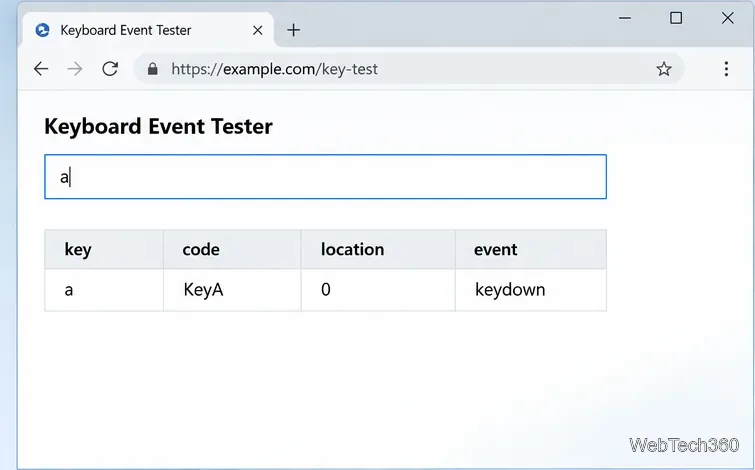
Identify a keypress in Windows 10 with a browser event tester or SharpKeys, then separate layout, software, and keyboard hardware issues.
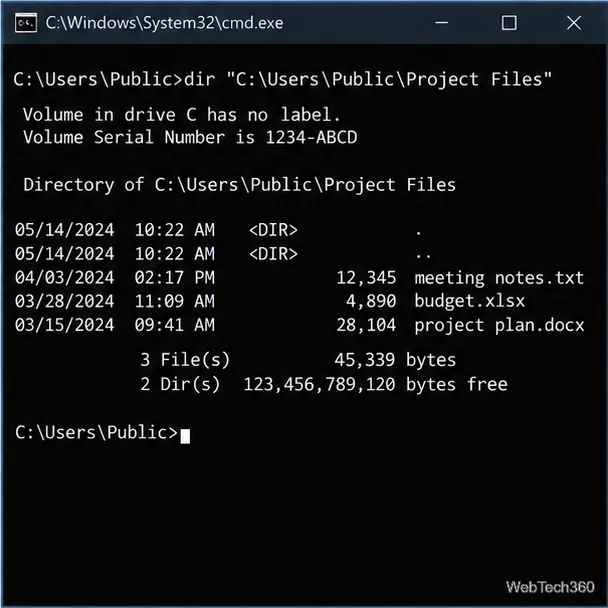
Use double quotes around each complete path with spaces in Command Prompt. Learn how to list, change to, copy, and troubleshoot Windows 10 files and folders.
Turn off the Windows 10 Start menu’s hover-to-expand behavior with a legacy Mach2 command, check build limits, and see the built-in app-list alternative.
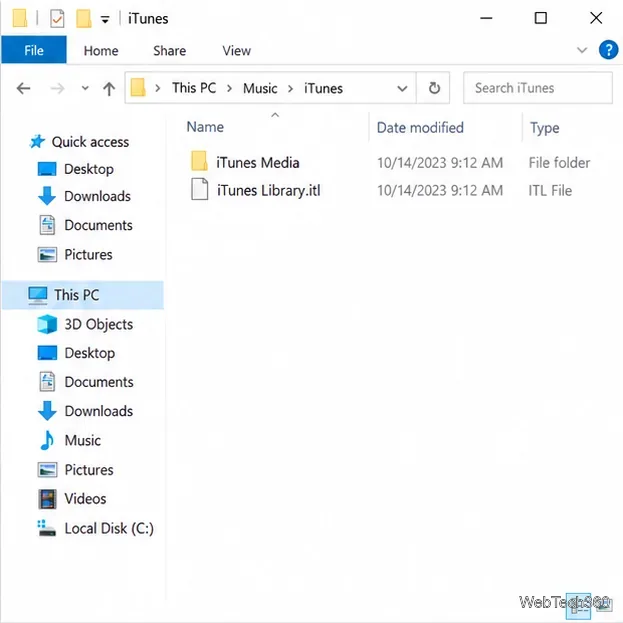
Fix the iTunes Library.itl read error on Windows 10 by updating iTunes, restoring a compatible backup, or safely creating a new library without deleting media files.