How to Set Different Scaling Levels for Multiple Monitors in Windows 10
Adjust each Windows 10 monitor independently with per-display scaling, keep text readable, and troubleshoot custom scaling or blurry apps.
Windows 10 does not document a built-in switch for the Start menu’s old hover-to-expand behavior. The historical workaround uses Mach2, a third-party utility that changes hidden Windows feature settings. It is a legacy method, not a supported fix for current Windows builds: Mach2’s maintainer says the tool is retired and unsupported on Windows 10 version 2004 or newer. Check your version before downloading anything, and skip the commands if your PC is on 2004 or later.
Open Start > Settings > System > About and look under Windows specifications for Version and OS build. Microsoft’s device information guide describes where to find these details. This workaround was associated with the Windows 10 version 1909-era Start menu; it is not verified for every older build. If About shows version 2004 or newer, stop here.
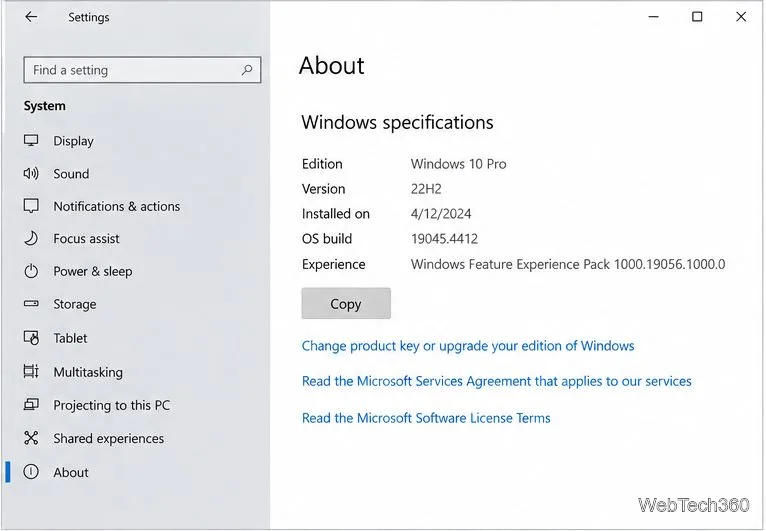
The example About screen shows version 22H2, so it is outside Mach2’s supported range. The tool controls an undocumented Windows Feature Store. Its own documentation notes that Windows may ignore a configured feature state depending on the build. A successful command therefore does not guarantee that the Start menu will change.
msdia120.dll file.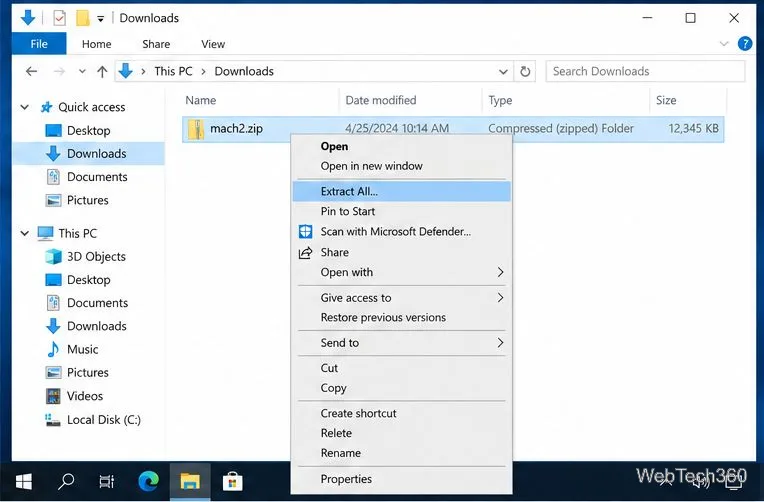
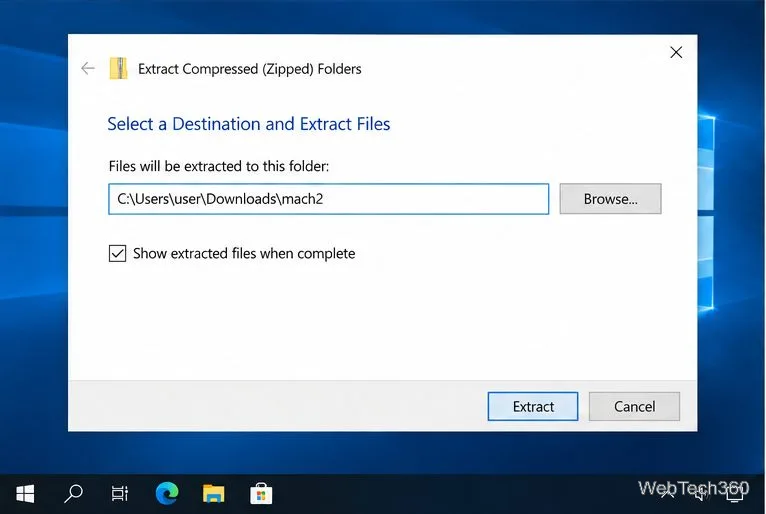
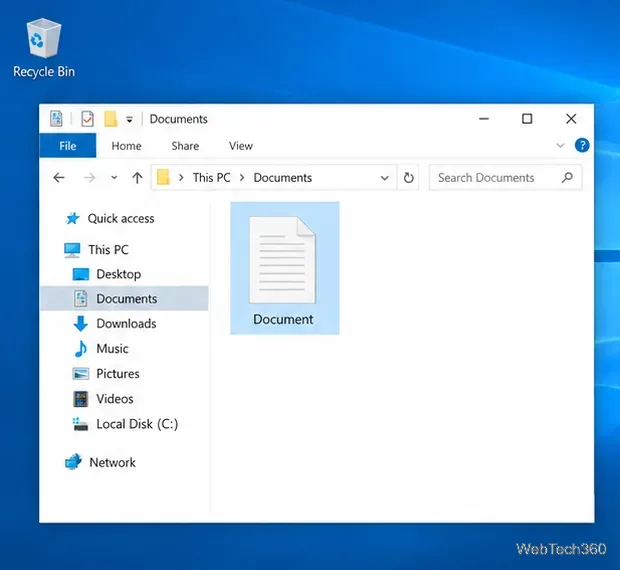
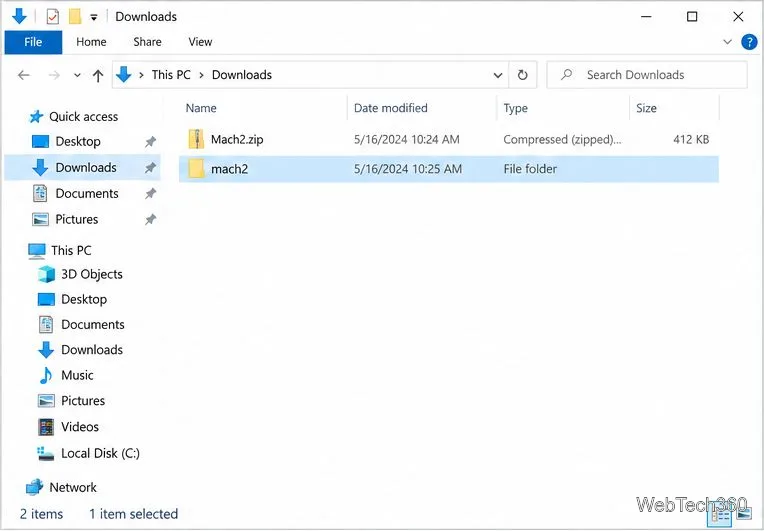
After extraction, confirm that the Mach2 executable and its companion files are in the folder you plan to use. The Downloads view below shows an example of the ZIP and extracted folder side by side.
cmd, right-click Command Prompt, choose Run as administrator, and approve the User Account Control prompt if you trust the downloaded tool.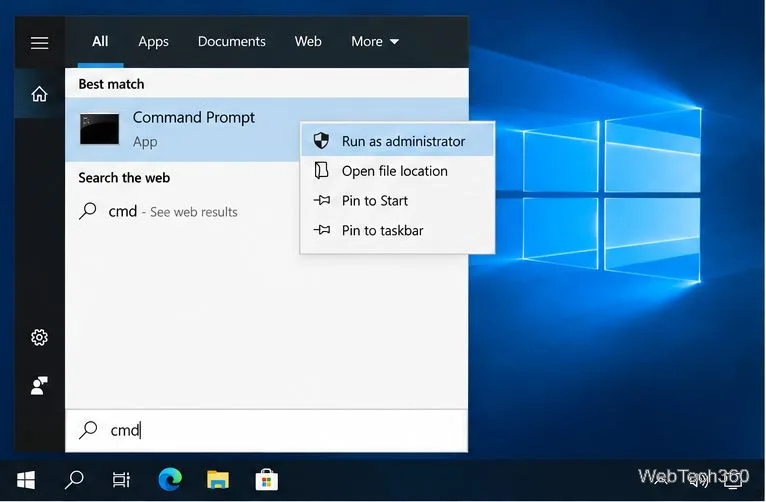
cd /d "%USERPROFILE%\Downloads\mach2"
mach2 disable 18715789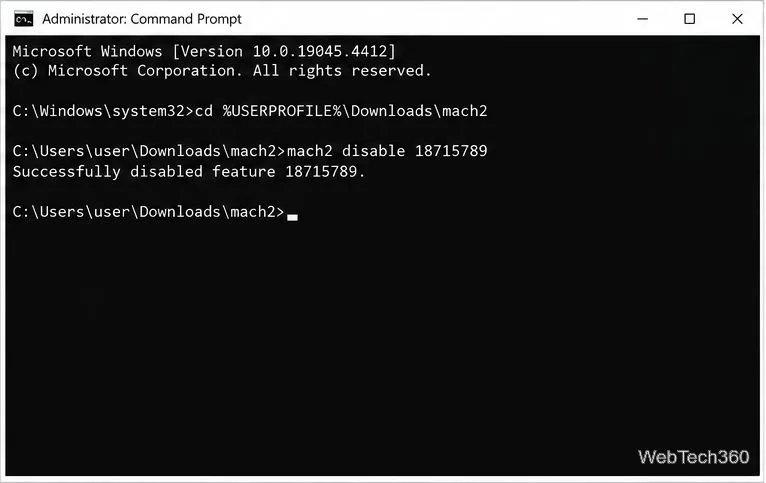
The feature ID 18715789 is the identifier used by this historical workaround. Restart Windows after the command, then hover over the Start menu’s left-side app-list area to check whether it stays collapsed. If it does not, do not repeat the tweak on an unsupported build or experiment with other feature IDs.
To explicitly turn the feature back on, reopen an elevated Command Prompt, return to the same extracted folder, and run:
cd /d "%USERPROFILE%\Downloads\mach2"
mach2 enable 18715789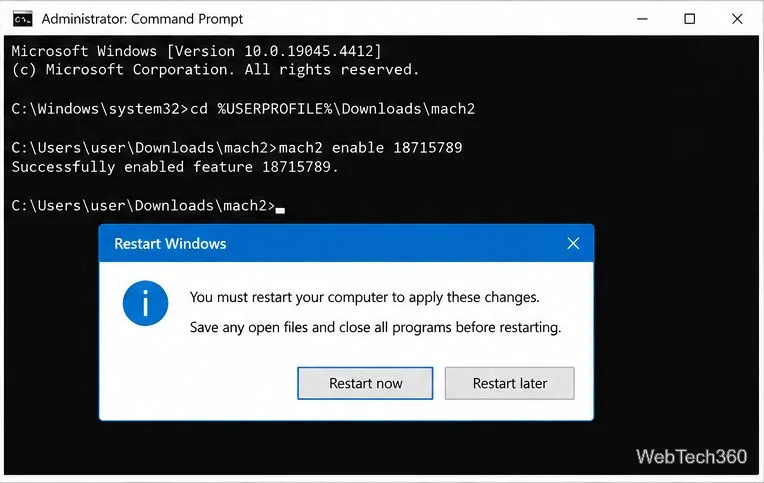
Restart Windows after enabling it. Mach2 also describes a Revert operation that removes a forced setting and lets Windows choose the default state; because command options can vary by release, check mach2 --help in the copy you downloaded before using that option.
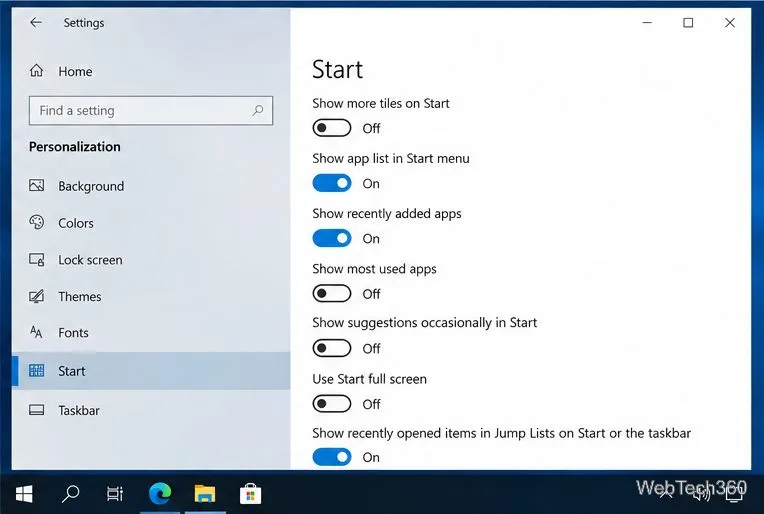
If your goal is to keep the full app list out of sight, Windows 10 offers a supported setting: open Settings > Personalization > Start and turn off Show app list in Start menu. Microsoft documents this option in its Start menu customization guide. This hides the app list; it does not disable the mouse-hover expansion behavior.
Keep the support dates in mind before relying on an old workaround. Windows 10 version 1909 Home and Pro left servicing on May 11, 2021, and Microsoft lists October 14, 2025, as the end-of-support date for Windows 10 version 22H2. See Microsoft’s 1909 servicing notice and Windows 10 end-of-support notice for edition details. On an unsupported PC, prioritize moving to a supported Windows release over changing undocumented feature switches.
Adjust each Windows 10 monitor independently with per-display scaling, keep text readable, and troubleshoot custom scaling or blurry apps.
Use AirType’s browser pairing setup to type on an iPhone from a Windows 10 PC, with current setup steps, troubleshooting, and privacy limits.
Hide the mouse pointer in Windows 10 videos, games, and other apps with built-in typing controls or PowerToys CursorHide’s adjustable inactivity timer.
Find Control Panel Power Options on a Windows 10 desktop, open the page with a Run command, and adjust power plans, display timeouts, sleep, and button behavior.
Learn what Windows 10 deletion leaves behind, how to use SDelete on an HDD, and why SSDs and cloud backups need separate treatment.
Use FFmpeg’s DirectShow tools to open an integrated webcam’s driver properties in Windows 10, find the correct device, and troubleshoot missing controls.
Identify a keypress in Windows 10 with a browser event tester or SharpKeys, then separate layout, software, and keyboard hardware issues.
Use double quotes around each complete path with spaces in Command Prompt. Learn how to list, change to, copy, and troubleshoot Windows 10 files and folders.
Turn off the Windows 10 Start menu’s hover-to-expand behavior with a legacy Mach2 command, check build limits, and see the built-in app-list alternative.
Fix the iTunes Library.itl read error on Windows 10 by updating iTunes, restoring a compatible backup, or safely creating a new library without deleting media files.