How to Check Hard Drive Health in Windows Server
Check Windows Server disk status and reliability counters, verify SMART data when available, and separate hardware warnings from NTFS errors.
To convert a PNG, JPG, or BMP image into a Windows icon, open it in GIMP and export it with the .ico extension. GIMP includes a Windows Icon export dialog where you can select several icon sizes and choose an alpha-capable pixel format. That gives Windows a choice of image sizes instead of asking it to enlarge or shrink one tiny bitmap.
A Windows icon is commonly a set of square images stored in one .ico file. Microsoft lists 16 × 16, 32 × 32, 48 × 48, and 256 × 256 pixels as typical sizes. Windows can select the closest image for the place where the icon appears, which helps it stay clear in different views. A single-size file may look sharp at one scale and blurry at another. See Microsoft’s Windows icon guidance for the format and common sizes.
Before converting, simplify the artwork if it contains small text or fine details. Those details can disappear in a 16-pixel image; Microsoft recommends adjusting an icon’s detail for smaller sizes instead of relying on a simple reduction. A PNG can retain transparent edges. JPEG does not store transparency, and BMP files may be opaque, so use a PNG source when you need a transparent background.
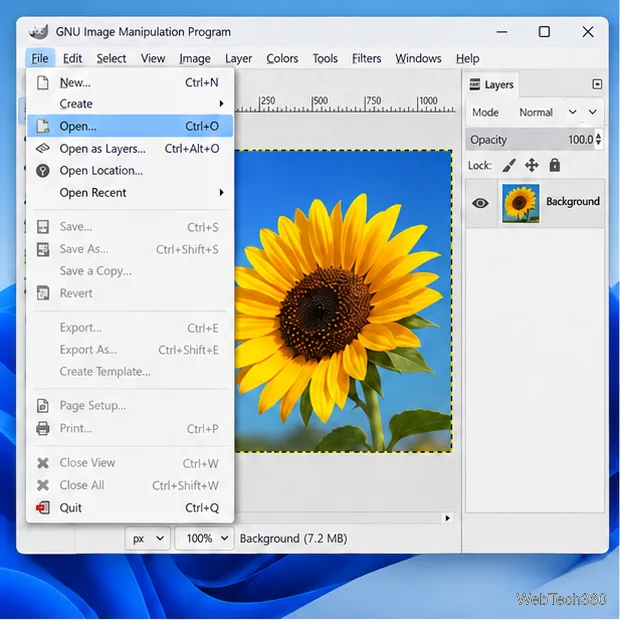
1:1. Drag the square around the subject and press Enter. Keep the subject centered and leave a little breathing room at the edges. If you need to preserve a wide image without cropping, place it on a square canvas instead; use transparency for a PNG or a solid background for an opaque image. GIMP’s Crop tool manual explains fixed aspect ratios.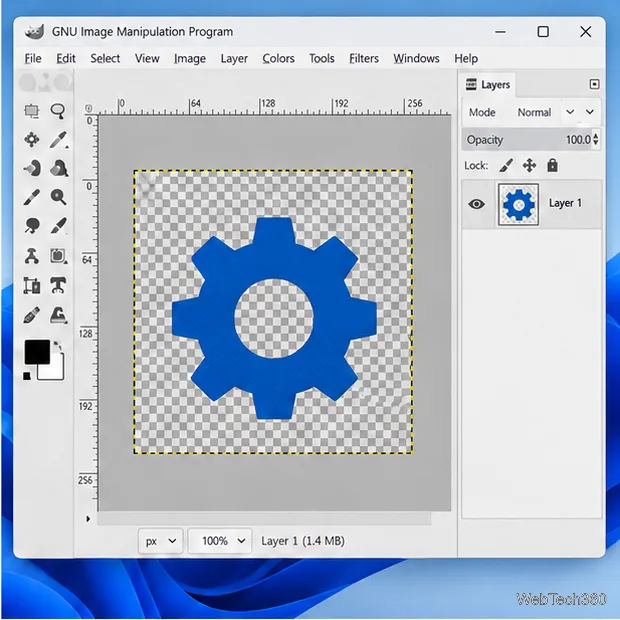
custom.ico, and choose Export. GIMP uses Export for formats such as ICO; its native Save command is for GIMP project files. In the file dialog, confirm the type is Microsoft Windows icon (*.ico) if a format selector is shown.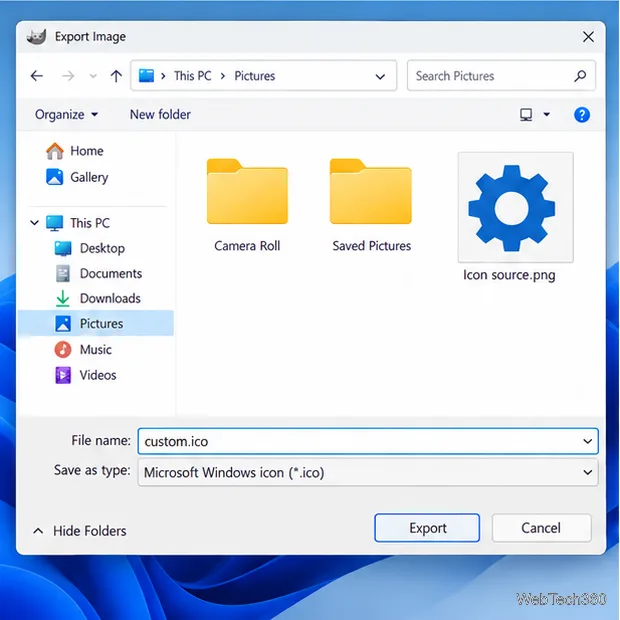
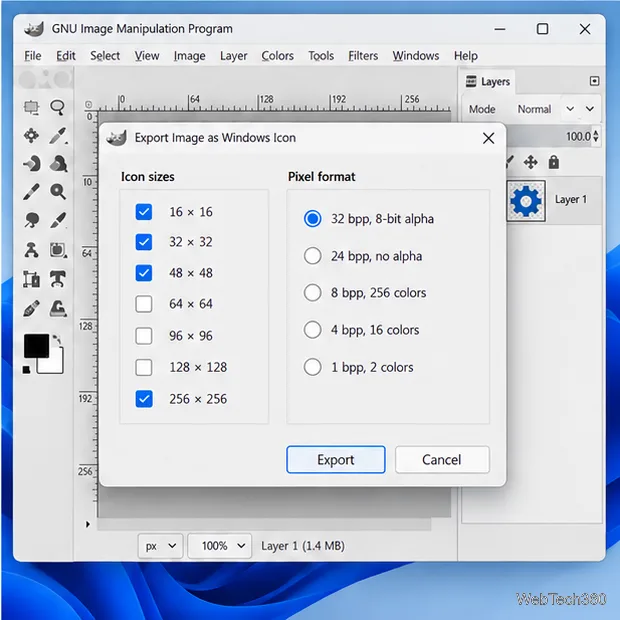
Keep the .ico file in a location that will not change. For a folder that offers the customization tab, right-click it, choose Properties > Customize > Change Icon > Browse, select the ICO file, and apply the change. A shortcut can also use a custom icon through its Properties dialog. These controls vary by Windows version and by the kind of item you are customizing.
There is a current Windows caveat for folder icons: Microsoft says security updates released on or after June 9, 2026 can cause Windows to ignore some custom folder icons supplied through desktop.ini when the file comes from an untrusted source or carries Mark of the Web. If a converted ICO works in an app but not for a downloaded folder, read Microsoft’s current custom-folder-icon notice. Only change trust settings or unblock files you know are safe.
.ico and that GIMP exported it as Microsoft Windows Icon, not PNG with a renamed extension.After those checks, export again and test the file in the Windows icon picker or the application that needs it. The useful result is one ICO file with the sizes and transparency your target supports.
Check Windows Server disk status and reliability counters, verify SMART data when available, and separate hardware warnings from NTFS errors.
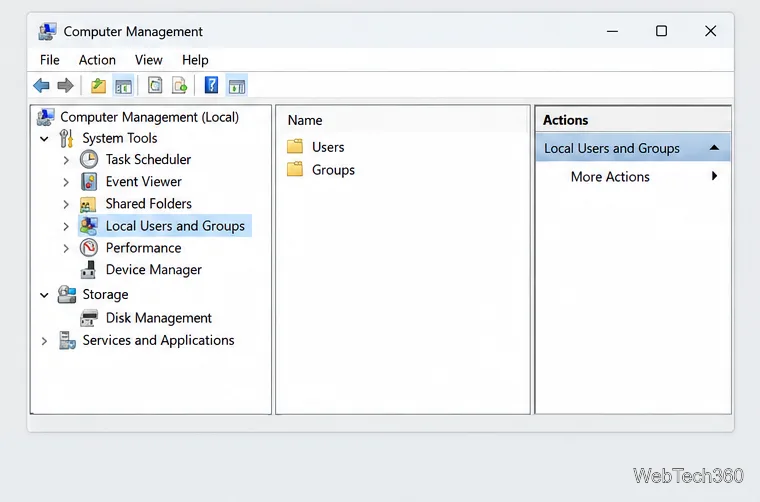
Create, grant admin rights to, disable, or remove local Windows Server users with Computer Management or PowerShell. Learn when to use Active Directory instead.
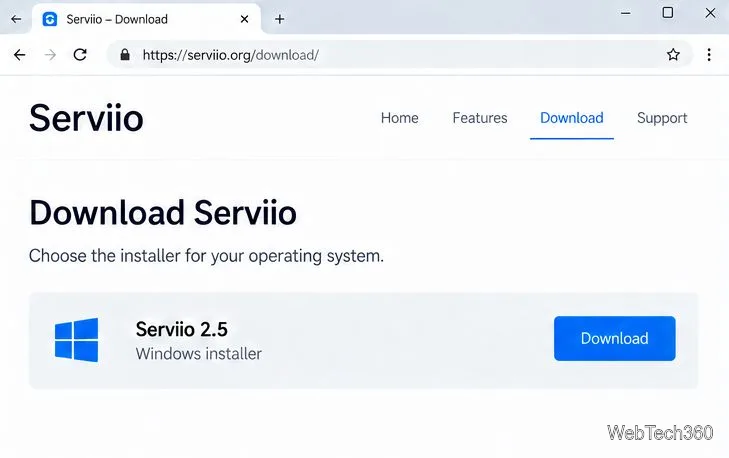
Install Serviio on Windows Server, share local or NAS media folders, and test DLNA playback. Learn how to check the Windows service, firewall, and Pro-only browser features.
Convert PNG, JPG, or BMP files to Windows ICO with GIMP. Prepare a square image, keep transparency when needed, add standard sizes, and check the export.
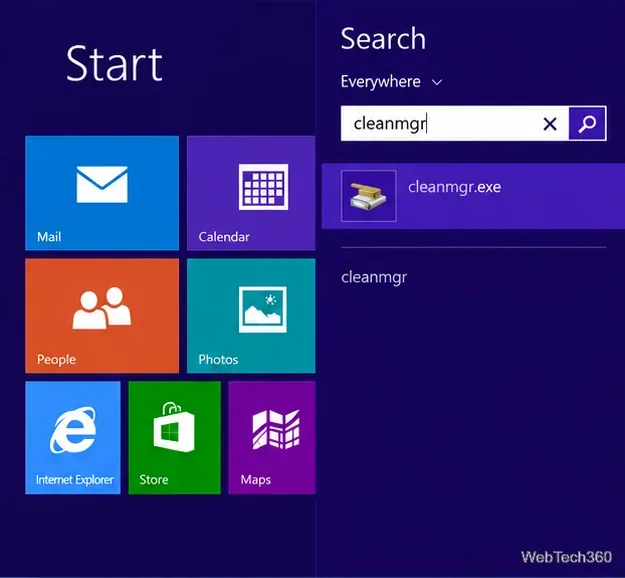
Clear thumbnail, DNS, Internet Explorer, Microsoft Store, Search, and Live Tile data with Windows 8’s built-in tools, and learn what each cleanup removes.
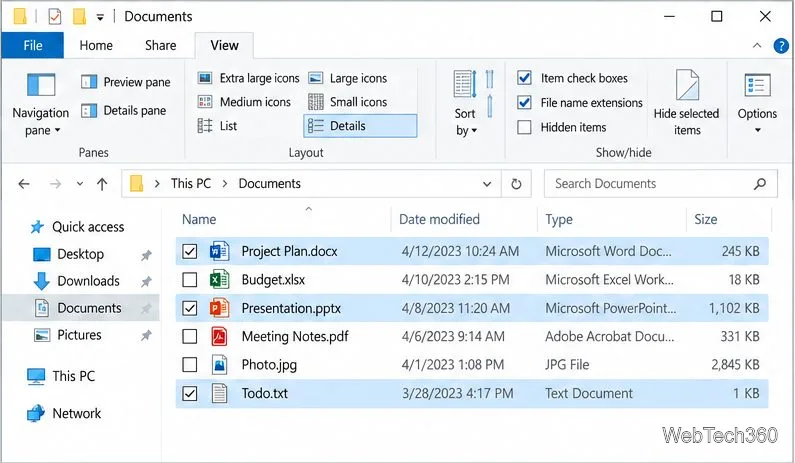
Turn off Windows 10 item check boxes in File Explorer with the View ribbon, or use Folder Options if the toggle is missing. See what changes and how to select multiple files without boxes.
Install VMware Workstation Pro on a compatible Windows Server host, from checking support and downloading the right build to creating your first VM.
Browse and copy Ext2, Ext3, or Ext4 files on Windows with a read-only workflow. See what Linux Reader’s free edition supports and when WSL fits.
Install Caddy’s native Windows binary, serve a test site, enable automatic HTTPS for a domain, and run Caddy as a Windows Server service.
Run Linux Docker containers alongside Windows Server by creating an Ubuntu Hyper-V VM, installing Docker Engine, and publishing a test service safely.