How to Fix Lines on a Monitor Screen in Windows 10
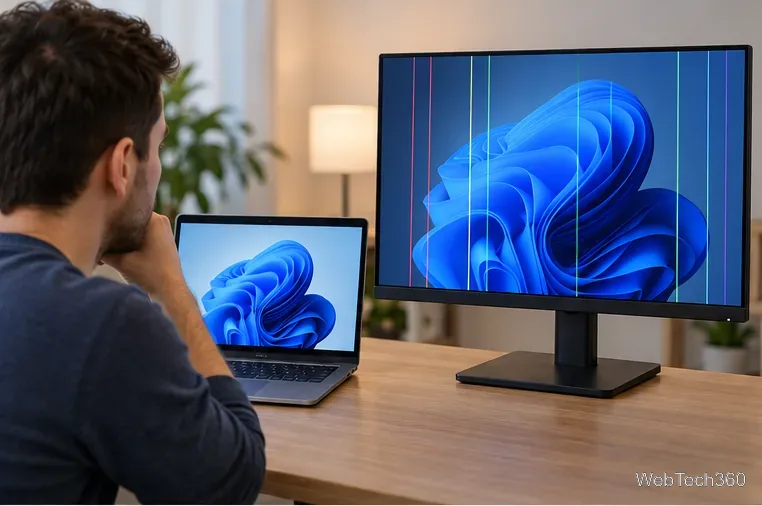
Use a screenshot test, cable and port checks, monitor diagnostics, display settings, and driver rollback to pinpoint lines on a Windows 10 monitor.
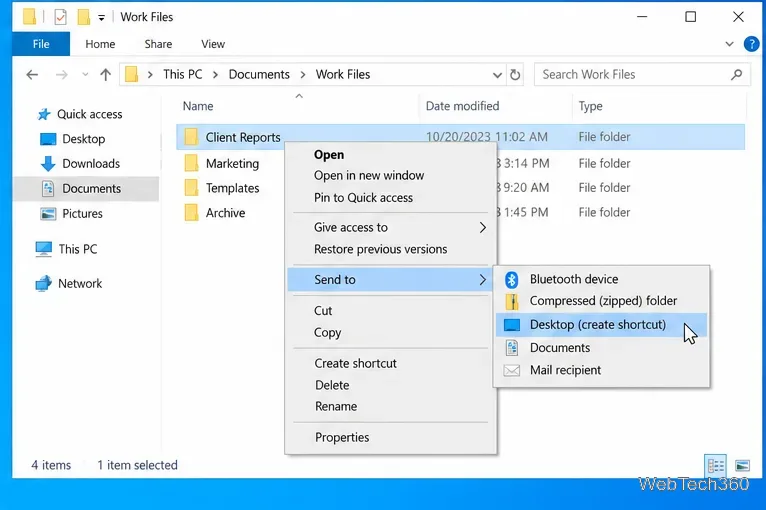
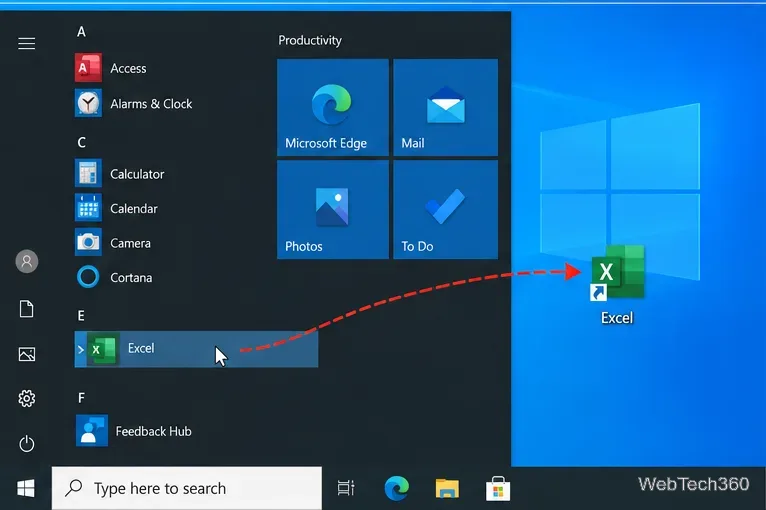
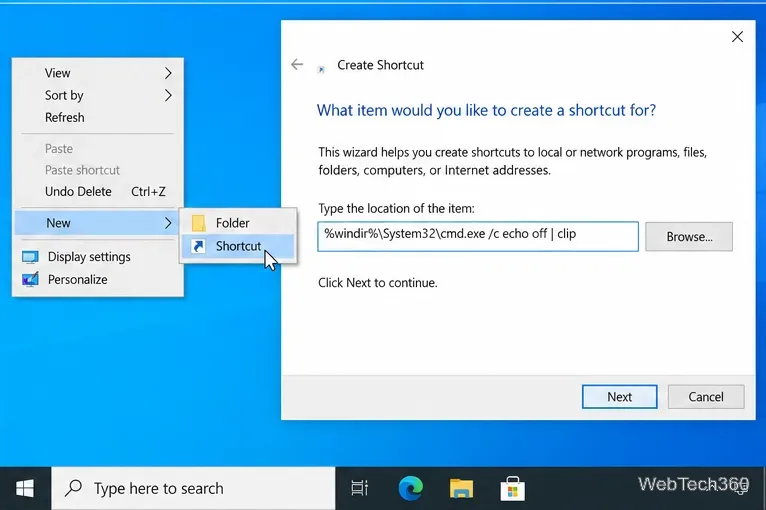
You can create a desktop shortcut in Windows 10 without moving the original file, folder, or app. The fastest method depends on what you want to open: use Send to > Desktop (create shortcut) for files and folders, drag an app from Start to the desktop, or use New > Shortcut when you want to enter a path, URL, or command manually.
A shortcut is only a pointer to its target. Deleting the shortcut normally does not delete the original file, folder, or installed app. Microsoft documents these shortcut methods in its Windows desktop icon and shortcut guidance.
Windows 10 note: Microsoft ended standard Windows 10 support on October 14, 2025. Windows 10 PCs can still run, but Microsoft no longer provides free security updates or technical support for standard installations. See Microsoft's Windows 10 end-of-support information for current support options.
The new icon appears on the desktop and opens the original file from its existing location. You can rename the shortcut without renaming the source file.
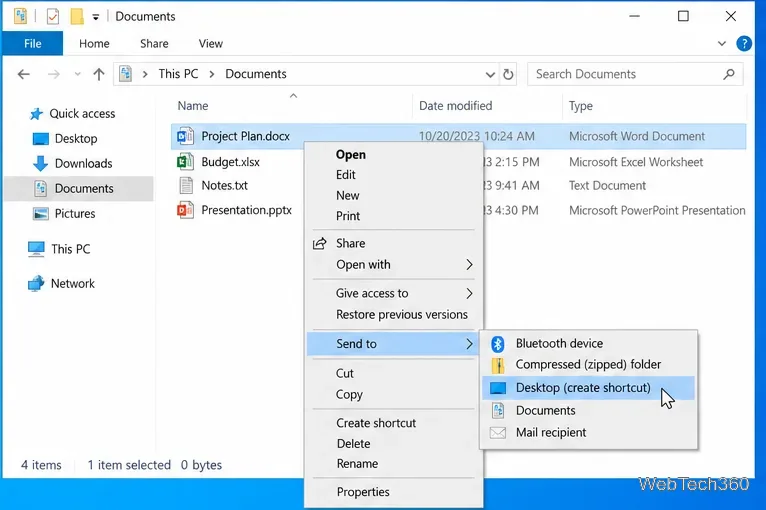
This is useful for folders that are buried several levels deep. The folder stays where it is; only a shortcut is added to the desktop.
For many traditional desktop apps, Windows 10 can create a shortcut directly from the Start menu:
If dragging does not work for a particular app, use the custom shortcut method below and point the wizard to the program's executable file.
The Shortcut wizard is the most flexible option because you can type or browse to a target yourself.
For example, %windir%\System32\notepad.exe creates a shortcut that opens Notepad. If you use a command instead of a normal file path, make sure you understand what the command does before saving or running it.
Microsoft also documents a quick browser method: open the website, then drag the site-information icon next to the address bar onto the desktop. Depending on the browser version, that icon may look like a padlock or site-controls symbol. You can also use New > Shortcut and paste the full https:// address.
If you do not see the expected command, try the method that matches the problem:
Yes. In normal use, deleting a Windows shortcut removes the shortcut itself, not the item it points to. You can confirm that an icon is a shortcut by looking for the small shortcut-arrow overlay or by right-clicking it and opening Properties. If you are unsure whether an icon is a real file or a shortcut, check its properties before deleting it.
Use a screenshot test, cable and port checks, monitor diagnostics, display settings, and driver rollback to pinpoint lines on a Windows 10 monitor.
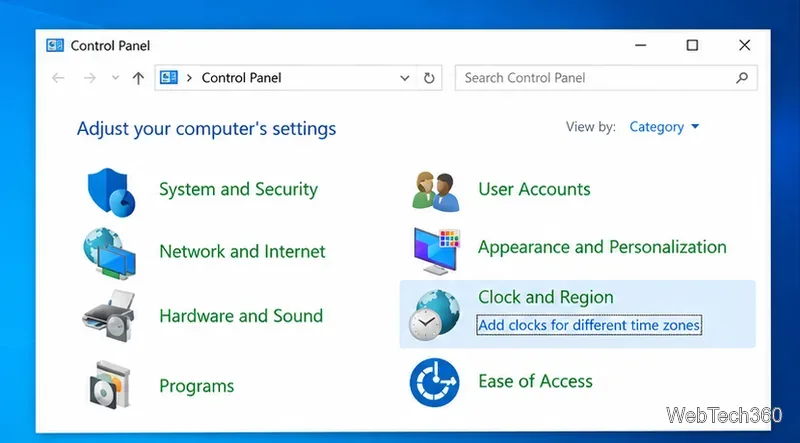
Show two other time zones beside your Windows 10 clock. Set up each additional clock, give it a clear label, and find it in the taskbar calendar.
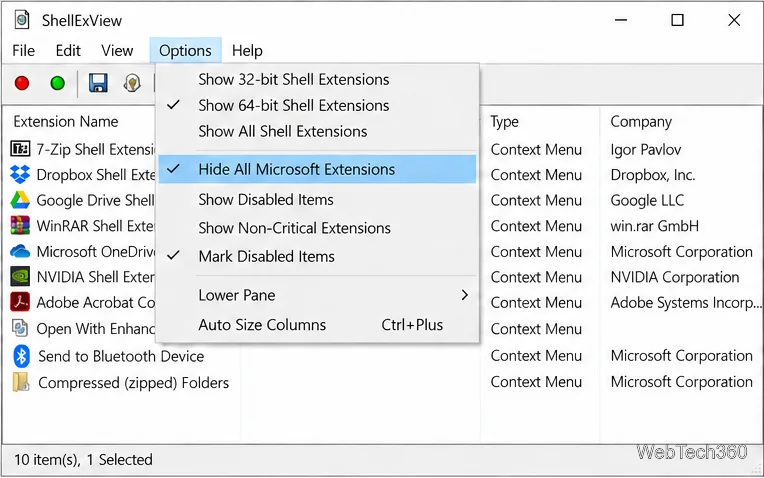
Find the File Explorer extension that delays right-click menus in Windows 10, test it safely with ShellExView, and restore any menu features you still need.
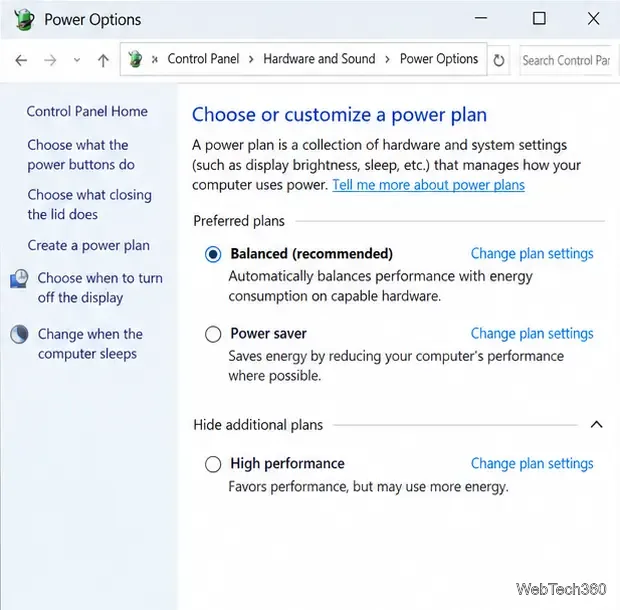
Stop Windows 10 from powering down a specific network adapter or USB device with plan-level settings and Device Manager controls, plus tips to avoid excess battery drain.
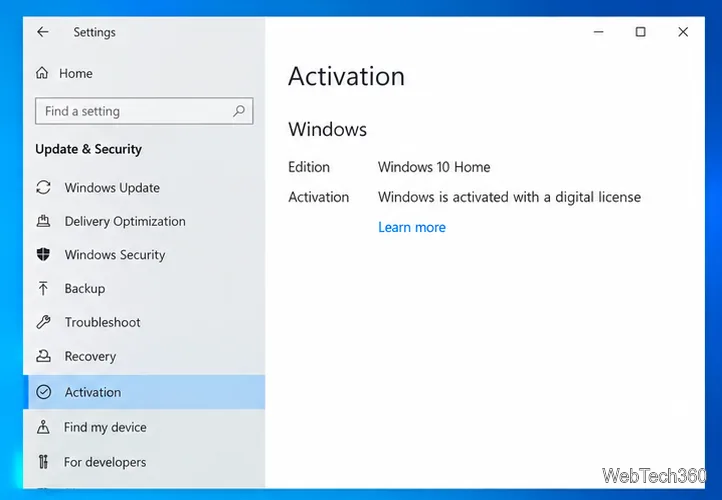
Check whether Windows 10 uses a digital license or product key, find a firmware-stored OEM key, and save license details securely for a reinstall.
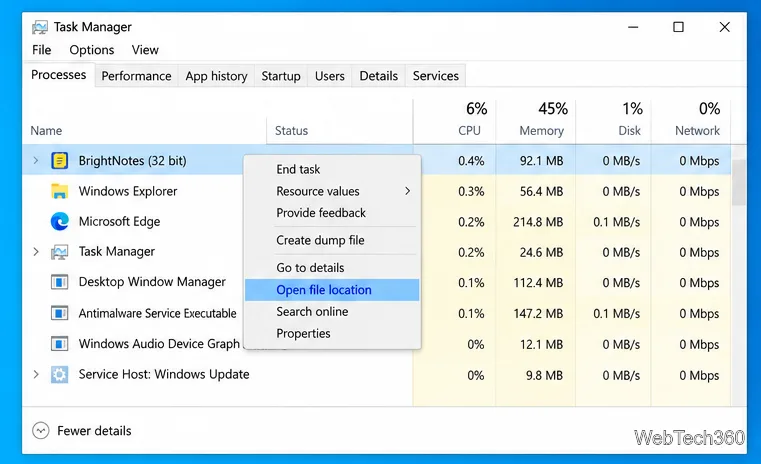
Identify a Windows 10 Task Manager process by checking its executable path, file properties, publisher, linked services, and a Microsoft Defender scan.
Create a searchable Windows 10 folder inventory with PowerShell. Save every file and subfolder path as plain text or export details to a sortable CSV.
Add a custom reminder, quote, or label to your Windows 10 desktop with a Rainmeter text skin. Create the INI file, load it, then adjust its font and position.
Use Bluetooth Swift Pair on Windows 10 to pair a compatible accessory from a notification, with setup steps and fixes when the prompt does not appear.
Learn what common laptop function key symbols mean, how Fn and Fn Lock affect them, and how to confirm the right shortcut for your Windows 10 laptop model.