How to Open a Linux Shell in a Folder on Windows 10
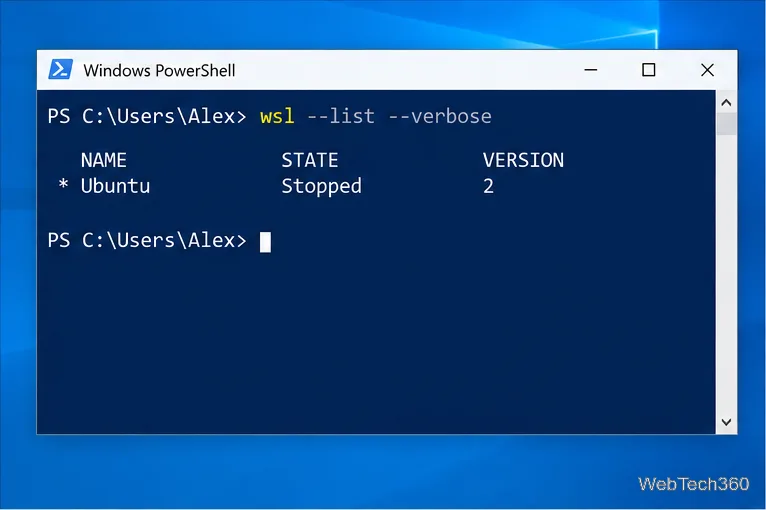
Open a Linux shell in any Windows 10 folder with File Explorer, PowerShell, and WSL. Check the Linux path and fix common setup issues.
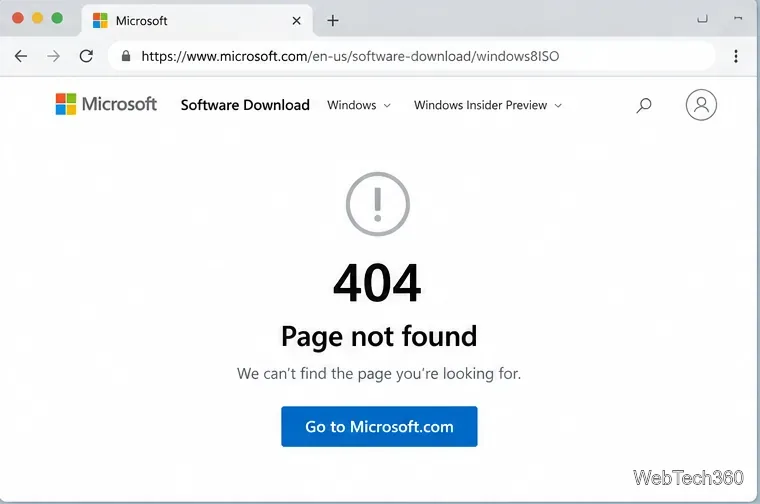
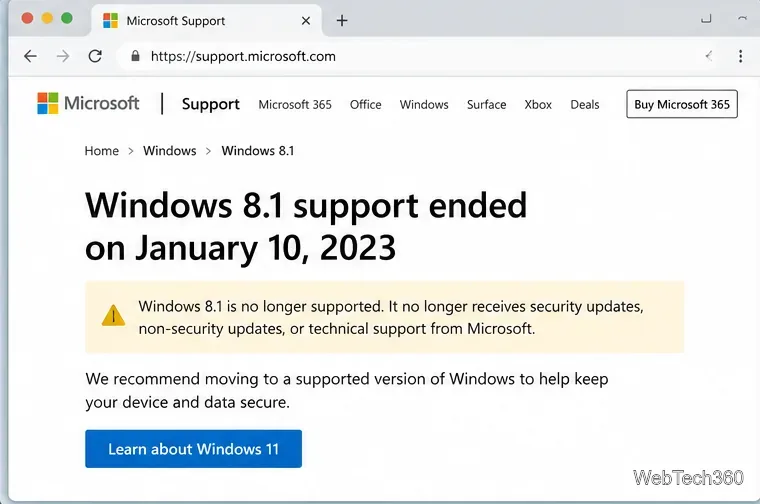
If you are looking for a Windows 8.1 ISO download, the most important thing to know is that Microsoft no longer provides the old public ISO download page. The former Windows 8.1 software-download URL now returns a 404 page, and Windows 8.1 itself reached end of support on January 10, 2023. That means there is no current public Microsoft link where anyone can simply choose Windows 8.1, select a language, and download a 32-bit or 64-bit ISO.
Microsoft also no longer supplies security updates or technical support for Windows 8.1. See Microsoft's Windows 8.1 end-of-support notice. If you only need a working PC, moving to a supported version of Windows is the safer choice.
For most home users, not from a public download page. However, legitimate Microsoft download channels can still expose older software when your account or organization has the appropriate entitlement. These channels are useful for development, testing, managed deployments, or organizations that still hold older perpetual licenses.
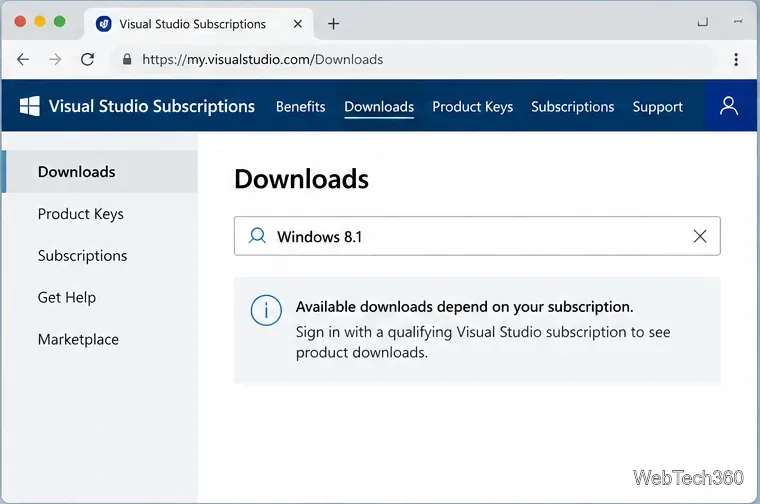
Microsoft says Visual Studio Subscriptions can keep older products available long after extended support ends, although availability depends on your subscription level and program. Sign in to the Visual Studio Subscriptions Downloads page, search for Windows 8.1, and use the download shown for your account if one is offered. Do not assume every subscription includes it.
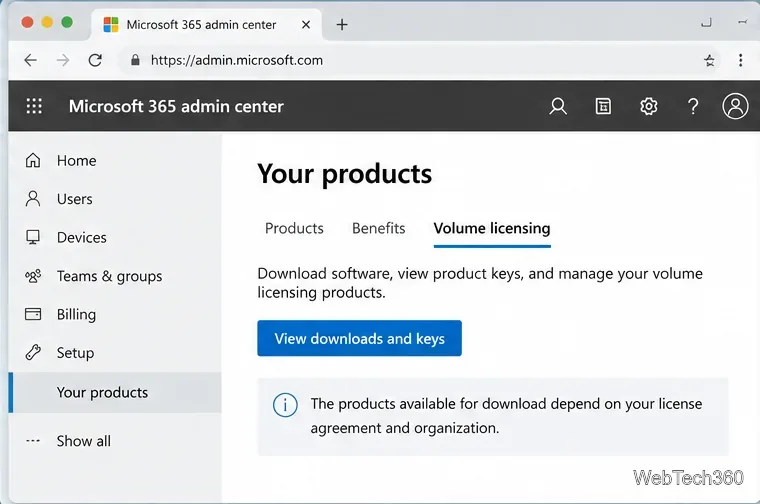
If your organization bought Windows through Microsoft Volume Licensing, an authorized administrator can open the Microsoft 365 admin center and go to Billing > Your products > Volume licensing, then choose View downloads and keys. Microsoft's current documentation notes that not every product is available to every agreement, so Windows 8.1 will appear only if the license grants access. See Microsoft's volume-licensing download guide.
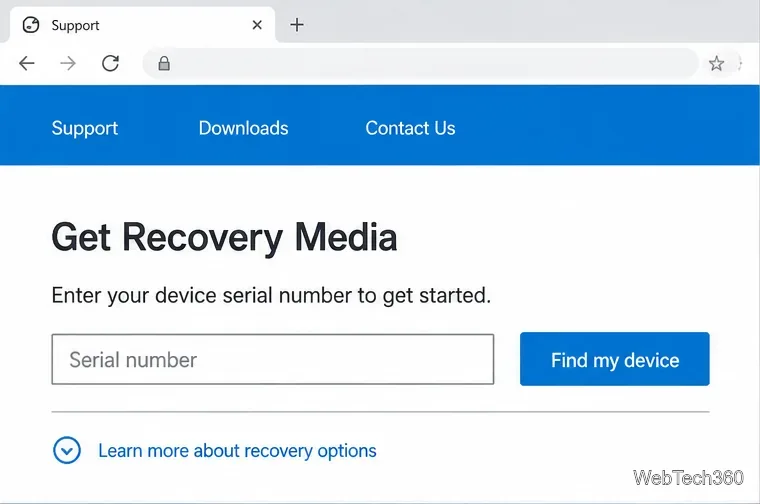
If Windows 8.1 came preinstalled on the computer, check the PC maker's official support site for recovery-media or factory-recovery options tied to that model or serial number. This is often a better match than a generic ISO because OEM recovery media can include the correct edition and device-specific recovery files. If you still have the original recovery DVD or USB that came with the computer, keep it: it may be the most straightforward reinstall path.
Avoid unofficial torrents or random ISO mirrors. Even if a file has the right name, a modified installation image can contain malware, unwanted changes, or a different edition from the one your license covers.
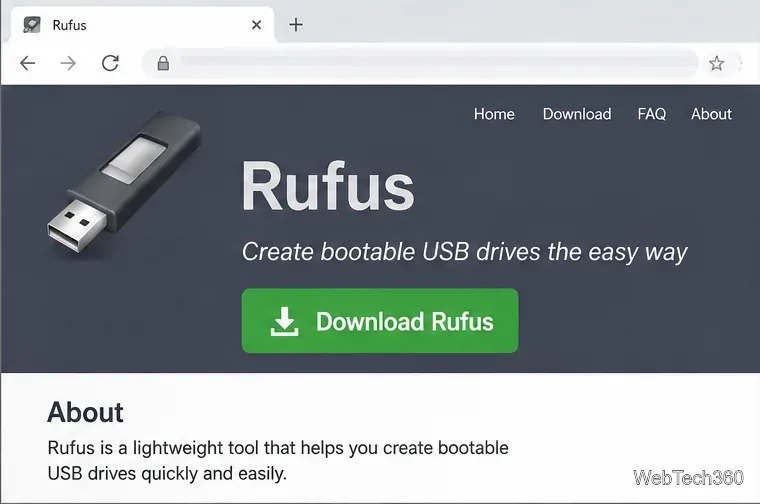
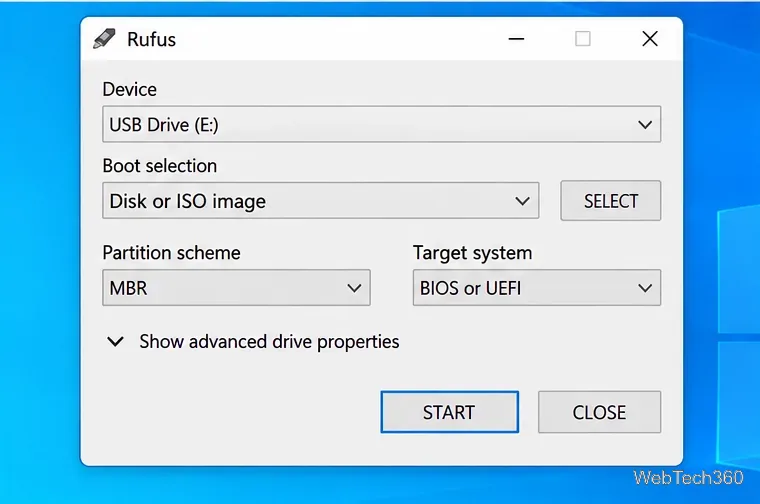
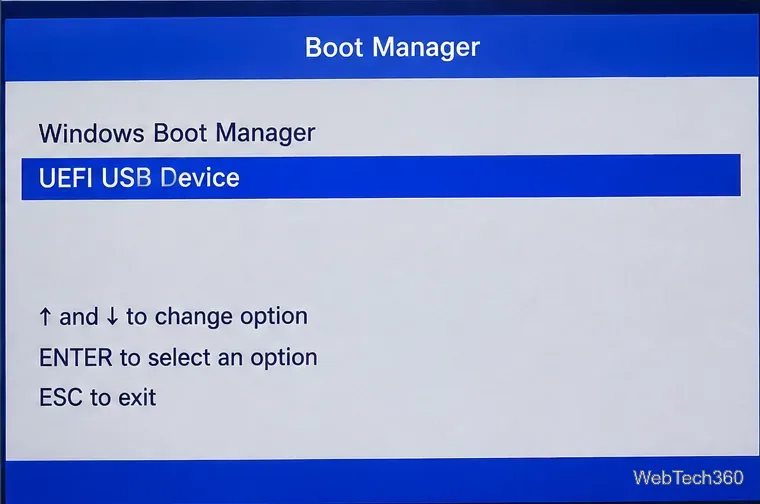
If you obtained the ISO from an authorized source, you can write it to a USB drive with Rufus. Download Rufus only from the official Rufus website. Back up the USB first because creating installation media erases its contents.
Microsoft's public Windows 8 and Windows 8.1 consumer ISO downloads are no longer the simple public downloads they once were. If you need Windows 8 specifically, use media you already own, an OEM recovery path, or an entitled Microsoft business or subscription channel. Do not substitute an unknown third-party ISO just because it is easier to find.
The key update to older guides is simple: there is no longer a public Microsoft Windows 8.1 ISO page to follow. Use an entitled Microsoft download portal or the original manufacturer's recovery route, then create installation media only from an ISO you can trust.
Open a Linux shell in any Windows 10 folder with File Explorer, PowerShell, and WSL. Check the Linux path and fix common setup issues.
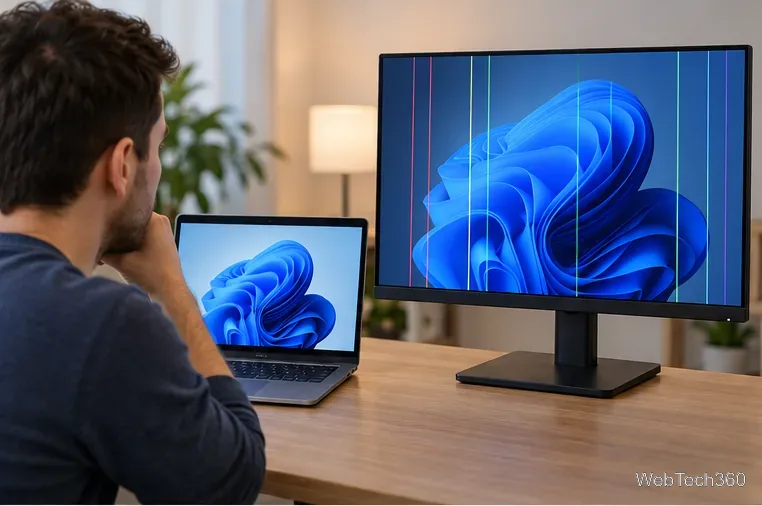
Use a screenshot test, cable and port checks, monitor diagnostics, display settings, and driver rollback to pinpoint lines on a Windows 10 monitor.
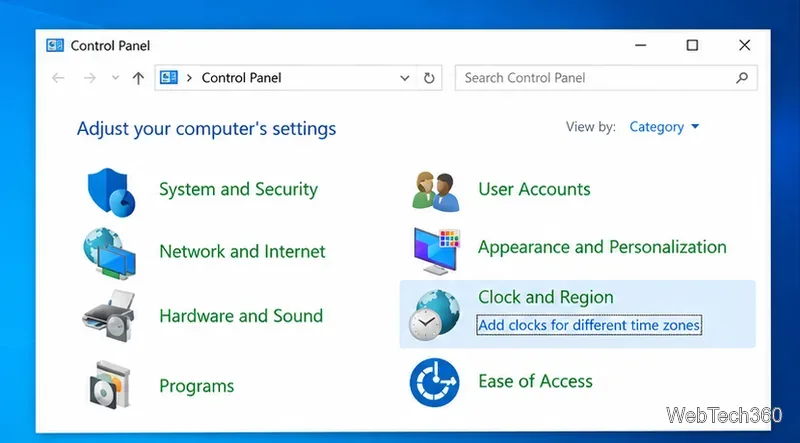
Show two other time zones beside your Windows 10 clock. Set up each additional clock, give it a clear label, and find it in the taskbar calendar.
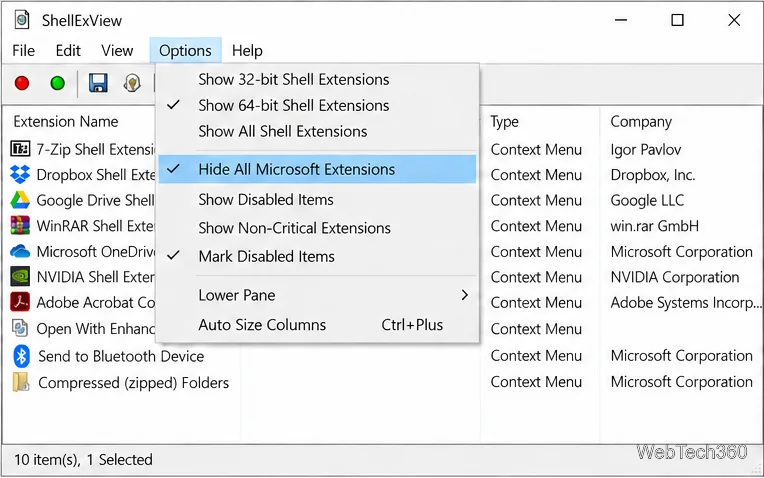
Find the File Explorer extension that delays right-click menus in Windows 10, test it safely with ShellExView, and restore any menu features you still need.
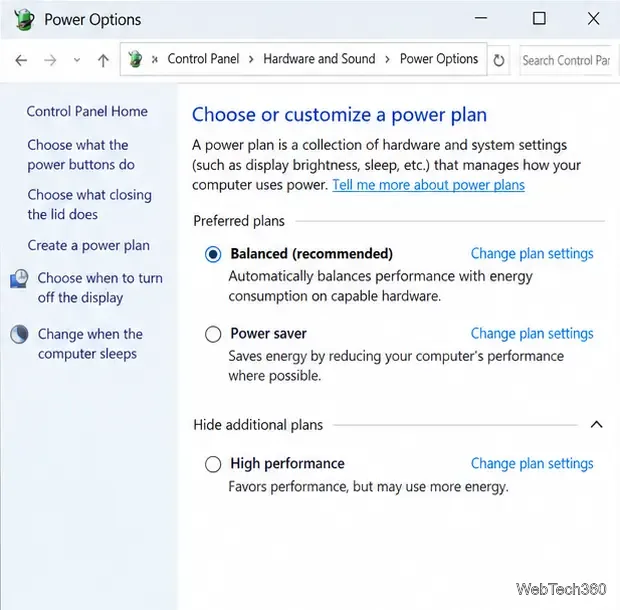
Stop Windows 10 from powering down a specific network adapter or USB device with plan-level settings and Device Manager controls, plus tips to avoid excess battery drain.
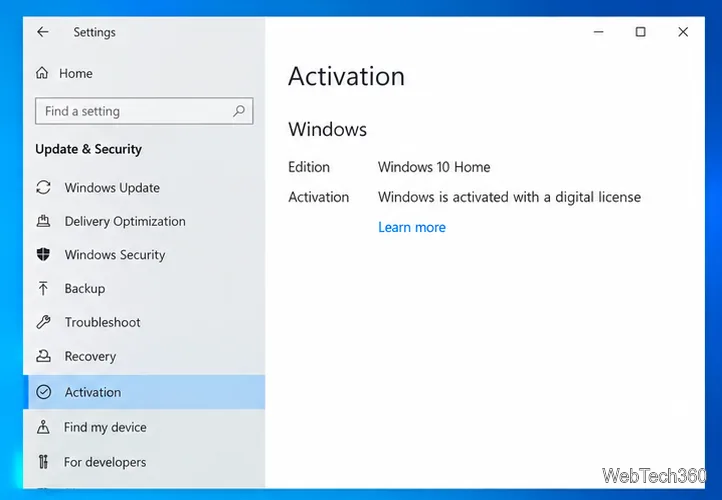
Check whether Windows 10 uses a digital license or product key, find a firmware-stored OEM key, and save license details securely for a reinstall.
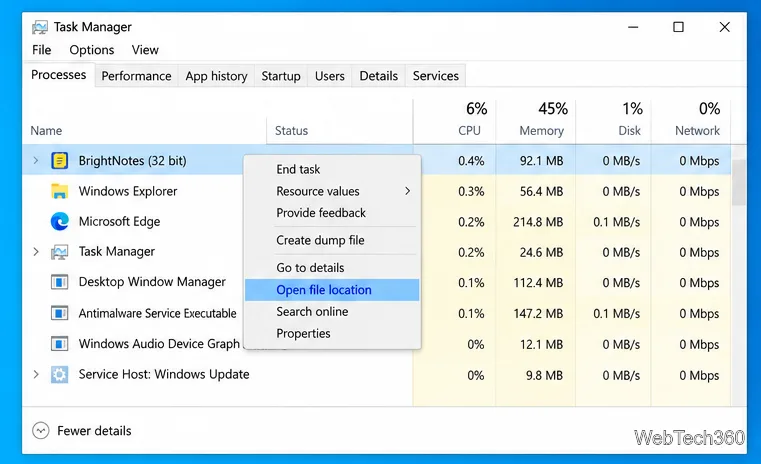
Identify a Windows 10 Task Manager process by checking its executable path, file properties, publisher, linked services, and a Microsoft Defender scan.
Create a searchable Windows 10 folder inventory with PowerShell. Save every file and subfolder path as plain text or export details to a sortable CSV.
Add a custom reminder, quote, or label to your Windows 10 desktop with a Rainmeter text skin. Create the INI file, load it, then adjust its font and position.
Use Bluetooth Swift Pair on Windows 10 to pair a compatible accessory from a notification, with setup steps and fixes when the prompt does not appear.