How to Fix Lines on a Monitor Screen in Windows 10
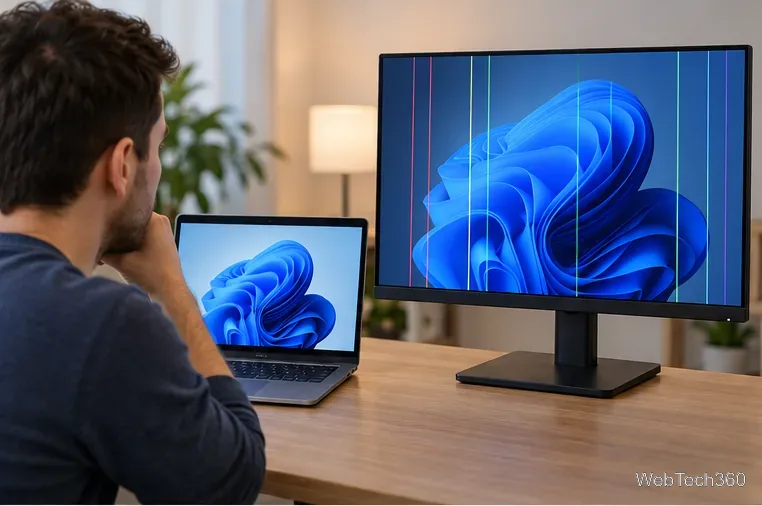
Use a screenshot test, cable and port checks, monitor diagnostics, display settings, and driver rollback to pinpoint lines on a Windows 10 monitor.
If an older program asks for .NET Framework 3.5 on Windows 10, you normally should not download a separate legacy installer. On Windows 10, .NET Framework 3.5 is a Windows Feature on Demand. Enable the feature and Windows downloads the required files from Windows Update. If the PC is offline or Windows Update is blocked, use matching Windows 10 installation media as the source.
.NET Framework 3.5 includes support for .NET 2.0 and 3.0 applications, and it can coexist with .NET Framework 4.x. Microsoft also recommends using a newer version of an app when one is available because .NET Framework 3.5 is primarily kept for compatibility with older software. See Microsoft's official .NET Framework 3.5 installation guidance.
This is the simplest method for a Windows 10 PC that can reach Windows Update. Sign in with an administrator account before you begin.
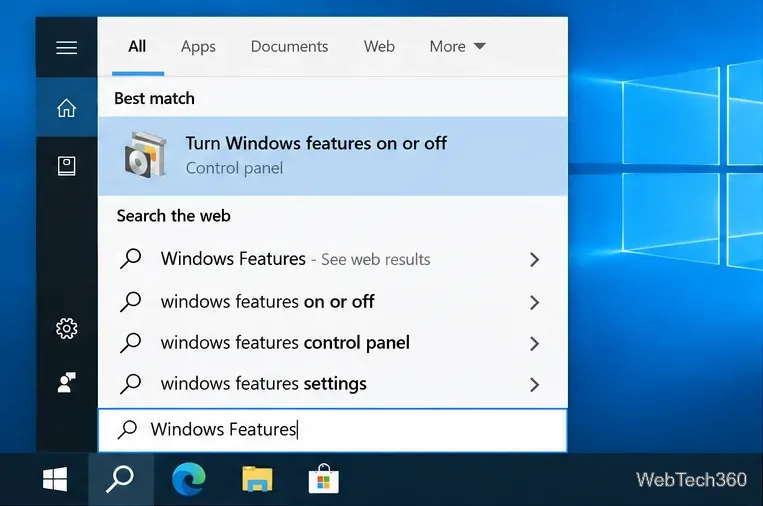
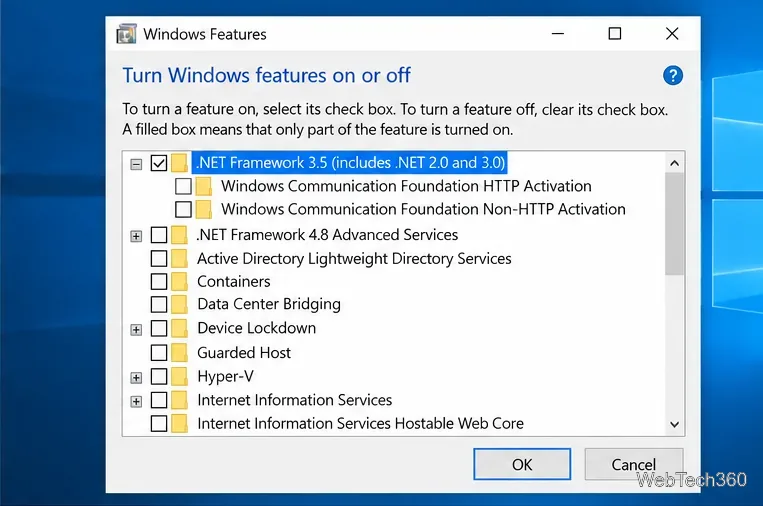
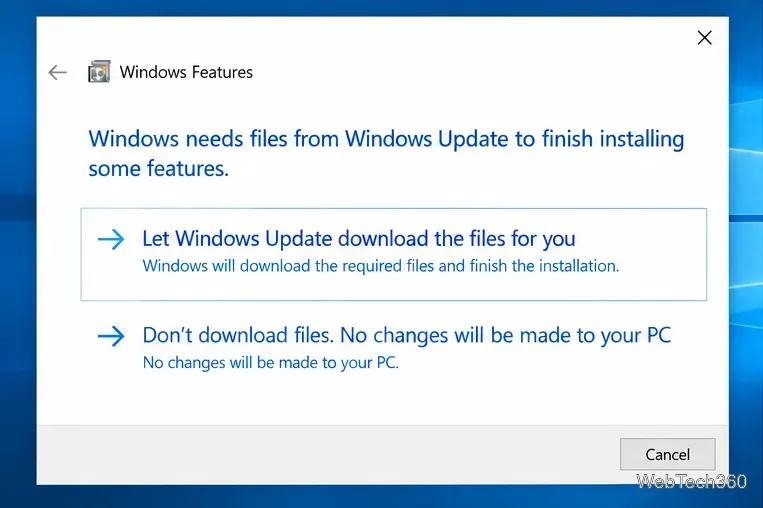
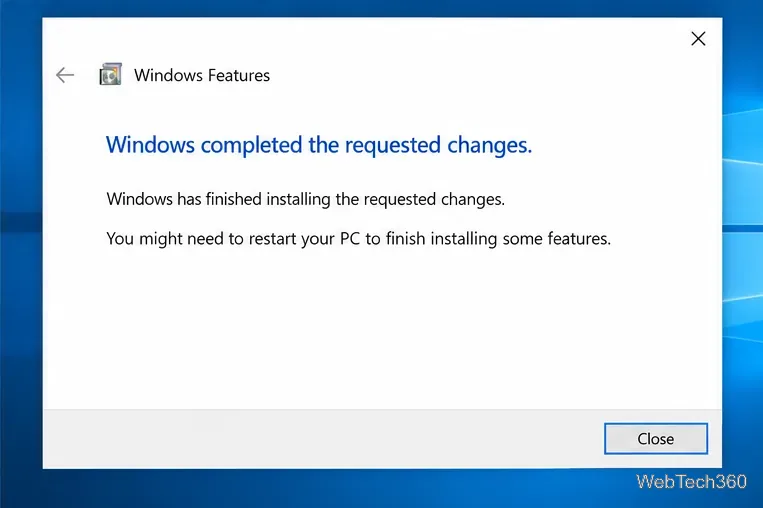
For Windows 10, Microsoft says the supported offline method is to use the feature files from Windows installation media. The old .NET Framework 3.5 SP1 standalone installer is intended for earlier Windows versions, not as the supported offline installer for Windows 10.
sources\sxs folder. Microsoft warns against using source files from a different Windows version because a mismatch can fail or leave the system in an unsupported servicing state. If needed, use Microsoft's Windows installation media instructions.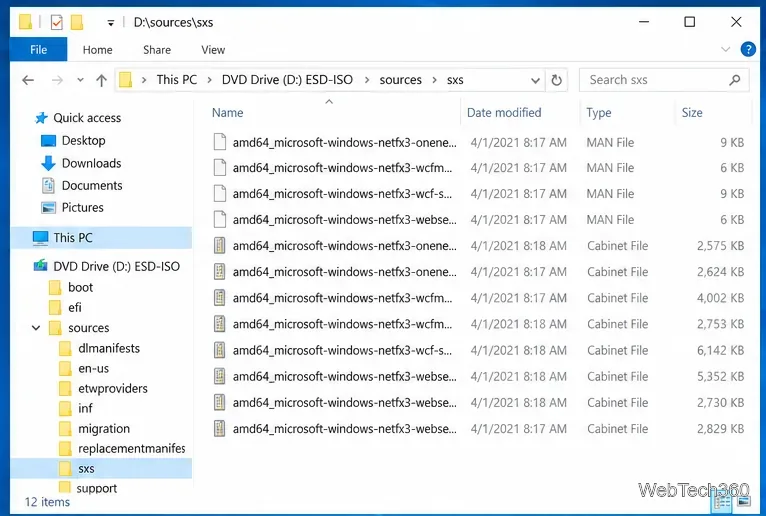
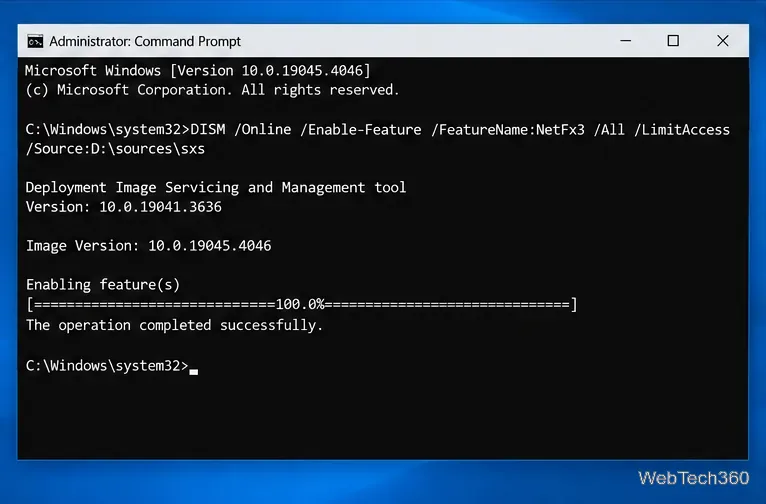
D: with the actual drive letter for your mounted ISO or USB, then run: DISM /Online /Enable-Feature /FeatureName:NetFx3 /All /LimitAccess /Source:D:\sources\sxs. The /LimitAccess switch tells DISM not to contact Windows Update.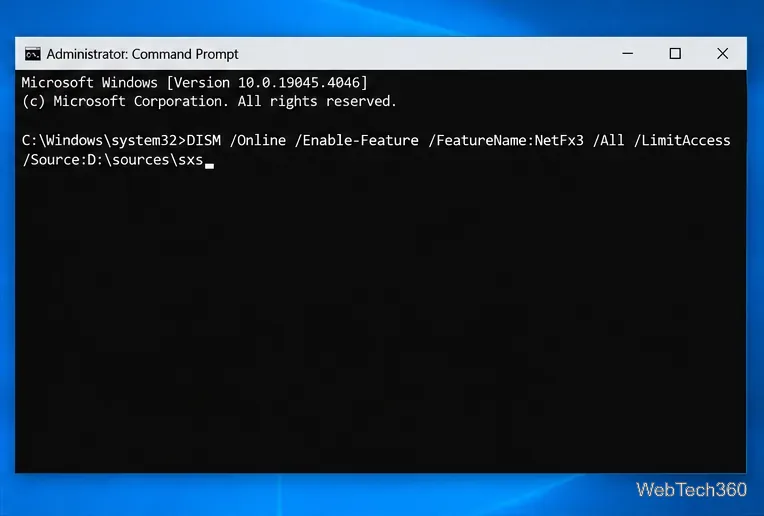
Errors such as 0x800F0906, 0x800F081F, and 0x800F0907 usually point to download, source-file, or policy problems. Error 0x800F0922 can also appear during feature installation, although Microsoft notes that it is not specific to .NET Framework.
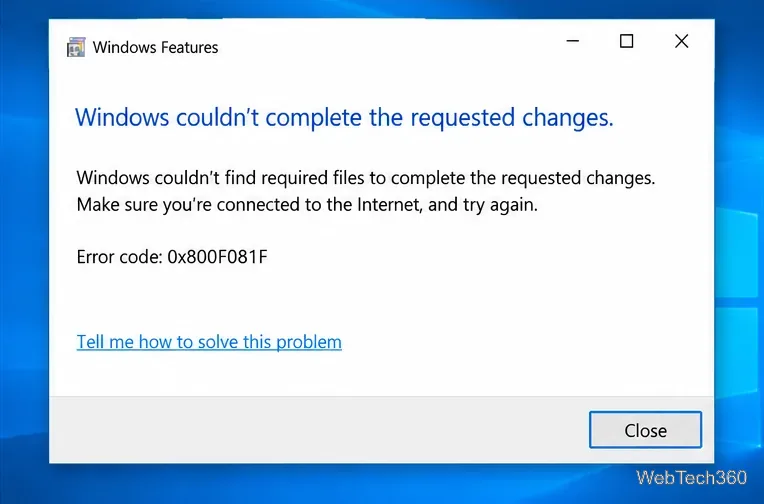
Microsoft's .NET Framework 3.5 installation error reference lists the causes and approved resolution paths.
No. Do not uninstall .NET Framework 4.x just to add 3.5. The versions serve different application targets and can exist side by side. Enable 3.5 only when an application explicitly requires it; otherwise, keep the newer .NET components that Windows and other applications already use.
Use a screenshot test, cable and port checks, monitor diagnostics, display settings, and driver rollback to pinpoint lines on a Windows 10 monitor.
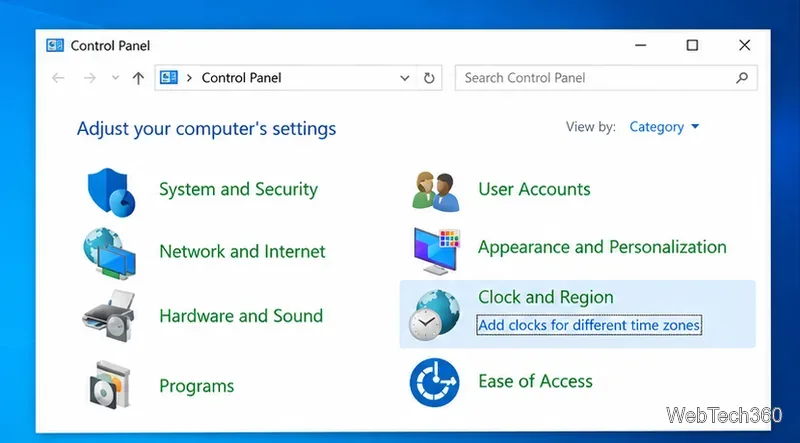
Show two other time zones beside your Windows 10 clock. Set up each additional clock, give it a clear label, and find it in the taskbar calendar.
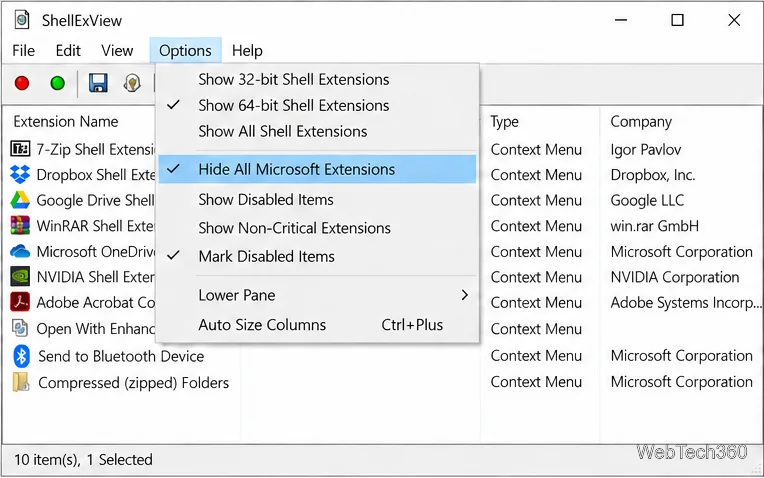
Find the File Explorer extension that delays right-click menus in Windows 10, test it safely with ShellExView, and restore any menu features you still need.
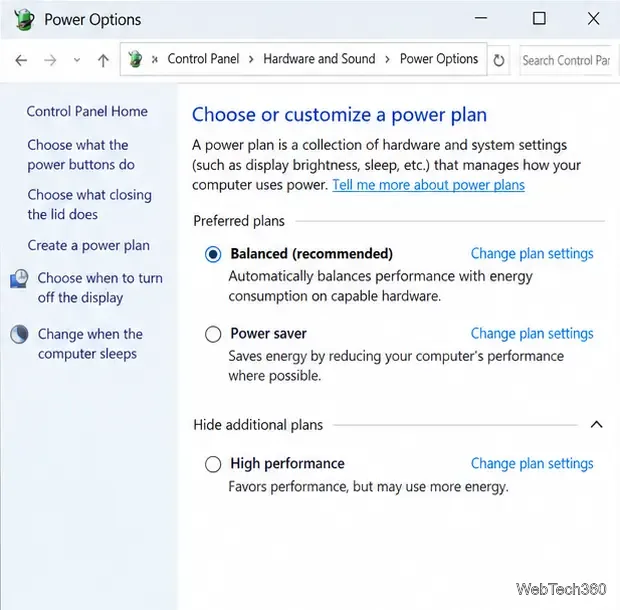
Stop Windows 10 from powering down a specific network adapter or USB device with plan-level settings and Device Manager controls, plus tips to avoid excess battery drain.
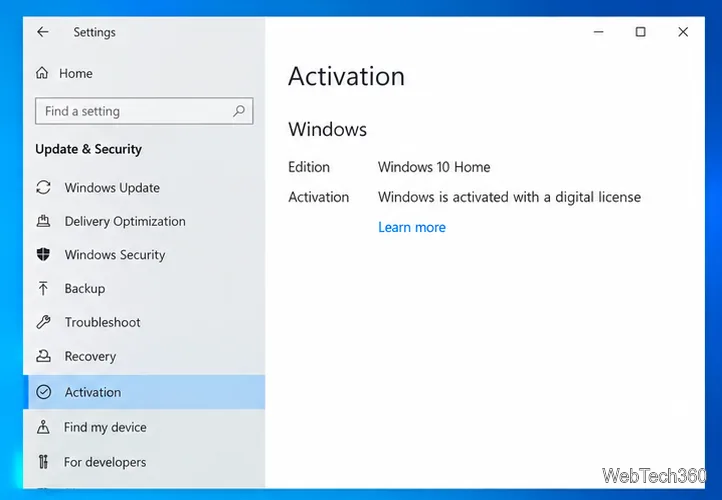
Check whether Windows 10 uses a digital license or product key, find a firmware-stored OEM key, and save license details securely for a reinstall.
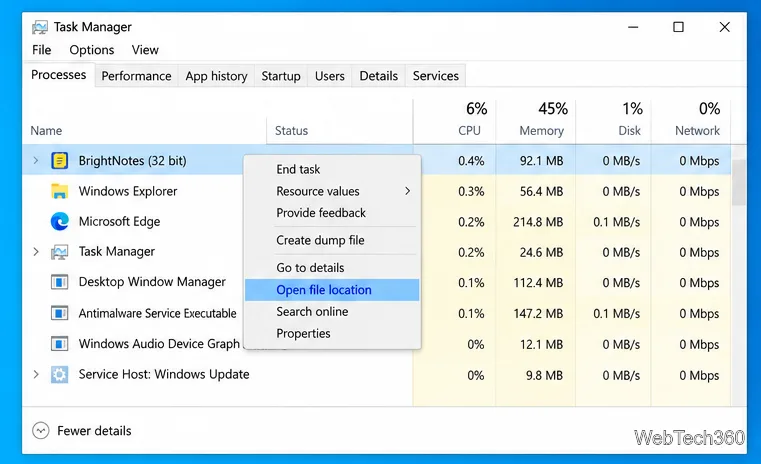
Identify a Windows 10 Task Manager process by checking its executable path, file properties, publisher, linked services, and a Microsoft Defender scan.
Create a searchable Windows 10 folder inventory with PowerShell. Save every file and subfolder path as plain text or export details to a sortable CSV.
Add a custom reminder, quote, or label to your Windows 10 desktop with a Rainmeter text skin. Create the INI file, load it, then adjust its font and position.
Use Bluetooth Swift Pair on Windows 10 to pair a compatible accessory from a notification, with setup steps and fixes when the prompt does not appear.
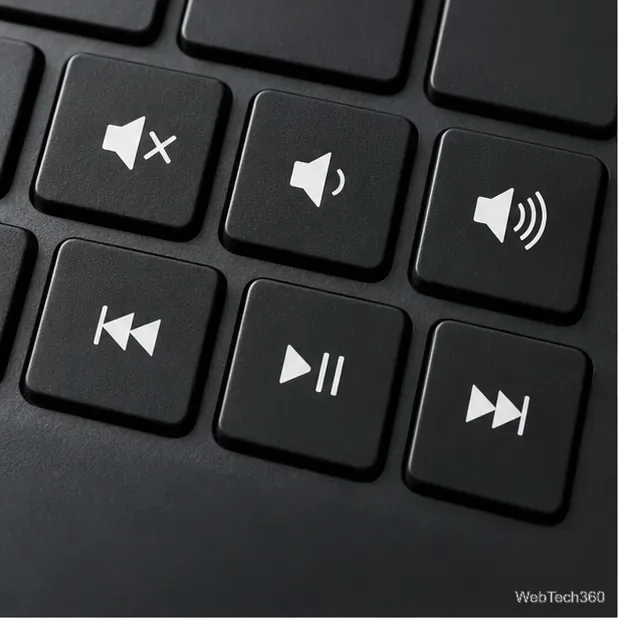
Learn what common laptop function key symbols mean, how Fn and Fn Lock affect them, and how to confirm the right shortcut for your Windows 10 laptop model.