How to Fix Lines on a Monitor Screen in Windows 10
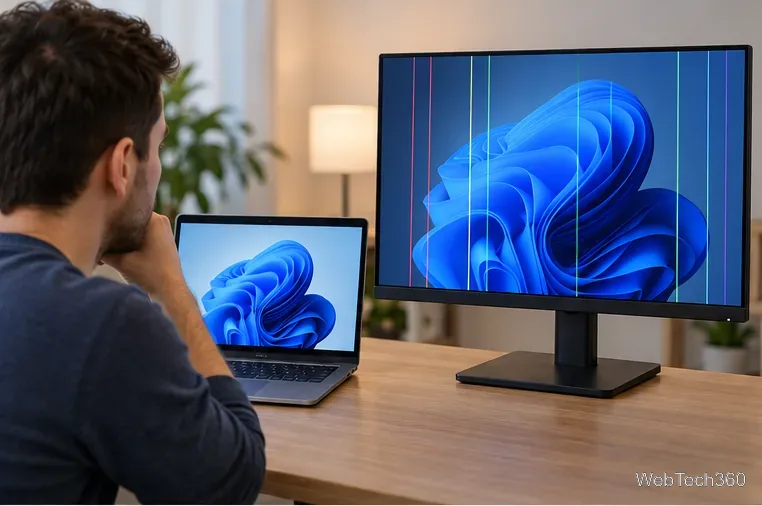
Use a screenshot test, cable and port checks, monitor diagnostics, display settings, and driver rollback to pinpoint lines on a Windows 10 monitor.
Short answer: you cannot download a current, supported version of Safari for Windows 10. Apple says it no longer provides Safari updates for Windows or other non-Apple operating systems, and identifies Safari 5.1.7 as the last Windows version. That release is now outdated, so installing an old copy from a software archive is not a safe way to get modern Safari.
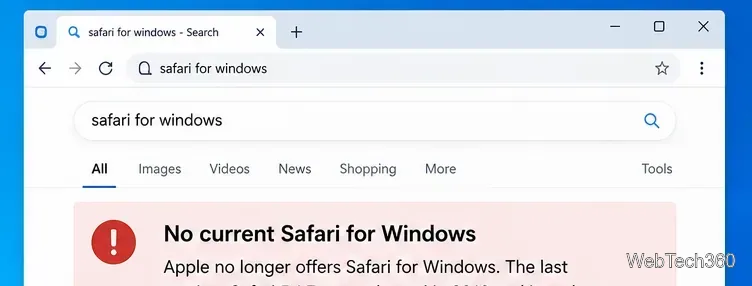
Not from Apple as a supported Windows browser. Apple's Safari update guidance says Safari is updated through the operating system on Apple devices and that Windows no longer receives Safari updates. Apple's current Safari support page lists Mac, iPhone, iPad, and Apple Vision Pro, not Windows.
| Option | Windows 10 status |
|---|---|
| Current Safari | Not available for Windows |
| Safari 5.1.7 | Last Windows version, but obsolete and unsupported |
| Safari Technology Preview | Available for supported macOS releases, not Windows |
Apple also offers Safari Technology Preview for developers who want early WebKit features, but the current download is for macOS. There is no Windows installer for it.
You can still encounter old SafariSetup.exe files on third-party download sites. That does not make them current or supported. An obsolete browser no longer receives the security and compatibility work expected from a modern browser, and many current websites depend on newer encryption, JavaScript, CSS, media, authentication, and privacy features.
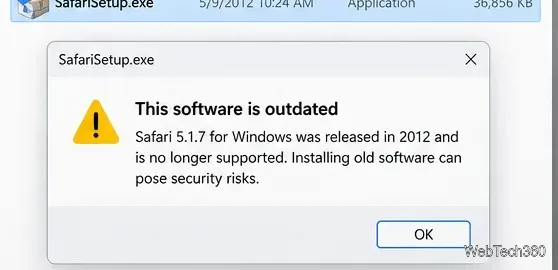
Windows compatibility settings do not fix this problem. Microsoft's compatibility guidance can help some older desktop programs launch, but compatibility mode does not update Safari's browser engine, add missing web standards, or restore security updates.
There is another security consideration in 2026: Microsoft ended standard Windows 10 support on October 14, 2025. Microsoft recommends moving to Windows 11 or using an eligible Extended Security Updates path when necessary. See the Windows 10 end-of-support notice.
If your goal is simply to browse the web, use a maintained browser that still receives security updates on your operating system. Do not download Safari from an unofficial mirror just because the installer launches.
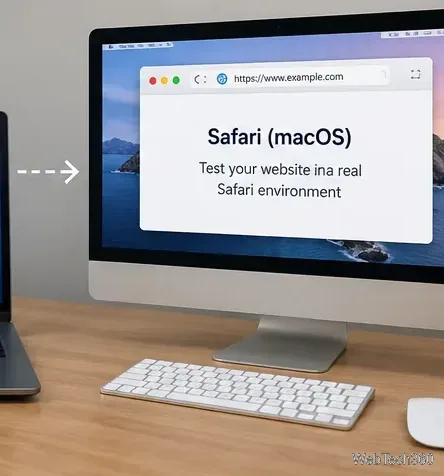
Testing a site in Chrome or Edge with a Safari user-agent string is not the same as testing in Safari. A user-agent override changes how the browser identifies itself to a website; it does not turn the browser into WebKit-based Safari. For Safari-specific layout, JavaScript, media, or privacy behavior, test in a current Safari environment on a supported Apple device or use a reputable remote browser-testing service that provides real Safari sessions.
If an old copy of Safari is already on your Windows 10 PC, the safer approach is to remove it instead of trying to make it your default browser.
There is no supported Safari download for Windows 10 today. Safari 5.1.7 is a legacy Windows release and should not be treated as a current browser. For normal browsing, use a maintained Windows browser. For Safari-specific development or compatibility testing, use a current Safari environment instead of relying on compatibility mode, an old installer, or a changed user-agent string.
Use a screenshot test, cable and port checks, monitor diagnostics, display settings, and driver rollback to pinpoint lines on a Windows 10 monitor.
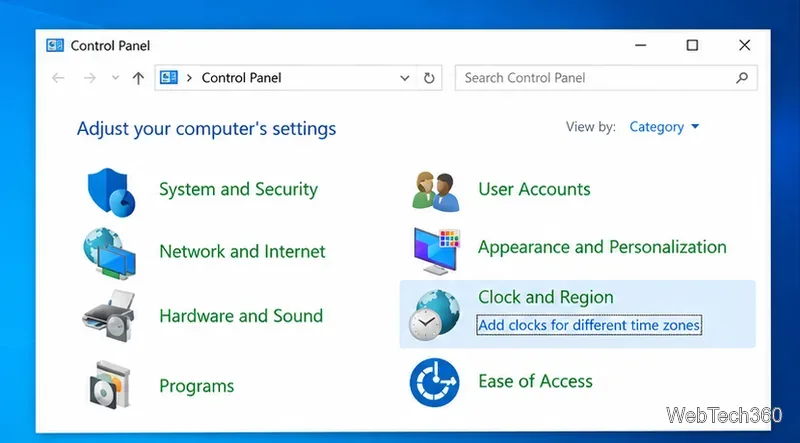
Show two other time zones beside your Windows 10 clock. Set up each additional clock, give it a clear label, and find it in the taskbar calendar.
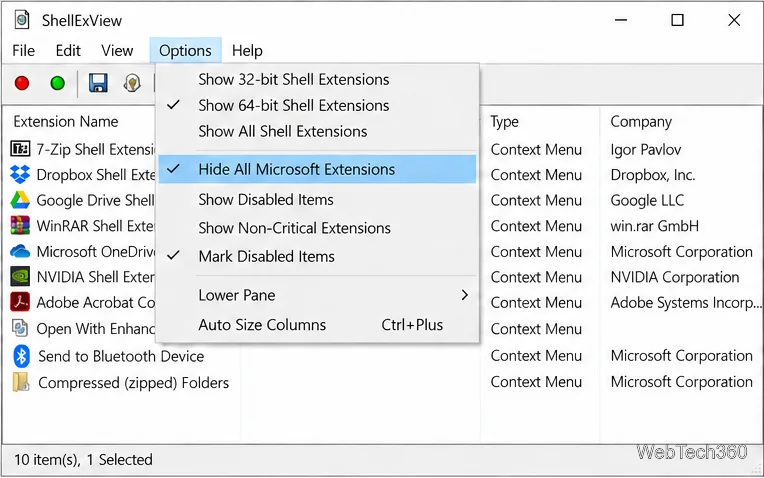
Find the File Explorer extension that delays right-click menus in Windows 10, test it safely with ShellExView, and restore any menu features you still need.
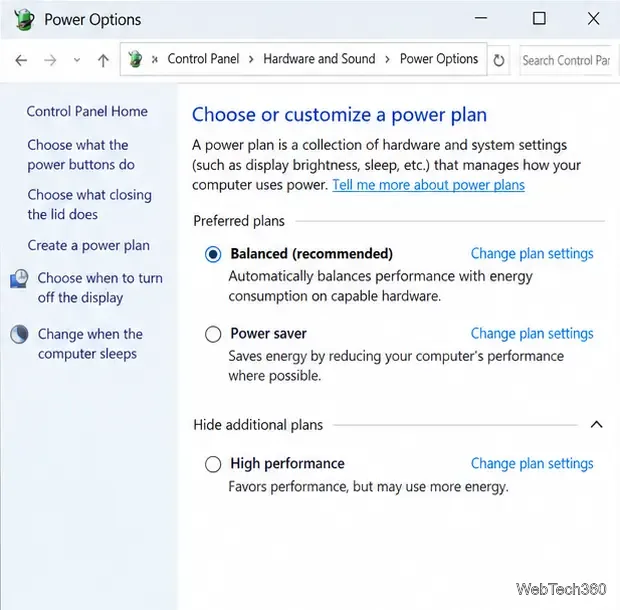
Stop Windows 10 from powering down a specific network adapter or USB device with plan-level settings and Device Manager controls, plus tips to avoid excess battery drain.
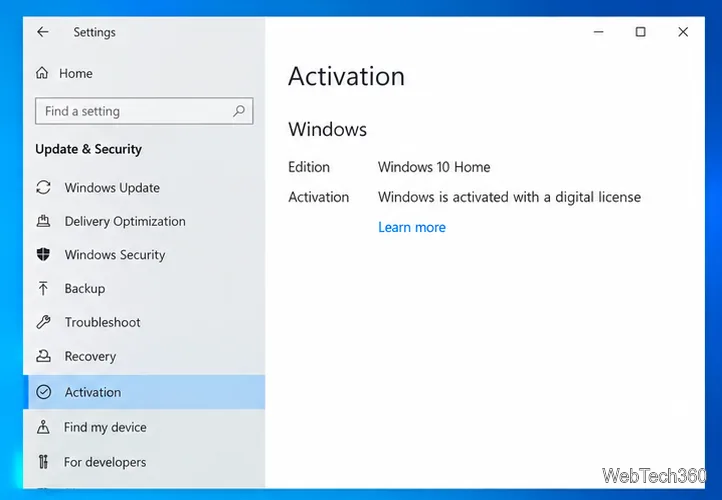
Check whether Windows 10 uses a digital license or product key, find a firmware-stored OEM key, and save license details securely for a reinstall.
Identify a Windows 10 Task Manager process by checking its executable path, file properties, publisher, linked services, and a Microsoft Defender scan.
Create a searchable Windows 10 folder inventory with PowerShell. Save every file and subfolder path as plain text or export details to a sortable CSV.
Add a custom reminder, quote, or label to your Windows 10 desktop with a Rainmeter text skin. Create the INI file, load it, then adjust its font and position.
Use Bluetooth Swift Pair on Windows 10 to pair a compatible accessory from a notification, with setup steps and fixes when the prompt does not appear.
Learn what common laptop function key symbols mean, how Fn and Fn Lock affect them, and how to confirm the right shortcut for your Windows 10 laptop model.