How to Open a Linux Shell in a Folder on Windows 10
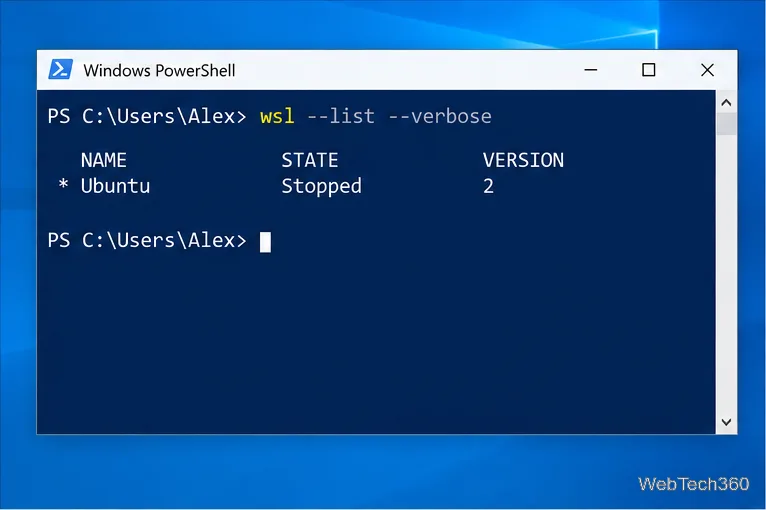
Open a Linux shell in any Windows 10 folder with File Explorer, PowerShell, and WSL. Check the Linux path and fix common setup issues.
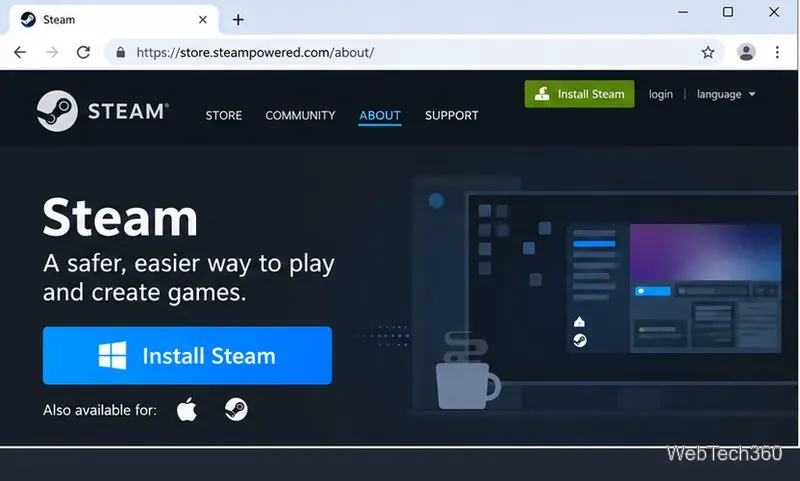
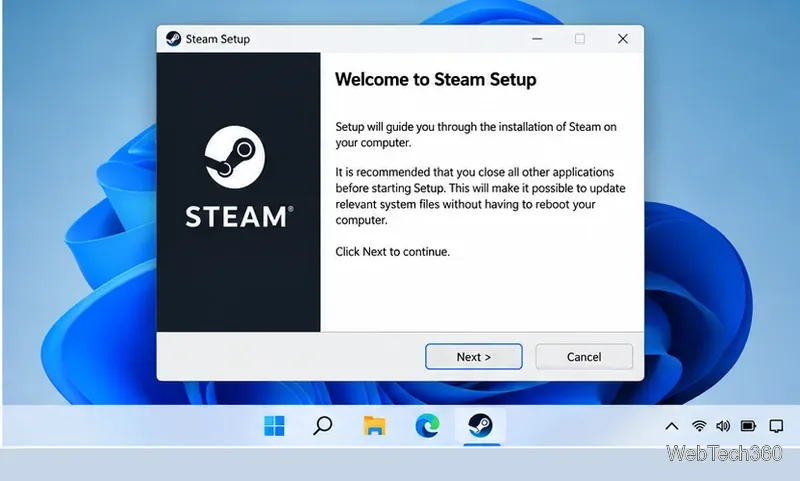
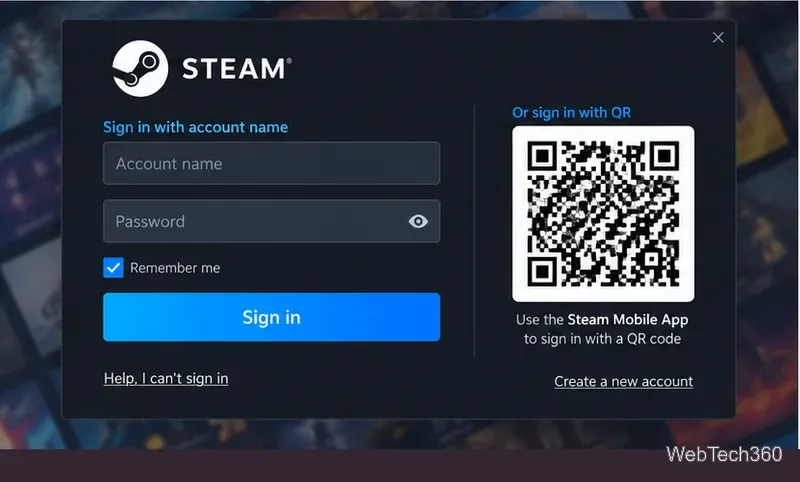
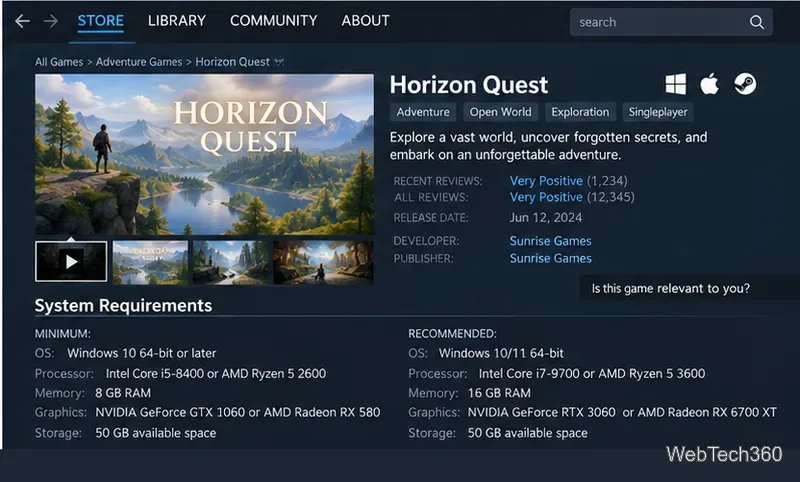
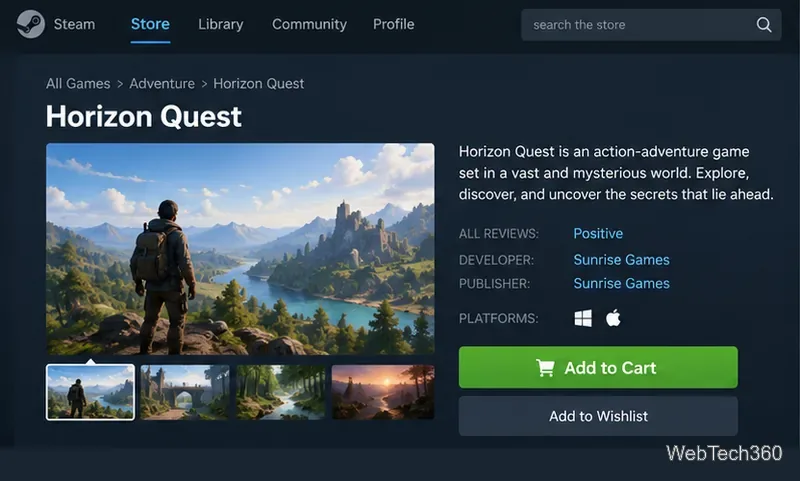
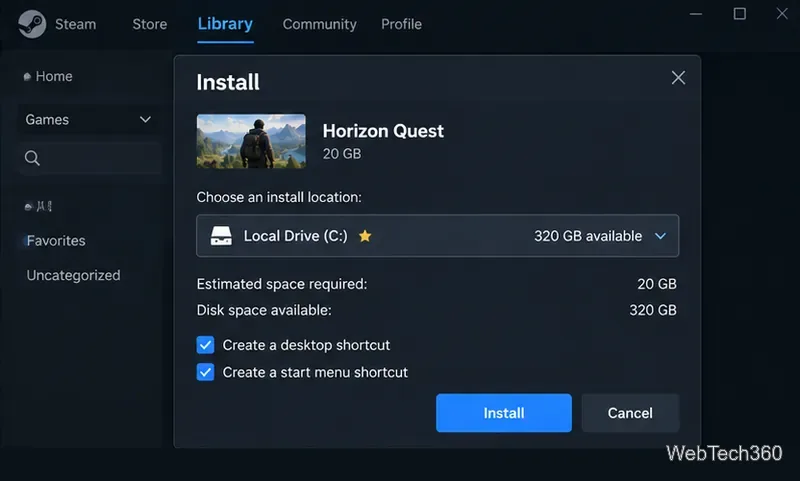
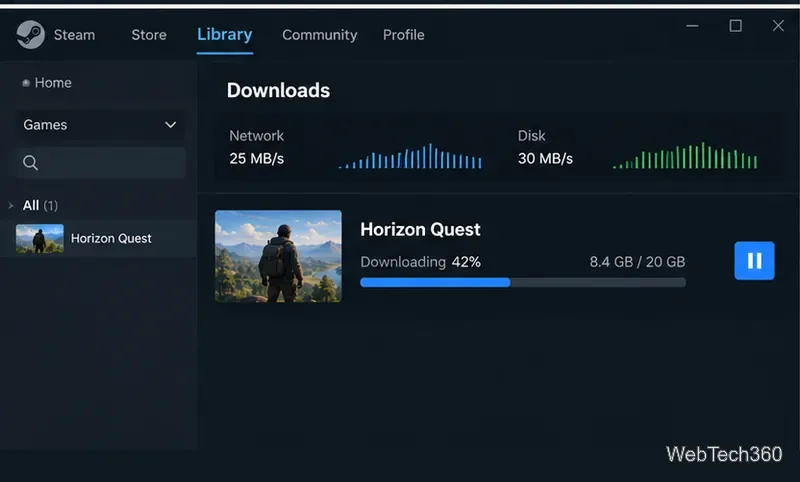
To download Steam and install games, get the desktop client from Valve, sign in to a Steam account, add a game to your library, then use the Library tab to install and launch it. You can browse and buy games in a web browser, but the Steam desktop client handles game downloads, installation, updates, and launching.
Start with Valve's official Steam download page. Avoid third-party download sites, because Valve provides the current installer directly.
Make sure your operating system is still supported. Steam stopped supporting Windows 7, Windows 8, and Windows 8.1 on January 1, 2024, and it stopped supporting 32-bit Windows on January 1, 2026. For Windows, use a supported 64-bit version of Windows. Steam also stopped supporting macOS 11 Big Sur on October 15, 2025, so Mac users should use macOS 12 or newer. On Linux, Valve requires glibc 2.31 or newer and recommends a current, supported distribution.
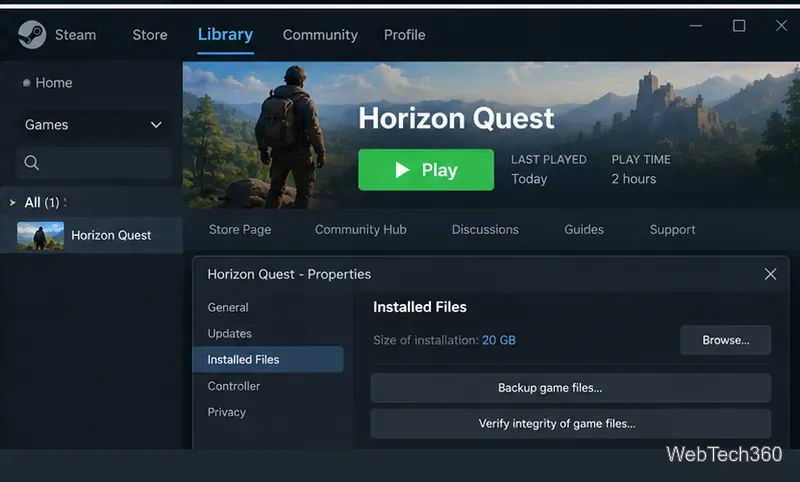
Valve's standard Steam refund policy says games and software are generally eligible when the request is made within 14 days of purchase and playtime is under two hours. You can still submit a request outside those limits for Valve to review.
Protect your purchases with Steam Guard. The Steam mobile authenticator adds two-factor authentication and supports QR sign-in. Never share your password, Steam Guard code, or recovery code.
Once Steam is installed and your game is in the Library, Steam handles the normal download, installation, patching, and launch workflow for you.
Open a Linux shell in any Windows 10 folder with File Explorer, PowerShell, and WSL. Check the Linux path and fix common setup issues.
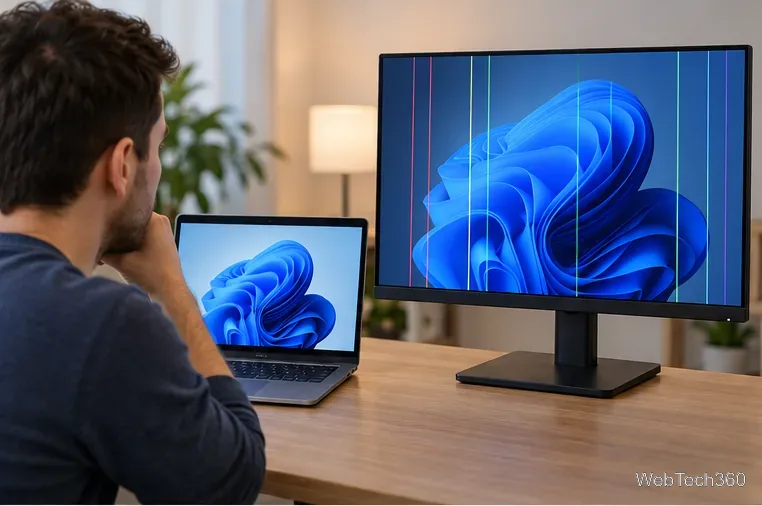
Use a screenshot test, cable and port checks, monitor diagnostics, display settings, and driver rollback to pinpoint lines on a Windows 10 monitor.
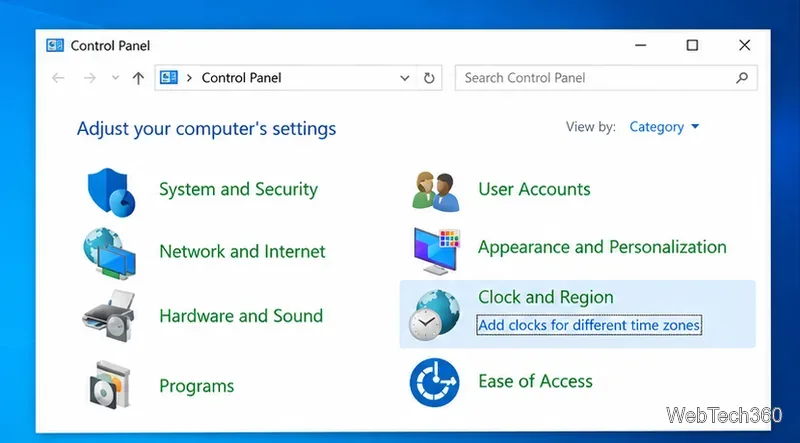
Show two other time zones beside your Windows 10 clock. Set up each additional clock, give it a clear label, and find it in the taskbar calendar.
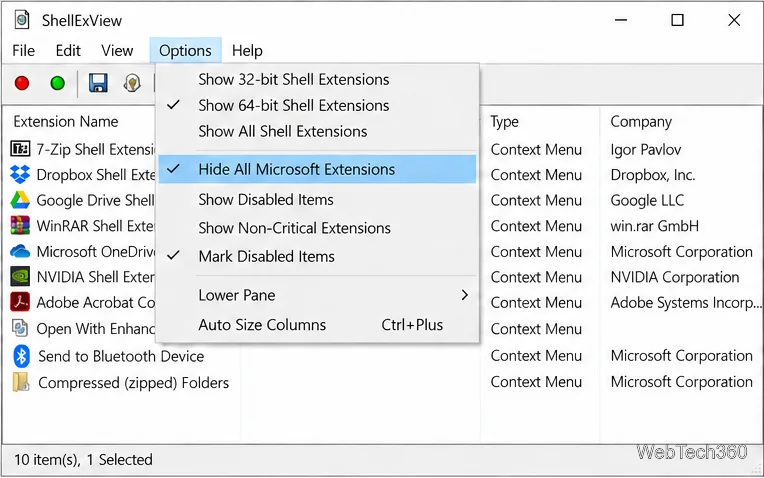
Find the File Explorer extension that delays right-click menus in Windows 10, test it safely with ShellExView, and restore any menu features you still need.
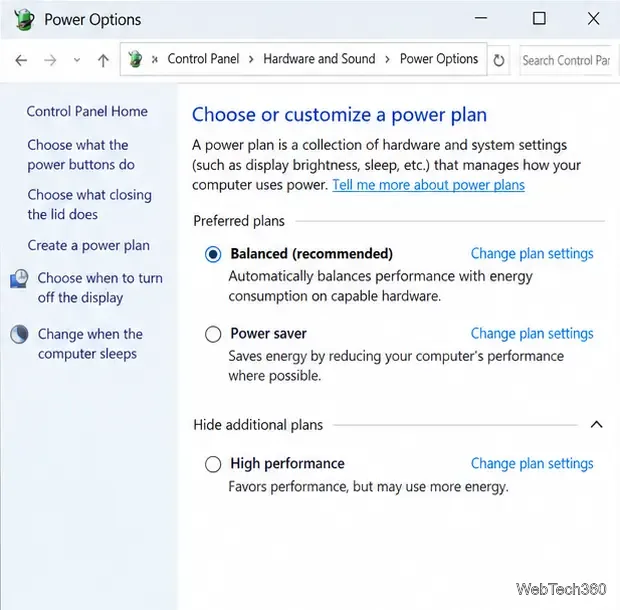
Stop Windows 10 from powering down a specific network adapter or USB device with plan-level settings and Device Manager controls, plus tips to avoid excess battery drain.
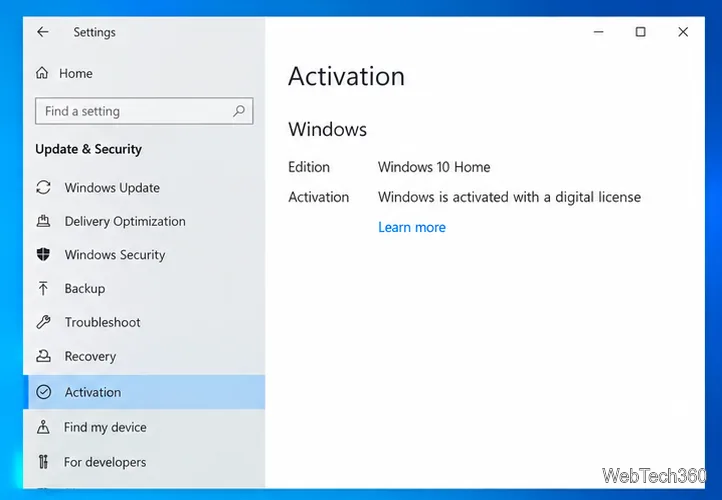
Check whether Windows 10 uses a digital license or product key, find a firmware-stored OEM key, and save license details securely for a reinstall.
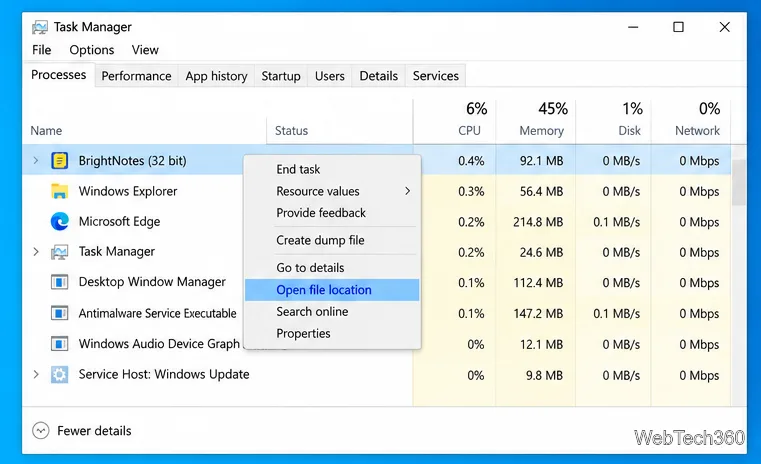
Identify a Windows 10 Task Manager process by checking its executable path, file properties, publisher, linked services, and a Microsoft Defender scan.
Create a searchable Windows 10 folder inventory with PowerShell. Save every file and subfolder path as plain text or export details to a sortable CSV.
Add a custom reminder, quote, or label to your Windows 10 desktop with a Rainmeter text skin. Create the INI file, load it, then adjust its font and position.
Use Bluetooth Swift Pair on Windows 10 to pair a compatible accessory from a notification, with setup steps and fixes when the prompt does not appear.