How to Fix Lines on a Monitor Screen in Windows 10
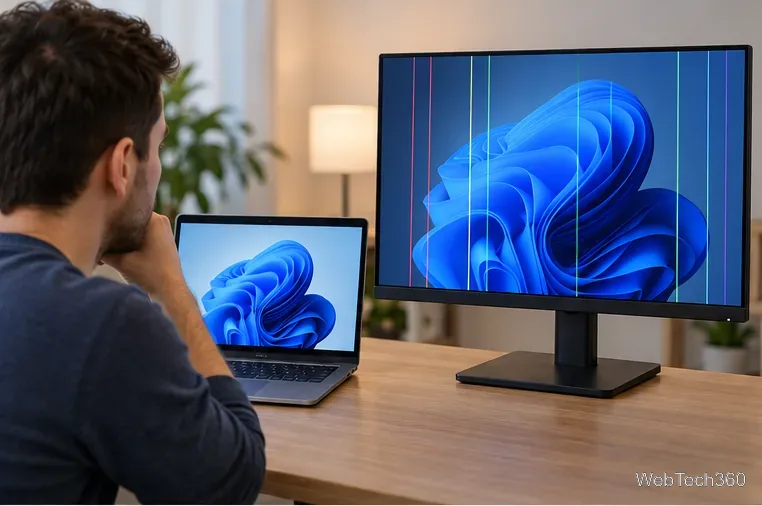
Use a screenshot test, cable and port checks, monitor diagnostics, display settings, and driver rollback to pinpoint lines on a Windows 10 monitor.
To find your Minecraft version, open the game and check the version number on the title screen. In Minecraft: Java Edition, it appears in the lower-left corner. In Minecraft: Bedrock Edition, it appears near the lower-right corner. On a PC, the Minecraft Launcher can also show which Java version an installation is configured to run.
This number matters when you join multiplayer servers, install mods or add-ons, or troubleshoot a world. Do not confuse the edition with the version: Java Edition and Bedrock Edition are separate editions and use different version numbers.
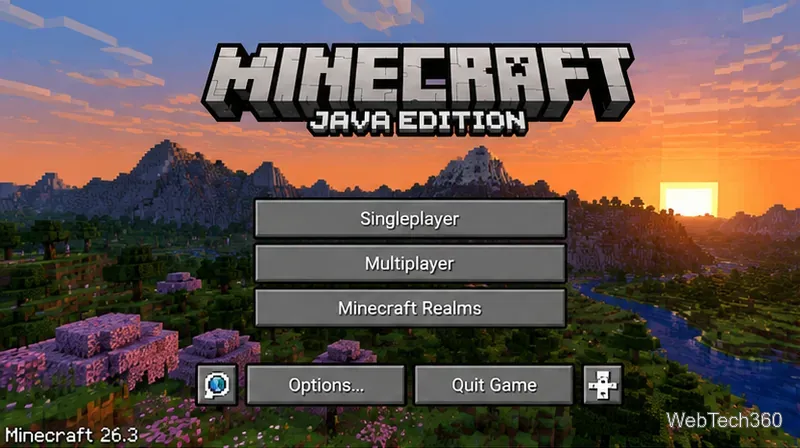
If you use a modded launcher or a third-party mod loader, the title screen may include extra loader information. The Minecraft game version is still the important number to match against a server or mod requirement.
Bedrock Edition is the edition used by Minecraft for Windows and by the main Minecraft releases on supported consoles, phones, and tablets.
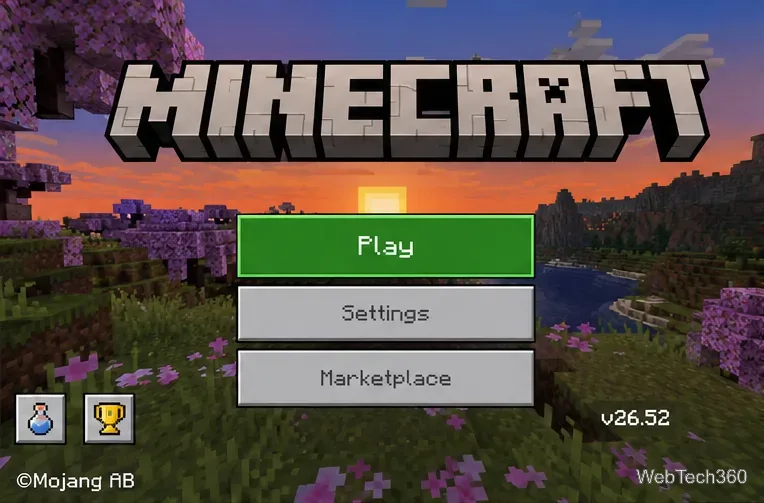
Bedrock updates can reach platforms at slightly different times because each platform has its own distribution process. Mojang noted this explicitly for the 26.52 hotfix, which rolled out as each platform approved it. If two devices show different Bedrock versions, check for an update in the store or system software that installed Minecraft.
You can check the configured Java version before starting the game. Open the Launcher, select Minecraft: Java Edition, and open the Installations tab. A saved installation shows the release it is configured to use. The official Minecraft support instructions also use this screen when creating an installation for a specific game version.
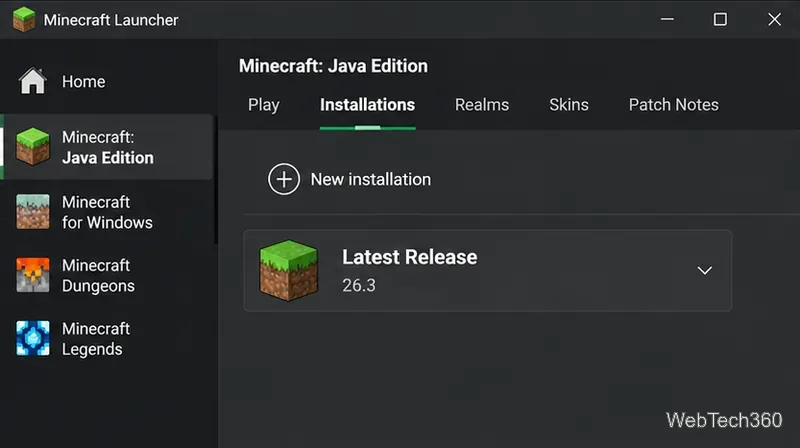
If an installation is set to Latest Release, the Launcher follows the current stable Java release. A named installation may instead be pinned to an older release, snapshot, or another supported version. This is why the version selected in the Launcher and the number shown after the game starts are both useful when troubleshooting.
There is no single version number that covers every Minecraft edition. The safest place to verify a release is Mojang's official Minecraft Release Changelogs.
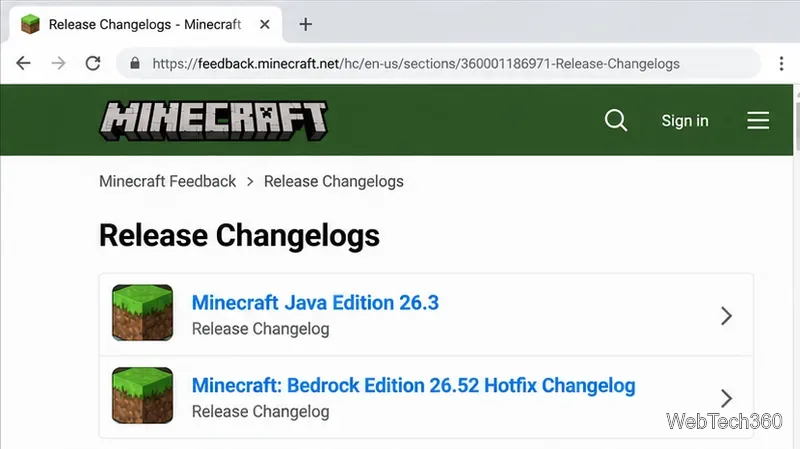
As of October 21, 2026, the official release list shows Minecraft Java Edition 26.3 and the Bedrock Edition 26.52 hotfix as the current stable releases listed for those editions. You may also see newer snapshot, beta, or preview numbers elsewhere on the Minecraft Feedback site. Those are test builds, not the same thing as the latest stable release.
Java Edition makes it possible to create installations for different releases. Mojang's official game-version guidance recommends backing up your worlds before switching versions because loading a world in an older version can permanently corrupt it.
The official Minecraft Launcher troubleshooting guide uses the same Installations workflow when testing a specific Java game version.
For Bedrock Edition, use the supported update channel provided by your platform. Avoid unofficial downgrade methods, especially when an existing world matters to you.
A Java number and a Bedrock number do not need to match digit for digit. They identify different builds of different editions. Bedrock supports cross-platform play across compatible Bedrock devices, while Java Edition uses its own Java multiplayer ecosystem. When a server, mod, add-on, or guide says it requires a certain version, first confirm that it is referring to the same edition you are using.
Use a screenshot test, cable and port checks, monitor diagnostics, display settings, and driver rollback to pinpoint lines on a Windows 10 monitor.
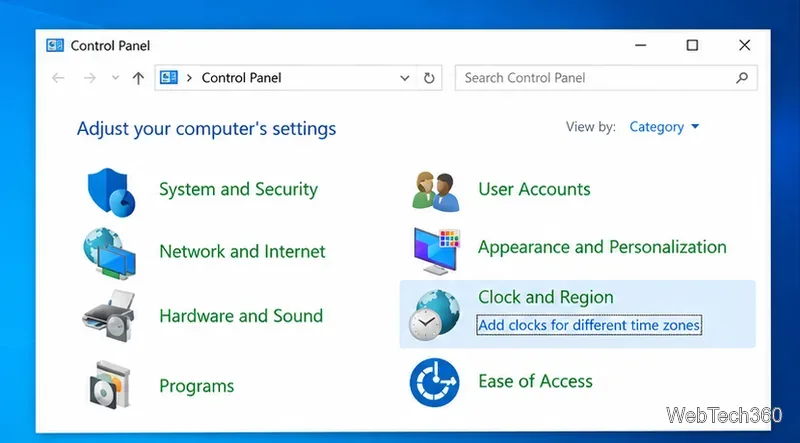
Show two other time zones beside your Windows 10 clock. Set up each additional clock, give it a clear label, and find it in the taskbar calendar.
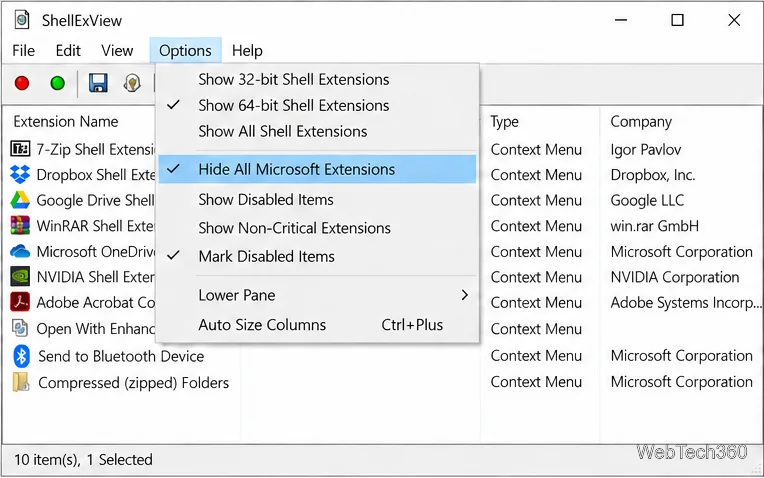
Find the File Explorer extension that delays right-click menus in Windows 10, test it safely with ShellExView, and restore any menu features you still need.
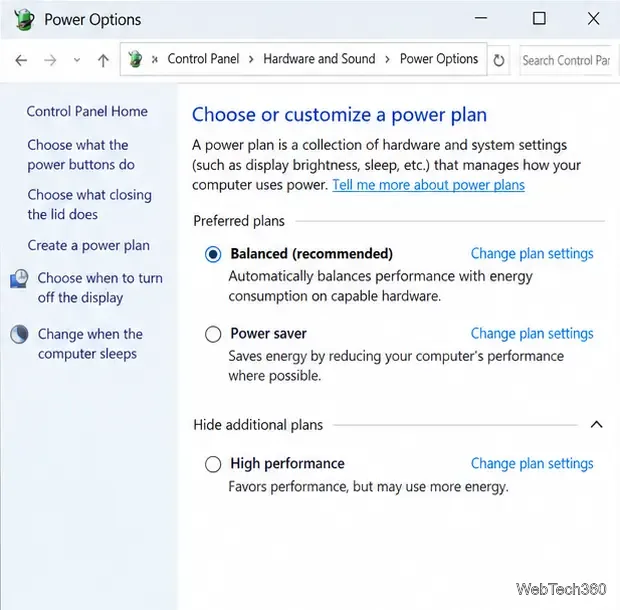
Stop Windows 10 from powering down a specific network adapter or USB device with plan-level settings and Device Manager controls, plus tips to avoid excess battery drain.
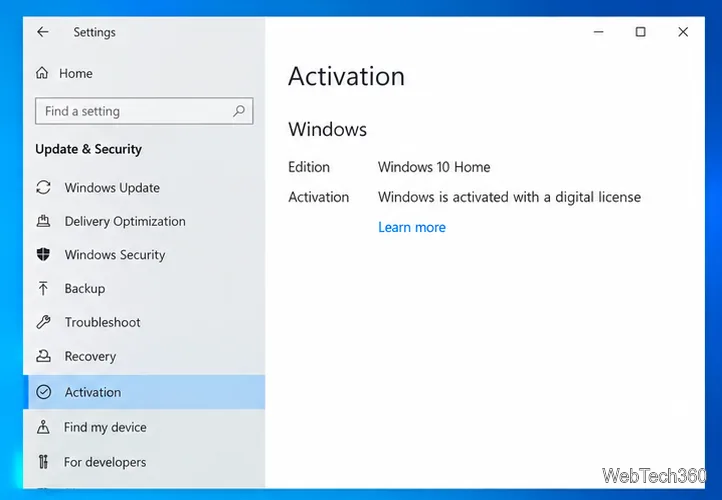
Check whether Windows 10 uses a digital license or product key, find a firmware-stored OEM key, and save license details securely for a reinstall.
Identify a Windows 10 Task Manager process by checking its executable path, file properties, publisher, linked services, and a Microsoft Defender scan.
Create a searchable Windows 10 folder inventory with PowerShell. Save every file and subfolder path as plain text or export details to a sortable CSV.
Add a custom reminder, quote, or label to your Windows 10 desktop with a Rainmeter text skin. Create the INI file, load it, then adjust its font and position.
Use Bluetooth Swift Pair on Windows 10 to pair a compatible accessory from a notification, with setup steps and fixes when the prompt does not appear.
Learn what common laptop function key symbols mean, how Fn and Fn Lock affect them, and how to confirm the right shortcut for your Windows 10 laptop model.