How to Open a Linux Shell in a Folder on Windows 10
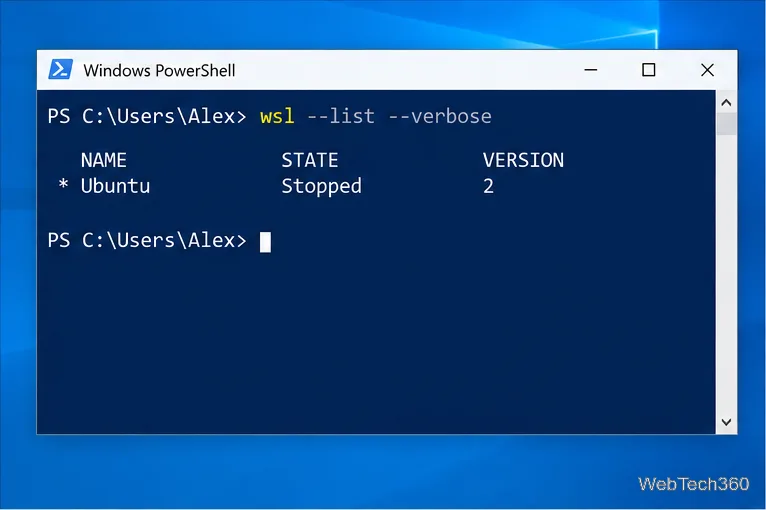
Open a Linux shell in any Windows 10 folder with File Explorer, PowerShell, and WSL. Check the Linux path and fix common setup issues.
If Windows 10 says Access denied even though your account is an administrator, the problem is usually not the account itself. User Account Control (UAC) may be running the app with a standard token, the file may have restrictive NTFS permissions or a different owner, or Windows Security may be blocking an app from changing protected folders. Start with the fix that matches where the error appears.
Do not disable UAC or your antivirus just to get past the message. Microsoft explains that administrator accounts normally run apps with a standard user token until an operation is elevated. That behavior is part of User Account Control, not a sign that your administrator account is broken.
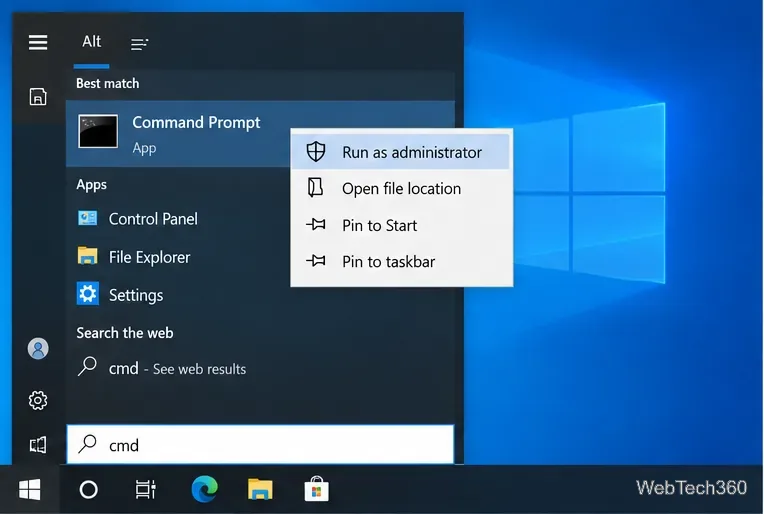
If the error appears only inside one program—for example, when an installer, terminal, or utility tries to write to a protected location—elevate that program instead of changing folder ownership.
If that works, the app needed an elevated administrator token. Avoid configuring everyday apps to run elevated permanently unless the software genuinely requires it.
If File Explorer itself says you do not have permission to open, modify, rename, or delete an item, inspect its access control list.
Be cautious with protected Windows locations. Ownership by TrustedInstaller or SYSTEM is often intentional. Do not take ownership of Windows system folders simply to silence an error.
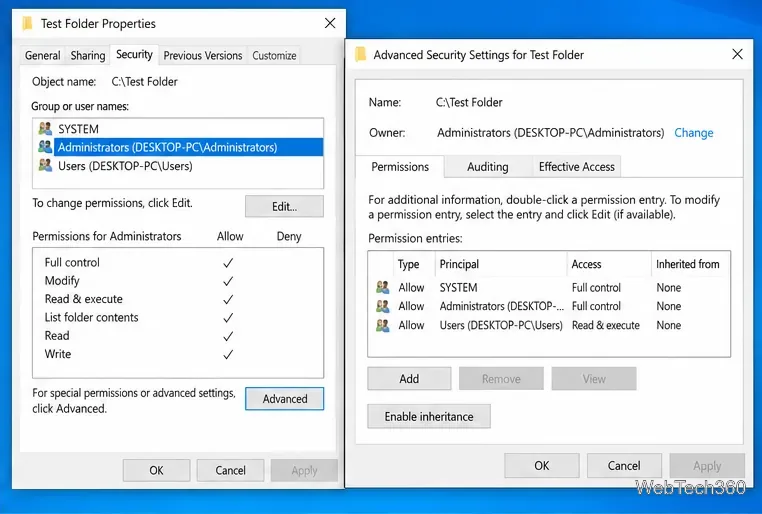
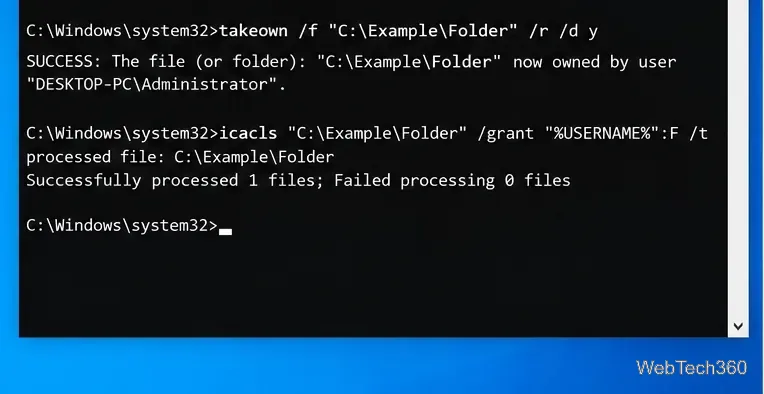
If the graphical permissions dialog cannot repair access to a folder that belongs to you, Windows includes command-line tools for ownership and ACLs. Open Command Prompt as administrator, replace the example path with the real folder, then run:
takeown /f "C:\Example\Folder" /r /d Y
icacls "C:\Example\Folder" /grant "%USERNAME%":F /t
takeown makes the current administrator the owner; it does not automatically grant every permission. icacls modifies the discretionary access control list. Microsoft documents both takeown and icacls for Windows 10.
Use recursive switches only when you really want to change all child items. For a single file, target that file instead of an entire directory tree.
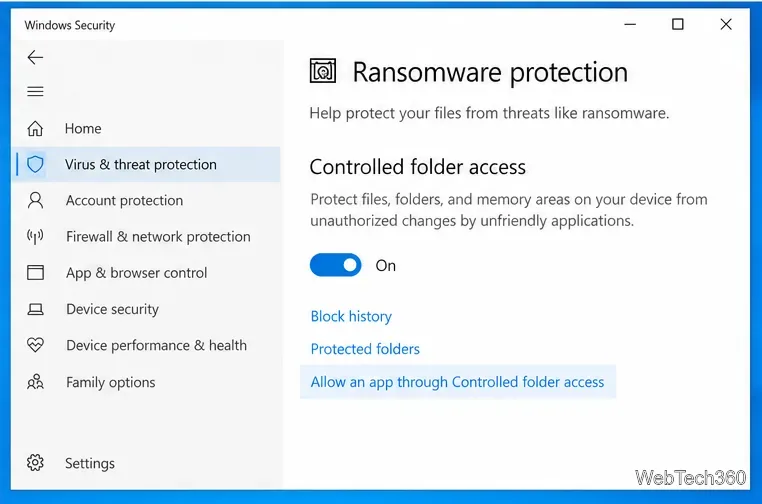
Microsoft Defender can intentionally block an untrusted app from changing protected folders. If the message appears when a known program tries to save or modify a file, check Windows Security before altering NTFS permissions.
Microsoft recommends allowing only apps you recognize. Turning the protection off—or disabling Defender entirely—removes a security layer and is not a good general fix. See Microsoft’s Windows Security guidance for the current behavior.
Windows 10 reached end of support on October 14, 2025. Microsoft recommends moving to Windows 11 when possible, or using the Windows 10 Extended Security Updates program on eligible devices that must remain on Windows 10. See Microsoft’s Windows 10 support notice for current options.
Open a Linux shell in any Windows 10 folder with File Explorer, PowerShell, and WSL. Check the Linux path and fix common setup issues.
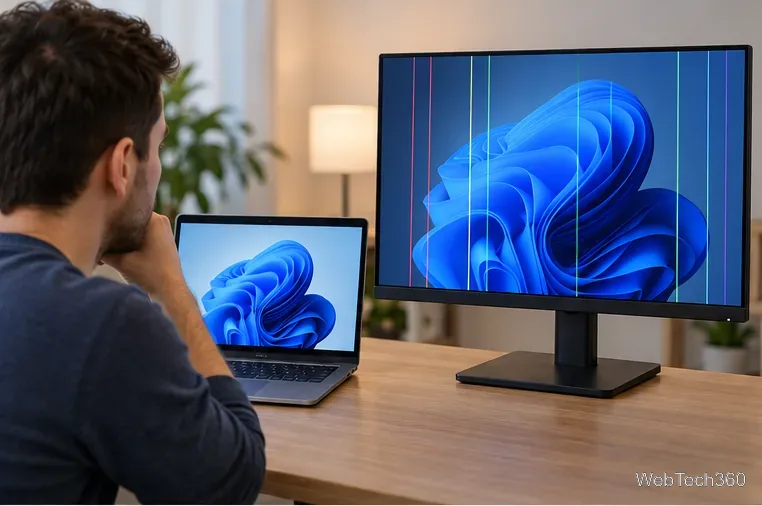
Use a screenshot test, cable and port checks, monitor diagnostics, display settings, and driver rollback to pinpoint lines on a Windows 10 monitor.
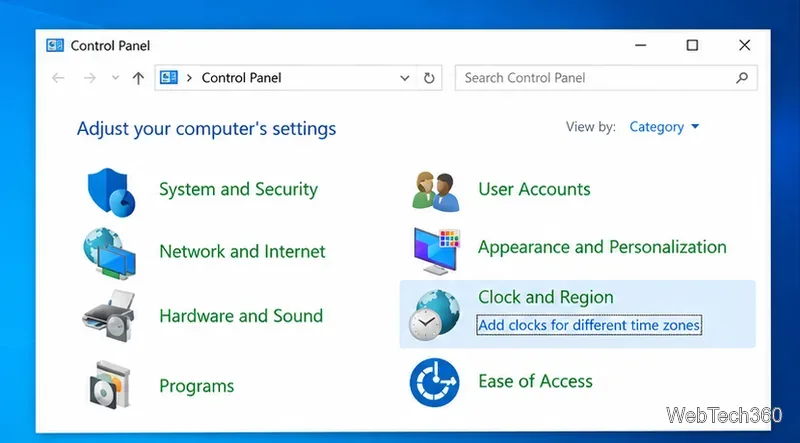
Show two other time zones beside your Windows 10 clock. Set up each additional clock, give it a clear label, and find it in the taskbar calendar.
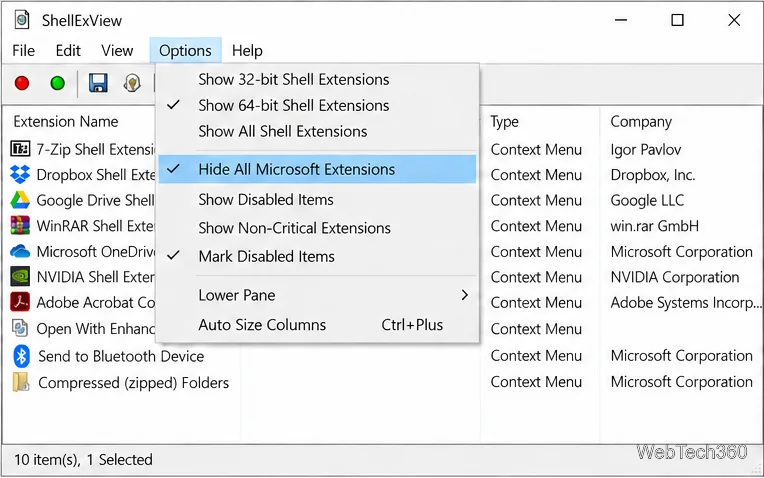
Find the File Explorer extension that delays right-click menus in Windows 10, test it safely with ShellExView, and restore any menu features you still need.
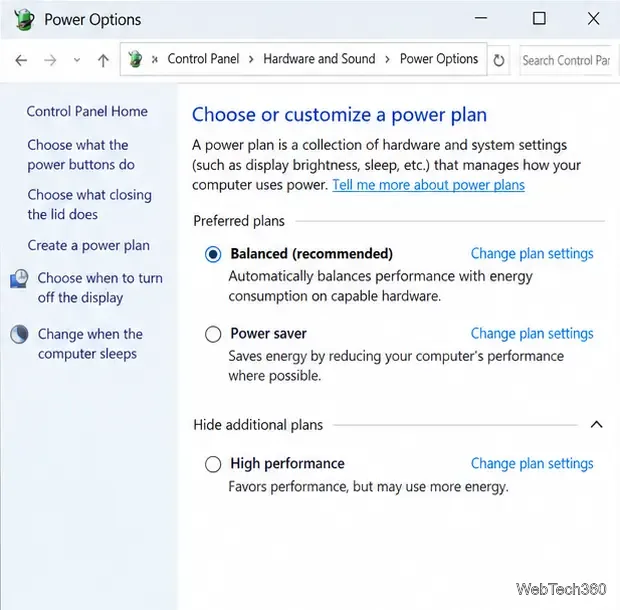
Stop Windows 10 from powering down a specific network adapter or USB device with plan-level settings and Device Manager controls, plus tips to avoid excess battery drain.
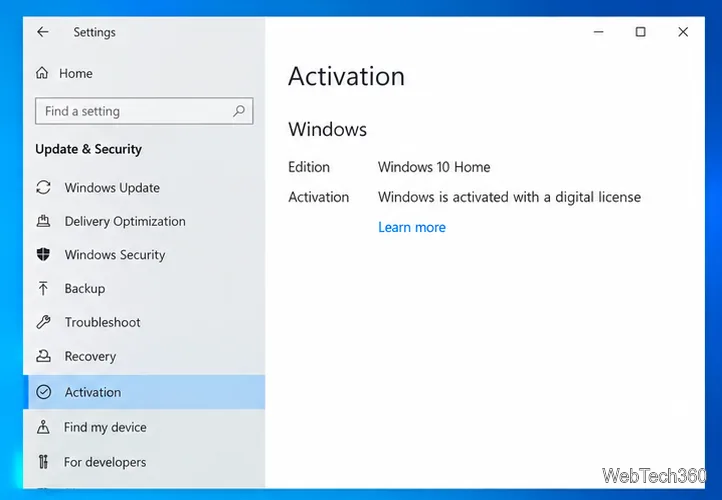
Check whether Windows 10 uses a digital license or product key, find a firmware-stored OEM key, and save license details securely for a reinstall.
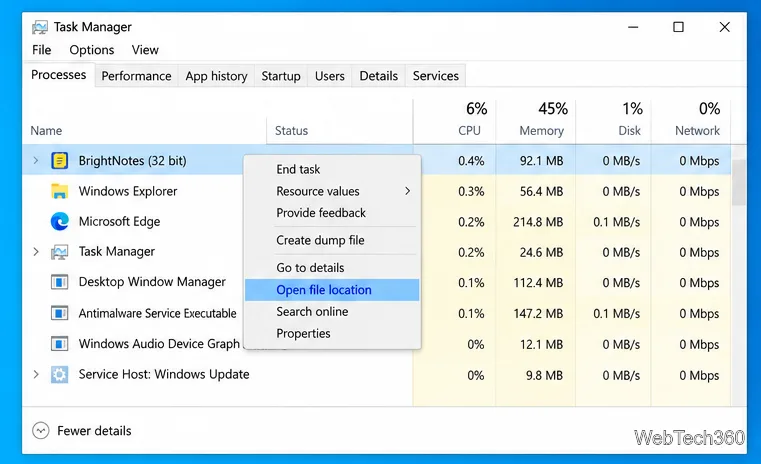
Identify a Windows 10 Task Manager process by checking its executable path, file properties, publisher, linked services, and a Microsoft Defender scan.
Create a searchable Windows 10 folder inventory with PowerShell. Save every file and subfolder path as plain text or export details to a sortable CSV.
Add a custom reminder, quote, or label to your Windows 10 desktop with a Rainmeter text skin. Create the INI file, load it, then adjust its font and position.
Use Bluetooth Swift Pair on Windows 10 to pair a compatible accessory from a notification, with setup steps and fixes when the prompt does not appear.