How to Fix Lines on a Monitor Screen in Windows 10
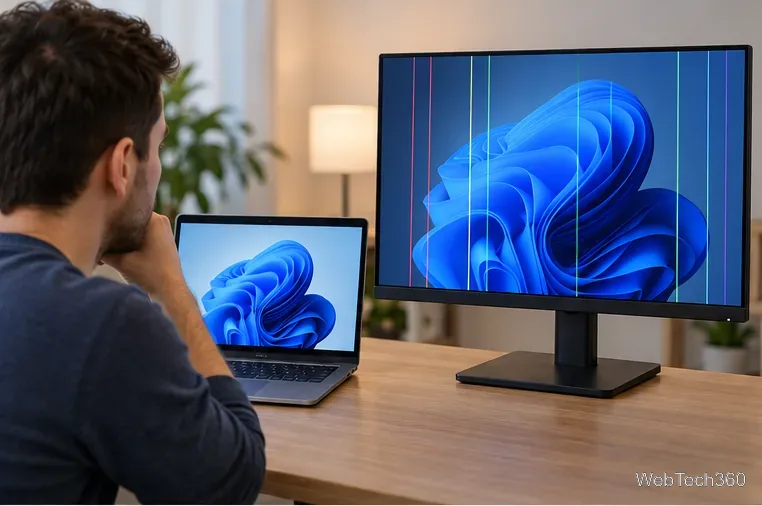
Use a screenshot test, cable and port checks, monitor diagnostics, display settings, and driver rollback to pinpoint lines on a Windows 10 monitor.
If Among Us keeps disconnecting from the server, start with the simple checks: retry once, change the server region, update the game, and test your connection without a VPN. If the problem follows you across networks or appears as a specific authentication or DTLS error, collect the exact message and send it to Innersloth Support.
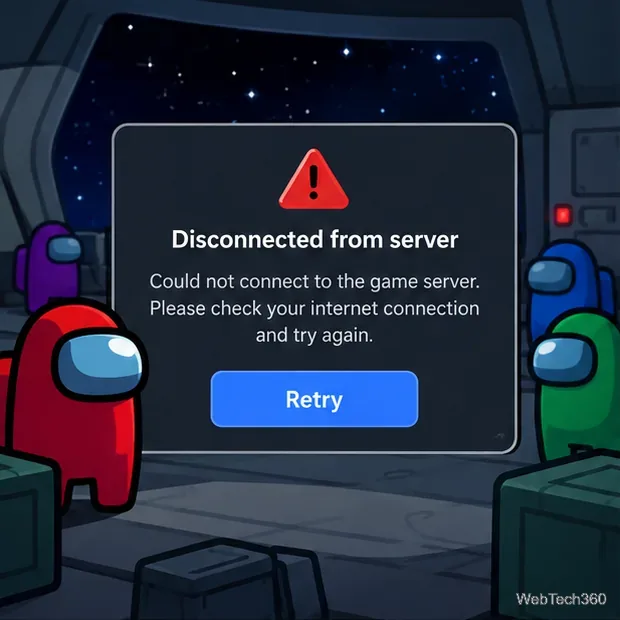
Close the error and try to join or create a game one more time. If several friends on different internet connections suddenly get the same error, avoid changing a lot of local settings at once. Check Innersloth's official news and the Innersloth Help Center for current notices or known issues.
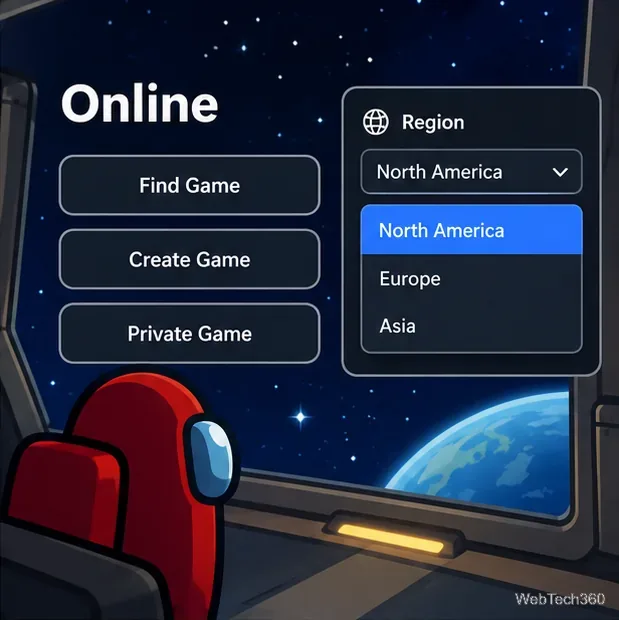
Open Online and, if your version shows a Region selector, choose another available region and try again. This is a useful test when one regional route is congested or temporarily unreachable. If another region works, you can switch back later and retest your preferred region.
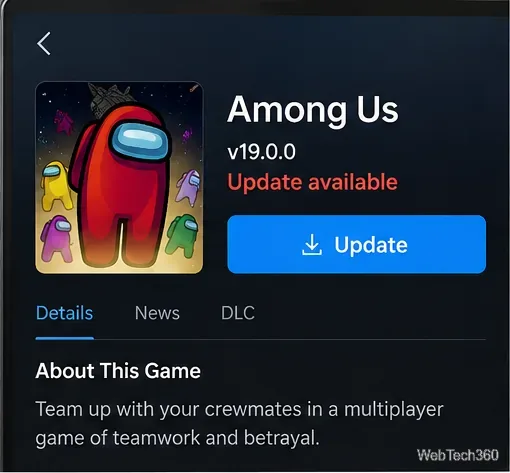
Install the newest version offered by Steam, Epic Games Store, your console store, Google Play, or the App Store. Innersloth stopped supporting 2024 builds in June 2026, so very old clients can no longer be treated as compatible. Its September 29, 2026 patch notes list v19.0.0 on all platforms and note server changes related to duplicate-login pop-ups. See the official v19.0.0 patch notes and the 2024-version support notice.
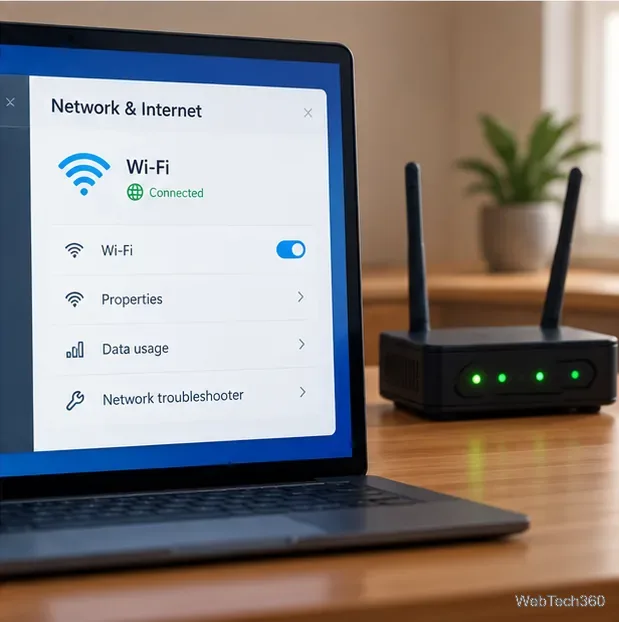
A fast speed-test result does not rule out packet loss, Wi-Fi drops, or bad routing. Confirm that normal browsing works, then restart the modem/router if you control it. On a PC or console, try Ethernet if practical. On mobile, compare Wi-Fi with cellular data, keeping any data charges in mind. If Among Us fails on one network but works on another, the original network or route is the likely cause.
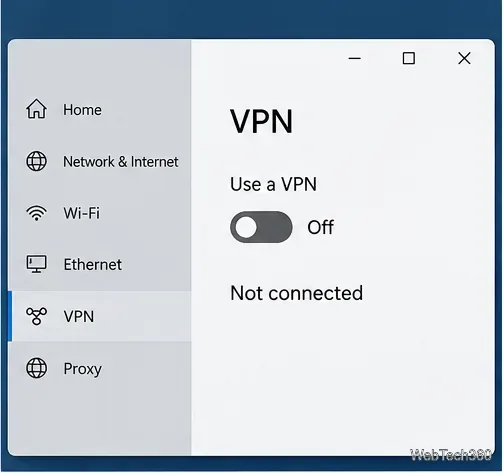
If you use a VPN, proxy, secure tunnel, or traffic-filtering service, turn it off briefly and reconnect. These tools can change your route, add latency, or interfere with authentication. If the game works without the VPN, reconnect to a different VPN endpoint or leave it off while playing. Do not permanently disable your firewall or antivirus just to test a game connection.
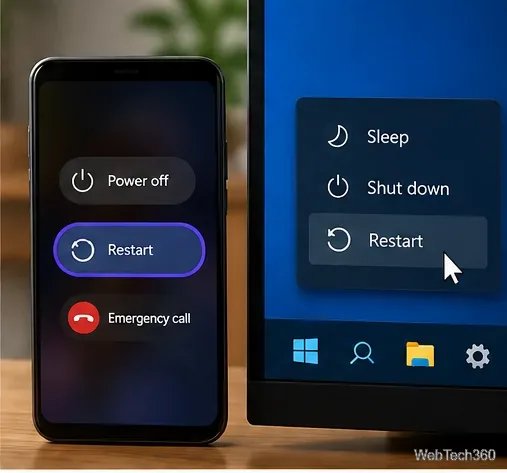
Quit Among Us completely rather than leaving it suspended, then restart the phone, tablet, console, or PC. Reopen the game and sign in again. Innersloth specifically says a restart can clear its Authentication Error when the app has been left idle, so this step is worth doing before reinstalling anything.
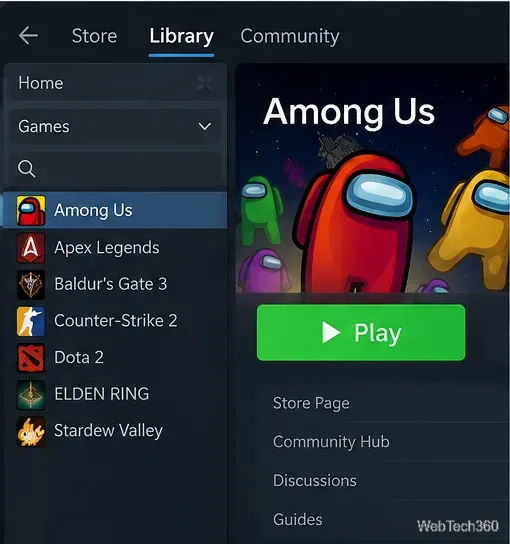
If sign-in hangs on Steam, open Steam, select Among Us in your Library, and click Play instead of using an old desktop shortcut. Innersloth recommends this for its “Sure is taking a while to sign in” and Steamworks authentication issues. Epic users should likewise launch from the Epic Games Launcher when troubleshooting launcher-related errors. See Innersloth's sign-in guidance and SteamworksAuthFail guidance.
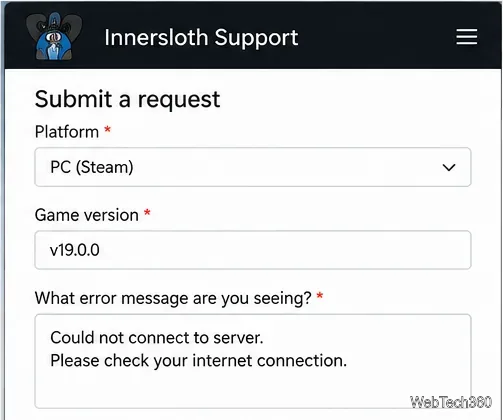
If the same connection error survives an update, region change, another network, and a restart, submit a support ticket. Include the exact error text, your platform, installed game version, country, when the issue started, and how often it happens. Innersloth asks for those details for errors such as DTLS negotiation failed.
On Windows, support may also ask for Player.log. Reproduce the issue without closing the game, then open %appdata%\..\LocalLow\Innersloth\Among Us in File Explorer and attach Player.log. Innersloth documents this process in its bug-report guide.
Use a screenshot test, cable and port checks, monitor diagnostics, display settings, and driver rollback to pinpoint lines on a Windows 10 monitor.
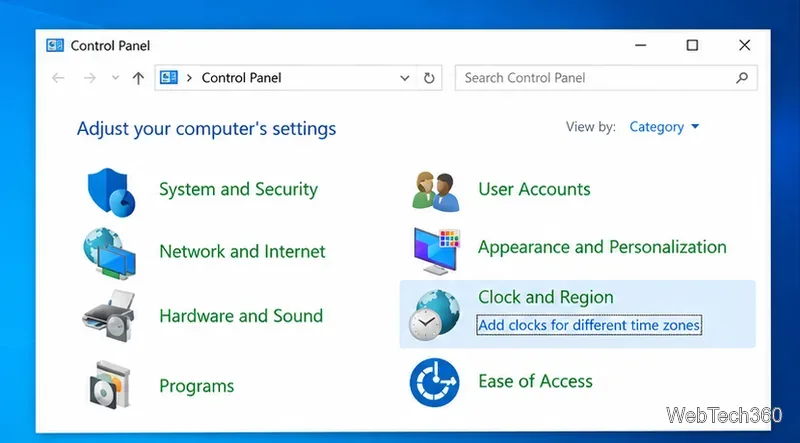
Show two other time zones beside your Windows 10 clock. Set up each additional clock, give it a clear label, and find it in the taskbar calendar.
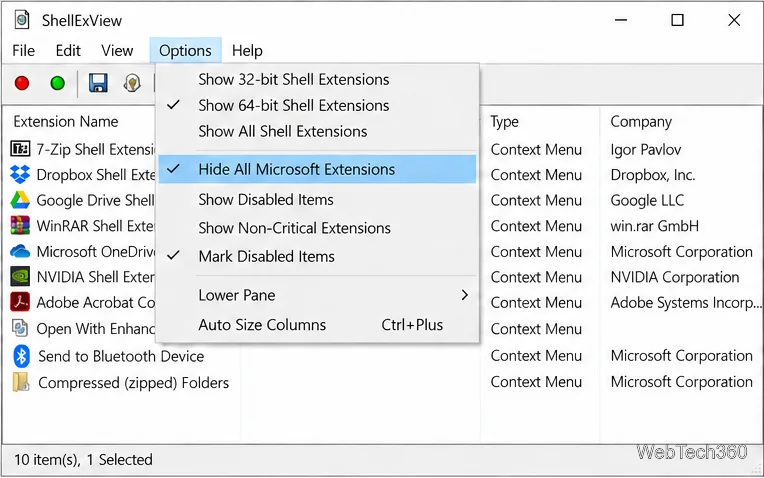
Find the File Explorer extension that delays right-click menus in Windows 10, test it safely with ShellExView, and restore any menu features you still need.
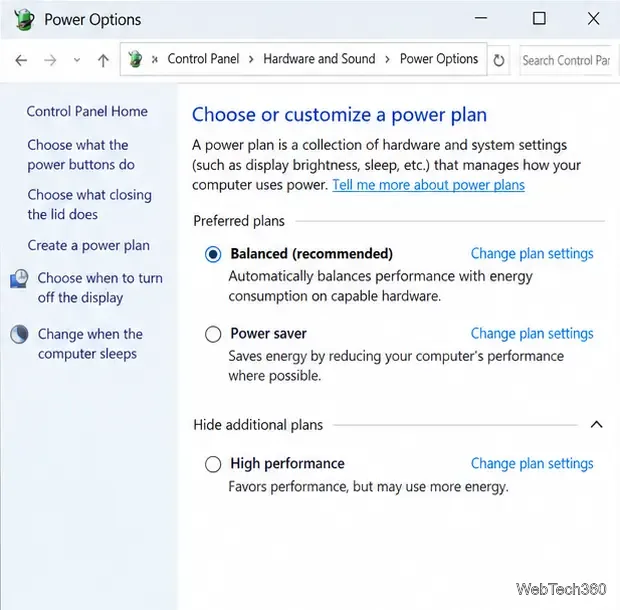
Stop Windows 10 from powering down a specific network adapter or USB device with plan-level settings and Device Manager controls, plus tips to avoid excess battery drain.
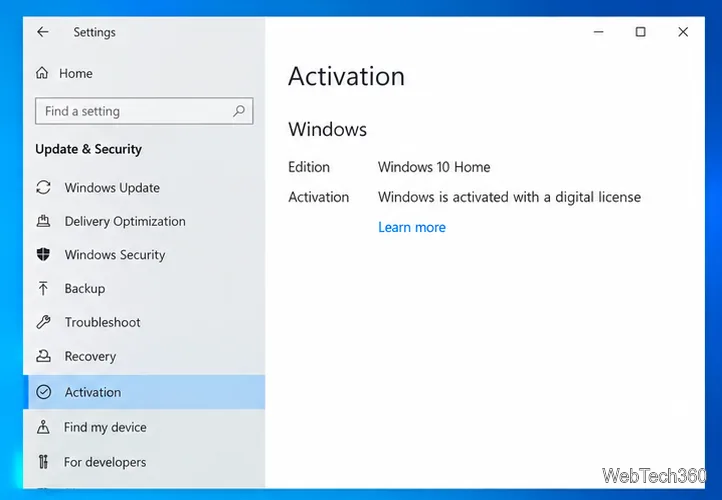
Check whether Windows 10 uses a digital license or product key, find a firmware-stored OEM key, and save license details securely for a reinstall.
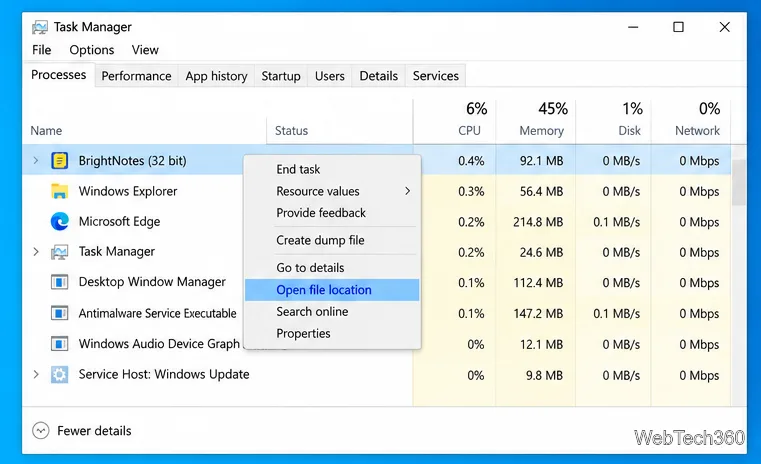
Identify a Windows 10 Task Manager process by checking its executable path, file properties, publisher, linked services, and a Microsoft Defender scan.
Create a searchable Windows 10 folder inventory with PowerShell. Save every file and subfolder path as plain text or export details to a sortable CSV.
Add a custom reminder, quote, or label to your Windows 10 desktop with a Rainmeter text skin. Create the INI file, load it, then adjust its font and position.
Use Bluetooth Swift Pair on Windows 10 to pair a compatible accessory from a notification, with setup steps and fixes when the prompt does not appear.
Learn what common laptop function key symbols mean, how Fn and Fn Lock affect them, and how to confirm the right shortcut for your Windows 10 laptop model.