How to Access a Network Location in Command Prompt on Windows 10
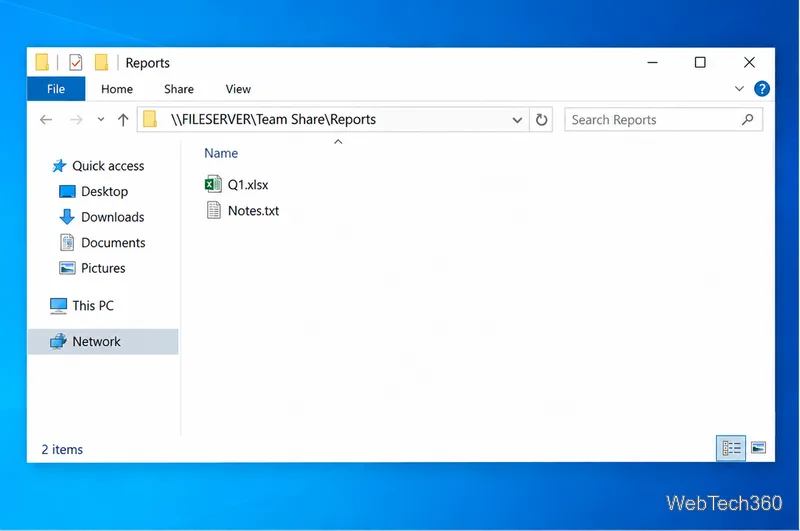
Use pushd to open a UNC network path in Windows 10 Command Prompt, run commands in the shared folder, and return with popd.
If you see “APIClient.dll was not found” when opening Word, Excel, Outlook, or another Microsoft 365 app on Windows 10, start by repairing Microsoft 365. The file is associated with Microsoft Office Click-to-Run, so downloading a loose DLL from a third-party site is not the right fix. If repair does not restore the Click-to-Run files, a clean Microsoft 365 reinstall is the next step.
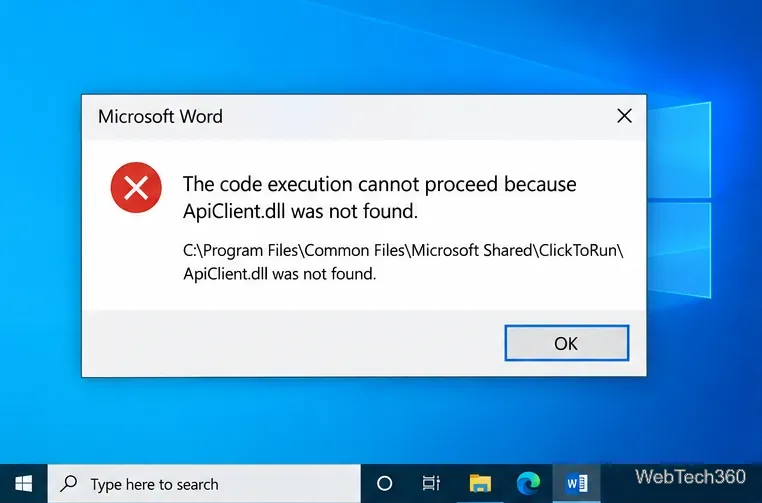
The message commonly points to a location such as C:\Program Files\Common Files\Microsoft Shared\ClickToRun\ApiClient.dll. Even when the file is present, the Microsoft 365 Click-to-Run installation can still be damaged or incomplete, so Windows may fail to load the component correctly.
For that reason, do not treat this as a normal “find the missing DLL” problem. Microsoft’s supported troubleshooting path for broken Office files is to repair the Office installation, then uninstall and reinstall it if necessary.
This is the best first fix because it replaces damaged Office program files without requiring you to hunt for individual DLLs.
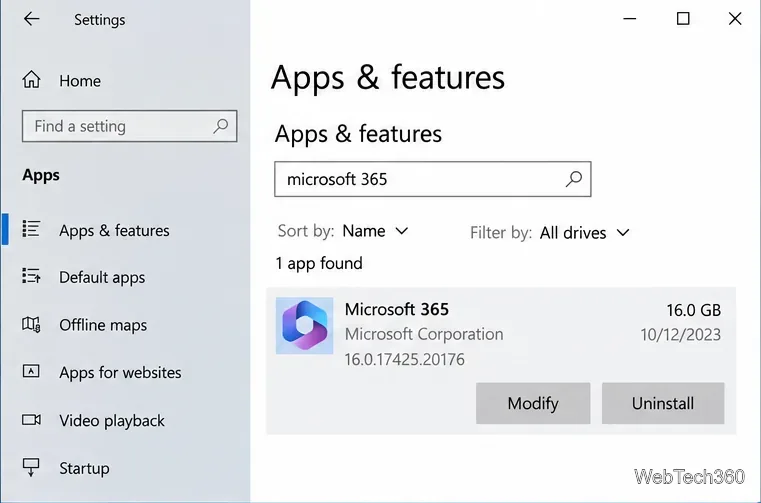
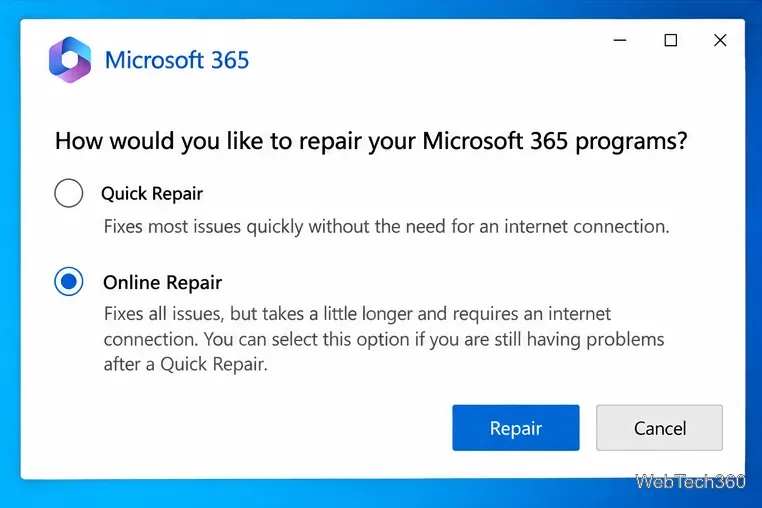
Microsoft documents both repair modes in its Office repair instructions. Quick Repair is faster, while Online Repair is intended to perform a more complete repair.
If at least one Office app opens normally after the repair, install any available Office updates before doing a full reinstall. In Word or another Office app, go to File > Account > Update Options > Update Now. If no Office app opens, skip this step.
Microsoft’s current update procedure is available in How to update Microsoft 365 or Office for Windows.
If Online Repair does not fix the problem, or the Click-to-Run folder is missing important files, reinstalling Microsoft 365 is safer than copying APIClient.dll from another PC.
Microsoft notes that uninstalling Microsoft 365 removes the applications but does not delete the documents, workbooks, or presentations you created. See the official uninstall instructions and Microsoft 365 installation instructions.
If APIClient.dll is only one of several missing or corrupted-file errors, check Windows itself. Microsoft recommends running DISM before System File Checker.
DISM.exe /Online /Cleanup-image /Restorehealth and wait for it to finish.sfc /scannow and let the verification reach 100%.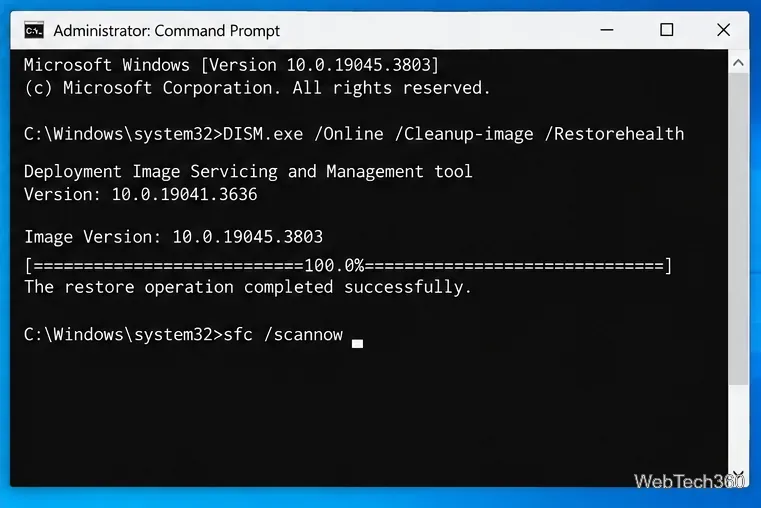
These commands and their order are documented by Microsoft in its System File Checker guidance.
regsvr32 /u as the standard fix. The old advice to unregister this DLL is not part of Microsoft’s current Office repair procedure and can distract from the actual Click-to-Run problem.The message does not always mean the file is literally absent. A damaged Click-to-Run installation, mismatched Office files, or broader Windows corruption can prevent the file from loading correctly. In that case, use Online Repair rather than deleting or replacing the DLL manually.
Windows 10 reached end of support on October 14, 2025. Microsoft says Microsoft 365 Apps can continue receiving security updates on Windows 10 through October 10, 2028, but it recommends moving to Windows 11 because running Microsoft 365 on an unsupported operating system can lead to reliability and support limitations. See Microsoft’s Windows 10 and Microsoft 365 Apps support policy.
Use pushd to open a UNC network path in Windows 10 Command Prompt, run commands in the shared folder, and return with popd.
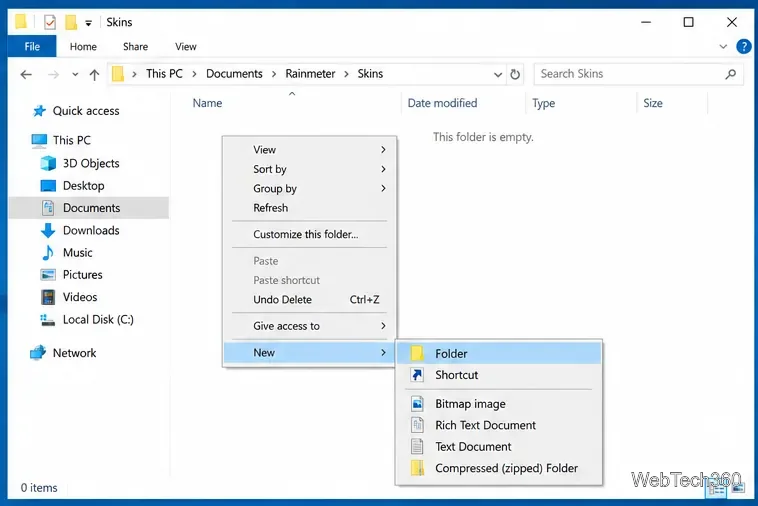
Learn how to install a Rainmeter skin from an INI file by placing it in the right Skins folder, preserving its resources, refreshing Rainmeter, and loading it in Manage.
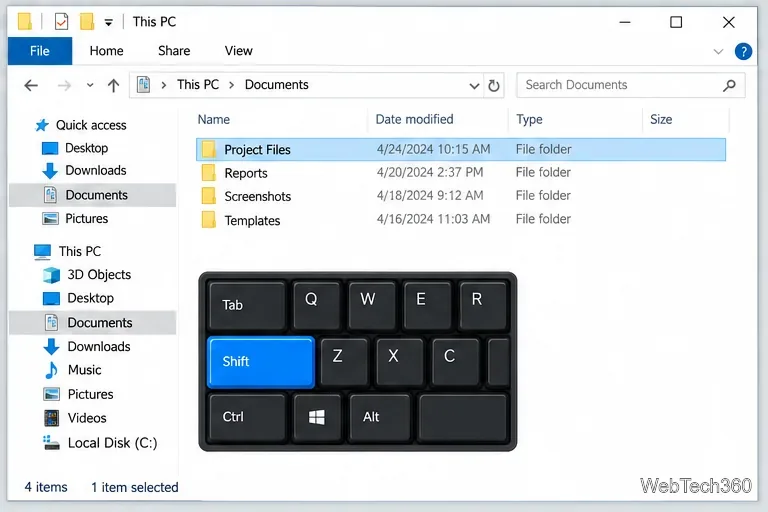
Open one folder in its own File Explorer window with Shift or the context menu, or change Folder Options to make every folder open separately.
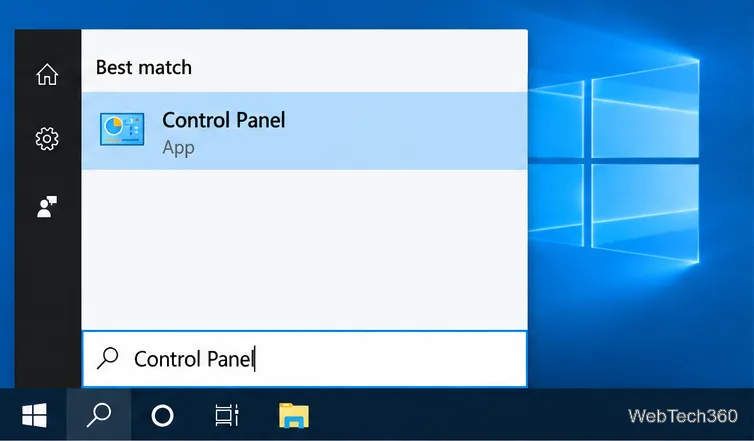
Pin a frequently used Control Panel applet, such as Power Options or Sound, to the Windows 10 Start menu for one-click access.
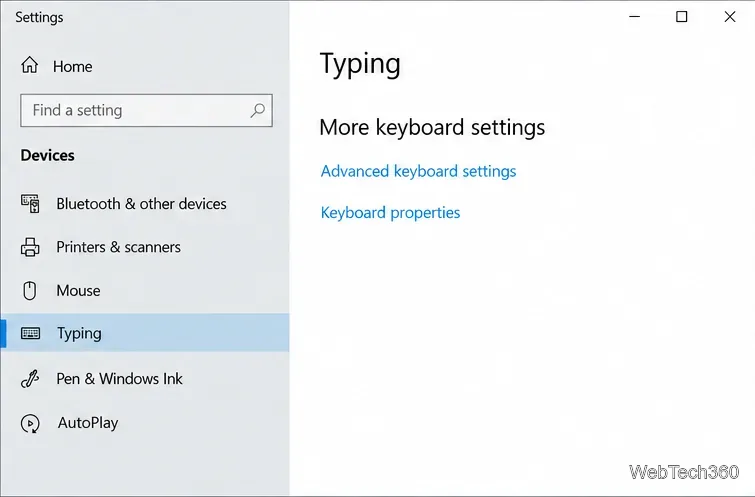
Choose a supported Windows 10 hotkey for switching input languages, assign shortcuts to individual layouts, or disable an accidental shortcut.
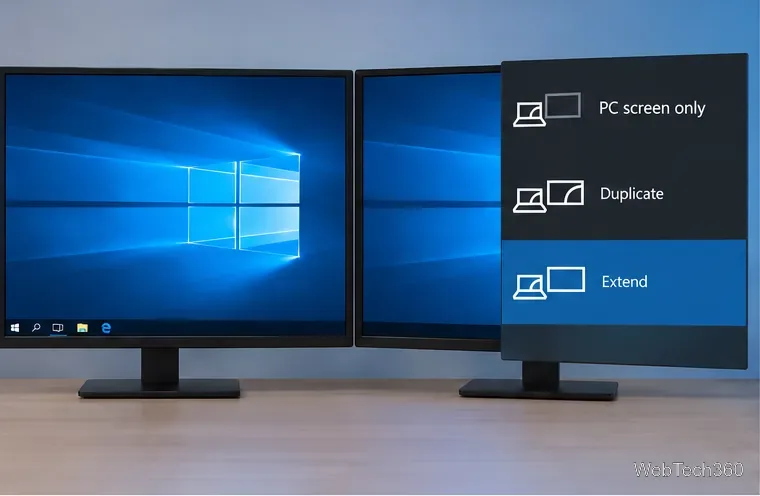
Move a Windows 10 app to the display you want, use its game monitor setting, and handle full-screen apps with a practical primary-monitor workaround.
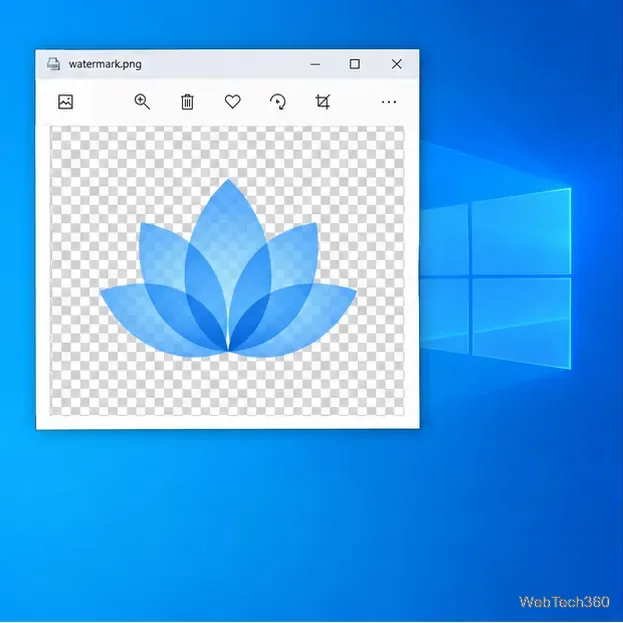
Use a transparent PNG and a Rainmeter skin to keep an image watermark above windows, adjust its transparency, and make it click-through on Windows 10.
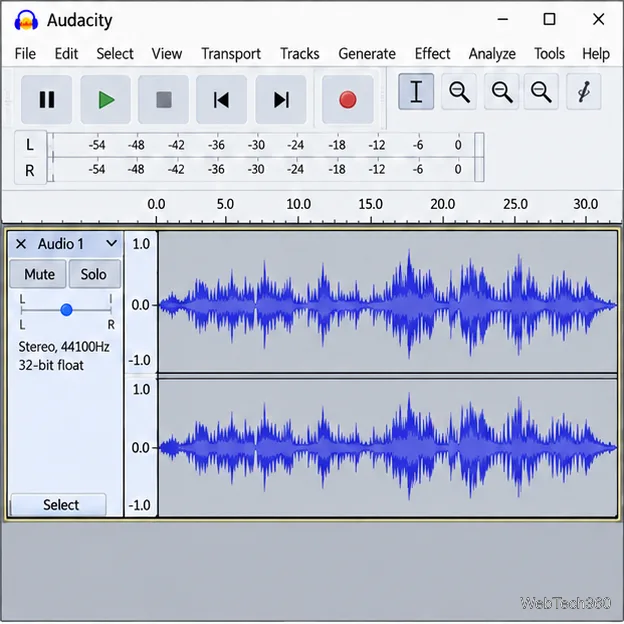
Convert stereo audio to mono on Windows 10 with Audacity. Mix both channels into one mono track, export a new file, and verify the channel count.
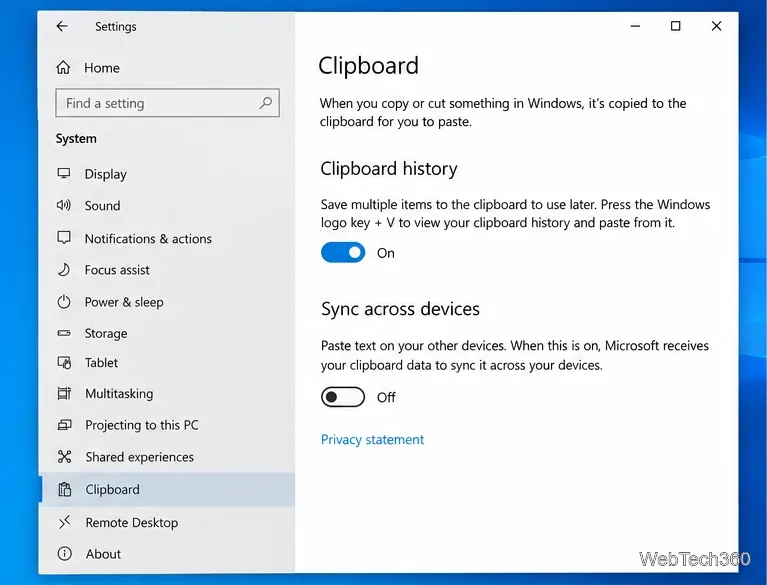
Use Windows 10 Clipboard history to save recent text and images, paste an earlier clip with Windows key + V, and manage sync, pinned items, and privacy.
Learn how to zoom in on a video in Windows 10 with VLC’s Interactive Zoom, or use Windows Magnifier when the clip is playing in another app.