How to Open a Linux Shell in a Folder on Windows 10
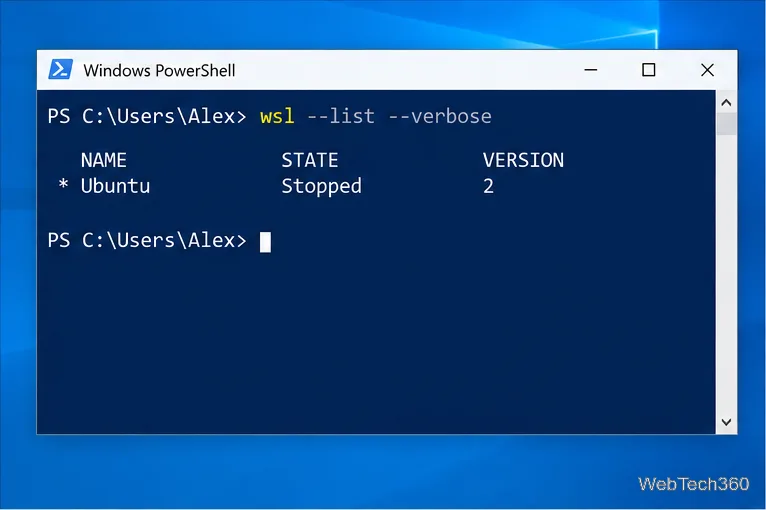
Open a Linux shell in any Windows 10 folder with File Explorer, PowerShell, and WSL. Check the Linux path and fix common setup issues.
If Windows 10 does not recognize your Android phone, start with the USB connection mode before changing drivers. A phone can charge normally while still refusing file access because the connection is set to charging only, the cable does not carry data, or the Windows device driver is not working correctly. USB debugging is not required for normal File Explorer transfers.
One current-platform note: Microsoft says standard Windows 10 support ended on October 14, 2025. These troubleshooting steps still apply to existing Windows 10 PCs, but an unsupported OS can become a limitation when newer hardware needs updated drivers. See Microsoft’s Windows support guidance.
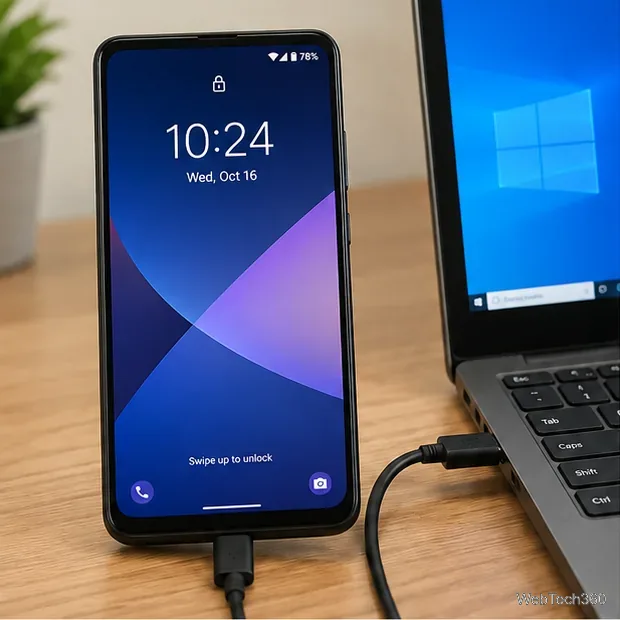
Google’s current Android instructions say to unlock the device, connect it by USB, tap the USB charging notification, and choose File transfer under “Use USB for.” The exact wording can vary by phone maker and Android version, but the goal is the same: switch away from charging-only mode.
Google documents this process in Android Help: Transfer files between your computer and Android device.
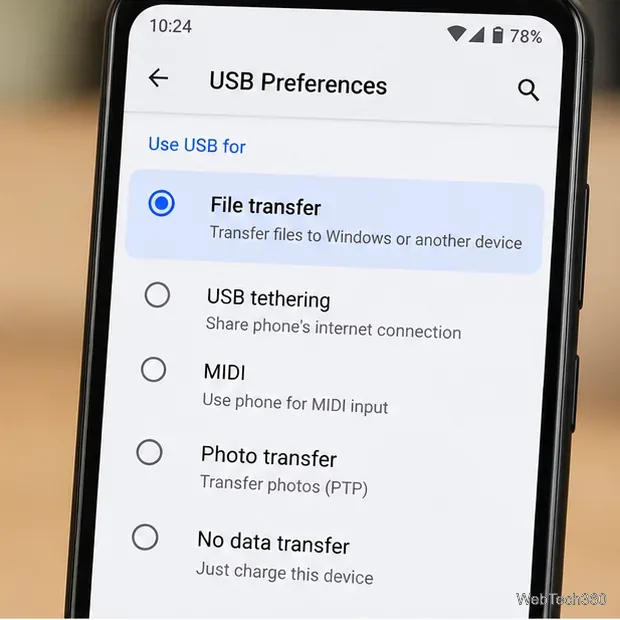
Open File Explorer > This PC. A successfully connected Android phone should appear as a portable device. Open it to access the storage Windows is allowed to expose. If the phone appears only after you change the USB mode, the problem was the connection setting rather than Windows itself.
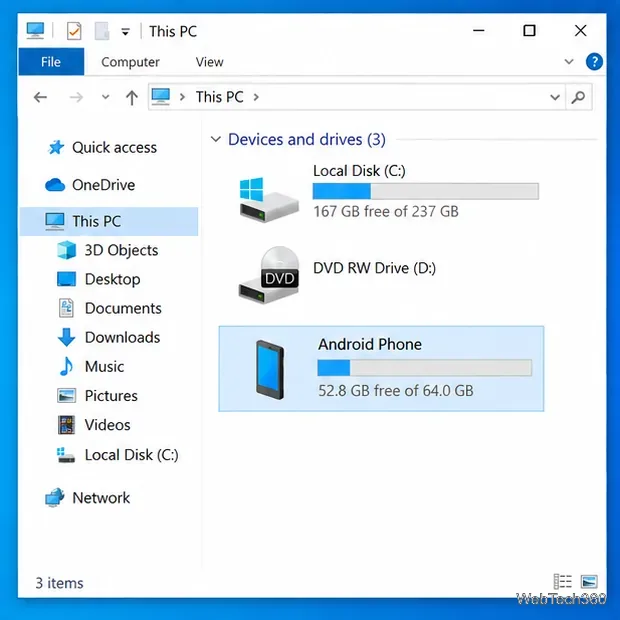
If the phone still does not appear, try another known data cable and a different USB port on the computer. Google also recommends testing the phone on another computer and testing the computer’s USB port with another device. These checks quickly separate a Windows problem from a bad cable or hardware connection.
If Windows never makes a connection sound and the phone never appears anywhere in Device Manager with multiple known-good cables, inspect the phone’s USB port for obvious damage or debris. Do not insert metal objects into the connector; use the device maker’s cleaning or service guidance if the port is damaged.
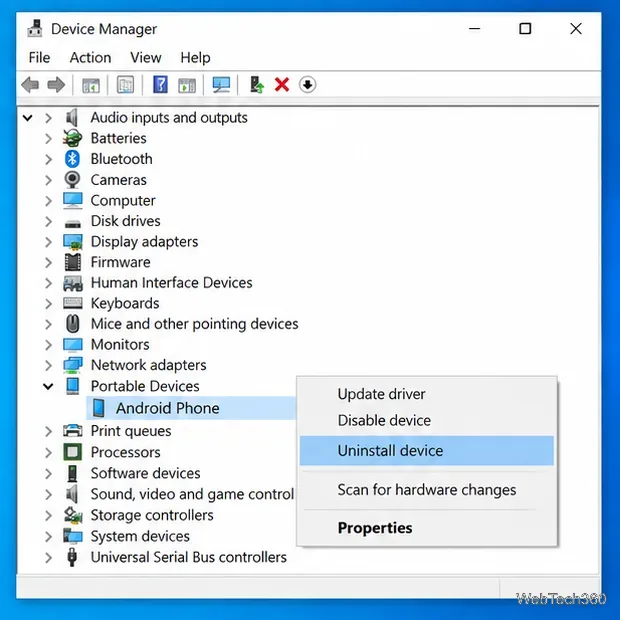
If Windows detects something but File Explorer does not show the phone, reinstalling the device can clear a broken driver registration. Microsoft’s current guidance supports uninstalling a problem device in Device Manager and letting Windows reinstall it after restart.
Do not randomly uninstall USB host controllers or unrelated devices. See Microsoft’s Device Manager driver instructions.
Do not install a random “Android USB driver” from a third-party download site. Google states that its Google USB Driver is for ADB debugging with Google devices; Windows drivers for other Android devices should come from the hardware manufacturer. Google maintains an official OEM USB driver directory.
For Samsung Galaxy devices, Samsung Smart Switch for Windows or Mac is an official option for PC backups and USB transfers. It can be useful when you specifically need Samsung’s desktop software, but it is not required for ordinary Android file access in File Explorer.
No, not for normal file transfers. USB debugging is an Android developer feature used for ADB communication. Enabling it just to make a phone appear in File Explorer adds unnecessary access and usually does not address a basic MTP/file-transfer problem. Turn it on only when a trusted development or support procedure specifically requires it.
When another cable, another USB port, File transfer mode, a restart, and a clean Device Manager reinstall all fail, use the phone manufacturer’s support path for the exact model. For moving files without USB, Google also lists Quick Share for Windows as an alternative in its Android file-transfer guidance.
Open a Linux shell in any Windows 10 folder with File Explorer, PowerShell, and WSL. Check the Linux path and fix common setup issues.
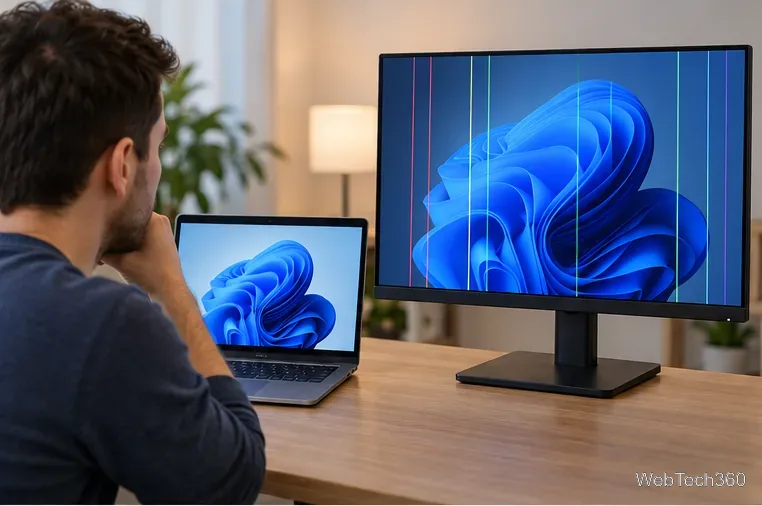
Use a screenshot test, cable and port checks, monitor diagnostics, display settings, and driver rollback to pinpoint lines on a Windows 10 monitor.
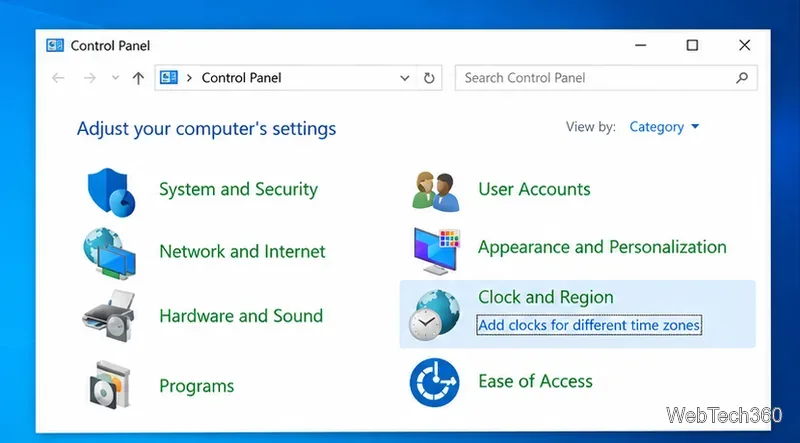
Show two other time zones beside your Windows 10 clock. Set up each additional clock, give it a clear label, and find it in the taskbar calendar.
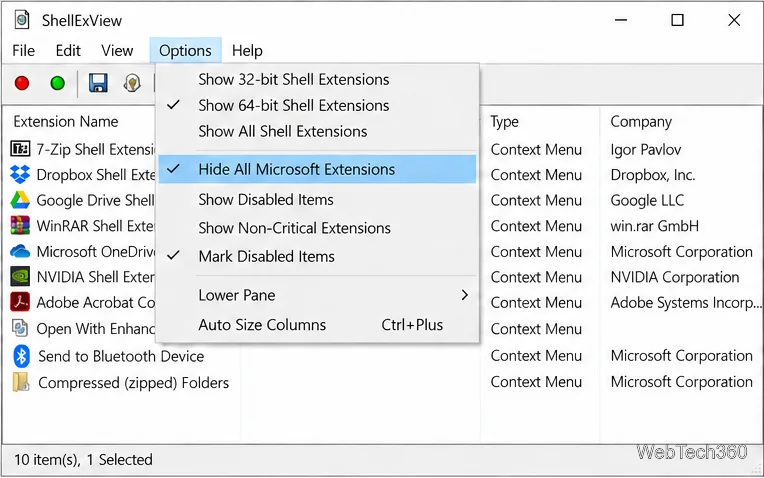
Find the File Explorer extension that delays right-click menus in Windows 10, test it safely with ShellExView, and restore any menu features you still need.
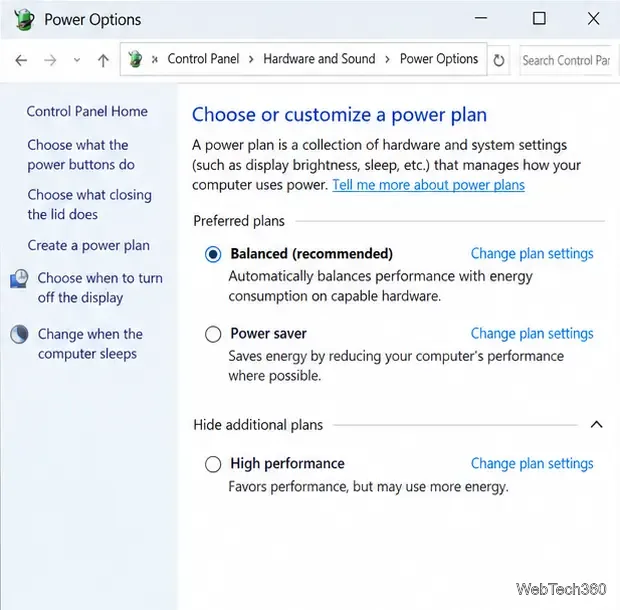
Stop Windows 10 from powering down a specific network adapter or USB device with plan-level settings and Device Manager controls, plus tips to avoid excess battery drain.
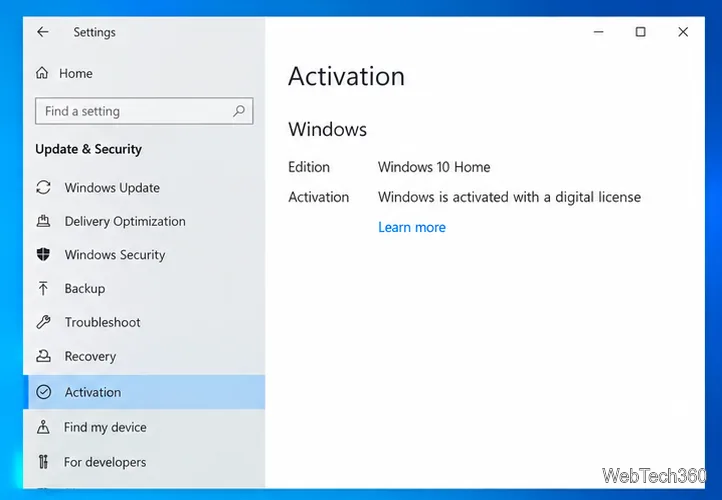
Check whether Windows 10 uses a digital license or product key, find a firmware-stored OEM key, and save license details securely for a reinstall.
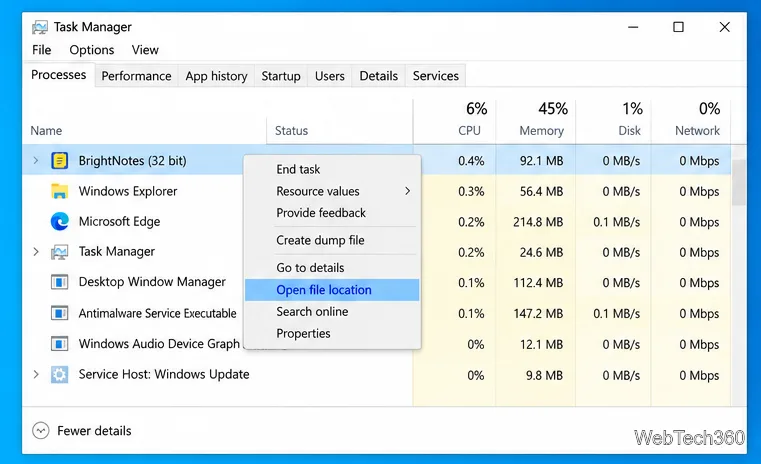
Identify a Windows 10 Task Manager process by checking its executable path, file properties, publisher, linked services, and a Microsoft Defender scan.
Create a searchable Windows 10 folder inventory with PowerShell. Save every file and subfolder path as plain text or export details to a sortable CSV.
Add a custom reminder, quote, or label to your Windows 10 desktop with a Rainmeter text skin. Create the INI file, load it, then adjust its font and position.
Use Bluetooth Swift Pair on Windows 10 to pair a compatible accessory from a notification, with setup steps and fixes when the prompt does not appear.