How to Make a Glass Bottle in Minecraft
Learn the exact three-glass recipe, smelt sand into glass, and fill your Minecraft bottles with water for brewing.
Quick answer: Buy Minecoins in Minecraft: Bedrock Edition or on Minecraft.net, or redeem an eligible prepaid code. They are not mined or earned through ordinary play; Minecraft lists purchases and code redemption as the supported ways to add them.
Minecoins pay for Marketplace worlds, skins, add-ons, texture packs, and mash-up packs. Use the same Microsoft account for the purchase and gameplay, and check that your edition and platform support the currency.
The images are interface illustrations; menus and checkout screens can vary by device.
Launch Minecraft: Bedrock Edition and sign in with the Microsoft account that should own the coins. If you play on a console, use the account linked to that console profile. Purchases do not necessarily follow a device if you switch to a different Microsoft account.
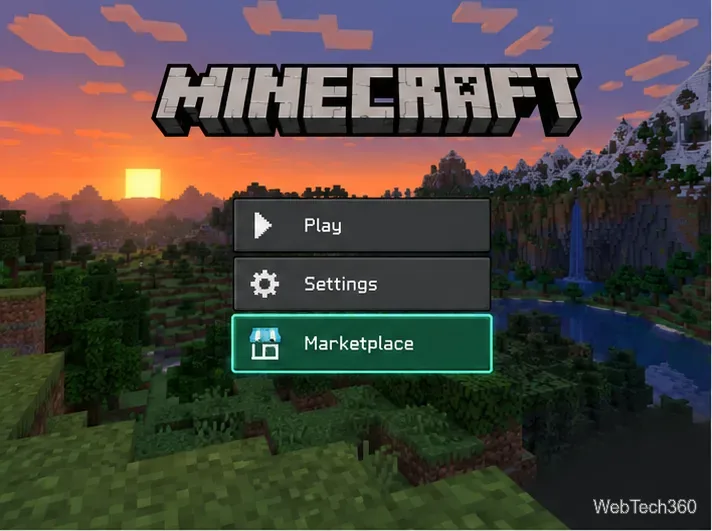
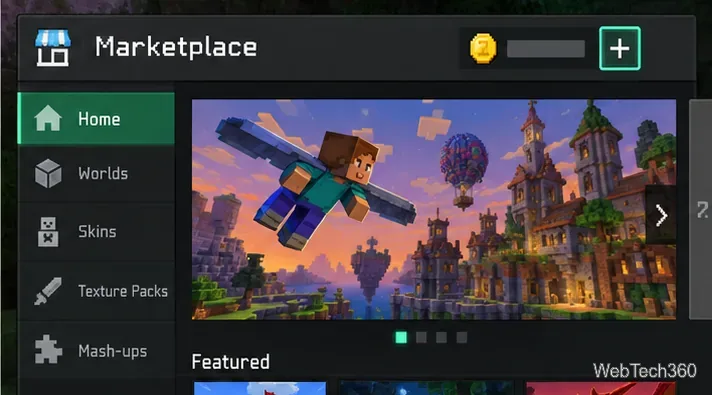
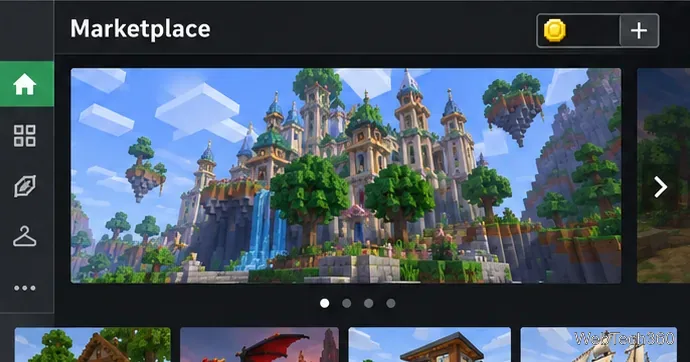
Select Marketplace from the game’s main menu. In the Marketplace, select the plus button next to the Minecoin balance at the top of the screen. If your screen is arranged differently, look for the coin balance or the Minecoins store option.
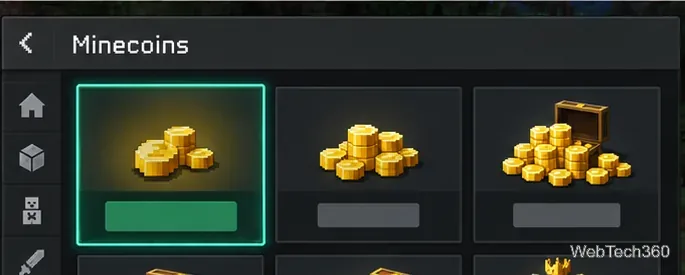
Select a Minecoin pack, then follow the checkout prompts from the platform store. Pack sizes, prices, and payment methods vary by region and device, so use the amount and total shown on your own checkout screen. Minecoin purchases are final and generally cannot be refunded; Minecraft directs players to Microsoft Support if an unauthorized purchase was made on Minecraft.net.
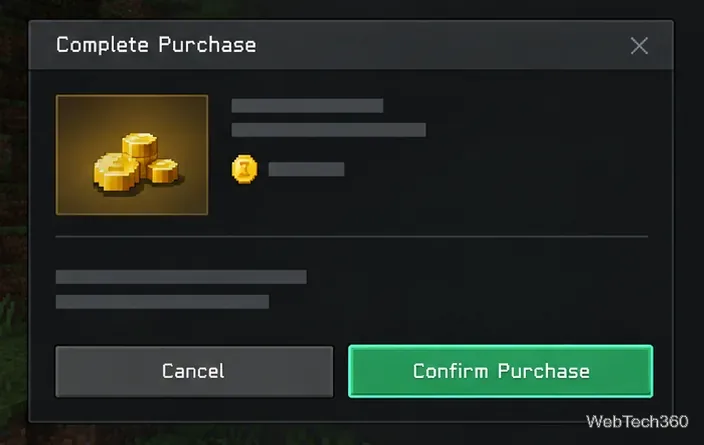
After payment completes, return to the Marketplace and check the wallet balance. You can also buy Minecoin packs from the official Minecraft Minecoins page; sign in and use the same Microsoft account when you later open Bedrock Edition.
Redeem a card or code specifically for Minecoins through Minecraft’s official code redemption page. Minecoin codes use a 25-digit (5-by-5) code. Other Minecraft codes may add different content, so check the card description.
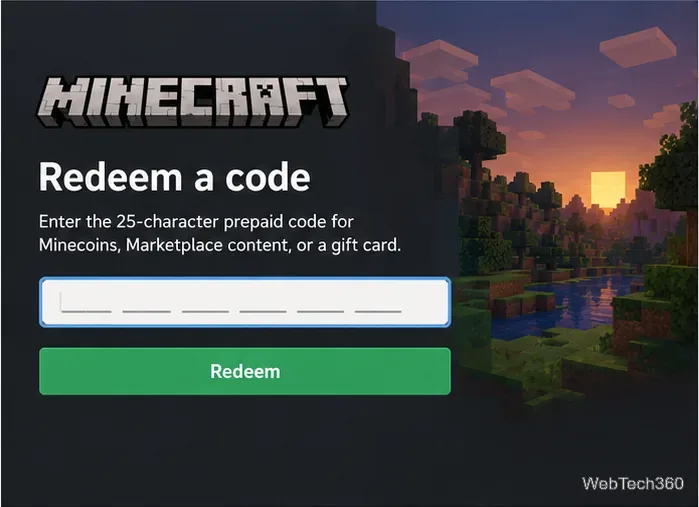
Some prepaid codes have region or platform limits. Check the packaging and the redemption page before purchase, especially if you plan to use the coins on a different device from the one where you redeem the code.
Open Marketplace, choose a world, skin, add-on, texture pack, or other listing, and review its price. If your wallet already has enough coins, choose the Minecoin price to complete the purchase. Minecraft’s support guide also says that, where offered, selecting an item’s price tag can purchase the required Minecoin pack and apply those coins to that item immediately. After the purchase, select Download to install the content on your device.
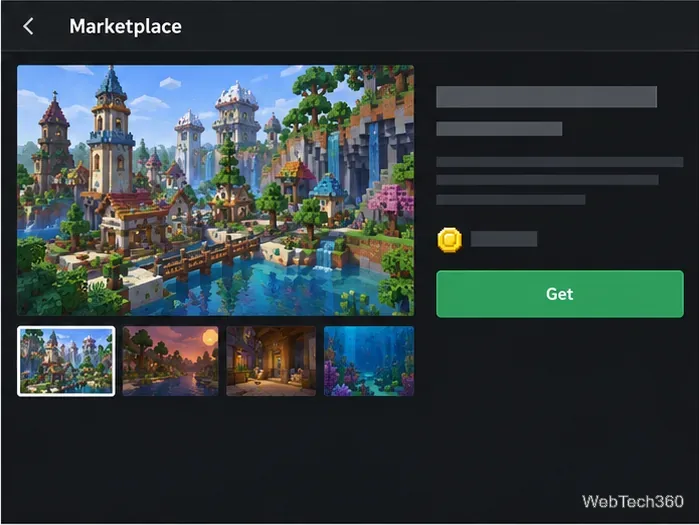
When shopping on Minecraft.net, an item page may offer a Get this item action. If Minecraft is installed on that same device, the link can open the item’s Marketplace page in the game.
Minecoins are for Marketplace purchases in Bedrock Edition, not Java. PlayStation uses Tokens for new Store purchases; Minecoins cannot be spent there. Eligible non-exclusive content bought on another platform may appear when the same Microsoft account is linked. See the Minecraft PlayStation Marketplace guide.
Nintendo wallet change: Starting October 27, 2026, Minecoins newly purchased in Minecraft on Nintendo Switch or Switch 2 will be usable only on those systems. Coins purchased elsewhere will no longer be usable for Marketplace purchases on Nintendo from that date. Coins already owned before October 27 move to a Legacy Wallet, remain usable across compatible platforms, and are spent before the new Nintendo-only wallet. Retail Minecoin cards may also differ in platform support, so check the package. Details are in Minecraft’s Nintendo Minecoin update.
For the current purchase steps, account requirements, and refund terms, see the official Minecoin buying and spending FAQ. For Marketplace checkout options, see Minecraft’s guide to buying Marketplace content.
Learn the exact three-glass recipe, smelt sand into glass, and fill your Minecraft bottles with water for brewing.
Control who can join, see channels, and find your Discord server with role permissions, invite links, and Discovery settings.
Create a Discord server in the desktop app or browser, organize channels, set permissions and safety tools, then share an invite that fits your group.
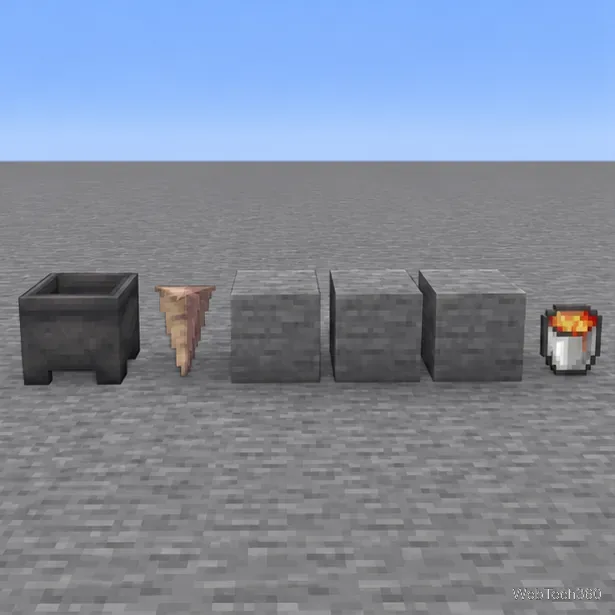
Build a renewable lava farm with pointed dripstone, one lava source, and a cauldron. Follow the setup, collection steps, and fixes for a cauldron that will not fill.
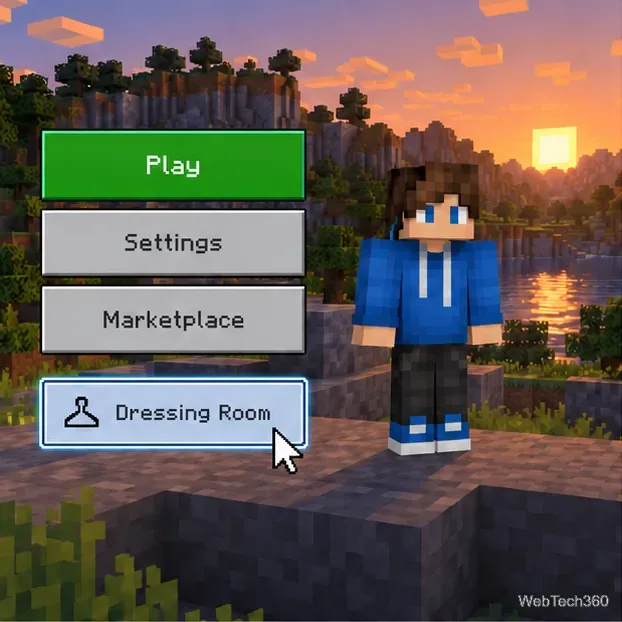
Fix a Minecraft skin that will not load by checking Bedrock Dressing Room, your Microsoft account, Marketplace downloads, updates, and Java skin settings.
Minecraft language options differ between Java and Bedrock. See common languages, why old counts are unreliable, and where to check your edition.
Plan a practical Minecraft survival base with the essentials for safety, food, storage, and crafting, plus useful upgrades to add as your world grows.
Update Minecraft on Nintendo Switch from the HOME Menu, enable automatic updates, and troubleshoot when the console cannot find or install one.
Learn the official ways to get Minecoins in Minecraft, redeem a prepaid code, spend coins on Marketplace content, and fix a missing balance.
Learn how to add Jira users to team-managed and company-managed projects, assign the right role, and share a board’s saved filter safely.