How to Make a Glass Bottle in Minecraft
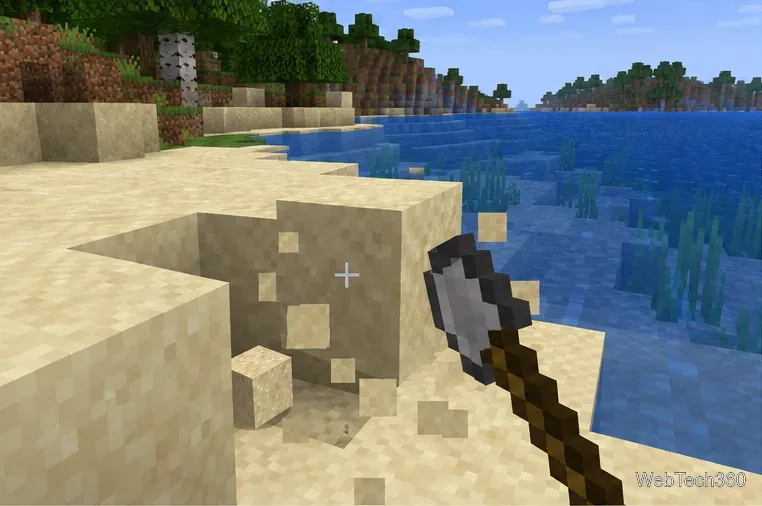
Learn the exact three-glass recipe, smelt sand into glass, and fill your Minecraft bottles with water for brewing.
A useful Minecraft survival base needs a safe place to return to, a bed, light, food, storage, and a few workstations. Start with those essentials; add a farm, enchanting area, brewing setup, or Nether portal only when your progress makes them useful. You do not need a separate room for every activity, and you can expand a small starter shelter later.
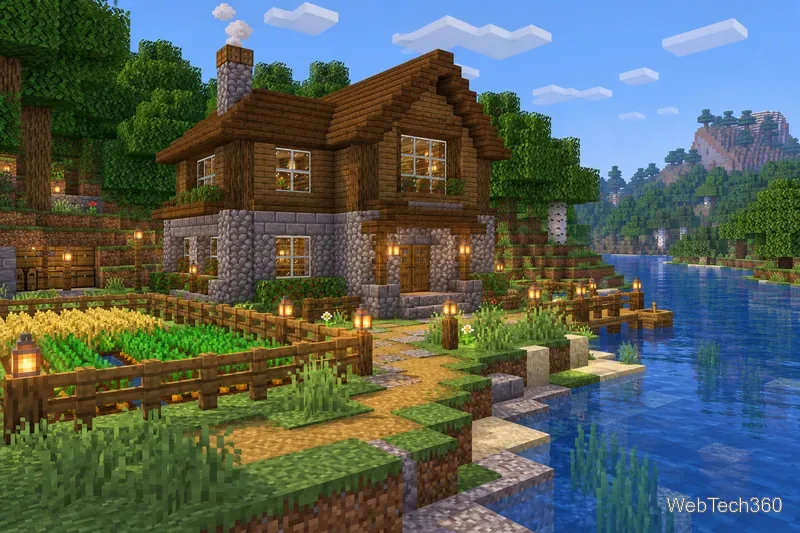
Look for a spot with space to build and easy access to wood, stone, and water. A nearby village or cave entrance can save travel time, but neither is required. Avoid building on a steep edge or directly in a busy path used by hostile mobs. Leave an open side for a garden, animal pen, or future extension, and make a well-lit route to nearby mines and resources.
Give the shelter a roof, a door, and enough light inside and around the entrance. Stone or deepslate makes a practical early outer wall if you have it; wood works well for interiors and trim. No ordinary starter house is guaranteed to stop every creeper blast, so light the surrounding area and retreat indoors instead of fighting mobs at the doorway. Minecraft’s official starter-base guide also highlights basic shelter, lighting, a bed, and storage.
Put a bed in a protected spot and use it once to set your Overworld respawn point. A bed is useful for sleeping through the night, but the point can become unusable if the bed is moved or the area around it is blocked. After relocating it, use the bed again. Keep it in the Overworld: a Nether trip has different respawn rules, and a charged respawn anchor is the separate option for setting a point there. See Minecraft’s guide to spawning, dying, and respawning.
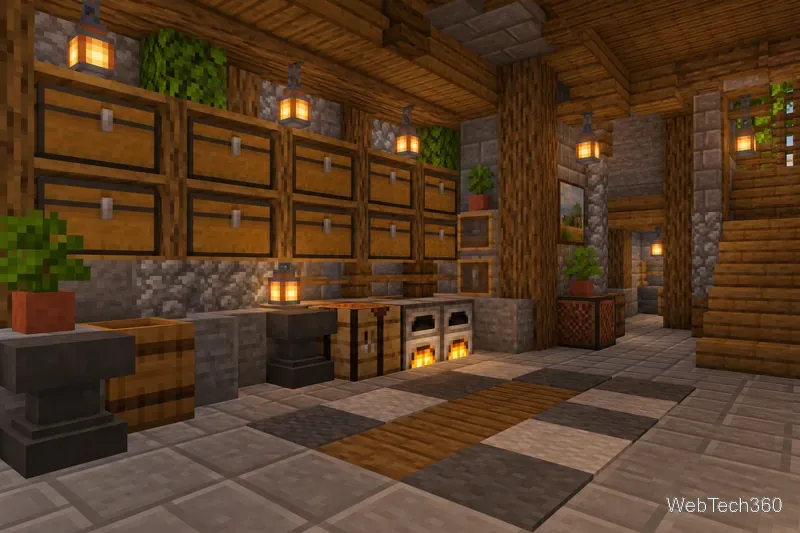
Keep a crafting table and at least one furnace near your main storage so you can make tools, smelt materials, and cook food without searching the house. Store fuel nearby, and leave a chest or barrel for food, ores, and items you bring back from a trip. Keep a water source and a few buckets handy for farming, travel, or emergencies. A first-night survival guide from Minecraft explains the basic roles of a bed and furnace in a starter setup.
Put chests or barrels where you naturally return from mining and gathering. Begin with broad groups such as building blocks, ores and valuables, tools and armor, food and farming, and mob drops. Add signs or item frames when the collection grows, and leave a little empty space for new finds. You can sort by category without building a huge storage hall; a labeled wall of a few containers is easier to expand than one crowded chest.
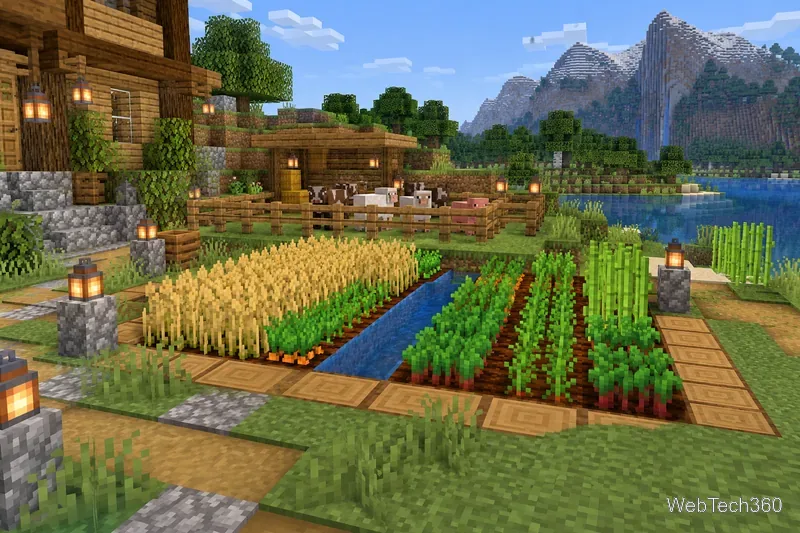
A small crop plot gives you renewable food and seeds. Put water within reach of the tilled soil, fence the plot if animals or mobs wander through, and keep extra seeds in a nearby chest. If you want animal products, build a separate fenced pen with a gate so livestock stays contained. Farms can sit outside the main building; they do not need to take up valuable indoor space.
As your world advances, add stations that match what you do:
For a first base, put storage and workstations by the entrance, the bed in a quieter enclosed corner, and the food plot just outside. Add a stairway or marked tunnel to a mine, then reserve one side of the building for later rooms or a portal. A lookout balcony, map wall, spare armor chest, and animal barn are useful extras, but they are choices rather than requirements. Minecraft’s base-building guides show several starter shapes; the best plan is one that stays easy to navigate and gives you room to add what you actually use.
Build in stages: secure the shelter, set your spawn, stock food and tools, and organize the first few containers. Once those jobs are comfortable, expand the base around your play style instead of trying to finish every room at once.
Learn the exact three-glass recipe, smelt sand into glass, and fill your Minecraft bottles with water for brewing.
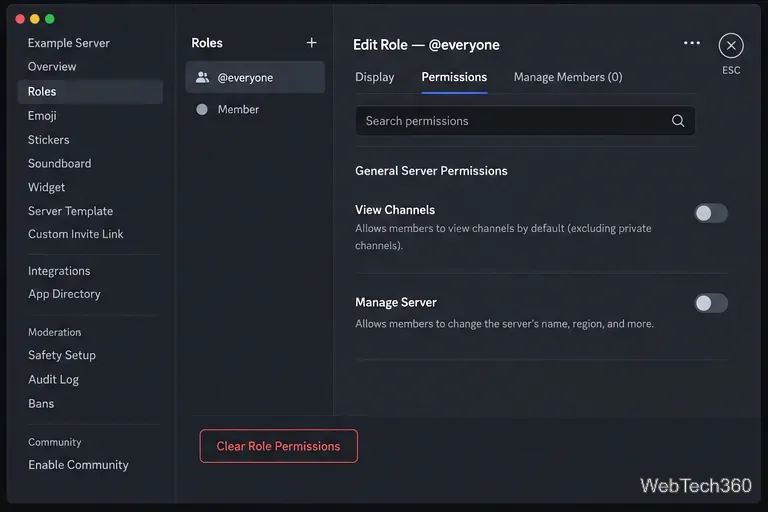
Control who can join, see channels, and find your Discord server with role permissions, invite links, and Discovery settings.
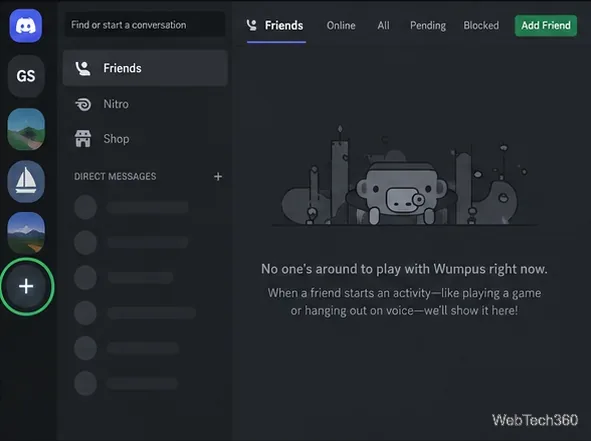
Create a Discord server in the desktop app or browser, organize channels, set permissions and safety tools, then share an invite that fits your group.
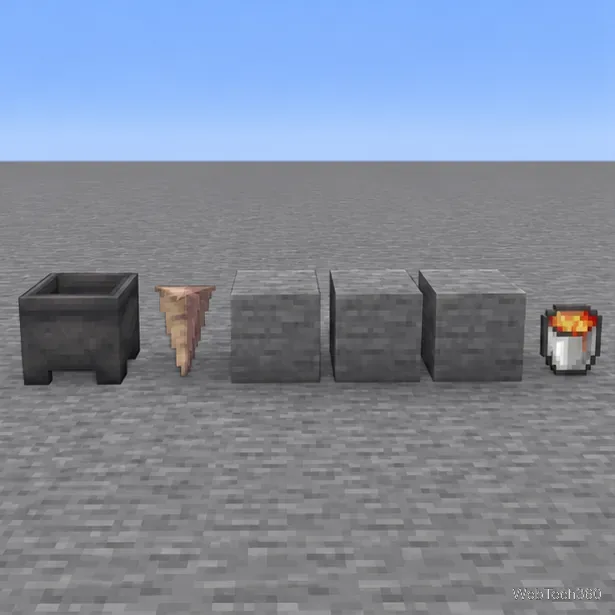
Build a renewable lava farm with pointed dripstone, one lava source, and a cauldron. Follow the setup, collection steps, and fixes for a cauldron that will not fill.
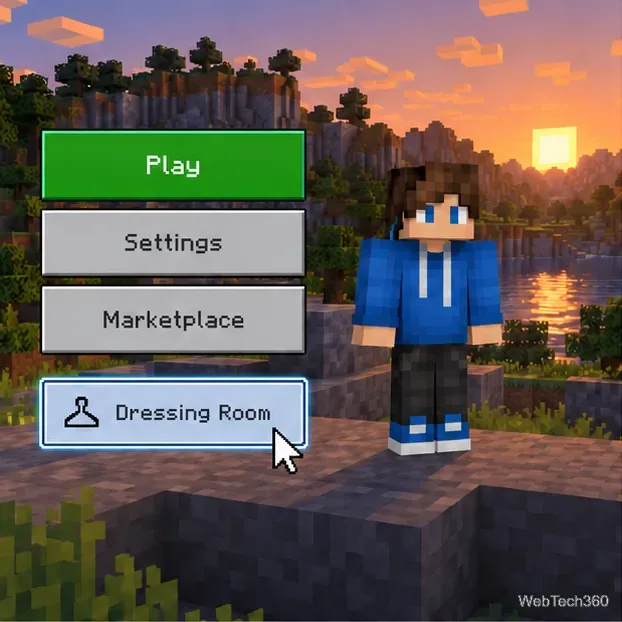
Fix a Minecraft skin that will not load by checking Bedrock Dressing Room, your Microsoft account, Marketplace downloads, updates, and Java skin settings.
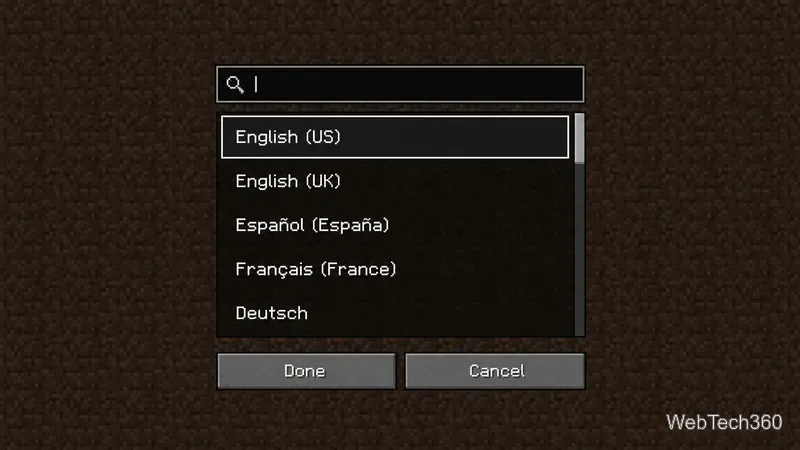
Minecraft language options differ between Java and Bedrock. See common languages, why old counts are unreliable, and where to check your edition.
Plan a practical Minecraft survival base with the essentials for safety, food, storage, and crafting, plus useful upgrades to add as your world grows.
Update Minecraft on Nintendo Switch from the HOME Menu, enable automatic updates, and troubleshoot when the console cannot find or install one.
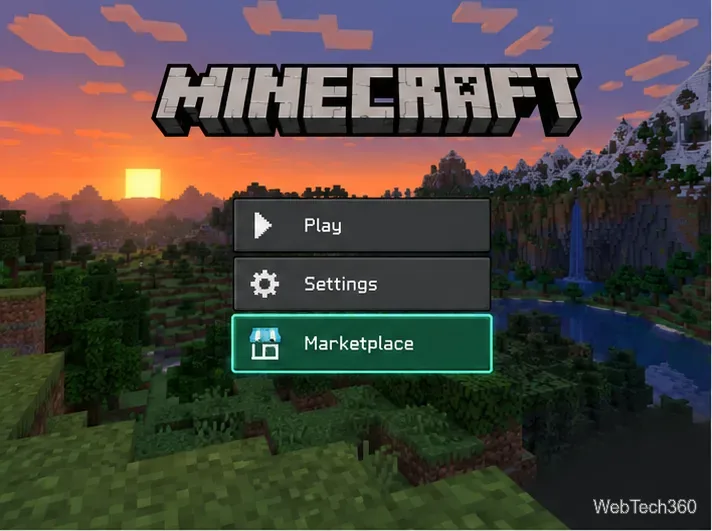
Learn the official ways to get Minecoins in Minecraft, redeem a prepaid code, spend coins on Marketplace content, and fix a missing balance.
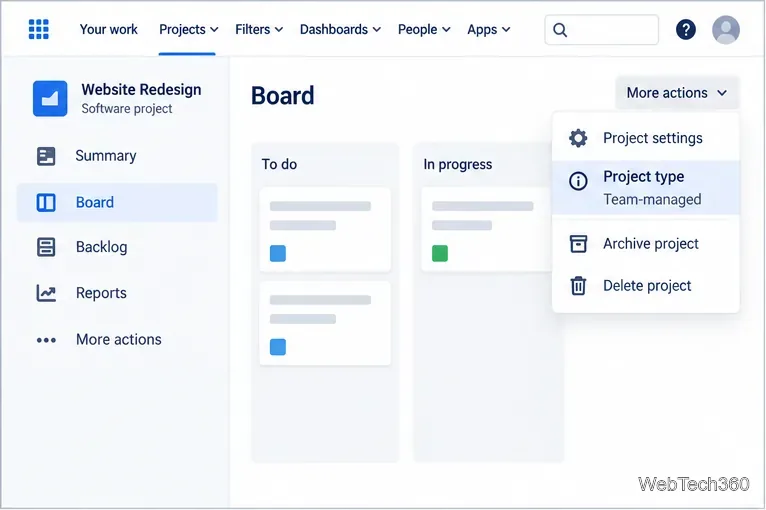
Learn how to add Jira users to team-managed and company-managed projects, assign the right role, and share a board’s saved filter safely.