How to Make a Glass Bottle in Minecraft
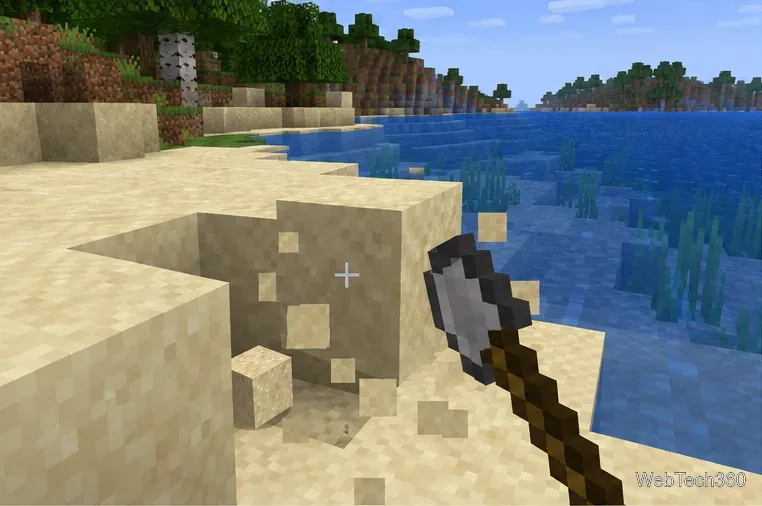
Learn the exact three-glass recipe, smelt sand into glass, and fill your Minecraft bottles with water for brewing.
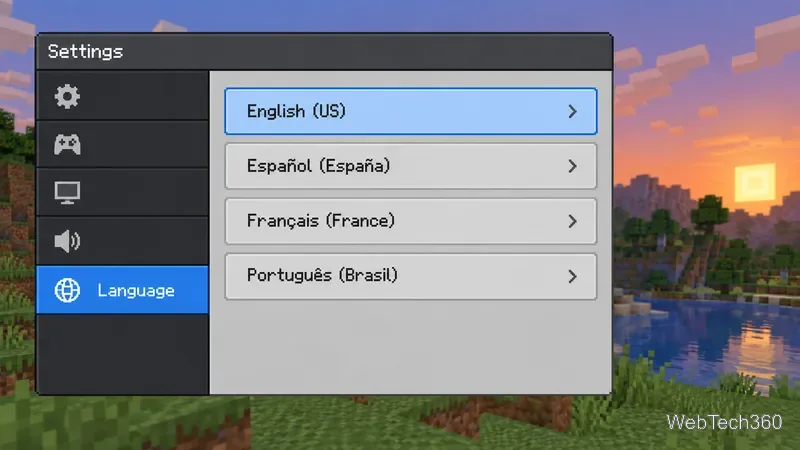
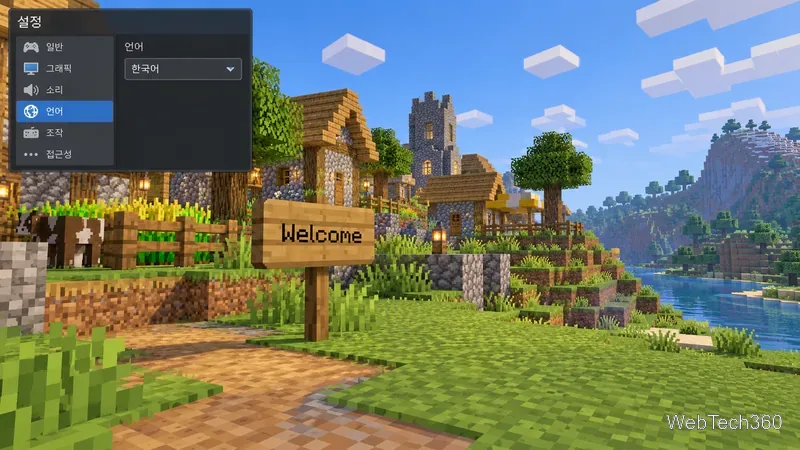
Minecraft supports many display languages, including English, Spanish, French, Portuguese, German, Italian, Chinese, Japanese, Korean, and Russian. The exact choices depend on whether you play Java Edition or Bedrock Edition, and Bedrock options may also vary by platform and game build. Check the language menu for the version you plan to use instead of relying on older totals such as “119 for Java and 19 for Bedrock.”
The key distinction is that the language setting translates Minecraft’s built-in interface. It does not translate every message or sign created by other players.
Java has the broader language selector, with widely used translations and regional variants. Examples include English (United States and United Kingdom), Spanish (Spain and Mexico), French (France and Canada), and Portuguese (Brazil and Portugal), along with German, Italian, Dutch, Russian, Chinese, Japanese, and Korean. The selector also includes less widely spoken languages. Mojang’s official notes show that this catalog changes over time: Java 1.21.1 added Tzotzil and Belarusian in Latin script, and Java 1.21.5 added Kyrgyz.
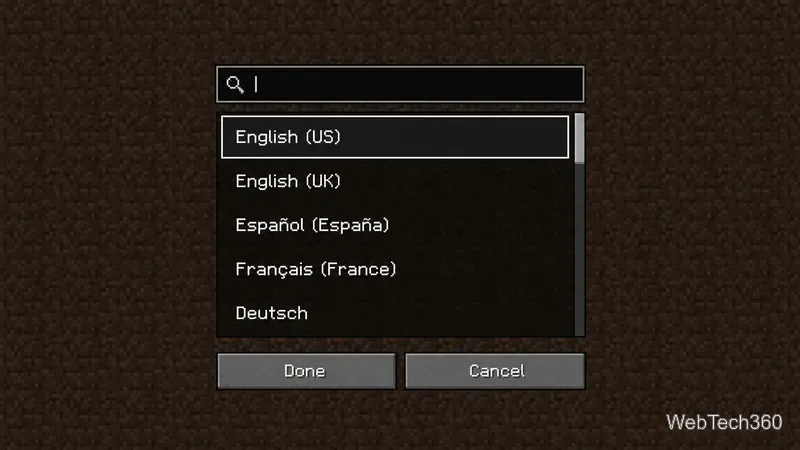
In Java 1.21.11, Mojang added a search box to the language screen, which makes a long list easier to browse. The labels shown in your installed version are the best guide to what that release supports.
Bedrock has a smaller built-in selection, and its language catalog does not match Java option for option. As a reference for localization coverage, Microsoft’s current Bedrock creator documentation lists 29 locale codes for language files used by skin packs. The locale names include:
This creator list describes locales supported in Bedrock language files; it is not a promise that every phone, console, or PC build exposes every locale as a player-facing menu choice. The language picker on your device is definitive. If a specific language is essential, confirm it in the exact edition and platform before buying or choosing a device.
Language counts depend on what a source counts: full game-interface translations, regional versions, experimental snapshots, creator resource-pack locales, or community-made packs. They also age when updates add languages. For example, the Java 1.21.1 and 1.21.5 release notes record new language support, while the 1.21.11 notes describe the newer search field. Those are version-specific changes, not a single permanent total shared by both editions.
For that reason, treat an old Java-versus-Bedrock number as historical, not as a buying guarantee.
The setting changes built-in interface text such as menu labels, inventory names, tooltips, and system messages when translations are available. It does not rewrite text that someone placed or typed into a world. Signs, books, player chat, server instructions, and custom content may remain in the language in which their author wrote them.
Your language choice also does not translate another player’s messages or automatically find a server where everyone uses the same language. For multiplayer, check the server’s description and community before joining.
Confirm the platform and edition first, then check its language menu for the exact language and regional variant you need. If you already own the game, use the in-game selector rather than a third-party language-count chart. If you are choosing between Java and Bedrock, remember that Java generally offers more options, while Bedrock is the cross-platform edition; neither setting guarantees that player-written world text will be translated.
Learn the exact three-glass recipe, smelt sand into glass, and fill your Minecraft bottles with water for brewing.
Control who can join, see channels, and find your Discord server with role permissions, invite links, and Discovery settings.
Create a Discord server in the desktop app or browser, organize channels, set permissions and safety tools, then share an invite that fits your group.
Build a renewable lava farm with pointed dripstone, one lava source, and a cauldron. Follow the setup, collection steps, and fixes for a cauldron that will not fill.
Fix a Minecraft skin that will not load by checking Bedrock Dressing Room, your Microsoft account, Marketplace downloads, updates, and Java skin settings.
Minecraft language options differ between Java and Bedrock. See common languages, why old counts are unreliable, and where to check your edition.
Plan a practical Minecraft survival base with the essentials for safety, food, storage, and crafting, plus useful upgrades to add as your world grows.
Update Minecraft on Nintendo Switch from the HOME Menu, enable automatic updates, and troubleshoot when the console cannot find or install one.
Learn the official ways to get Minecoins in Minecraft, redeem a prepaid code, spend coins on Marketplace content, and fix a missing balance.
Learn how to add Jira users to team-managed and company-managed projects, assign the right role, and share a board’s saved filter safely.