How to Create a List of All Items in a Folder on Windows 10

Create a searchable Windows 10 folder inventory with PowerShell. Save every file and subfolder path as plain text or export details to a sortable CSV.
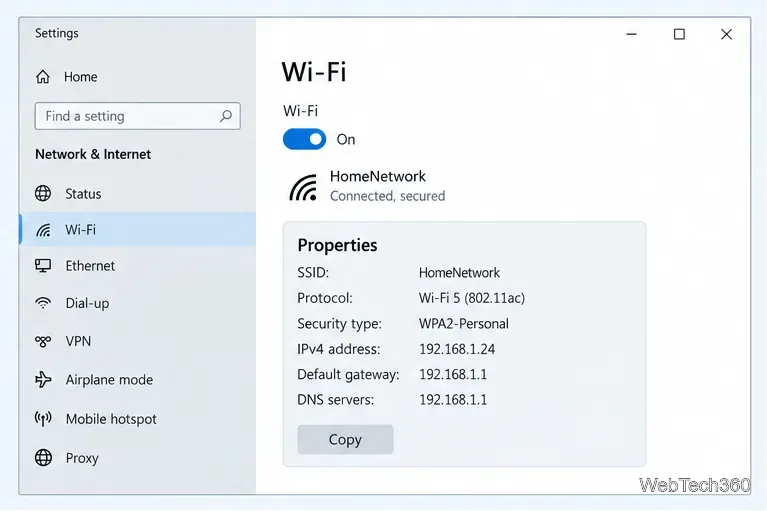
If an app is missing from Microsoft Store because it is not offered in your current country or region, Windows 10 lets you change the Store region through Settings. This is useful when your PC is set to the wrong region or when you have moved to a country where the app is officially available. You do not need to turn off automatic date, time, or time-zone settings just to change the Microsoft Store region.
There is an important limitation: changing the Windows region changes which Store catalog you see, but it does not override a publisher's licensing, account, billing, device, or service restrictions. Microsoft also recommends changing your country or region only when you are moving to a new region for an extended period. See Microsoft's country and region guidance.
Windows 10 support note: Microsoft ended free Windows 10 support on October 14, 2025. Windows 10 still works, but Microsoft recommends moving to Windows 11 or using an eligible Extended Security Updates option if you must remain on Windows 10. Details are available on the Windows 10 end-of-support page.
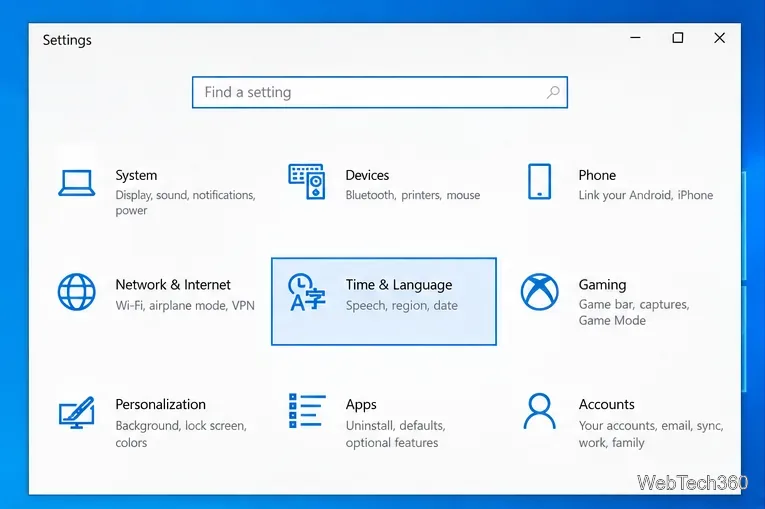
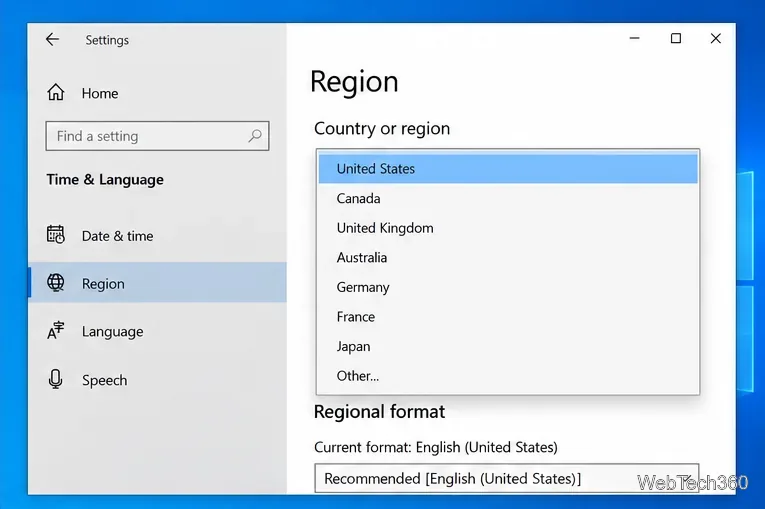
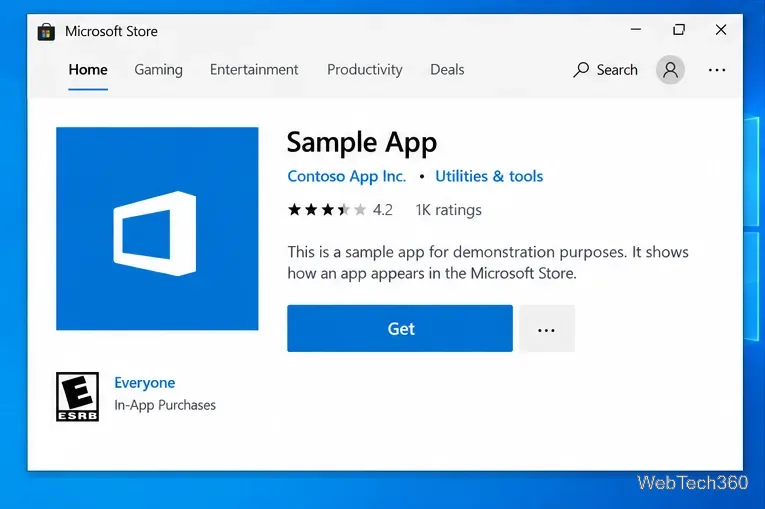
First close and reopen Microsoft Store. If the catalog still does not refresh, Microsoft recommends resetting the Store cache with wsreset.exe:
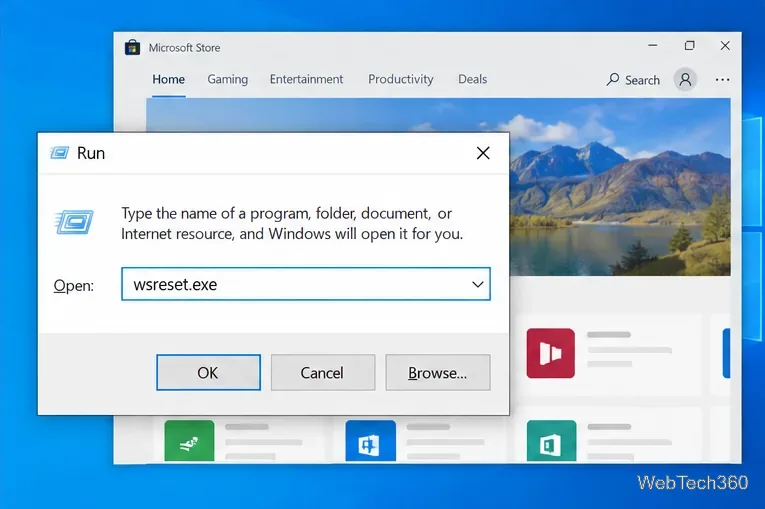
This cache-reset procedure is documented on Microsoft Support.
A region setting is only one reason an app may be missing. According to Microsoft's Store installation guidance, an app may also be hidden or blocked because it has been removed, is incompatible with your device, is restricted by Microsoft Family settings, or your PC is not authorized for Store content.
Paid apps can add another hurdle. When you make a first purchase in a new locale, Microsoft may ask you to update billing information. A payment method from one country may not be valid in another, so changing the Windows region does not guarantee that a purchase will complete.
Not necessarily. The Windows setting controls the Store catalog and regional experience; the app itself can still enforce its own availability rules. A streaming, banking, media, or subscription app may check your account country, service area, licensing rights, or other eligibility requirements after installation.
For that reason, treat a region change as a way to correct the Microsoft Store region when it does not match your legitimate location, not as a guarantee that every geographically limited app will work. If an app remains unavailable after the region is correct, check the publisher's official availability requirements rather than changing the system clock or relying on unsupported workarounds.
Create a searchable Windows 10 folder inventory with PowerShell. Save every file and subfolder path as plain text or export details to a sortable CSV.
Add a custom reminder, quote, or label to your Windows 10 desktop with a Rainmeter text skin. Create the INI file, load it, then adjust its font and position.
Use Bluetooth Swift Pair on Windows 10 to pair a compatible accessory from a notification, with setup steps and fixes when the prompt does not appear.
Learn what common laptop function key symbols mean, how Fn and Fn Lock affect them, and how to confirm the right shortcut for your Windows 10 laptop model.
Turn off your Windows 10 display instantly with ScreenSleep, set a keyboard shortcut, and see when to use the built-in screen timeout instead.
Fix the “running scripts is disabled on this system” PowerShell error on Windows 10 with a current-user policy, a temporary session option, and safe steps for downloaded scripts.
Change the Windows 10 drag-selection color with a backup-first registry walkthrough, RGB examples, troubleshooting tips, and steps to restore your original values.
Check your router’s connected-device list or scan a local network with Fing Desktop on a supported PC. Learn what each method can show and how to verify unfamiliar entries.
Messenger does not offer a documented per-friend online alert. Learn how Active Status works, where to check the green dot, and which notifications you can enable instead.
Use 7-Zip to find an exact filename or wildcard match inside a ZIP or other supported archive on Windows 10 without unpacking its files.