How to Open a Linux Shell in a Folder on Windows 10
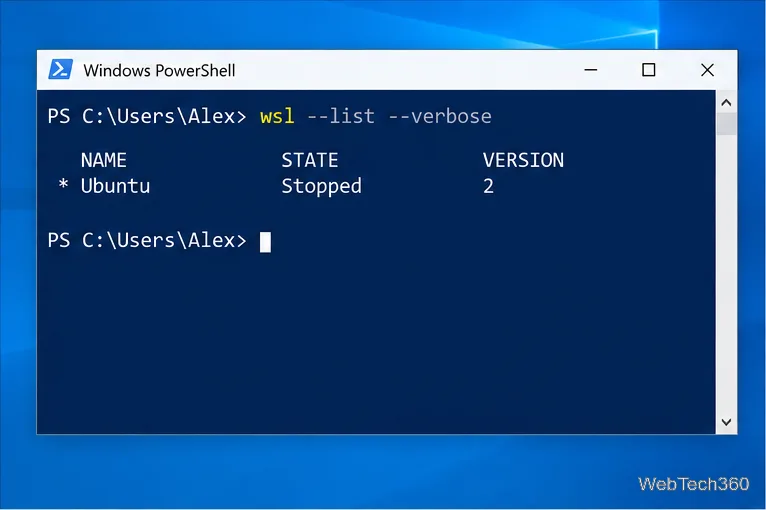
Open a Linux shell in any Windows 10 folder with File Explorer, PowerShell, and WSL. Check the Linux path and fix common setup issues.
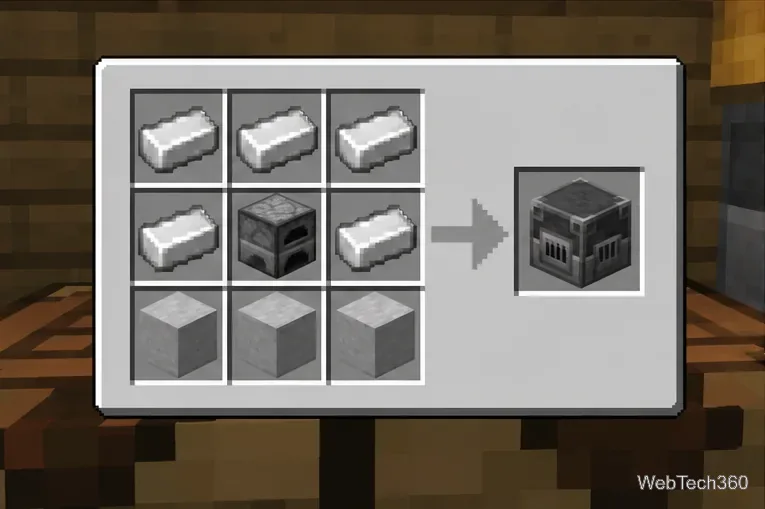
To make a blast furnace in Minecraft, place 5 iron ingots, 1 furnace, and 3 smooth stone in a crafting table. Put three iron ingots across the top row, an iron ingot on each side of the furnace in the middle row, and three smooth stone across the bottom row. The result is one blast furnace.
The recipe is simple, but smooth stone takes an extra smelting step. You need:
Mojang introduced the block with this same 5-iron, 1-furnace, 3-smooth-stone recipe. You can see the original recipe in the official Minecraft Snapshot 18w50a notes.
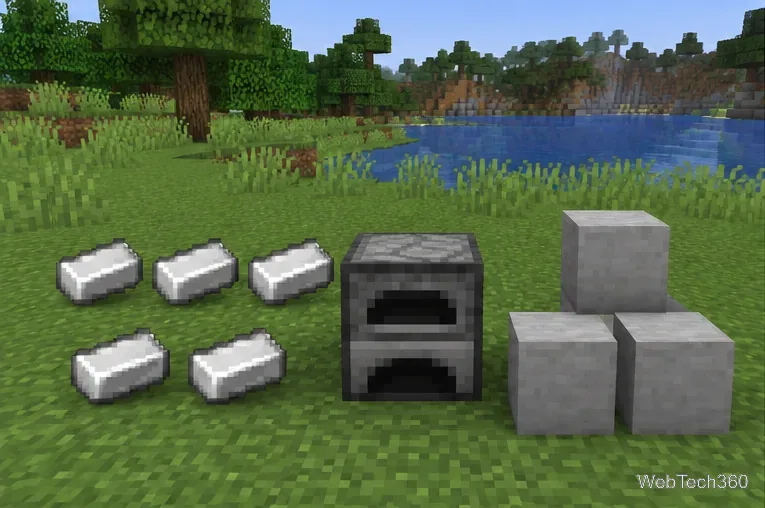
If you do not already have a furnace, craft one first using the standard furnace recipe. The furnace is not just a tool for preparing the other materials; it is also an ingredient in the final blast furnace recipe.
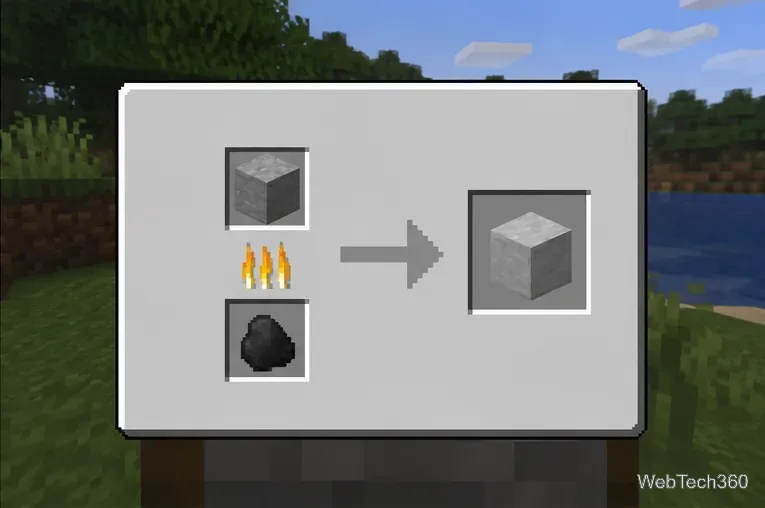
Smooth stone is made in two smelting stages. First, smelt cobblestone in a regular furnace to make stone. Then put that stone back into the furnace and smelt it again to make smooth stone. Repeat until you have three blocks.
Any normal furnace fuel that works for those smelting operations can be used. You do not need a blast furnace for this step; in fact, the blast furnace is designed for ores and metals rather than general stone processing.
Open a crafting table and fill the 3×3 grid in this exact pattern:
Move the blast furnace from the result slot into your inventory.
Place the block in your base and open it just like a normal furnace. Put a compatible ore, raw metal, or smeltable metal item in the input slot and add fuel below it.
A blast furnace processes eligible materials twice as fast as a regular furnace. Fuel is consumed twice as quickly as well, so the fuel cost per smelted item is effectively the same. Mojang explains this behavior in its official Blast Furnace Block of the Week guide.
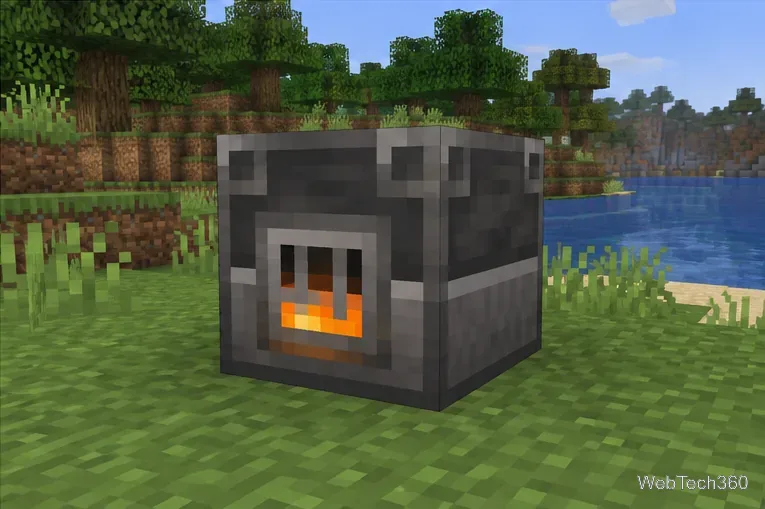
Think of the blast furnace as a specialized metal furnace. It is useful for supported ores, raw metals, and smeltable metal equipment. It is not a universal faster furnace.
You cannot use it to cook food, and it is not the right block for general materials such as sand or stone. For food, use a smoker if you want the same kind of speed boost; Mojang describes the smoker as the food-focused counterpart to the blast furnace in its official smoker guide.
| Feature | Blast furnace | Regular furnace |
|---|---|---|
| Supported inputs | Ores, raw metals, and eligible metal items | Broad range of smeltable items |
| Speed | Twice as fast for supported inputs | Standard speed |
| Food | No | Yes |
| Stone and sand processing | No | Yes |
If you need a blast furnace but do not want to craft one, Mojang notes that blast furnaces can also generate in some village armorer buildings. For a permanent base, however, crafting one is usually straightforward once you have iron and smooth stone.
For large mining sessions, a blast furnace is especially useful because it cuts the processing time for compatible materials in half. If your goal is to process several different item types, keep a regular furnace nearby as well rather than replacing it entirely.
Open a Linux shell in any Windows 10 folder with File Explorer, PowerShell, and WSL. Check the Linux path and fix common setup issues.
Use a screenshot test, cable and port checks, monitor diagnostics, display settings, and driver rollback to pinpoint lines on a Windows 10 monitor.
Show two other time zones beside your Windows 10 clock. Set up each additional clock, give it a clear label, and find it in the taskbar calendar.
Find the File Explorer extension that delays right-click menus in Windows 10, test it safely with ShellExView, and restore any menu features you still need.
Stop Windows 10 from powering down a specific network adapter or USB device with plan-level settings and Device Manager controls, plus tips to avoid excess battery drain.
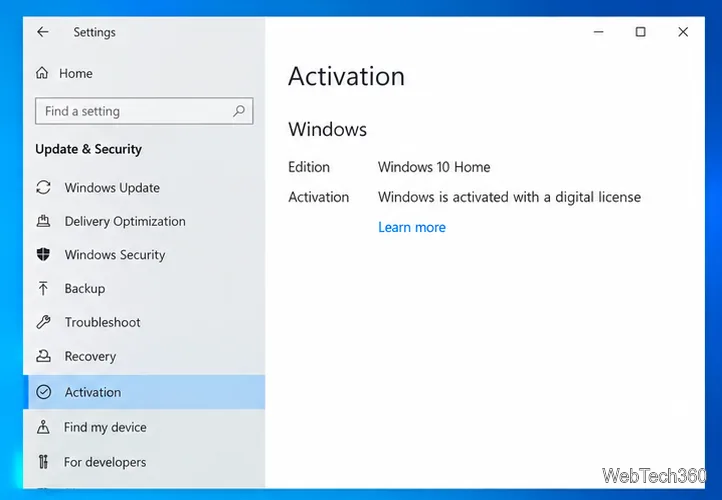
Check whether Windows 10 uses a digital license or product key, find a firmware-stored OEM key, and save license details securely for a reinstall.
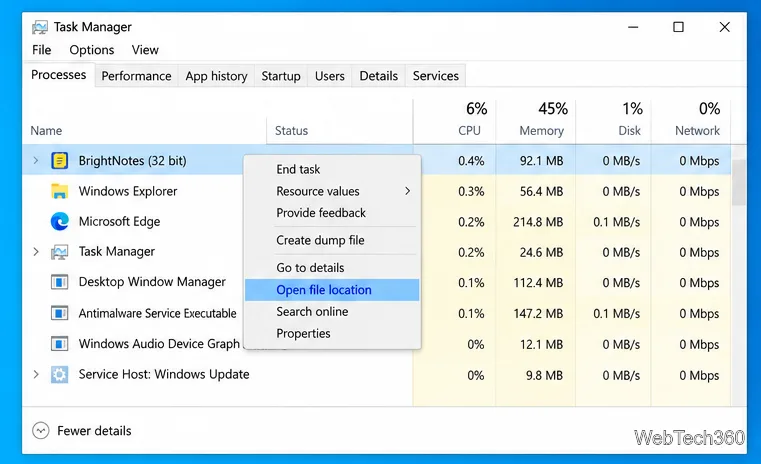
Identify a Windows 10 Task Manager process by checking its executable path, file properties, publisher, linked services, and a Microsoft Defender scan.
Create a searchable Windows 10 folder inventory with PowerShell. Save every file and subfolder path as plain text or export details to a sortable CSV.
Add a custom reminder, quote, or label to your Windows 10 desktop with a Rainmeter text skin. Create the INI file, load it, then adjust its font and position.
Use Bluetooth Swift Pair on Windows 10 to pair a compatible accessory from a notification, with setup steps and fixes when the prompt does not appear.