How to Fix Lines on a Monitor Screen in Windows 10
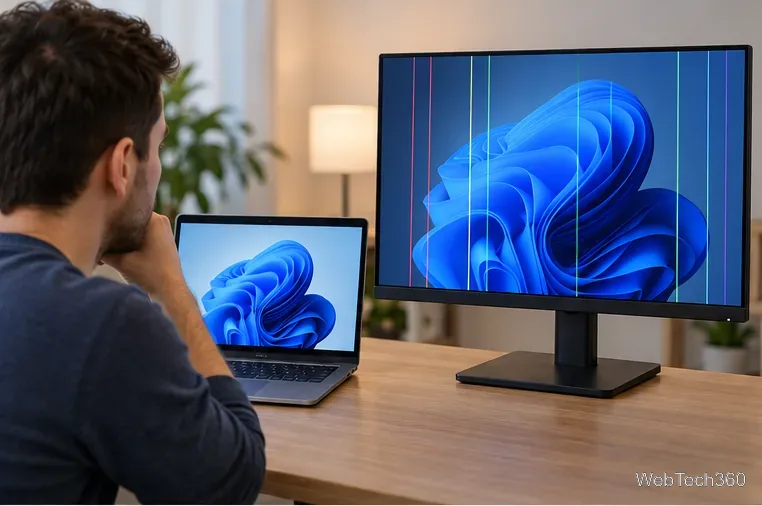
Use a screenshot test, cable and port checks, monitor diagnostics, display settings, and driver rollback to pinpoint lines on a Windows 10 monitor.
Terracotta in Minecraft is made by smelting a clay block in a furnace. If you start with clay balls, combine four of them into one clay block first. One clay block smelts into one terracotta block. You can then combine eight terracotta blocks with one dye to make eight blocks of colored terracotta.
The basic process is simple, but knowing where to get clay—and when you can skip a step—makes it much faster in Survival mode.
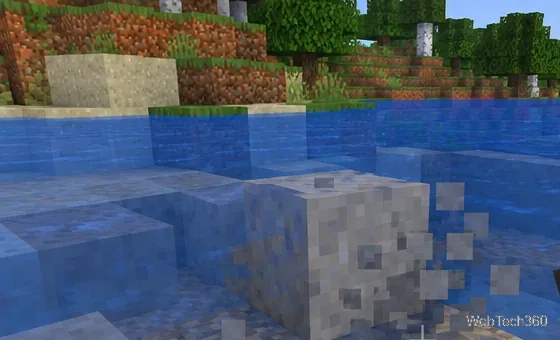
Clay is a pale gray block that commonly appears underwater, especially around rivers and lakes. It also generates in clay pools in lush caves. Mojang's official overview of clay notes that clay can be harvested with any tool, although a shovel is the fastest choice.
When you break a clay block without Silk Touch, it drops four clay balls. If you use a tool enchanted with Silk Touch, the clay block itself drops instead, so you can take it straight to a furnace and skip the crafting step.
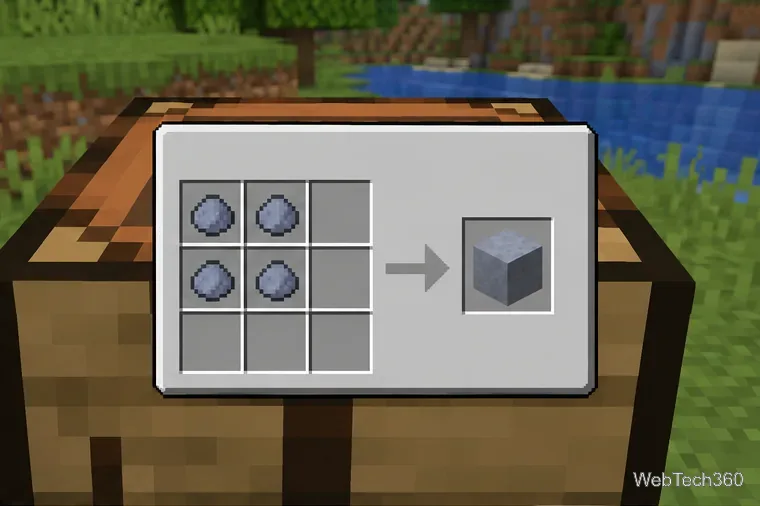
If you mined ordinary clay without Silk Touch, turn the drops back into a block before smelting them. Open your 2×2 inventory crafting grid or a crafting table and place four clay balls in a square. The result is one clay block.
This also corrects an outdated detail found in some older guides: clay balls stack up to 64, not 16, so gathering enough clay for a medium-sized build is less inventory-intensive than it once sounded.
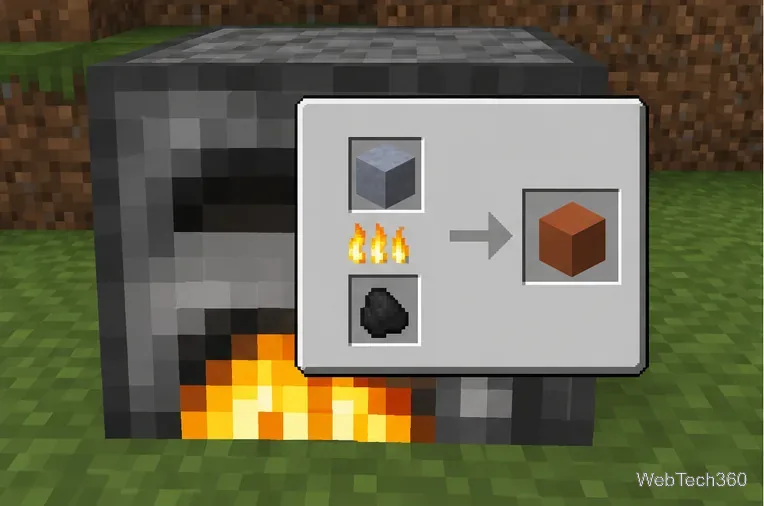
Place the clay block in the input slot of a regular furnace, then place a valid fuel source in the fuel slot. Coal, charcoal, planks, logs, and many other burnable items work. When the smelting cycle completes, the output is one terracotta block.
Do not smelt individual clay balls if your goal is terracotta. Clay balls produce brick items; the terracotta recipe specifically uses a clay block.
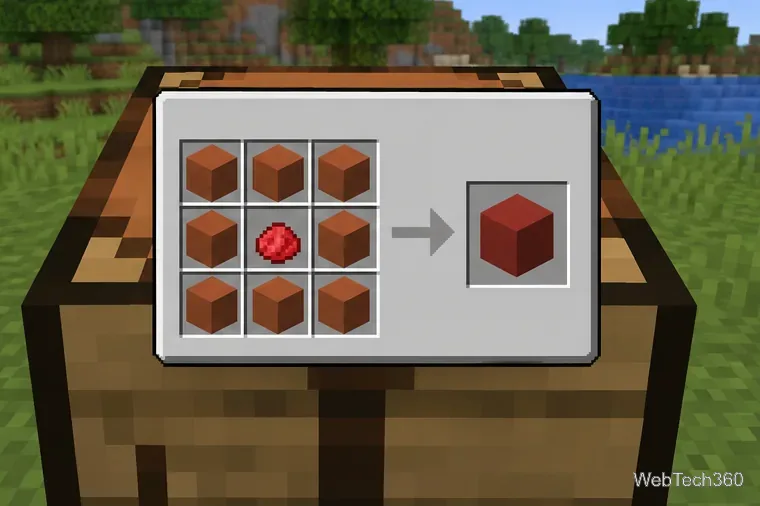
Plain terracotta has a warm brown-orange appearance. To color it, open a crafting table and place one dye in the center square. Fill the other eight squares with terracotta. The recipe produces eight blocks of matching colored terracotta. Minecraft has 16 standard dye colors, so terracotta is useful when you want muted building colors rather than the brighter look of concrete.
Mojang's official recipe feature describes this as an 8:1 terracotta-to-dye recipe. Choose the color carefully: already colored terracotta cannot be re-dyed into another color in the normal crafting system.
You do not always need clay or a furnace. Badlands biomes contain large amounts of regular and naturally colored terracotta, so a nearby badlands biome can be much faster for a large building project. Minecraft's official biome guide identifies terracotta and stained terracotta as common badlands materials.
Use a pickaxe to collect terracotta you find there. If you only need a few blocks, smelting local clay is usually convenient; if you need stacks for walls, floors, or landscaping, harvesting a badlands deposit can save substantial time and fuel.
Colored terracotta and glazed terracotta are different blocks. If you want the patterned version, first dye ordinary terracotta, then smelt the colored terracotta in a furnace. The result is glazed terracotta in the corresponding color. Glazed terracotta has decorative directional patterns, while ordinary colored terracotta has a simpler, more uniform texture.
Use a screenshot test, cable and port checks, monitor diagnostics, display settings, and driver rollback to pinpoint lines on a Windows 10 monitor.
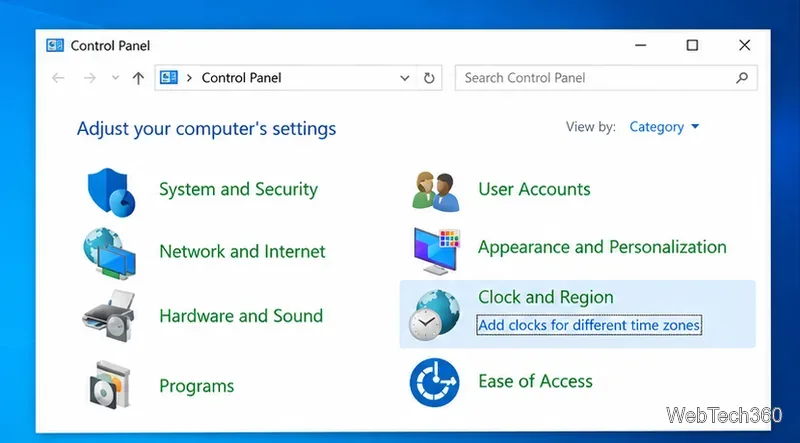
Show two other time zones beside your Windows 10 clock. Set up each additional clock, give it a clear label, and find it in the taskbar calendar.
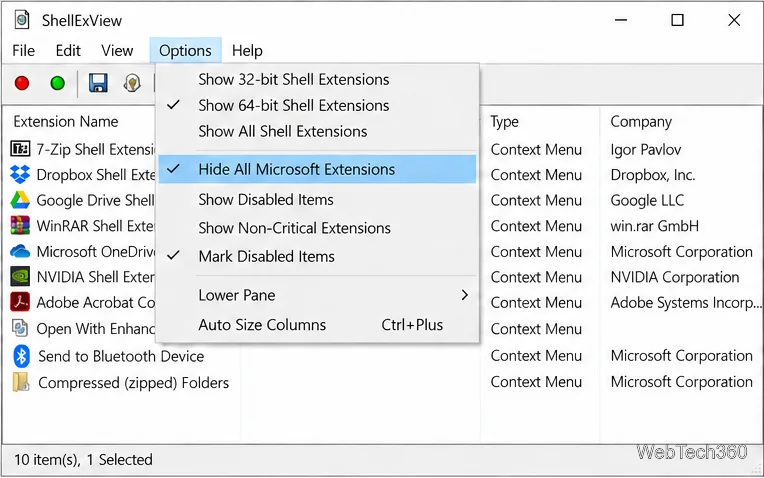
Find the File Explorer extension that delays right-click menus in Windows 10, test it safely with ShellExView, and restore any menu features you still need.
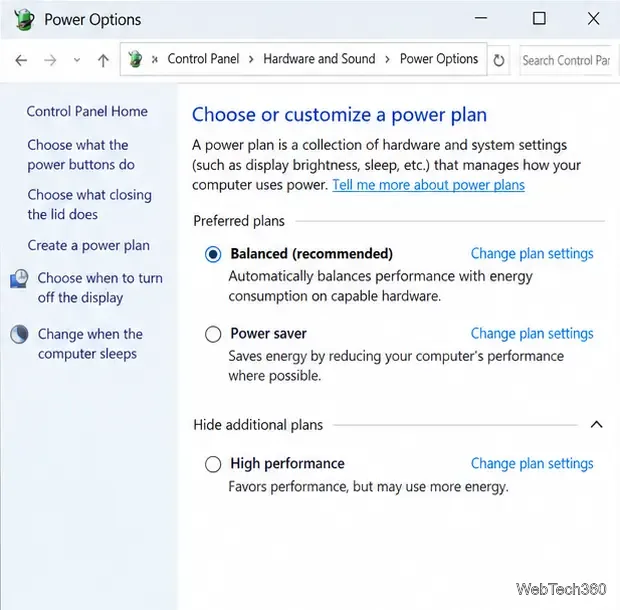
Stop Windows 10 from powering down a specific network adapter or USB device with plan-level settings and Device Manager controls, plus tips to avoid excess battery drain.
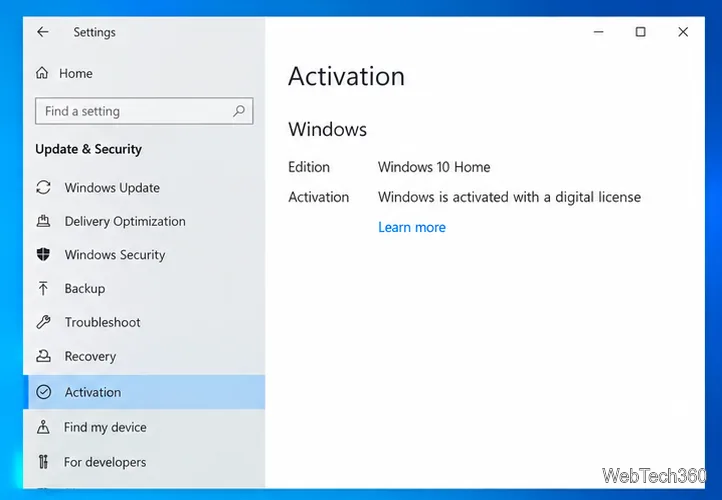
Check whether Windows 10 uses a digital license or product key, find a firmware-stored OEM key, and save license details securely for a reinstall.
Identify a Windows 10 Task Manager process by checking its executable path, file properties, publisher, linked services, and a Microsoft Defender scan.
Create a searchable Windows 10 folder inventory with PowerShell. Save every file and subfolder path as plain text or export details to a sortable CSV.
Add a custom reminder, quote, or label to your Windows 10 desktop with a Rainmeter text skin. Create the INI file, load it, then adjust its font and position.
Use Bluetooth Swift Pair on Windows 10 to pair a compatible accessory from a notification, with setup steps and fixes when the prompt does not appear.
Learn what common laptop function key symbols mean, how Fn and Fn Lock affect them, and how to confirm the right shortcut for your Windows 10 laptop model.