How to Set Up an Email Signature in Outlook.com
Create a reusable Outlook.com email signature, choose when it appears automatically, and insert it manually when you need a different sign-off.
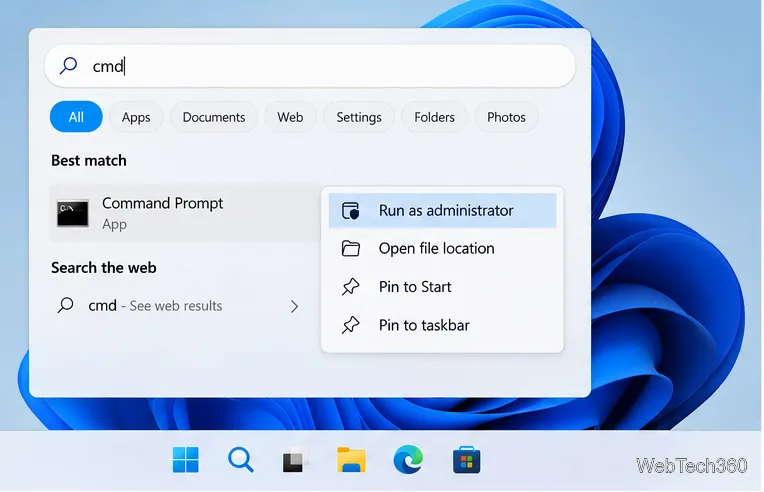
On Windows 11 or Windows 10, open Start, type cmd, and select Command Prompt. That opens a standard command-line session. If a command specifically needs elevated permissions, choose Run as administrator instead. On Windows 11, Command Prompt may appear in a Windows Terminal window; it is still the Command Prompt shell.
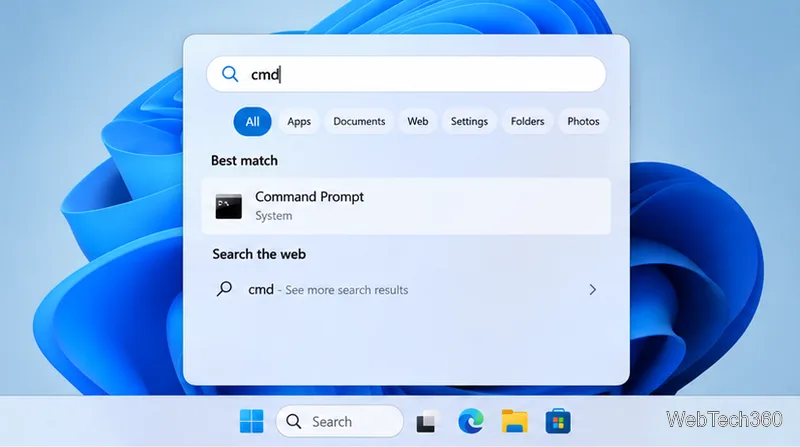
You do not need to type in a particular search box first; opening Start and typing begins a search on current Windows versions. If search results do not show the app, try cmd.exe from the Run dialog below.
Press Windows + R, enter cmd in the Open field, then press Enter or select OK. This is a quick option when you know the executable name. The command opens in your user account, without administrator elevation.
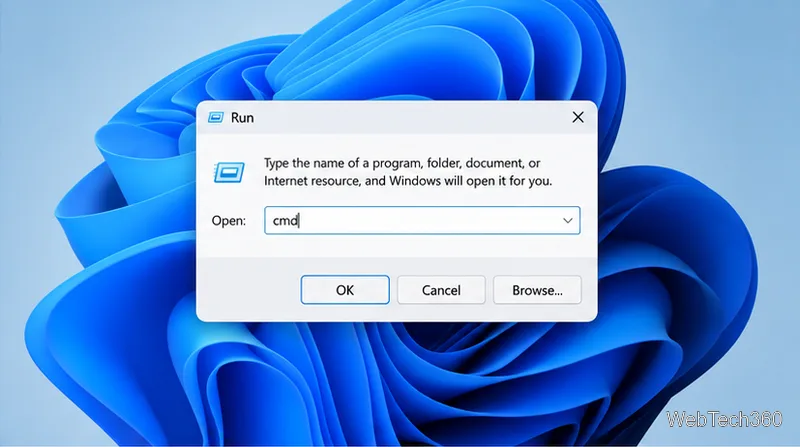
cmd and press Enter.Press Windows + E to open File Explorer. Select the address bar at the top, type cmd, and press Enter. This opens Command Prompt with the folder shown in File Explorer as its starting location, which can be handy when you want to run a command against files in that folder. Make sure you use the address bar, not the separate search box.
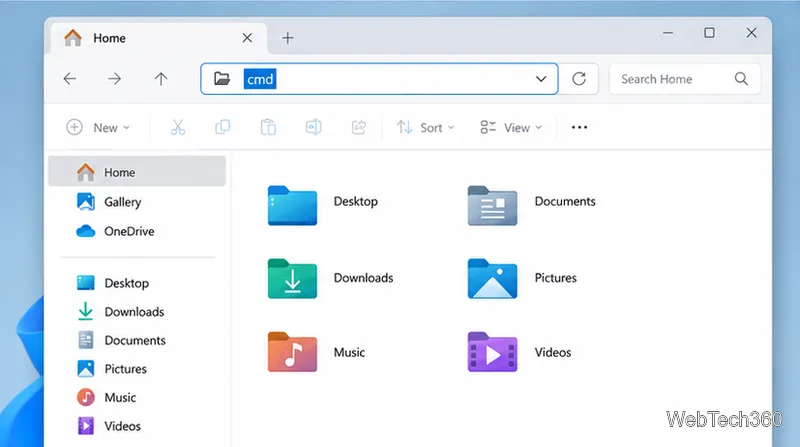
cmd in File Explorer’s address bar to open a prompt at that folder.Search for and open Windows Terminal, then select the arrow next to the new-tab button and choose Command Prompt. If Terminal opens with PowerShell, switch profiles using that menu. Windows Terminal is the window that hosts command-line shells; cmd.exe and PowerShell are separate shells that can run inside it. Microsoft documents Windows Terminal as a host for both Command Prompt and PowerShell.
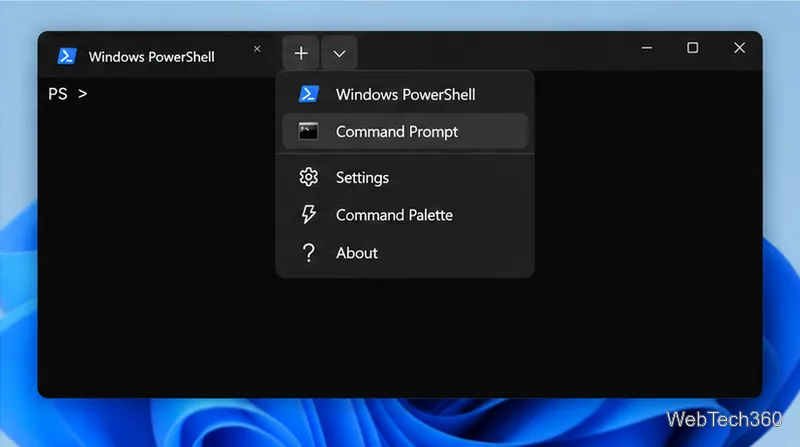
The Windows + X power-user menu is another possible route. Depending on the Windows version and settings, it may show Terminal or PowerShell instead of Command Prompt. Open Terminal and select the Command Prompt profile if it is available.
Administrator mode is only needed for commands that change protected system settings, services, or files. To launch an elevated prompt, open Start, search for cmd, right-click Command Prompt (or use its context menu), and select Run as administrator.
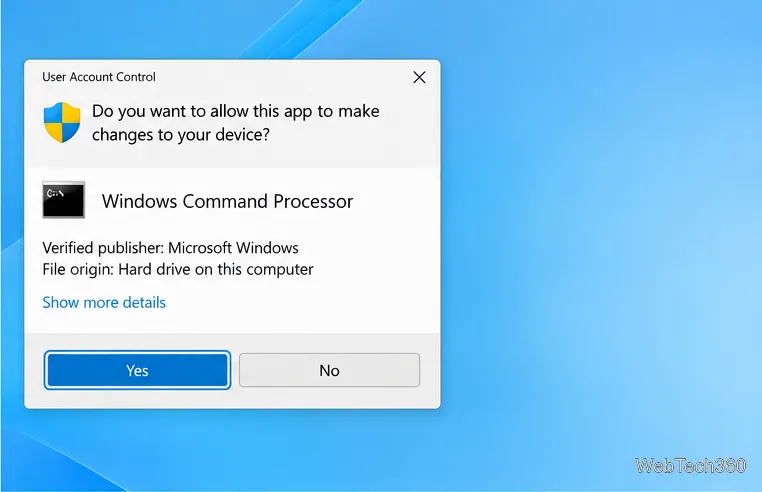
Windows displays a User Account Control prompt. Select Yes if you intended to open the app and trust the request; a managed device may instead ask for an administrator account and password. Selecting No cancels. An elevated window is usually labeled Administrator in its title. Avoid pasting commands from untrusted sources, since an elevated command can make system-wide changes.
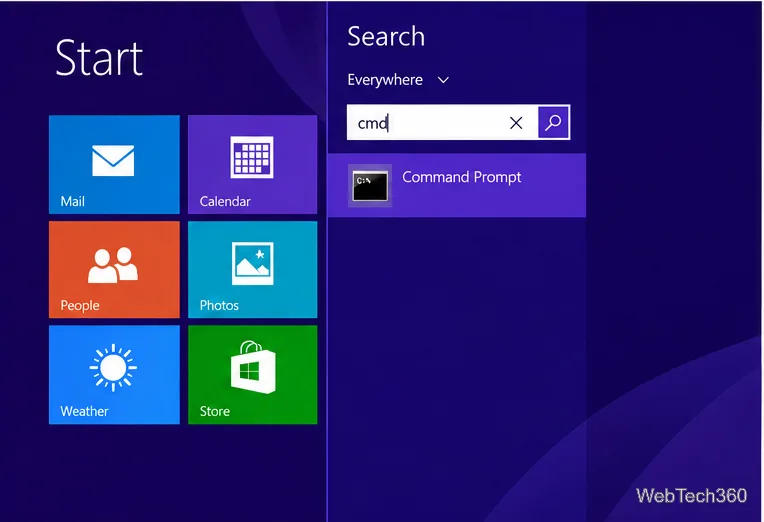
From the Start screen, begin typing cmd, then choose Command Prompt from the search results. You can also press Windows + X and select Command Prompt if it appears in the power-user menu.
Select Start, open All Programs, open Accessories, then choose Command Prompt. You can also type cmd in the Start menu search field and select the result. The exact list layout can vary, but the app is named Command Prompt.
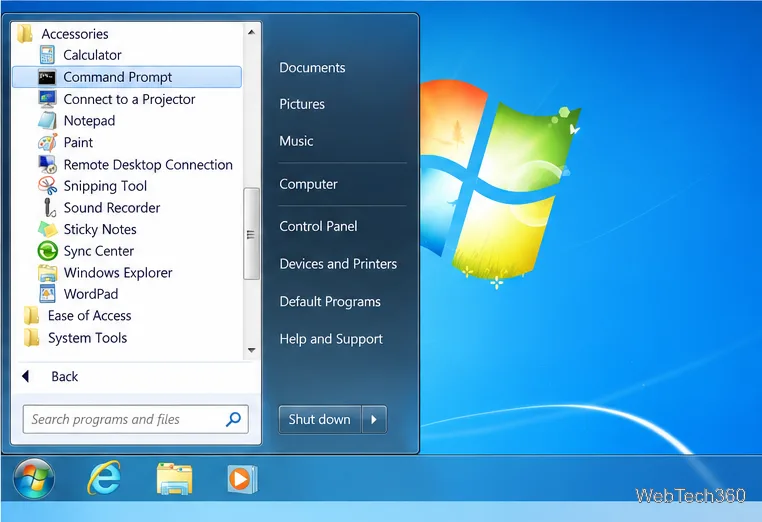
These legacy launch paths may still work, but Windows 7, Windows 8/8.1, and standard Windows 10 editions have reached their Microsoft support end dates. Windows 10 support ended on October 14, 2025; Windows 8.1 ended on January 10, 2023; Windows 7 ended on January 14, 2020. See Microsoft’s Windows end-of-support summary and Windows 10 lifecycle page for details, including edition-specific support.
Command Prompt runs the Windows command interpreter, cmd.exe. You can enter commands at the prompt and press Enter to run them. Its window might be a traditional console or a Windows Terminal tab, depending on your system’s terminal settings. Microsoft’s cmd reference explains the command interpreter and its supported switches.
If you are on a Mac, there is no Windows Command Prompt app. macOS includes Terminal, but it uses a different command environment, so Windows commands may not work there.
Create a reusable Outlook.com email signature, choose when it appears automatically, and insert it manually when you need a different sign-off.
Open Command Prompt with Start search, Run, File Explorer, or Windows Terminal. See how to launch it as an administrator and find it on older PCs.
Set up a Nextcloud sync server on Windows Server with the AIO virtual machine, VirtualBox, bridged networking, domain, HTTPS, and backup guidance.
Learn how to create, link, configure, and verify a Windows Server Group Policy Object with a pilot OU, a wallpaper example, and troubleshooting checks.
Learn how Windows 7 Disk Cleanup, Disk Defragmenter, System Restore, and built-in troubleshooters handle common maintenance tasks, with important safety limits.
Speed up a Windows 7 PC by finding bottlenecks, reducing startup load, clearing disk space, adjusting visual effects, and upgrading wisely.
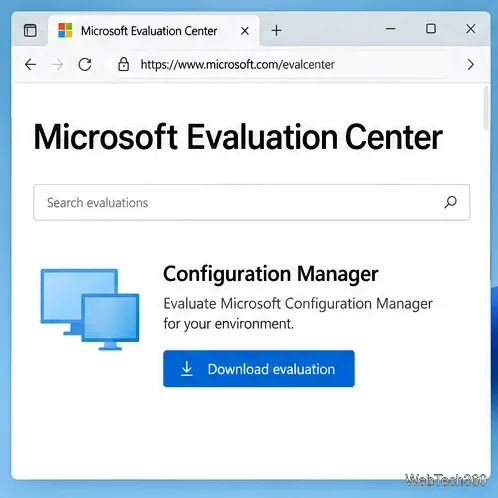
Set up Configuration Manager as a standalone primary site with supported Windows Server, SQL Server, evaluation media, and current setup prerequisites.
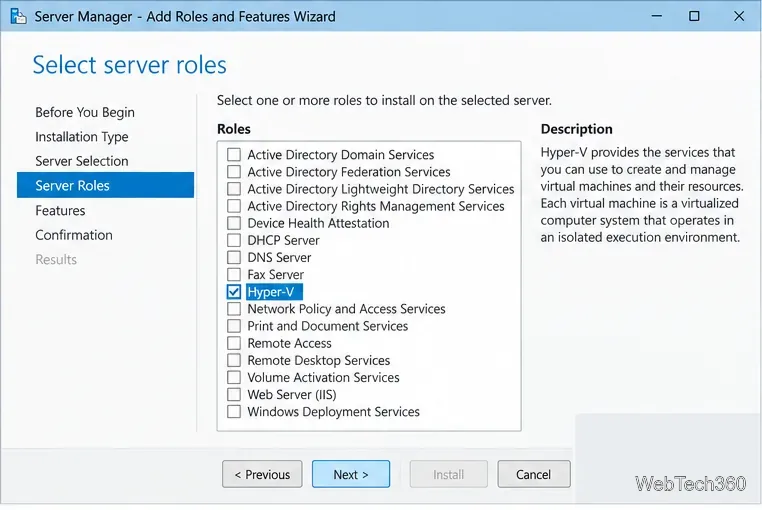
Host GitLab Self-Managed on Windows Server by running Ubuntu Server in Hyper-V, then configure its network, HTTPS address, first login, and backups.
Install Abyss Web Server X1 on Windows Server, create the console login, publish a test page, and configure the service to start at boot.
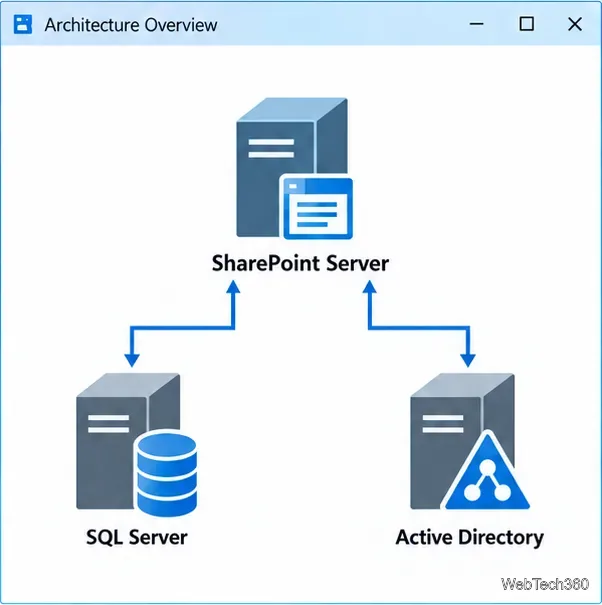
Install SharePoint Server Subscription Edition on Windows Server with current hardware, SQL, prerequisite, setup, and farm-configuration guidance.