How to Set Different Scaling Levels for Multiple Monitors in Windows 10
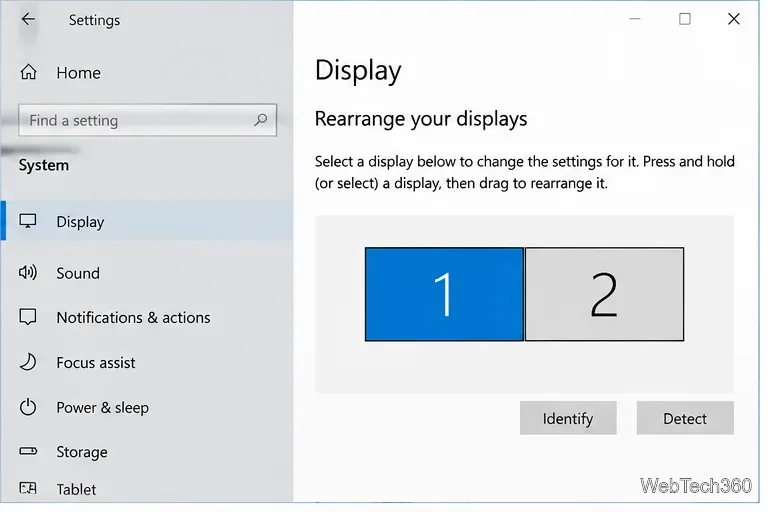
Adjust each Windows 10 monitor independently with per-display scaling, keep text readable, and troubleshoot custom scaling or blurry apps.
To open MSConfig in Windows 10, press Windows+R, type msconfig, and press Enter. The System Configuration window opens. You can also find it from Start search, launch it from File Explorer, or use Task Manager or a command line. Opening the utility is quick; changing startup or boot settings deserves more care.
msconfig in the Open box.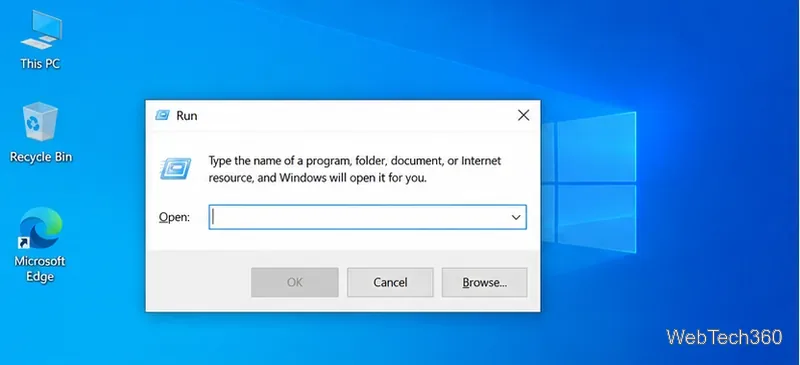
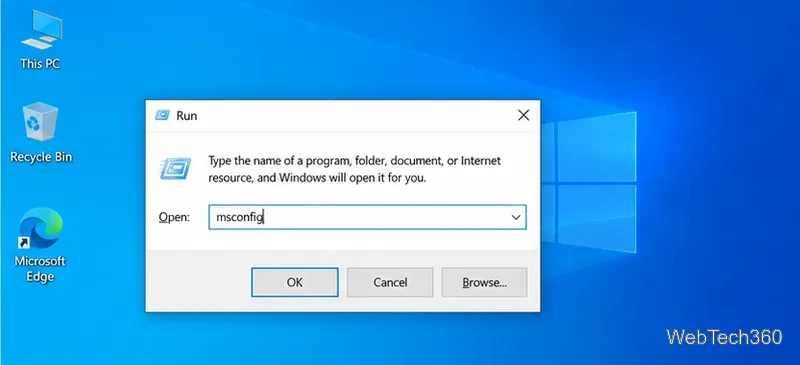
This is usually the fastest option because it works without navigating through menus. You do not need to download or install MSConfig; it is included with Windows. Windows may ask for administrator approval when you apply certain changes, but simply opening the window usually does not require an elevated prompt.
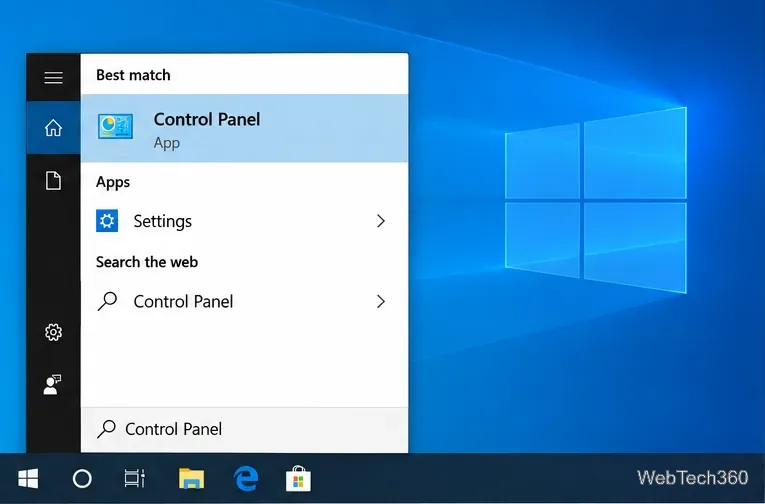
msconfig.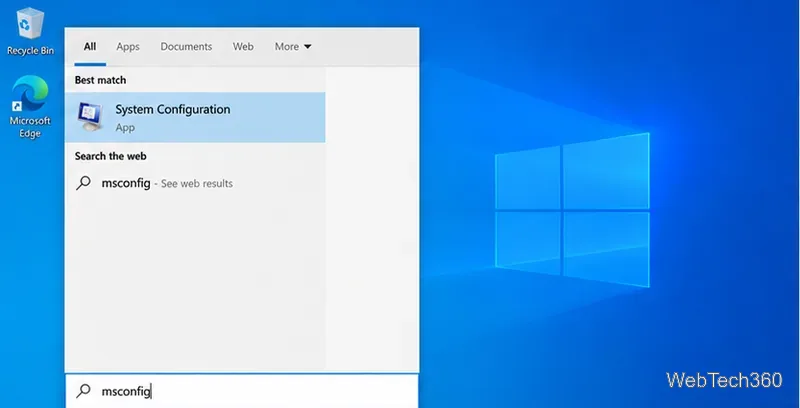
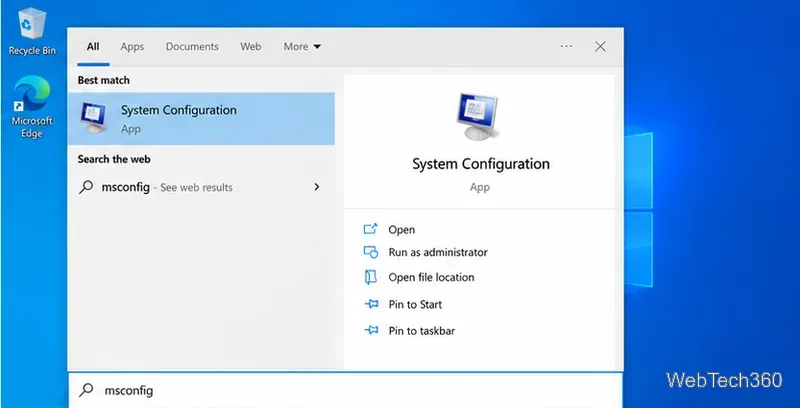
Check the result name before opening it: the app is called System Configuration, even though the command you search for is “msconfig.” If you need it to run with administrator privileges, right-click the result and choose Run as administrator; approve the User Account Control prompt if it appears.
msconfig and press Enter.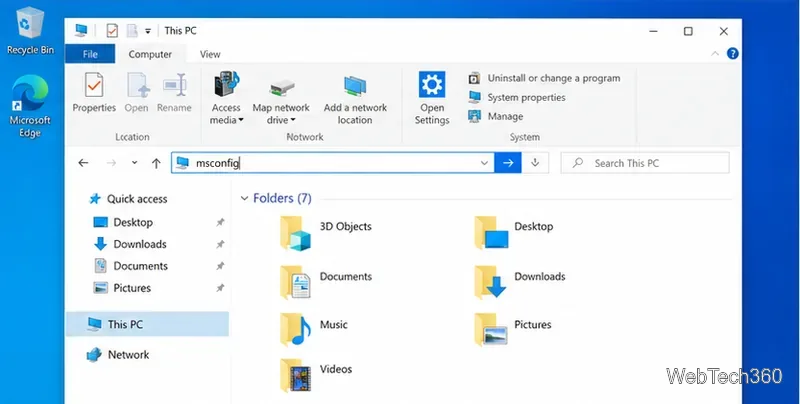
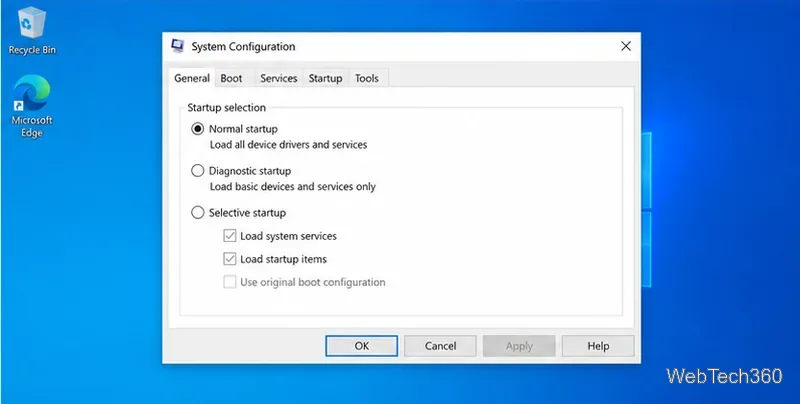
File Explorer passes the command to Windows, which opens the same System Configuration window. If you typed it into the folder search box by mistake, clear that box and try again in the address bar.
msconfig and select OK.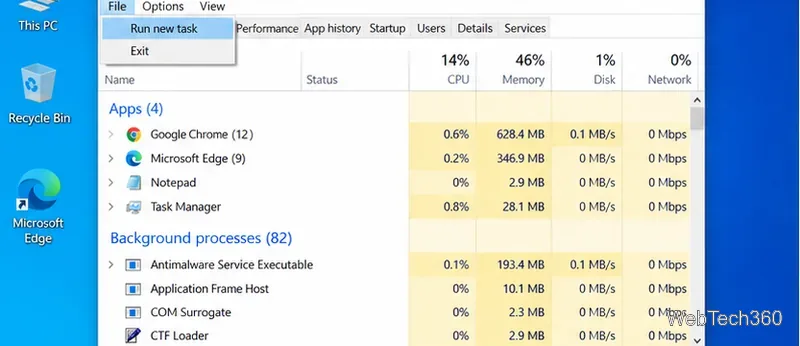
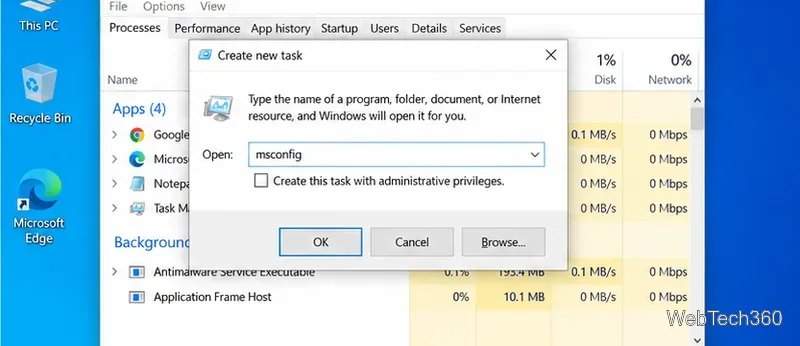
The “Create this task with administrative privileges” checkbox is optional. Select it only when you specifically need an elevated launch and have permission to use an administrator account. For ordinary access, leave it unchecked; Windows can request approval later if a change needs it.
In Command Prompt, run start msconfig. In PowerShell or Windows PowerShell, run msconfig. Press Enter after typing the command. You can open either shell from Start search; administrator mode is not needed just to view the System Configuration window.
Microsoft warns that changing advanced boot options incorrectly can make a computer unusable. If you are using System Configuration to investigate an app conflict, follow Microsoft’s clean boot instructions, including the steps to return to Normal startup and re-enable any startup apps you disabled.
First check that the command is spelled msconfig, with no space. Try the Windows+R method if search does not show the app. If Windows displays a permission prompt, sign in with an administrator account or ask the person who manages the PC. On a work or school device, organizational policies may limit access to system changes.
If the PC keeps starting in Safe Mode after troubleshooting, press Windows+R, enter msconfig, open the Boot tab, clear Safe boot, and restart. Microsoft lists this as a recovery step in its Windows startup settings guidance.
MSConfig remains part of Windows 10, but Windows 10 support ended on October 14, 2025. Microsoft says eligible devices enrolled in its consumer Extended Security Updates program can receive security updates through October 12, 2027; see Microsoft’s Windows 10 end-of-support information for current options.
Adjust each Windows 10 monitor independently with per-display scaling, keep text readable, and troubleshoot custom scaling or blurry apps.
Use AirType’s browser pairing setup to type on an iPhone from a Windows 10 PC, with current setup steps, troubleshooting, and privacy limits.
Hide the mouse pointer in Windows 10 videos, games, and other apps with built-in typing controls or PowerToys CursorHide’s adjustable inactivity timer.
Find Control Panel Power Options on a Windows 10 desktop, open the page with a Run command, and adjust power plans, display timeouts, sleep, and button behavior.
Learn what Windows 10 deletion leaves behind, how to use SDelete on an HDD, and why SSDs and cloud backups need separate treatment.
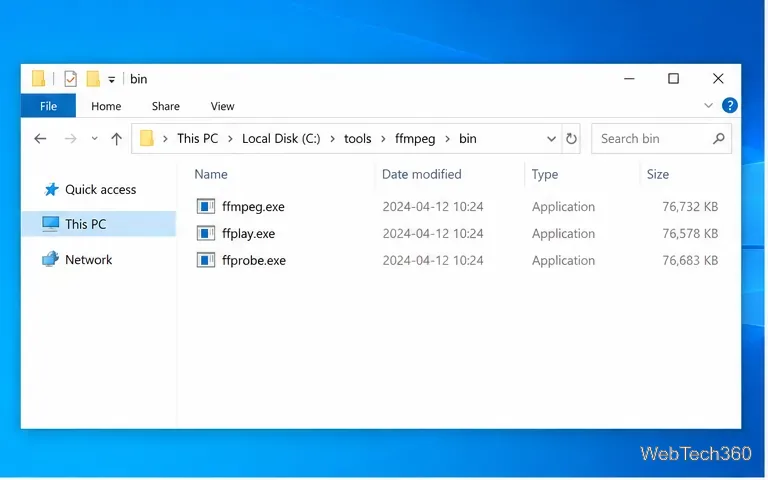
Use FFmpeg’s DirectShow tools to open an integrated webcam’s driver properties in Windows 10, find the correct device, and troubleshoot missing controls.
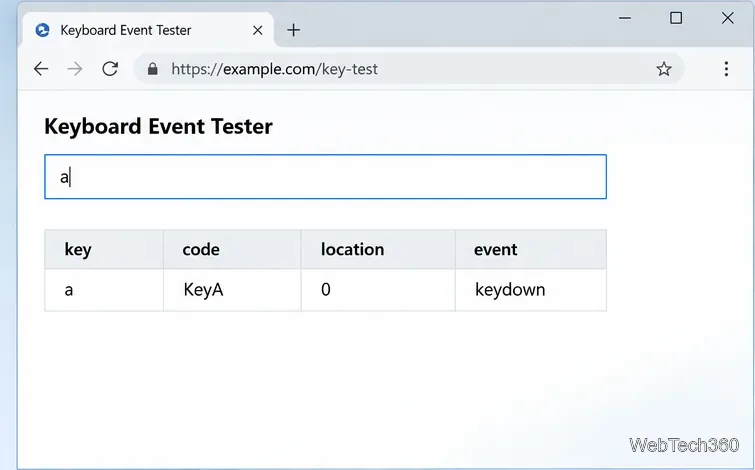
Identify a keypress in Windows 10 with a browser event tester or SharpKeys, then separate layout, software, and keyboard hardware issues.
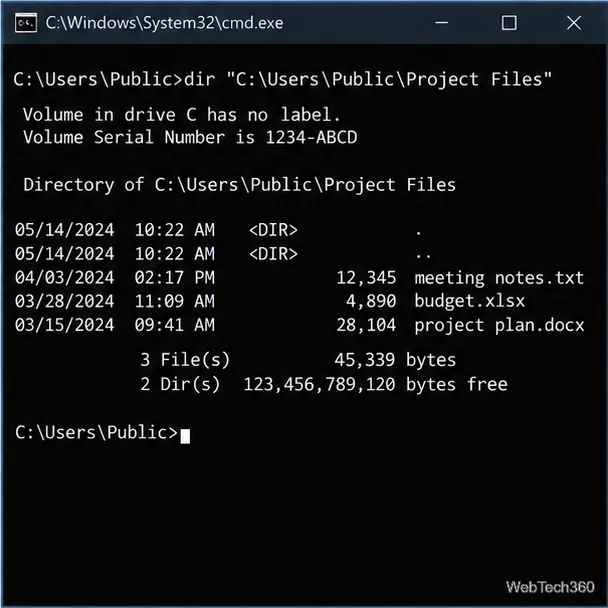
Use double quotes around each complete path with spaces in Command Prompt. Learn how to list, change to, copy, and troubleshoot Windows 10 files and folders.
Turn off the Windows 10 Start menu’s hover-to-expand behavior with a legacy Mach2 command, check build limits, and see the built-in app-list alternative.
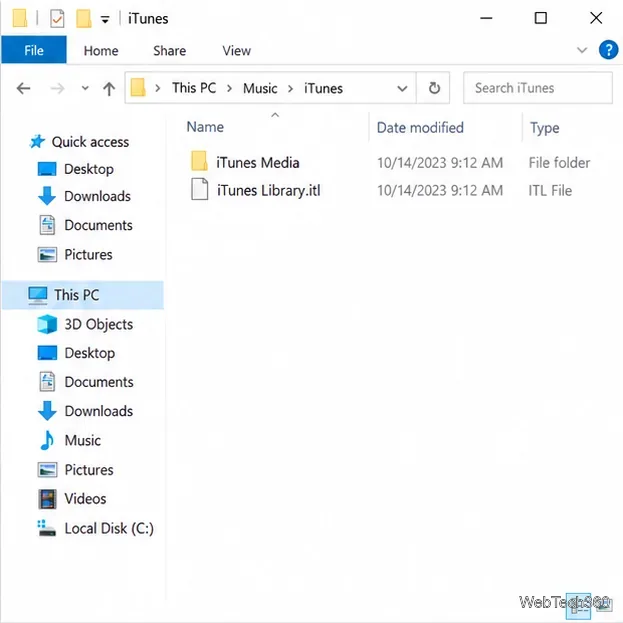
Fix the iTunes Library.itl read error on Windows 10 by updating iTunes, restoring a compatible backup, or safely creating a new library without deleting media files.