How to Access a Network Location in Command Prompt on Windows 10
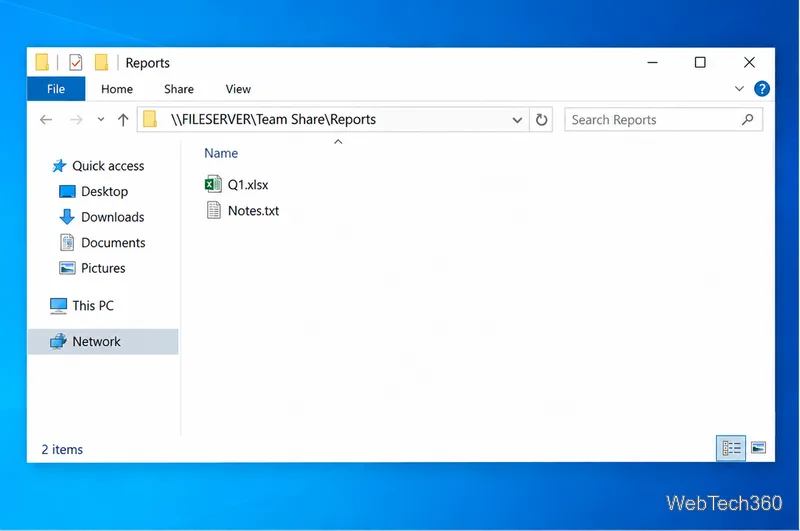
Use pushd to open a UNC network path in Windows 10 Command Prompt, run commands in the shared folder, and return with popd.
To play a video on repeat on Windows 10, the quickest built-in option is Movies & TV: open the file, start playback, and press Ctrl+T to toggle repeat. If you want more control, especially if you need to repeat only part of a video, VLC Media Player is the better choice.
Windows 10 note: Microsoft ended regular Windows 10 support on October 14, 2025. The operating system still works, but Microsoft recommends moving to a supported Windows version or using an eligible Extended Security Updates option. See Microsoft's Windows 10 end-of-support guidance.
| Method | Best for | Extra software? |
|---|---|---|
| Movies & TV | Repeating one local video | No |
| VLC | Repeating a full video or a selected section | Yes |
| YouTube | Looping a video that is already on YouTube | No, just a browser |
Movies & TV remains available for playback on Windows 10, and Microsoft's own keyboard-shortcut documentation lists Ctrl+T as the command to turn repeat on or off while a video is playing. That makes it the simplest option if you only need to loop one local file.
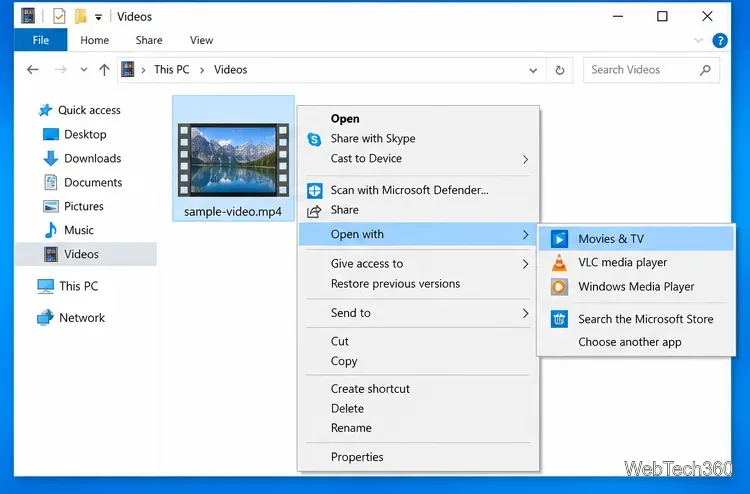
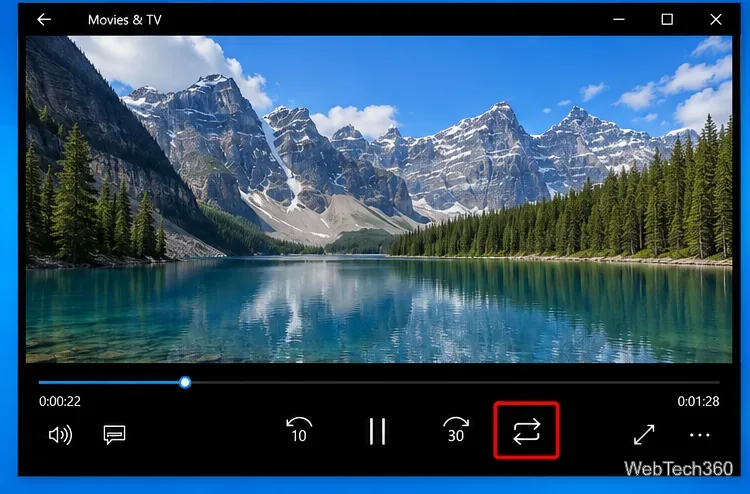
Microsoft documents the shortcut in its Movies & TV keyboard shortcuts.
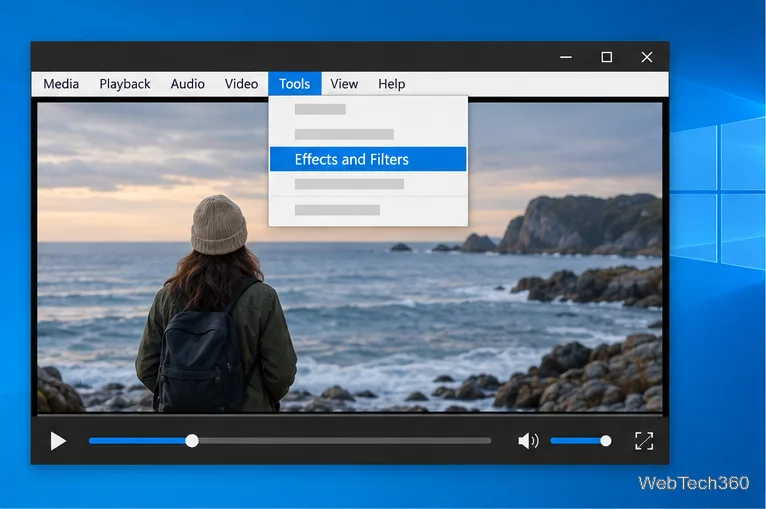
VLC is useful when you want a dedicated media player, need broader format support, or want to keep a presentation video running continuously. Download it only from the official VideoLAN VLC download page.
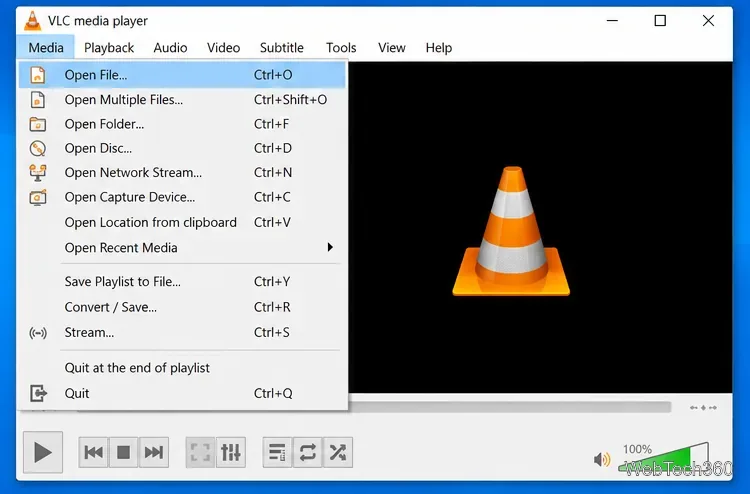
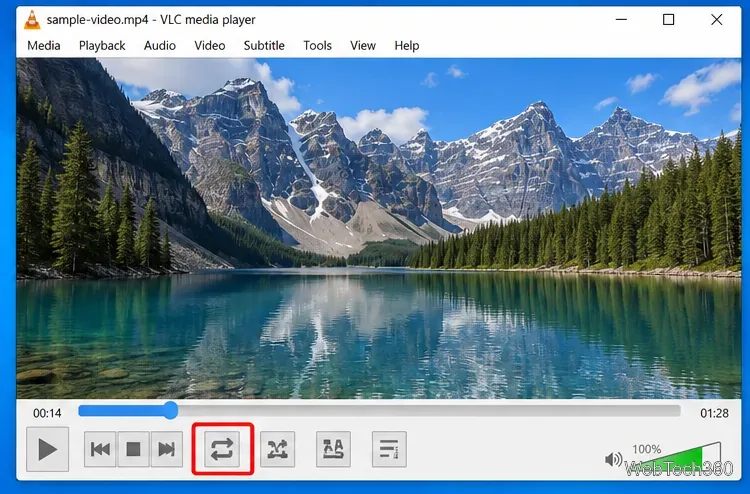
If you only need a short segment to repeat, such as a training clip, animation test, or presentation section, use VLC's A-B Repeat. This creates a start point (A) and an end point (B), then loops only the range between them.
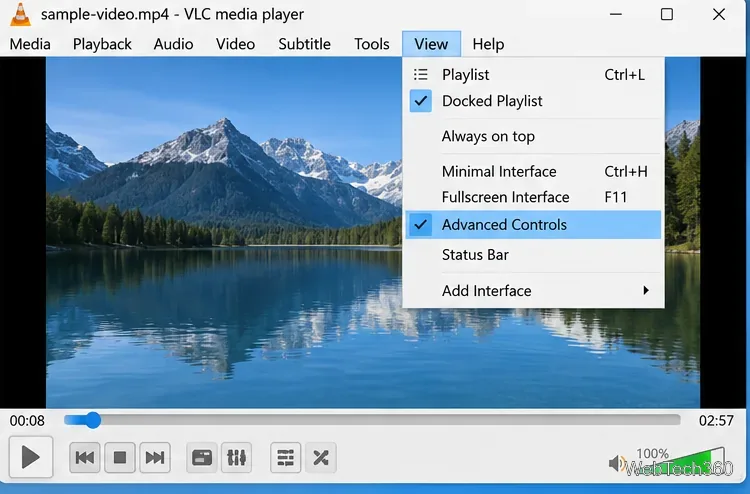
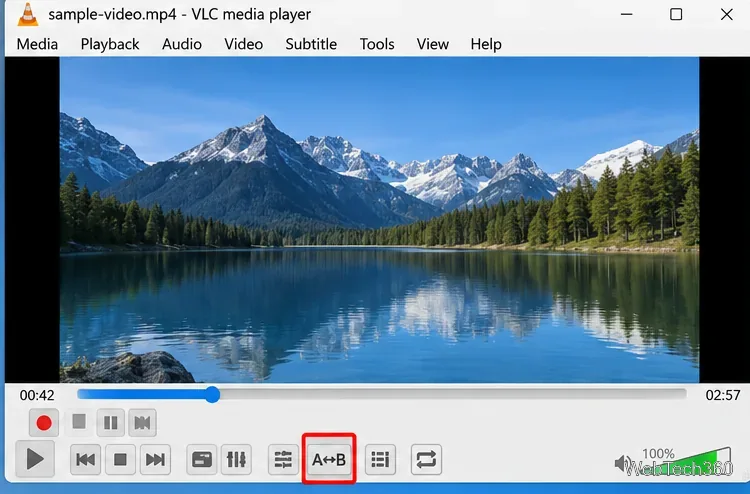
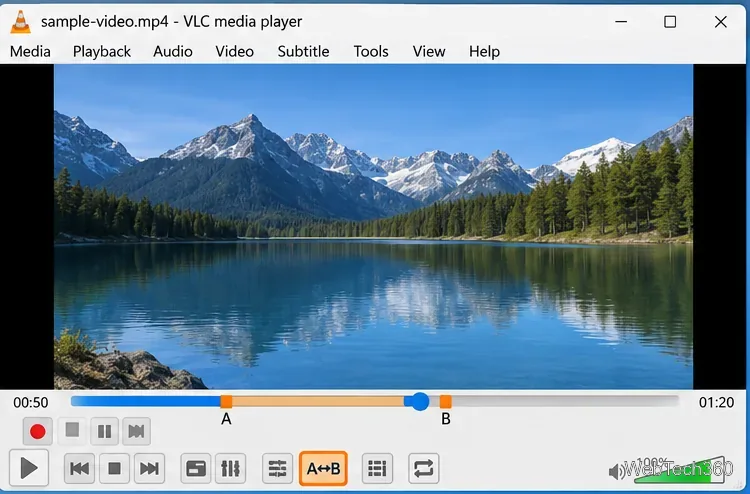
VideoLAN continues to maintain A-B loop support in VLC, although the position and appearance of controls can differ between interface versions.
If the video is already on YouTube, you do not need to upload another copy just to make it repeat. On a desktop browser, open the video, right-click inside the player, and choose Loop. YouTube's official looping instructions confirm that this repeats the video continuously.
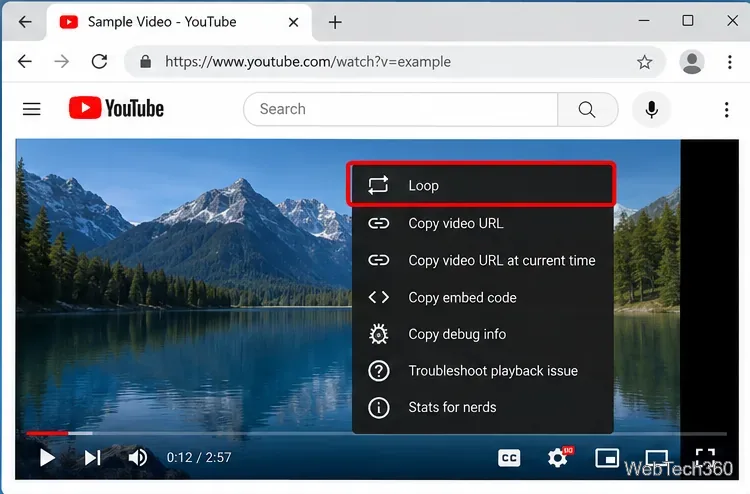
For private or local videos, VLC or Movies & TV is usually preferable because you can repeat the file without uploading it to an online service.
For a simple local video, Movies & TV is the fastest answer. For continuous playback during presentations or for repeating a precise section, VLC gives you the most useful controls.
Use pushd to open a UNC network path in Windows 10 Command Prompt, run commands in the shared folder, and return with popd.
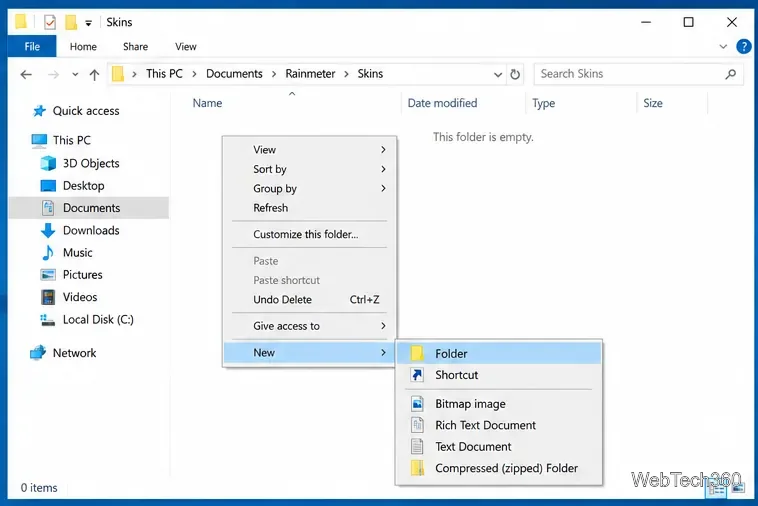
Learn how to install a Rainmeter skin from an INI file by placing it in the right Skins folder, preserving its resources, refreshing Rainmeter, and loading it in Manage.
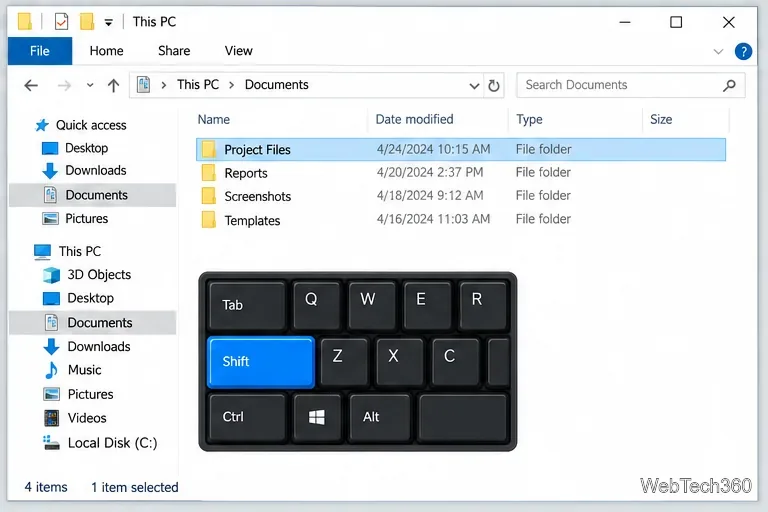
Open one folder in its own File Explorer window with Shift or the context menu, or change Folder Options to make every folder open separately.
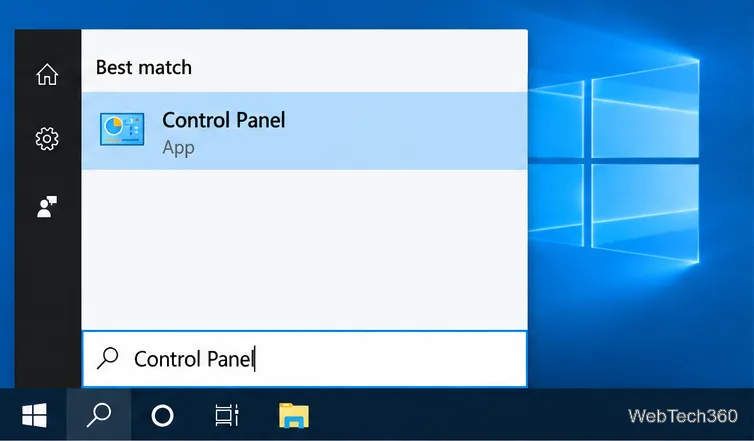
Pin a frequently used Control Panel applet, such as Power Options or Sound, to the Windows 10 Start menu for one-click access.
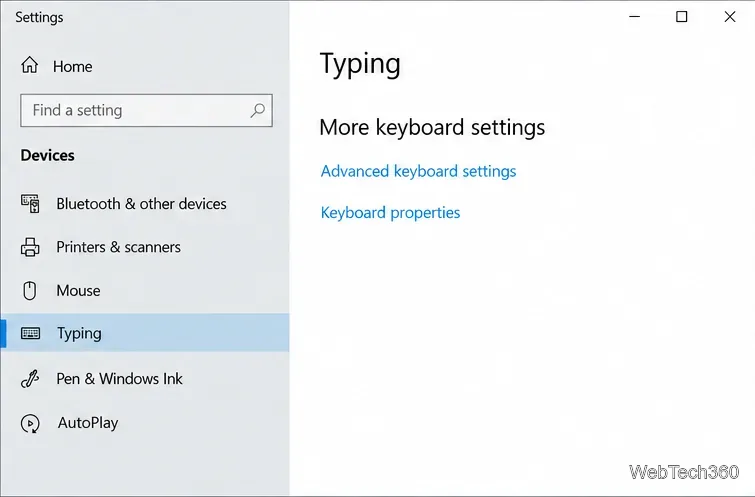
Choose a supported Windows 10 hotkey for switching input languages, assign shortcuts to individual layouts, or disable an accidental shortcut.
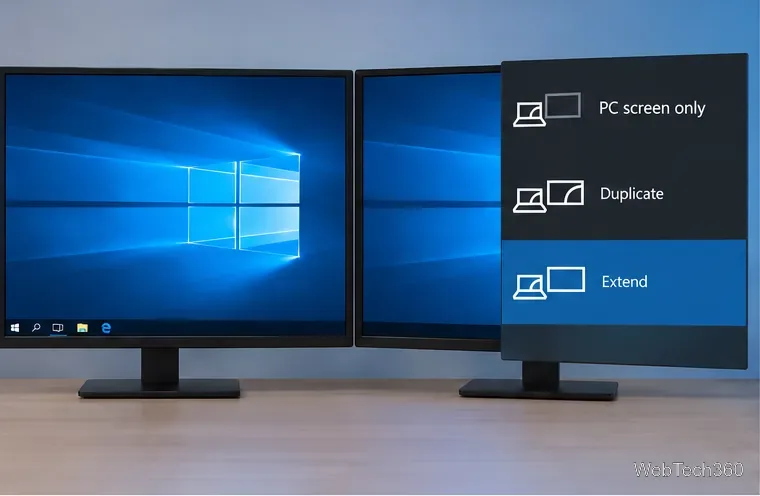
Move a Windows 10 app to the display you want, use its game monitor setting, and handle full-screen apps with a practical primary-monitor workaround.
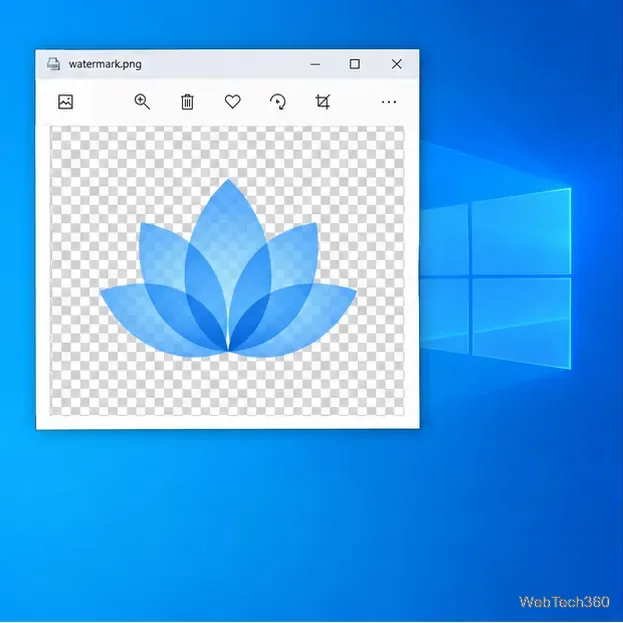
Use a transparent PNG and a Rainmeter skin to keep an image watermark above windows, adjust its transparency, and make it click-through on Windows 10.
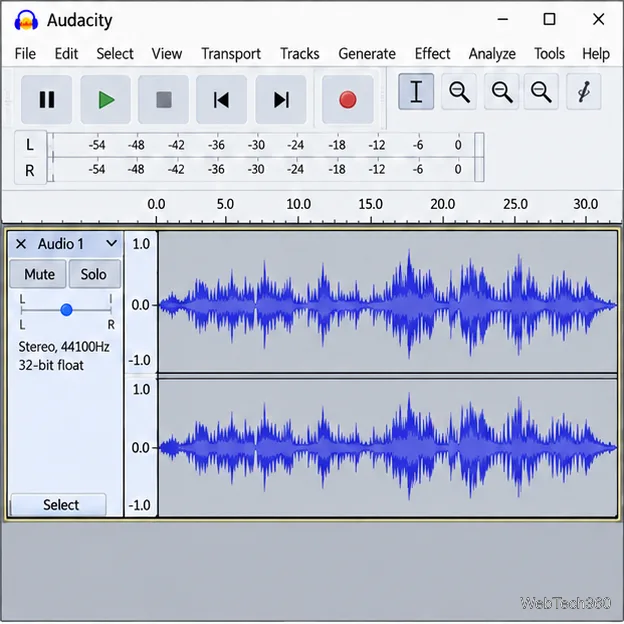
Convert stereo audio to mono on Windows 10 with Audacity. Mix both channels into one mono track, export a new file, and verify the channel count.
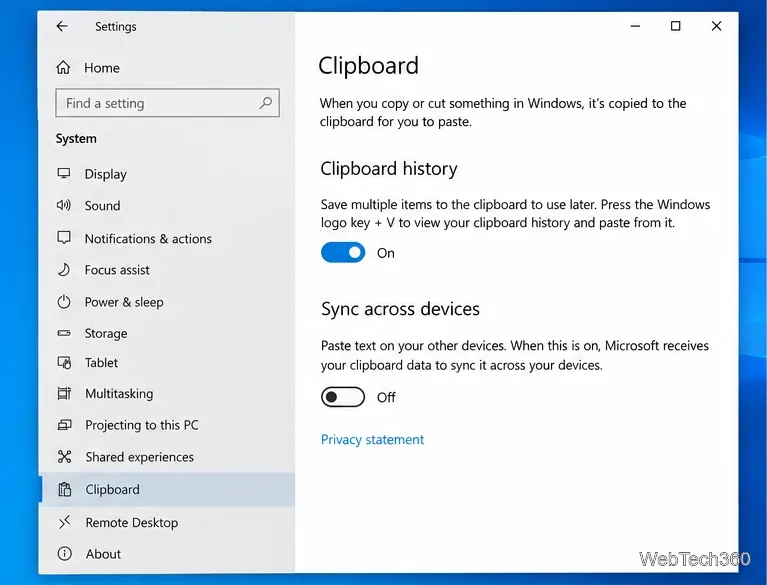
Use Windows 10 Clipboard history to save recent text and images, paste an earlier clip with Windows key + V, and manage sync, pinned items, and privacy.
Learn how to zoom in on a video in Windows 10 with VLC’s Interactive Zoom, or use Windows Magnifier when the clip is playing in another app.