How to Fix Snipping Tool Issues on Windows 11
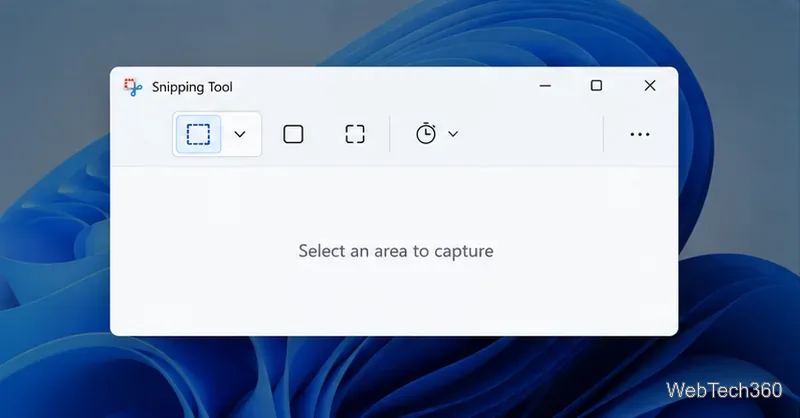
Fix common Snipping Tool problems in Windows 11 with steps to test the shortcut, update or repair the app, reinstall it, and restore missing capture notifications.
To print in color on Word, select a color-capable printer and choose Color in the print settings. If the page color or a background image is missing, also enable Print background colors and images in Word’s desktop settings. These are separate controls: a color printer cannot make Word include a background that Word is set to omit, and Word cannot override a printer or driver set to grayscale.
The steps below cover Word for Microsoft 365 and recent desktop versions. Printer options vary by model and driver, so check the preview and print one test page before producing a large batch.
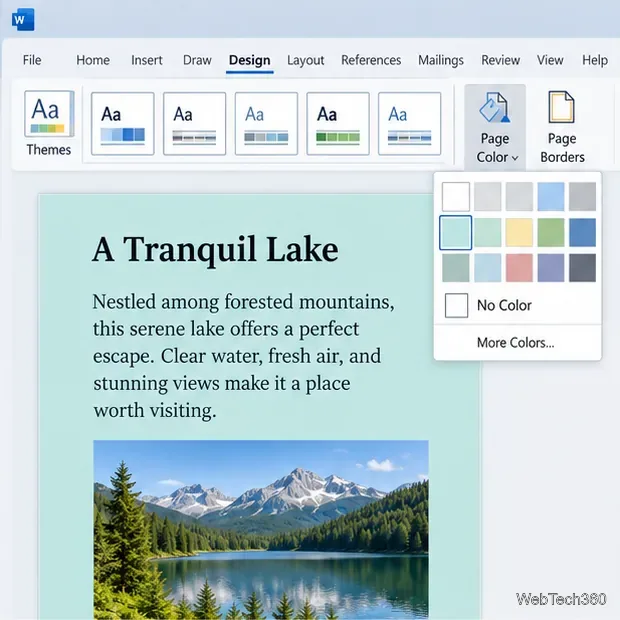
Word prints text, inserted photos, and most document graphics as part of the page. A page-wide fill is different: for example, a color added through Design > Page Color is a document background. Word has a separate print option for backgrounds, so the page may preview or print white even when the color is visible while editing.
If you have not added a page color yet, open Design > Page Color and select a color. To use a background image, add it using the appropriate picture or watermark feature for your document. Keep text contrast high; a dark or full-page fill can use substantial ink or toner.
Use the desktop app when the document needs a page color or background image. Microsoft documents separate paths for Windows and Mac.
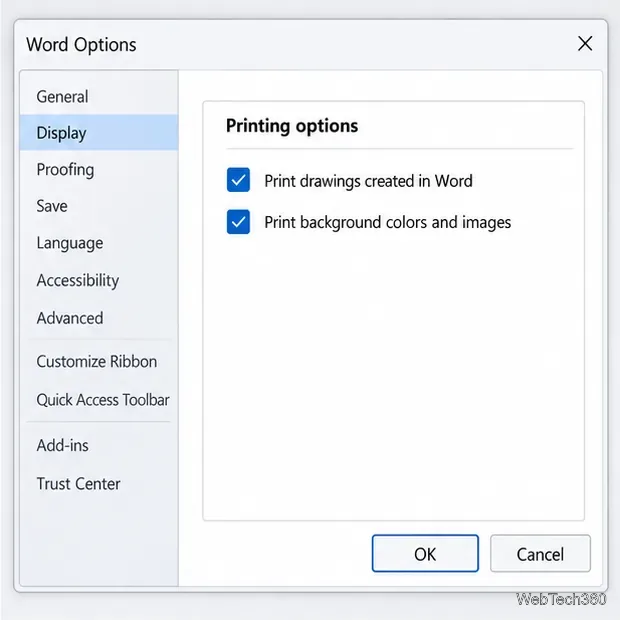
These background controls are documented for desktop Word. If you are using Word for the web and a page background is absent, open the file in the desktop app, enable the setting, and then print.
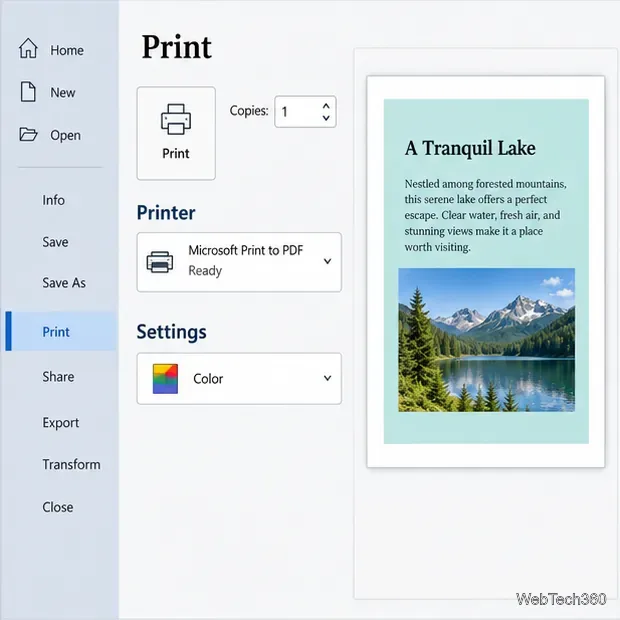
On Mac, open Word’s File > Print dialog. If the system print dialog has a Black & White option, make sure it is not selected; otherwise, choose a color option in the printer’s own settings. On Word for the web, Word creates a PDF for printing. Open that PDF and choose color in the computer’s print dialog.
Before sending the full job, confirm that the preview shows the elements you expect: page background, photos, shapes, and colored text. Word’s preview helps catch missing backgrounds or the wrong printer, but the final result also depends on the printer driver and the printer itself. Print one page first when color accuracy or ink use matters.
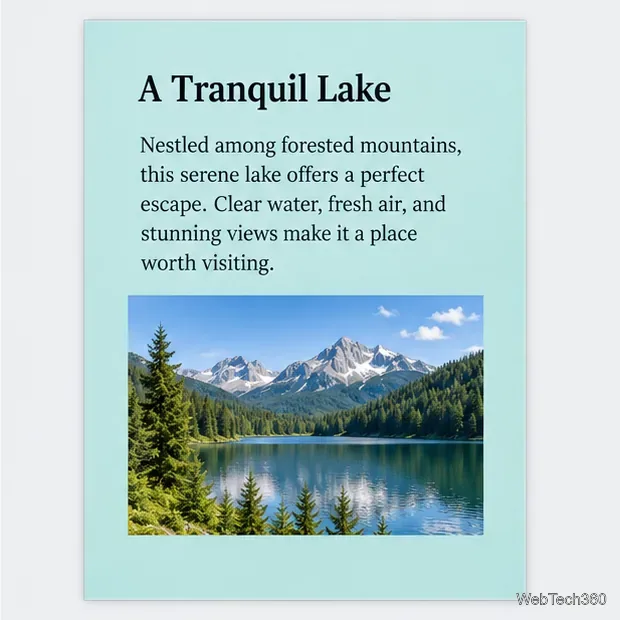
For routine documents, leave the page background white unless the design needs a full-page color. This can reduce ink or toner use while keeping the text and photos in color.
Fix common Snipping Tool problems in Windows 11 with steps to test the shortcut, update or repair the app, reinstall it, and restore missing capture notifications.
Choose a color-capable printer, enable Word’s background-print setting, and check the preview so page colors, images, and graphics print as expected.
Learn how to use WinX DVD Ripper to convert a DVD you’re entitled to copy into an MP4 file, choose the right title and destination, and troubleshoot playback problems on Windows 10 or 11.
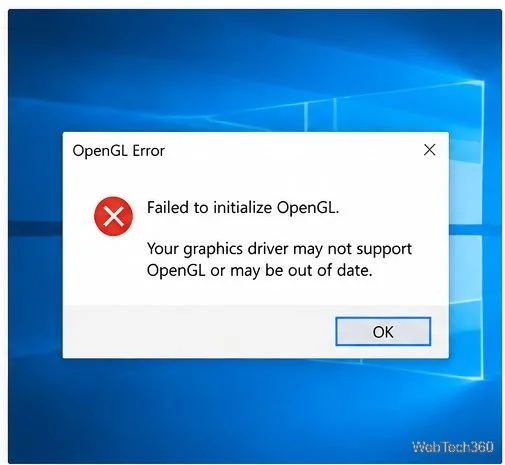
Troubleshoot OpenGL errors in Windows 10 by checking graphics drivers, repairing system files, reinstalling the affected app, and reviewing graphics settings.
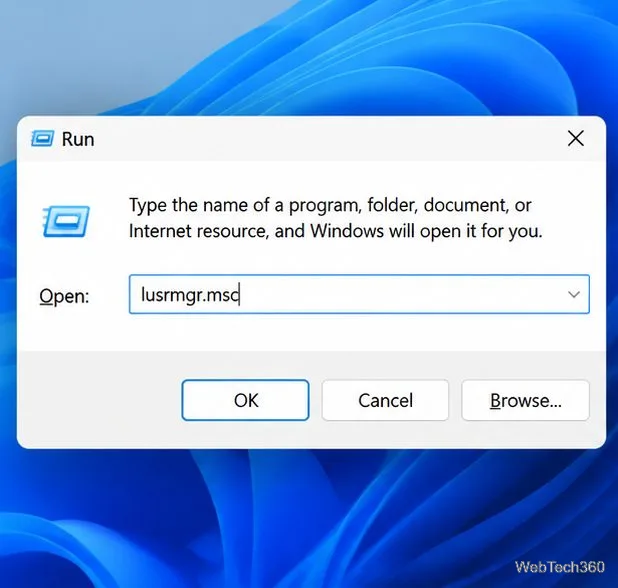
Learn when to use net user, lusrmgr.msc, and net localgroup to view, create, disable, and manage local Windows accounts safely.
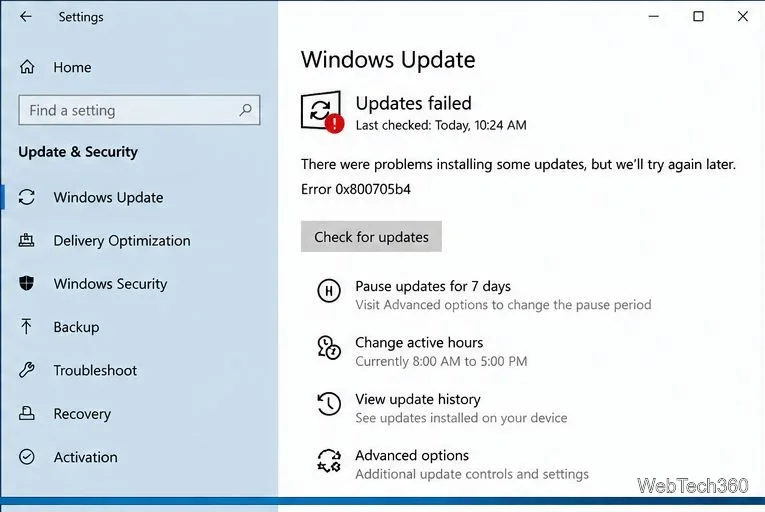
Resolve Windows Update error 0x800705b4 with practical checks for connectivity, update services, cached files, and damaged Windows system components.
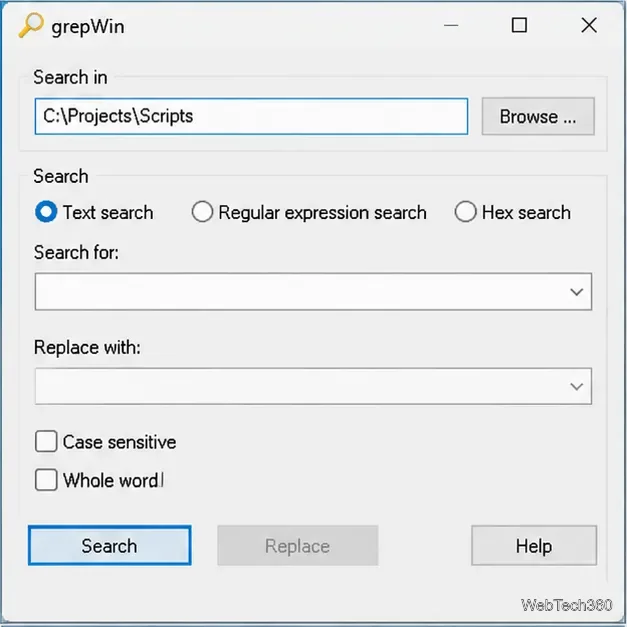
Find words or phrases across multiple text files on Windows 10 with grepWin. Learn how to choose folders, filter file types, include subfolders, and read matches safely.
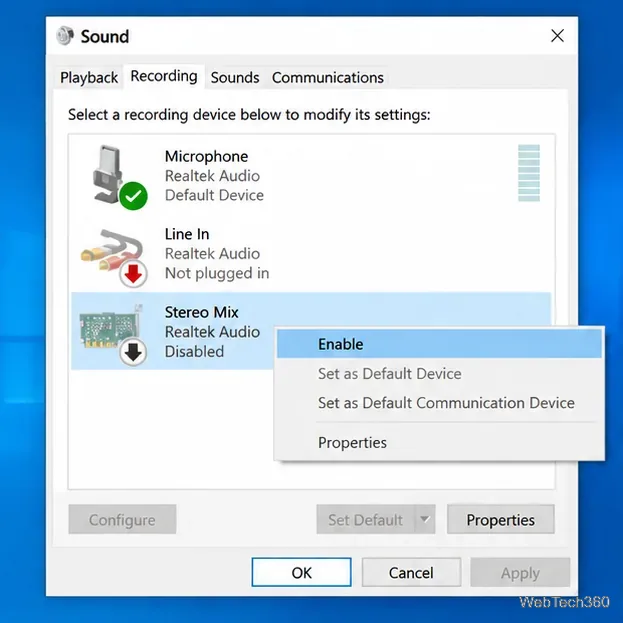
Capture your PC’s playback with FFmpeg on Windows 10. Enable Stereo Mix or use a loopback device, find its DirectShow name, and save clean audio.
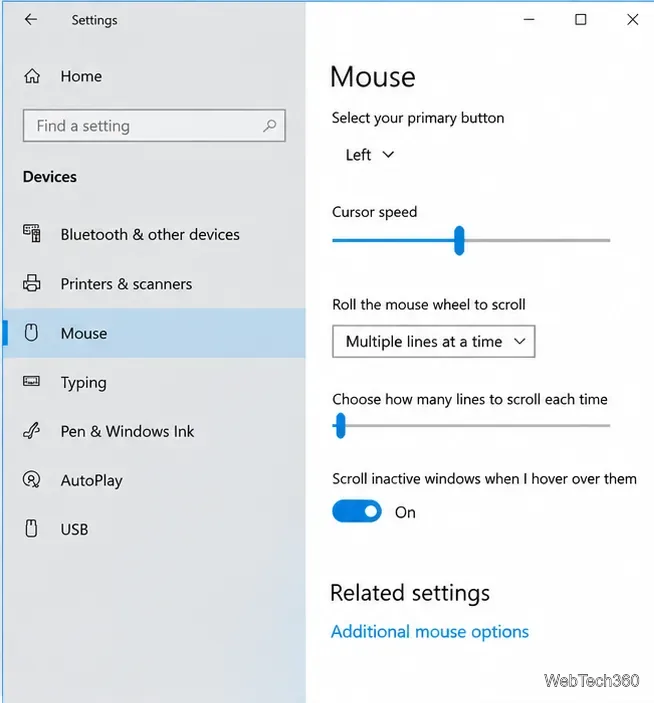
Learn how to adjust Windows 10 mouse pointer speed, change pointer precision, and set hardware DPI with a supported gaming mouse or manufacturer app.
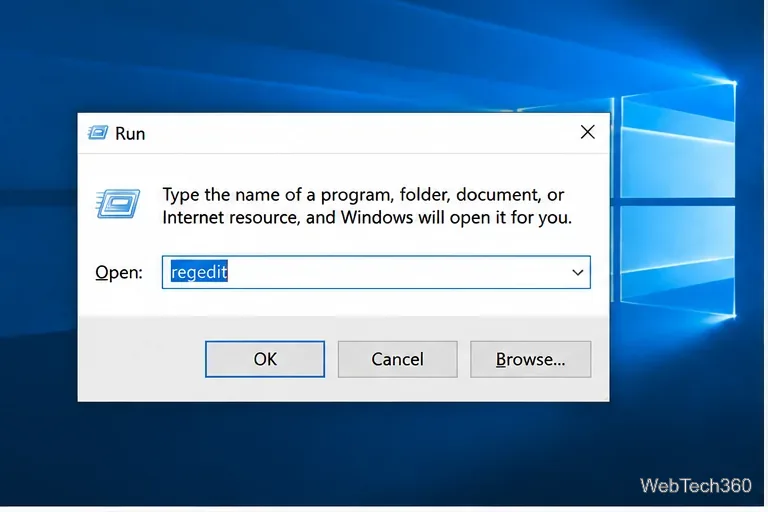
Learn what the legacy Edge blocker registry setting does, how to set it safely, and why it will not stop updates for Microsoft Edge already installed.