How to Fix Lines on a Monitor Screen in Windows 10
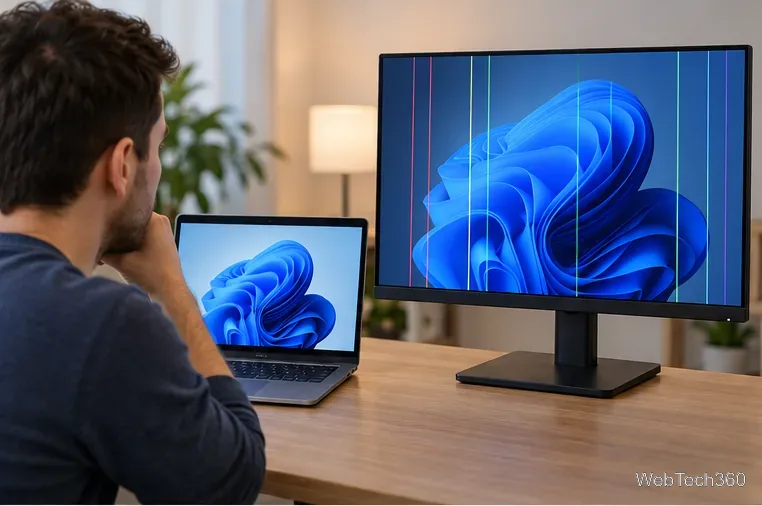
Use a screenshot test, cable and port checks, monitor diagnostics, display settings, and driver rollback to pinpoint lines on a Windows 10 monitor.
If you forgot the password you use for Minecraft, reset the Microsoft account password tied to the game. Minecraft no longer has a separate Mojang-password reset path for current accounts. On supported versions of Minecraft, your Microsoft account handles Minecraft sign-in and access to Microsoft-connected services such as Realms and multiplayer.
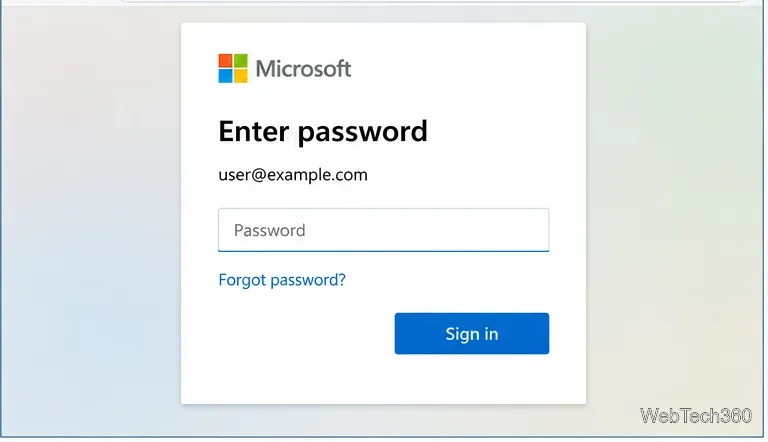
The quickest route is to start at the Microsoft sign-in page, choose Forgot password?, verify your identity, and create a new password. Microsoft documents the current process in its official password-reset guide.
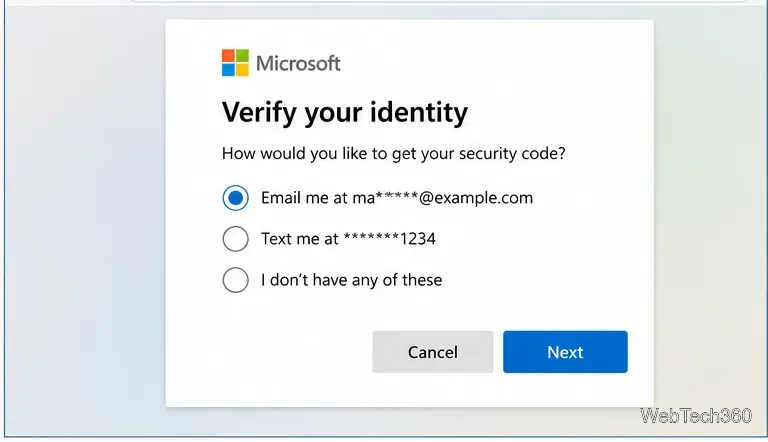
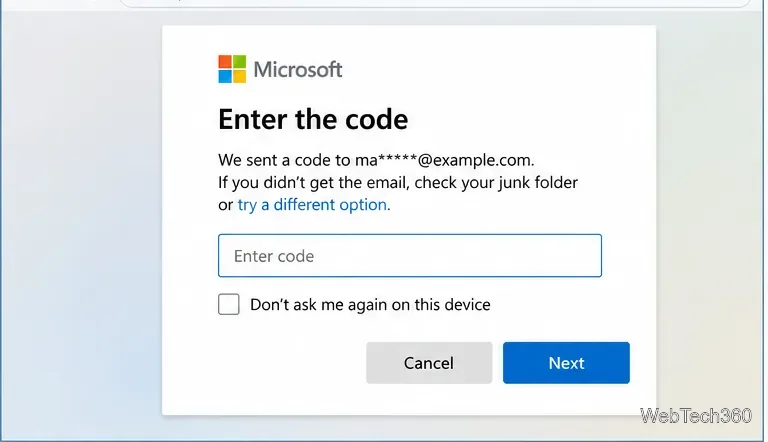
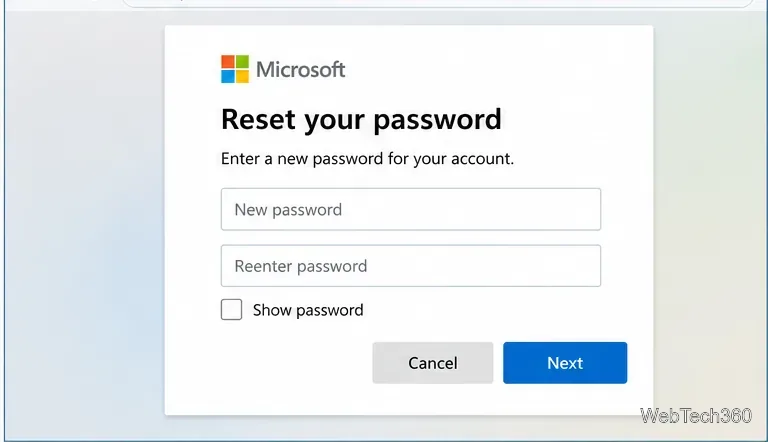
If Minecraft or the Launcher still shows an authentication error after you change the password, sign out and sign back in so it can refresh the account session. On the Minecraft Launcher, open the account menu, choose Log out, then use Microsoft Login and enter the new credentials. Minecraft's current support instructions also cover signing out and reconnecting on consoles and mobile devices in its Microsoft account sign-in reset guide.
On PlayStation, Nintendo Switch, and mobile devices, the exact screens can differ from PC. Minecraft may ask you to reconnect through a browser and an on-screen code. Resetting your Microsoft password does not reset your PlayStation Network, Nintendo, Apple, or Google account password.
Older Minecraft: Java Edition players may remember signing in with a Mojang account. That advice is now outdated. Mojang-to-Microsoft account migration ended on December 18, 2023, and Minecraft Support says it no longer handles migration-related requests. The official Mojang account migration information explains what happened to old Java Edition accounts.
If you had an old Mojang account that was never migrated, resetting a Mojang password will not restore access to a current supported Minecraft sign-in. Do not use old password-reset pages or third-party “account recovery” services that claim otherwise.
If you no longer have access to the recovery email or phone number shown by Microsoft, use the Microsoft account Sign-in Helper. Microsoft may direct you to its account recovery process when appropriate.
Be aware that Microsoft Support agents cannot simply send you a password-reset link or change account details for you. If two-step verification is enabled and you have lost access to every verification method, Microsoft's recovery options can be limited. That is why keeping backup security information and a recovery method current is important.
A password reset only works if you start with the correct account. If Microsoft says the address does not exist, check spelling and try other email aliases, phone numbers, or Skype names you may have used. On a PC where Minecraft previously worked, the Launcher or Microsoft Store account can also help you identify which Microsoft account was used for the purchase.
Microsoft provides a username lookup guide for people who remember their recovery phone number or alternate email but not the sign-in address itself.
For most players, the fix is straightforward: reset the Microsoft account password, complete identity verification, and then sign back into Minecraft. The main exception is an old, unmigrated Mojang account, because that migration program has ended.
Use a screenshot test, cable and port checks, monitor diagnostics, display settings, and driver rollback to pinpoint lines on a Windows 10 monitor.
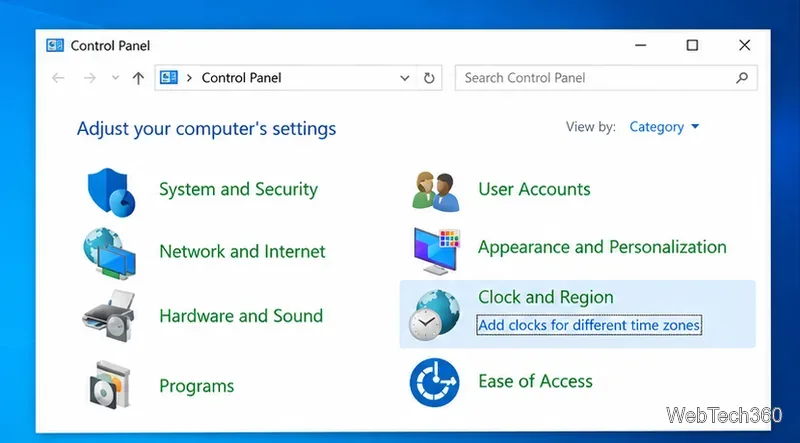
Show two other time zones beside your Windows 10 clock. Set up each additional clock, give it a clear label, and find it in the taskbar calendar.
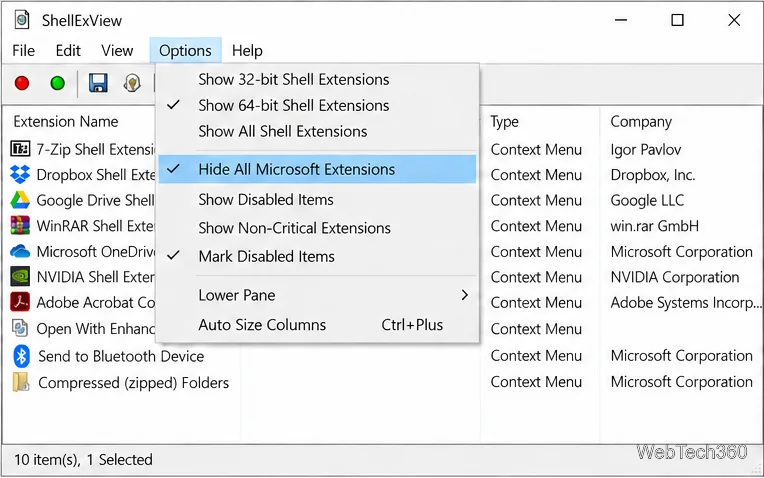
Find the File Explorer extension that delays right-click menus in Windows 10, test it safely with ShellExView, and restore any menu features you still need.
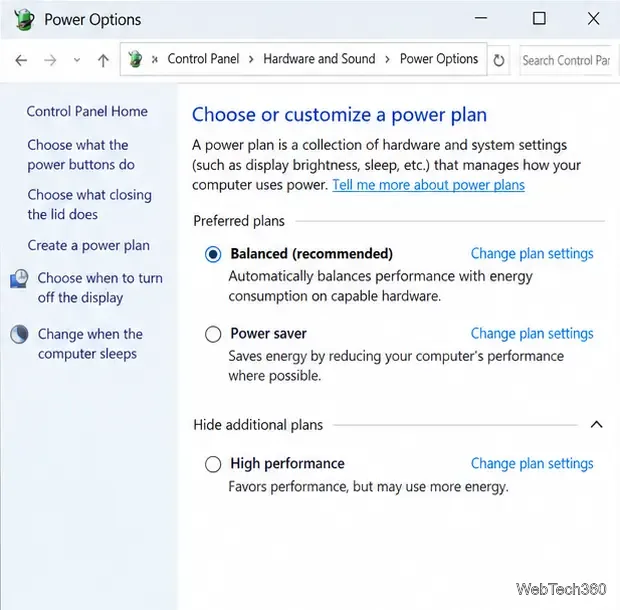
Stop Windows 10 from powering down a specific network adapter or USB device with plan-level settings and Device Manager controls, plus tips to avoid excess battery drain.
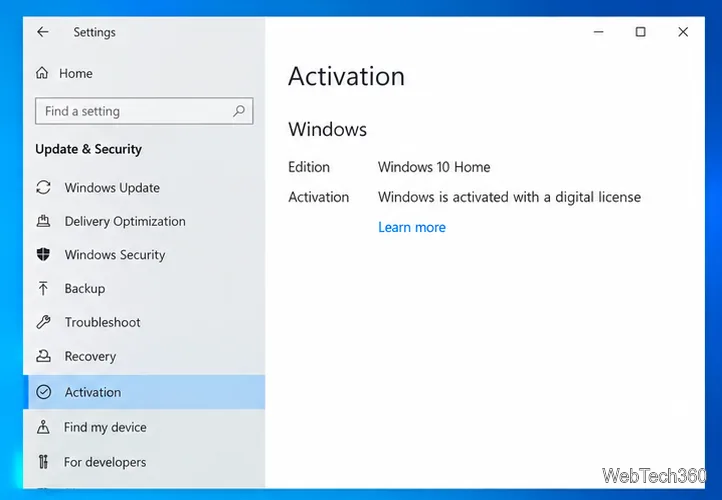
Check whether Windows 10 uses a digital license or product key, find a firmware-stored OEM key, and save license details securely for a reinstall.
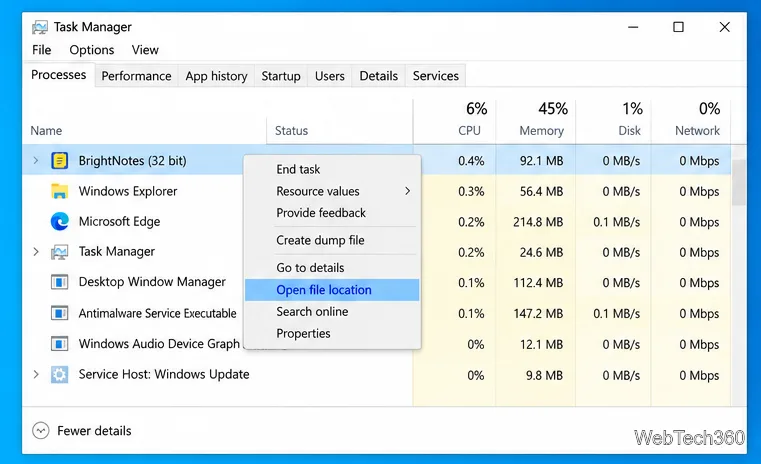
Identify a Windows 10 Task Manager process by checking its executable path, file properties, publisher, linked services, and a Microsoft Defender scan.
Create a searchable Windows 10 folder inventory with PowerShell. Save every file and subfolder path as plain text or export details to a sortable CSV.
Add a custom reminder, quote, or label to your Windows 10 desktop with a Rainmeter text skin. Create the INI file, load it, then adjust its font and position.
Use Bluetooth Swift Pair on Windows 10 to pair a compatible accessory from a notification, with setup steps and fixes when the prompt does not appear.
Learn what common laptop function key symbols mean, how Fn and Fn Lock affect them, and how to confirm the right shortcut for your Windows 10 laptop model.