How to Access a Network Location in Command Prompt on Windows 10
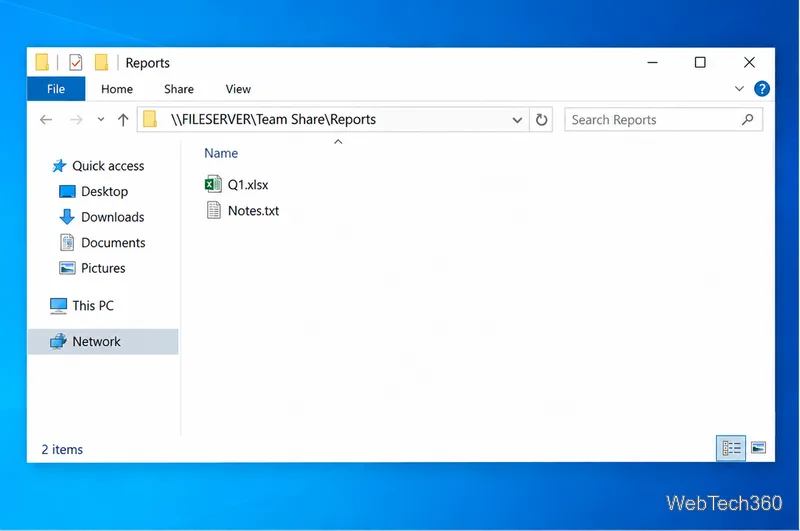
Use pushd to open a UNC network path in Windows 10 Command Prompt, run commands in the shared folder, and return with popd.
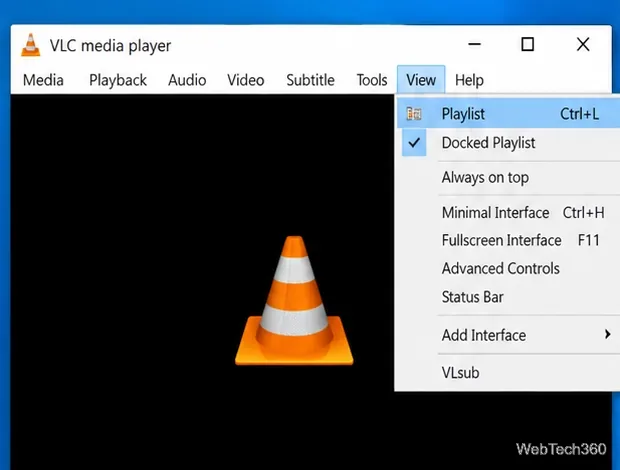
To save a playlist in VLC on Windows 10, open the Playlist view, add the media you want, then choose Media > Save Playlist to File. Give the playlist a name and save it as an XSPF file unless you specifically need another format offered by your VLC build. The saved playlist is a small file that points to your media; it does not copy the videos or music into the playlist itself.
These steps match VLC 3.x on Windows. VideoLAN's official desktop documentation confirms that the View menu can display the current playlist and that the Media menu includes the option to save a playlist to a file. See the VLC menu bar documentation for the current 3.0 interface.
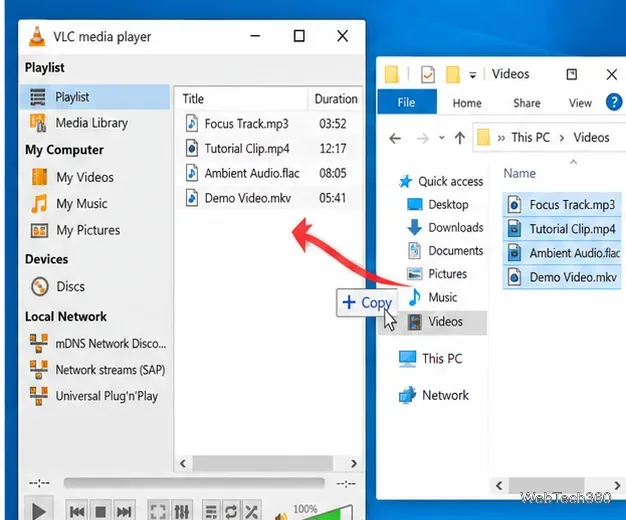
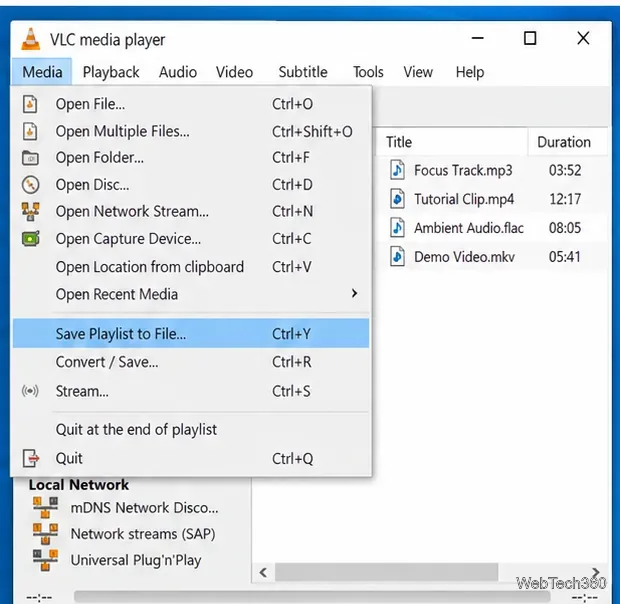
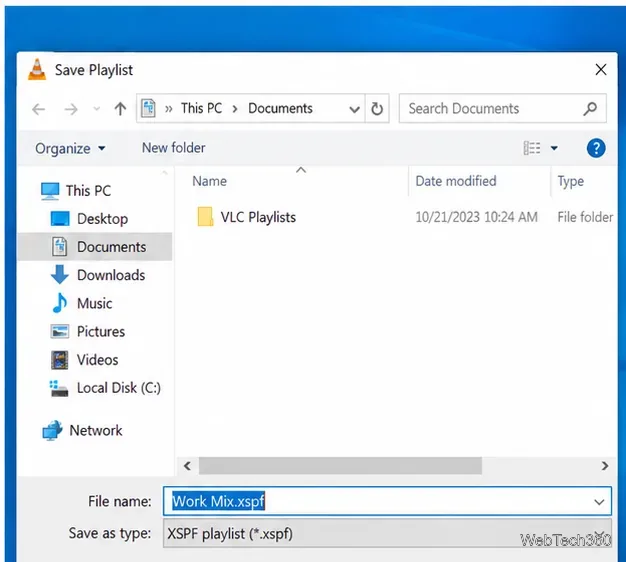
If Windows associates the playlist format with VLC, double-clicking the saved .xspf file should open it in VLC. You can also open VLC first and use Media > Open File to select the playlist file. VLC will then load the entries stored in that playlist.
Keeping several playlist files also solves a limitation of relying only on the current in-app queue: you can create separate files for work, movies, lessons, music, or any other collection, give each one a descriptive filename, and reopen the one you need.
A VLC playlist generally stores references to where each item can be found. That means the playlist can fail to open an entry if the underlying media is no longer available at the expected location.
If you plan to reinstall Windows or move to another PC, back up both the playlist file and the media it references. Recreating the same folder structure and file paths gives an old playlist the best chance of working without edits. If paths have changed, add the files again in VLC and save a fresh playlist.
For a playlist you primarily use in VLC, XSPF is the simplest default. If your installed version offers M3U and you want to share the list with another media player, M3U can be a practical compatibility choice. The important point is that either type is a playlist description, not a backup of the media itself.
For the official Windows build and current release information, use VideoLAN's VLC for Windows page.
Use pushd to open a UNC network path in Windows 10 Command Prompt, run commands in the shared folder, and return with popd.
Learn how to install a Rainmeter skin from an INI file by placing it in the right Skins folder, preserving its resources, refreshing Rainmeter, and loading it in Manage.
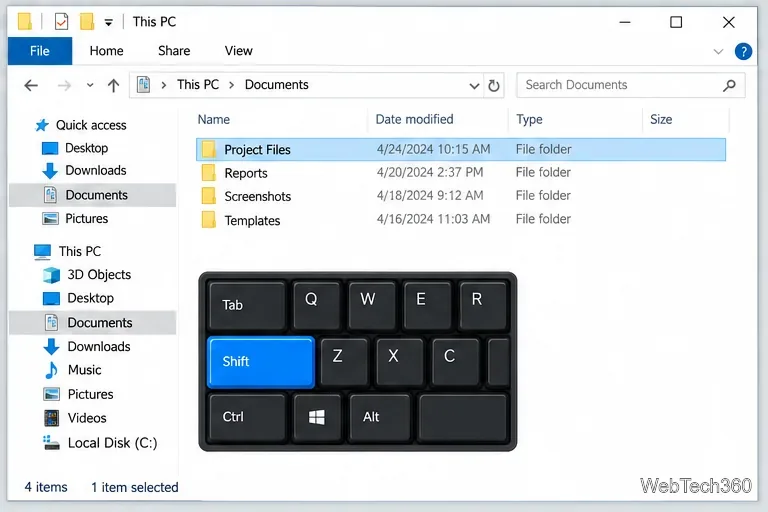
Open one folder in its own File Explorer window with Shift or the context menu, or change Folder Options to make every folder open separately.
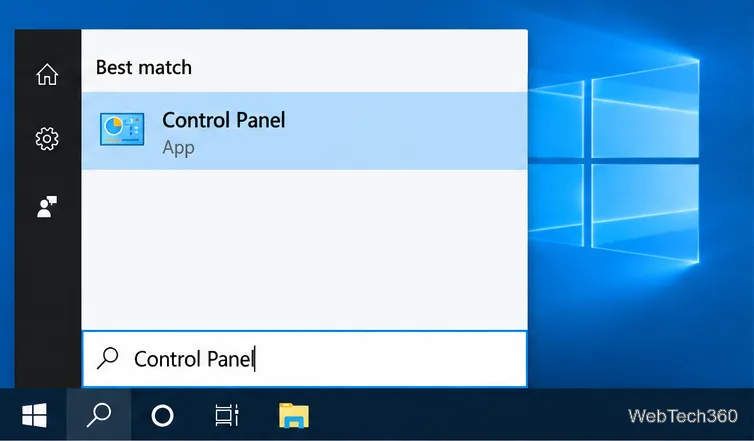
Pin a frequently used Control Panel applet, such as Power Options or Sound, to the Windows 10 Start menu for one-click access.
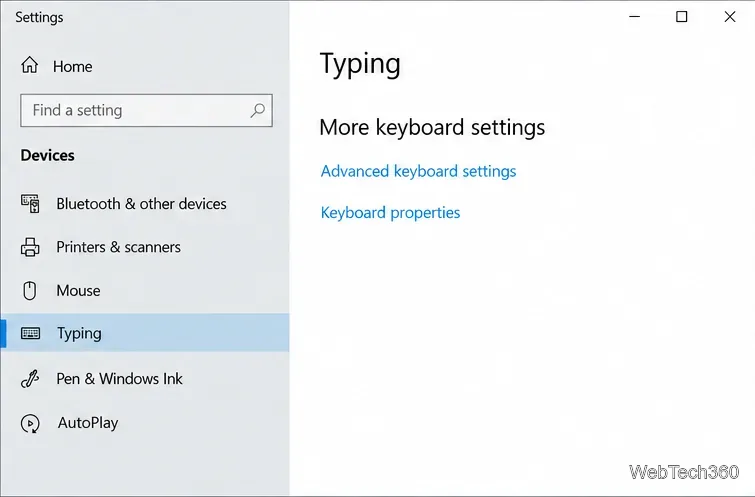
Choose a supported Windows 10 hotkey for switching input languages, assign shortcuts to individual layouts, or disable an accidental shortcut.
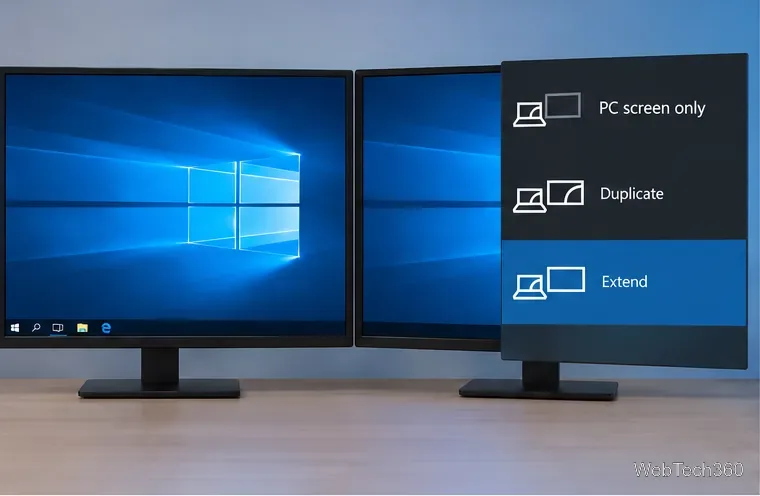
Move a Windows 10 app to the display you want, use its game monitor setting, and handle full-screen apps with a practical primary-monitor workaround.
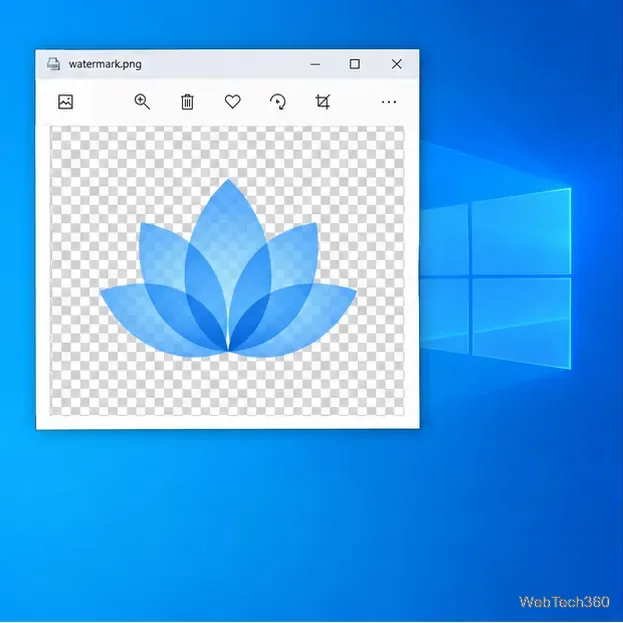
Use a transparent PNG and a Rainmeter skin to keep an image watermark above windows, adjust its transparency, and make it click-through on Windows 10.
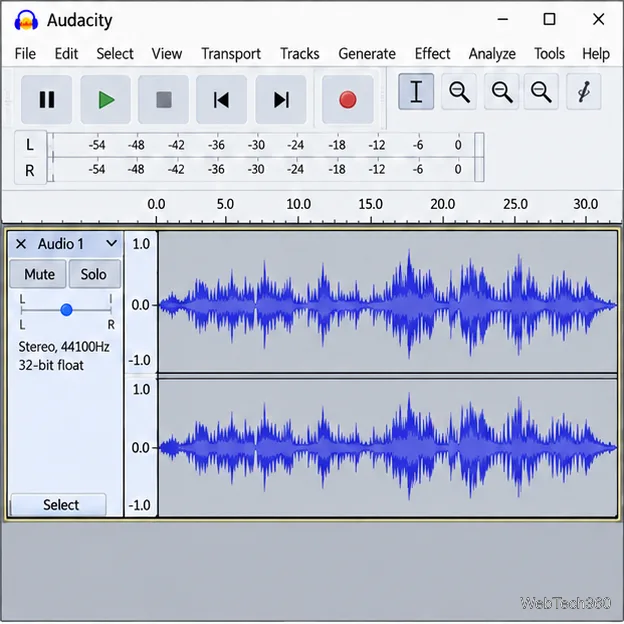
Convert stereo audio to mono on Windows 10 with Audacity. Mix both channels into one mono track, export a new file, and verify the channel count.
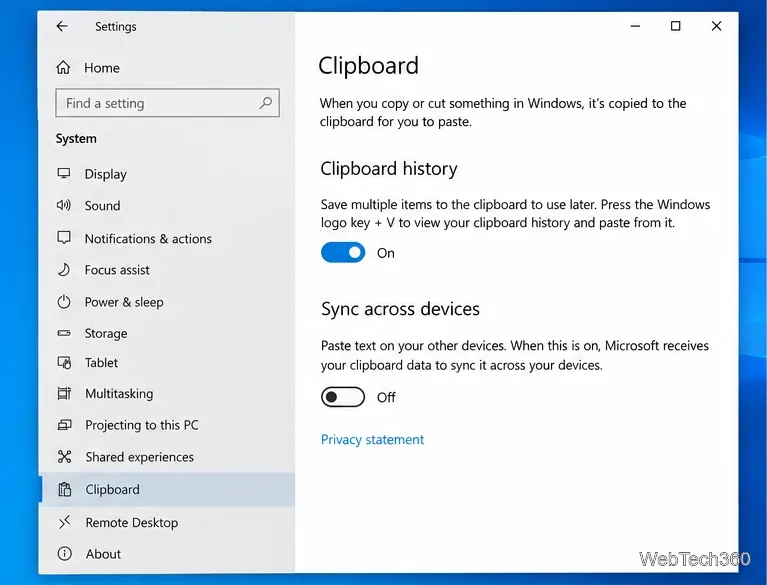
Use Windows 10 Clipboard history to save recent text and images, paste an earlier clip with Windows key + V, and manage sync, pinned items, and privacy.
Learn how to zoom in on a video in Windows 10 with VLC’s Interactive Zoom, or use Windows Magnifier when the clip is playing in another app.