How to Check Hard Drive Health in Windows Server
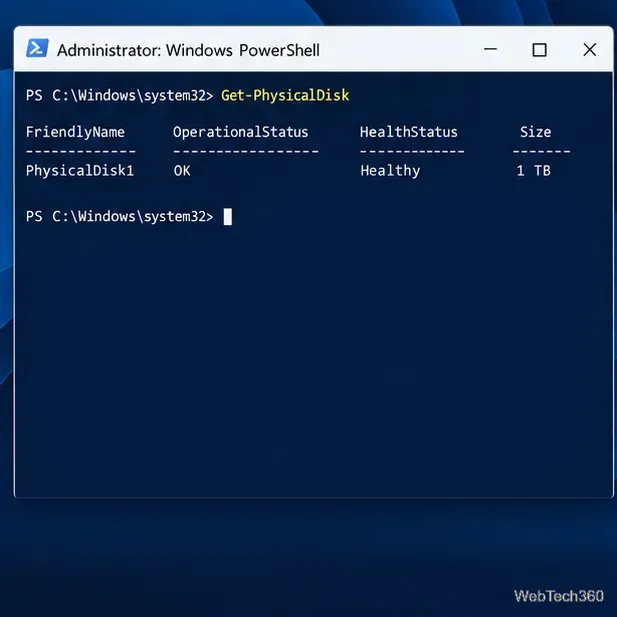
Check Windows Server disk status and reliability counters, verify SMART data when available, and separate hardware warnings from NTFS errors.
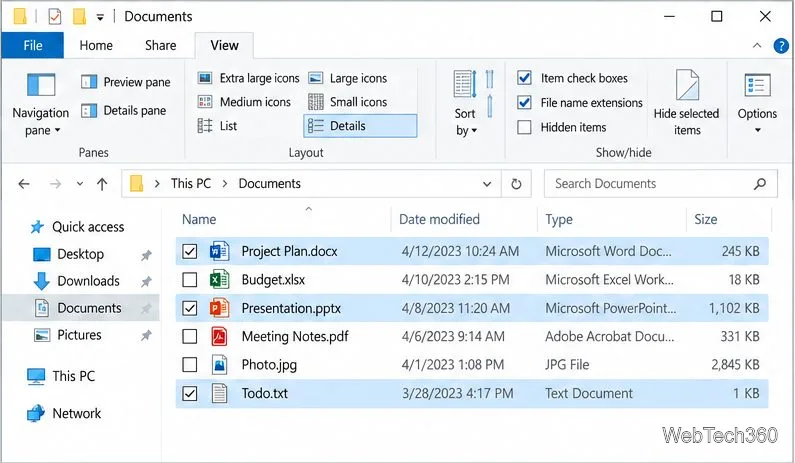
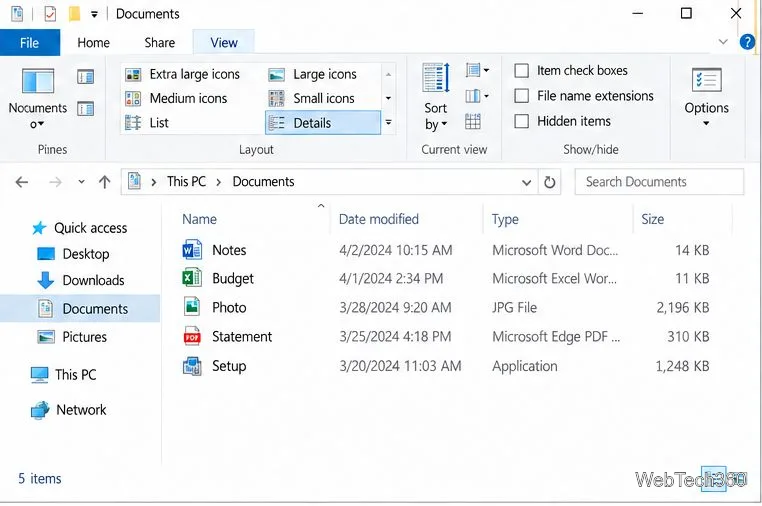
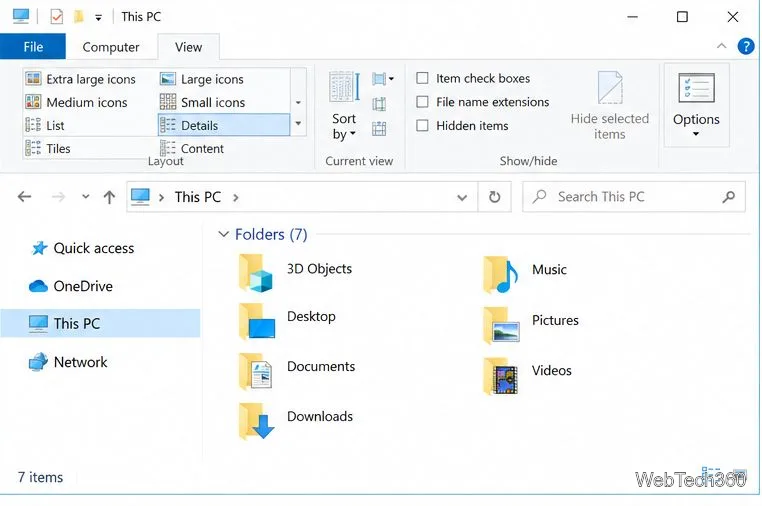
To show file extensions in Windows 10, open File Explorer, select View, then check File name extensions in the Show/hide group. File Explorer will add endings such as .docx, .jpg, and .exe to the names it displays. The change is a viewing preference; it does not rename or convert your files.
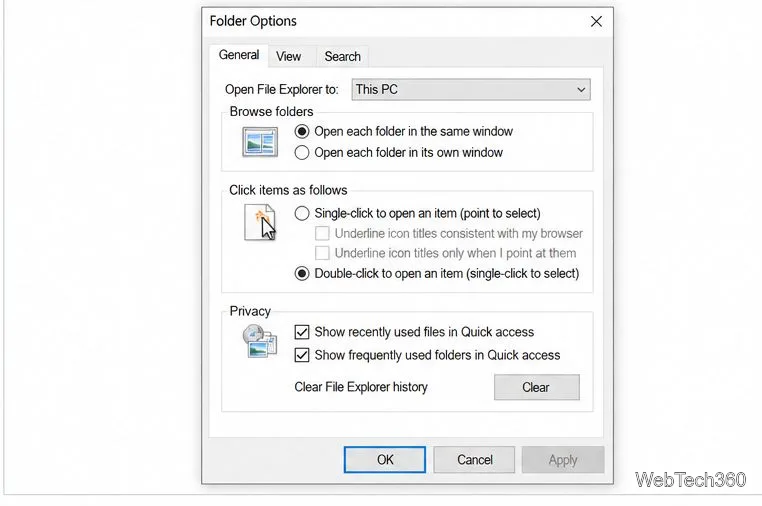
You can also turn on extensions from Folder Options if you prefer the older settings dialog. Both methods affect how names appear in File Explorer.
A filename usually has a name, a period, and an extension: in budget.xlsx, “budget” is the name and .xlsx is the extension. Extensions help Windows associate a file with apps that can open it and choose an icon. They are useful for distinguishing, for example, a Word document (.docx), a spreadsheet (.xlsx), an image (.jpg), and a PDF (.pdf). Windows can have more than one app associated with an extension, so the ending does not identify one exclusive program. Microsoft’s guide to common file name extensions explains common formats and notes that changing an extension alone does not convert a file.
This is the quickest option on a Windows 10 PC with the classic File Explorer ribbon. You do not need administrator access.
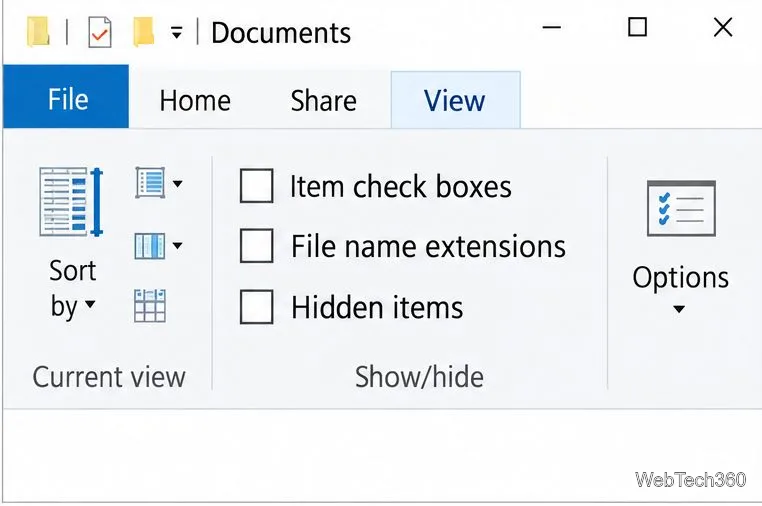
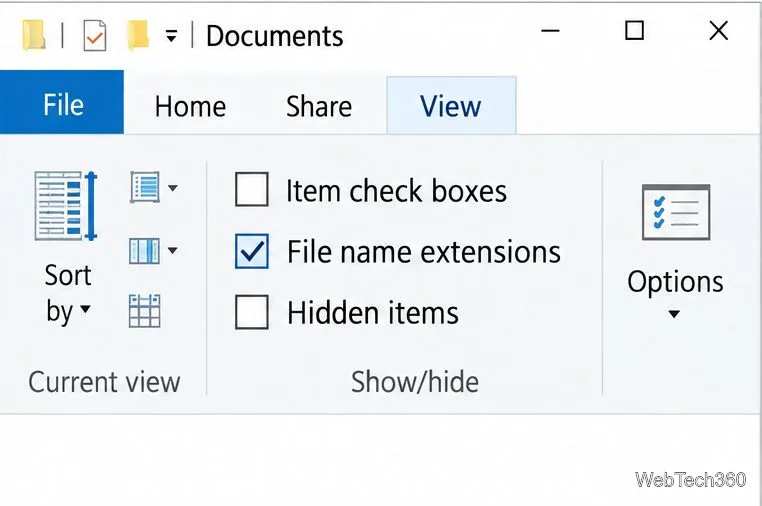
.pdf, .png, .txt, or another suffix. The file ending appears after the last period, even when the rest of the name contains periods.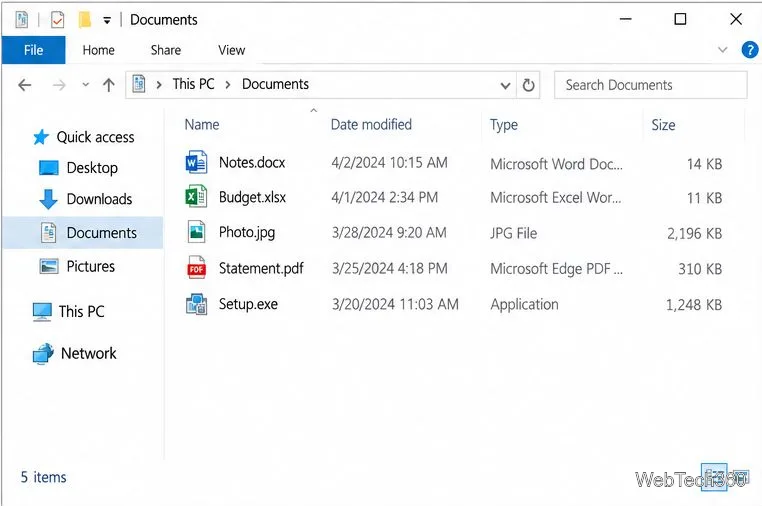
If the checkbox is unavailable or you prefer the dialog, Windows 10 also has the same preference in File Explorer’s folder settings. Microsoft documents this route in its File Explorer instructions.
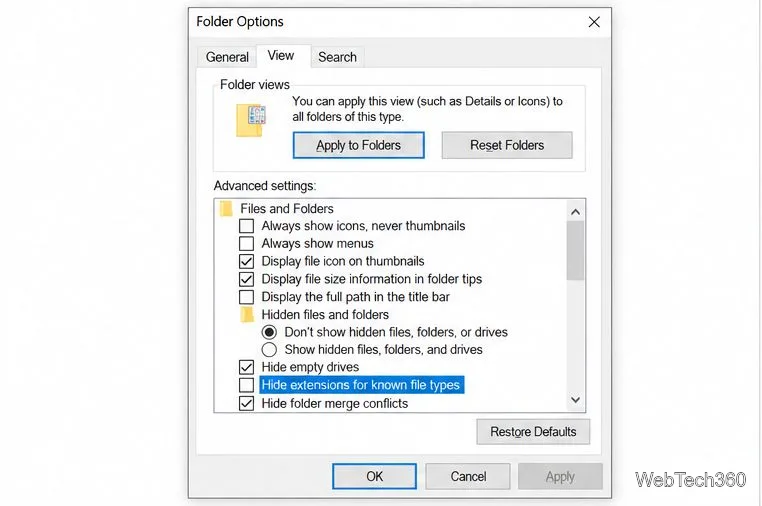
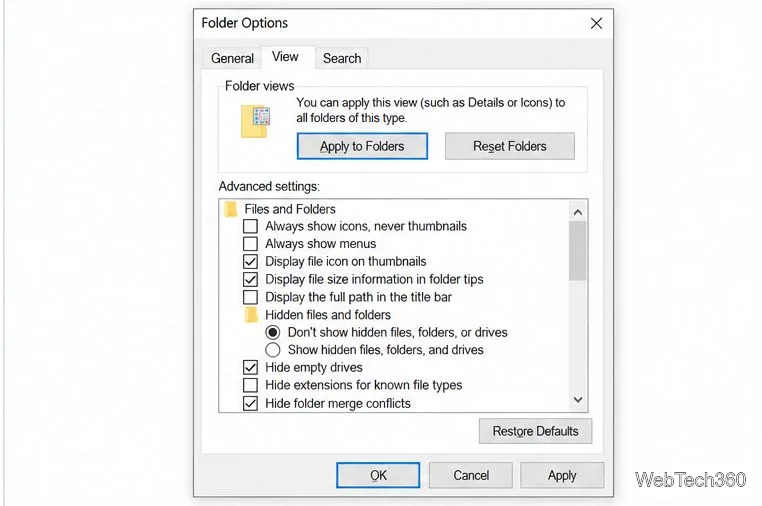
Showing endings can help you notice a mismatch. For example, a download named invoice.pdf.exe is an executable program, not a PDF, because .exe is the final extension. Do not open an unexpected executable just because its earlier text or icon looks familiar. File names and icons can be misleading, and seeing an extension does not prove a file is safe.
Also, do not rename a file’s suffix to change its format. Renaming photo.jpg to photo.pdf changes its displayed name, not the image data, and may make the file harder to open. Use an app’s Export or Save As command when you need a different format.
No. It changes what File Explorer displays. The file’s contents and name remain the same until you rename or edit it.
No. It helps you see the file’s ending, which can reveal some misleading names, but it is not a security scan. Only open files from sources you trust and use your security software to check unexpected downloads.
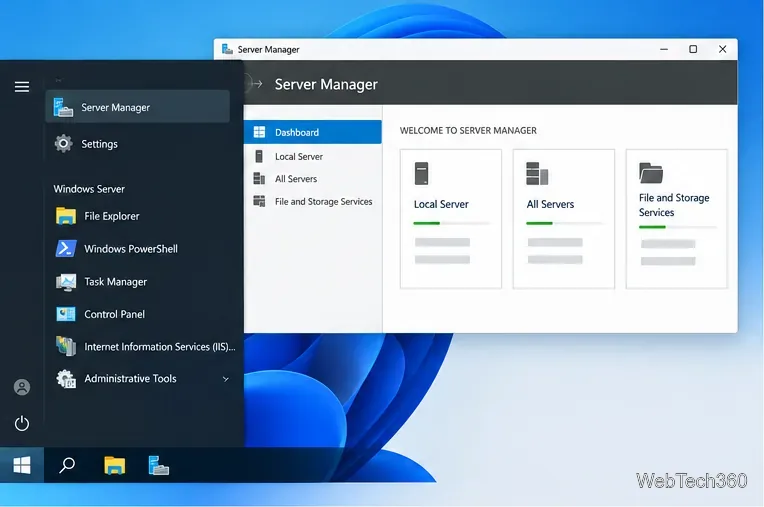
Check Windows Server disk status and reliability counters, verify SMART data when available, and separate hardware warnings from NTFS errors.
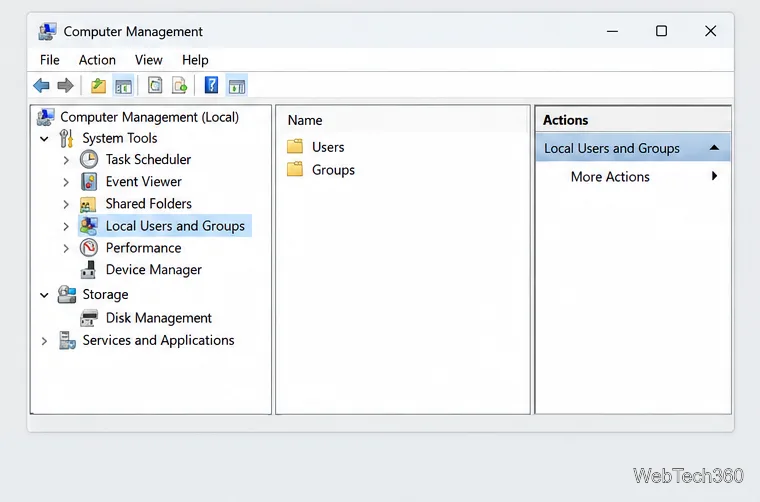
Create, grant admin rights to, disable, or remove local Windows Server users with Computer Management or PowerShell. Learn when to use Active Directory instead.
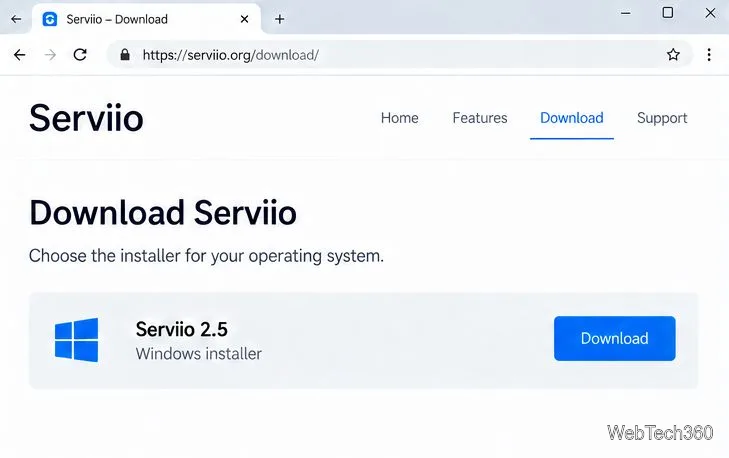
Install Serviio on Windows Server, share local or NAS media folders, and test DLNA playback. Learn how to check the Windows service, firewall, and Pro-only browser features.
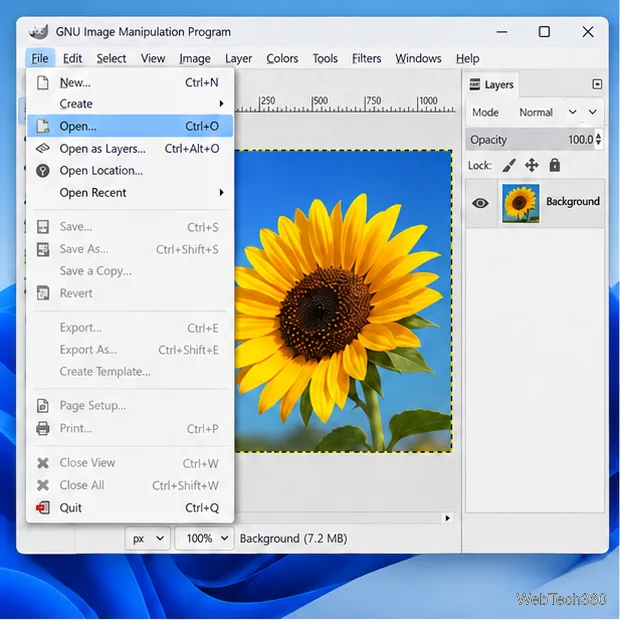
Convert PNG, JPG, or BMP files to Windows ICO with GIMP. Prepare a square image, keep transparency when needed, add standard sizes, and check the export.
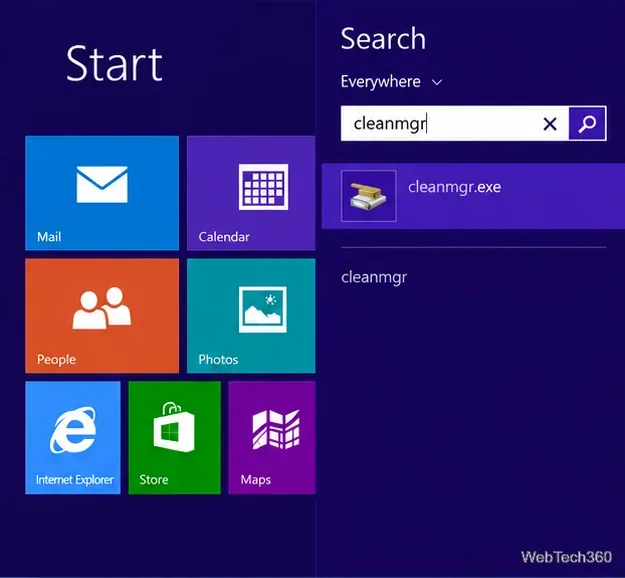
Clear thumbnail, DNS, Internet Explorer, Microsoft Store, Search, and Live Tile data with Windows 8’s built-in tools, and learn what each cleanup removes.
Turn off Windows 10 item check boxes in File Explorer with the View ribbon, or use Folder Options if the toggle is missing. See what changes and how to select multiple files without boxes.
Install VMware Workstation Pro on a compatible Windows Server host, from checking support and downloading the right build to creating your first VM.
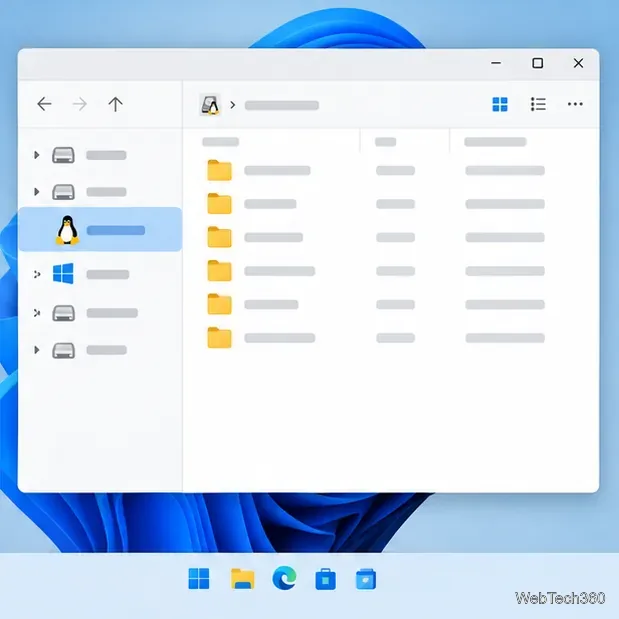
Browse and copy Ext2, Ext3, or Ext4 files on Windows with a read-only workflow. See what Linux Reader’s free edition supports and when WSL fits.
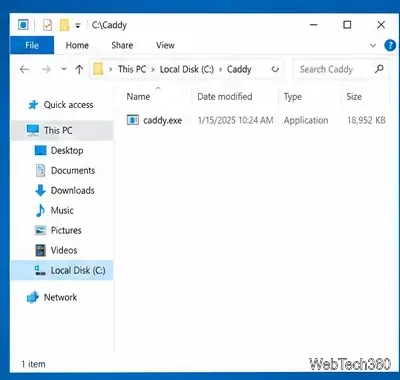
Install Caddy’s native Windows binary, serve a test site, enable automatic HTTPS for a domain, and run Caddy as a Windows Server service.
Run Linux Docker containers alongside Windows Server by creating an Ubuntu Hyper-V VM, installing Docker Engine, and publishing a test service safely.