How to Move Minecraft to Another Drive in Windows 10
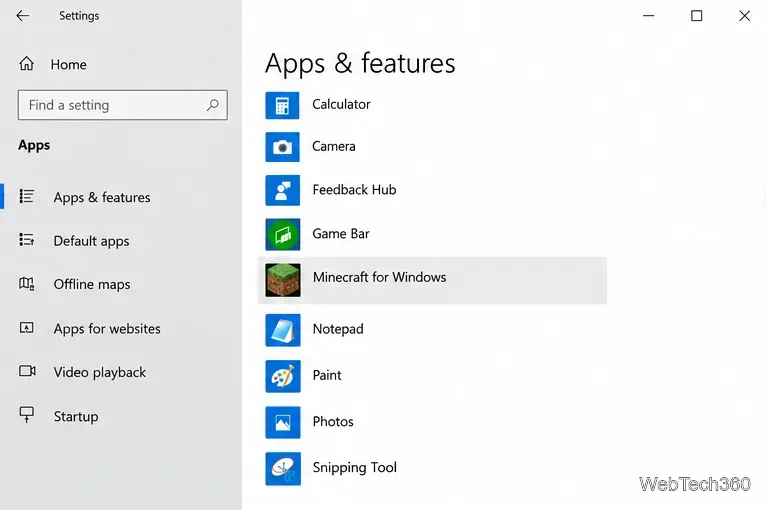
Move Minecraft for Windows to another drive with the built-in Settings option, protect your worlds, and see what to do if Move is unavailable.
If websites you normally use stop loading in mainland China, the cause may be the country’s national filtering system, often called the Great Firewall. A VPN can sometimes restore access by encrypting traffic between your device and a VPN server outside the filtered network, but there is no service that can promise uninterrupted access.
Before using one, understand the legal risk. China regulates cross-border network connections, and the U.S. State Department’s China travel guidance warns that VPN use is illegal in most cases and can lead to penalties. This guide explains the technical options; it is not legal advice.
China blocks or restricts many international websites and online services through measures that can include DNS filtering, IP blocking, and deep packet inspection. Freedom House’s 2026 China report says thousands of sites are blocked, including major services such as YouTube, X, Facebook, and the BBC.
A separate issue is geoblocking. Some services may refuse a Chinese IP address for licensing, security, or commercial reasons. A VPN changes the public IP address seen by the site, but that does not guarantee the service will accept the connection.
The most important preparation step is to install the VPN app, sign in, update it, and confirm that it works before entering mainland China. VPN provider websites, app-store listings, or login services can themselves become difficult to reach after arrival.
Choose a provider that publishes current documentation for restrictive networks rather than relying on old “best VPN” lists. For example, Proton VPN recommends setting up before travel and explicitly notes that China changes its blocking methods frequently.
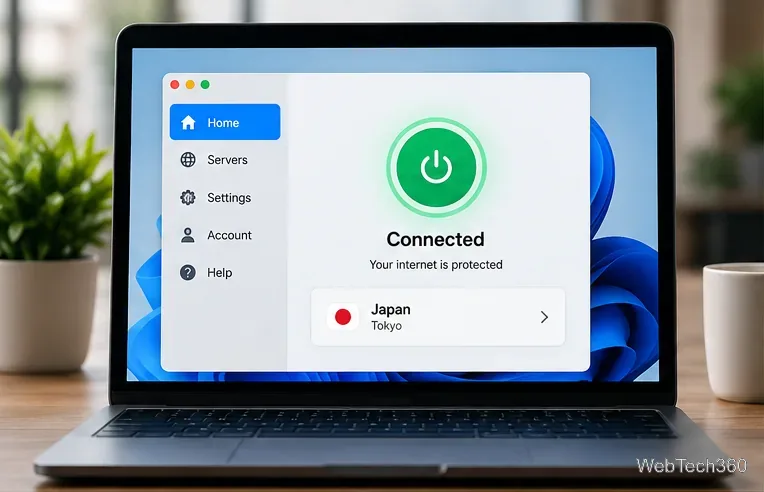
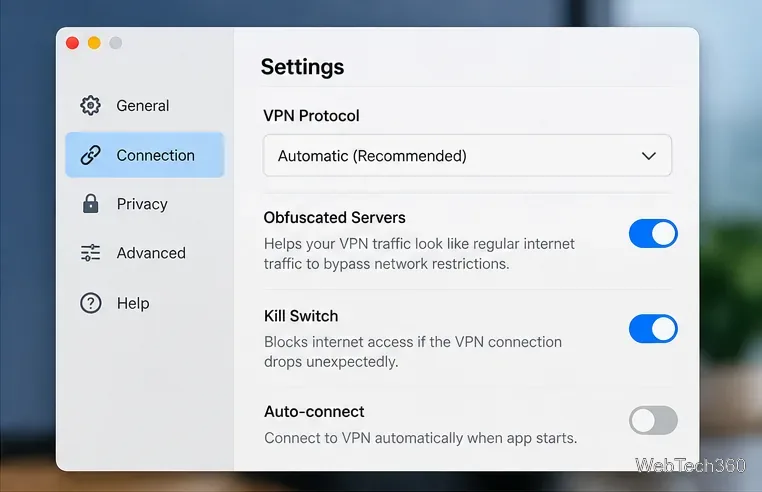
Ordinary VPN traffic can be detected and blocked. Look for features described as Stealth, obfuscation, alternative routing, or a protocol designed for restrictive networks. Proton documents Stealth and Alternative Routing for China. NordVPN also publishes guidance for restrictive countries that includes obfuscated connections, while maintaining separate China troubleshooting instructions.
Enable the VPN’s kill switch if available. It prevents normal internet traffic from continuing after an unexpected VPN disconnect, which helps reduce accidental exposure on the local network.
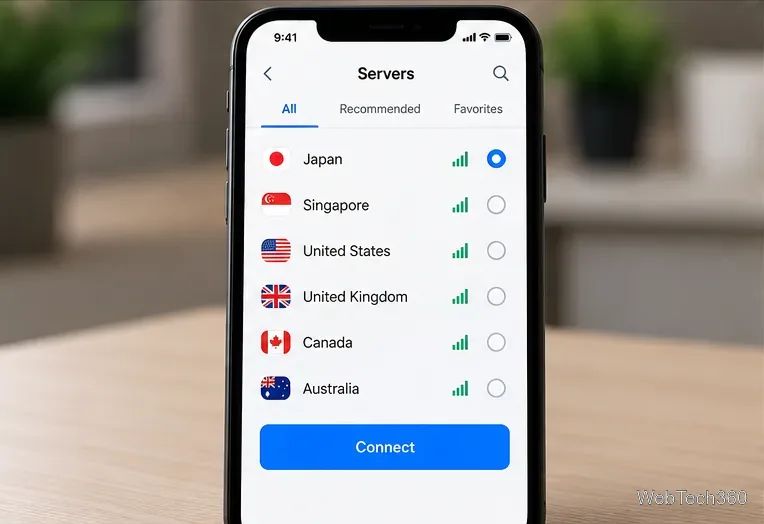
Start with locations your provider recommends. Nearby regions such as Japan or Singapore may offer lower latency, but a server that works today may be blocked tomorrow. If nearby locations fail, try a different country or region. Do not assume that selecting another country changes the laws that apply where you are physically located.
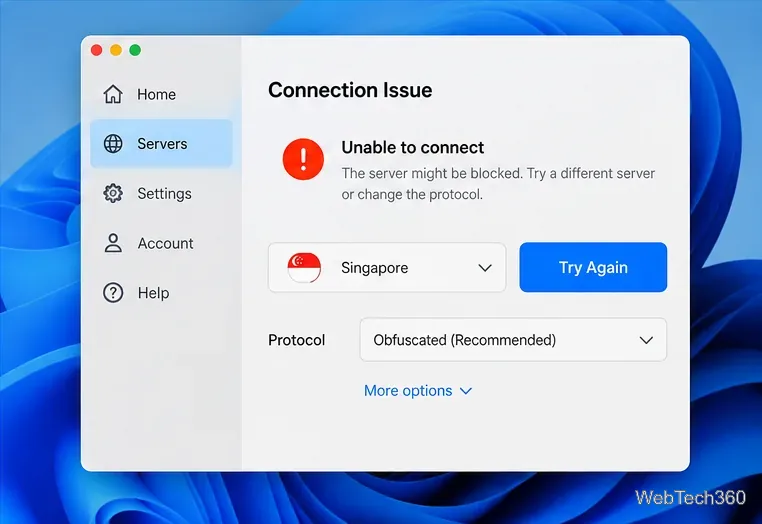
If the VPN will not connect, try a different server, switch between the provider’s supported anti-censorship protocols, restart the app, and update to the newest version. If one Wi-Fi network fails, another network may behave differently. Avoid installing random configuration files from forums or unverified download mirrors.
Provider status can change quickly. ExpressVPN’s current connection troubleshooting page tells users in highly censored countries to contact support when standard fixes do not work. No reputable provider should promise 100% reliability in China.
A VPN encrypts traffic between your device and the VPN server and replaces your public IP address with the server’s IP. That can hide the destinations you visit from the local network and help bypass some network-level blocks.
It does not make you anonymous. Websites can still identify you through account logins, cookies, browser fingerprints, or device location services. A VPN also does not make prohibited activity lawful, and it cannot protect you if the device itself is compromised.
The legal situation is more restrictive than many older guides suggest. China’s Ministry of Industry and Information Technology has stated that unapproved cross-border leased lines and VPN channels used for telecom business operations are regulated, while approved services can be used for legitimate enterprise needs. See the MIIT explanation of cross-border VPN rules.
For travelers and ordinary users, do not rely on the outdated claim that “VPNs are legal in China.” Check current local rules, your employer’s requirements, and your government’s travel advice before connecting.
The practical takeaway is simple: prepare before travel, use a provider with actively maintained anti-censorship tools, keep more than one connection option available, and treat reliability and legality as separate questions.
Move Minecraft for Windows to another drive with the built-in Settings option, protect your worlds, and see what to do if Move is unavailable.
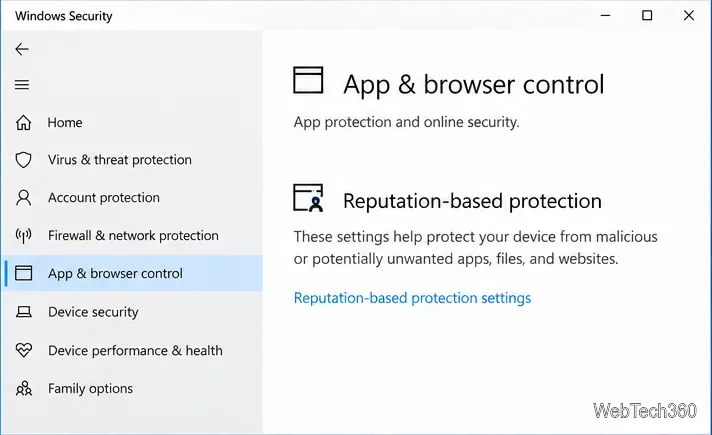
Find out why Windows 10 hides SmartScreen’s Run anyway button, how to review the warning, and how to allow a bypass while keeping SmartScreen on.
Combine left and right channels so you can hear the full mix through one earbud. Follow the Windows 10 Settings path and learn how to restore stereo when you want it.
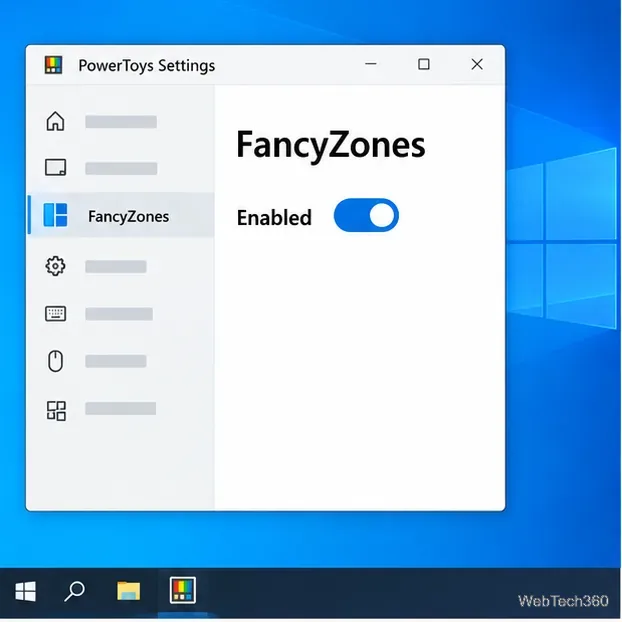
Learn how to build a custom grid for your display in Windows 10 with PowerToys FancyZones, adjust zones, choose each monitor, and snap apps into place.
Set Windows 10 to sign in automatically at startup with Microsoft Sysinternals Autologon, then learn how to disable it and understand the security tradeoffs.
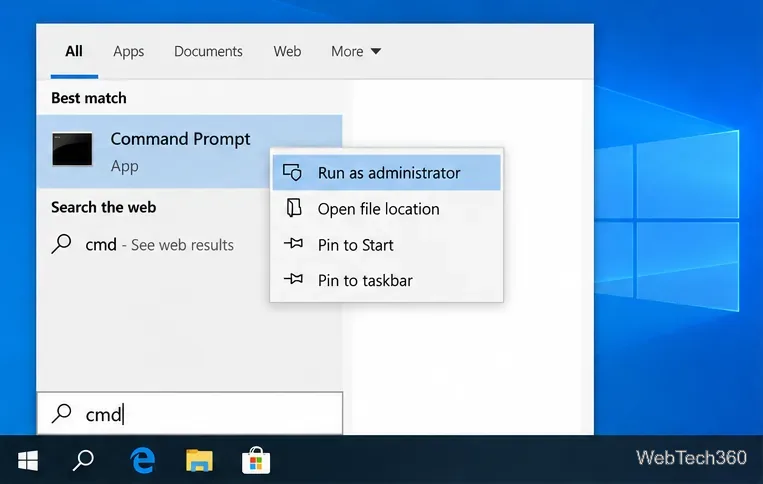
Add the Ultimate Performance power plan in Windows 10 with an elevated command, select it in Power Options, and check compatibility and power-use limits.
Refresh missing or incorrect bookmark icons in Edge by reopening the saved page, clearing cached images, or rebuilding the favicon cache safely.
Turn the number row into virtual numpad keys on Windows 10 with AutoHotkey v2. Set up a Caps Lock toggle, test it in your app, and see what the script cannot remap.
Turn off a wired Ethernet adapter in Windows 10, confirm you selected the right device, restore it later, or use PowerShell.
Pair Bluetooth headphones with Windows 10, choose them as your audio output, and fix common discovery or sound problems.