How to Move Minecraft to Another Drive in Windows 10
Move Minecraft for Windows to another drive with the built-in Settings option, protect your worlds, and see what to do if Move is unavailable.
Graphing mode in Windows Calculator lets you plot equations, compare multiple functions, adjust variables, trace coordinates, and inspect key graph features without installing a separate graphing app. On Windows 10, open Calculator, choose the navigation menu, and select Graphing. If the option is missing, updating Calculator from the Microsoft Store is the first thing to try.
Important: Microsoft ended standard support for Windows 10 on October 14, 2025. Windows 10 PCs can still run Calculator, but Microsoft recommends moving to a supported version of Windows where possible. See Microsoft's Windows 10 end-of-support guidance.
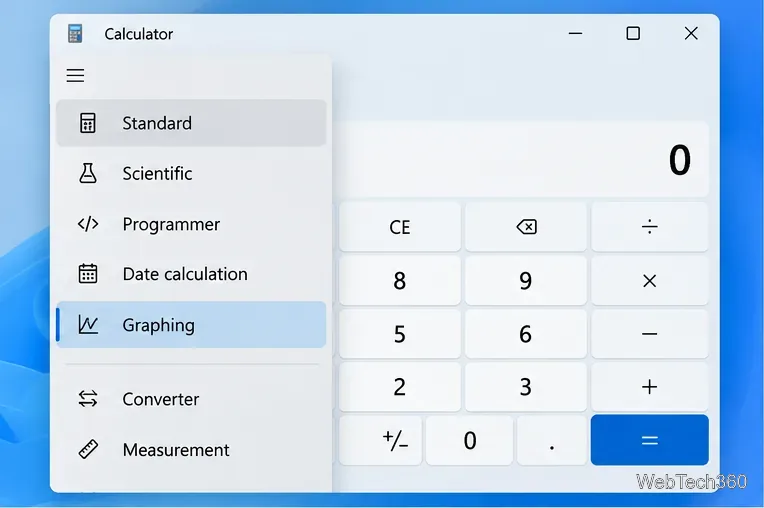
You can also use the keyboard shortcut Alt+5 to switch to Graphing mode in versions that support the shortcut.
Once Graphing mode is open, click the function input box and enter an equation. A simple test is y=x^2. Calculator plots the curve automatically as you enter a valid expression.
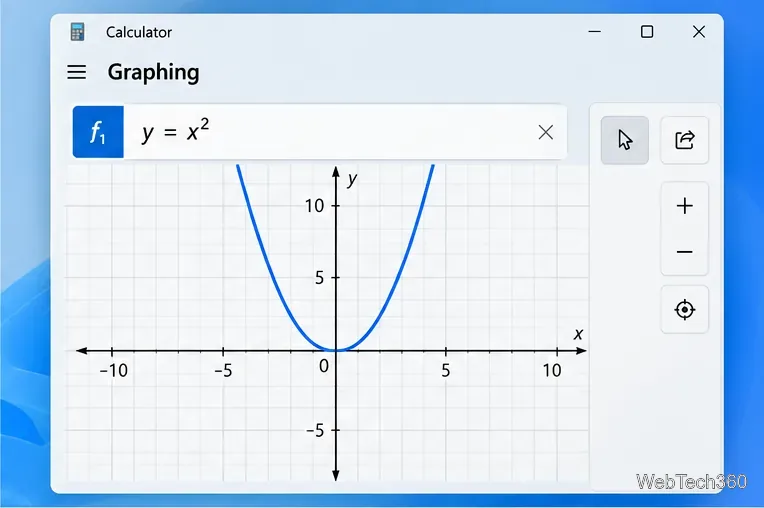
Each graphed function has its own visual indicator. In Microsoft's Calculator test documentation, selecting the colored indicator toggles that function's visibility, which is useful when several lines overlap.
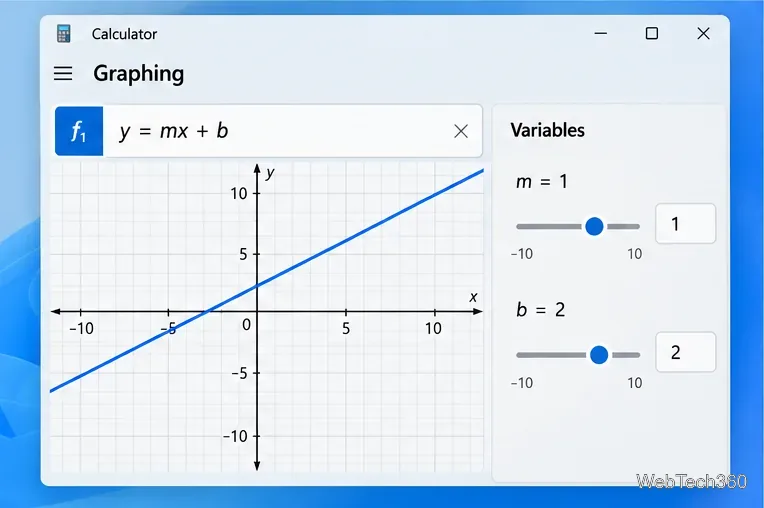
Graphing mode is especially useful for equations that contain adjustable parameters. For example, enter y=mx+b. Calculator can expose m and b as variables so you can see how slope and intercept affect the line.
Calculator can do more than draw a line. The Trace tool lets you move along a plotted function and read nearby x- and y-coordinates. This is handy when you want an approximate coordinate without solving the equation separately.
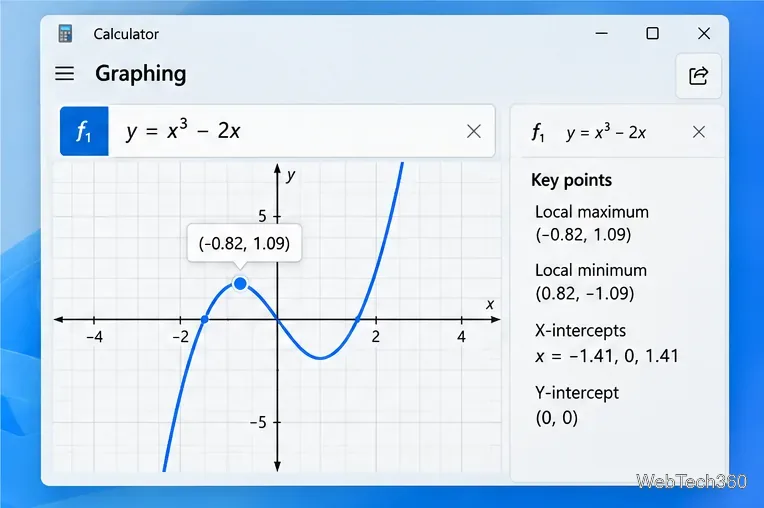
For supported functions, the Key Graph Features panel can also show mathematical properties such as domain, range, x- and y-intercepts, local maxima and minima, inflection points, asymptotes, parity, and monotonicity. The exact results depend on the function, so not every category will appear for every equation.
Microsoft's current open-source Calculator repository includes manual tests for multiple functions, zoom controls, variables, tracing, sharing, and Key Graph Features. You can review those tests in the official Microsoft Calculator repository.
Select the Share button in Graphing mode to open the Windows sharing interface. The apps shown there depend on what is installed and supported on your PC, so older instructions that specifically promise the Mail app or a particular social app may no longer match your system.
If Graphing does not appear in the navigation menu, update Calculator before changing Windows settings or reinstalling anything:
Microsoft's Store update instructions confirm that Microsoft Store apps can be updated from the Store. If Graphing is present but a function does not plot, check the equation syntax, remove unsupported characters, and try a simple expression such as y=x to confirm that the graphing engine is working.
For basic algebra and function visualization, Windows Calculator's Graphing mode is a convenient built-in option. It does not replace a full mathematics or statistics package, but it covers the core tasks most people need for quickly plotting and exploring equations.
Move Minecraft for Windows to another drive with the built-in Settings option, protect your worlds, and see what to do if Move is unavailable.
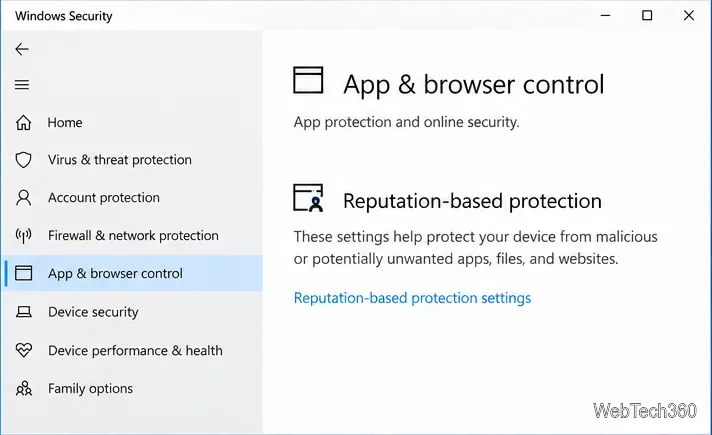
Find out why Windows 10 hides SmartScreen’s Run anyway button, how to review the warning, and how to allow a bypass while keeping SmartScreen on.
Combine left and right channels so you can hear the full mix through one earbud. Follow the Windows 10 Settings path and learn how to restore stereo when you want it.
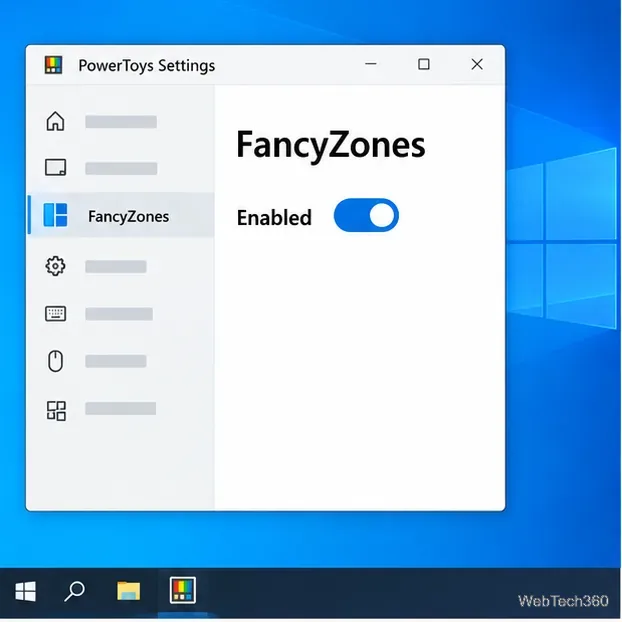
Learn how to build a custom grid for your display in Windows 10 with PowerToys FancyZones, adjust zones, choose each monitor, and snap apps into place.
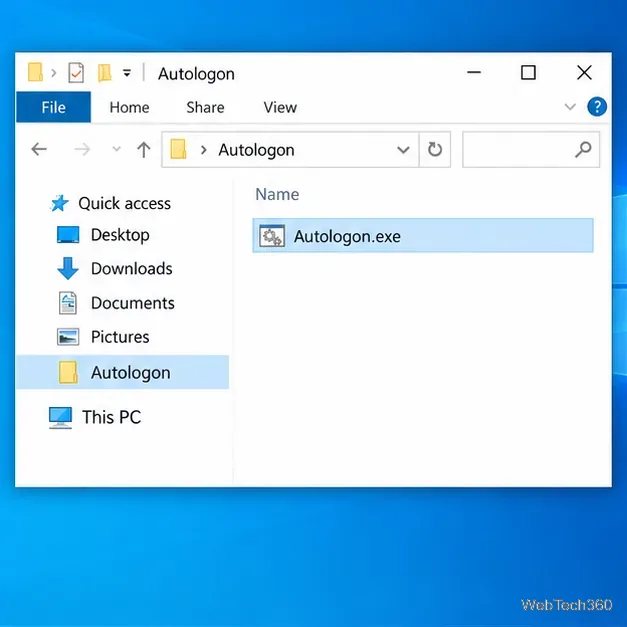
Set Windows 10 to sign in automatically at startup with Microsoft Sysinternals Autologon, then learn how to disable it and understand the security tradeoffs.
Add the Ultimate Performance power plan in Windows 10 with an elevated command, select it in Power Options, and check compatibility and power-use limits.
Refresh missing or incorrect bookmark icons in Edge by reopening the saved page, clearing cached images, or rebuilding the favicon cache safely.
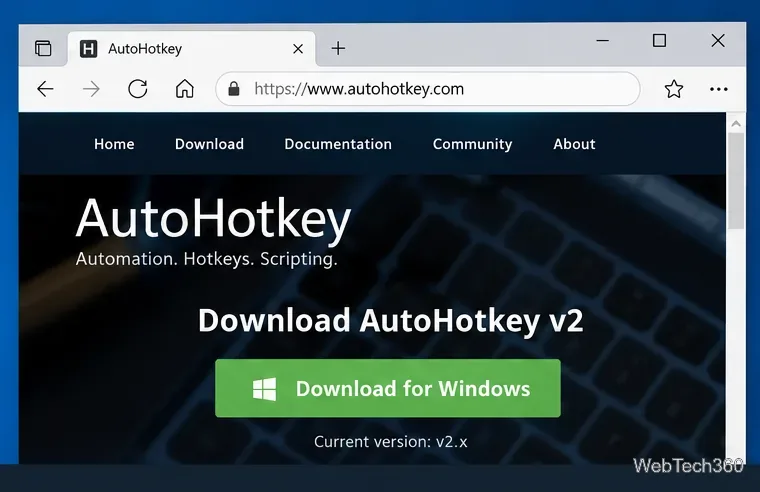
Turn the number row into virtual numpad keys on Windows 10 with AutoHotkey v2. Set up a Caps Lock toggle, test it in your app, and see what the script cannot remap.
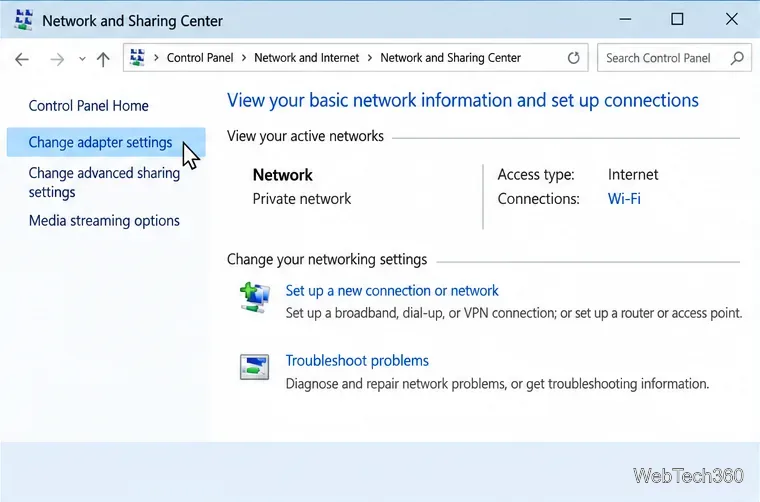
Turn off a wired Ethernet adapter in Windows 10, confirm you selected the right device, restore it later, or use PowerShell.
Pair Bluetooth headphones with Windows 10, choose them as your audio output, and fix common discovery or sound problems.