How to Create a List of All Items in a Folder on Windows 10

Create a searchable Windows 10 folder inventory with PowerShell. Save every file and subfolder path as plain text or export details to a sortable CSV.
The Windows 10 Update Assistant is Microsoft’s manual feature-update tool for Windows 10. Microsoft’s current Windows 10 download page still offers it for the Windows 10 2022 Update, version 22H2. That distinction matters now: Windows 10 reached end of support on October 14, 2025, so the assistant is not a way to get a newer Windows 10 feature release, and it does not upgrade you to Windows 11.
If your PC is on an older Windows 10 release and you need to bring it to 22H2, the steps below show the supported route. If you are already on 22H2 and your PC supports Windows 11, use Windows Update or Microsoft’s separate Windows 11 Installation Assistant instead.
Save your work and back up important files before starting an operating-system upgrade. Keep a laptop connected to power, use a stable internet connection, and make sure the system drive has enough free space for the download and temporary installation files.
You can check your current Windows release by pressing Windows + R, typing winver, and pressing Enter. Microsoft also notes that Windows Update Assistant does not run on ARM-based PCs; it is intended for x86/x64 systems. See Microsoft’s Windows Update Assistant documentation for the current limitations.
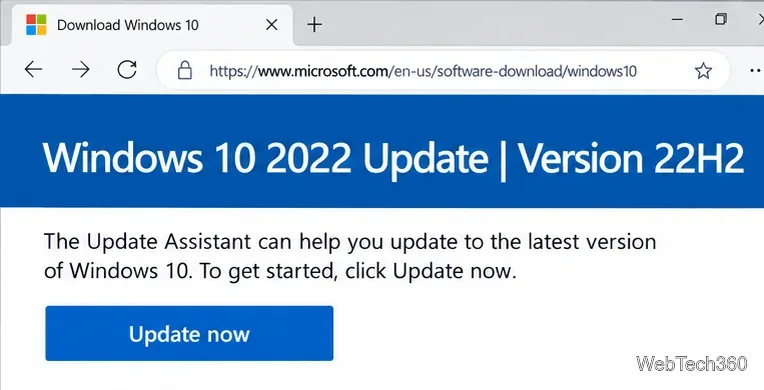
Open Microsoft’s official Download Windows 10 page. Under Windows 10 2022 Update | Version 22H2, select Update now. Avoid third-party download sites because Microsoft provides the tool directly.
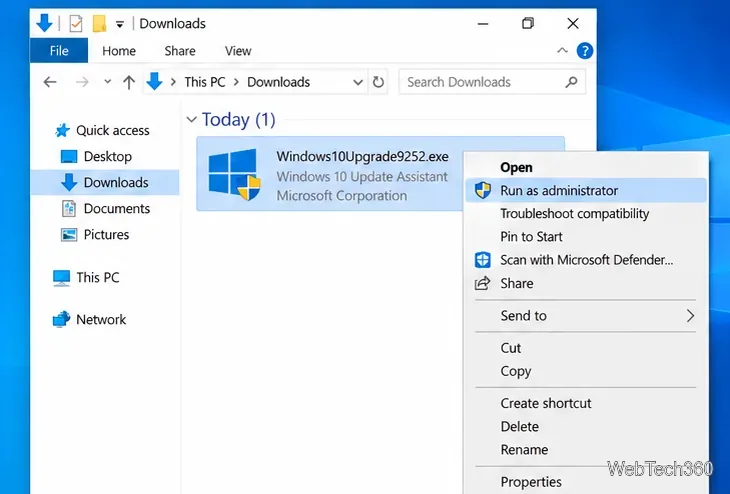
Open the downloaded Update Assistant executable from your Downloads folder. Approve the User Account Control prompt if Windows asks for administrator permission. The assistant checks the Windows version on the PC before offering the update.
Select Update Now when the assistant offers Windows 10 version 22H2. The tool checks basic compatibility, downloads the update, and prepares the installation. You can continue using the PC during much of the download, but save open work before the restart stage.
Do not turn off the computer while Windows is installing. The PC can restart several times as setup finishes.
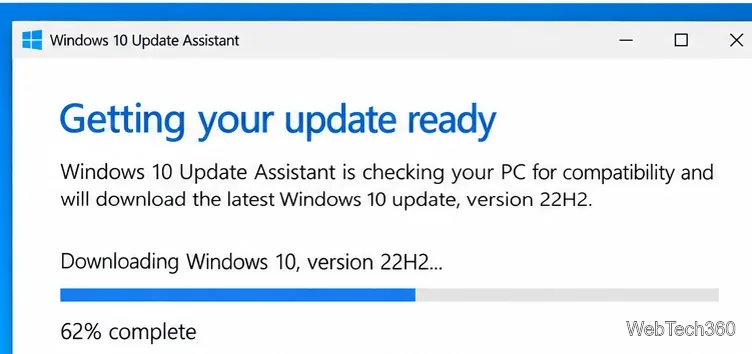
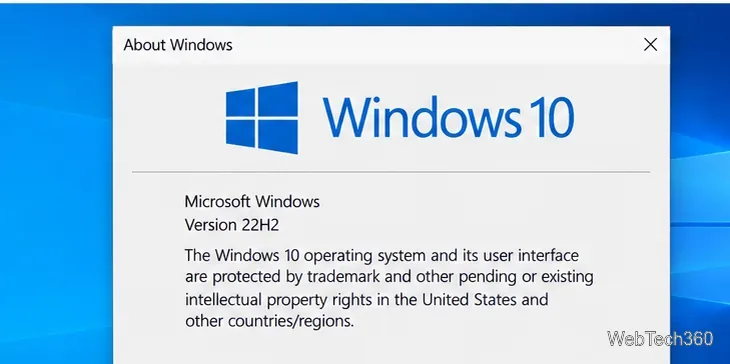
After you sign back in, press Windows + R, enter winver, and press Enter. The About Windows dialog should show Version 22H2. After that, open Settings > Update & Security > Windows Update and select Check for updates to obtain any updates available for your specific servicing status.
The old instructions for these tools are easy to mix up. The Update Assistant is for manually installing a Windows feature update on the current PC. Windows Update in Settings is the normal route for quality and security updates. The Media Creation Tool is different: it can upgrade or reinstall Windows 10 and can create a bootable USB drive or ISO for another installation.
Options such as Upgrade this PC now and Create installation media belong to the Media Creation Tool, not the Update Assistant.
Microsoft ended standard Windows 10 support on October 14, 2025. A Windows 10 PC still works, but standard free security fixes and feature updates have ended. If your hardware is eligible, Microsoft recommends moving to Windows 11. You can check compatibility with PC Health Check and use the official Windows 11 download page for the separate Windows 11 Installation Assistant.
If the PC cannot move to Windows 11 yet, Microsoft offers Windows 10 Extended Security Updates for eligible devices as a temporary security bridge. ESU provides security updates, not new Windows 10 feature versions, so Update Assistant is not a replacement for ESU enrollment.
Create a searchable Windows 10 folder inventory with PowerShell. Save every file and subfolder path as plain text or export details to a sortable CSV.
Add a custom reminder, quote, or label to your Windows 10 desktop with a Rainmeter text skin. Create the INI file, load it, then adjust its font and position.
Use Bluetooth Swift Pair on Windows 10 to pair a compatible accessory from a notification, with setup steps and fixes when the prompt does not appear.
Learn what common laptop function key symbols mean, how Fn and Fn Lock affect them, and how to confirm the right shortcut for your Windows 10 laptop model.
Turn off your Windows 10 display instantly with ScreenSleep, set a keyboard shortcut, and see when to use the built-in screen timeout instead.
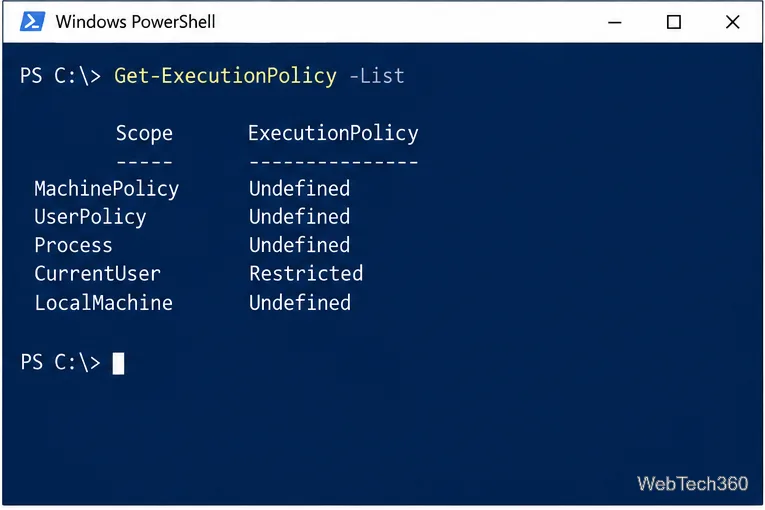
Fix the “running scripts is disabled on this system” PowerShell error on Windows 10 with a current-user policy, a temporary session option, and safe steps for downloaded scripts.
Change the Windows 10 drag-selection color with a backup-first registry walkthrough, RGB examples, troubleshooting tips, and steps to restore your original values.
Check your router’s connected-device list or scan a local network with Fing Desktop on a supported PC. Learn what each method can show and how to verify unfamiliar entries.
Messenger does not offer a documented per-friend online alert. Learn how Active Status works, where to check the green dot, and which notifications you can enable instead.
Use 7-Zip to find an exact filename or wildcard match inside a ZIP or other supported archive on Windows 10 without unpacking its files.