How to Create a List of All Items in a Folder on Windows 10

Create a searchable Windows 10 folder inventory with PowerShell. Save every file and subfolder path as plain text or export details to a sortable CSV.
If Windows Update is stuck, fails with an error, or repeatedly offers the same update, start with Microsoft's built-in Windows Update troubleshooter. On current Windows 11 systems, Microsoft recommends the automated troubleshooter in the Get Help app. You can also reach Windows Update troubleshooting from Settings. If that does not solve the problem, the steps below cover the safest next checks before you try a repair reinstall.
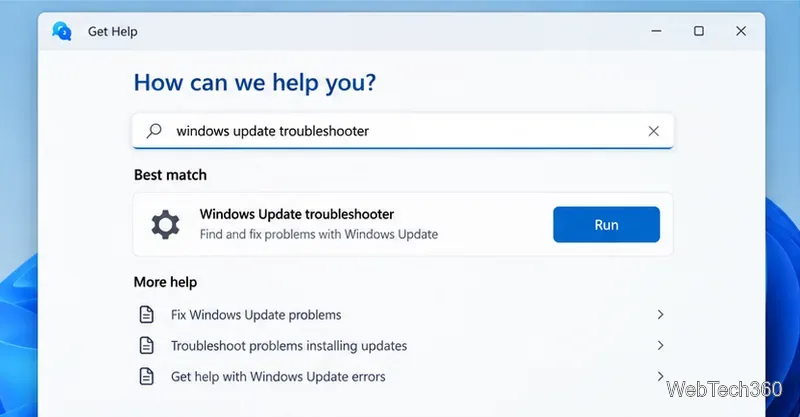
This is the route Microsoft currently recommends in its Windows troubleshooters documentation.
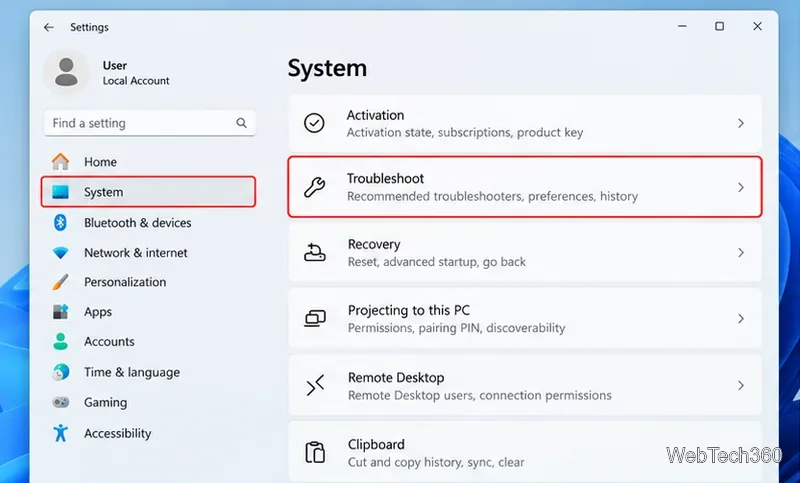
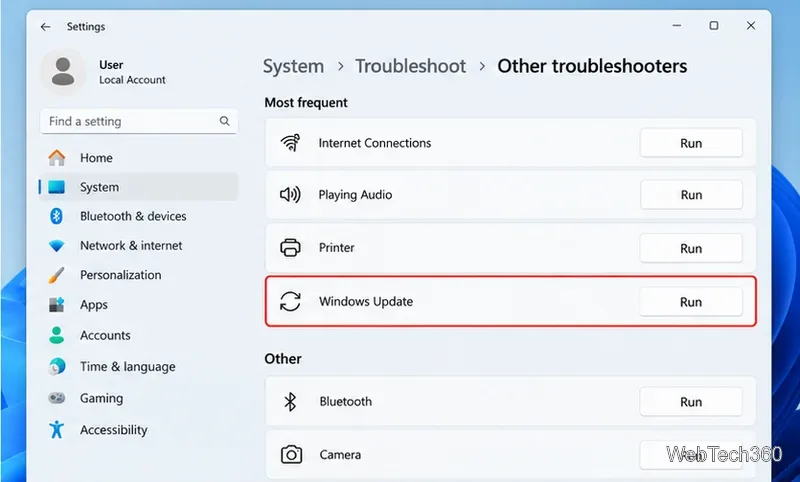
After the restart, go to Settings > Windows Update and select Check for updates. Install anything available, then restart again if Windows asks you to.
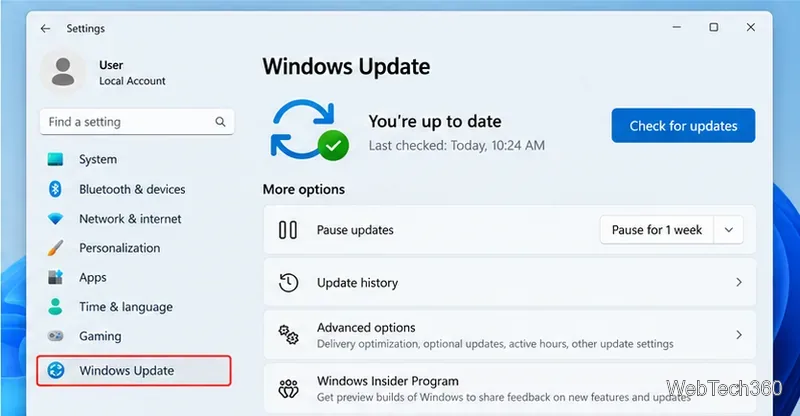
On Windows 10, the Settings path is Settings > Update & Security > Troubleshoot > Additional troubleshooters > Windows Update > Run the troubleshooter. However, standard Windows 10 support ended on October 14, 2025. Most Windows 10 PCs no longer receive free security updates; eligible systems may use Extended Security Updates, while LTSC editions follow separate lifecycles. Microsoft recommends moving to a supported Windows 11 release when possible. See the official Windows 10 release information.
Before using command-line repairs, try the basics Microsoft lists in its Windows Update troubleshooting guide: keep the PC connected to reliable internet and power, sign in with an administrator account when required, make sure the system drive has free space, and disconnect nonessential external drives, docks, or other hardware. A normal restart can also finish a pending servicing operation.
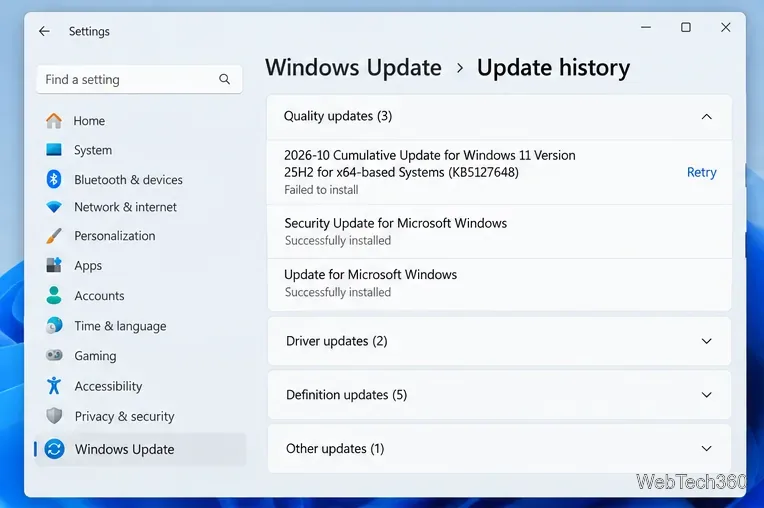
Open Settings > Windows Update > Update history. If a specific cumulative update failed, note its KB number. That identifier is much safer to use than downloading a vaguely named update from the web.
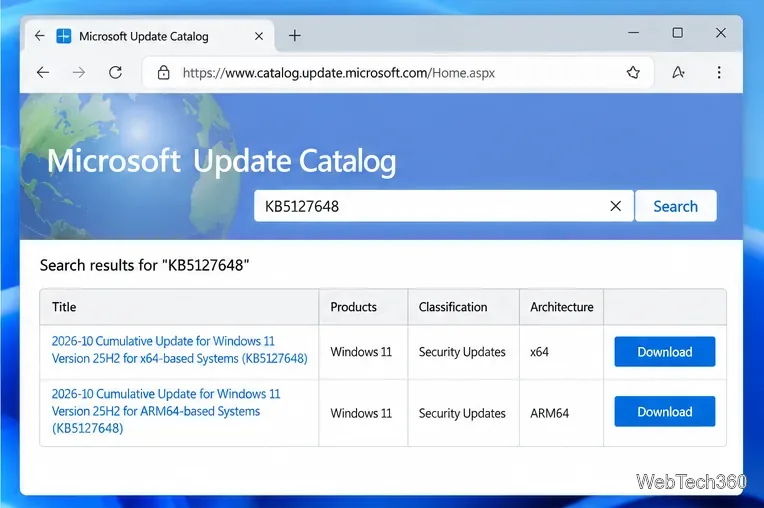
If Windows Update cannot download a specific package and you already know the KB number, search the official Microsoft Update Catalog. Choose the entry that matches your Windows release and processor architecture, such as x64 or ARM64. Follow the KB article's installation instructions because some cumulative updates can have prerequisites or multiple packages. Do not assume every download is a CAB file or that a CAB can be launched like an EXE.
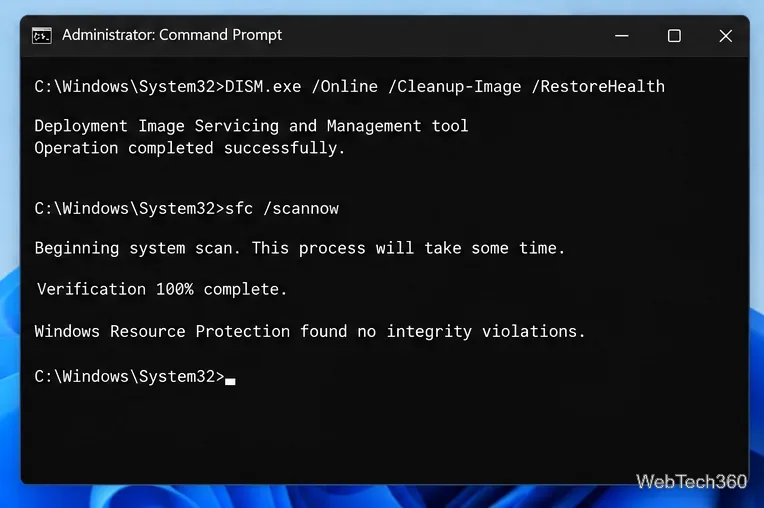
If update components or protected system files are damaged, open Command Prompt as administrator. Run these commands in this order:
DISM.exe /Online /Cleanup-Image /RestoreHealth
sfc /scannow
Let DISM finish before starting SFC. Microsoft documents this sequence in Using System File Checker in Windows. When both commands are complete, restart Windows and try Windows Update again.
On supported Windows 11 PCs, Settings > System > Recovery > Fix problems using Windows Update can reinstall the same Windows version and repair system files and components while preserving your apps, files, and settings. Keep the PC connected to power and the internet throughout the process. Microsoft explains the option in its Windows repair reinstall guide.
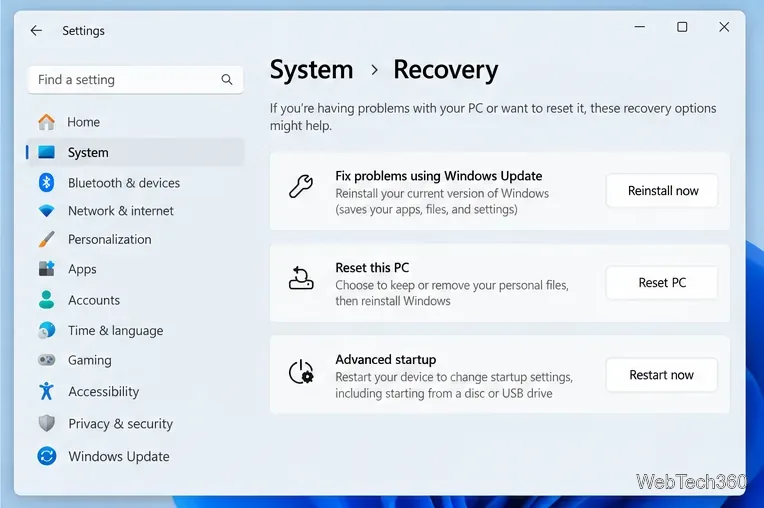
If that option is unavailable, your device may be managed by an organization, may not meet the feature requirements, or may need another recovery path. Back up important files before using reset, advanced startup, or clean-install options.
Create a searchable Windows 10 folder inventory with PowerShell. Save every file and subfolder path as plain text or export details to a sortable CSV.
Add a custom reminder, quote, or label to your Windows 10 desktop with a Rainmeter text skin. Create the INI file, load it, then adjust its font and position.
Use Bluetooth Swift Pair on Windows 10 to pair a compatible accessory from a notification, with setup steps and fixes when the prompt does not appear.
Learn what common laptop function key symbols mean, how Fn and Fn Lock affect them, and how to confirm the right shortcut for your Windows 10 laptop model.
Turn off your Windows 10 display instantly with ScreenSleep, set a keyboard shortcut, and see when to use the built-in screen timeout instead.
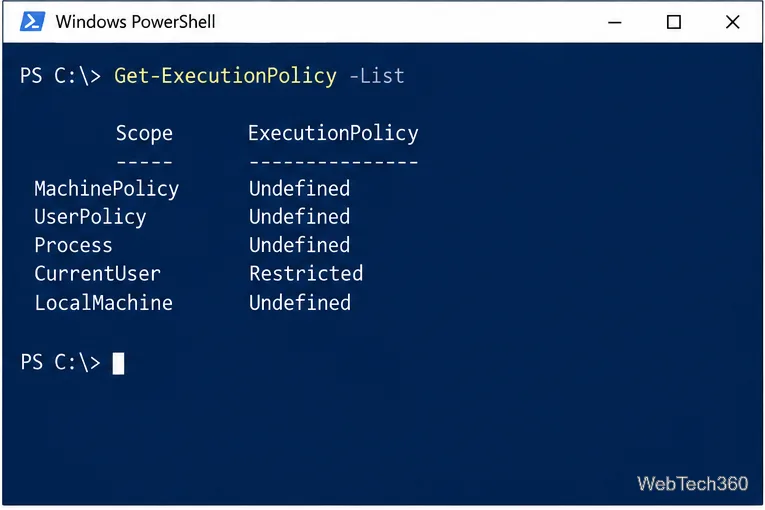
Fix the “running scripts is disabled on this system” PowerShell error on Windows 10 with a current-user policy, a temporary session option, and safe steps for downloaded scripts.
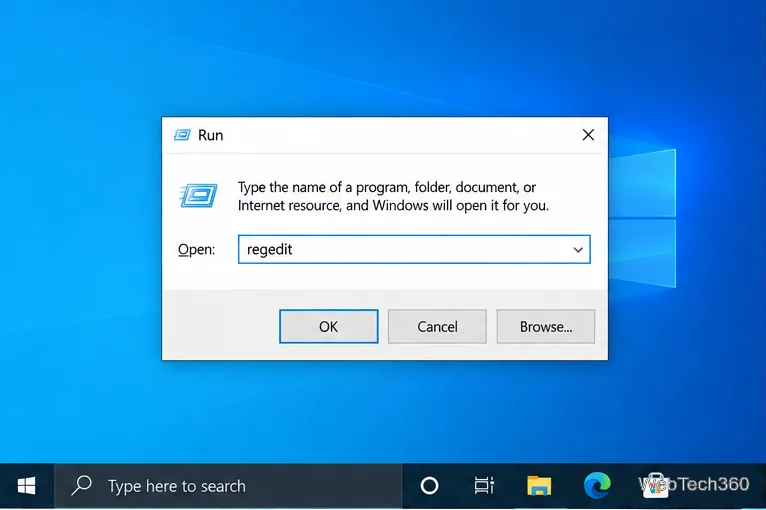
Change the Windows 10 drag-selection color with a backup-first registry walkthrough, RGB examples, troubleshooting tips, and steps to restore your original values.
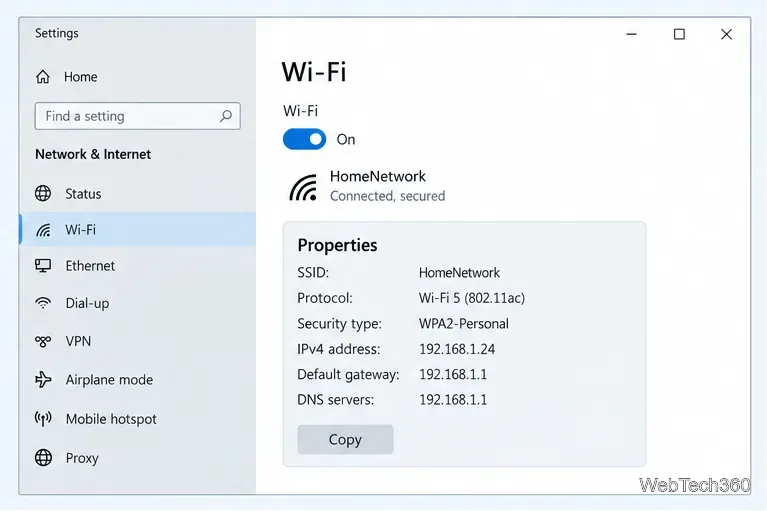
Check your router’s connected-device list or scan a local network with Fing Desktop on a supported PC. Learn what each method can show and how to verify unfamiliar entries.
Messenger does not offer a documented per-friend online alert. Learn how Active Status works, where to check the green dot, and which notifications you can enable instead.
Use 7-Zip to find an exact filename or wildcard match inside a ZIP or other supported archive on Windows 10 without unpacking its files.