How to Open a Linux Shell in a Folder on Windows 10
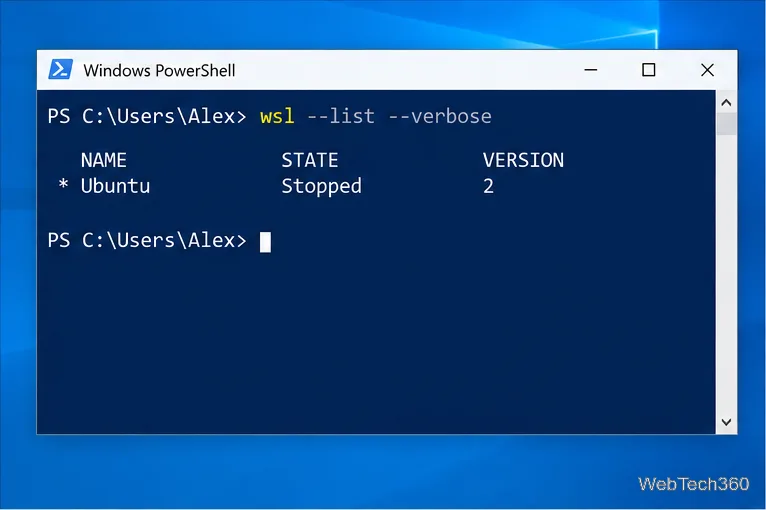
Open a Linux shell in any Windows 10 folder with File Explorer, PowerShell, and WSL. Check the Linux path and fix common setup issues.
If Word, Excel, or PowerPoint shows “Something went wrong while downloading your template”, the template itself is not necessarily broken. The message usually means the desktop app could not retrieve online template content. Start by confirming that your internet connection works and that Office is signed in, then use the fixes below in order.
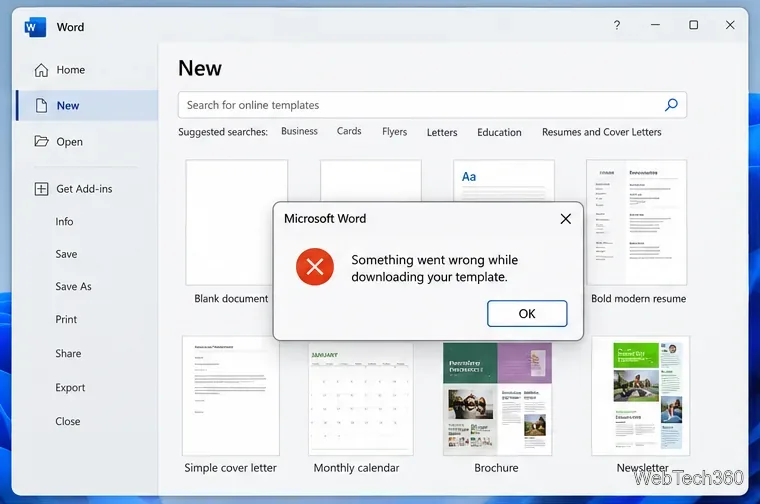
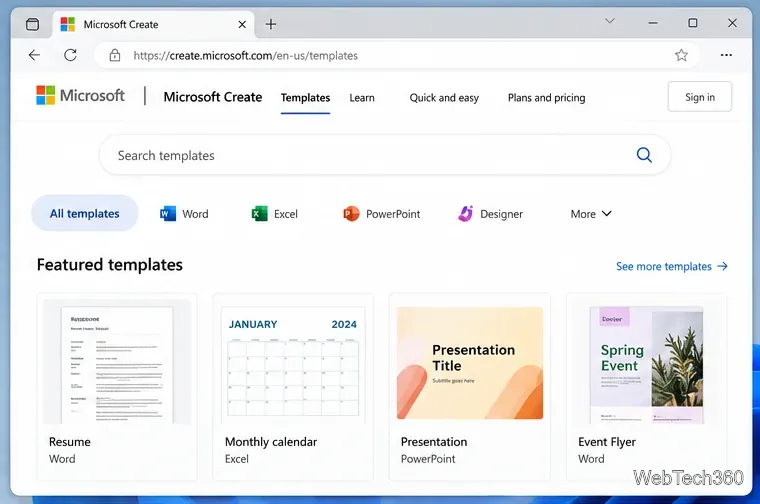
If you need the file immediately, bypass the in-app download and open Microsoft’s template collection in a browser. Microsoft still documents templates under File > New in Office apps and points users to its online template gallery as another source.
You do not need to manually move a downloaded document into a Templates folder just to use it. Microsoft’s template support page explains that selecting a template and choosing Create produces a new file ready to customize.
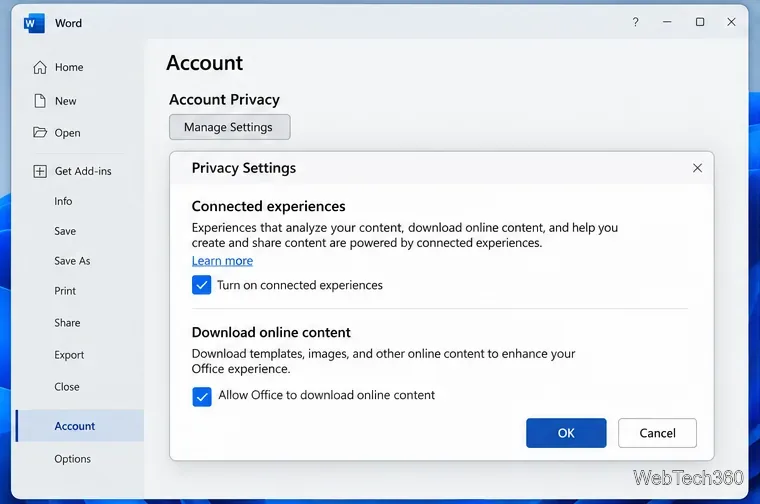
Templates are part of Microsoft 365’s connected experiences that download online content. If that category is disabled, template searches or downloads can fail.
Microsoft describes these controls in its connected experiences documentation. If you are signed in with a work or school account, your organization may control this setting and the option may not be available to change. Microsoft’s administrator documentation confirms that policy can control experiences that download templates and other online content.
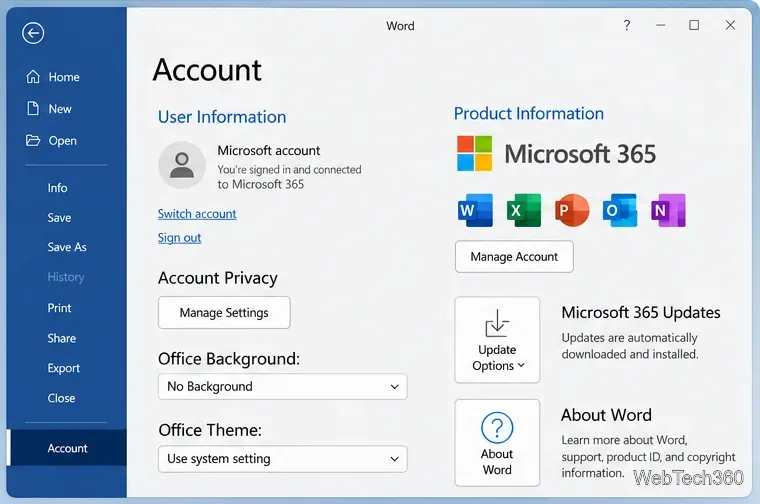
An expired or confused account session can also interfere with online services. In an Office app, open File > Account, sign out, close all Office apps, reopen one, and sign in again with the Microsoft account or work/school account that owns your Office license. Then return to File > New and retry the template.
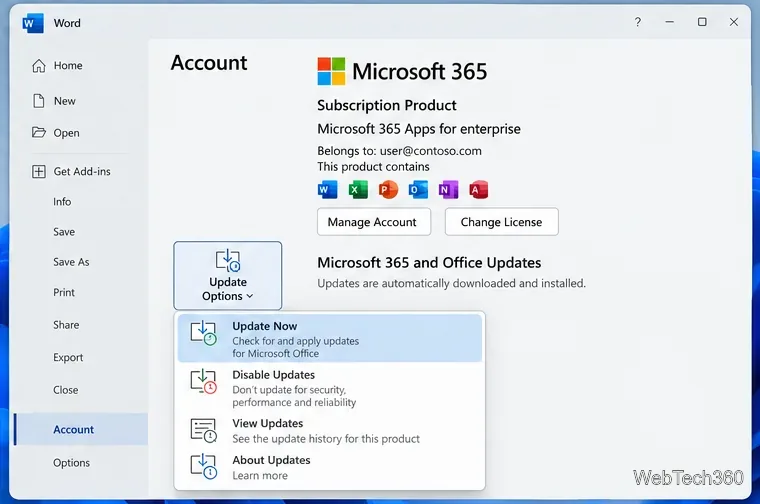
For current Click-to-Run versions of Microsoft 365 and Office for Windows, the normal manual update path is inside an Office app—not the old Windows Update workflow used in many legacy guides.
These are Microsoft’s current steps in How to update Microsoft 365 or Office for Windows. Managed business installations may have updates controlled by an administrator.
If templates still fail inside the desktop apps but work in a browser, repair the Office installation. On Windows 11, open Settings > Apps > Installed apps, find Microsoft 365 or Office, open the three-dot menu, and choose Modify.
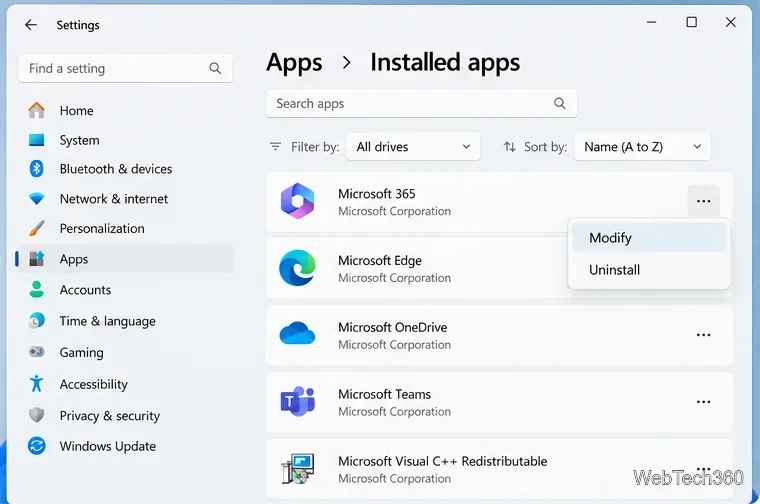
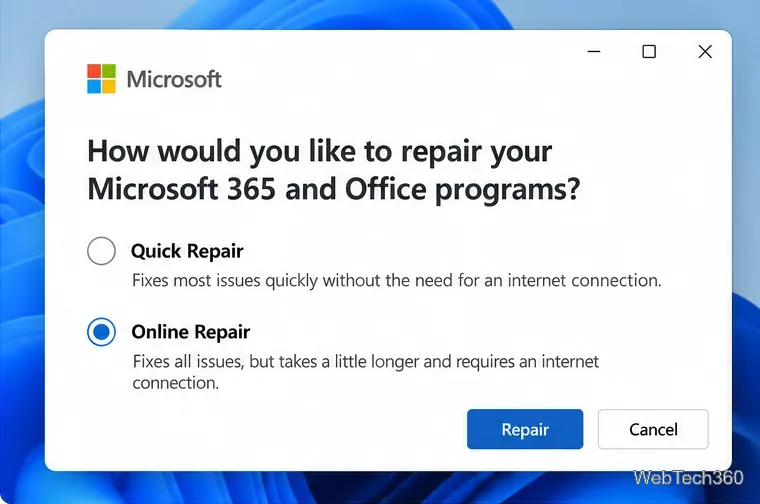
Start with Quick Repair. If the problem remains, run Online Repair, which is the more thorough option and requires an internet connection. Microsoft notes that repair affects the Office suite rather than only one app. See the official Office repair instructions for Windows 10 and Windows 11.
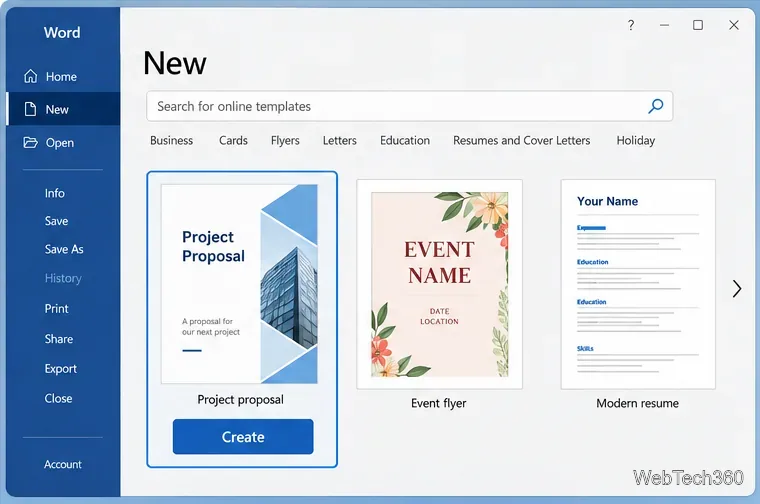
After changing privacy settings, refreshing your sign-in, updating, or repairing Office, reopen the app and choose File > New. Select a template and choose Create. If one template fails but others work, the issue may be limited to that item; use another template or the web gallery while it is unavailable.
In most cases, the fastest path is to use Microsoft’s web gallery for the immediate template, then restore connected experiences, update Office, and repair the installation if the in-app download continues to fail.
Open a Linux shell in any Windows 10 folder with File Explorer, PowerShell, and WSL. Check the Linux path and fix common setup issues.
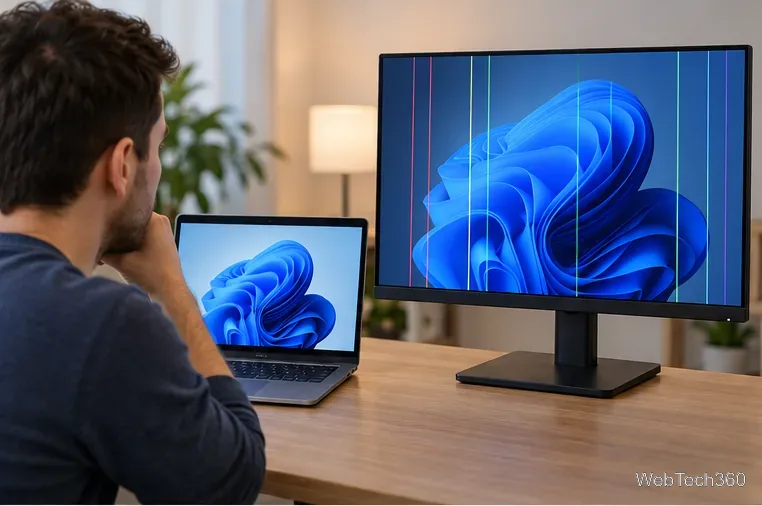
Use a screenshot test, cable and port checks, monitor diagnostics, display settings, and driver rollback to pinpoint lines on a Windows 10 monitor.
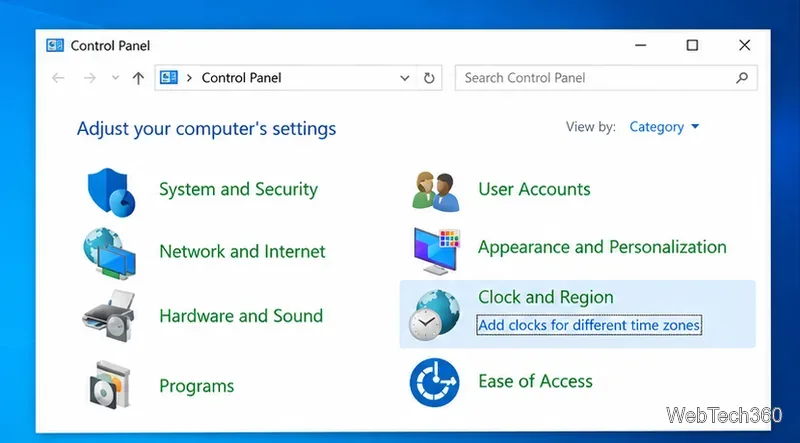
Show two other time zones beside your Windows 10 clock. Set up each additional clock, give it a clear label, and find it in the taskbar calendar.
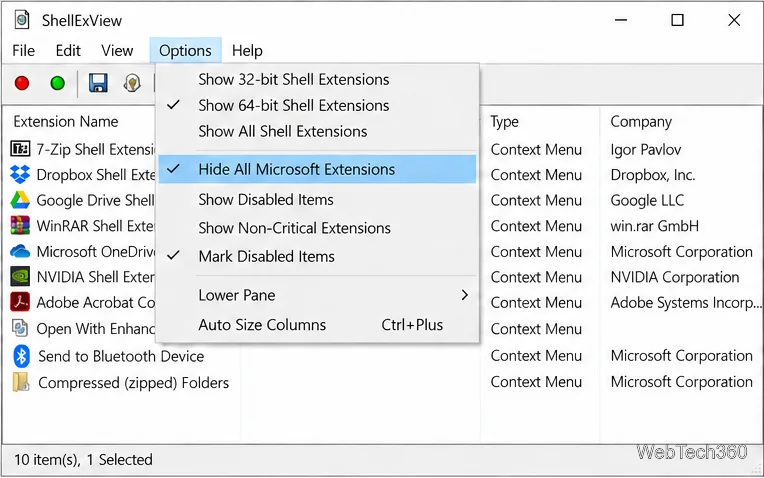
Find the File Explorer extension that delays right-click menus in Windows 10, test it safely with ShellExView, and restore any menu features you still need.
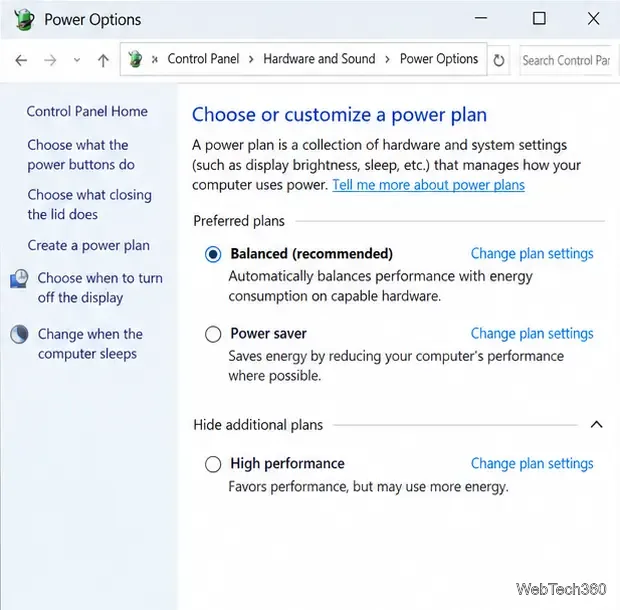
Stop Windows 10 from powering down a specific network adapter or USB device with plan-level settings and Device Manager controls, plus tips to avoid excess battery drain.
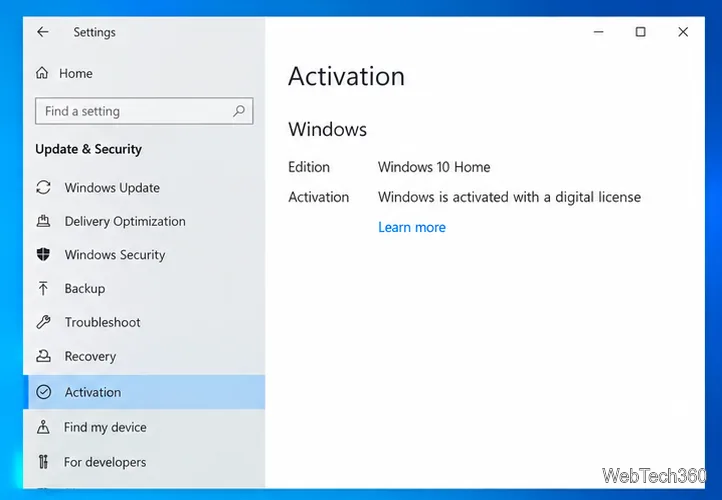
Check whether Windows 10 uses a digital license or product key, find a firmware-stored OEM key, and save license details securely for a reinstall.
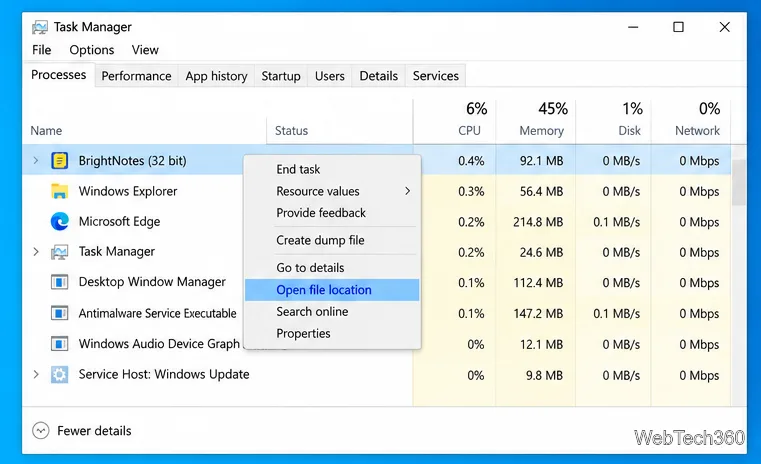
Identify a Windows 10 Task Manager process by checking its executable path, file properties, publisher, linked services, and a Microsoft Defender scan.
Create a searchable Windows 10 folder inventory with PowerShell. Save every file and subfolder path as plain text or export details to a sortable CSV.
Add a custom reminder, quote, or label to your Windows 10 desktop with a Rainmeter text skin. Create the INI file, load it, then adjust its font and position.
Use Bluetooth Swift Pair on Windows 10 to pair a compatible accessory from a notification, with setup steps and fixes when the prompt does not appear.