How to Open a Linux Shell in a Folder on Windows 10
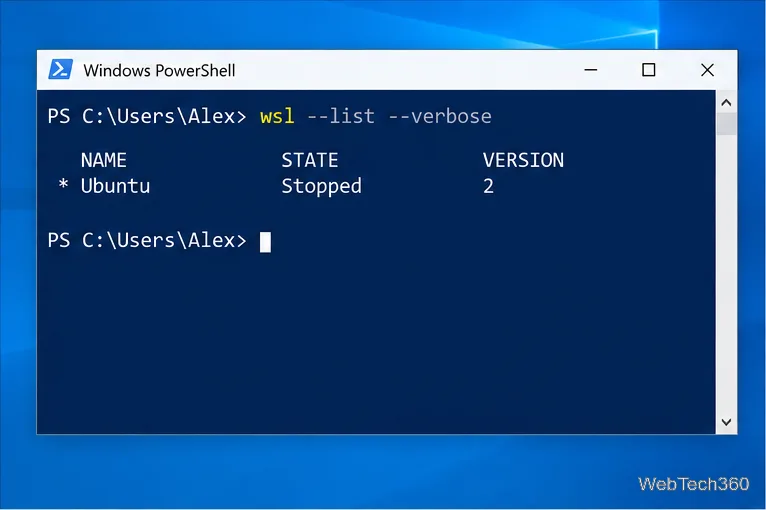
Open a Linux shell in any Windows 10 folder with File Explorer, PowerShell, and WSL. Check the Linux path and fix common setup issues.
If VLC shows “Unable to load library libvlc” or says libvlc.dll is missing, the safest fix is to remove VLC and reinstall a fresh copy from VideoLAN. Do not download a standalone DLL from a third-party “DLL download” site. libvlc.dll is part of the VLC/LibVLC runtime, so replacing the whole installation is more reliable and avoids introducing an untrusted or mismatched file.
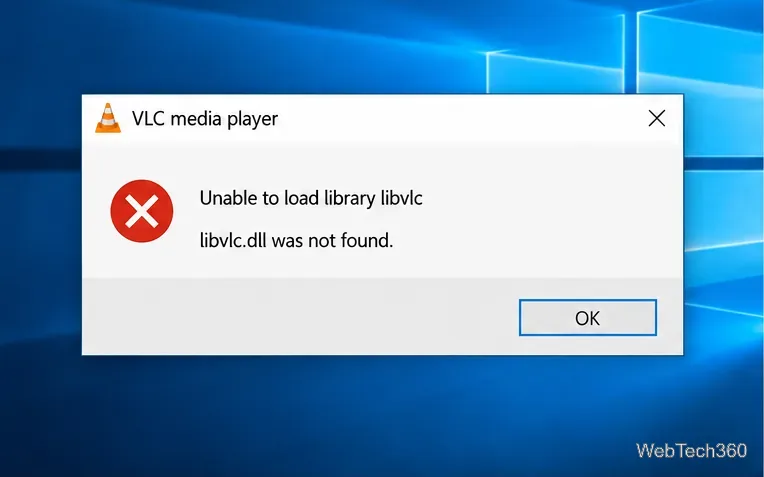
VideoLAN’s Windows packages include libvlc.dll alongside VLC and its supporting components. If the DLL has been deleted, quarantined, corrupted, or replaced with an incompatible copy, VLC—or another application that embeds LibVLC—may fail before playback even starts.
The message does not automatically mean Windows itself is damaged. Start with VLC because reinstalling it restores the matching VLC executable, LibVLC libraries, and plugin files as one set.
Microsoft also documents uninstalling desktop programs through Control Panel > Programs > Programs and Features if the Settings route is unavailable. See Microsoft’s official Windows uninstall instructions.
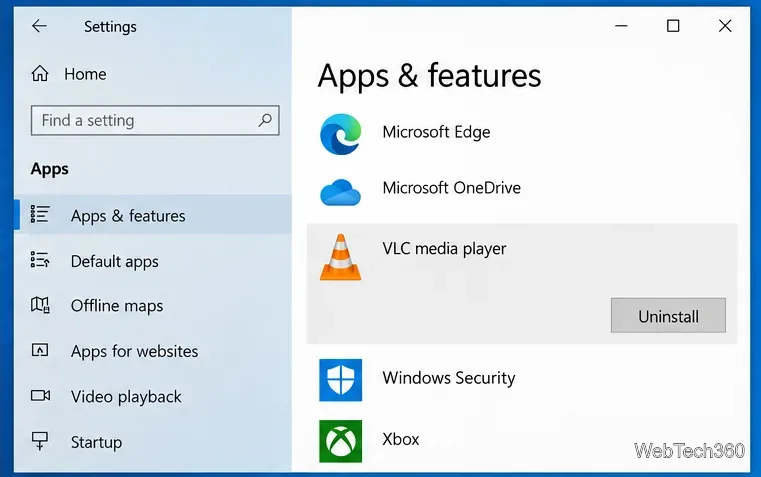
A restart is not always mandatory, but it is useful after a broken media-player installation because it releases files that may still be locked by a running process. After Windows starts again, do not copy an old libvlc.dll back into the VLC folder.
Open the official VLC for Windows download page. At the time of this update, VideoLAN lists VLC 3.0.24 and provides Windows installers for 32-bit, 64-bit, and ARM64 systems.
If you are unsure which installer matches your PC, open Settings > System > About and check System type. Most Intel and AMD Windows 10 PCs use the 64-bit installer, but the system information on your own device is the reliable source.
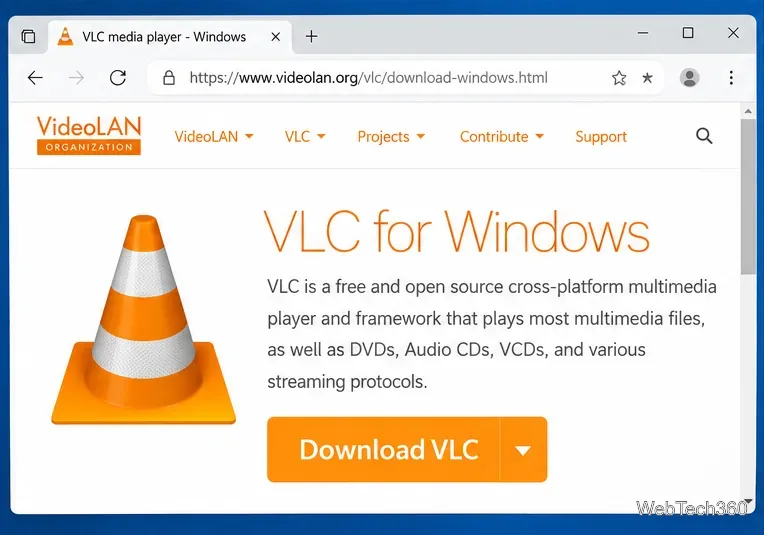
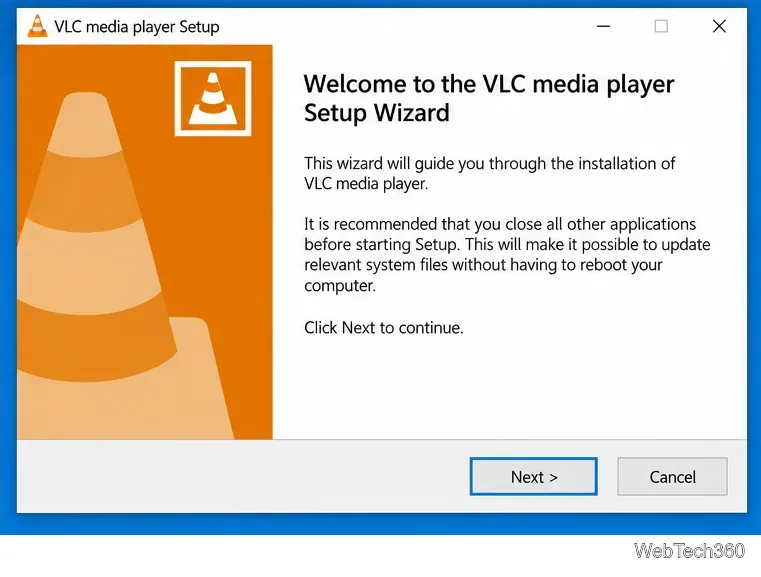
Run the installer you downloaded, complete the setup wizard, and then launch VLC directly. Open a local audio or video file to confirm that the player starts normally.
If VLC now works, restore optional skins, extensions, or other add-ons one at a time. If the error comes back immediately after adding one, remove or update that add-on rather than replacing VLC’s DLL files manually.
C:\Program Files\VideoLAN\VLC (or the corresponding 32-bit Program Files folder). If VLC is fully uninstalled but corrupted program files remain, delete that VLC folder, restart, and reinstall. Do not delete unrelated VideoLAN or personal files.If VLC itself opens normally but a video editor, recorder, Python application, or another third-party program reports “Unable to load library libvlc,” reinstalling VLC may not be enough. That program may ship its own LibVLC runtime or require a specific 32-bit or 64-bit build. Reinstall or repair the program that displays the error and use the LibVLC package/version its developer supports. A 32-bit process cannot load a 64-bit DLL, and a 64-bit process cannot load a 32-bit DLL.
Also avoid trying regsvr32 libvlc.dll as a general fix. VLC loads LibVLC as part of its runtime; DLL registration does not replace missing companion libraries, plugins, or an architecture-correct installation.
These VLC troubleshooting steps still apply to Windows 10, but Microsoft ended standard Windows 10 support on October 14, 2025. Microsoft says Windows 10 PCs continue to run, while supported security-update options depend on the edition and Extended Security Updates eligibility. See Microsoft’s Windows 10 end-of-support guidance.
For most VLC users, a clean reinstall from VideoLAN resolves the libvlc.dll missing error because it restores the library and its matching VLC components together. If the message appears only inside another application, troubleshoot that application’s LibVLC deployment instead of copying DLLs into random Windows folders.
Open a Linux shell in any Windows 10 folder with File Explorer, PowerShell, and WSL. Check the Linux path and fix common setup issues.
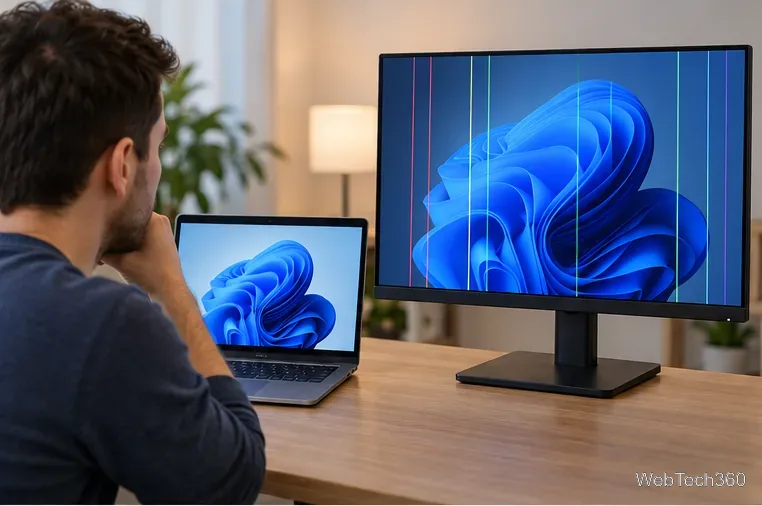
Use a screenshot test, cable and port checks, monitor diagnostics, display settings, and driver rollback to pinpoint lines on a Windows 10 monitor.
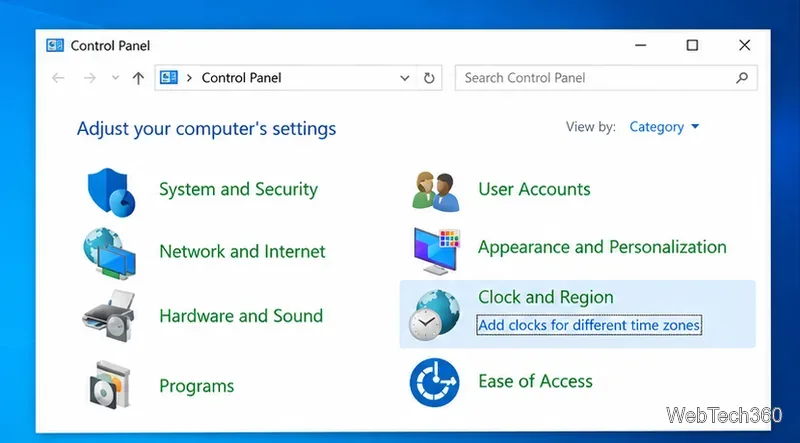
Show two other time zones beside your Windows 10 clock. Set up each additional clock, give it a clear label, and find it in the taskbar calendar.
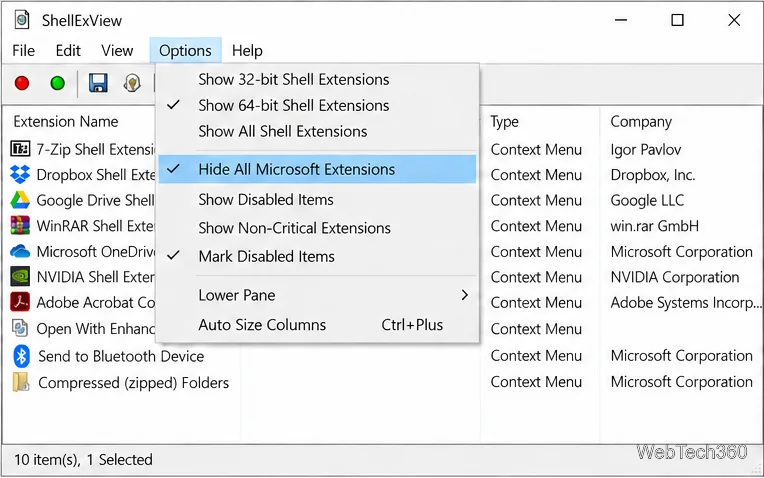
Find the File Explorer extension that delays right-click menus in Windows 10, test it safely with ShellExView, and restore any menu features you still need.
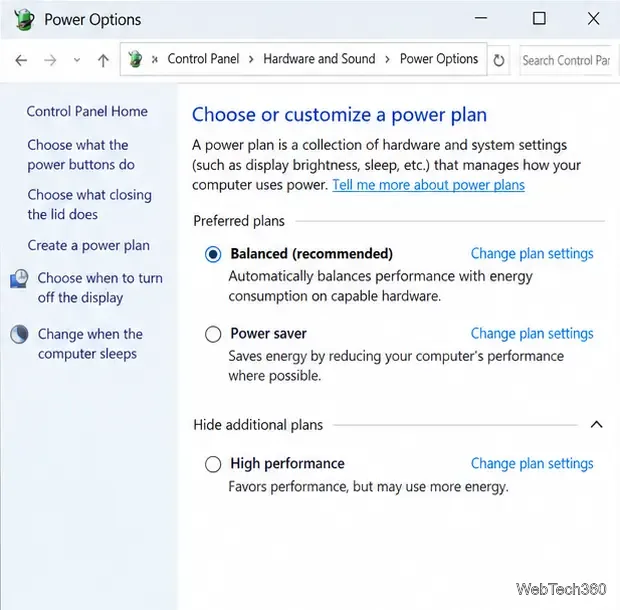
Stop Windows 10 from powering down a specific network adapter or USB device with plan-level settings and Device Manager controls, plus tips to avoid excess battery drain.
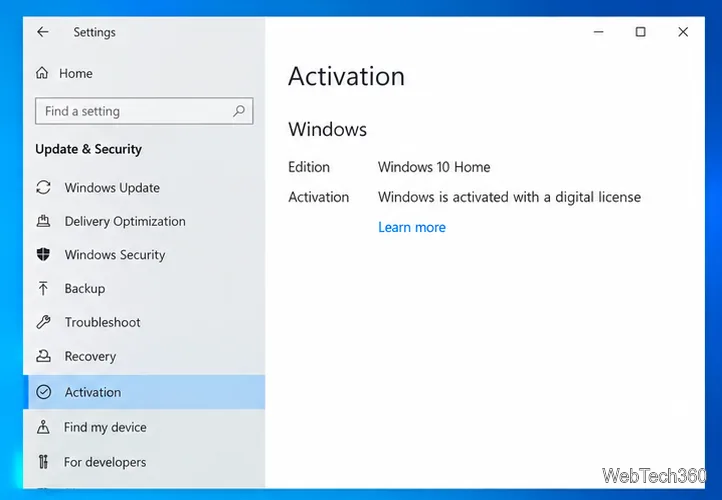
Check whether Windows 10 uses a digital license or product key, find a firmware-stored OEM key, and save license details securely for a reinstall.
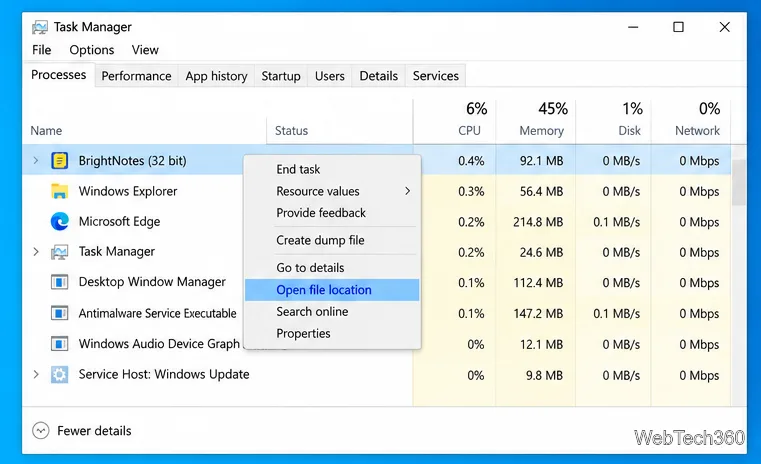
Identify a Windows 10 Task Manager process by checking its executable path, file properties, publisher, linked services, and a Microsoft Defender scan.
Create a searchable Windows 10 folder inventory with PowerShell. Save every file and subfolder path as plain text or export details to a sortable CSV.
Add a custom reminder, quote, or label to your Windows 10 desktop with a Rainmeter text skin. Create the INI file, load it, then adjust its font and position.
Use Bluetooth Swift Pair on Windows 10 to pair a compatible accessory from a notification, with setup steps and fixes when the prompt does not appear.