How to Open a Linux Shell in a Folder on Windows 10
Open a Linux shell in any Windows 10 folder with File Explorer, PowerShell, and WSL. Check the Linux path and fix common setup issues.
If Microsoft Photos is missing on Windows 10, the safest way to get it back is to install it again from Microsoft Store. If Photos is still listed in Settings but will not open, try Repair or Reset before reinstalling. A PowerShell re-registration command can help when the package is present but its registration is damaged, but it cannot restore files that are no longer installed.
Windows 10 support note: Microsoft ended standard Windows 10 support on October 14, 2025. Windows 10 PCs still run, but free security updates and technical support have ended unless the device is covered by an eligible Extended Security Updates program. See Microsoft's Windows 10 end-of-support guidance.
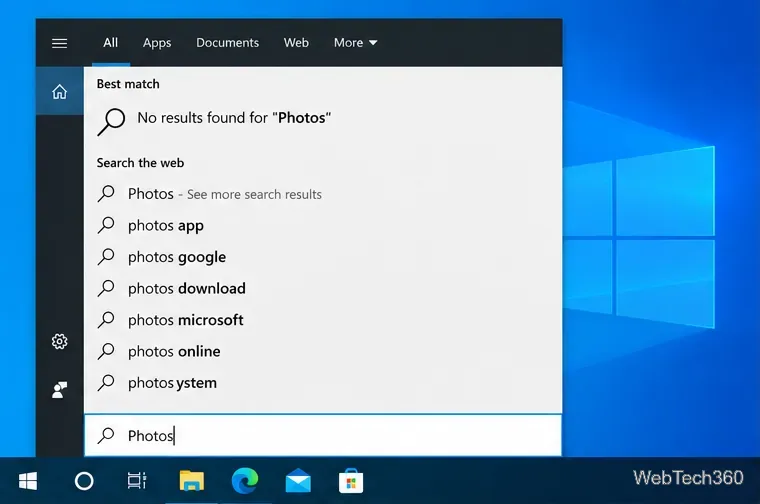
Press Start, type Photos, and check the search results. If Microsoft Photos appears, open it. If it is listed but crashes or never launches, skip to the Repair/Reset section below instead of removing it immediately.
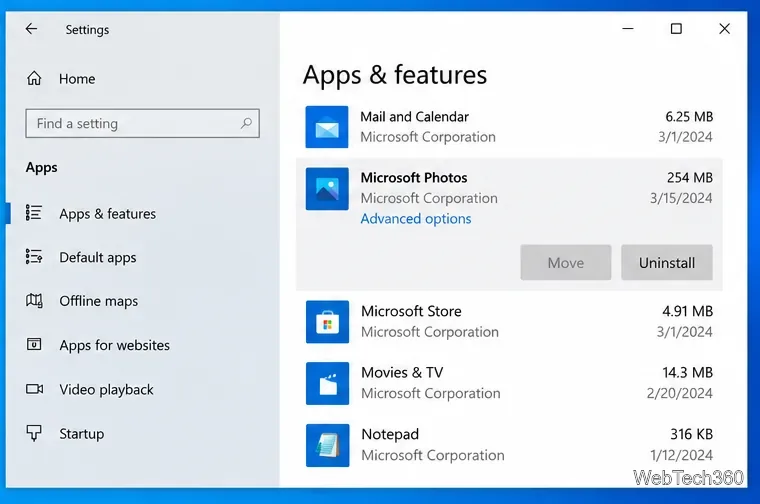
You can also open Settings > Apps > Apps & features and look for Microsoft Photos. Finding it there means the package is installed even if its Start-menu shortcut or registration is not working correctly.
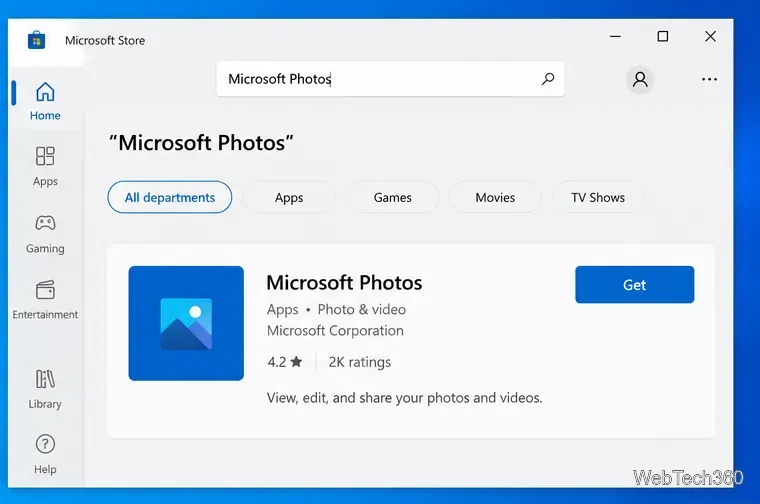
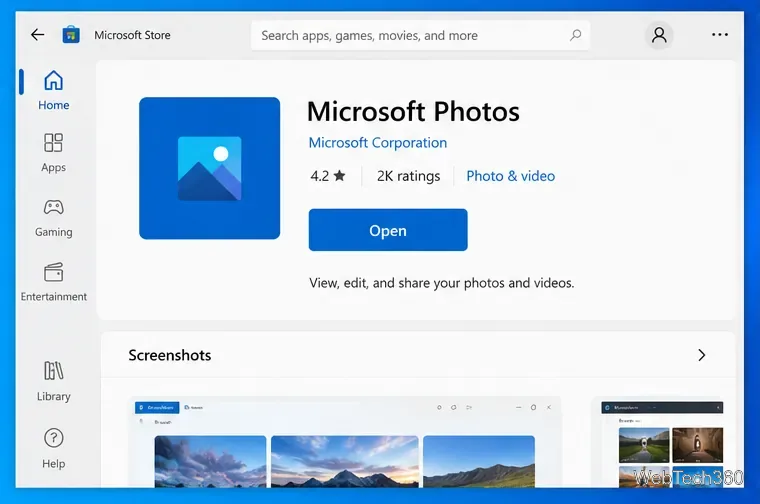
For a genuinely missing app, use the official Store listing. Microsoft continues to provide the Microsoft Photos page in Microsoft Store.
Microsoft recommends using Windows app recovery options before reinstalling a Store app. Go to Settings > Apps > Apps & features, select Microsoft Photos, and choose Advanced options.
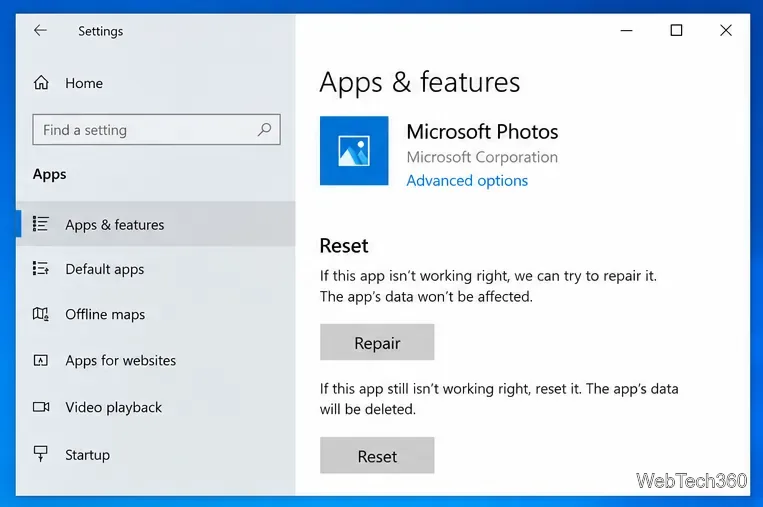
These steps match Microsoft's current Repair apps and programs in Windows guidance for Windows 10.
If the Photos Store page will not load, the Install button fails, or downloads are stuck, reset the Store cache:
wsreset.exe and select OK.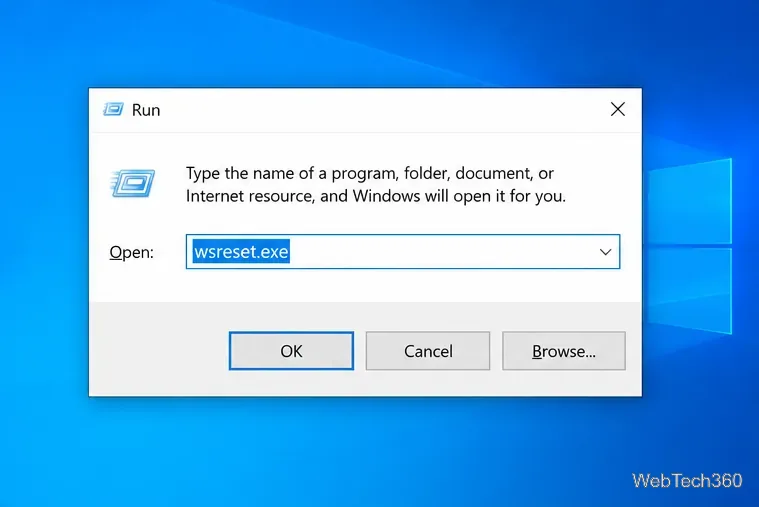
Microsoft also lists the Windows 10 Windows Store Apps troubleshooter under Settings > Update & Security > Troubleshoot > Additional troubleshooters for Store-app problems. See Microsoft's Store app troubleshooting guide.
Use this only when the Photos package is still installed or staged but Windows has lost its registration. Open Windows PowerShell as administrator and run:
Get-AppxPackage -AllUsers Microsoft.Windows.Photos | ForEach-Object { Add-AppxPackage -DisableDevelopmentMode -Register "$($_.InstallLocation)\AppXManifest.xml" }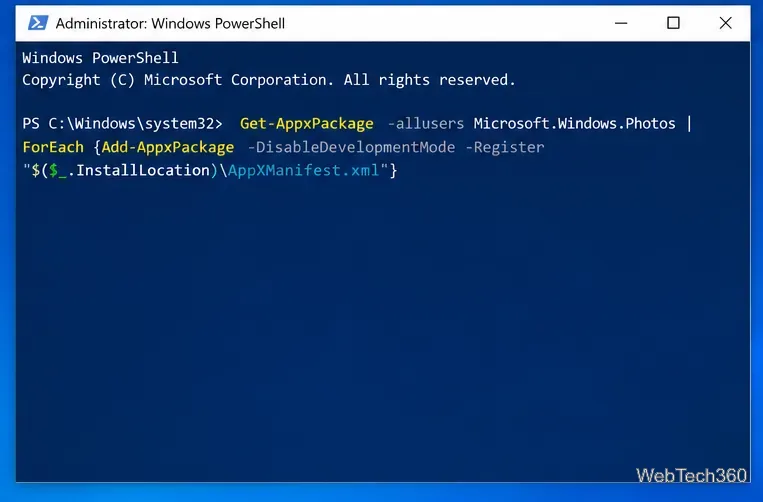
If Get-AppxPackage returns nothing for Microsoft.Windows.Photos, do not keep retrying the command: there is no installed package manifest to register. Go back to Microsoft Store and install Photos there. Microsoft Learn documents Add-AppxPackage -Register as a way to register an existing app package installation.
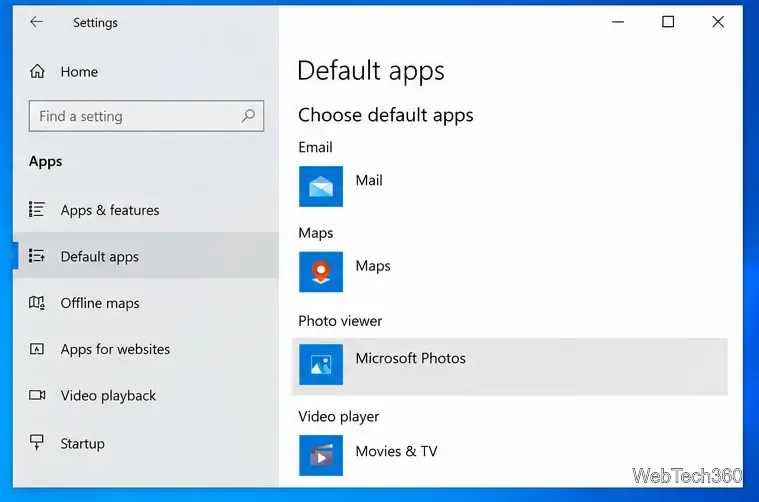
After reinstalling, Windows may still open pictures in another app. Go to Settings > Apps > Default apps and set Photo viewer to Microsoft Photos. You can also change associations for individual file types such as JPG or PNG.
If you were looking for older features such as the legacy Video Editor, Microsoft also maintains Photos Legacy. It is separate from the current Photos app, so reinstalling the main Microsoft Photos package does not necessarily restore every legacy feature.
Open a Linux shell in any Windows 10 folder with File Explorer, PowerShell, and WSL. Check the Linux path and fix common setup issues.
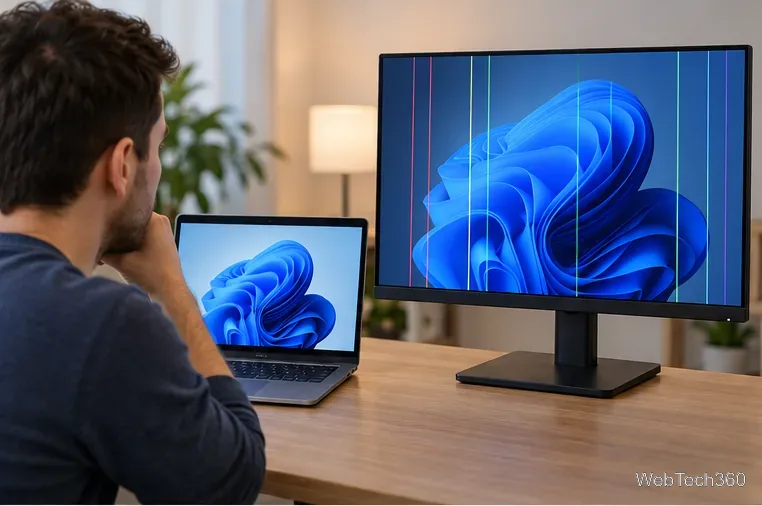
Use a screenshot test, cable and port checks, monitor diagnostics, display settings, and driver rollback to pinpoint lines on a Windows 10 monitor.
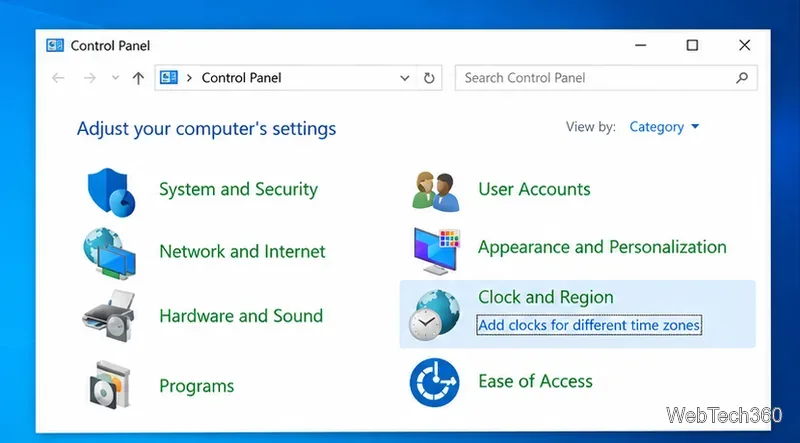
Show two other time zones beside your Windows 10 clock. Set up each additional clock, give it a clear label, and find it in the taskbar calendar.
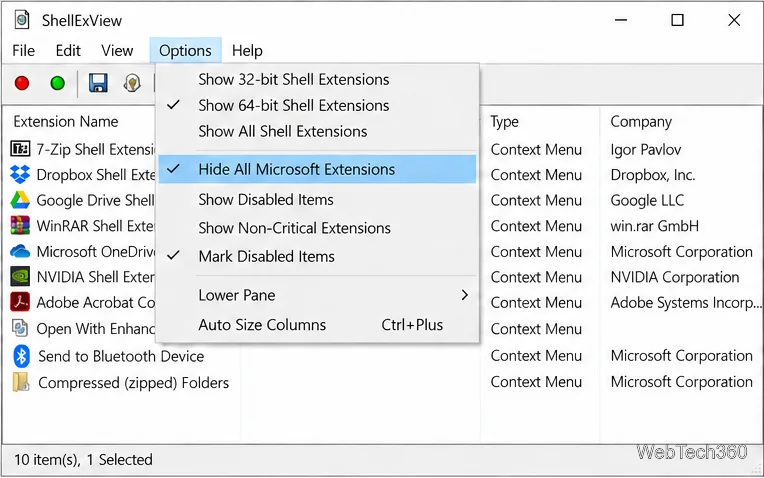
Find the File Explorer extension that delays right-click menus in Windows 10, test it safely with ShellExView, and restore any menu features you still need.
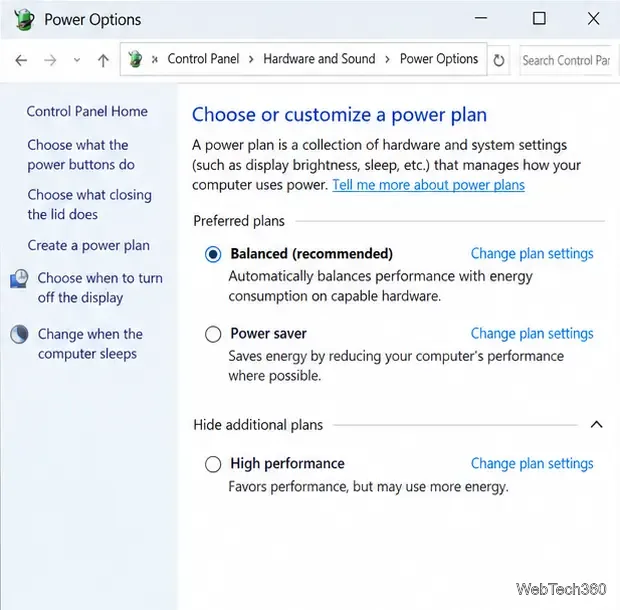
Stop Windows 10 from powering down a specific network adapter or USB device with plan-level settings and Device Manager controls, plus tips to avoid excess battery drain.
Check whether Windows 10 uses a digital license or product key, find a firmware-stored OEM key, and save license details securely for a reinstall.
Identify a Windows 10 Task Manager process by checking its executable path, file properties, publisher, linked services, and a Microsoft Defender scan.
Create a searchable Windows 10 folder inventory with PowerShell. Save every file and subfolder path as plain text or export details to a sortable CSV.
Add a custom reminder, quote, or label to your Windows 10 desktop with a Rainmeter text skin. Create the INI file, load it, then adjust its font and position.
Use Bluetooth Swift Pair on Windows 10 to pair a compatible accessory from a notification, with setup steps and fixes when the prompt does not appear.