How to Fix Lines on a Monitor Screen in Windows 10
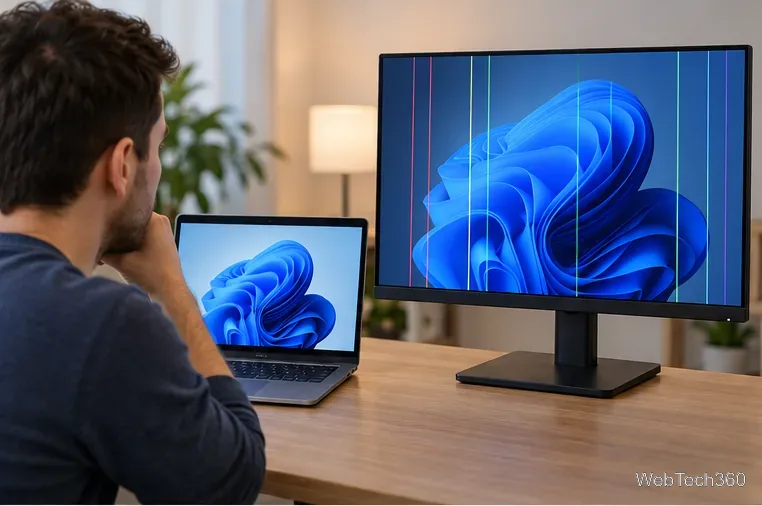
Use a screenshot test, cable and port checks, monitor diagnostics, display settings, and driver rollback to pinpoint lines on a Windows 10 monitor.
Windows Live Mail is no longer available as an official Microsoft download. It was part of Windows Essentials 2012, which Microsoft ended support for on January 10, 2017. Microsoft also says the suite is no longer available for download, so there is no current, supported Windows Live Mail installer to get from Microsoft.
If Windows Live Mail is already installed on your PC, it may continue to open. If you still have a genuine Windows Essentials 2012 offline installer from your own trusted archive, you can try installing Mail on Windows 10, but the process is unsupported and compatibility is not guaranteed. Avoid random download sites: Microsoft specifically warns that unofficial copies of discontinued Essentials apps may contain unwanted software, viruses, or hidden costs. See Microsoft's Windows Essentials support notice.
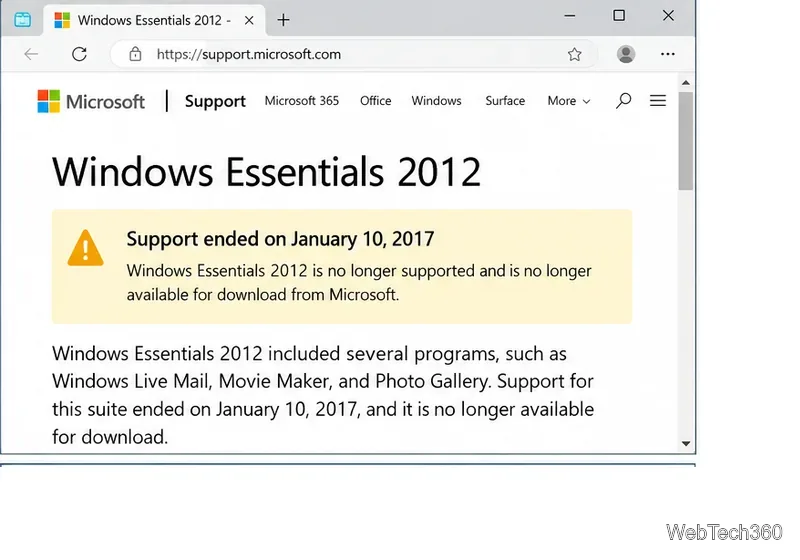
Not from Microsoft. The old Windows Essentials 2012 web and offline installers are no longer distributed through Microsoft's supported download channels. That means any copy you find on an archive or third-party site is outside Microsoft's current distribution and support path.
For most people, the safer choice is to install a supported mail client instead. Microsoft offers the current Outlook for Windows through the Microsoft Store, and it supports Microsoft accounts plus many third-party accounts such as Gmail, Yahoo, iCloud, and standard IMAP services. Microsoft documents the current setup options in its new Outlook for Windows guide.
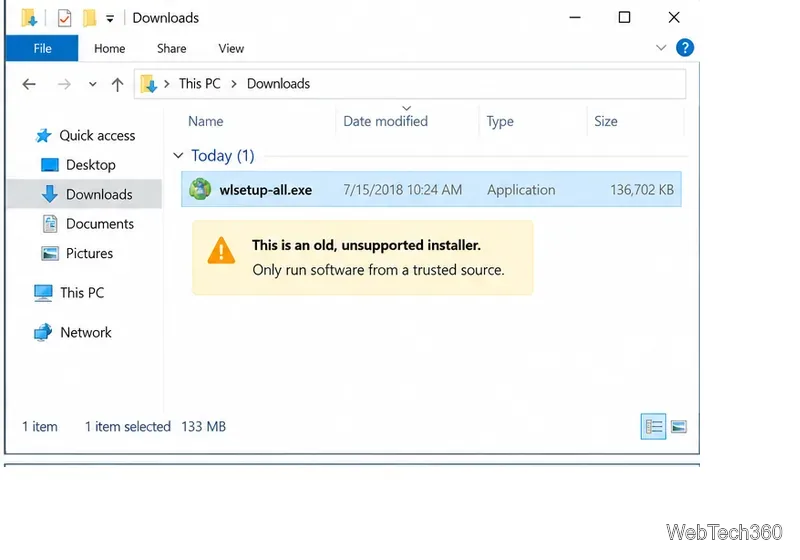
Only continue if you already possess a trusted copy of the Windows Essentials 2012 offline installer, commonly named wlsetup-all.exe. Do not download a replacement from an unknown mirror just to follow these steps.
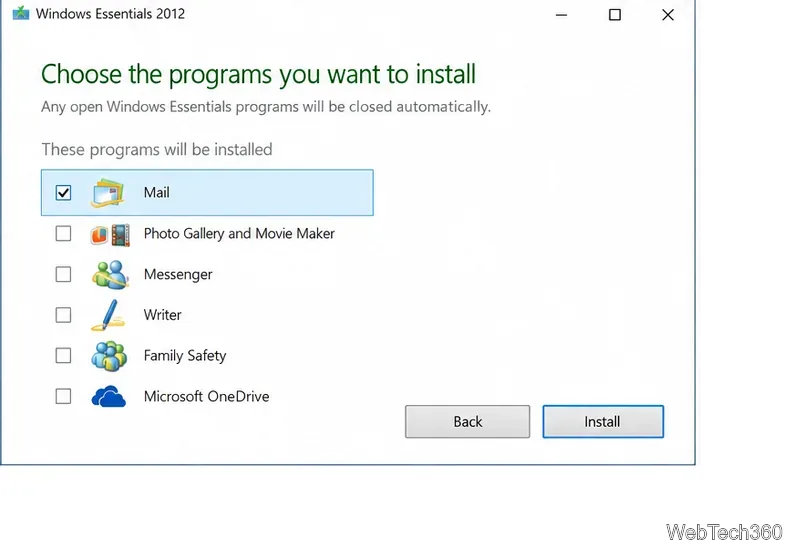
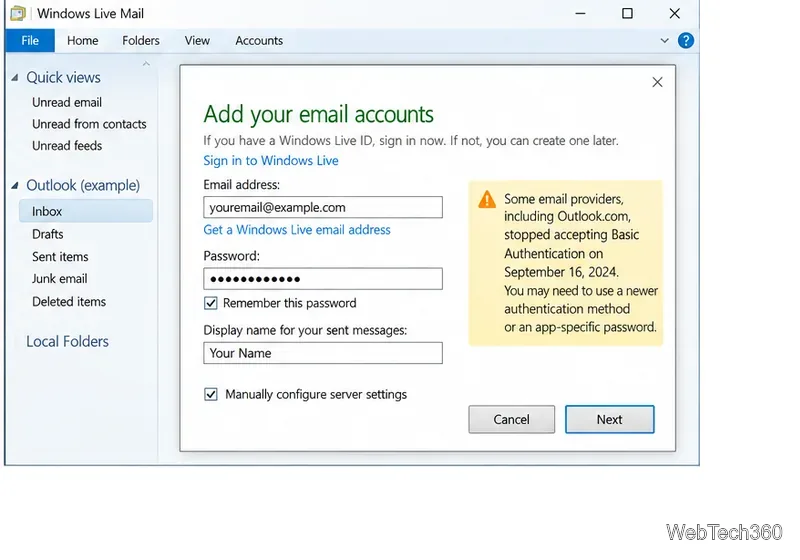
Installing the program is only half the problem. Modern email providers have changed their sign-in requirements since Windows Live Mail was discontinued. In particular, Microsoft ended Basic Authentication for Outlook.com accounts on September 16, 2024. A legacy client that depends on a username-and-password-only connection may therefore fail even when the server name and password are correct. Microsoft's Modern Authentication guidance for Outlook.com recommends moving to a client that supports modern authentication.
Gmail has similar security expectations. Google says third-party mail apps should use Sign in with Google when possible, and warns that older clients may not support current security standards. Some accounts can use an app password when 2-Step Verification is enabled, but Google does not recommend app passwords as the preferred approach. See Google's Gmail client setup guidance.
For everyday email, no. Windows Live Mail has been unsupported since 2017, and Windows 10 itself reached end of support on October 14, 2025. Microsoft recommends moving supported PCs to Windows 11 or using the Windows 10 Extended Security Updates program where appropriate. You can review the current status on Microsoft's Windows 10 end-of-support page.
If you are keeping Windows Live Mail only to access old local mail, use it as a temporary bridge while you export or copy anything important. For active accounts, a supported client such as Outlook for Windows is a much better choice because it receives security updates and supports current sign-in methods.
You cannot safely follow the old advice to download Windows Live Mail from Microsoft or assume any third-party copy is trustworthy. If you already own a trusted Windows Essentials 2012 installer, you can attempt a Mail-only installation on Windows 10, but expect account compatibility problems and no Microsoft support. For new setups, use a currently supported email client instead.
Use a screenshot test, cable and port checks, monitor diagnostics, display settings, and driver rollback to pinpoint lines on a Windows 10 monitor.
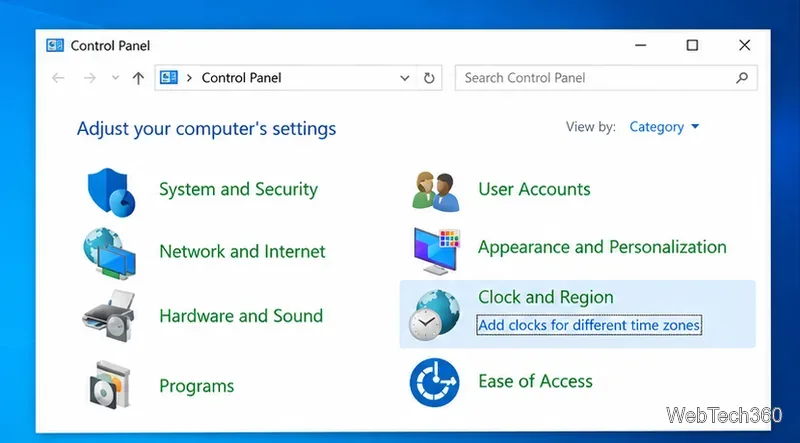
Show two other time zones beside your Windows 10 clock. Set up each additional clock, give it a clear label, and find it in the taskbar calendar.
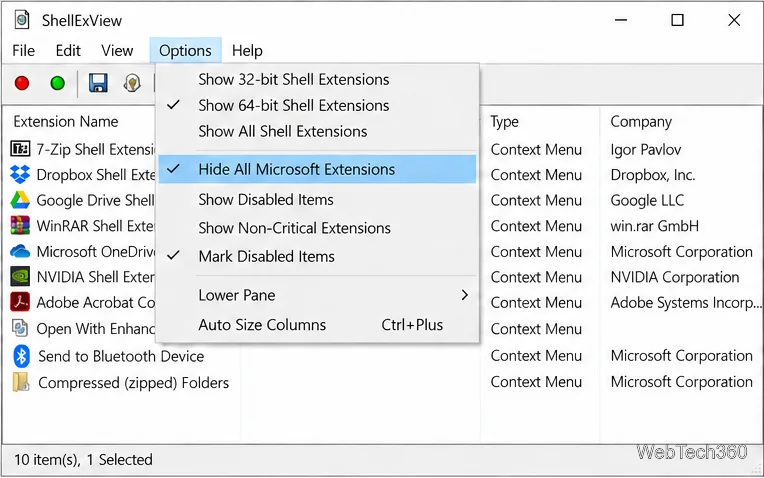
Find the File Explorer extension that delays right-click menus in Windows 10, test it safely with ShellExView, and restore any menu features you still need.
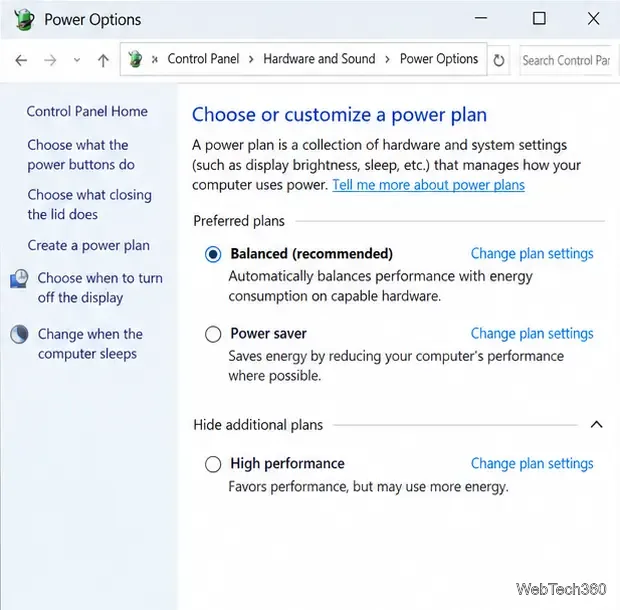
Stop Windows 10 from powering down a specific network adapter or USB device with plan-level settings and Device Manager controls, plus tips to avoid excess battery drain.
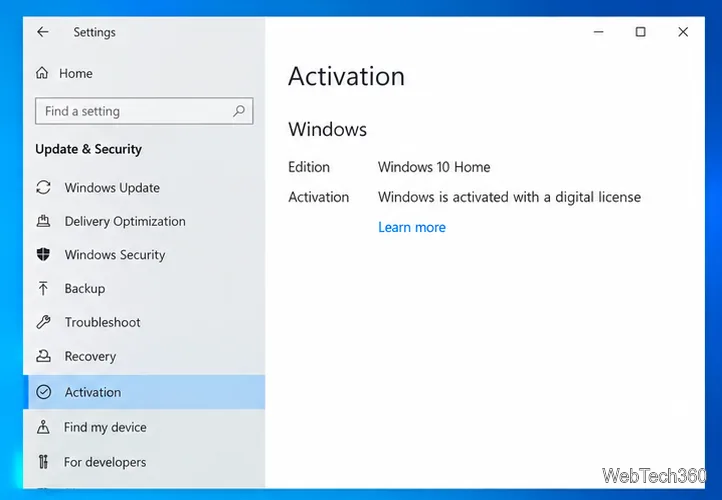
Check whether Windows 10 uses a digital license or product key, find a firmware-stored OEM key, and save license details securely for a reinstall.
Identify a Windows 10 Task Manager process by checking its executable path, file properties, publisher, linked services, and a Microsoft Defender scan.
Create a searchable Windows 10 folder inventory with PowerShell. Save every file and subfolder path as plain text or export details to a sortable CSV.
Add a custom reminder, quote, or label to your Windows 10 desktop with a Rainmeter text skin. Create the INI file, load it, then adjust its font and position.
Use Bluetooth Swift Pair on Windows 10 to pair a compatible accessory from a notification, with setup steps and fixes when the prompt does not appear.
Learn what common laptop function key symbols mean, how Fn and Fn Lock affect them, and how to confirm the right shortcut for your Windows 10 laptop model.