How to Access a Network Location in Command Prompt on Windows 10
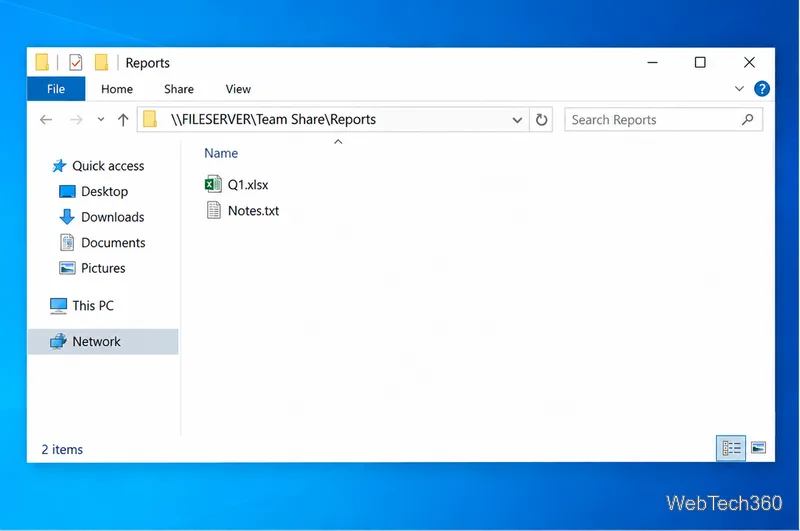
Use pushd to open a UNC network path in Windows 10 Command Prompt, run commands in the shared folder, and return with popd.
If Windows says “You need administrator permission to delete this folder,” the safest fix is usually to take ownership of the folder and then give your own account the permission needed to remove it. Being an administrator does not automatically bypass a folder’s NTFS access control list. Ownership, inherited permissions, and User Account Control can still affect what File Explorer is allowed to do.
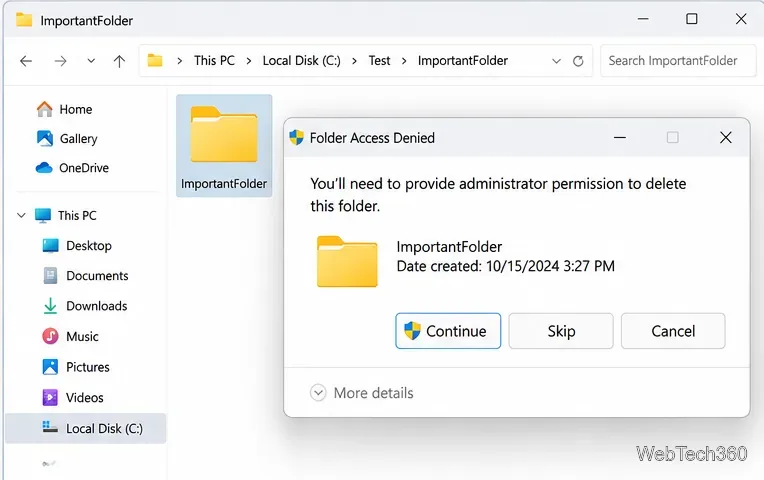
Before changing permissions, make sure the folder is really yours to remove. Do not take ownership of or delete Windows system folders such as C:\Windows, System32, Program Files, or protected app folders just to clear an error. On a work or school PC, organizational policy may intentionally block deletion.
Windows controls files and folders with owners and access control entries. A folder may be owned by another account, an old Windows installation, SYSTEM, or a service account, while your current account has only read access. Microsoft’s Windows access control documentation explains that owners can change permissions and that permissions can be inherited from parent folders.
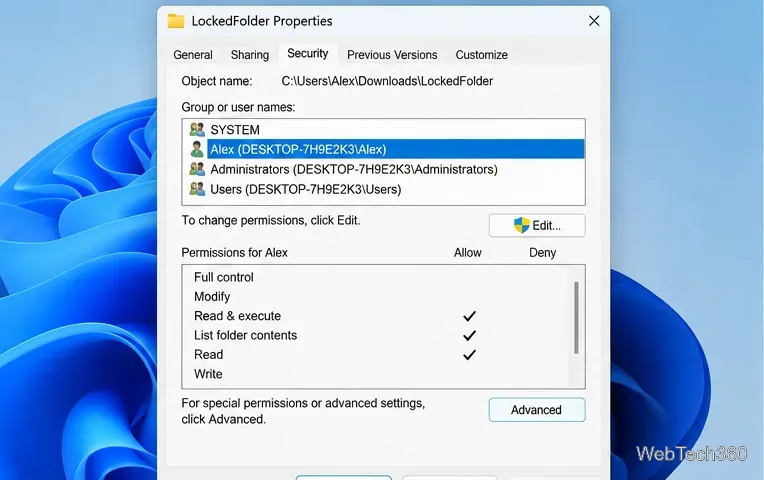
Use this method for a personal data folder that you recognize and are certain you can delete.
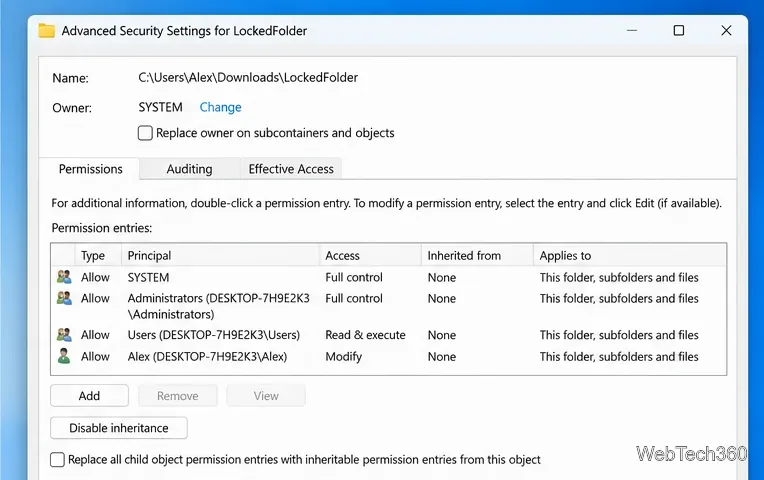
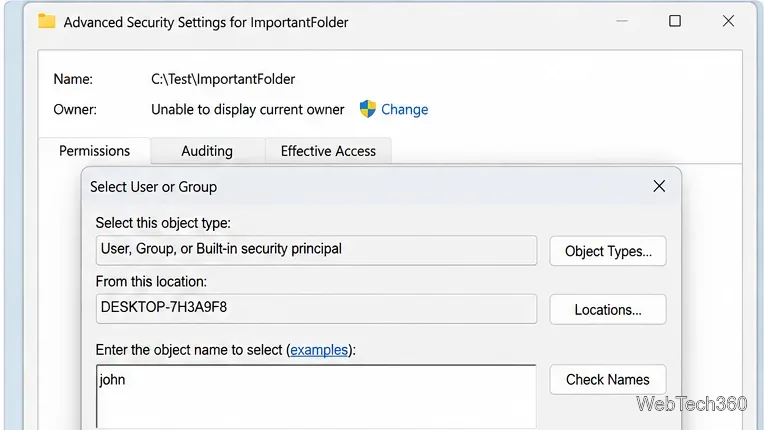
Avoid the old workaround of granting Everyone Full Control. It gives broader access than necessary and is not required when you can grant your own account the correct permission.
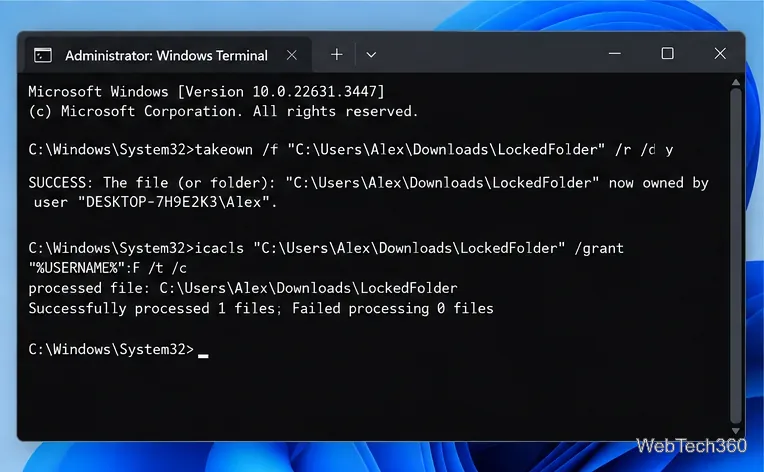
If the graphical permission editor fails, Windows includes command-line tools for the same job. Open Windows Terminal (Admin) or Command Prompt (Admin), replace the example path with the exact folder you own, and run:
takeown /f "C:\Path\LockedFolder" /r /d y
icacls "C:\Path\LockedFolder" /grant "%USERNAME%":F /t /c
takeown changes ownership recursively, while icacls can grant access rights on the folder and its contents. Microsoft documents both the takeown command and icacls command. Double-check the path before pressing Enter so you do not change permissions on the wrong directory.
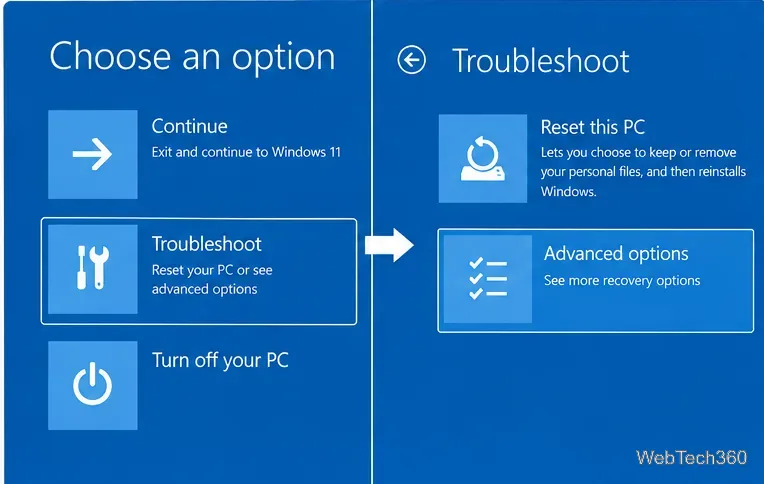
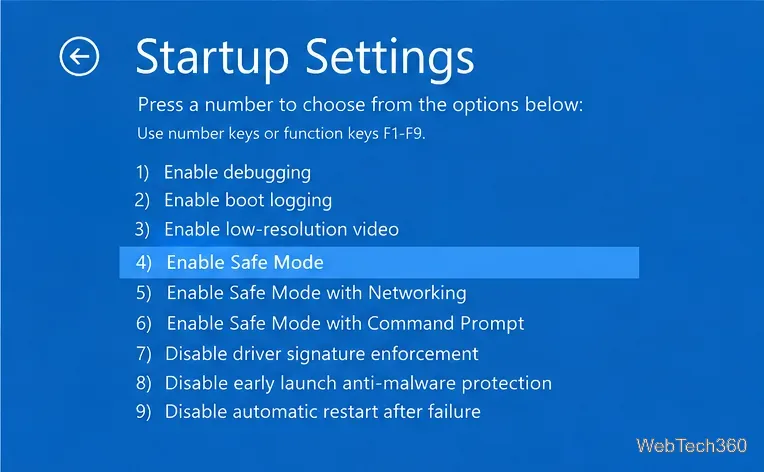
If permissions look correct but deletion still fails, an app or background service may be holding a file open. Close related apps and restart Windows first. If the folder remains locked, Safe Mode starts Windows with a limited set of drivers and services.
Hold Shift while selecting Power > Restart. In Windows Recovery Environment, choose Troubleshoot > Advanced options > Startup Settings > Restart, then select 4 or press F4 for Safe Mode. Microsoft’s Windows startup settings guide notes that an encrypted PC may require its BitLocker recovery key during recovery.
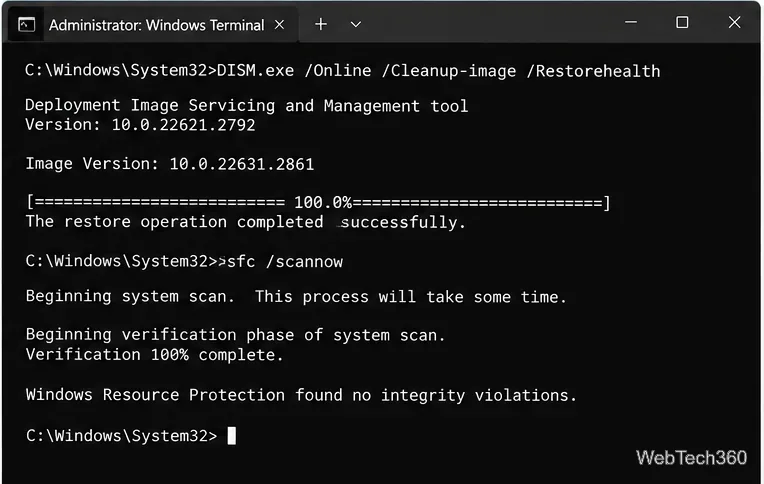
System File Checker is not a first-line fix for one folder with a bad permission entry. Use it only if Windows is also showing system errors, damaged components, or other signs of corruption. Microsoft recommends running DISM before SFC:
DISM.exe /Online /Cleanup-image /Restorehealth
sfc /scannow
See Microsoft’s System File Checker instructions for the current repair sequence.
Do not disable User Account Control just to delete one folder, and do not enable the built-in Administrator account as a routine workaround. Microsoft says UAC helps prevent unauthorized changes and warns that the Never notify setting is not recommended in its User Account Control guidance. Fix the ownership or permissions on the specific data folder instead.
For most personal folders, taking ownership and correcting the folder’s Security permissions resolves the “administrator permission” error. If the folder belongs to Windows, an installed application, or an organization-managed device, stop before forcing deletion and verify what created it.
Use pushd to open a UNC network path in Windows 10 Command Prompt, run commands in the shared folder, and return with popd.
Learn how to install a Rainmeter skin from an INI file by placing it in the right Skins folder, preserving its resources, refreshing Rainmeter, and loading it in Manage.
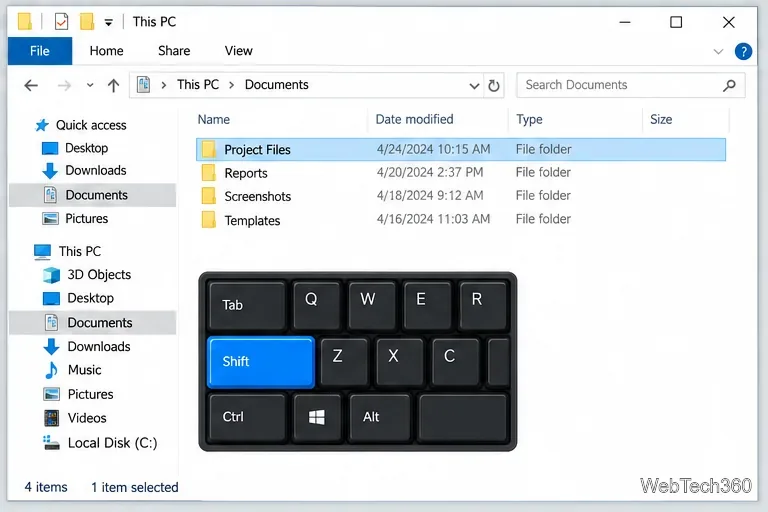
Open one folder in its own File Explorer window with Shift or the context menu, or change Folder Options to make every folder open separately.
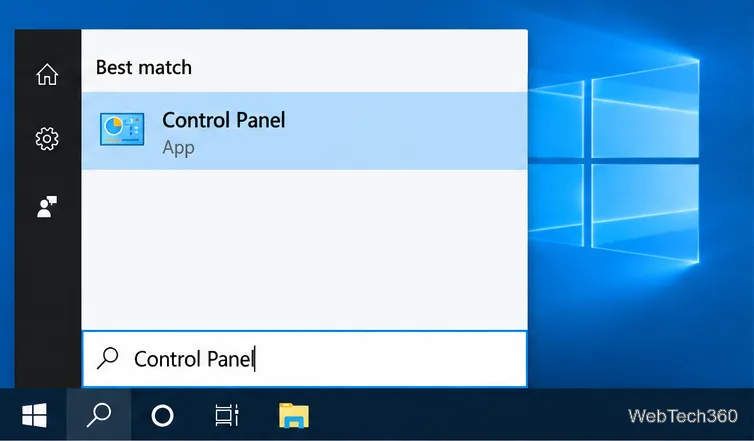
Pin a frequently used Control Panel applet, such as Power Options or Sound, to the Windows 10 Start menu for one-click access.
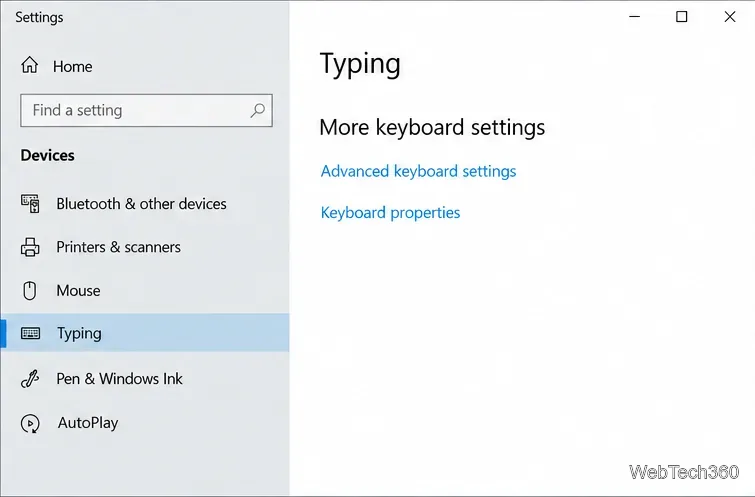
Choose a supported Windows 10 hotkey for switching input languages, assign shortcuts to individual layouts, or disable an accidental shortcut.
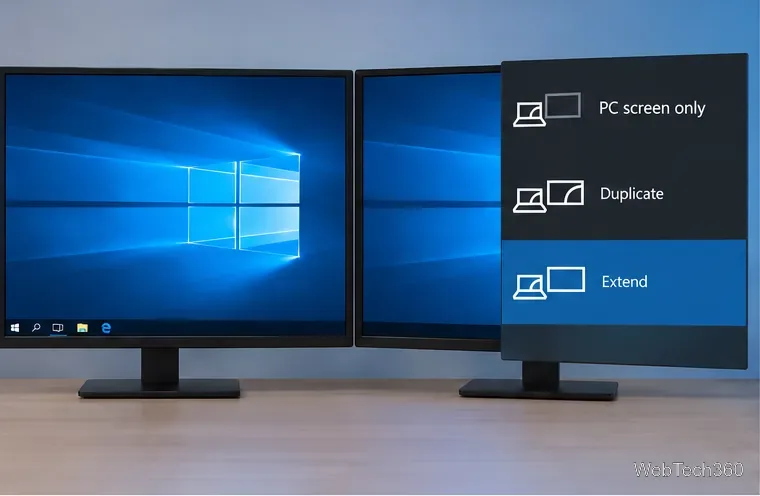
Move a Windows 10 app to the display you want, use its game monitor setting, and handle full-screen apps with a practical primary-monitor workaround.
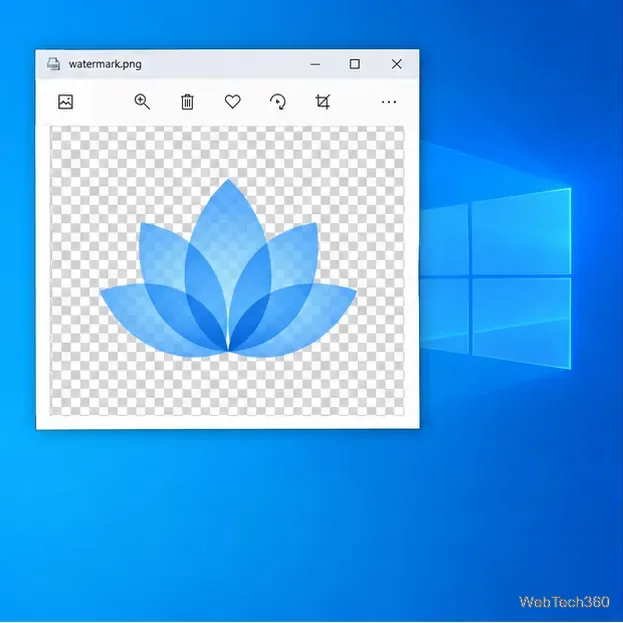
Use a transparent PNG and a Rainmeter skin to keep an image watermark above windows, adjust its transparency, and make it click-through on Windows 10.
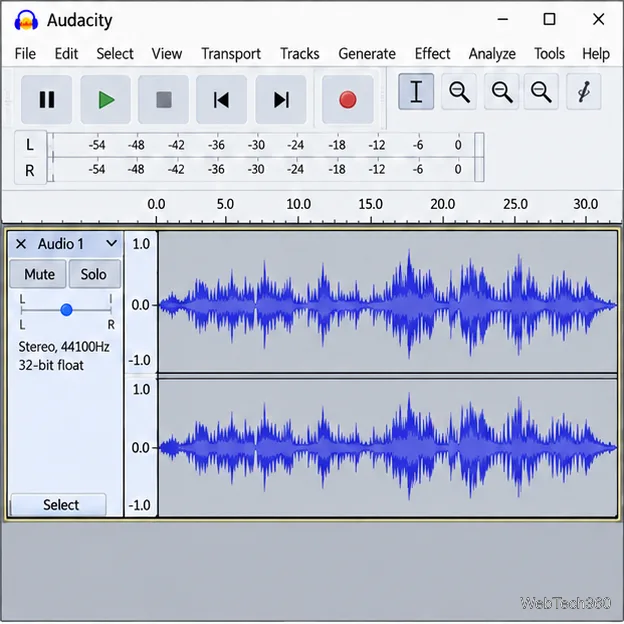
Convert stereo audio to mono on Windows 10 with Audacity. Mix both channels into one mono track, export a new file, and verify the channel count.
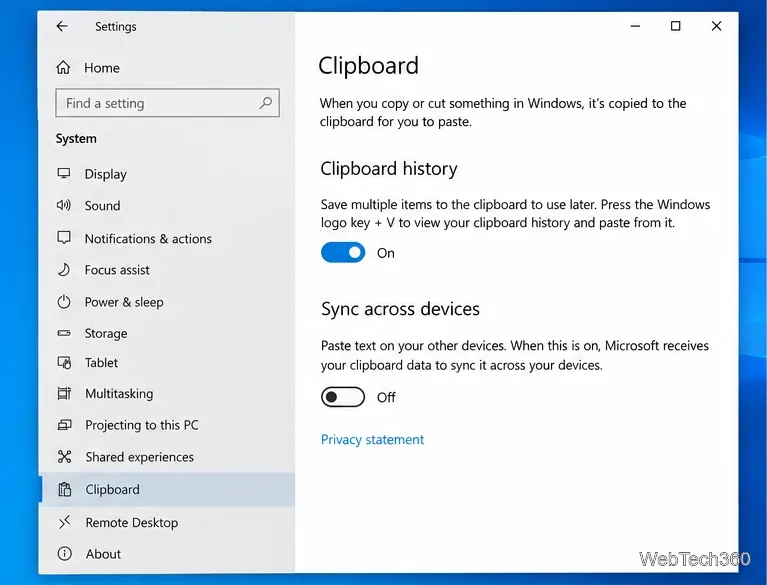
Use Windows 10 Clipboard history to save recent text and images, paste an earlier clip with Windows key + V, and manage sync, pinned items, and privacy.
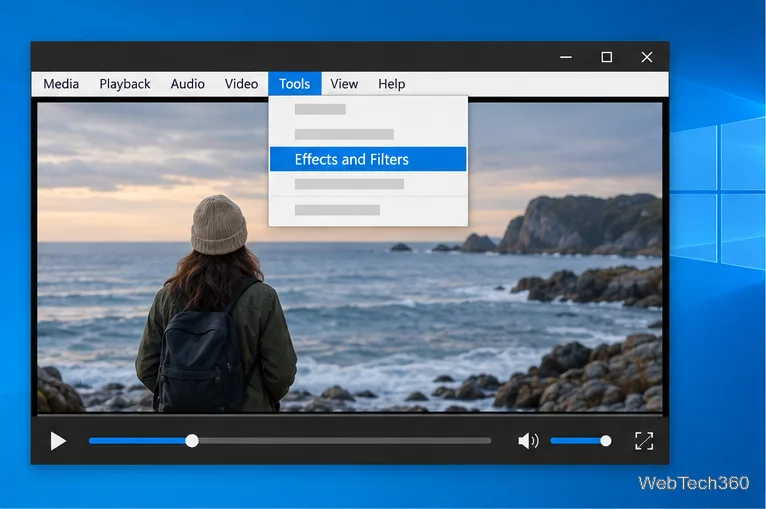
Learn how to zoom in on a video in Windows 10 with VLC’s Interactive Zoom, or use Windows Magnifier when the clip is playing in another app.