Can't Hear Anyone on Discord? Fix Discord Audio Not Working
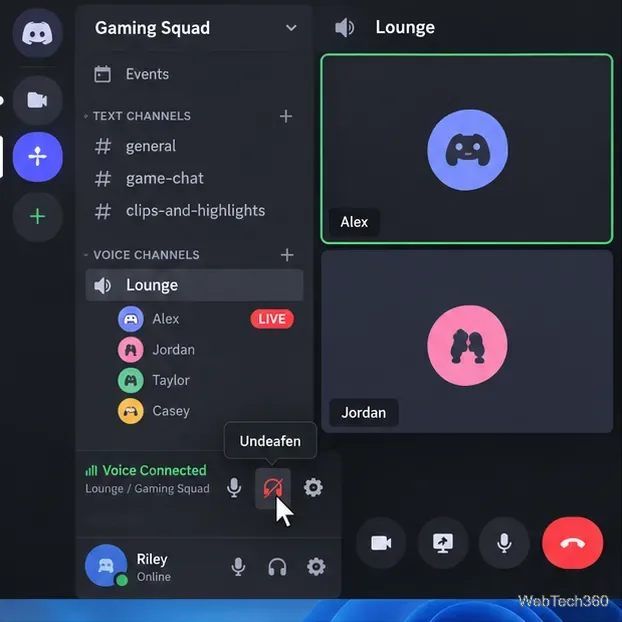
Can't hear anyone on Discord? Check Deafen and user volume, choose the right output device, reset Voice & Video, and fix Windows audio settings.
Can't hear anyone on Discord? Check Deafen and user volume, choose the right output device, reset Voice & Video, and fix Windows audio settings.
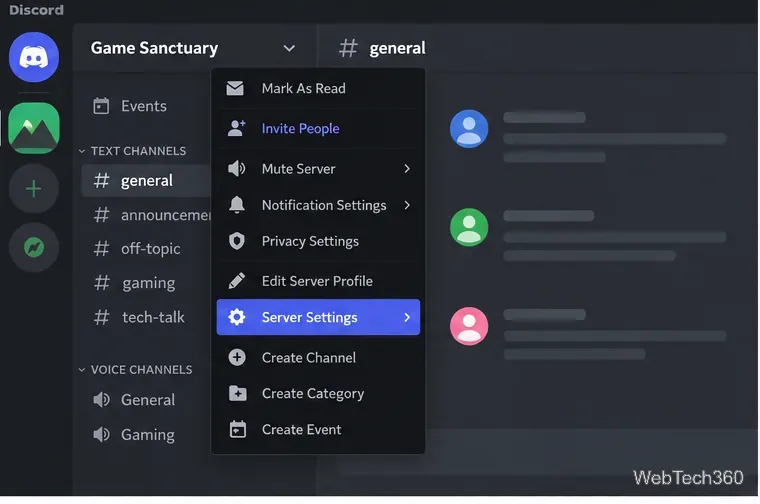
Learn how to add roles in Discord, change a role name, set permissions, assign or remove members, reorder roles, and delete roles safely.
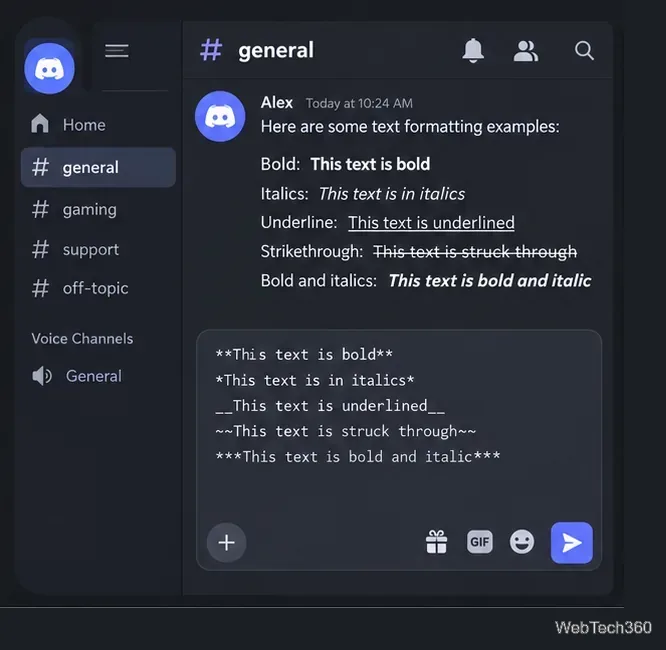
Learn Discord text formatting with Markdown for bold, italics, underline, strikethrough, code blocks, spoilers, headings, and what “Discord fonts” really means.
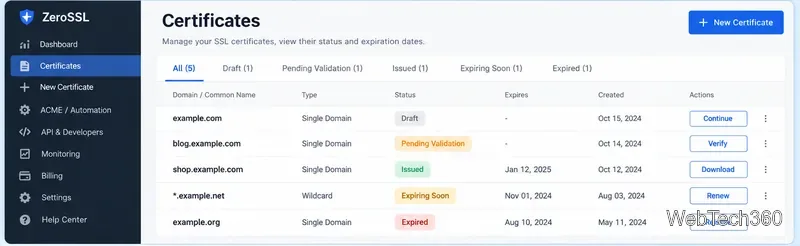
ZeroSSL combines free 90-day certificates, ACME automation, a web dashboard, and a REST API. See its current features, pricing, and limits.
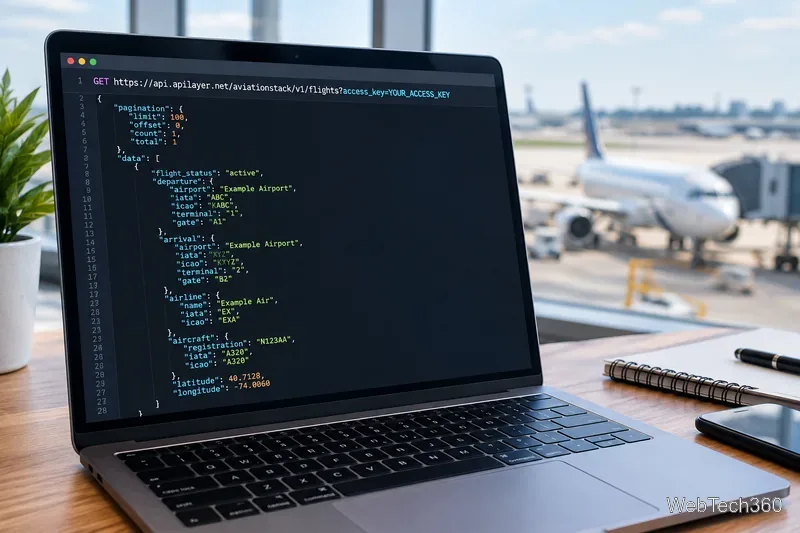
A current look at the Aviationstack API for real-time and historical flight data, including endpoints, limits, pricing, and a practical request example.
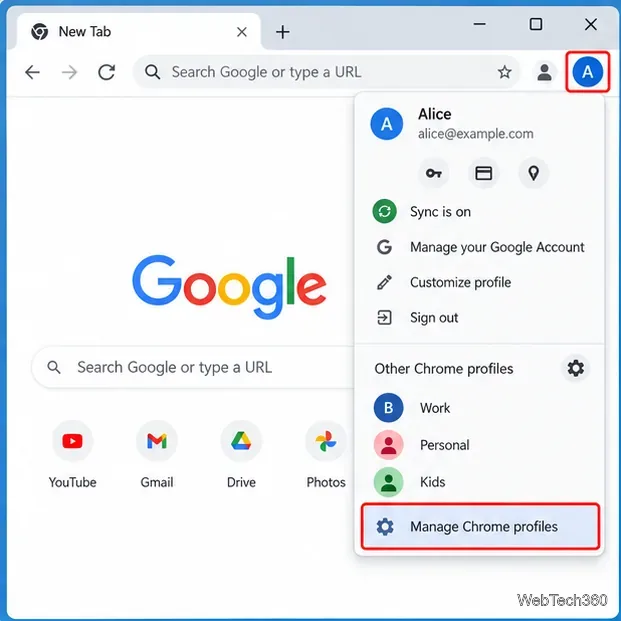
Learn how to delete a Chrome profile on a computer, what local data is removed, what stays in your Google Account, and how to back up important data first.
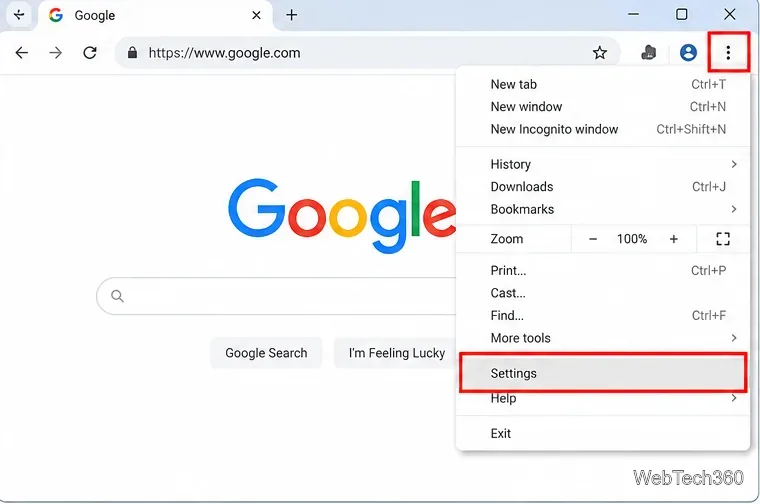
Learn how to disable hardware acceleration in Google Chrome using the current System setting, relaunch the browser, and verify GPU acceleration is off.
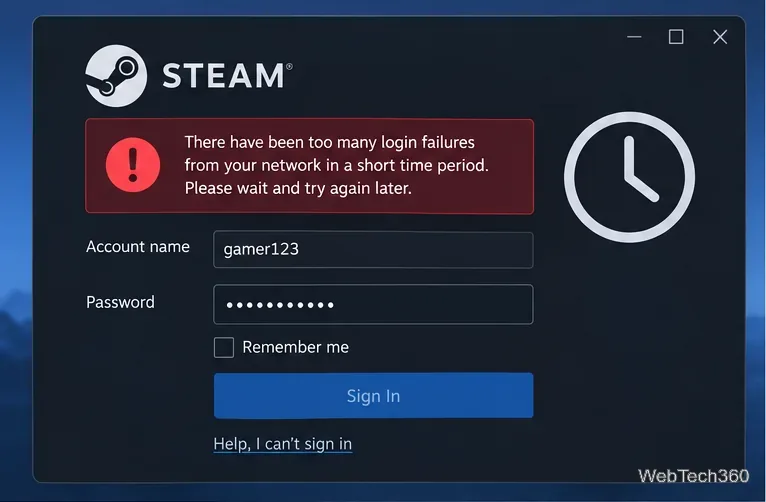
Seeing Steam’s “too many login failures from your network” error? Stop retrying, wait for the cooldown, then verify your password, Steam Guard, and network.
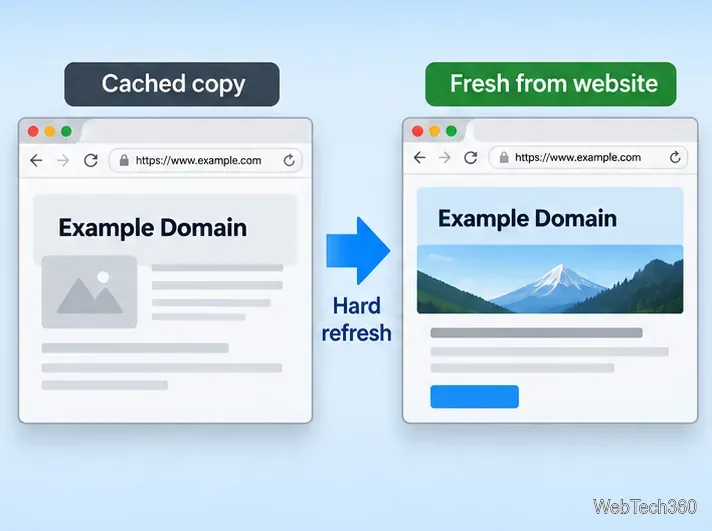
Learn how to hard refresh Chrome, Edge, Firefox, Opera, and Safari on Windows, macOS, and Linux to bypass cached page files without clearing all browser data.
Is uTorrent safe? Learn the real risks, why antivirus may flag it, how torrent privacy works, and why older uTorrent versions should be updated.
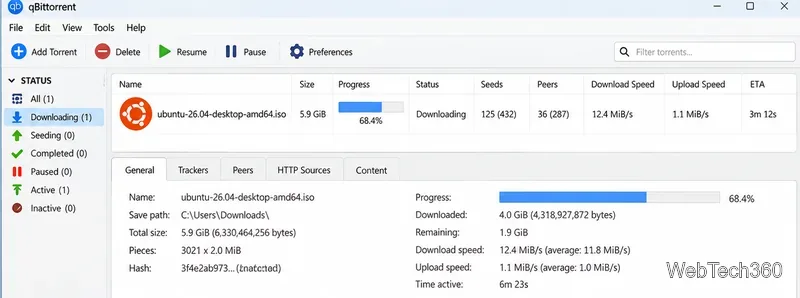
See which torrenting sites still work for legal downloads, including official Ubuntu, Debian, Fedora, Arch Linux, and Academic Torrents sources.
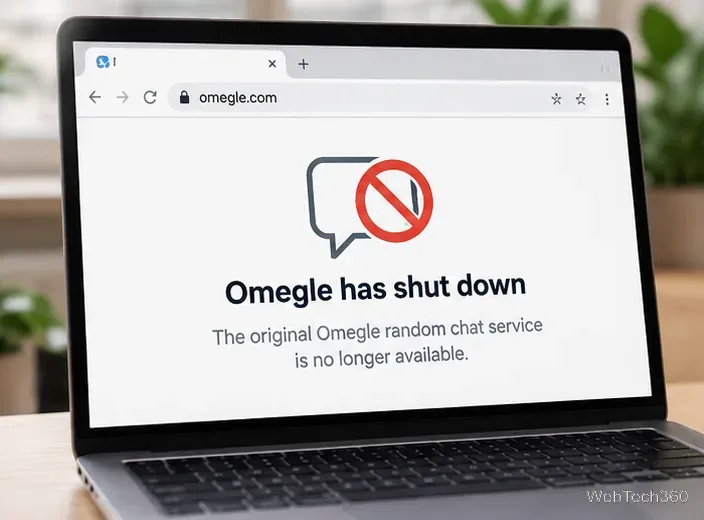
Why is Omegle not working? The original service shut down in 2023. Learn what that means in 2026, why old fixes fail, and how to stay safer online.
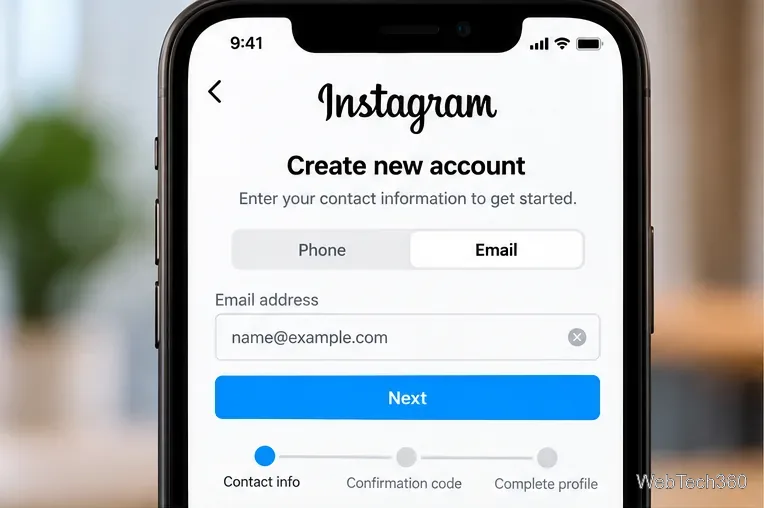
Getting an Instagram sign up error? Check your contact info, birthday, network, app or browser, and Meta login options with these current fixes.
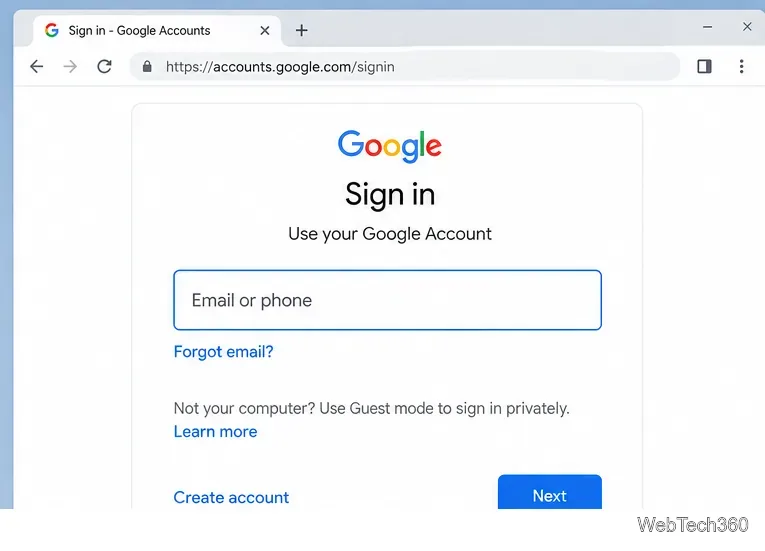
Can’t sign in to Gmail? Check your account details, Google’s status, browser settings, verification prompts, and recovery options using current Google guidance.
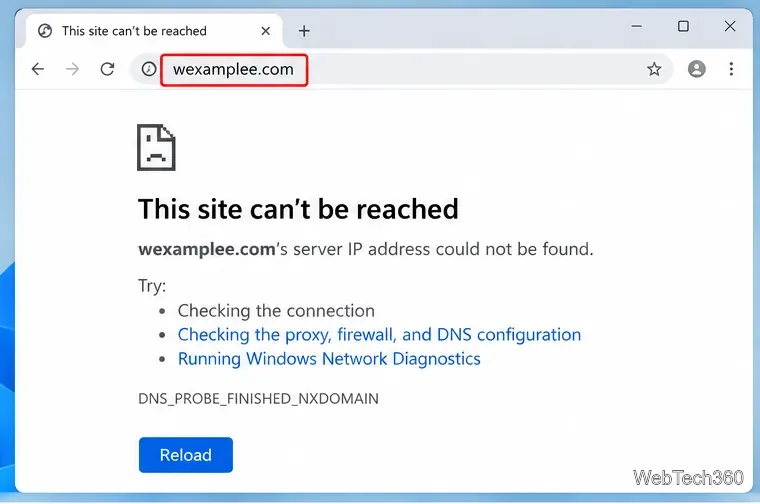
Fix DNS_PROBE_FINISHED_NXDOMAIN by checking the domain, flushing DNS, changing resolvers, and ruling out Chrome extensions, VPNs, or proxy settings.
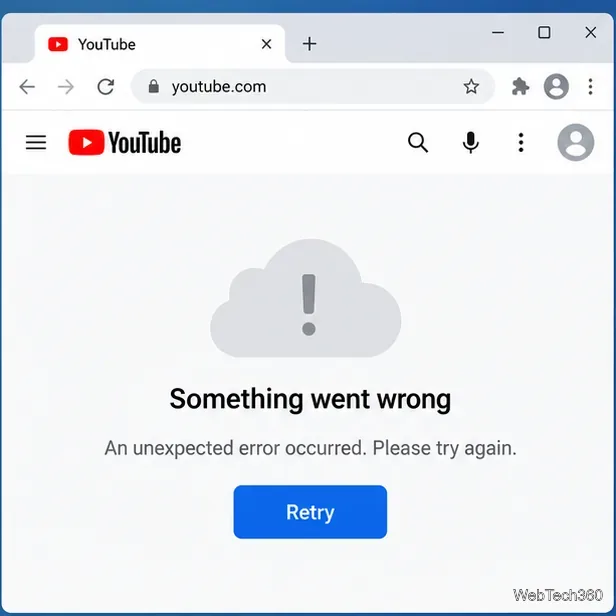
Fix YouTube’s “Something went wrong” error with current browser, app, network, and Google Account steps, plus when to suspect a YouTube outage.
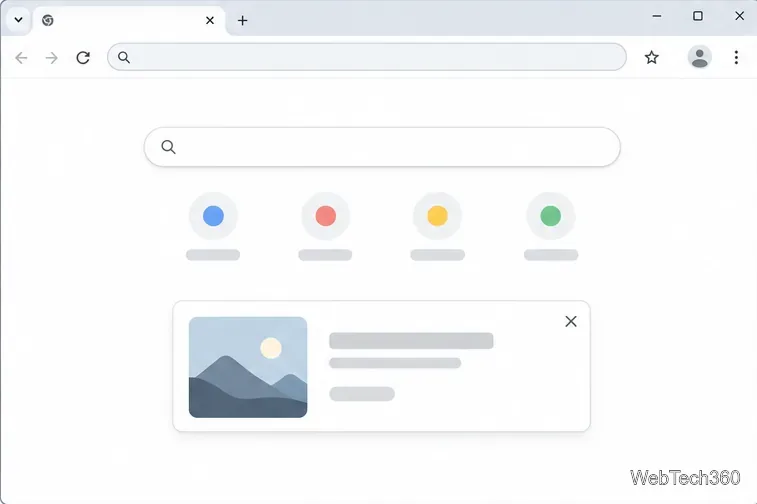
Close eligible Chrome New Tab page promos, learn why some messages have no dismiss button, and manage separate New Tab cards with their own controls.
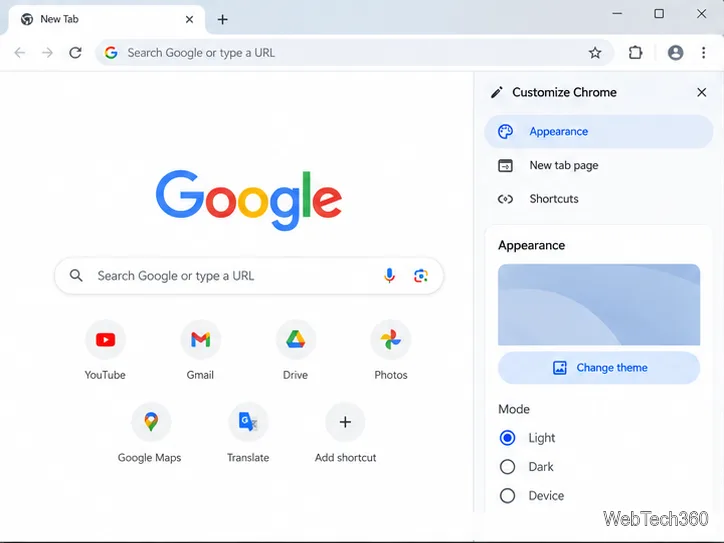
Make the active tab in Chrome easier to spot with a high-contrast theme, then learn how to adjust browser colors or restore the default look.
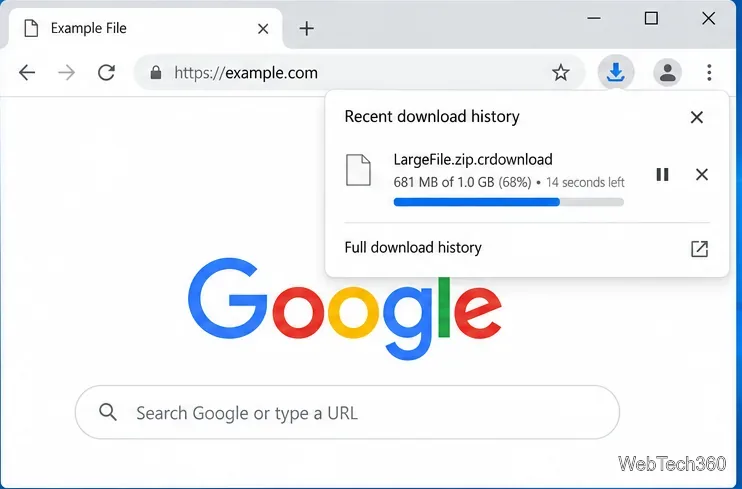
A .crdownload file is an unfinished Chrome download. Learn how to resume it, restart a failed transfer, and remove an orphaned file safely.

A file arrives with an unfamiliar extension. You need to see what it contains, but installing unknown software or uploading sensitive material without checking the service can create a bigger problem than the file itself. This workflow helps you make the safer choice.