How to Turn Off the Pop-Up Blocker in Microsoft Edge
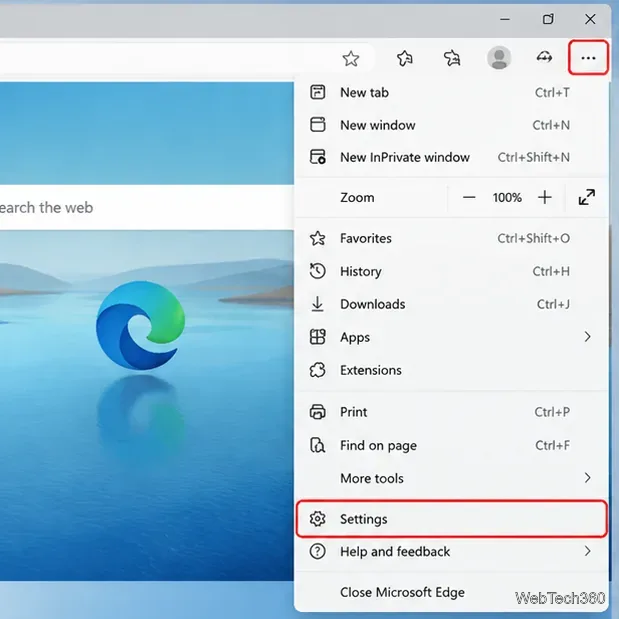
Learn how to disable Edge’s pop-up blocker for every website or allow pop-ups for one trusted site, plus what to check if pop-ups still do not appear.
Learn how to disable Edge’s pop-up blocker for every website or allow pop-ups for one trusted site, plus what to check if pop-ups still do not appear.
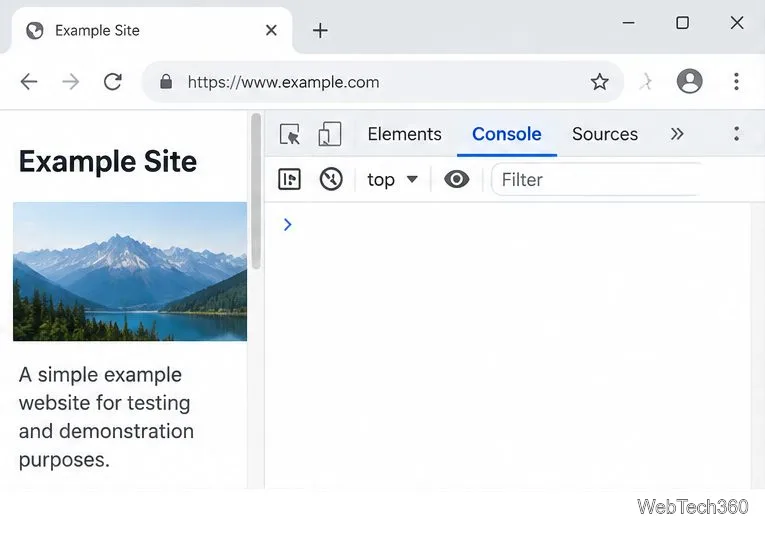
Learn how to open Chrome or Edge DevTools, preserve console messages across page loads, save a .log file, and capture network details for troubleshooting.
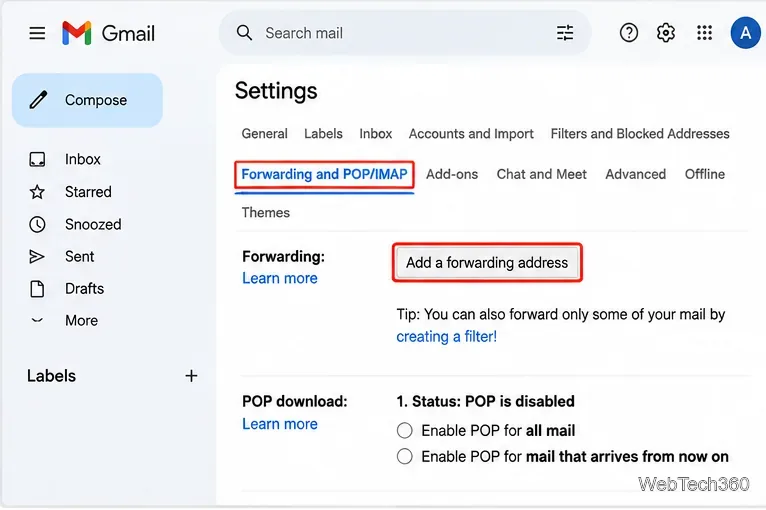
Set up a Gmail filter to forward new messages from one sender to another inbox. Learn how to verify the destination, edit the rule, and troubleshoot missed emails.
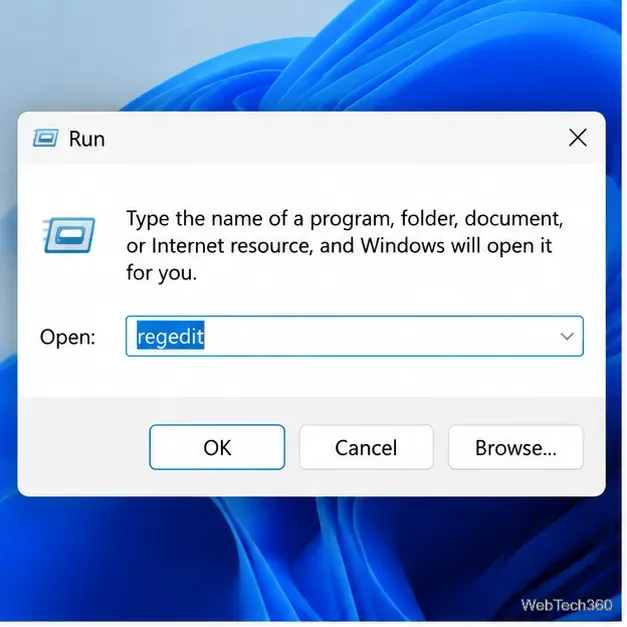
Restore Chrome’s missing external-app checkbox on Windows by enabling the official policy in the Registry, then restart Chrome and test a trusted link.
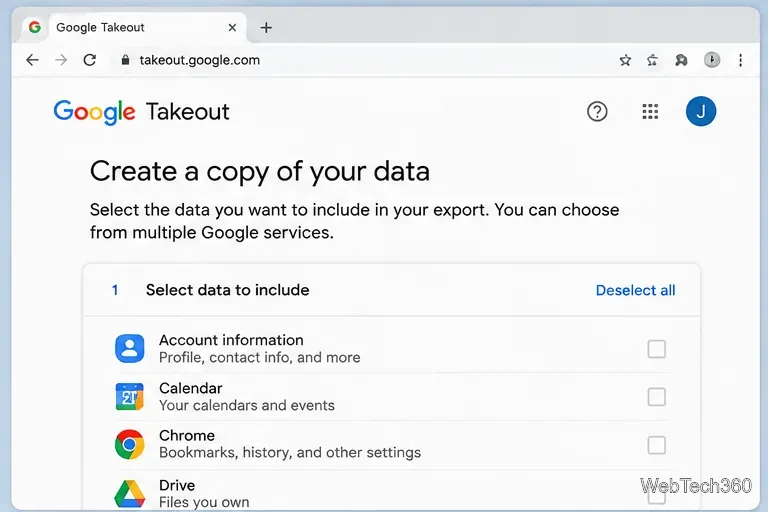
Recover Chrome bookmarks even when the browser is unavailable. Use Google Takeout to export saved bookmarks as an HTML file you can open or import elsewhere.
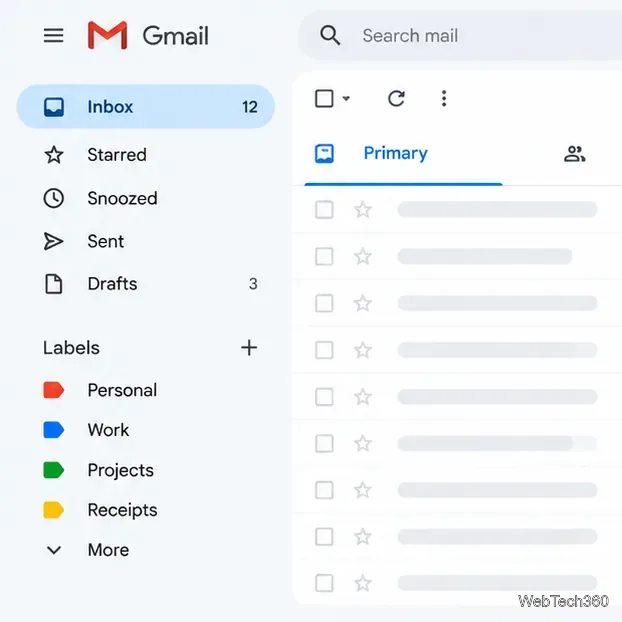
Learn how to show, hide, and organize Gmail labels, use the More divider, and collapse the sidebar without deleting messages or labels.
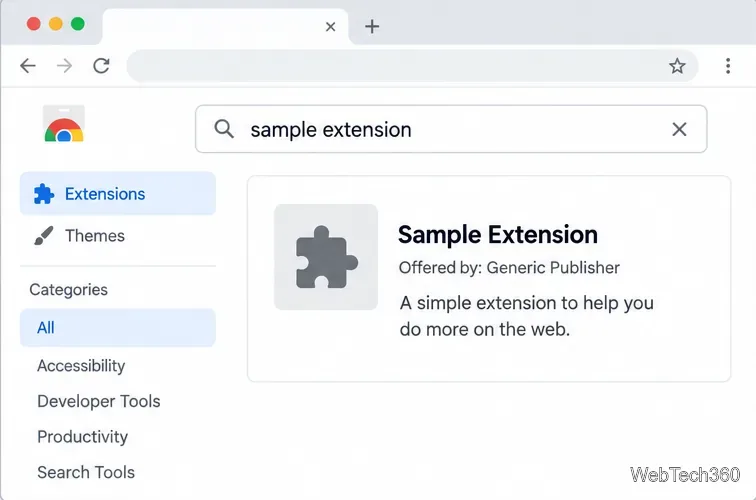
Install Chrome Web Store extensions in Edge, Brave, Opera, and other desktop Chromium browsers. Review permissions, handle browser prompts, and manage add-ons.
Chrome does not sync arbitrary clipboard text across devices. Use a Google Keep note to move a snippet between Chrome browsers, or send a page with Chrome’s built-in sharing tools.
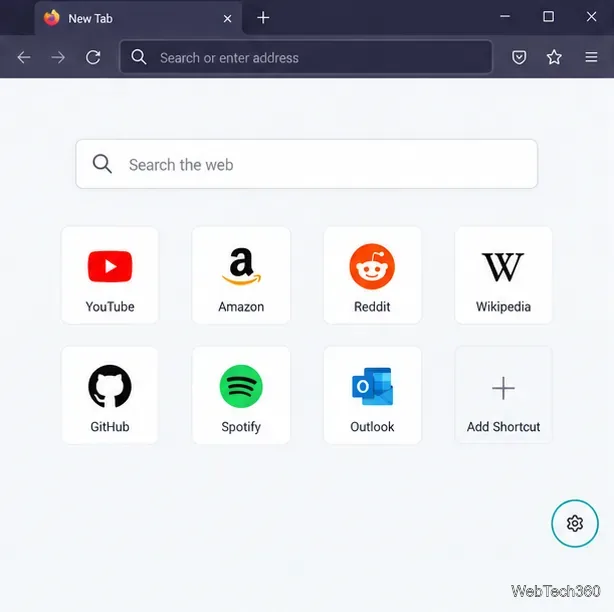
Learn why old Firefox messages disappeared and how to hide sponsored shortcuts, stories, or all content on the New Tab page.
Disable Twitter infinite scroll in Chrome, Edge, or Firefox with current X-compatible extensions that add page breaks or a reading-session limit.
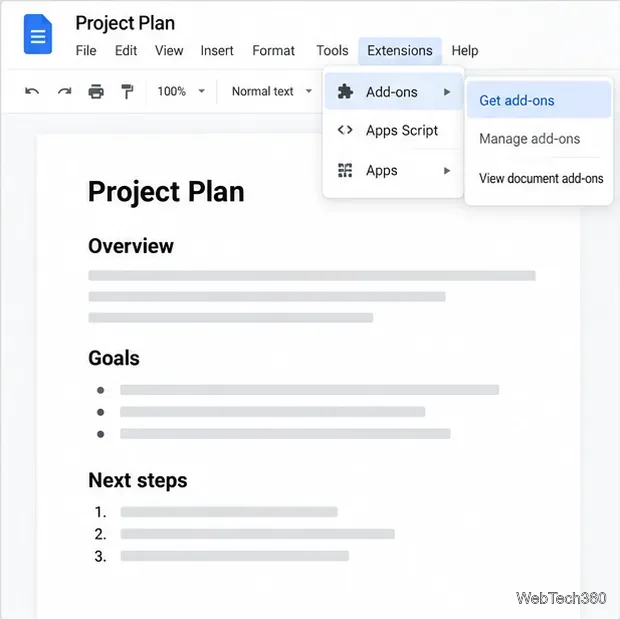
Install a Google Docs add-on from the Workspace Marketplace, review its permissions, turn it off for one document, or uninstall it when you no longer need it.
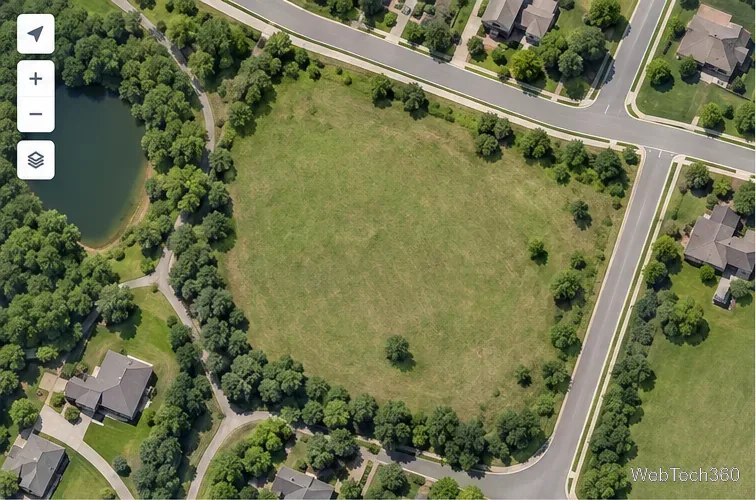
Trace a boundary with Google Maps’ desktop Measure distance tool, distinguish perimeter from area, and use Google Earth for a documented area readout.
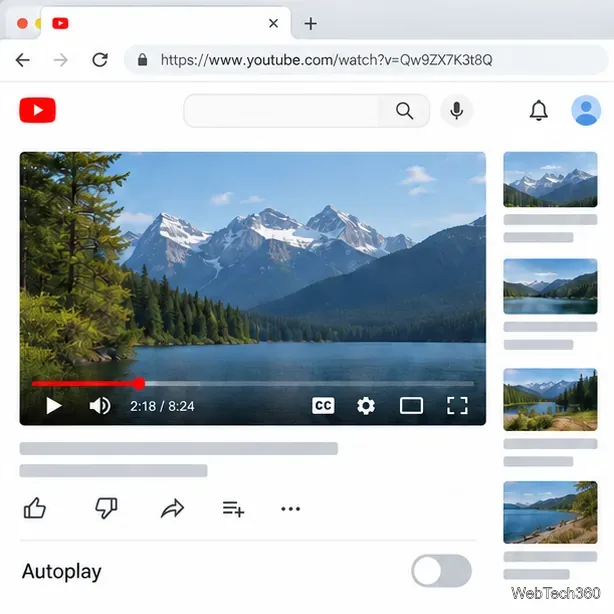
Stop YouTube’s “Video paused. Continue watching?” prompt in Chrome by turning off Autoplay or using an extension that clicks it, with clear steps and trade-offs.
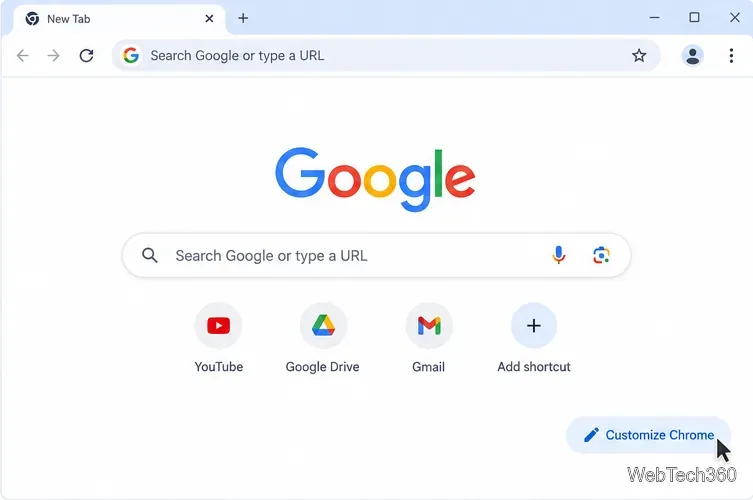
Change Chrome’s New Tab background, browser color, and light or dark appearance from the built-in Customize Chrome panel, with current steps and reset tips.
Use Blizzard’s official deletion request to remove your Battle.net account. Learn what is erased, how long it can take, and what happens to Activision data.
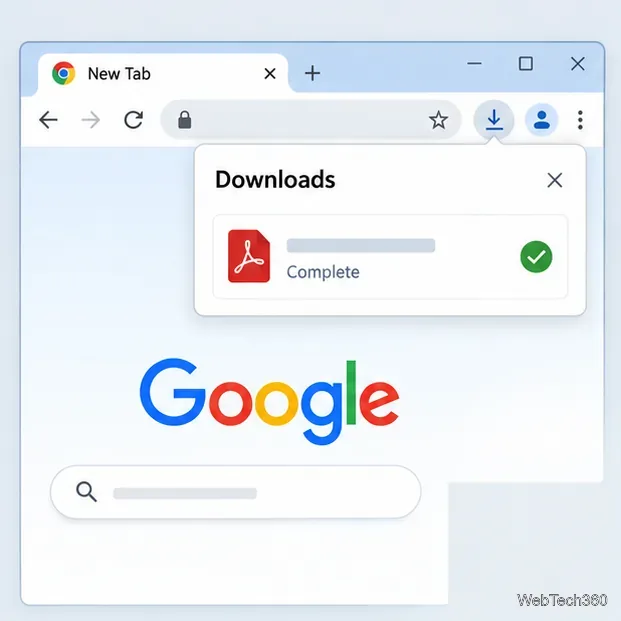
Chrome’s Downloads tray shows when files finish, but current help lists no built-in desktop alert switch. Add an optional extension and allow Chrome notifications on Windows, Mac, or Linux.

See what Scrapestack’s web scraping API returns, how its rendering and proxy options work, and what current plan limits and costs mean for your project.
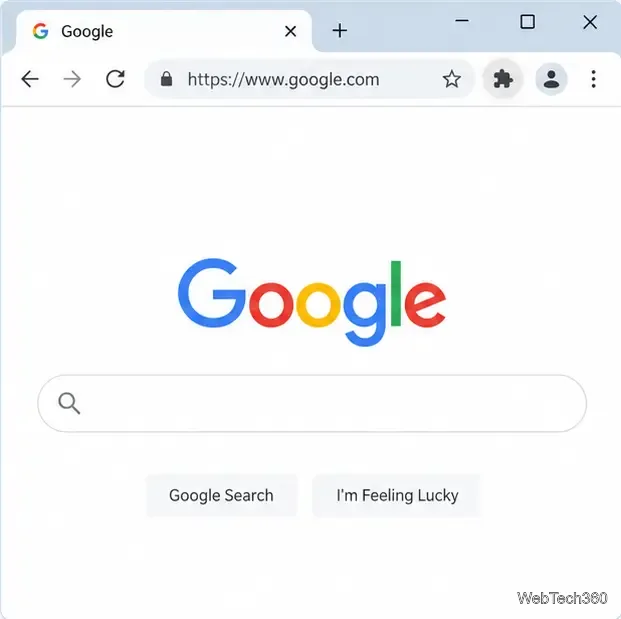
The Chrome extensions menu is built into current desktop Chrome. Learn how to open it, pin or unpin icons, restore its toolbar button, and manage extension settings.
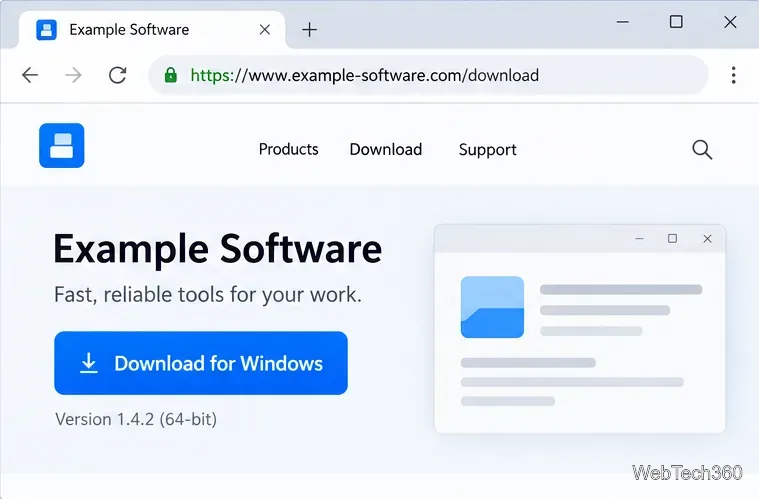
Learn what Chrome’s uncommon-download warning means, how to verify a file safely, and when to discard it or use Chrome’s one-file override.
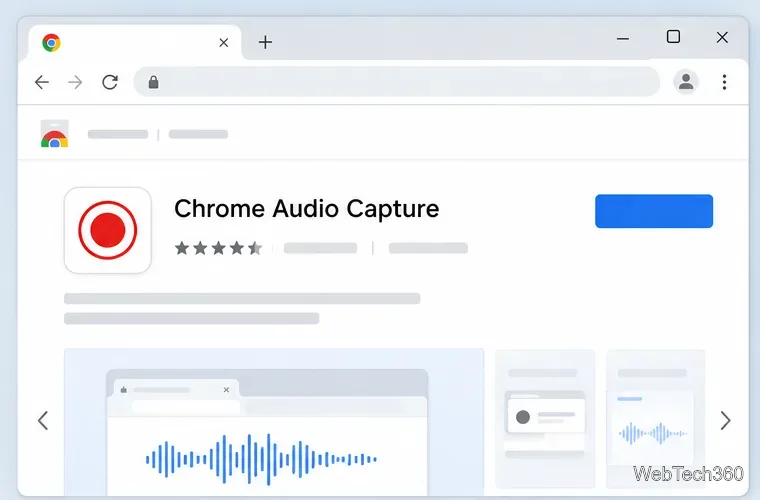
Capture sound from one Chrome tab without recording your microphone. Install a tab-audio extension, save the recording, choose MP3 or WAV, and fix common issues.
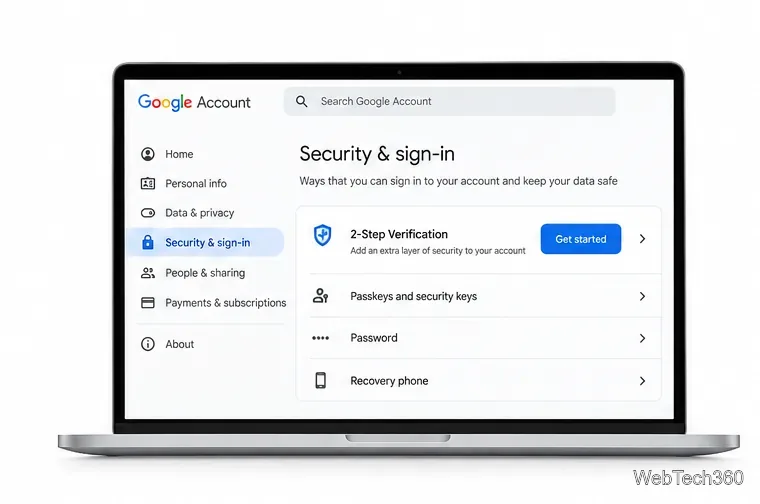
Set up Google Authenticator for Gmail by enabling 2-Step Verification, scanning the QR code, confirming a code, and saving backup options.
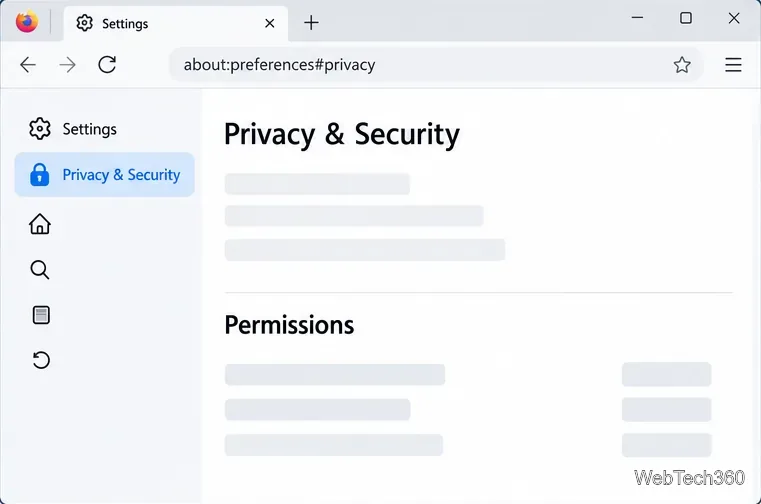
Stop muted videos as well as sound from starting on their own in Firefox. Set a global autoplay rule and check per-site exceptions if needed.
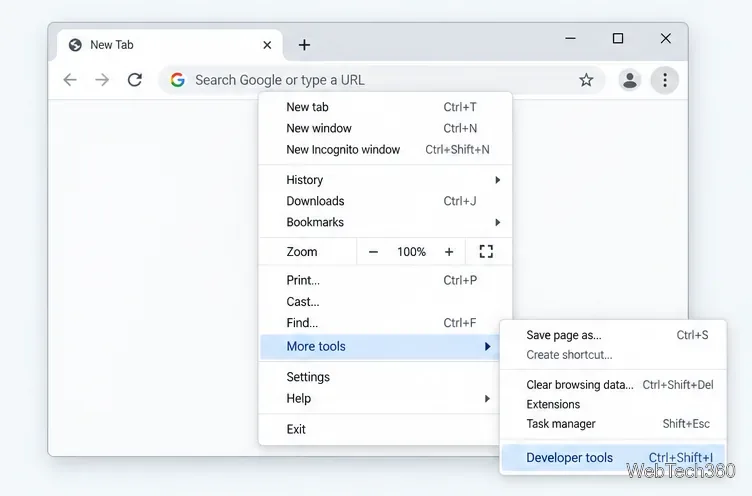
Learn how to disable JavaScript in Chrome temporarily with DevTools, block it for one site, or change the browser default, plus how to restore it.
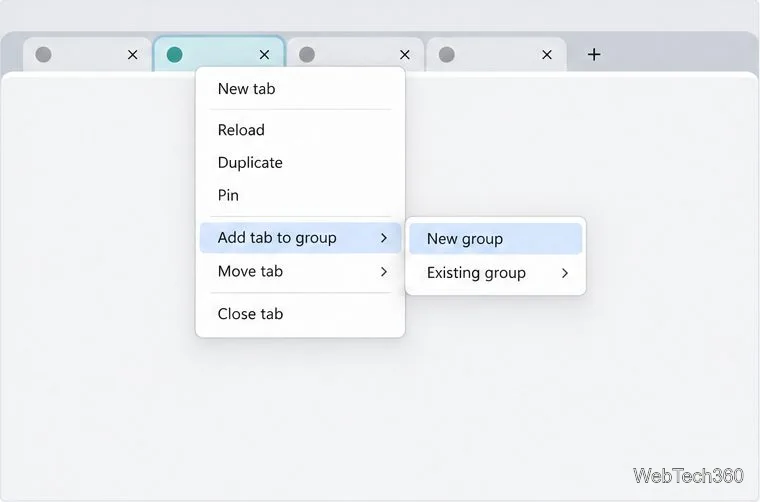
Organize related Chrome tabs into a group, then hide or reopen them with one click. See the current desktop steps, keyboard option, and what collapsing does.
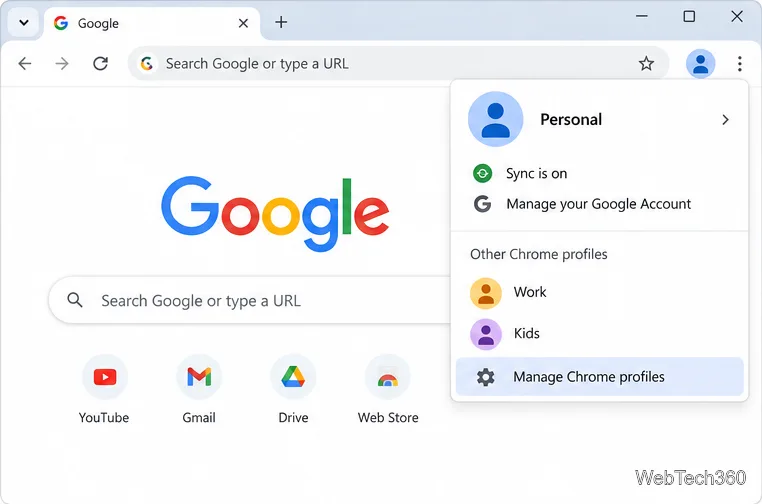
Rename a Chrome profile from its menu or profile manager, see what the label affects, and fix display delays without changing your Google Account name.
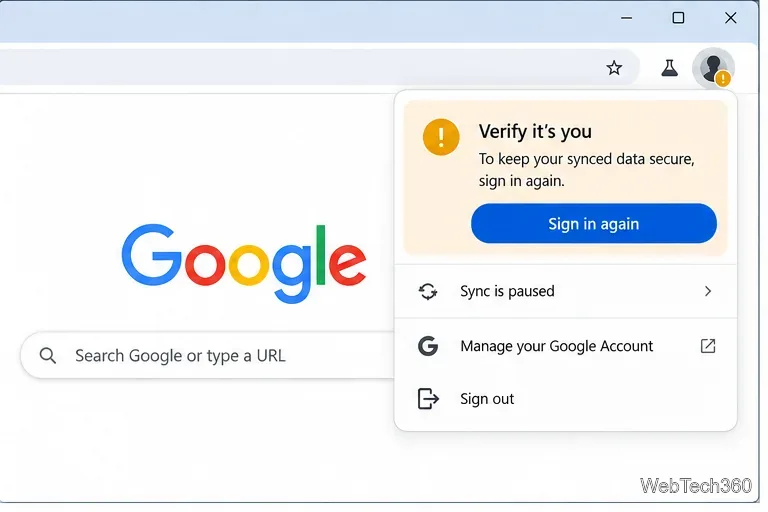
Fix Chrome sync pausing and repeated sign-in prompts by restoring account access, keeping site data, updating Chrome, and checking extensions or profiles.
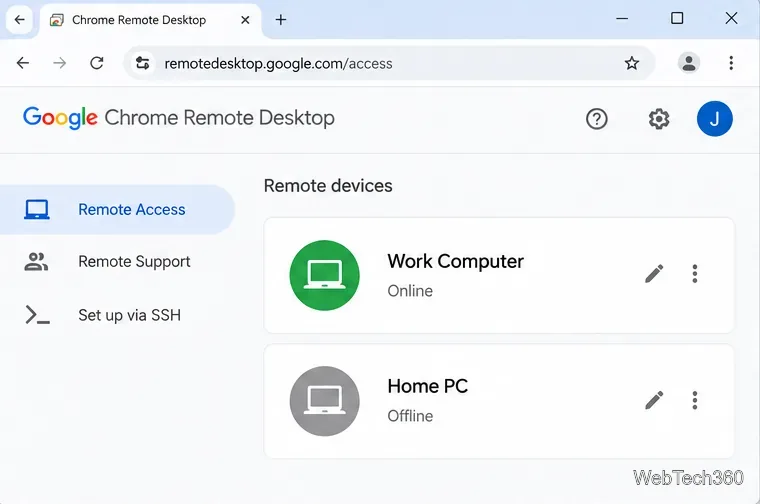
Chrome Remote Desktop not working? Fix offline hosts, update Chrome, reset remote access, check permissions, firewall rules, and managed-network restrictions.
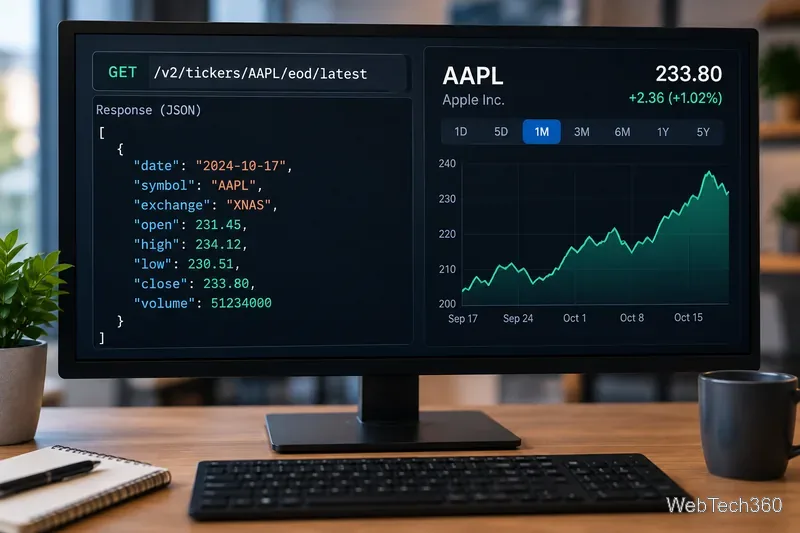
Marketstack review covering API v2, real-time and intraday data, historical coverage, pricing, limits, pros, cons, and who should use it.
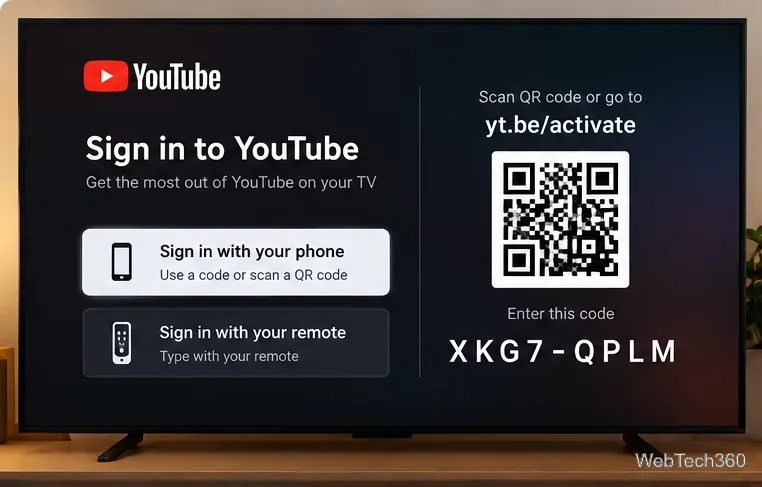
Learn how to activate YouTube at youtube.com/activate or yt.be/activate, enter your TV code, choose your Google Account, and fix sign-in problems.
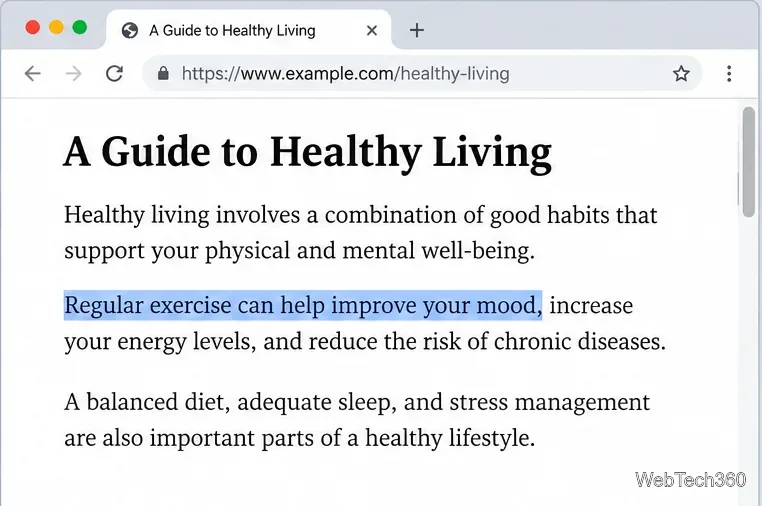
Learn how to link directly to selected text in Chrome with Copy link to highlight, how text-fragment URLs work, and what to do if a link fails.