Linux: How to Export and Import VMs in VMware Workstation Pro
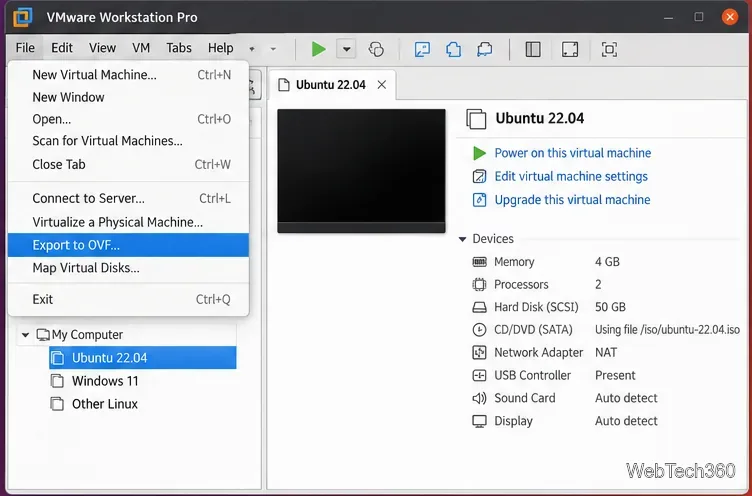
Learn how to export a VMware Workstation Pro VM to OVF on Linux, keep its package files intact, and import OVF or OVA appliances safely.
Learn how to export a VMware Workstation Pro VM to OVF on Linux, keep its package files intact, and import OVF or OVA appliances safely.
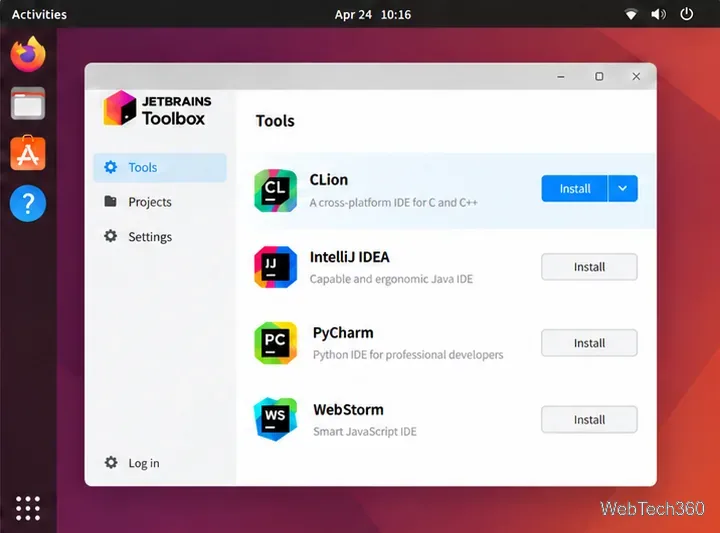
Learn how to install JetBrains CLion on Linux with Toolbox, the official tarball, Snap, or Flathub, then prepare a compiler toolchain and launch the IDE.
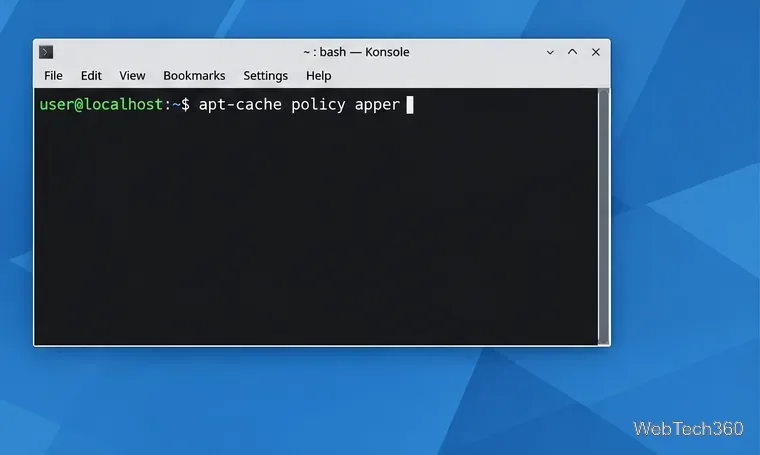
Learn how to check whether your Linux distribution still packages Apper, install it from trusted repositories, and use it to manage applications with PackageKit.
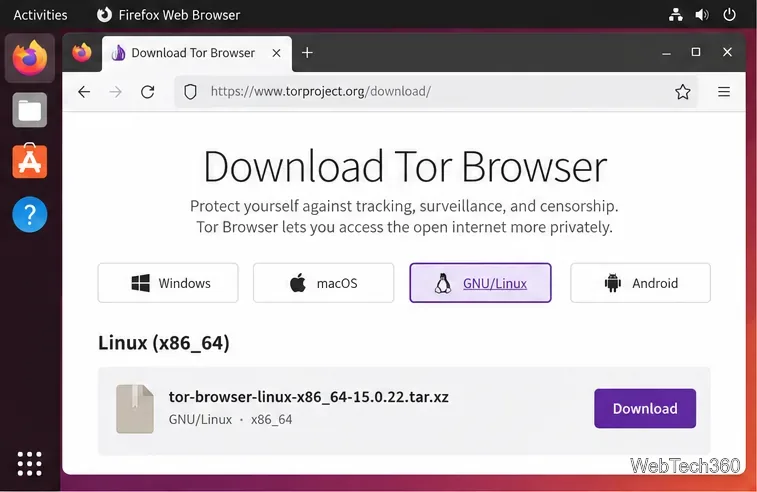
Download Tor Browser’s official Linux archive, verify it, extract the files, launch the connection wizard, and add an app-menu shortcut on Ubuntu.
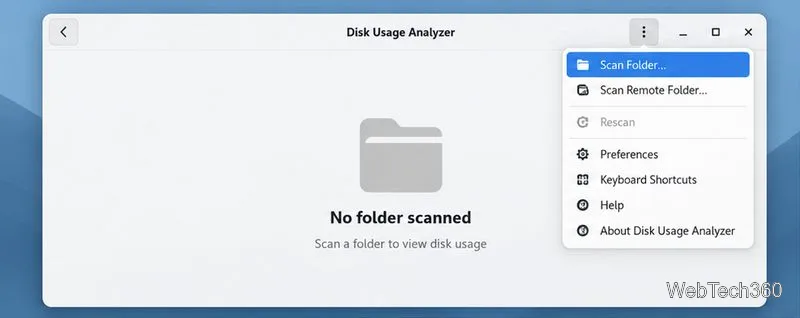
Find Linux program cache files, see which folders use the most space, and clear selected items without removing app settings or personal data.
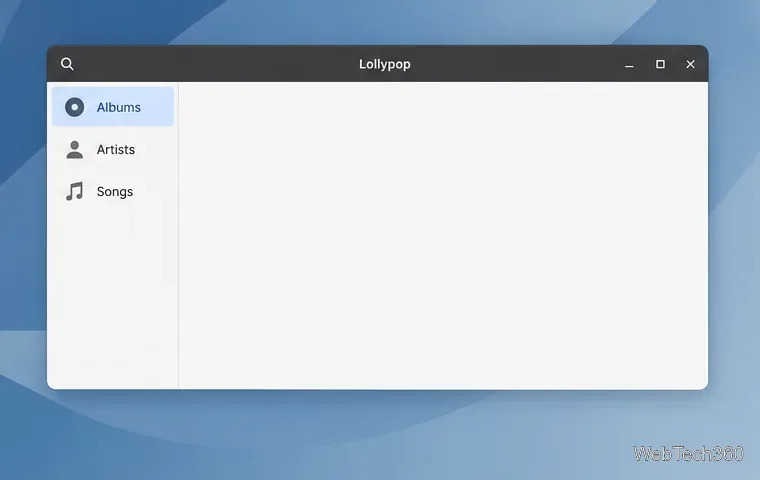
Point Lollypop to your Music folder or another directory, then let it scan your collection. Includes Flatpak access fixes for missing tracks.
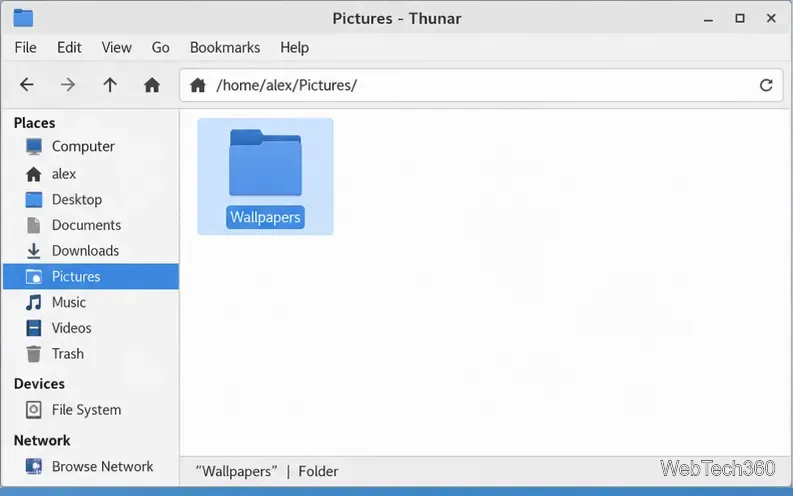
Set up an XFCE wallpaper slideshow from your own image folder, choose how often it changes, shuffle the images, and configure displays independently.
Set up Bannerlord on Linux with Steam Proton, then troubleshoot launch problems with Proton Experimental, GE-Proton, current graphics drivers, and Steam file verification.
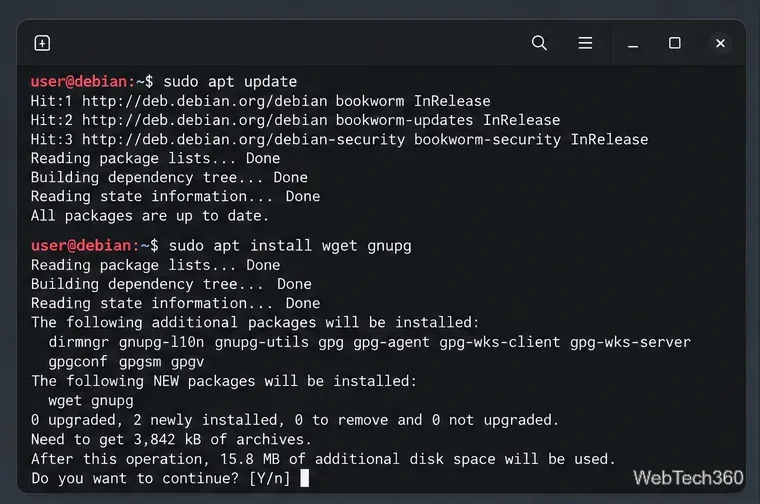
Install Mozilla’s standard Firefox release on Debian with its official APT repository, verified signing key, the right Bookworm or Trixie source format, and routine updates.
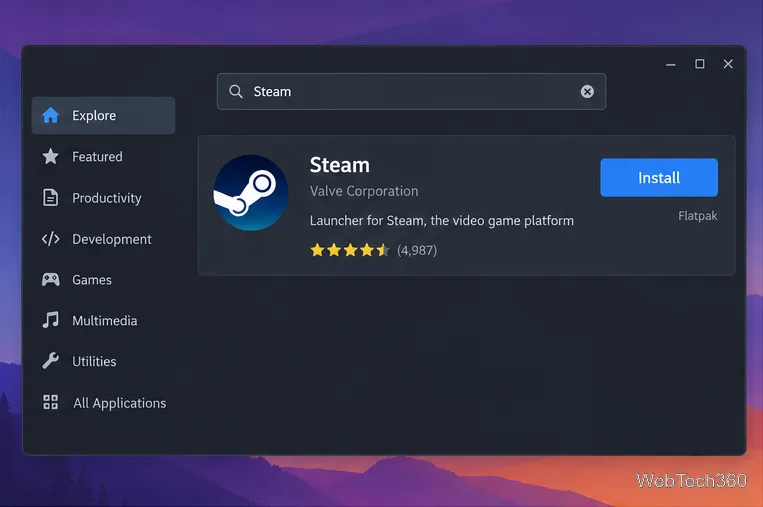
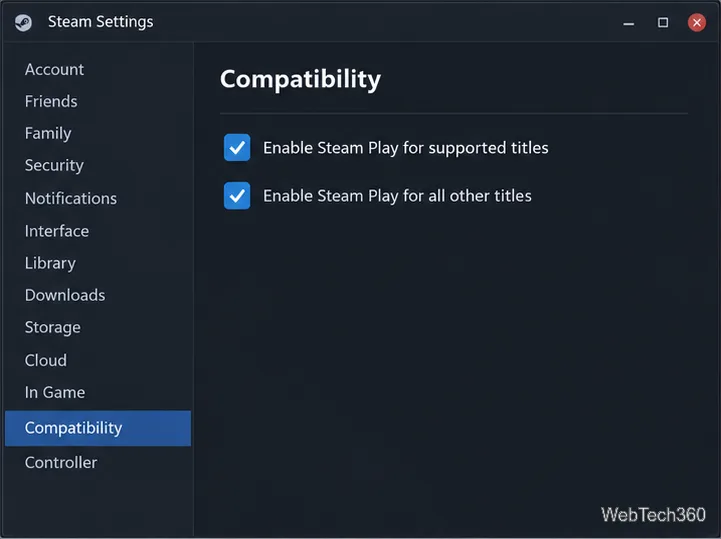
Enable Steam Play, choose Proton Experimental, and install Call of Duty: Black Ops III on Linux through Steam, with practical compatibility and troubleshooting steps.
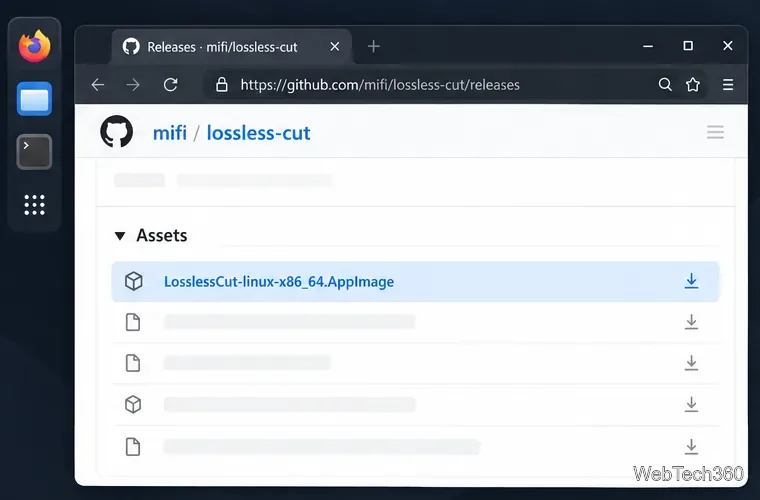
Install LosslessCut on Linux with the current official AppImage, or choose Snap or Flatpak. Check architecture, launch the editor, and fix common install issues.
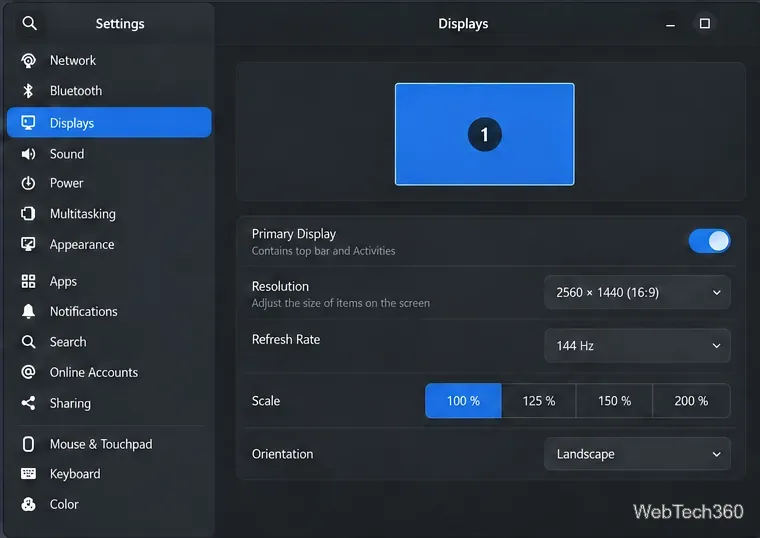
Set the refresh rate in GNOME, KDE Plasma, Xfce, MATE, LXQt, or Budgie, confirm the change safely, and troubleshoot missing 120 Hz or 144 Hz modes on Linux.
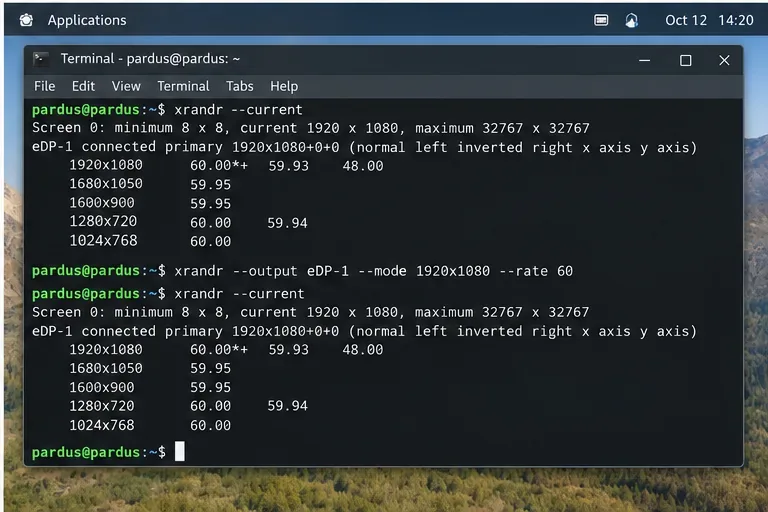
Fix Intel graphics screen tearing in Pardus Linux by checking X11 vs. Wayland, compositor settings, refresh rate, active Xorg driver, and TearFree only when appropriate.
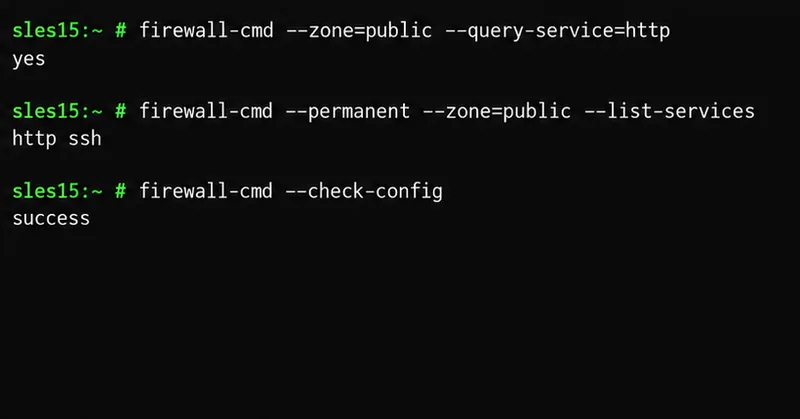
Configure firewalld on SLES 15: check zones, allow services or ports, save permanent rules, reload safely, and verify access.

Enable kernel live patching on SLES 15 SP7, apply supported fixes without rebooting, verify active patches, and understand when a kernel restart is still required.
Enable FIPS mode on SLES 15 with SUSE’s supported setup utility, reboot safely, verify kernel and crypto policy status, and check certification limits.
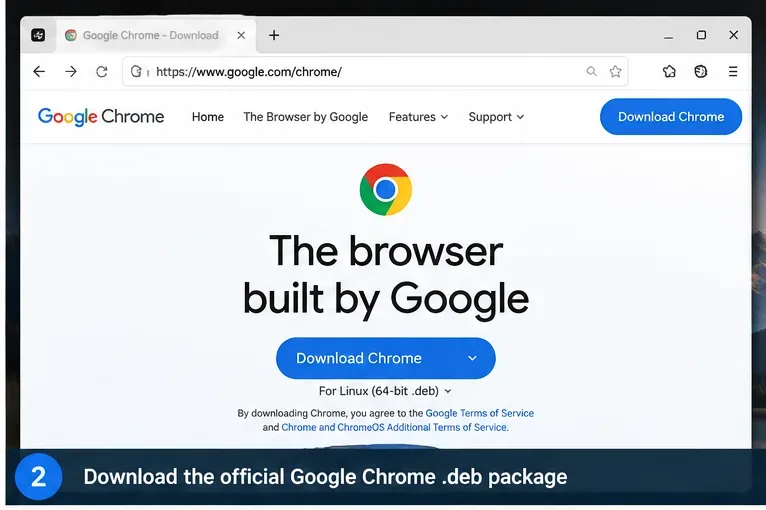
Install Google Chrome on Gooroom OS safely with official .deb packages, APT, policy checks, update guidance, and fixes for managed devices.

Securely forward SLES system logs to a remote syslog server with rsyslog, TLS certificates, peer-name verification, queues, validation, and testing.
Join SLES 15 to Active Directory with SSSD using YaST. Prepare DNS and time, configure domain logins, verify Kerberos, and compare SSSD, Winbind, and realmd.
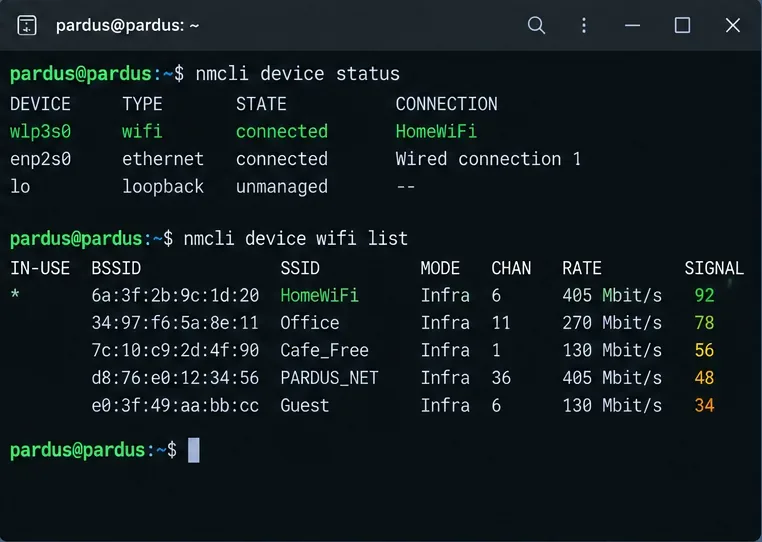
Fix RTL8821CE Wi-Fi on Pardus Linux by checking the built-in rtw88 driver, Realtek firmware, rfkill, NetworkManager, and safe fallback options.
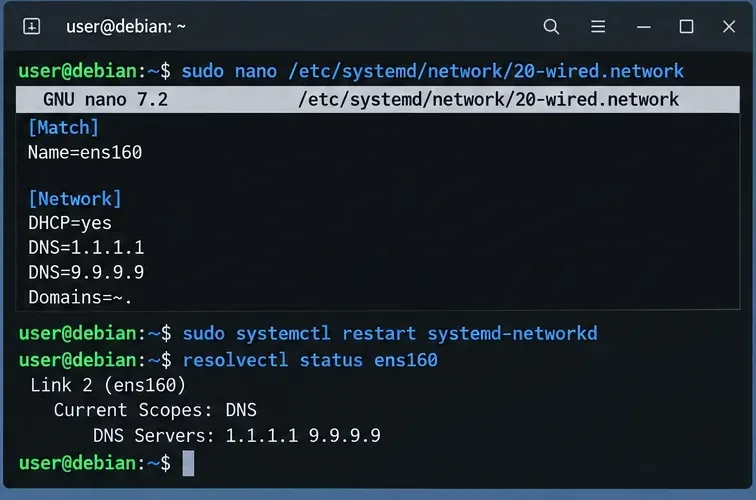
Diagnose and fix Debian 12 DNS resolution failures with systemd-resolved, including resolv.conf, NetworkManager, networkd, cache, and verification.
Install Pardus 25.2 beside Windows 11 by backing up, shrinking the Windows volume, booting a UEFI USB, and protecting the existing EFI and recovery partitions.
Diagnose Zypper refresh failures with HTTP 500 in SUSE Linux Enterprise Server. Identify the failing repository, check proxies and registration, then refresh metadata safely.
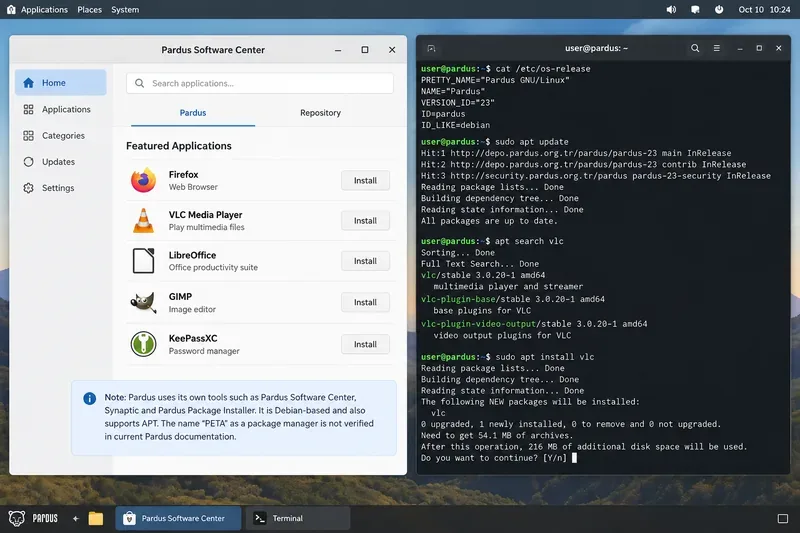
Compare the so-called Pardus package manager “PETA” with APT, clarify current Pardus package tools, and choose the right interface for desktop use or administration.
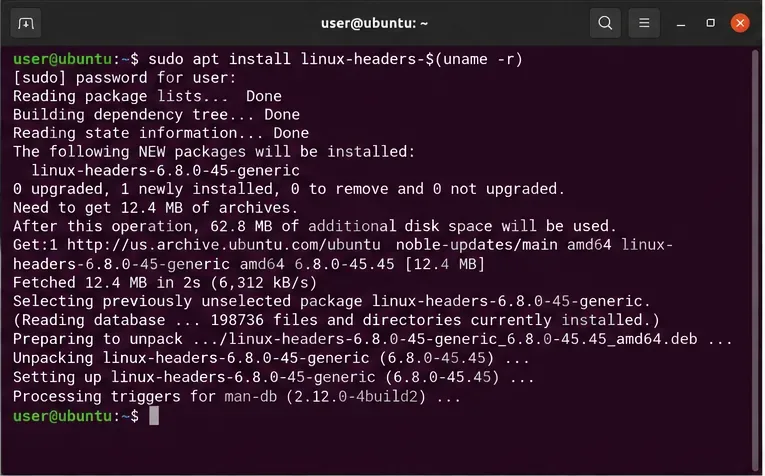
Fix NVIDIA drivers that stop loading after an Ubuntu kernel update by checking kernel modules, Secure Boot, DKMS, headers, Nouveau, and version mismatches.
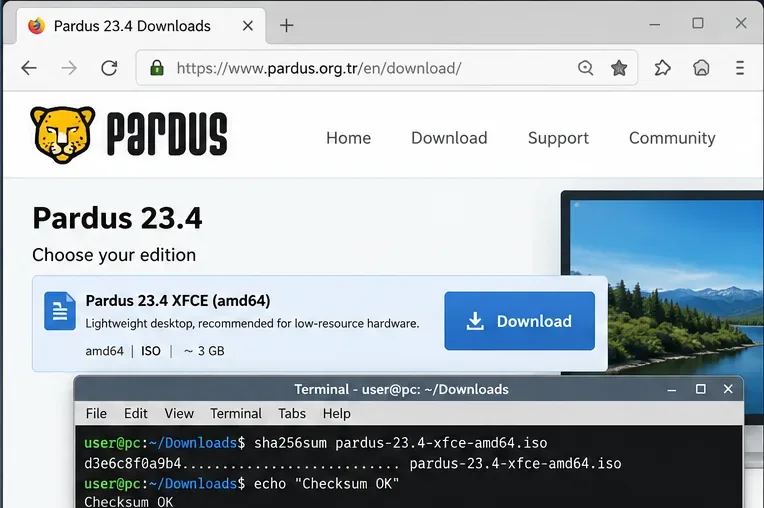
Install Pardus 23.4 XFCE on older 64-bit PCs with Legacy BIOS, a bootable USB, safe partitioning, and post-install checks for low-spec hardware.
Learn how Gooroom OS layers trusted boot, executable and OS protection, and browser controls—and what users should verify about sandboxing.
Diagnose Debian 12 memory pressure, right-size MariaDB or MySQL, add swap carefully, and verify whether your VPS can handle its workload.
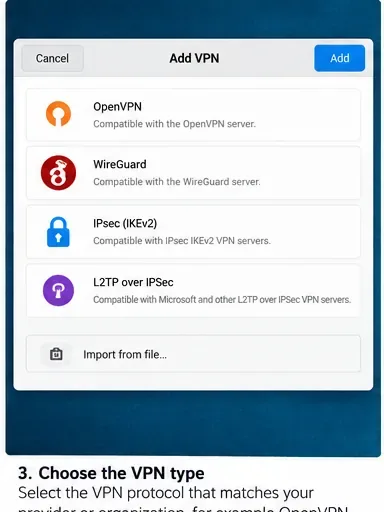
Set up OpenVPN, WireGuard, OpenConnect, or IPsec VPN connections on Pardus 25 Desktop, then verify routing, DNS, and tunnel status.
Compare SLES 15 and RHEL 9 performance facts, kernel streams, TuneD profiles, workload variables, and how to benchmark both systems fairly.