How to Use Keybase to Encrypt Files on Linux
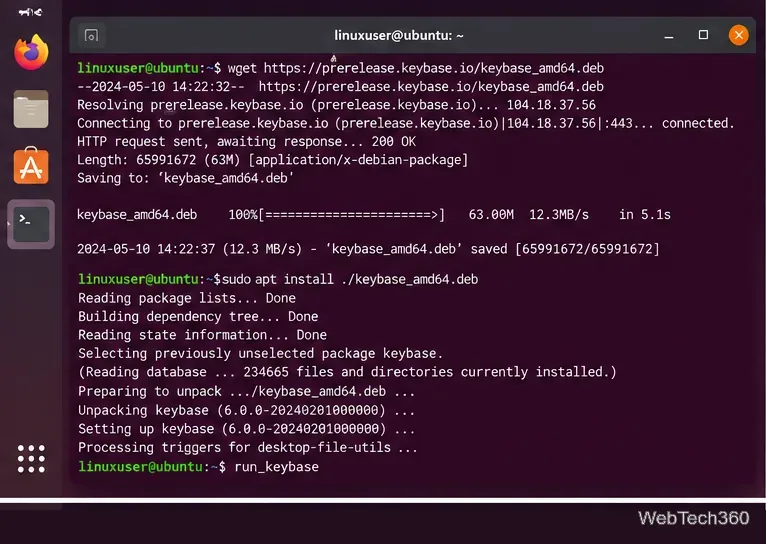
Learn how to use Keybase to encrypt files on Linux with private KBFS folders, share encrypted files safely, download them later, and avoid the public folder.
Learn how to use Keybase to encrypt files on Linux with private KBFS folders, share encrypted files safely, download them later, and avoid the public folder.
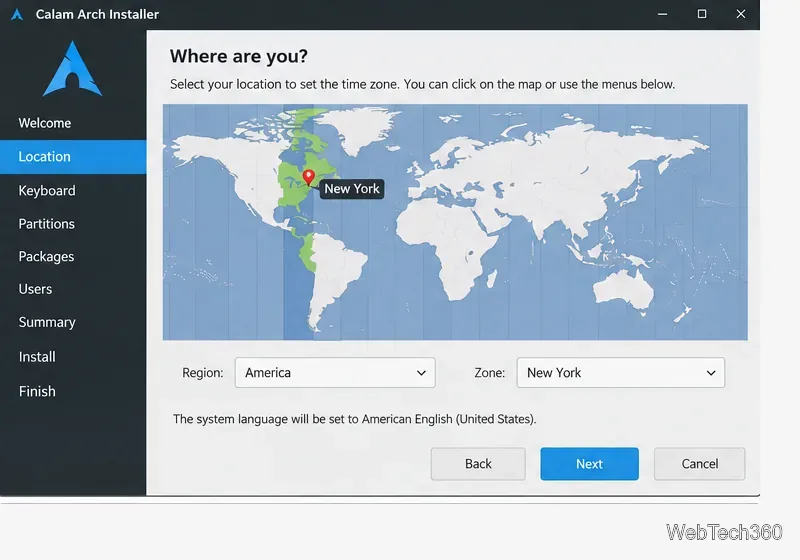
Use the current Calam Arch ISO and its graphical Calamares installer to set up Arch Linux with partitions, a desktop, packages, and a user account.
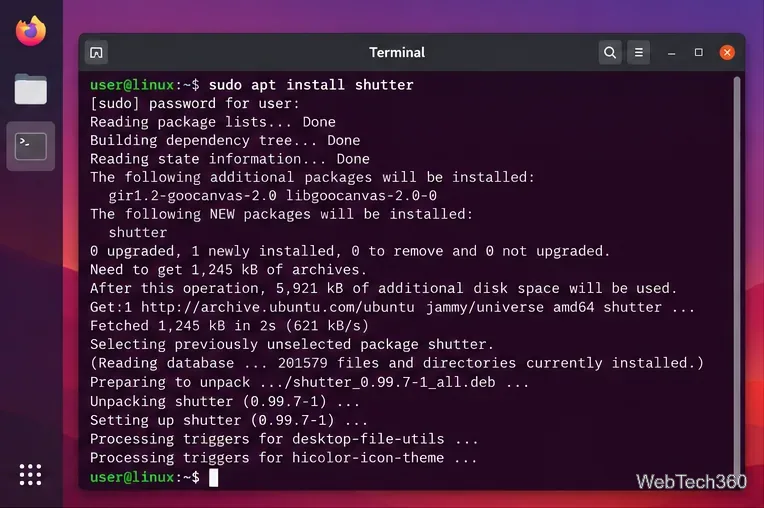
Learn how to install Shutter on Linux, capture selected areas or the full desktop, edit screenshots, and handle current Wayland limitations.
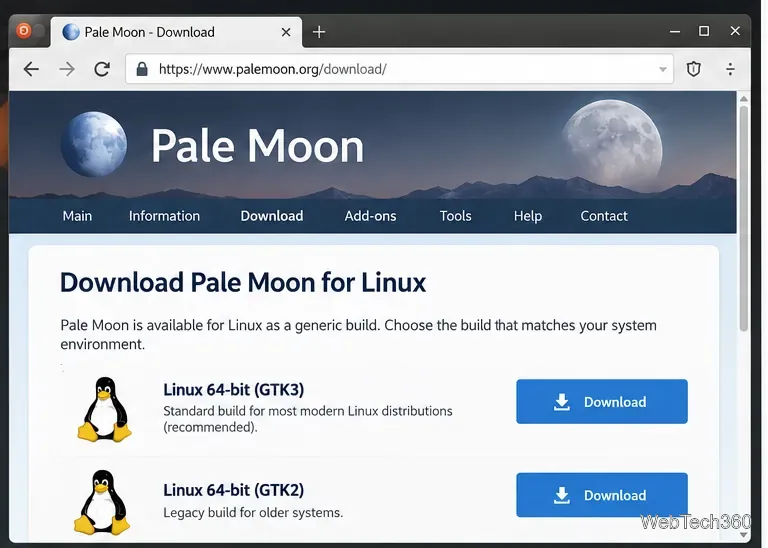
Learn how to install and use the Pale Moon browser on Linux with the official GTK3 tarball, then browse, bookmark sites, add extensions, and update it safely.
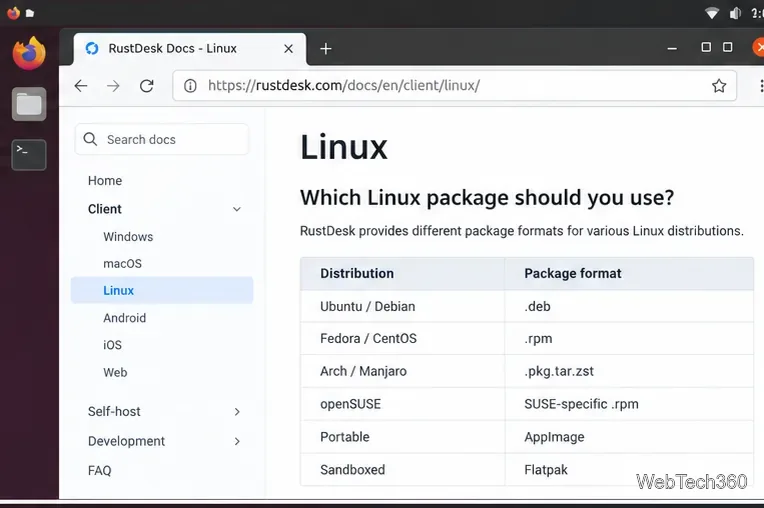
Learn how to install RustDesk on Linux, connect to another computer securely, set up unattended access, and avoid common Wayland issues.
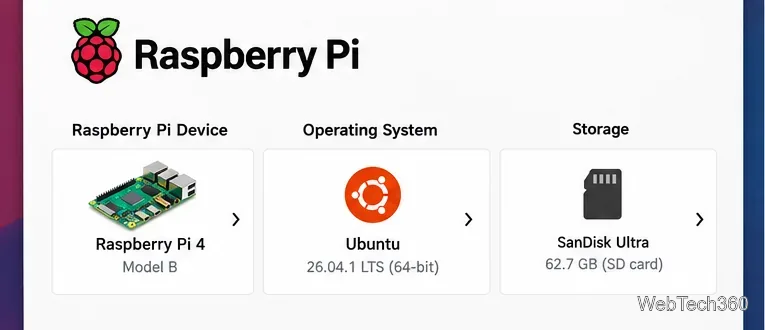
Learn how to run Xubuntu on a Raspberry Pi 4 by flashing Ubuntu 26.04 LTS, installing the arm64 Xubuntu desktop package, and choosing Xubuntu at login.
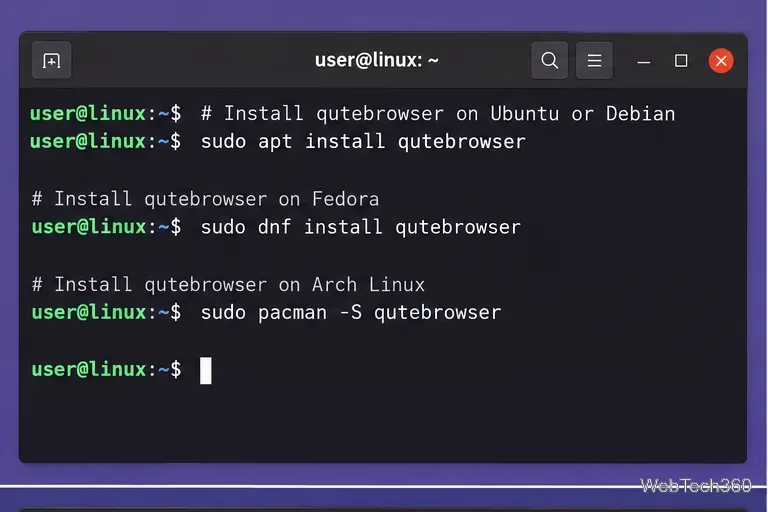
Install Qutebrowser on Linux, learn its essential keyboard shortcuts, open links without a mouse, manage tabs and bookmarks, and customize settings.
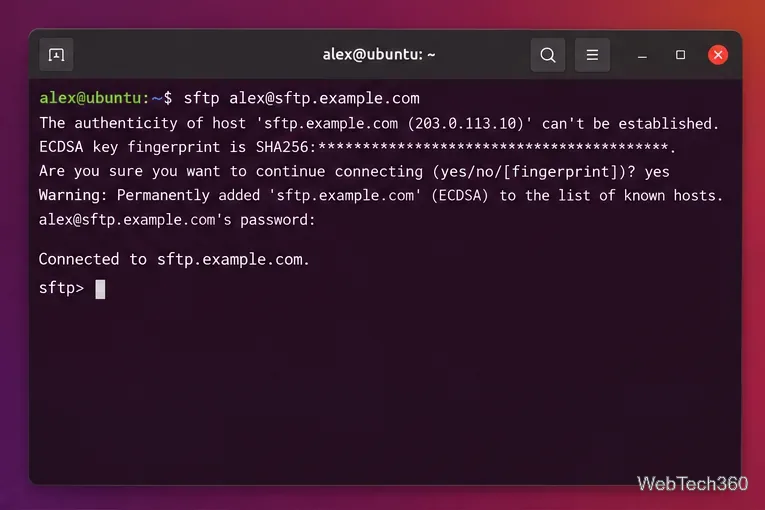
Connect to an SFTP server in Ubuntu from the Terminal or GNOME Files, transfer files with get and put, use SSH keys, and fix common errors.

Pair a Nintendo Switch Pro Controller on Linux over Bluetooth or USB, confirm built-in kernel support, set it up in Steam, and fix common connection issues.
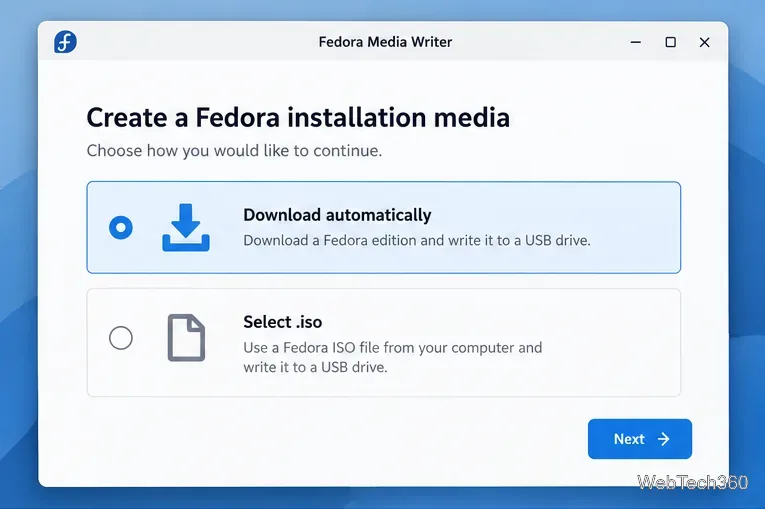
Use Fedora Media Writer to download Fedora, select the right USB drive, write and verify the image, and safely create bootable installation media.
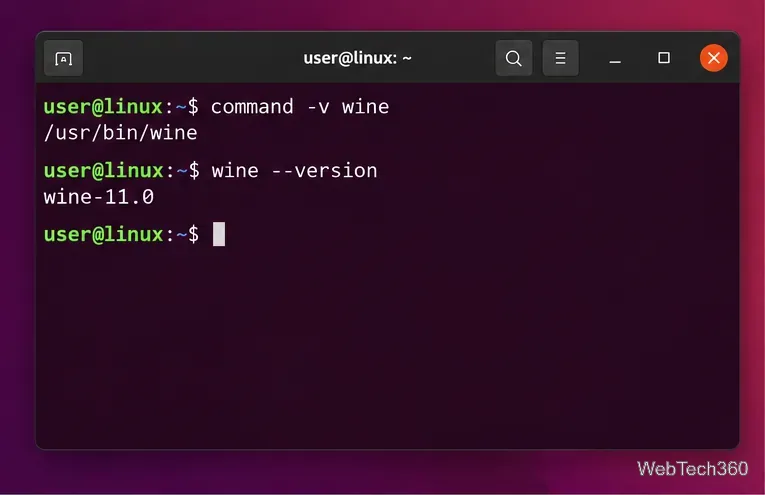
Learn how to purge Wine from Linux, remove its packages and unused dependencies, delete Wine prefixes safely, and verify the cleanup.
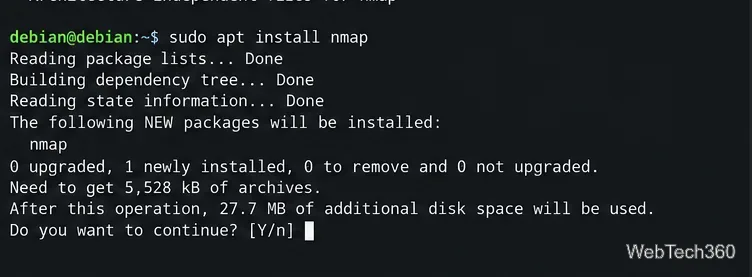
Learn how to install Kali Linux apps in Debian safely using Debian packages or an official Kali container without mixing Kali and Debian repositories.
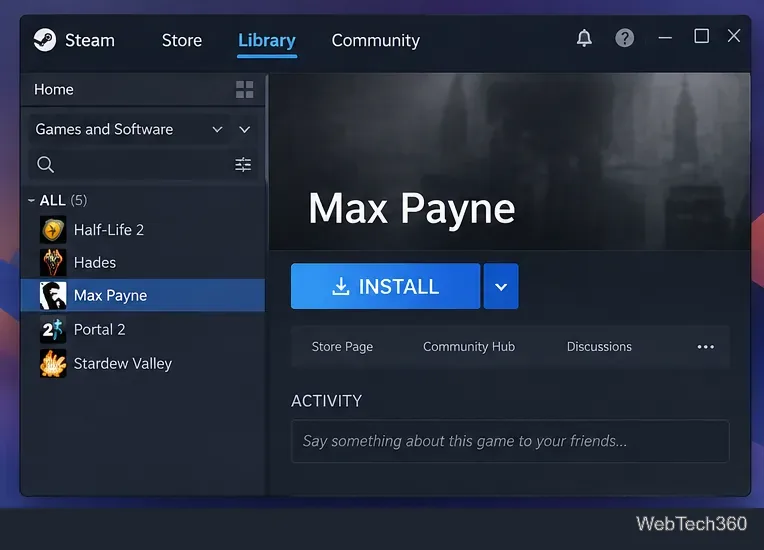
Play the original Max Payne on Linux through Steam and Proton. Follow current compatibility settings, install steps, and safe troubleshooting fixes.
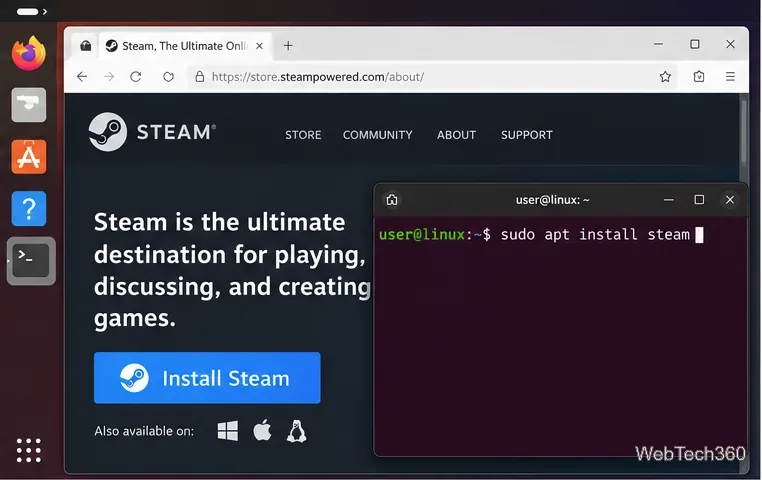
Play Counter-Strike: Global Offensive on Linux with Steam. Install the native Linux build from Valve’s unlisted CS:GO page and fix common launch issues.
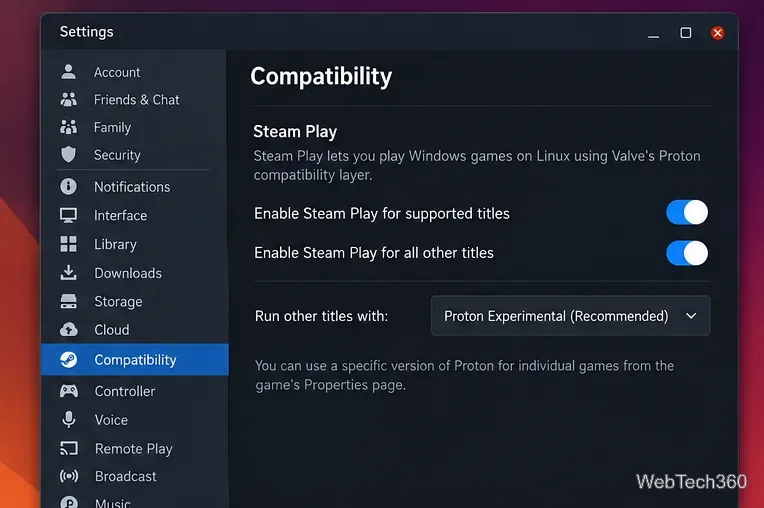
Learn how to play Baldur’s Gate 3 on Linux with Steam Proton, including current setup steps, SSD requirements, compatibility settings, and fixes.
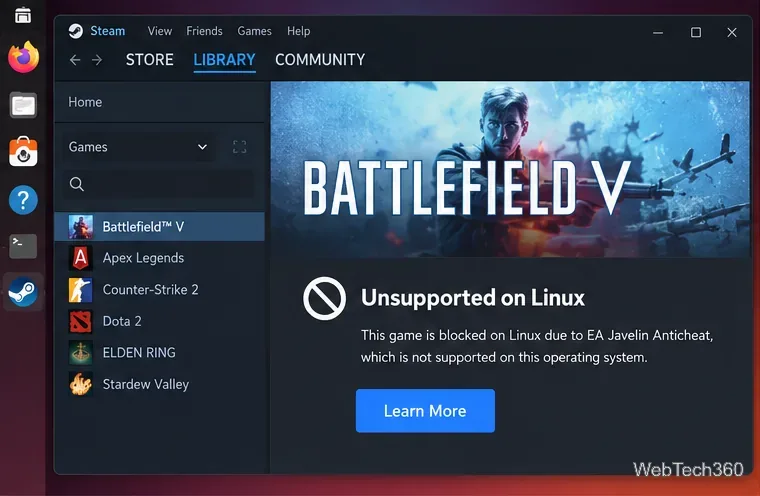
Battlefield V no longer runs locally on Linux through Proton because of EA Javelin Anticheat. Here are the supported ways to play while keeping Linux.
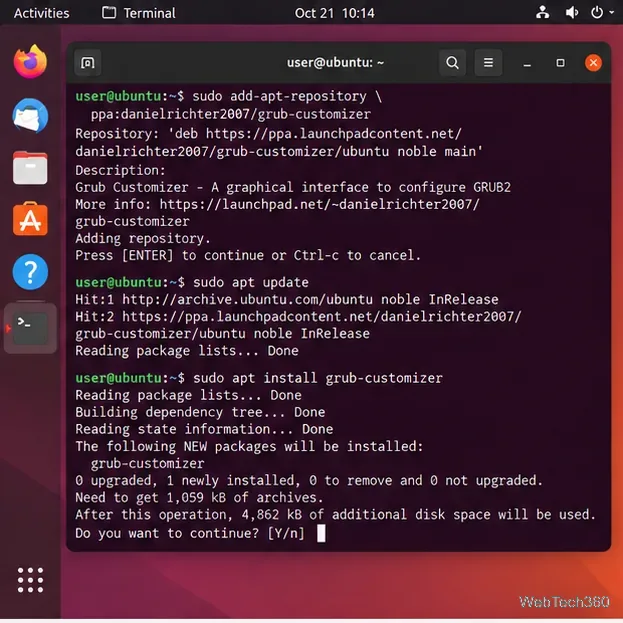
Use Grub Customizer to change Ubuntu’s default boot entry, timeout, menu visibility, and kernel options safely with current install and save steps.

Learn how to run Linux on an iPad with UTM SE, an ARM64 Linux ISO, and a lightweight virtual machine—no jailbreak or AltStore required.
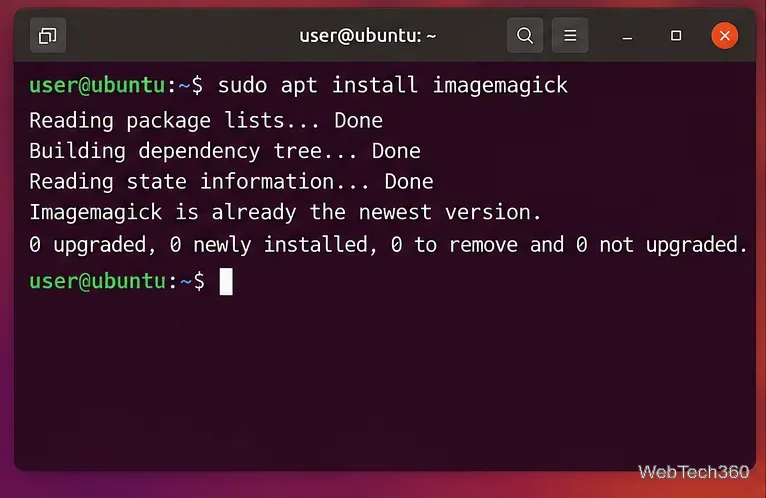
Convert PNG to JPG on Linux with ImageMagick. Learn single-file, batch, transparency-safe, and JPEG quality commands, plus older-version compatibility.
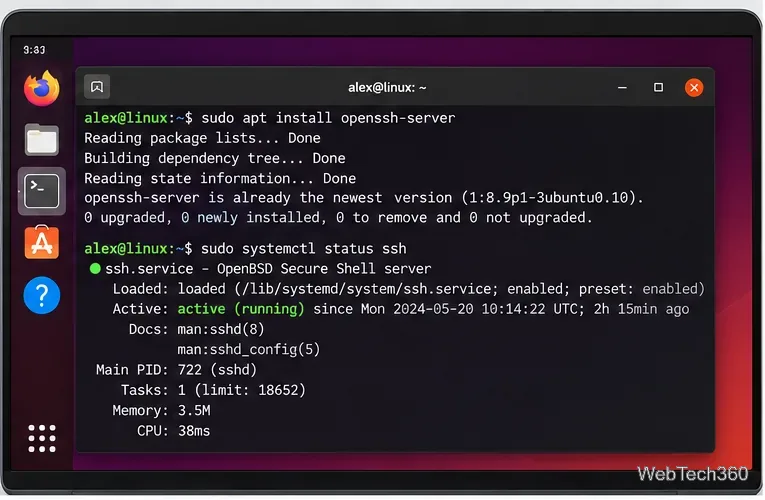
Access a remote Linux computer from an iPad with SSH, SFTP, or AnyDesk. Set up OpenSSH, connect securely, transfer files, and avoid unsafe port forwarding.
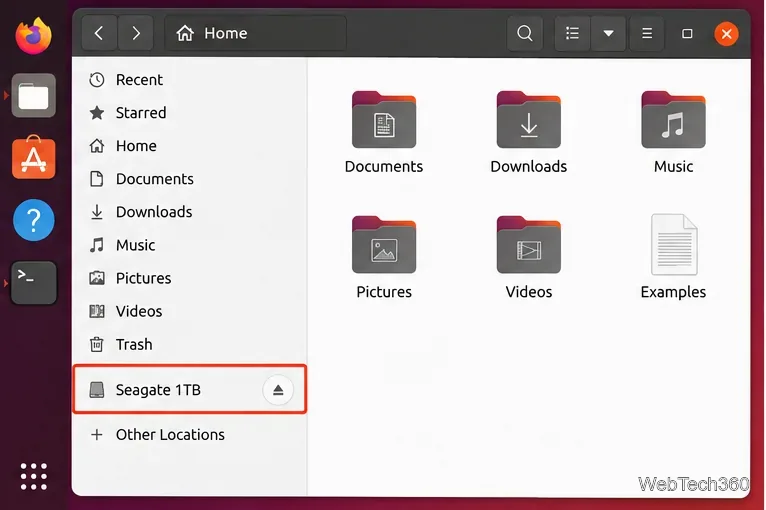
Learn how to unmount a hard drive on Ubuntu using Files, Disks, or the terminal, plus how to handle busy volumes and safely disconnect USB drives.
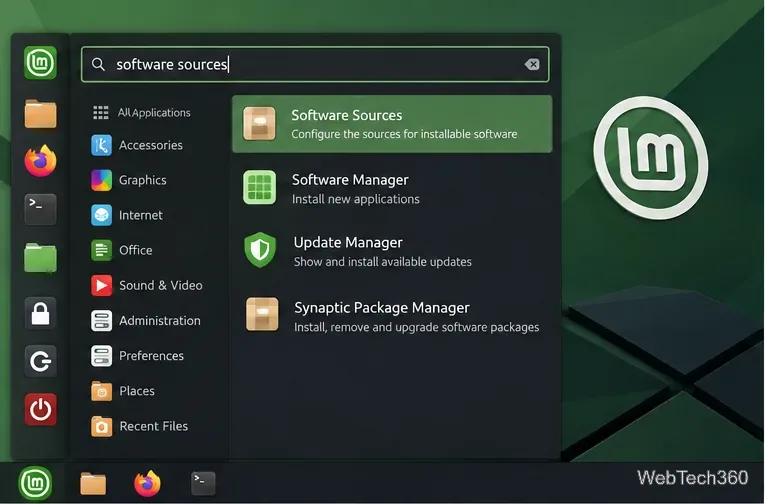
Learn how to enable, disable, add, remove, and safely edit PPAs in Linux Mint using Software Sources or the terminal, with current APT file locations and commands.
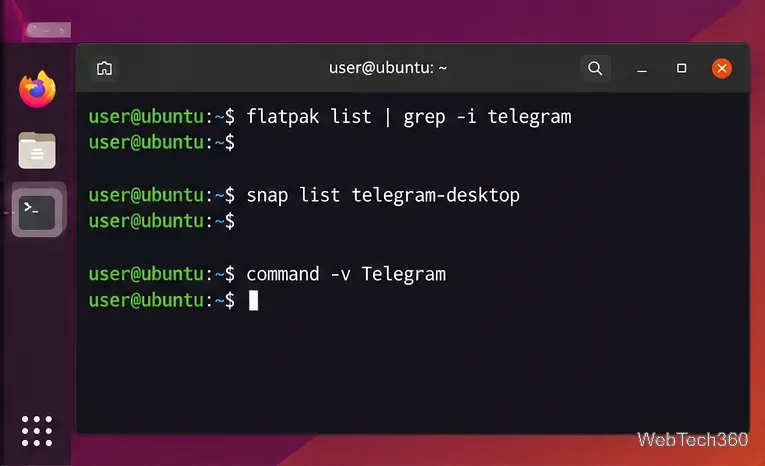
Update Telegram Desktop on Linux with the right method for Flatpak, Snap, distro packages, or Telegram’s official Linux x64 build.
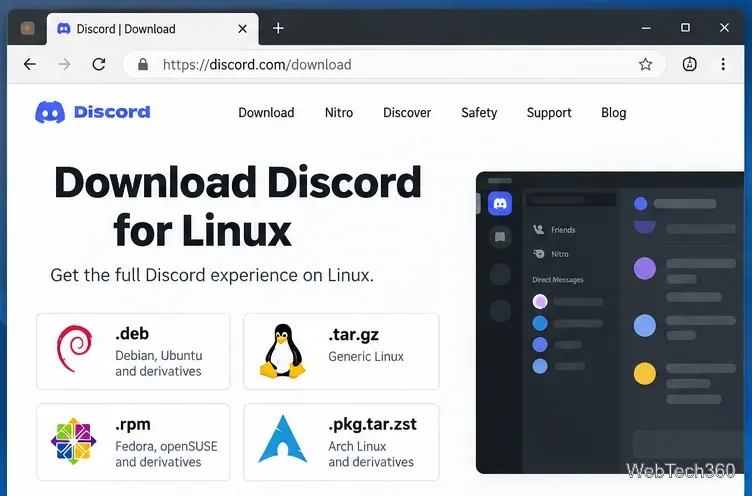
Update Discord on Linux using the right method for DEB or RPM packages, Arch, Flatpak, or Snap, with current commands and update troubleshooting.
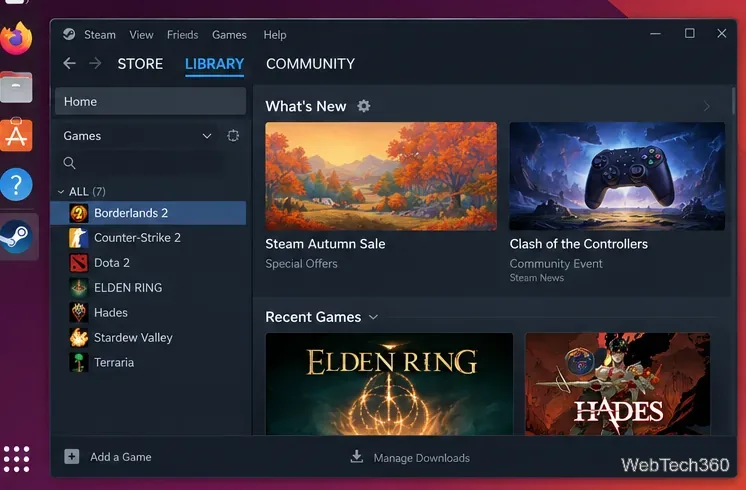
Borderlands 2 still has a native Linux build on Steam. Learn how to install and launch it, plus use Proton when the native version has problems.
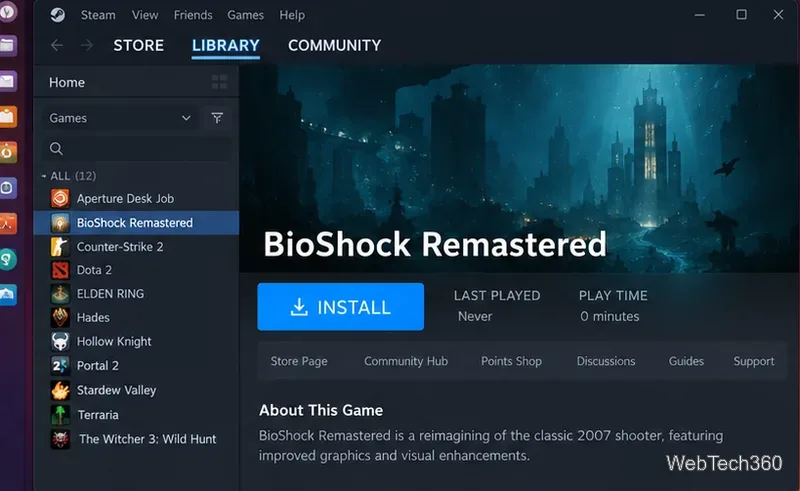
Learn how to play BioShock Remastered on Linux with Steam and Proton, choose a compatibility version, and fix common launch or graphics problems.
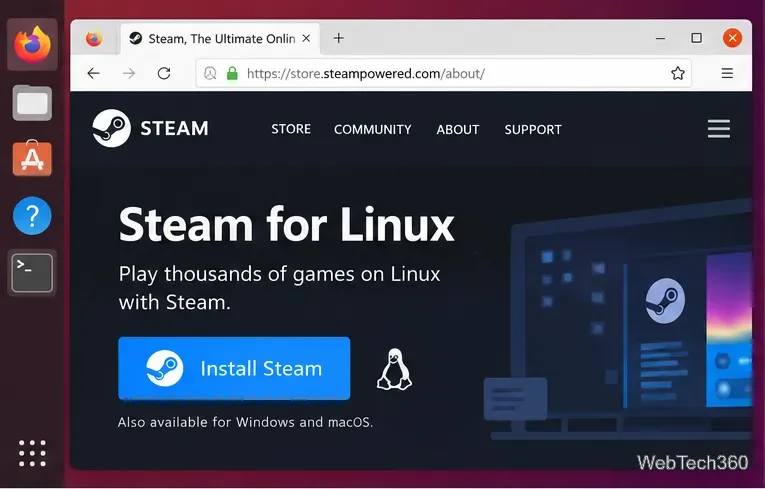
Learn how to play Cities: Skylines on Linux using the native Steam build, with current Steam setup steps and fixes for launch or mod problems.
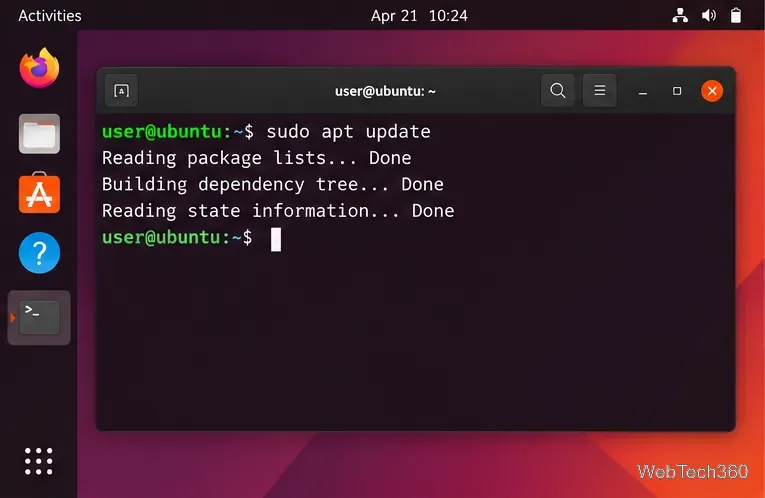
Install Clang on Ubuntu with APT, verify the compiler, build a test C program, choose a specific version, and fix common package errors.
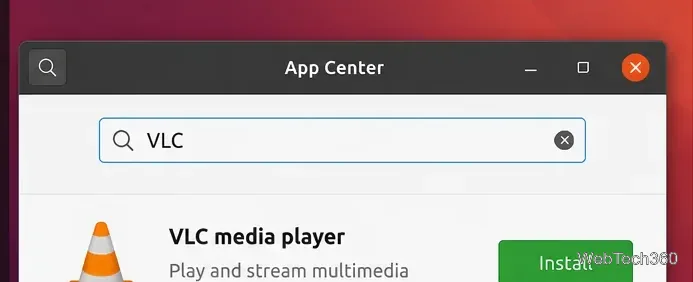
Need an MP4 video player on Ubuntu? Install VLC or mpv, open MP4 files, and troubleshoot common playback problems with current Ubuntu steps.
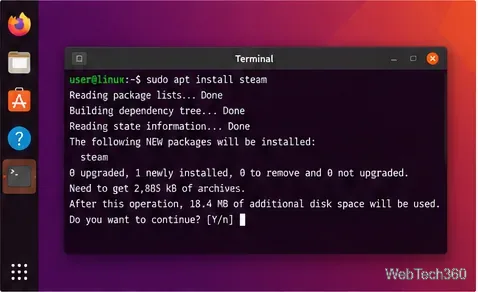
Dead Rising has no native Linux build, but Steam Proton can run it. Install Steam, enable compatibility, choose Proton, and troubleshoot launch issues.