How to Install WebTorrent on Linux: Desktop and CLI
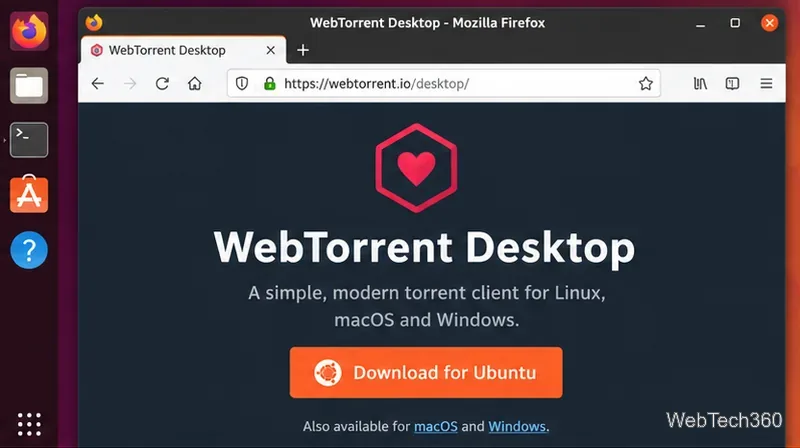
Learn how to install WebTorrent on Linux with the official DEB, RPM, portable ZIP, or the actively maintained WebTorrent CLI.
Learn how to install WebTorrent on Linux with the official DEB, RPM, portable ZIP, or the actively maintained WebTorrent CLI.
![Debian: How to Install a .deb File [Guide]](https://tips.webtech360.com/resources_cts/images2/debian-how-to-install-a-deb-file-guide_845216497.webp "Debian: How to Install a .deb File [Guide]")
Learn how to install a .deb file on Debian with APT, dpkg, or GDebi, including dependency fixes and quick checks for package safety and architecture.
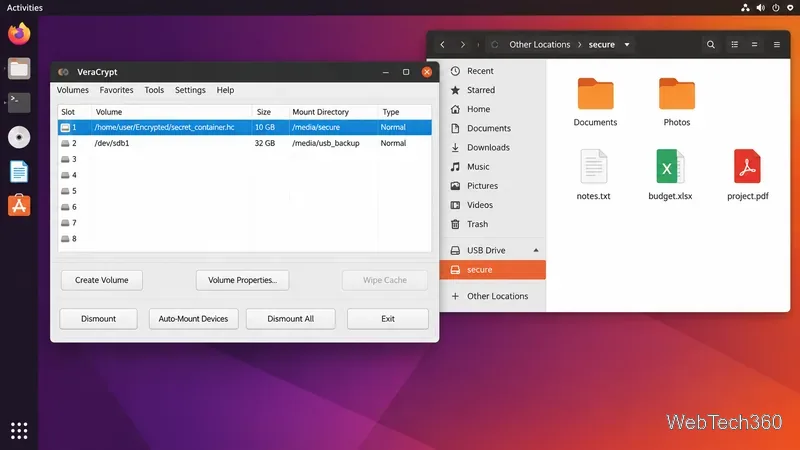
Protect disks, USB drives, cloud folders, and individual files with five reliable Linux encryption tools: VeraCrypt, LUKS, Cryptomator, gocryptfs, and GnuPG.
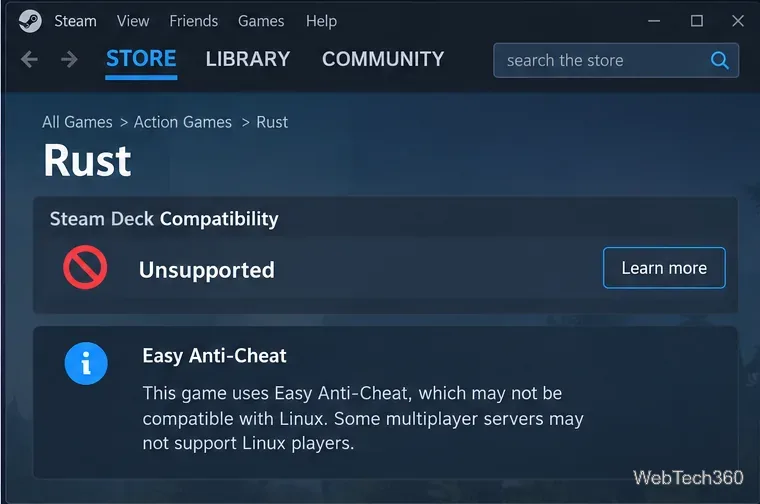
Learn how to play RUST on Linux with Steam Proton, what to install, and why Easy Anti-Cheat still limits access to normal multiplayer servers.

Learn how to add a user to sudoers on Debian using the sudo group, verify access, edit /etc/sudoers.d safely, and revoke sudo privileges.
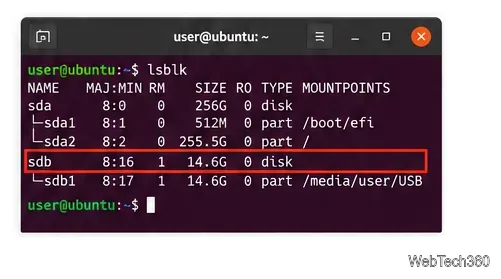
Learn how to format a USB drive on Ubuntu with Disks or GParted, choose the right file system, and avoid erasing the wrong device.
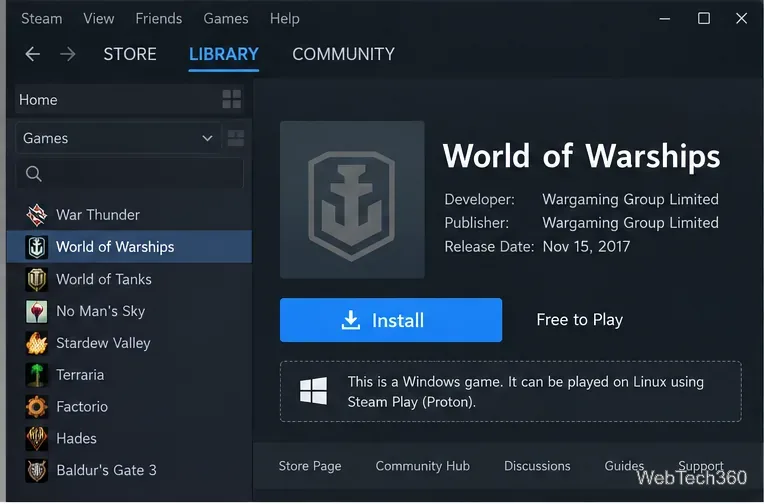
World of Warships has no native Linux client, but you can run the Steam version with Proton. Learn how to install it, choose Proton, and fix common launch issues.
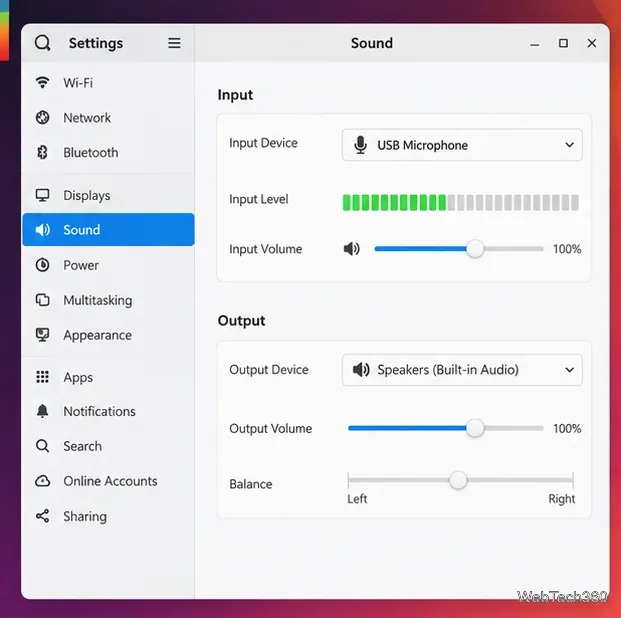
Record your voice on Linux with Audacity, Kwave, or PipeWire. Follow current steps to choose a microphone, record, save audio, and fix input problems.
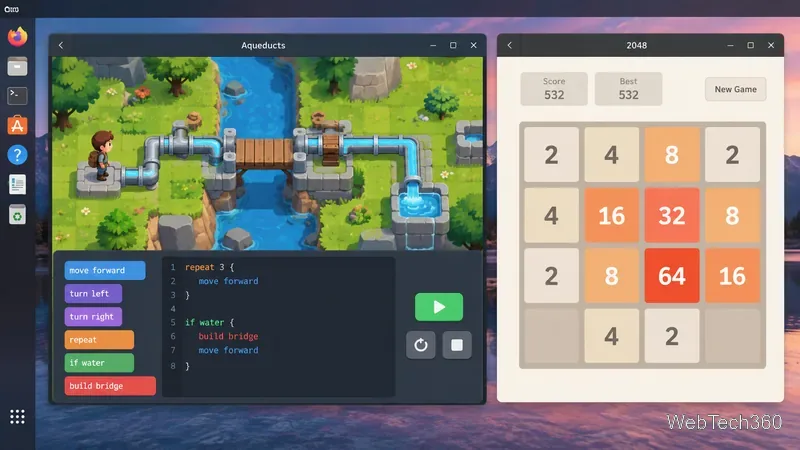
Looking for free Linux puzzle games? Try Aqueducts, 2048, Atomix, Picmi, Kubrick, and Lights Off, with current Flatpak install commands.
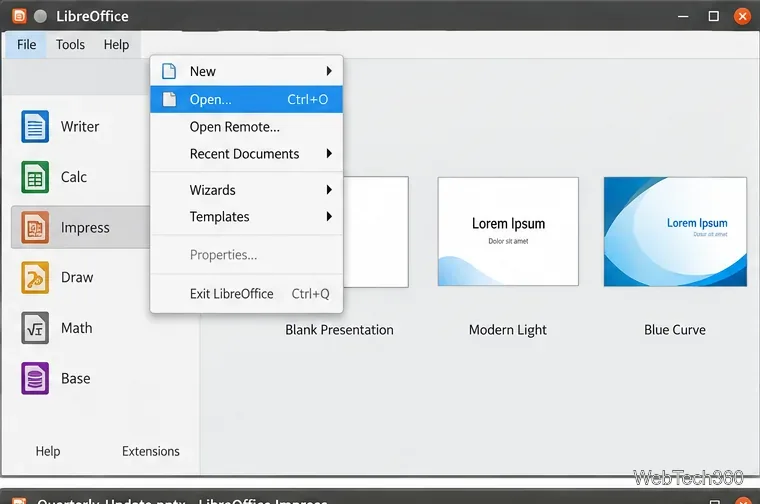
Open PPT, PPTX, and PowerPoint slideshow files directly in LibreOffice Impress, then save as ODP or PowerPoint while avoiding common compatibility issues.
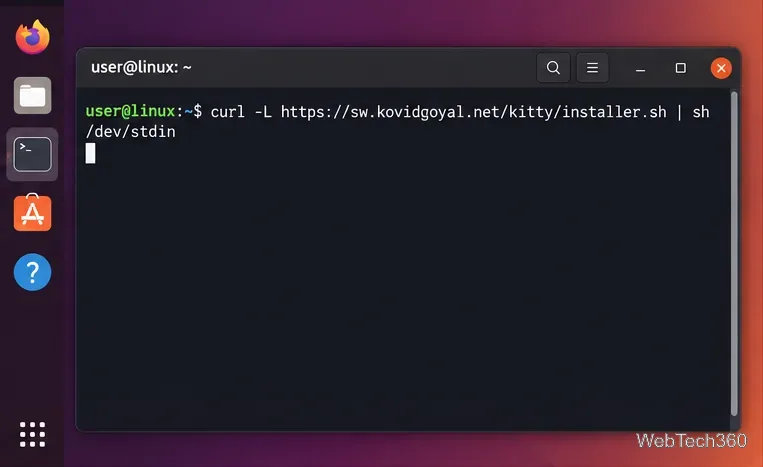
Install Kitty on Linux with the official installer or your distro package manager, then customize fonts, colors, themes, padding, and layouts.
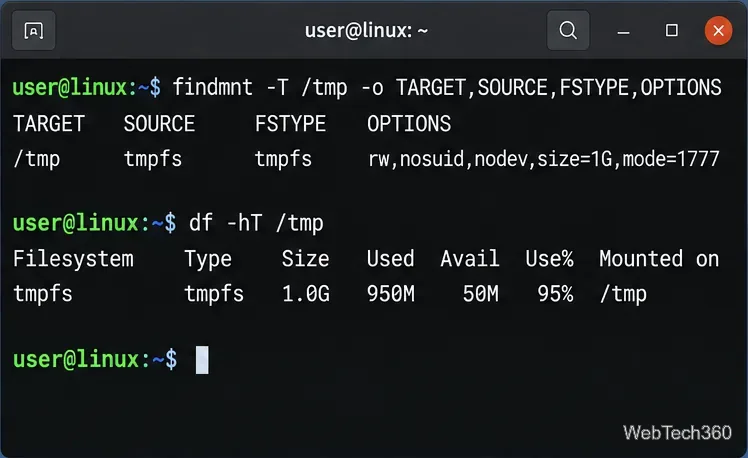
Learn how to check whether /tmp uses tmpfs, temporarily increase its size, and make the change persistent without applying the wrong fix.
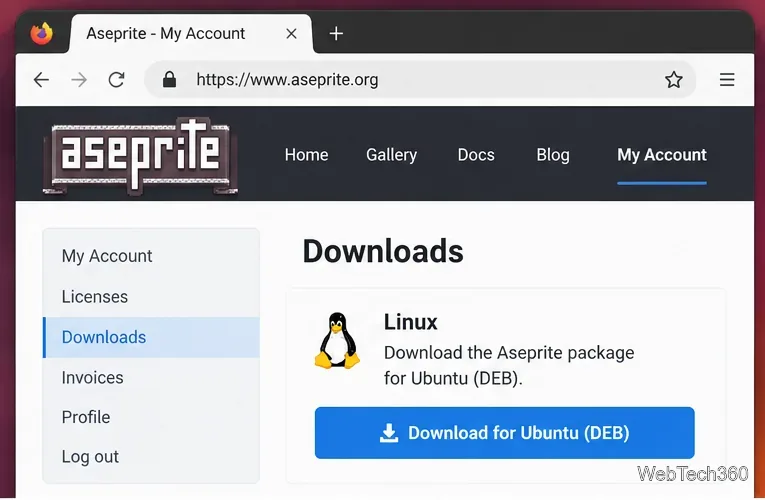
Learn how to install Aseprite on Linux using Steam, the official Ubuntu DEB, or the current source-build process with Aseprite’s build helper.
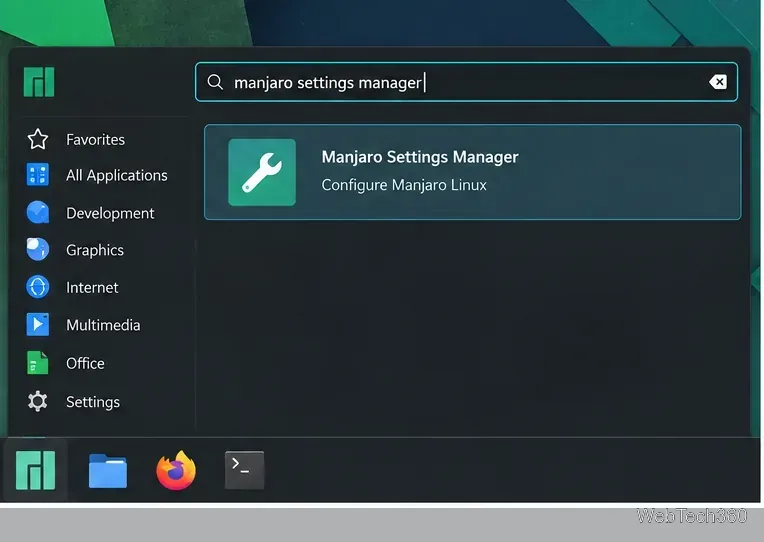
Learn how to switch kernels in Manjaro Linux with Settings Manager or mhwd-kernel, select one in GRUB, keep a fallback, and remove old kernels safely.
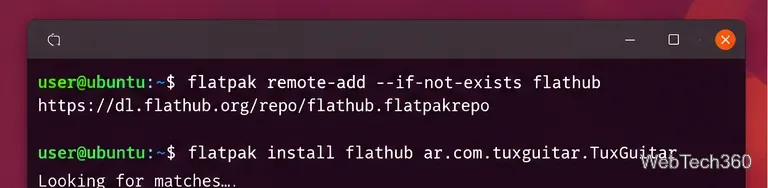
Install TuxGuitar on Linux with Flatpak or native Ubuntu and Debian packages, then launch it and fix common package, version, or audio issues.
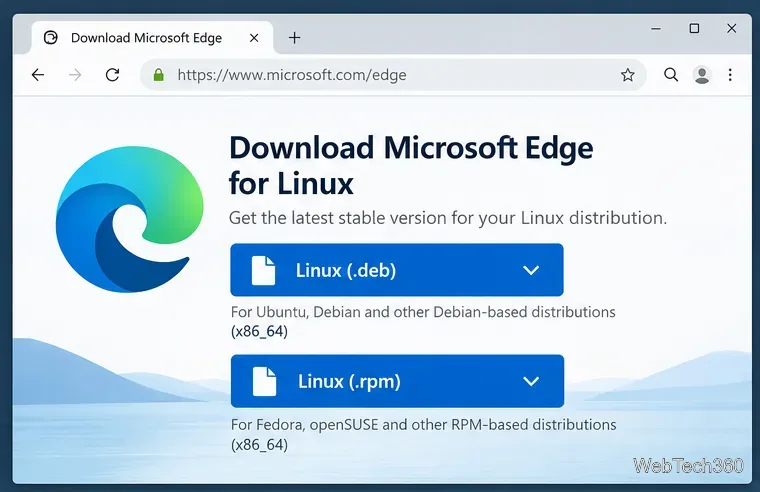
Install Microsoft Edge Stable on supported Linux distributions using the official DEB or RPM package, with updated commands for Ubuntu, Debian, Fedora, and openSUSE.
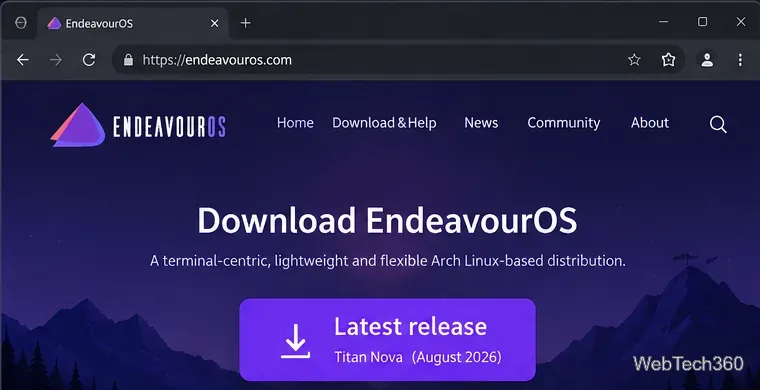
Learn how to install EndeavourOS from USB, choose online or offline setup, partition safely, and avoid current Secure Boot and KDE install issues.
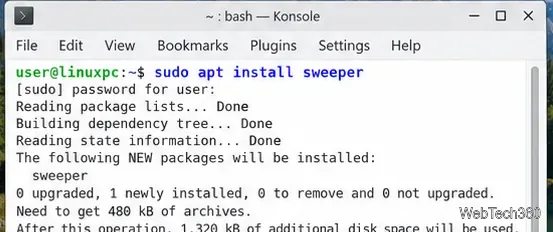
Use KDE Sweeper to clear recent-item history, thumbnail cache, and selected KDE web data on Linux. Learn how to install it and clean safely.
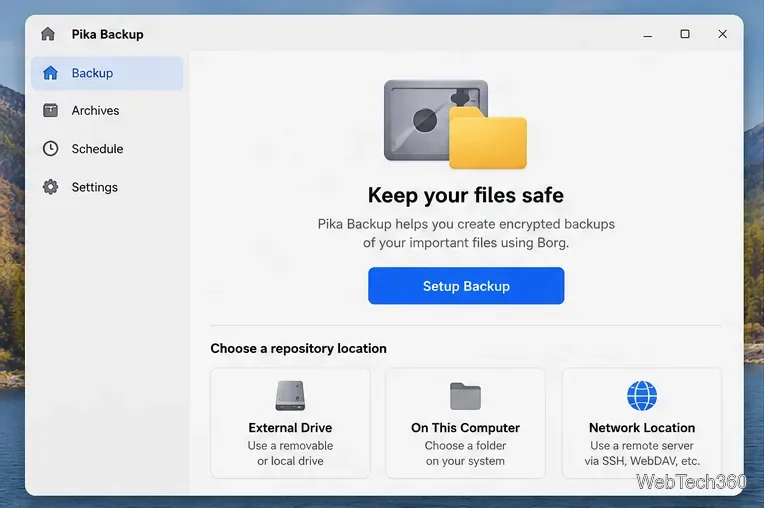
Back up Linux files with Pika Backup using a local drive, network share, or remote repository. Learn setup, encryption, exclusions, schedules, and restore steps.
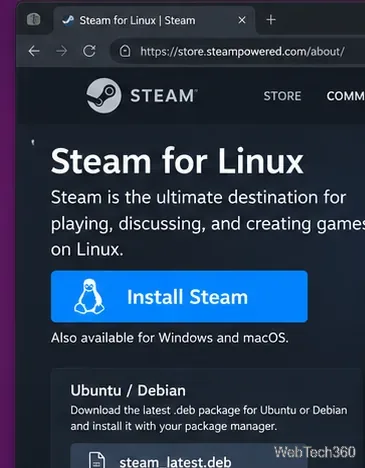
Play The Witness on Linux through Steam Proton. Learn how to install Steam, enable compatibility, choose Proton, launch the game, and fix common issues.
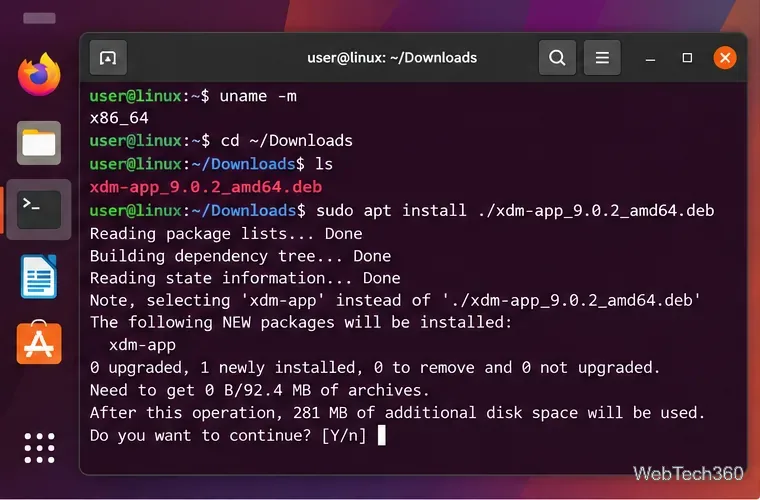
Install Xtreme Download Manager on Linux, connect your browser, and tune segments for downloads that can reach up to 5× browser speed when servers allow.
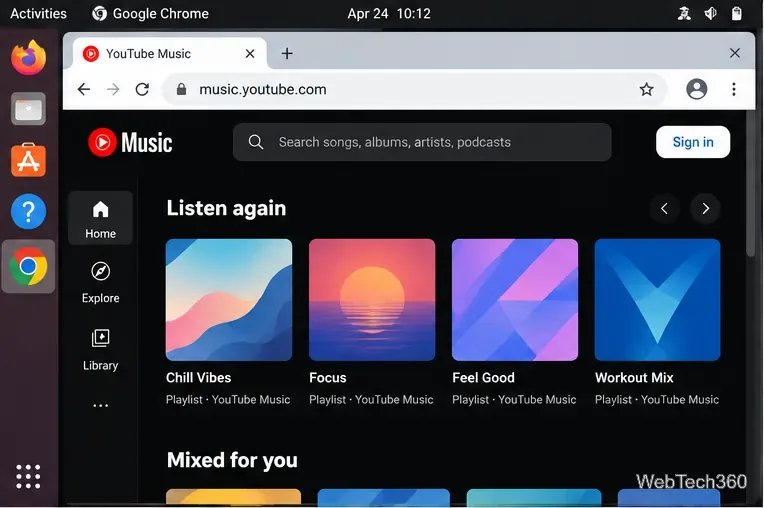
Use YouTube Music on Linux through Google’s installable Chrome web app. Learn how to install it, sign in, play music, and avoid outdated desktop-client steps.
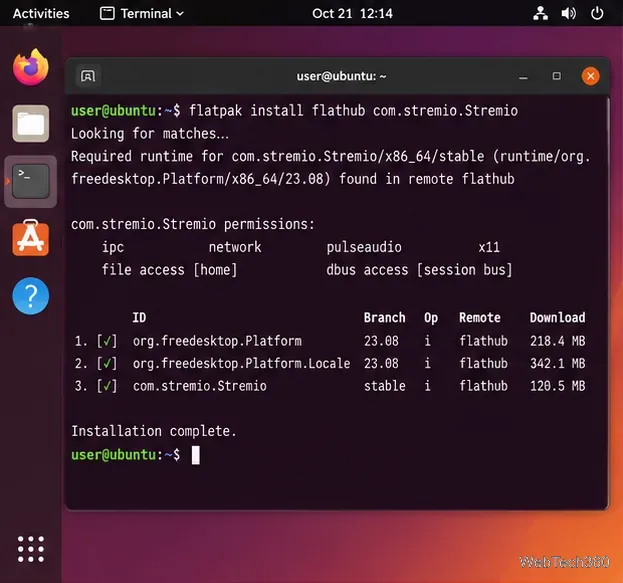
Learn how to install Stremio on Linux with Flatpak or the official Debian/Ubuntu package, then set up add-ons, your library, and playback.
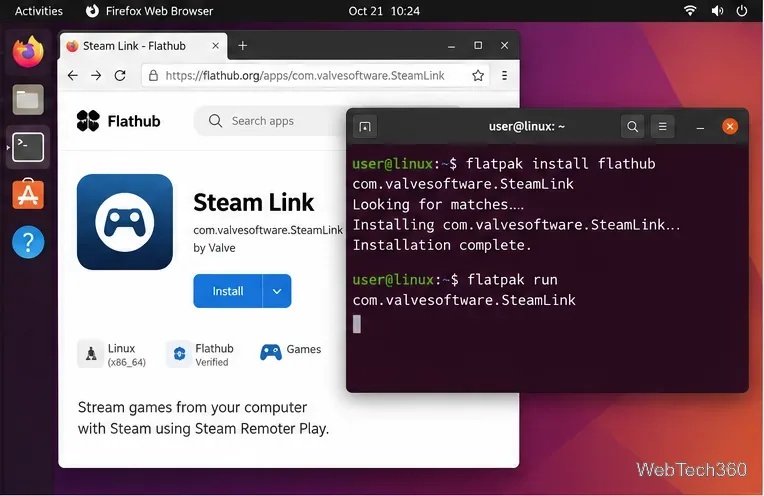
Stream Steam games to your Linux desktop with Steam Link. Install the Flatpak, pair your host PC, tune Remote Play, and fix common connection issues.
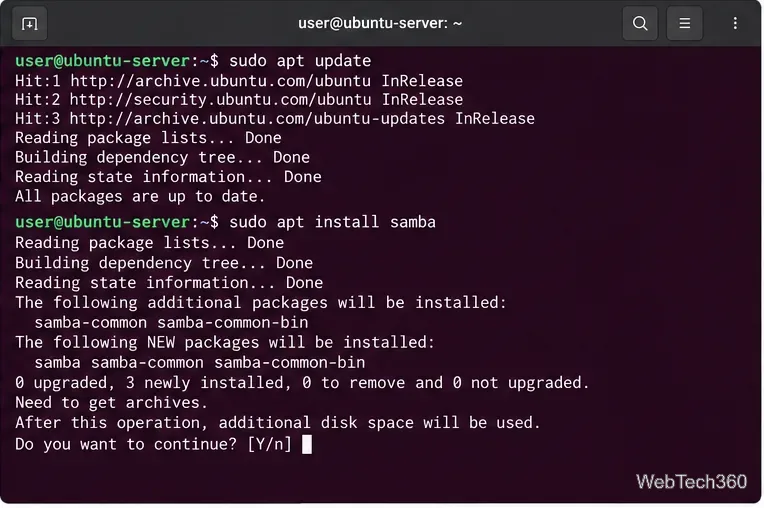
Set up Samba shares in Ubuntu Server with Webmin, configure secure access and permissions, and connect from Windows without hand-editing smb.conf.
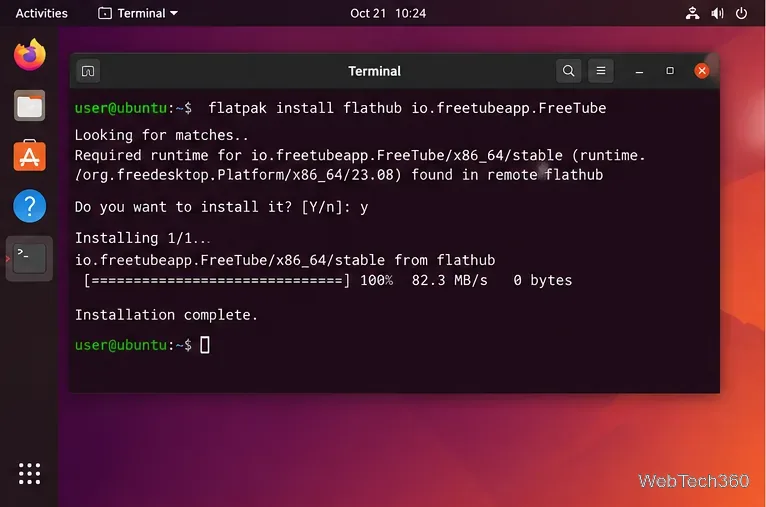
Watch YouTube on Linux with FreeTube: install the app, search and play videos, subscribe locally, import channels, and understand its privacy limits.
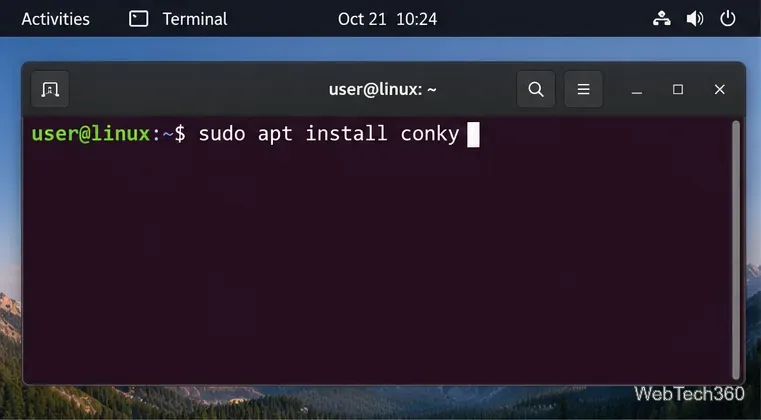
Use Conky to add CPU, RAM, disk, network, and uptime information to your Linux desktop, with current setup steps for X11, Wayland, and autostart.
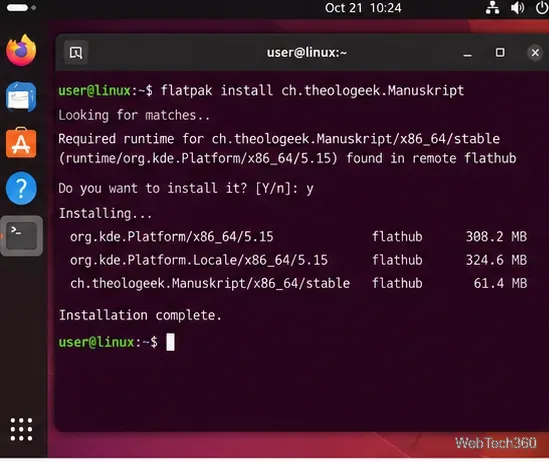
Learn how to install Manuskript on Linux and organize a writing project with summaries, characters, plots, world notes, outlines, focused editing, and exports.
Learn how to merge PDFs with PDFsam Basic on Linux, from installing the current 64-bit release to ordering files, choosing page ranges, and saving the combined PDF.
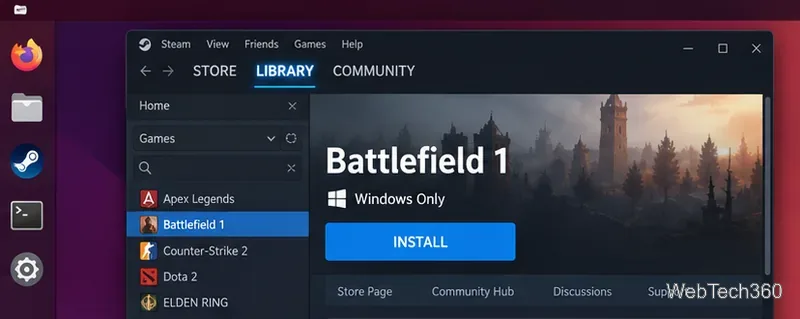
Battlefield 1 no longer runs directly on Linux through Proton or Lutris because EA Javelin Anticheat requires Windows. See the current options that work.